Multimodal AI is not a research concept sitting behind a paywall or waiting for some next product release. It is already in your pocket. When you photograph a restaurant menu and your phone reads it aloud, when you ask an AI assistant what plant that is from a blurry snapshot, or when a chatbot hears your question and draws you a picture in response, that is multimodal AI doing exactly what it was built to do. The word sounds technical because it is describing something genuinely new: an AI system that processes more than one type of input at the same time, the way a human naturally would.
What "Multimodal" Actually Means
The word breaks down neatly. "Modal" refers to a mode of input or output. Text is one mode. Images are another. Audio is a third. Video is a fourth. A multimodal AI system can receive and produce across multiple of these at once, rather than being locked into a single channel.
One AI, Many Senses
Think of the difference this way. An older text-only AI model receives a string of words and responds with words. A multimodal model can receive a photograph, a voice recording, and a typed question simultaneously, then reply with text, a generated image, or even synthesized speech. It is not three separate tools working in sequence. It is one model that reasons across all three inputs at once.
That distinction matters more than it sounds. When you show a photo of a rash to an AI health assistant and type "is this something I should worry about?", the model is not running a separate image classifier and then handing results to a text model. It is doing something closer to what a doctor does: looking at the visual evidence and reading the question in the same moment, weighing them together.
Why It Took So Long to Get Here
Building a single model that handles text, images, and audio requires a fundamentally new kind of architecture. Early AI models were trained on one type of data because combining training pipelines across different data formats was computationally brutal and technically unsolved. The breakthrough came with transformer-based architectures that could be extended to handle image patches and audio spectrograms the same way they handle text tokens. Once that approach clicked, training datasets grew to include paired examples across modalities, and models could begin to reason across them.
The Shift You Already Noticed
If you have used any mainstream AI assistant in the last two years, you have probably bumped into multimodal features without registering what they were.
Your Phone Already Does This
Consider three things your phone does that seemed normal when they arrived but were genuinely impossible a decade ago:
- Visual search: Point your camera at a plant, a piece of furniture, or a product and get instant identification.
- Live translation: Hold your phone over a sign in a foreign language and watch the words change in real time.
- Voice commands with context: Say "remind me about this" while looking at a receipt, and your phone reads the receipt as the "this."
Each of these is multimodal AI: a system reading visual and verbal inputs together to produce a useful output.
When Chatbots Started Seeing
The more significant shift came when large language models gained the ability to accept images directly in the conversation. Suddenly, you could paste a screenshot and say "what is wrong with this code?" or photograph a handwritten recipe and ask for the calorie count. The chatbot did not need you to type out what was in the image. It could look.
5 Real Situations It Changes
Here is where theory becomes concrete. Multimodal AI changes specific everyday tasks in ways that are practical and measurable.
Reading a Bill or Label

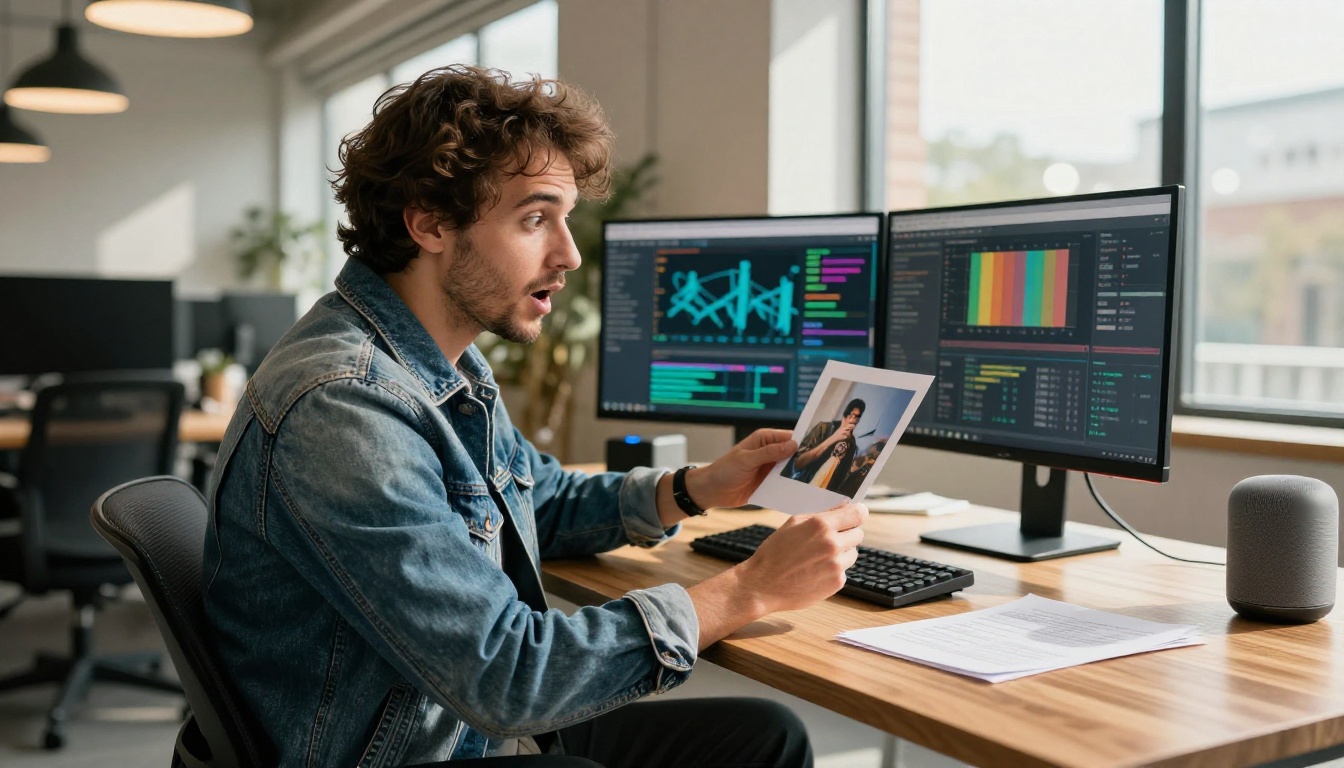
Photograph a utility bill, a product label, or an insurance document. Ask "what does this actually mean?" or "what is the expiration date?". The model reads the image, extracts the relevant content, and answers your question directly. No typing required. No squinting at fine print. For anyone with low vision, or for documents in a language you do not read fluently, this represents a significant practical change in accessibility.
Describing Something You Cannot Name
You have seen a tool, a plant, a bird, a fabric pattern, a piece of old hardware. You cannot describe it well enough for a text search to work. With multimodal AI, you photograph it and ask "what is this?". The model identifies it, gives you the correct name, and often explains what it is used for. This closes a gap that text-based search engines have had for decades.
Homework and Equations
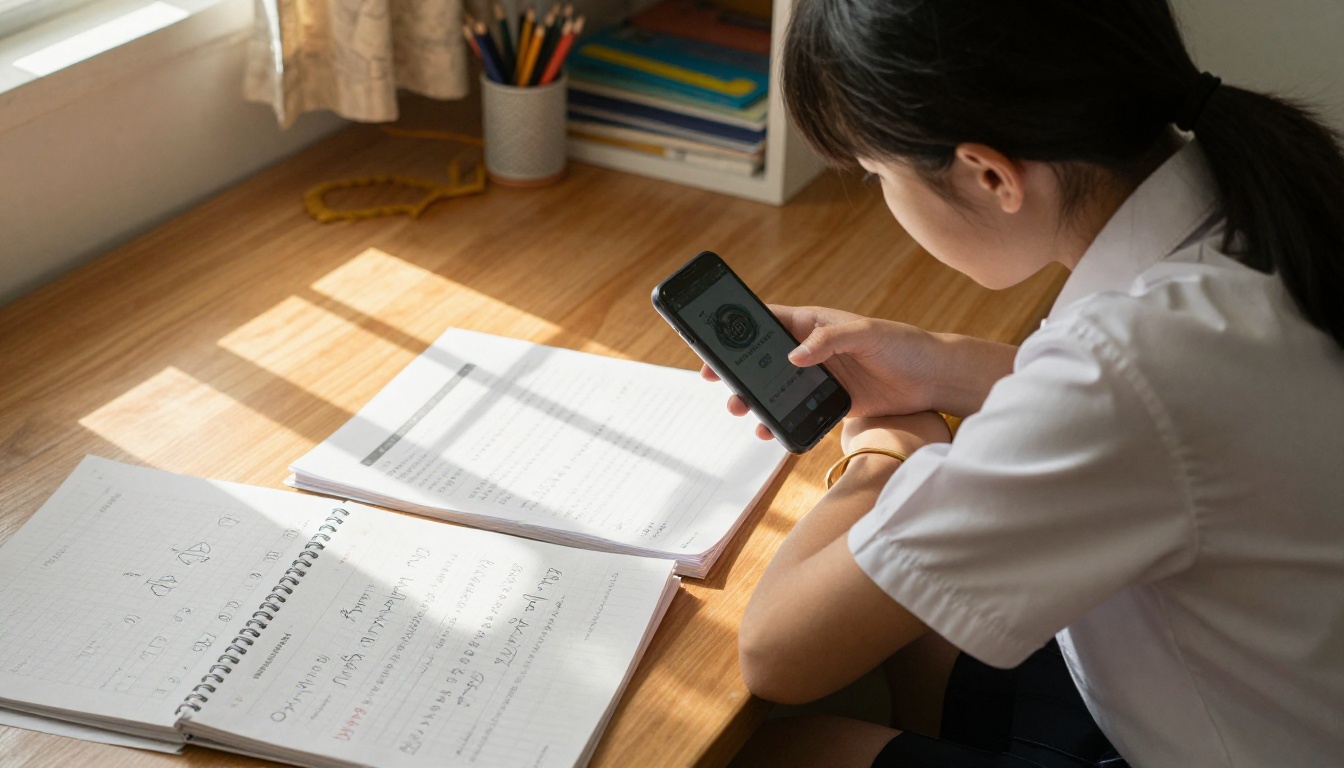
Students can photograph a math problem, a chemistry diagram, or a handwritten essay and ask for help directly. The model sees the exact problem, not a typed approximation of it. A geometry proof with a diagram, a physics problem with a hand-drawn free-body illustration, a biology chart: all of these can be submitted as they appear on the page, and the model reasons about them as visual-mathematical objects rather than loose text descriptions.
Voice Plus Context
Voice AI has existed for years, but it had a persistent limitation: it only heard words, not situation. Multimodal voice AI removes that limit. You can speak while showing something. "What temperature should I cook this at?" while pointing the phone at a package. "How many servings is this?" while holding up a meal. The model hears you and sees what you are pointing at simultaneously, rather than making you describe it in words first.
Creative Work Gets Faster
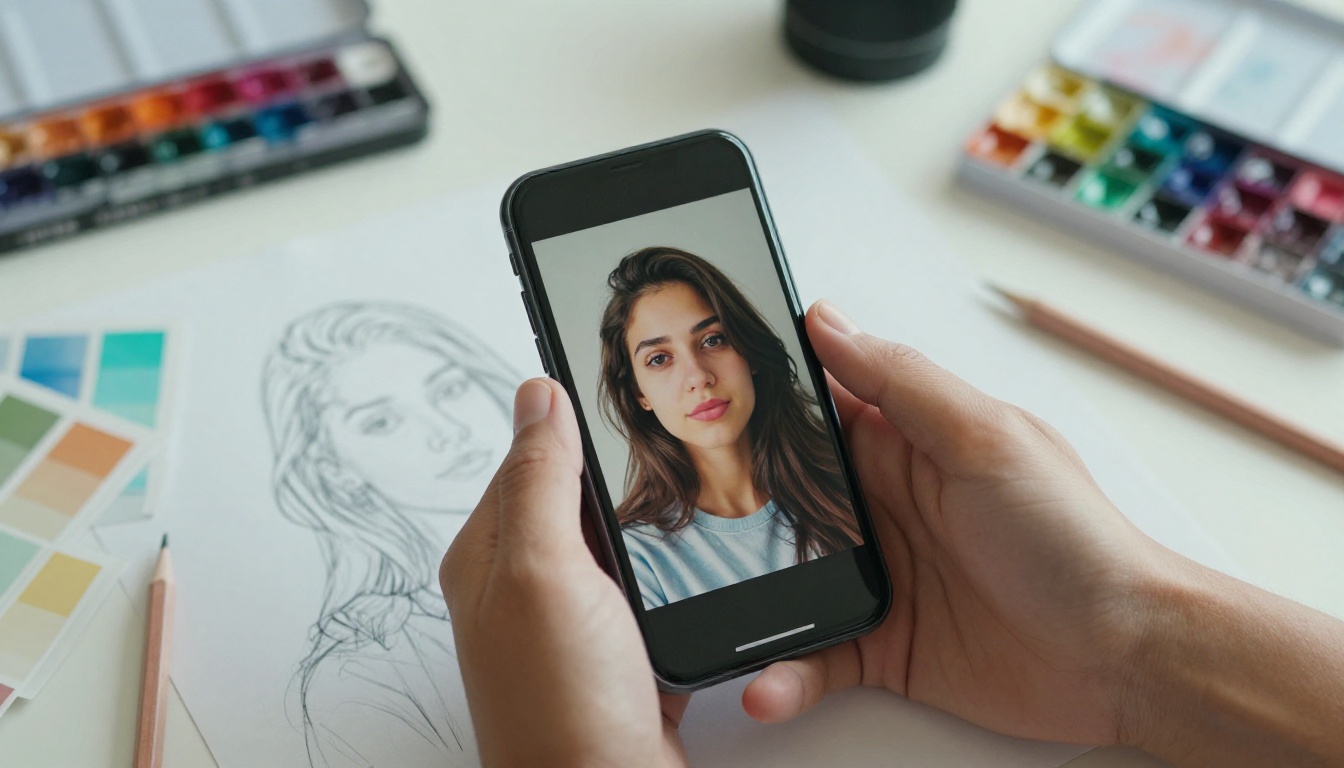
Photographers, designers, and artists use multimodal AI to describe a desired image by pointing at a reference and saying "something like this but warmer." They upload rough sketches and ask for refinements. They show a product photo and ask for a caption that matches its mood. The creative process now accepts visual input at every stage rather than relying on purely verbal descriptions that never quite capture what you are picturing.
The Models Behind It
Several AI models available today are fully multimodal, and they differ meaningfully in what they accept and how well they reason across inputs.
| Model | Text | Images | Audio | Image Output |
|---|
| GPT-4o | Yes | Yes | Yes | Yes |
| Gemini 3 Pro | Yes | Yes | Yes | No |
| Claude Opus 4.7 | Yes | Yes | No | No |
| Kimi K2.5 | Yes | Yes | No | No |
| Granite Vision 3.3 2B | Yes | Yes | No | No |
GPT-4o and the Image Turn
GPT-4o was one of the first widely available models to handle text, images, and audio natively in the same conversation. It does not switch between different specialized models: it processes all three through a single architecture. The practical result is that you can alternate between speaking, typing, and showing images, and the model maintains context across all three without losing track of what came before.
Gemini's All-In Bet
Google's Gemini 3 Pro was designed from the ground up as a multimodal model. Unlike systems that added vision as a later addition, Gemini was trained on text, images, audio, and video simultaneously. The result is strong cross-modal reasoning: it can describe what happens in a short video clip and connect that description to a document you uploaded in the same session.
The same model handles audio transcription tasks. Gemini 3 Pro for speech-to-text converts audio accurately across many accents and languages, which is useful for meeting transcription, interview notes, and accessibility workflows.
Claude's Visual Reasoning
Anthropic's Claude Opus 4.7 and Claude 4 Sonnet accept images alongside text and are particularly strong at detailed visual inspection. Show Claude a chart and ask it to summarize the trend. Show it a dense document page and ask for the main points. Its strength is not just in recognizing what an image contains but in reasoning about what that content implies.
💡 Claude models tend to perform especially well on structured visual content like tables, spreadsheets, and diagrams compared to many alternatives.
Kimi and the Open Contenders
Kimi K2.5 from Moonshot AI accepts text and images together and handles mixed-input conversations fluently. Granite Vision 3.3 2B from IBM specializes in reading charts, tables, and structured documents visually, making it a strong pick for data-heavy tasks. Both are available on PicassoIA and free to try.
Audio: The Often-Missed Modality

The audio side of multimodal AI is consistently underestimated. Most people think of voice AI as basic speech recognition: the kind that types what you say. That is transcription, and it is useful. But multimodal audio AI does considerably more.
GPT-4o Transcribe and GPT-4o Mini Transcribe convert spoken audio to clean, punctuated text with speaker differentiation and automatic language detection. Granite Speech 4.1 2B handles six languages and is designed to run efficiently even on modest hardware.
What separates these from older speech-to-text tools is context retention. The model tracks that "it" in "put it in the box" refers to something mentioned earlier. It catches domain-specific vocabulary. It handles overlapping speakers in a recorded meeting without losing thread.
Voice as a First-Class Input
For many people, voice is the most natural way to communicate. You are cooking with your hands occupied. You are driving and need information quickly. You prefer to speak rather than type. Multimodal AI that accepts voice as a primary input, rather than a limited fallback, opens the interface to situations where typing is impractical or simply slower than talking.
What You Can Generate With It

Processing existing content is one capability. Generating new content is a different and equally powerful layer.
From Description to Image
Describe a scene, a product concept, a mood, or a person in words, and a text-to-image model creates a visual from nothing. The quality and range of these outputs now includes photorealistic portraits, architectural renders, illustrated scenes, and product mockups, all from a written description that you type or speak.
Editing With Visual Input
Upload a photo and describe what you want changed. Remove an object. Swap the background. Adjust the lighting and tone. The model does not apply a generic filter: it reasons about the content of your image and makes changes that respect the existing composition, perspective, and lighting conditions.
Reference Images as Starting Points
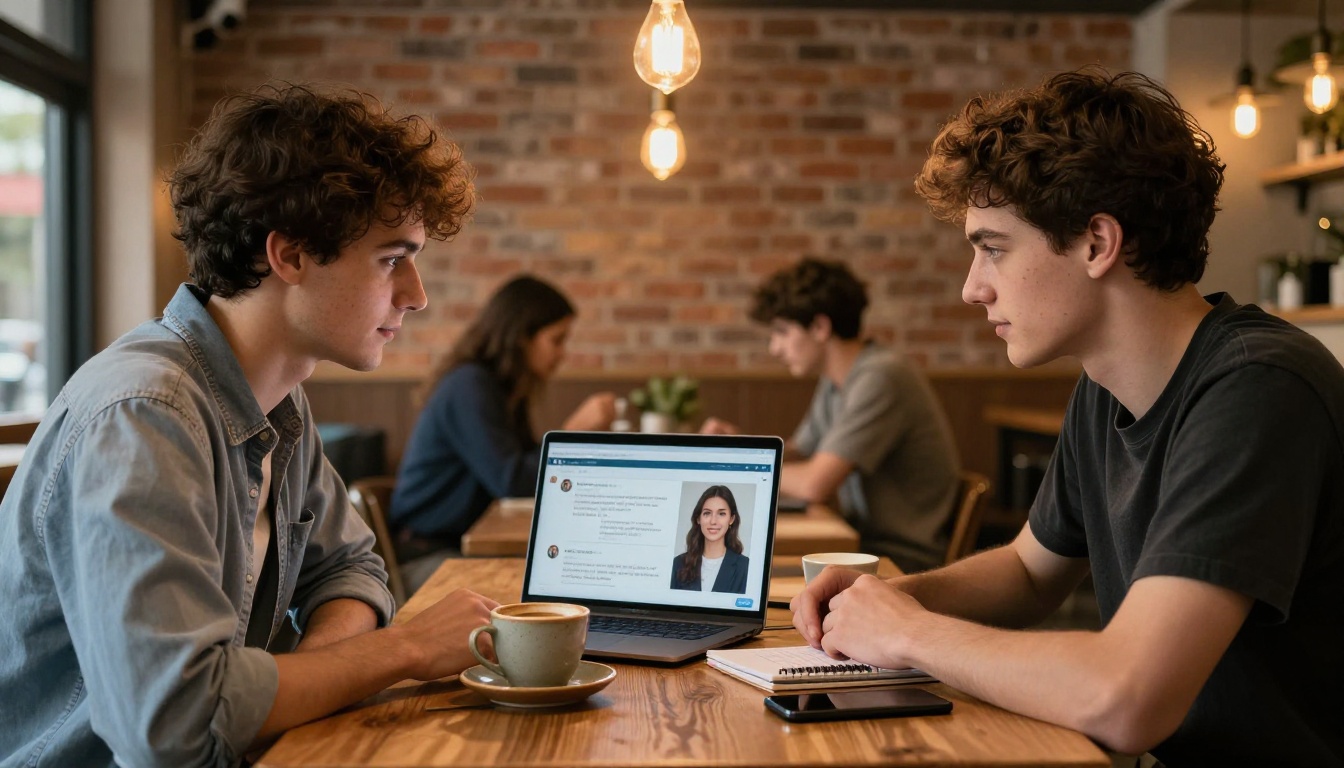
One of the most practical everyday workflows is using an existing image as creative context. Photograph a room and describe how you want it redecorated. Show a logo and describe a variation. Upload a portrait and ask for it placed in a different setting. The model treats your input not as text to transcribe but as visual context to build from and iterate on.
PicassoIA's Multimodal Stack

PicassoIA brings together the full range of multimodal AI capabilities in one platform, across more than 90 models for image generation, dozens of options for language and visual reasoning, and dedicated tools for audio input and output.
For conversation and reasoning with images, models like Claude Opus 4.7, GPT-5, and Gemini 3 Pro are available directly on the platform. For audio transcription, GPT-4o Transcribe and Granite Speech 3.3 8B handle spoken audio at production quality.

The value of having all of this in one place is not only convenience. It is the ability to chain modalities: generate an image from a text prompt, then use a vision model to describe that image, then feed the description into a speech model to narrate it aloud. Workflows that previously required multiple accounts and manual copy-paste now run as a connected sequence.
💡 Practical workflow: Upload a screenshot of a design you like, use a vision model to produce a written description of it, then feed that description into a text-to-image model to generate a variation. Three modalities, one creative loop, under five minutes.
Where Multimodal AI Falls Short

Multimodal AI is genuinely capable, but it has real limitations worth being direct about.
It Still Makes Confident Mistakes
The most persistent problem is confident error. A model can describe an image with total authority and be wrong about a specific number, name, or detail. It might misread a figure in a photograph, misidentify a person, or reference something that is not actually in the frame. For tasks where accuracy is critical, including medical documents, legal contracts, and financial figures, always verify the model's output against the original source.
Image Quality Matters More Than Expected
Multimodal models perform best with clear, well-lit, high-resolution images. A blurry photo taken at an angle in poor lighting produces less reliable results than a clean scan or a well-composed photograph. If you are getting weak results from a vision model, improving the source image is almost always the most effective step before adjusting anything else.
Privacy Is Worth Considering
When you upload an image to an AI model, you are sending that image to a third-party server. For most everyday photos that is fine. For medical records, identification documents, contracts, or anything containing sensitive personal data, check the platform's data handling policy before uploading. Some models offer privacy-first processing modes for exactly this reason.
Start Making Things
You do not need a technical background to use multimodal AI well. The interface is natural by design: show it something, tell it what you want, and see what it produces.
PicassoIA gives you access to the full multimodal stack at picassoia.com/en/all-models. Text to image with over 90 models. Visual reasoning with models from OpenAI, Anthropic, Google, Meta, and others. Audio transcription that handles accents, multiple speakers, and six languages. Text to speech. Video generation. All modalities are represented, and every model is labeled by what it accepts and what it produces.
Start with something simple: upload a recent photo and ask a vision model to describe it. Then take that description and feed it into a text-to-image model to see how the AI interprets your image in its own visual language. That loop, from image to text to image, takes under two minutes on PicassoIA, costs nothing to start, and shows you more about what multimodal AI actually is than any explanation can.
The technology is not waiting for the right moment. It is already working. The only question is what you point it at first.


