Nano Banana Pro has been showing up in more and more AI creator conversations lately, and not just because of the name. It is a lean, fast image generation model that produces results with a consistency many heavier models struggle to match. If you have been wondering whether the hype is justified, or just trying to figure out exactly what Nano Banana Pro is actually good at, this is the breakdown you need.
Why Nano Banana Pro Keeps Getting Attention
The AI image generation space moves fast, and most models come with a trade-off: quality costs speed, or speed costs accuracy. Nano Banana Pro sits in an interesting position because it was built with both in mind. The "Nano" in the name is not just branding. It refers to the model's architecture, which is significantly leaner than full-scale diffusion models while maintaining output fidelity in the areas it was trained to prioritize.

What separates it from generic small models is that the optimization was targeted. Rather than cutting quality evenly across all output types, Nano Banana Pro was fine-tuned to protect the output characteristics that matter most to creators: faces, textures, and prompt adherence. Everything else was trimmed.
That makes it ideal for:
- Portrait and headshot workflows
- High-volume batch generation with consistent style
- Rapid prototyping where speed matters
- Creative pipelines where facial accuracy is non-negotiable
💡 Nano Banana Pro is not trying to be a general-purpose model. It is trying to be the best model for specific tasks, and in those tasks, it genuinely delivers.
Portrait Detail That Actually Holds Up
This is where Nano Banana Pro earns its reputation. Portrait quality is the single biggest differentiator between good and great AI image models, and this model takes it seriously.
Skin Texture and Micro-Details
One of the most common complaints about AI portrait generation is that faces come out too smooth, too plastic, too obviously artificial. Nano Banana Pro handles this differently. Skin texture is preserved at the micro-detail level, meaning you get visible pores, natural surface variation, and realistic subsurface scattering in areas like the nose, cheeks, and forehead.
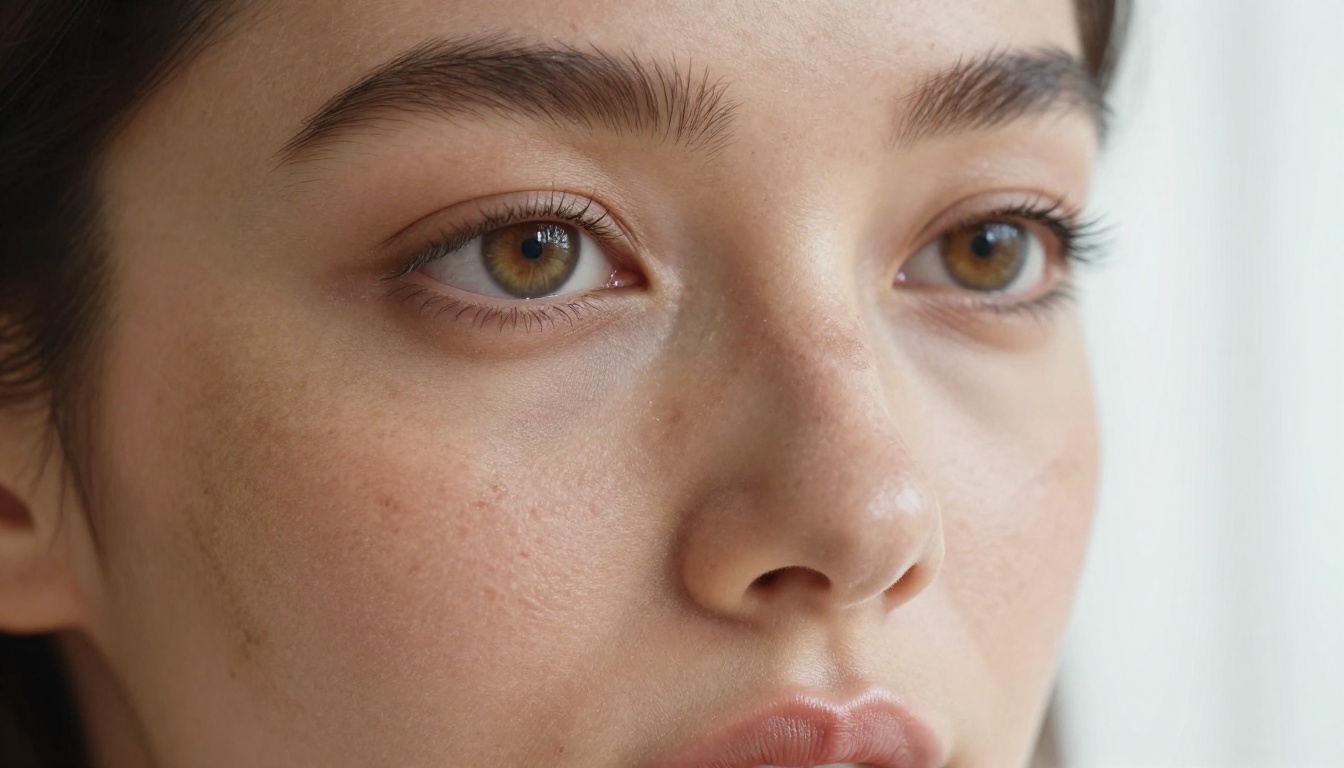
The model also handles hair better than most of its weight class. Individual strands separate naturally, fly-aways behave realistically, and there is no artificial blending at the hair-to-skin boundary that plagues many smaller models.
Here is what the difference looks like in practice:
| Feature | Nano Banana Pro | Typical Lightweight Model |
|---|
| Skin pore detail | Preserved | Smoothed over |
| Hair-to-skin edge | Natural separation | Blended/blurry |
| Lip texture | Realistic | Overly glossy |
| Under-eye area | Natural shadow | Artificial contour |
| Freckle rendering | Maintained | Removed or stylized |
Eye Rendering at Close Range
Eyes are where AI models often fall apart at close range. Nano Banana Pro treats eye rendering as a priority. Iris texture, catchlight placement, and lash detail are all handled with above-average accuracy even without specific prompt instructions.
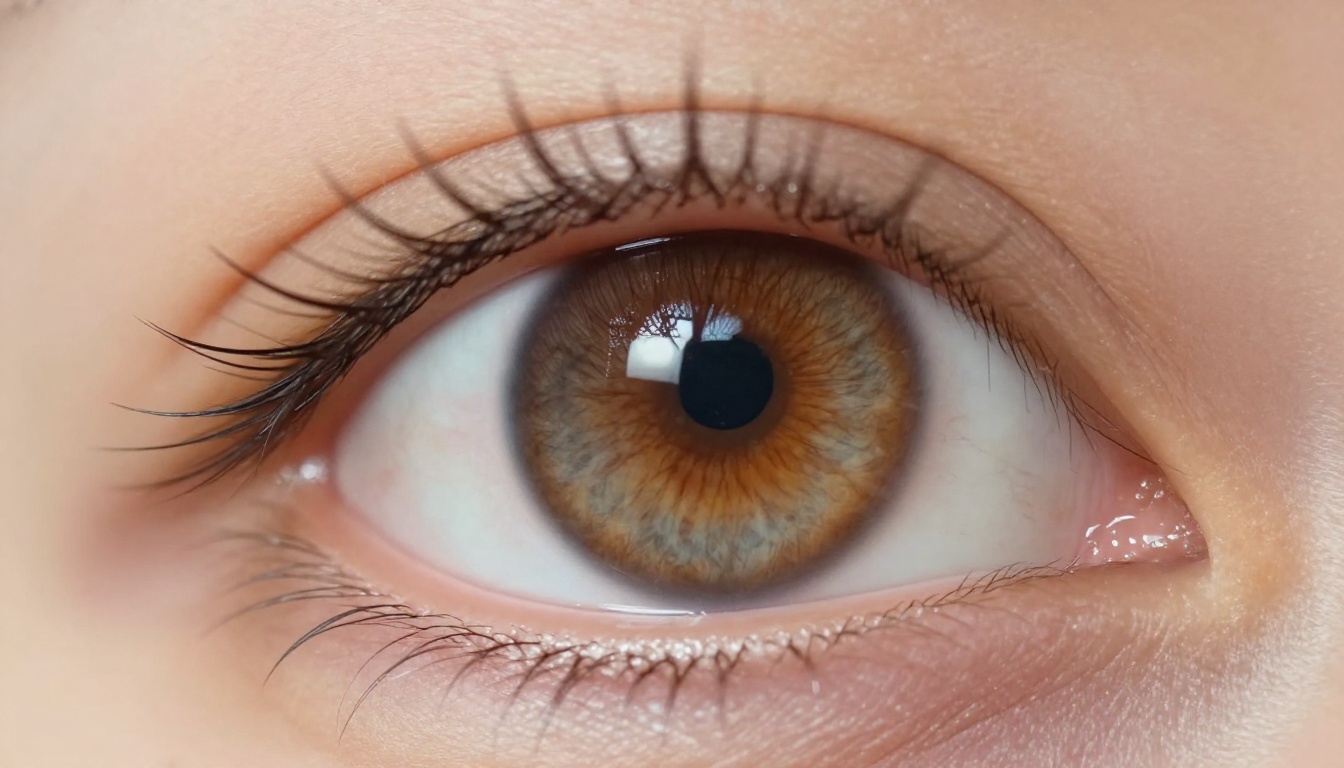
You do not need to pack your prompt with technical language to get sharp eyes. The model defaults to realistic catchlights and proper iris definition. That said, specifying lighting direction, for example "soft window light from the right," still improves results noticeably.
💡 For the sharpest eye detail with Nano Banana Pro, include the specific light source direction and camera lens focal length in your prompt. Something like "85mm f/1.8, window light from the left" moves the results from good to excellent.
Speed You Can Actually Feel
Speed claims in AI image generation are often overstated. Nano Banana Pro's speed advantage is real and measurable, particularly in batch workflows.
Batch Generation Results
Because of its lighter architecture, Nano Banana Pro generates images in noticeably less time per output compared to full-scale models. In a batch of 20 portrait images, the time difference becomes significant, especially when running on consumer hardware or shared cloud resources.

For creators who iterate frequently, whether testing prompts, exploring variations, or producing content at volume, the speed gap compounds quickly. What takes 40 minutes with a heavier model can take 18 to 22 minutes with Nano Banana Pro, without a visible quality drop in portrait-focused outputs.
Versus Heavier Alternatives
The comparison is not always one-sided. Nano Banana Pro wins on speed and portrait quality, but it does not universally outperform larger models. Here is an honest side-by-side:
| Scenario | Nano Banana Pro | Full-Scale Model |
|---|
| Single portrait, high detail | Excellent | Excellent |
| Batch of 20+ images | Faster, consistent | Slower, variable |
| Complex scene with many elements | Adequate | Better |
| Landscape or architecture focus | Average | Better |
| Prompt adherence (portrait) | High | Moderate to high |
| Prompt adherence (abstract) | Lower | Higher |
The takeaway: if your workflow is portrait-heavy, Nano Banana Pro's speed advantage is real and worth it. If you are regularly generating complex scenes or abstract compositions, a full-scale model will often serve you better.
How Well It Reads Your Prompts
Prompt adherence is a subtle but critical measure of model quality. A model that ignores half your prompt or interprets it wildly forces you to iterate endlessly. Nano Banana Pro's prompt handling is one of its stronger features, with important nuances.
Prompt Consistency Across Seeds
When you run the same prompt multiple times with different seeds, most models produce outputs that vary significantly in composition and tone. Nano Banana Pro is notably more consistent across seeds in portrait scenarios. The core subject, lighting interpretation, and mood tend to remain stable even as specific details shift.
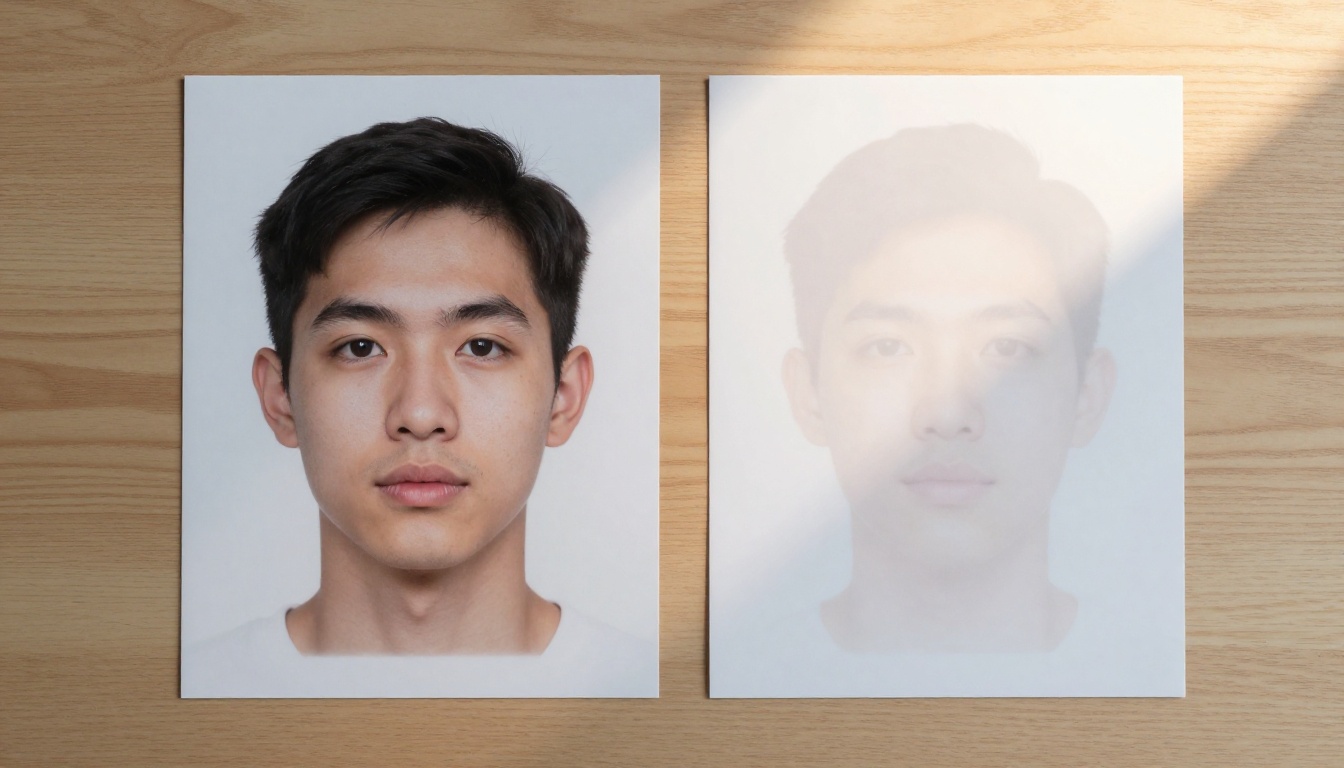
This consistency is a genuine workflow advantage. It means you can pick a prompt that works, iterate with confidence, and expect that your iterations will be variations of the same successful output rather than completely different interpretations.
Handling Complex Descriptions
Nano Banana Pro handles multi-element portrait prompts well, including:
- Subject details: age, hair color, eye color, clothing, expression
- Lighting specifications: direction, quality (soft vs hard), color temperature
- Camera parameters: focal length, aperture, depth of field
- Background elements: location, time of day, environmental mood
Where it starts to struggle is when prompts involve multiple subjects interacting, complex spatial relationships, or detailed background compositions competing with a foreground subject. In those cases, the model tends to prioritize the primary subject correctly but can simplify or misinterpret secondary elements.
💡 Structure your prompts with the most important elements first. Nano Banana Pro, like most models, weights earlier prompt tokens more heavily. Subject before environment, environment before mood.
Where It Struggles
Being honest about a model's weaknesses is as useful as celebrating its strengths. Nano Banana Pro has clear limitations that matter depending on your workflow.
Weak points to know about:
- Hands and fingers: Like most models, Nano Banana Pro struggles with hand anatomy. Close-up hand detail requires additional prompt work and often still produces artifacts.
- Text generation: It is not designed for generating legible text within images. Do not use it for any output that requires readable words or numbers.
- Wide environmental shots: When the subject is small relative to the scene, the model loses its portrait-quality advantage and outputs comparable or slightly below what full-scale models produce.
- Stylization: It defaults to photorealistic output. If you want painterly or heavily stylized results, you will be fighting the model rather than working with it.
- Multi-character scenes: Two or more characters in close proximity often results in anatomical blending or inconsistent scale between subjects.
These are not deal-breakers but they are workflows where you should consider alternatives before committing to Nano Banana Pro as your primary tool.
3 Best Use Cases Right Now
Narrowing down where Nano Banana Pro actually shines in practice comes to three clear scenarios.
1. Headshot and portrait content creation
Any workflow requiring consistent, high-quality facial detail at speed. Photographers, content creators, and social media teams producing persona-style content will get the most from this model.
2. Character consistency across a series
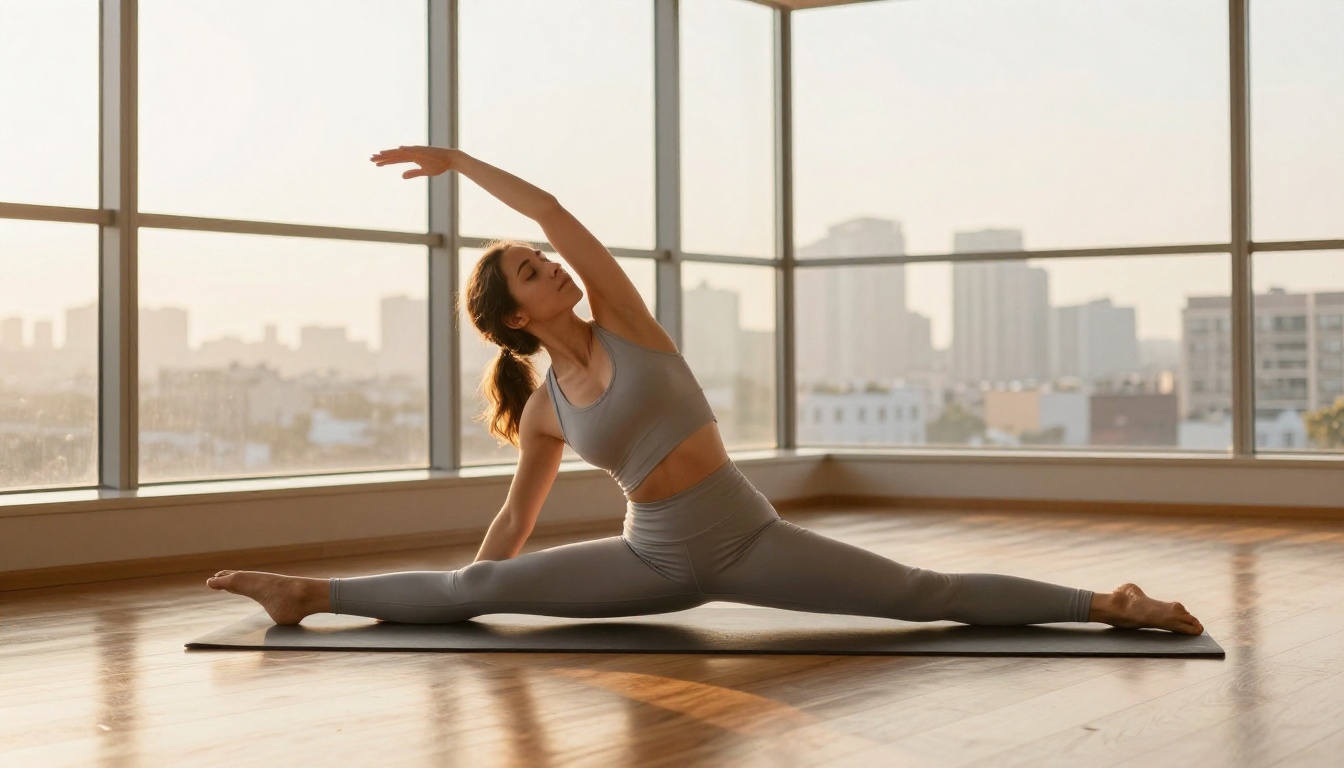
Because of its above-average seed consistency, Nano Banana Pro is excellent for creating a series of images featuring the same character in different settings. The core features of the subject remain stable in a way that many models do not reliably achieve.
3. Rapid prototyping for creative briefs
When you need to generate a dozen or more concept images quickly to explore a direction before committing to a final high-resolution output, Nano Banana Pro's speed makes it the right tool. Prototype fast, refine with a heavier model later.
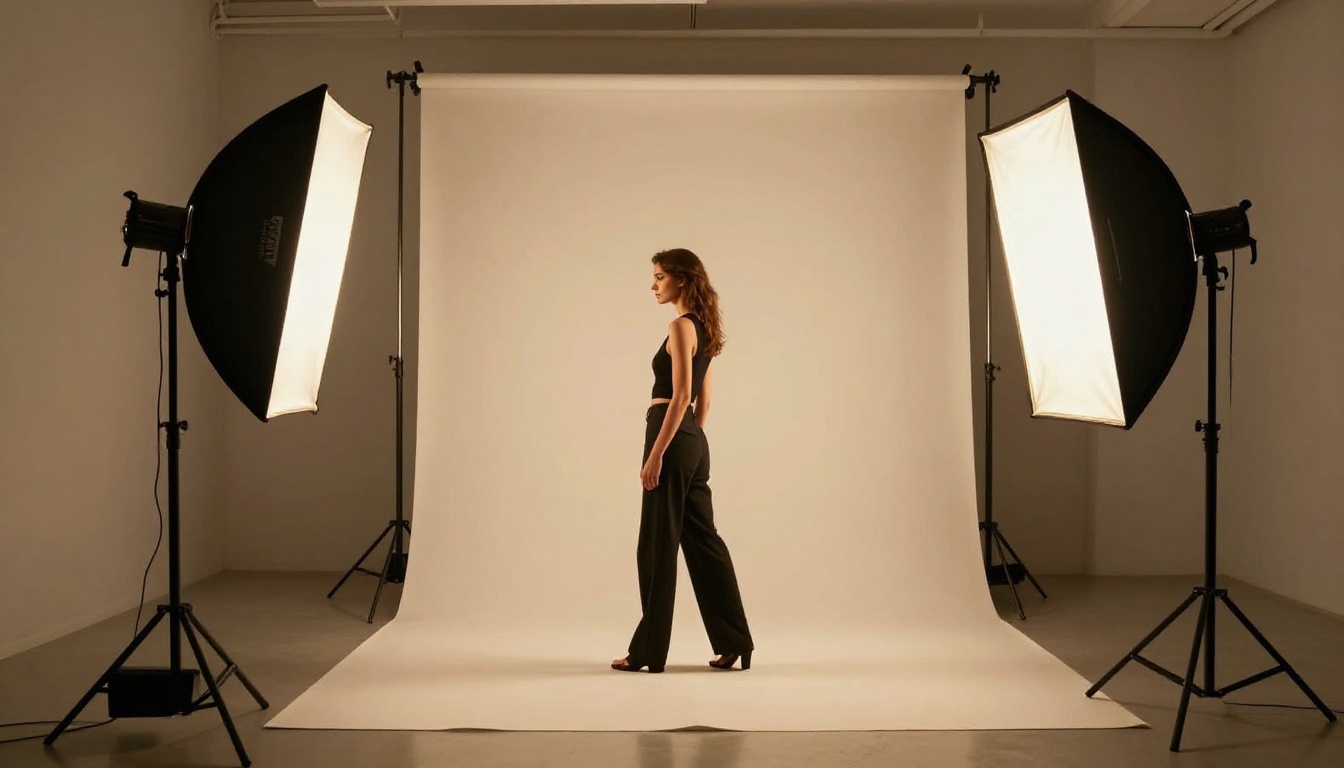
Nano Banana Pro works best as part of a broader toolkit rather than as a standalone solution for every creative need.
Pairing suggestions:
| Nano Banana Pro strength | Complement with |
|---|
| Portrait generation | Super-resolution upscale for final delivery |
| Fast batch output | Image editor for post-generation refinement |
| Character consistency | ControlNet for pose control across variations |
| Photorealism | Background removal to composite into new scenes |
Platforms like PicassoIA Image and PicassoIA Image Editor Pro give you access to a full ecosystem where you can generate, edit, upscale, and refine images in one place. If your workflow involves generating high-quality portraits and then polishing them, having all these tools in one platform removes significant friction from the process.
For iterating on character styles with variation, Flux Redux Dev pairs particularly well because it specializes in generating controlled image variations, which complements Nano Banana Pro's strong base portrait generation.
💡 Use Nano Banana Pro to establish your character's look, then use a variation model like Flux Redux Dev to generate controlled alternate poses and settings without drifting from the original concept.
What the Output Numbers Actually Tell You
Understanding why Nano Banana Pro performs the way it does comes down to architecture priorities. The model was not just shrunk. It was selectively optimized. Training data and fine-tuning were weighted toward:
- High-frequency facial detail (skin, hair, eyes)
- Consistent color temperature interpretation
- Prompt-to-output fidelity for described subjects
Everything that was deprioritized, like complex scene composition and abstract stylization, reflects deliberate trade-offs. When a model is built to do specific things exceptionally well, using it outside those areas will always feel like friction.
That architecture philosophy is also why Nano Banana Pro is so fast. Every cycle spent on a capability the model does not prioritize is a cycle you are not waiting for. Leaner focus produces leaner inference.
For creators who have tried general-purpose models and found them inconsistent for portrait work specifically, Nano Banana Pro's focused approach is a meaningful shift in how you think about picking the right tool for the job.
Put It to Work on Your Own Images
Now that you know exactly what Nano Banana Pro does well, and where its limits are, the next step is putting it into practice. The strengths described here, portrait detail, speed, consistency, are not abstract. They show up in real outputs when you apply them to the right type of creative brief.
If you want to experiment with AI portrait generation and the broader toolkit that surrounds it, Picasso IA gives you access to over 90 text-to-image models including options for upscaling, background removal, face refinement, and image editing in one place. Start with PicassoIA Image for fast photorealistic portrait generation, or use PicassoIA Image Editor Pro to take your base outputs and refine them into polished final assets.
The model you choose shapes the output you get. Knowing exactly what Nano Banana Pro does well means you can deploy it where it wins and pair it intelligently where it does not. That is how effective creative workflows are built.


