Using AI tools for paid client work changes more than just your software stack. It shifts conversations, reframes your pricing, raises questions about who owns what, and puts your creative judgment in the spotlight in ways traditional workflows never did. Before you generate a single image for a paying client, there are a few realities worth facing head-on.
This is not a technical setup article. It assumes you can already operate an AI image generator. What it covers is everything that happens before, during, and after the creative work itself, and the friction points that catch most creatives off guard the first time.

The Conversation You Have Before Starting
Tell the client upfront
Most clients do not know what AI-generated means in practice. Some assume it takes ten seconds and costs nothing. Others assume it means low quality. Neither is accurate, but both assumptions will create problems if you do not address them before the first deliverable.
Tell the client at the brief stage that AI tools are part of your process. Explain what that means for turnaround time, for iteration, and for the visual quality they can expect. You do not need to over-explain the technology. What you need is for the client to understand what they are paying for and what they will receive.
💡 Tip: Frame AI as a production tool, not a cost-cutting shortcut. You are still doing the creative work. The tool generates; you direct, select, refine, and deliver.
Set revision expectations early
AI images are fast to produce but not infinitely flexible. A client who has never worked with AI tools may expect that changing the hair color in an image is a five-second fix. Sometimes it is. Sometimes it requires regenerating from scratch and losing other qualities you worked to get right.
Define revision rounds in your contract the same way you would for any creative project. Specify what counts as a revision versus a new direction. This protects you and manages the client's expectations honestly.
Who Owns What You Generate
The copyright question is real
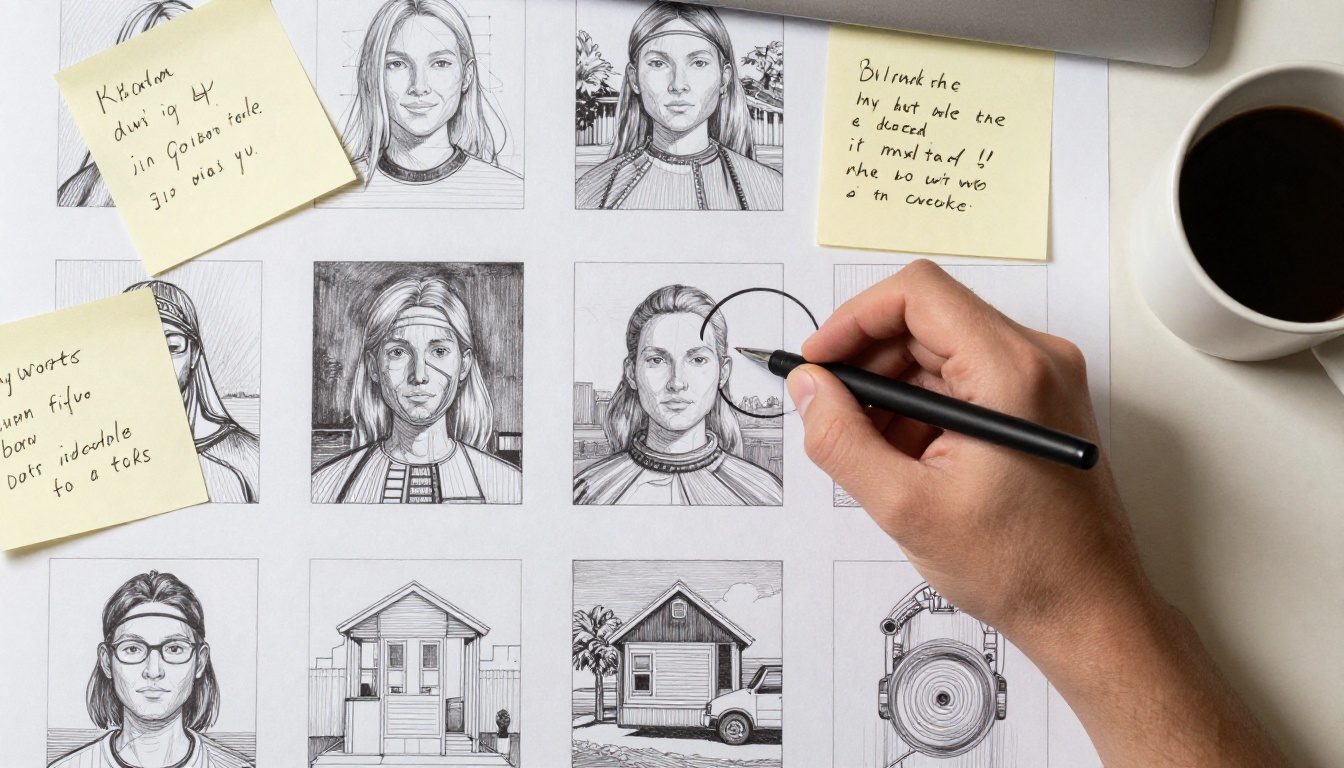
The legal status of AI-generated images varies by country and is still being contested in several jurisdictions. In the United States, as of mid-2025, the Copyright Office has taken the position that purely AI-generated images without sufficient human creative input are not eligible for copyright protection. Other countries have different stances.
What this means in practice: the images you generate for a client may not be copyrightable by either party in some legal frameworks. Before you assign ownership in a contract, know what you are and are not assigning.
💡 Tip: Do not promise exclusive copyright ownership of AI-generated images if you cannot legally deliver it. Instead, promise exclusivity of use within a defined commercial context, which is something you can actually enforce.
Check the tool's terms of service
Every AI image generator has terms of service that address commercial use. Some grant you full commercial rights to outputs. Others restrict usage depending on your subscription tier. A few reserve the right to use your outputs for model training.
Before you deliver AI-generated work to a paying client, read the commercial use section of whatever tool you used. If you used Flux 1.1 Pro or Flux Schnell on a platform like PicassoIA, the platform's terms of service will govern what commercial rights you hold over the output.
Put it in writing
Your client contract should address:
- Whether AI tools are part of the production process
- What rights are being transferred (usage rights, exclusivity, territory, duration)
- Who is responsible if a generated image conflicts with existing intellectual property
- What happens if the client requests changes after delivery
This is basic contract hygiene, but AI work adds a specific layer of ambiguity that standard creative contracts may not cover. Consider adding an AI production clause to your standard agreement.
Not all generators produce the same results
The difference between AI image generators is significant, and the right choice depends on the project. A marketing campaign for a luxury brand needs different output characteristics than a blog illustration or a product background image.
| Project Type | What to Prioritize | Suggested Model |
|---|
| Editorial / Blog | Speed, variety, low cost | Flux Schnell |
| Marketing Campaigns | Photorealism, prompt precision | Flux 1.1 Pro |
| Concept Art / Mood Boards | Style range, creative depth | Stable Diffusion |
| Final Print Assets | Resolution and detail | Real ESRGAN (upscale) |
💡 Tip: Generate your concepts at whatever speed is practical, then upscale the chosen final image with Real ESRGAN for print-ready resolution before delivery.
Know the model's failure modes
Every model has patterns in what it does well and where it breaks down. Hands, text in images, complex spatial arrangements, and specific faces are common weak points across most text-to-image generators. Before committing to a model for a client project, run a batch of tests on the types of images the project requires. If the model consistently fails at what the client needs, pick a different tool before you've spent hours on a failed direction.
How to Brief an AI Like You Brief a Photographer
Prompts are creative briefs
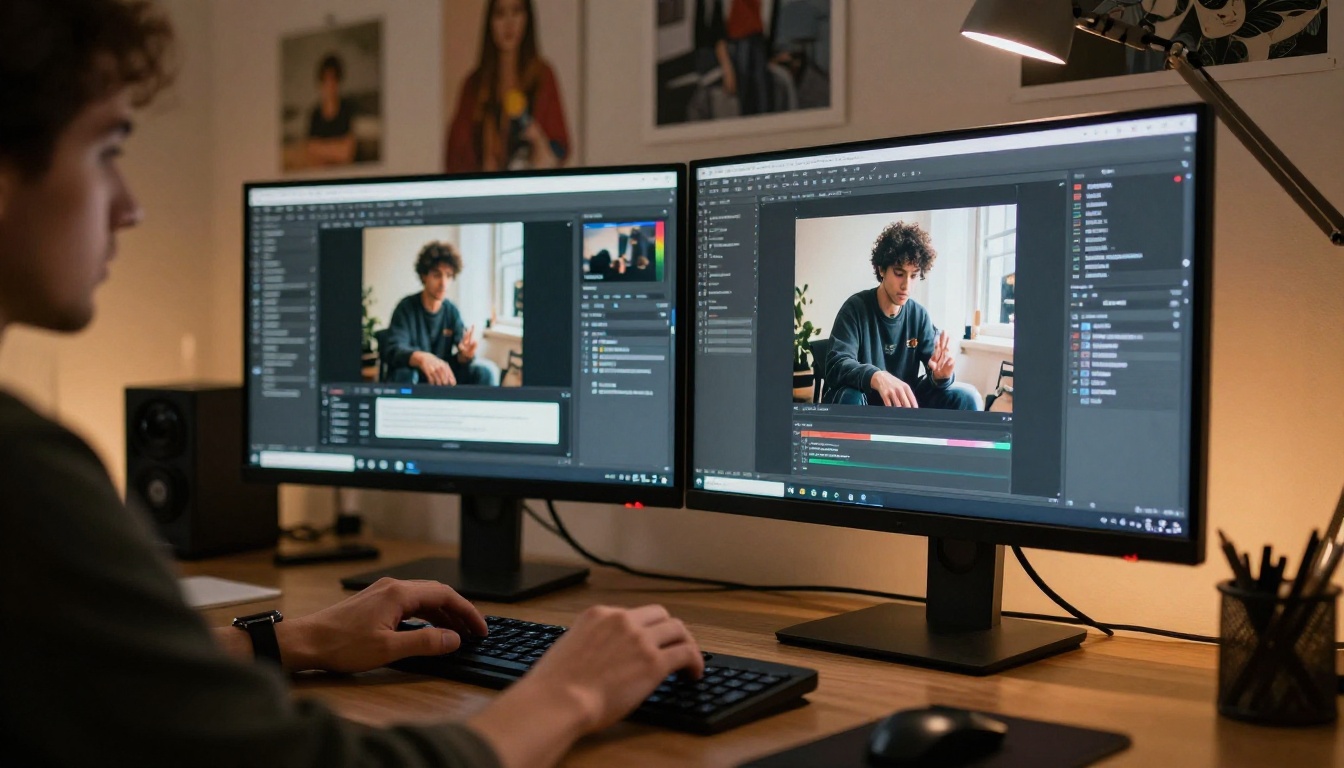
Writing a prompt is not the same as typing a search query. A strong prompt for client work functions more like a creative brief to a photographer: it specifies the subject, the mood, the lighting, the framing, and what to avoid. The more specific and structured your input, the more predictable and usable your output.
For commercial work, a solid prompt structure looks like this:
[Subject + action/pose] + [Environment/background] + [Lighting conditions] + [Camera angle and lens] + [Style/atmosphere]
This is not the only way to write prompts, but it produces consistent results across a production run, which matters when you need twelve images to feel like they belong to the same campaign.
Negative prompts matter
Most image generators accept negative prompts where you specify what you do not want in the output. For client work, use them consistently. Common items to include: watermarks, text, distorted hands, unnatural colors, overexposed areas, CGI aesthetics. Adding a few targeted negative terms to every generation run saves significant cleanup time downstream.
Save your winning prompts
When a prompt produces an image the client approves, save it exactly as written. Reusable prompts are a production asset. They let you regenerate if a file is lost, produce variations for different formats, and build a prompt library that speeds up future client projects in similar visual territory.
Quality Control Is Still Your Responsibility
Generation is not delivery
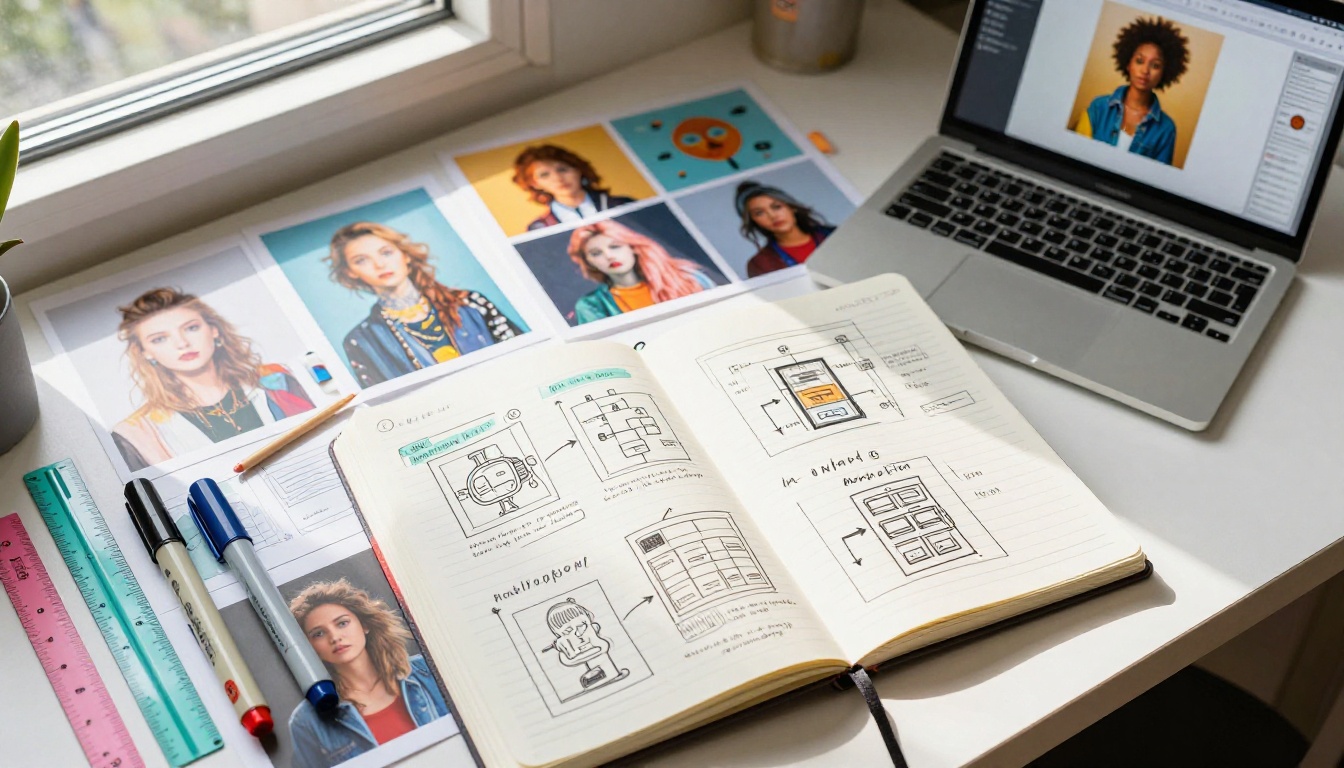
The moment an AI tool produces an image does not mean that image is client-ready. Every AI output needs a review pass before it goes out. What to check:
- Anatomical accuracy: fingers, hands, ears, eyes
- Text legibility: if any text appears in the image, verify it is correctly spelled and readable
- Background coherence: check for repeating patterns, artifacts, and floating elements
- Color consistency: across a set of images, confirm colors align with the brand palette
- Resolution: confirm the output is sufficient for the intended use (web, print, social)
💡 Tip: Build a simple QA checklist specific to each project and run every image through it before packaging the deliverable. Ten minutes of checking avoids a full revision cycle later.
Running a comparison review
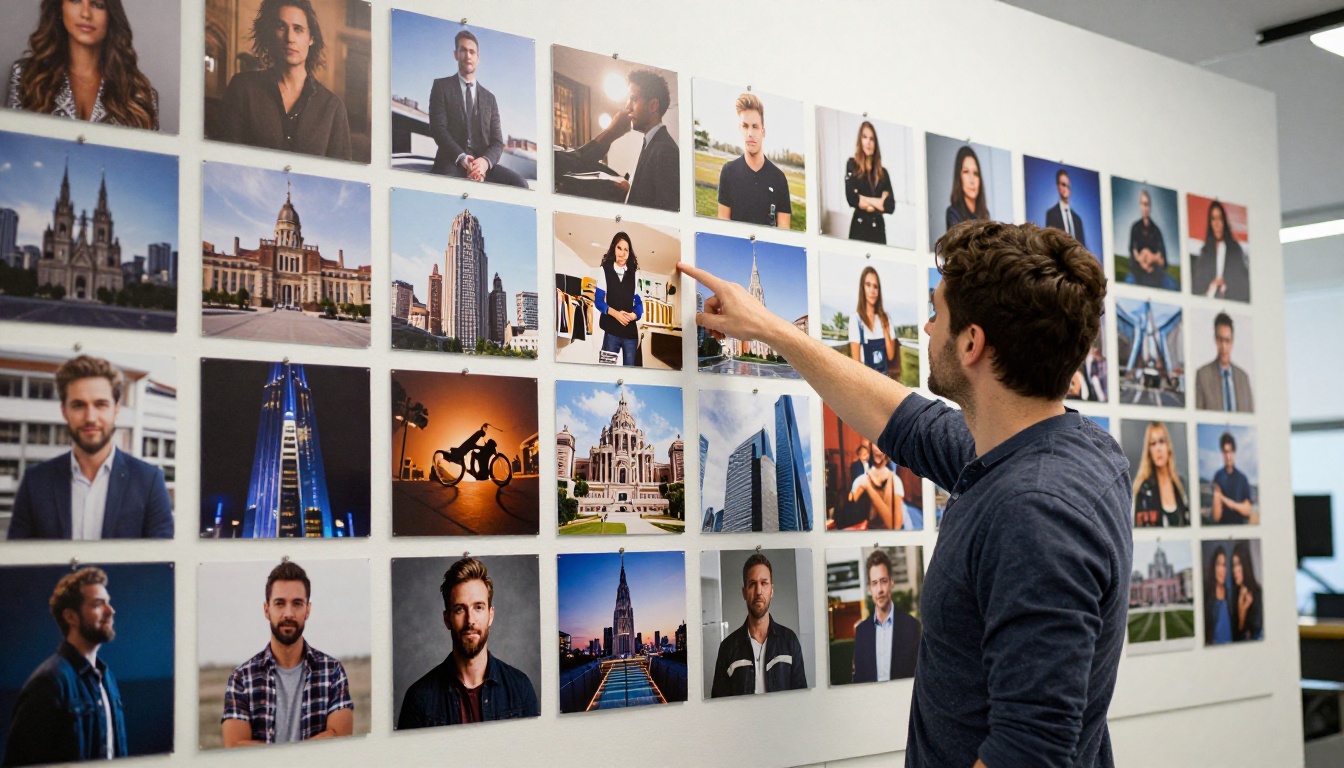
When presenting options to a client, do not just send everything the generator produced. Curate. Show three to five strong options per deliverable, not fifteen mediocre ones. Your job includes selection and judgment, and the client is paying for that as much as for the raw generation.
Presenting curated options signals professional editorial control. It also prevents the client from picking the weakest image in a batch because they lacked guidance.
Pricing Work That Includes AI
Time is still the base unit
A common mistake when AI enters a workflow is to immediately discount pricing because generation is fast. Do not do this. Your time spent on briefing, prompting, curating, quality-checking, revising, and delivering is still billable time. The generation step is faster; the surrounding creative and strategic work is not.
If a project that used to take 20 hours now takes 12, you can either maintain your day rate and deliver in fewer hours, or use the saved time to produce higher-quality output within the same budget. Both are reasonable choices. Dropping your rate because AI exists is not, unless you want to compete on price rather than quality.
Value pricing applies here
If AI tools let you solve a client's visual problem in 8 hours that would have taken another designer 40, the client's outcome is the same or better. Price based on the value delivered to the client, not the time you spent generating images. A polished brand identity package has the same commercial value to the client regardless of how long the generation step took.
| Pricing Model | When to Use | Consideration |
|---|
| Hourly | Exploratory or open-ended projects | Track all time including iteration |
| Project-based | Defined scope and deliverables | Factor in generation plus QA time |
| Value-based | Clear ROI for the client | Justify based on client outcomes |
| Retainer | Ongoing AI content production | Build in a generation budget |
When AI Saves Time vs. When It Costs You
Where AI genuinely speeds things up
- Mood boards and concept exploration: Generate 20 directions in an hour instead of sourcing stock photos or sketching compositions.
- Background imagery: Product backgrounds, ambient scenes, environmental images where photorealism matters but specific details do not.
- Content at scale: Blog illustrations, social post visuals, email campaign imagery where volume and turnaround are the main constraints.
- First-draft visuals: Getting something in front of a client quickly to align on direction before investing in full production.
Where AI adds friction instead
- Specific real-world subjects: If the client needs images of their actual product, their actual storefront, or their actual team, no prompt produces that. Photography is still the right tool.
- Precise brand elements: If the client has a specific logo, color system, or recurring character that must appear consistently, AI generation requires significant extra effort to maintain that consistency.
- Legally sensitive content: Medical imagery, legal documentation, images that may involve real-world individuals. The risk profile in these contexts is higher and requires more careful handling.
- Tight revision loops: When a client is very specific and the revision count runs high, AI can actually slow things down compared to a photographer or illustrator who can adjust to precise verbal feedback.

Showing AI Work in Your Portfolio (and to Clients)
Be transparent about what was generated
Claiming AI-generated images as hand-crafted illustrations or original photography is a credibility risk and, in some commercial contexts, a legal one. You do not have to lead every portfolio caption with a disclaimer, but if a client, employer, or collaborator asks how an image was produced, be honest.
The quality of your AI work in your portfolio should still reflect your creative judgment. Anyone can press a button and get an image. What distinguishes professional work is the quality of the brief, the precision of the prompt, the curation of the output, and the judgment of what makes the final cut.
Label and organize AI assets in your deliverables
When handing off a client package that includes AI-generated images, label the files clearly. Note which images were AI-generated and what tool was used. This gives the client the information they need to manage those assets properly in their own systems.
If you upscaled any images with Real ESRGAN or ran additional processing passes, note that in the file documentation. Clean handoffs protect both you and the client if questions arise later.

The Role of the Creative Has Not Shrunk
Roles shift, not disappear
AI does not replace the creative professional in a client relationship. What it replaces is the bottleneck of image production. The creative roles that remain, and that carry more weight when AI handles the generation, are:
- Art direction: deciding what the image should communicate and why
- Visual curation: selecting what is worth keeping from a generation batch
- Quality assurance: making sure the output is actually usable
- Client communication: translating the client's needs into something a generator can act on
- Brand stewardship: ensuring AI output aligns with established brand standards
These are not small roles. When generation becomes fast and cheap, judgment, taste, and strategic alignment become the scarce resources that clients actually pay for.
Using the right platform matters
Not all AI platforms are built equally for professional work. When you need reliable output, commercial-use clarity, wide model availability, and the ability to iterate at speed without hitting credit walls, the platform matters as much as the model.
PicassoIA brings together over 90 text-to-image models, including Flux 1.1 Pro, Flux Schnell, and Stable Diffusion, alongside post-processing tools like Real ESRGAN for delivering final assets at print resolution. Unlimited generation with no credit caps means you can run as many iterations as the project demands without watching a counter.

Try It With a Real Project
The best way to work out what AI can and cannot do for your specific client work is to run a real project through it. Pick a brief with clear visual requirements, define the quality bar, generate and curate with the same standard you would apply to any deliverable, and see where the process holds and where it needs more from you.
PicassoIA gives you access to every major image generation model in one place, with no generation limits, no watermarks, and tools for upscaling and refining the outputs you want to take to final. Start with Flux Schnell for fast concept generation, move to Flux 1.1 Pro when you need tighter prompt adherence and higher detail, and finish with Real ESRGAN to bring your selected images to print resolution. The full workflow, from first concept to client-ready asset, is available at picassoia.com/en/all-models.


