Wan 2.6 arrived as one of the most discussed releases in the open-weight video generation space, and for good reason. It didn't just close the gap with commercial tools, it opened up new territory in motion quality, photorealistic rendering, and image-to-video fidelity that many creators didn't think was accessible outside of expensive proprietary APIs. If you've been wondering what this model actually does well, and where it beats the alternatives, this breakdown covers it directly.
The Architecture Behind the Results
How Wan 2.6 Differs from Earlier Versions
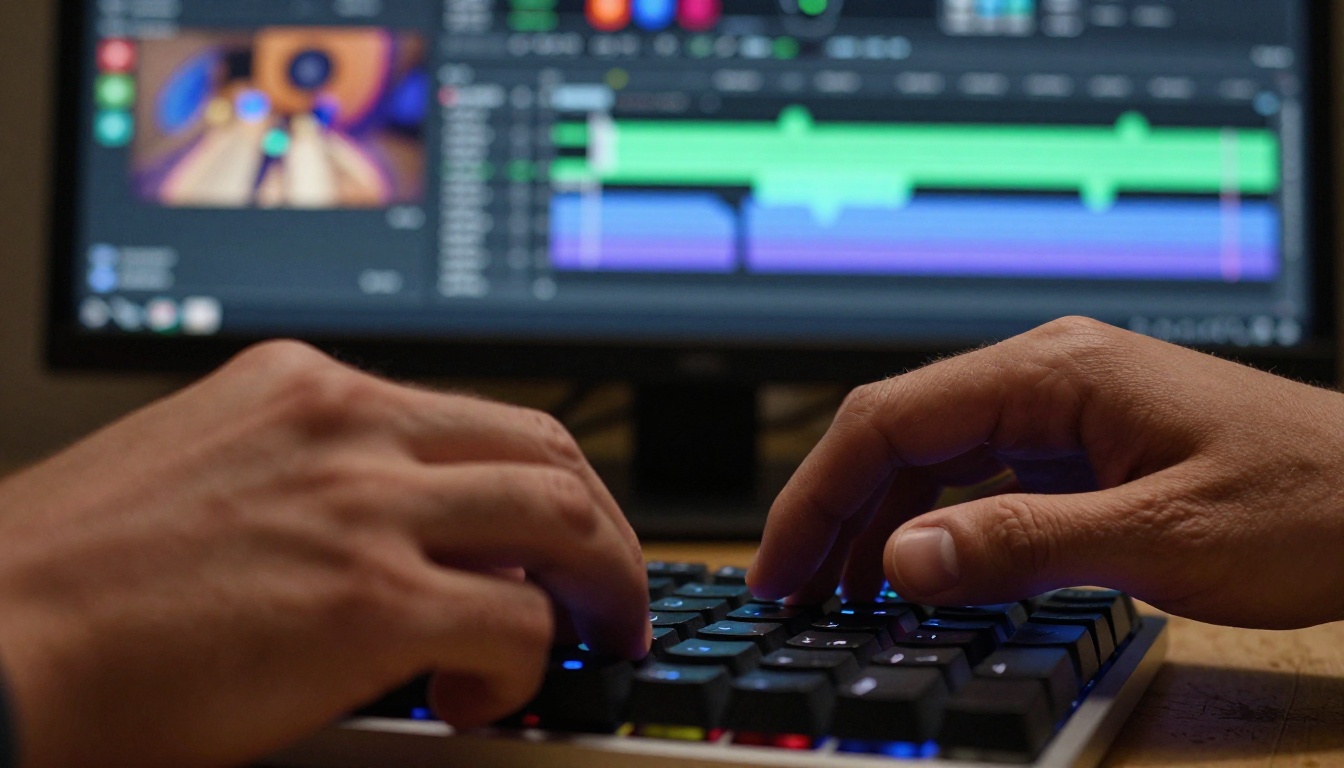
Wan 2.6 builds on the transformer-based video diffusion architecture introduced in prior Wan releases, but the team at Wan Video made targeted improvements in three areas: temporal attention resolution, motion magnitude control, and per-frame detail preservation. Where Wan 2.1 and Wan 2.5 T2V produced solid motion but sometimes struggled with sharp detail in fast-moving scenes, 2.6 handles those moments noticeably better.
The most visible upgrade is in how the model handles temporal consistency across frames. Objects don't flicker, faces don't morph, and backgrounds hold their geometry through camera pans. That stability is what separates a usable clip from a novelty one.
What "Open Weight" Actually Means Here
Wan 2.6 is released under weights that developers can run locally or integrate into platforms, unlike closed commercial APIs where you pay per generation and have no insight into what's happening under the hood. That openness means it powers many online tools, including the models available on PicassoIA, where you can use Wan 2.6 T2V and Wan 2.6 I2V directly without managing infrastructure.
Text-to-Video: Where Wan 2.6 Wins
Scene Complexity Without Collapse
Most video generation models break down when you give them a prompt with multiple moving elements: a person walking through a crowded market, a bird landing while rain falls, two cars passing each other on a narrow road. Wan 2.6 handles compositional complexity significantly better than models at similar parameter counts.
The reason is attention capacity. The model allocates more computational weight to tracking spatial relationships between objects over time, so when you ask for a scene with interdependent elements, you get coherent relative motion instead of each element drifting independently.
Tip: For complex scenes, be specific about foreground and background elements separately in your prompt. "A woman walking through a crowded Tokyo street, vendors on both sides, neon signs in the background" will outperform a vague single-sentence prompt every time.
Photorealistic Texture Rendering
When it comes to surface textures, fabric weave, water movement, and skin detail in close-up shots, Wan 2.6 T2V renders at a level of fidelity that holds up to scrutiny even when paused on a single frame. This matters most for product videos, lifestyle content, and any use case where viewers will naturally look closely.

| Feature | Wan 2.5 | Wan 2.6 | Wan 2.7 |
|---|
| Temporal consistency | Good | Very Good | Excellent |
| Texture detail | Moderate | High | High |
| Motion magnitude control | Basic | Improved | Improved |
| Image-to-video quality | Good | Excellent | Excellent |
| Speed (relative) | Fast | Moderate | Moderate |
Motion That Looks Intentional
One pattern that makes AI video look artificial is random motion: elements shifting slightly for no apparent reason, camera drift without direction, objects that seem to vibrate rather than move. Wan 2.6 addresses this with improved motion conditioning that makes movements look deliberate.
When you prompt for a slow pan, you get a slow pan. When you ask for a still shot with wind in the trees, you get exactly that: the trees move, the subject stays. That level of control was not reliable in earlier open-weight models.
Image-to-Video: Wan 2.6's Strongest Use Case
Bringing Photos to Life
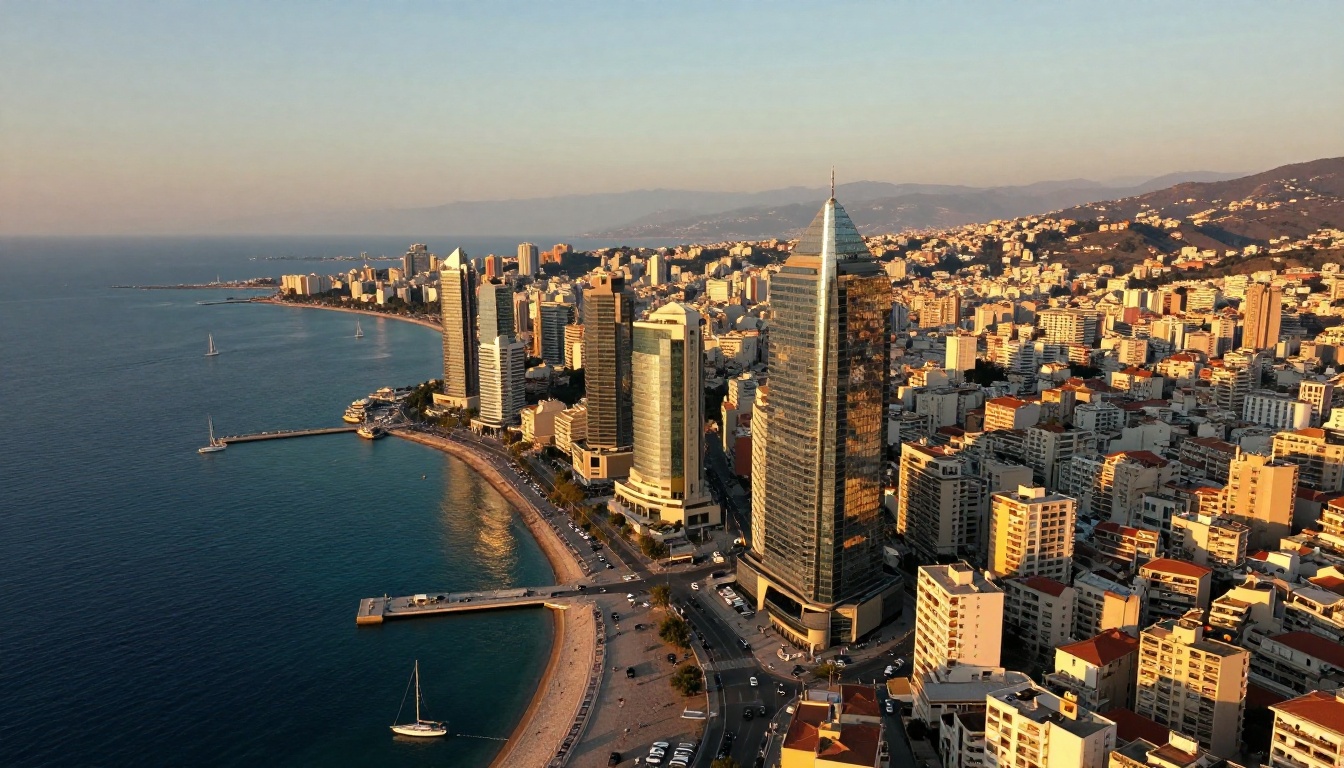
If there's one thing Wan 2.6 I2V does better than most alternatives, it's taking a static photograph and generating motion that feels consistent with the original image's lighting, perspective, and mood. The model doesn't just add generic motion, it reads the scene and moves it in a way that matches the implied physics and atmosphere.
A photo of a candle flame becomes a clip of it flickering in slight air currents. A portrait shot becomes a subtle head turn with natural hair movement. A landscape with storm clouds becomes those clouds rolling forward.
Why I2V Matters for Creators
For photographers, social media creators, and marketing teams, image-to-video is often more valuable than text-to-video. You already have the visual you want. You just need it to move. Wan 2.6 I2V makes that workflow fast and reliable.
Tip: For best I2V results, use high-resolution source images with clear subject-background separation. Images shot in natural light tend to animate more convincingly than heavily post-processed photos.
There's also Wan 2.6 I2V Flash, a faster variant that trades some quality for speed, making it practical for iteration and rapid prototyping before committing to a full-quality generation.
Portrait and People Animation
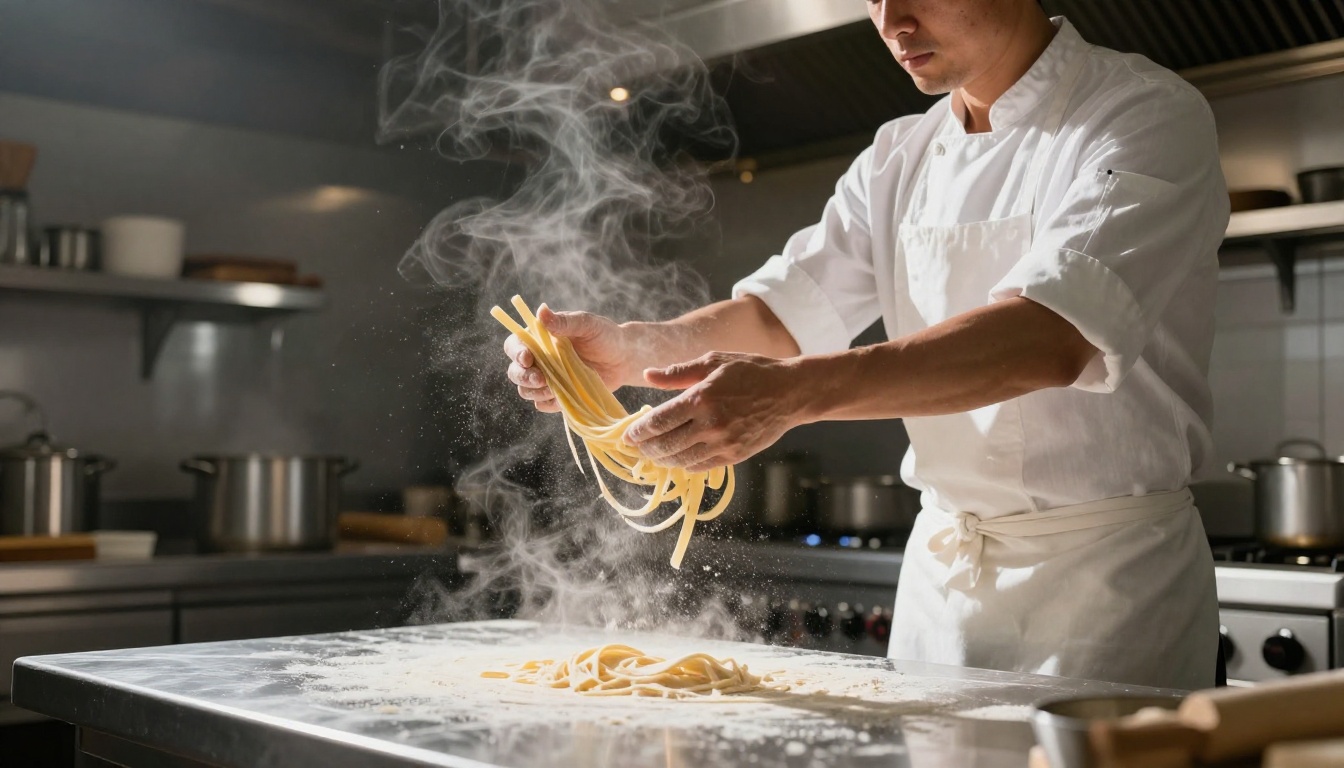
Animating human faces is one of the hardest problems in video generation. Subtle errors in eye movement, lip sync, or skin shading become immediately visible to viewers because humans are finely tuned to detect face anomalies. Wan 2.6 handles portrait animation better than its predecessors, producing natural blinking, micro-expressions, and slight head movement without the uncanny valley artifacts that plagued earlier releases.
Where Wan 2.6 Has Specific Strengths
Slow-Motion and High-Detail Moments
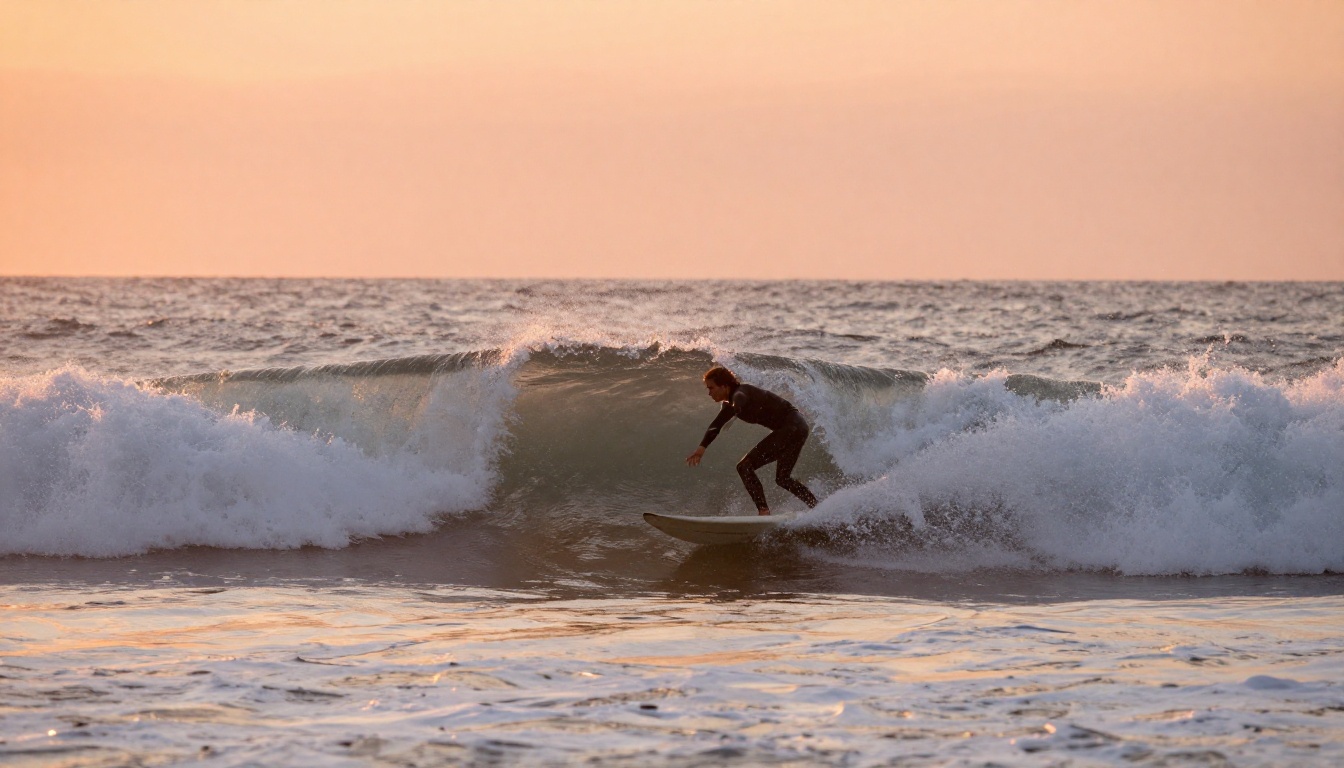
Wan 2.6 particularly excels at rendering cinematic slow-motion sequences. A wave crashing, a drop of water falling into a glass, fabric billowing in wind. The model's frame interpolation handles these with detail that makes the resulting clips feel professionally shot rather than AI-generated.
This opens up applications in:
- Product showcases: liquids, textiles, materials in motion
- Nature and travel content: weather events, landscapes, wildlife behavior
- Lifestyle and wellness: movement, calm environments, subtle ambient motion
Outdoor and Natural Environments
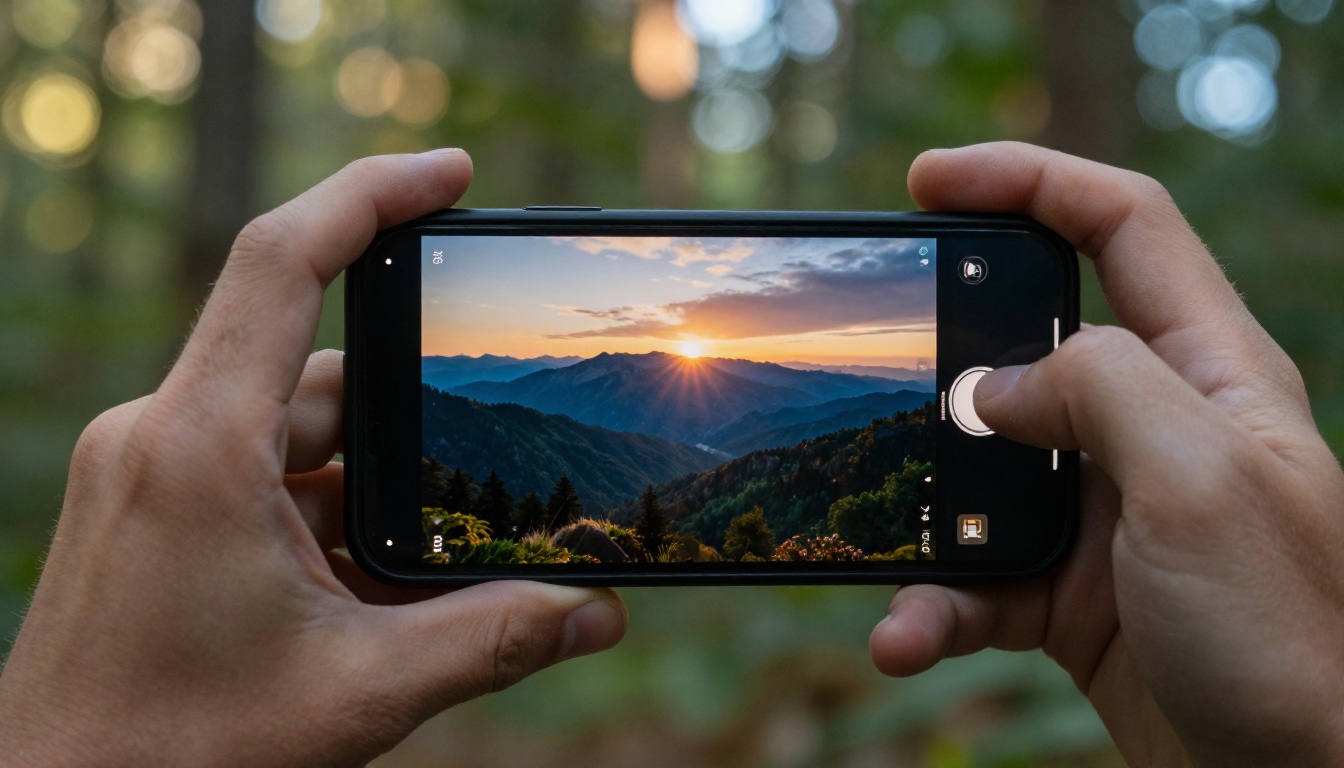
Natural settings are where Wan 2.6's photorealistic rendering is most impressive. Trees, water, sky, and terrain are rendered with physical accuracy in how light interacts with surfaces. Unlike indoor scenes where lighting is more controlled and forgiving, outdoor environments with dynamic weather or time-of-day effects are genuinely difficult. Wan 2.6 handles them well.
Fast-Moving Subjects
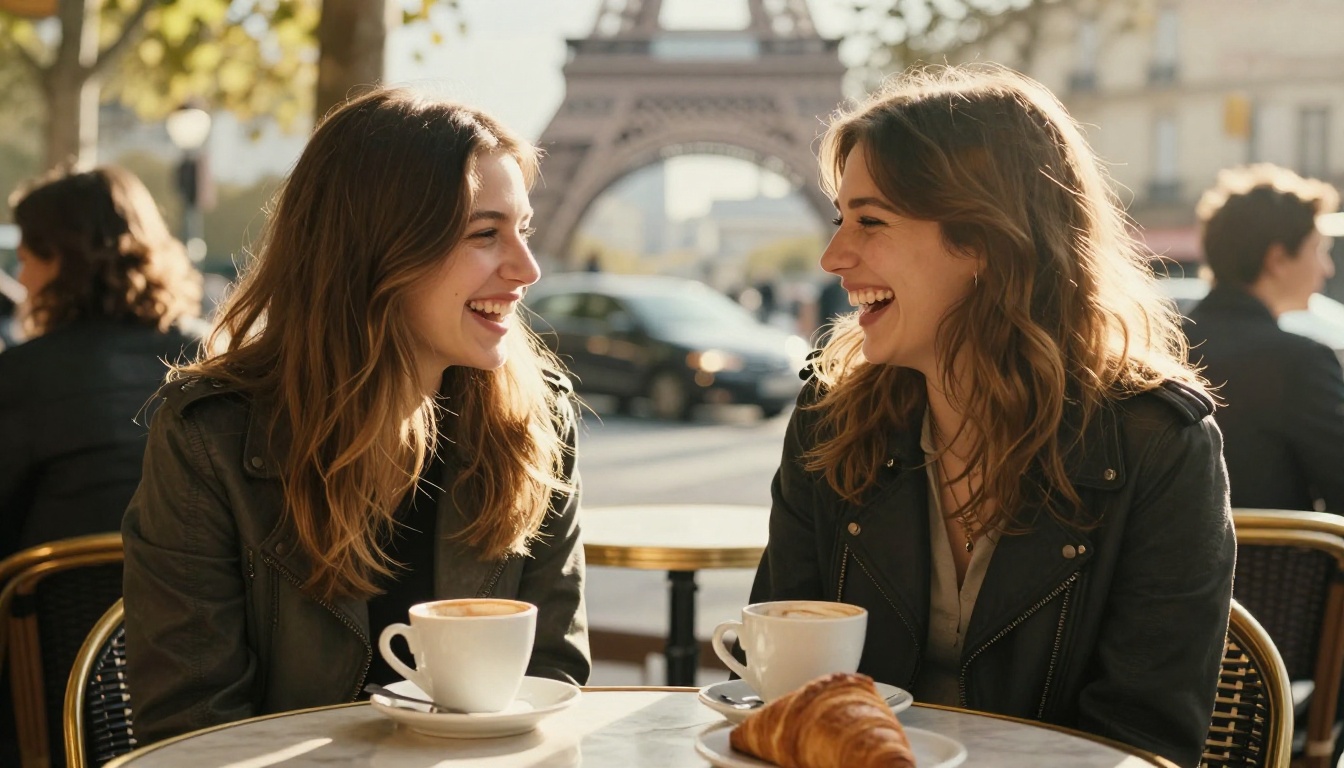
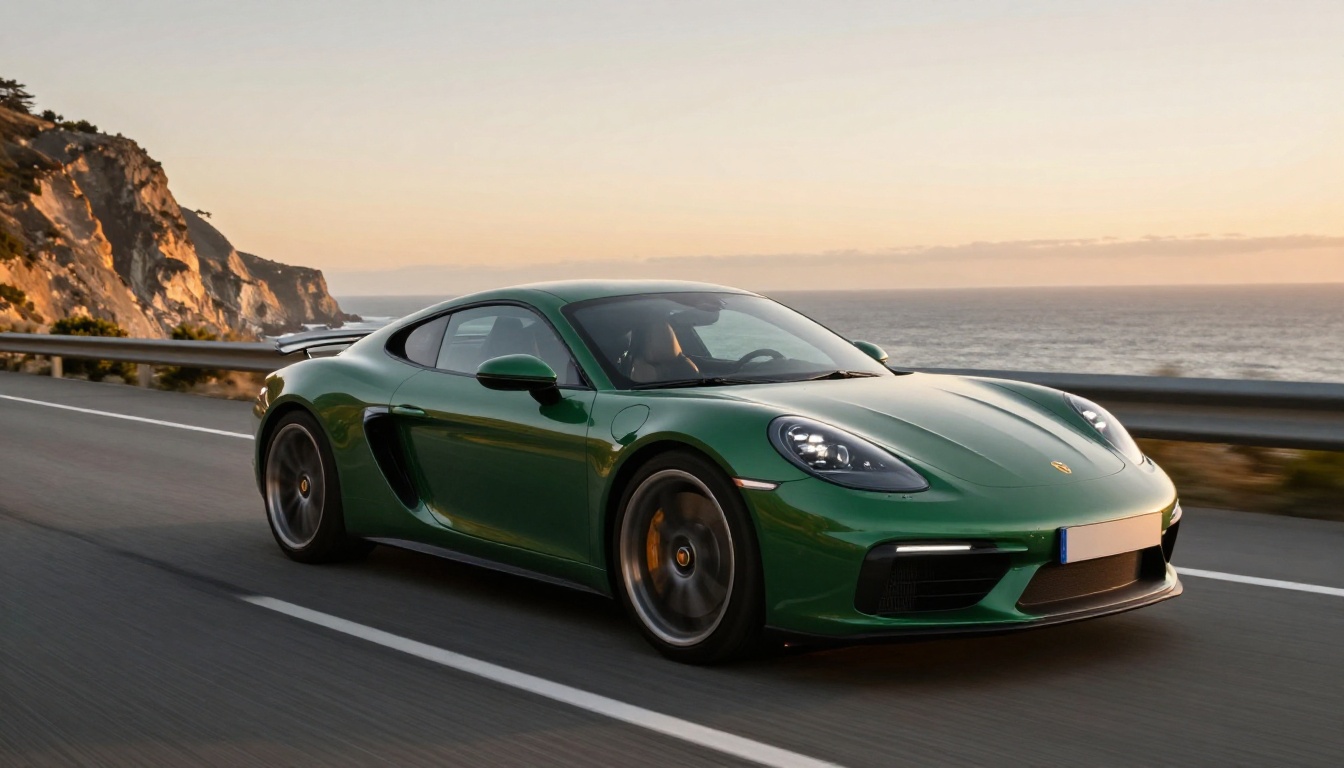
Vehicle motion, sports, and any scene involving rapid subject movement has historically been a weak point for diffusion-based video models. Wan 2.6 closes this gap significantly with better motion blur handling and object tracking through fast sequences.
How to Use Wan 2.6 on PicassoIA
Text-to-Video with Wan 2.6 T2V
PicassoIA provides access to Wan 2.6 T2V without requiring local GPU setup or API management. Here's how to get the best results:
- Go to the model page: Navigate to Wan 2.6 T2V on PicassoIA.
- Write a scene-specific prompt: Include subject, environment, lighting, and motion direction. Vague prompts produce generic output.
- Set duration: Start with 4-5 seconds for testing, then extend for final outputs once you're satisfied with the motion style.
- Describe camera movement explicitly: Terms like "slow pan left," "static shot," "handheld slight shake," or "overhead drone descent" dramatically improve motion directionality.
- Iterate on motion words: If the output motion feels too fast or too subtle, add or remove motion intensity words in your prompt before regenerating.
Tip: Describe the lighting as you would in a film brief: "warm late afternoon backlight," "overcast soft diffused light," "interior tungsten warmth." Wan 2.6 responds to lighting language, and this single change often produces the biggest quality jump in your output.
Animating Images with Wan 2.6 I2V
For image-to-video work with Wan 2.6 I2V:
- Upload your source image: Works best with 16:9 or square format images at 1024px or higher.
- Write a motion prompt: Describe what should move, not just the scene. "The woman's hair lifts in the wind, trees sway gently in background" is more effective than "outdoor portrait."
- Keep the motion prompt aligned with the image physics: If the photo was shot at midday with harsh shadows, don't prompt for a sunset. The model will try to comply and produce inconsistent results.
- Use the Flash variant for prototyping: Wan 2.6 I2V Flash generates much faster, so use it to test motion direction and intensity before switching to the full model for final export.
Parameter Tips That Actually Matter
| Parameter | What It Controls | Recommended Starting Point |
|---|
| Motion scale | How much things move | 0.6-0.8 for subtle, 1.0+ for dynamic |
| Steps | Generation detail | 30-40 for quality balance |
| CFG scale | Prompt adherence | 7-9 for most prompts |
| Seed | Reproducibility | Fix seed once you find a good result |
Wan 2.6 vs. the Competition
Where It Beats Commercial Models
Commercial closed-source models have longer track records and dedicated teams optimizing for output quality. But Wan 2.6 is genuinely competitive and outperforms many of them in specific categories:
- Photorealistic texture rendering: Wan 2.6 matches or exceeds several commercial alternatives in skin, fabric, and water detail.
- Motion coherence in complex scenes: The multi-element tracking is better than older commercial versions.
- Accessibility: Being available on platforms like PicassoIA means no per-token billing or rate limits tied to credits.
When to Use Wan 2.7 Instead
Wan 2.7 T2V and Wan 2.7 I2V represent the next iteration, with better temporal consistency and higher output resolution. If your priority is absolute quality and you don't mind slightly longer generation times, 2.7 is the upgrade. But Wan 2.6 remains the faster and more stable choice for iterative workflows or when you need consistent results at scale.
Tip: Use Wan 2.6 for rapid production workflows and content at scale. Switch to Wan 2.7 T2V for hero content where maximum quality justifies the extra processing time.
Real-World Use Cases
Social Media Content at Scale
Brands producing high volumes of lifestyle video content for Instagram Reels, TikTok, and YouTube Shorts benefit from Wan 2.6's balance of quality and throughput. The model produces clips that hold up on mobile screens at full resolution, which is where most social content is actually consumed.
Photography to Video Portfolios
Photographers are using Wan 2.6 I2V to add motion to their still portfolio work without a video shoot. The results are convincing enough for client presentations and online galleries, and the workflow takes minutes per image rather than a full production day.
E-Commerce and Product Visualization
Product video has proven consistently higher converting than static imagery in online retail. Wan 2.6 makes it practical to generate product motion clips, fabric draping, liquid pours, and texture close-ups from product photography alone, without a dedicated videographer.
Short-Form Narrative Content
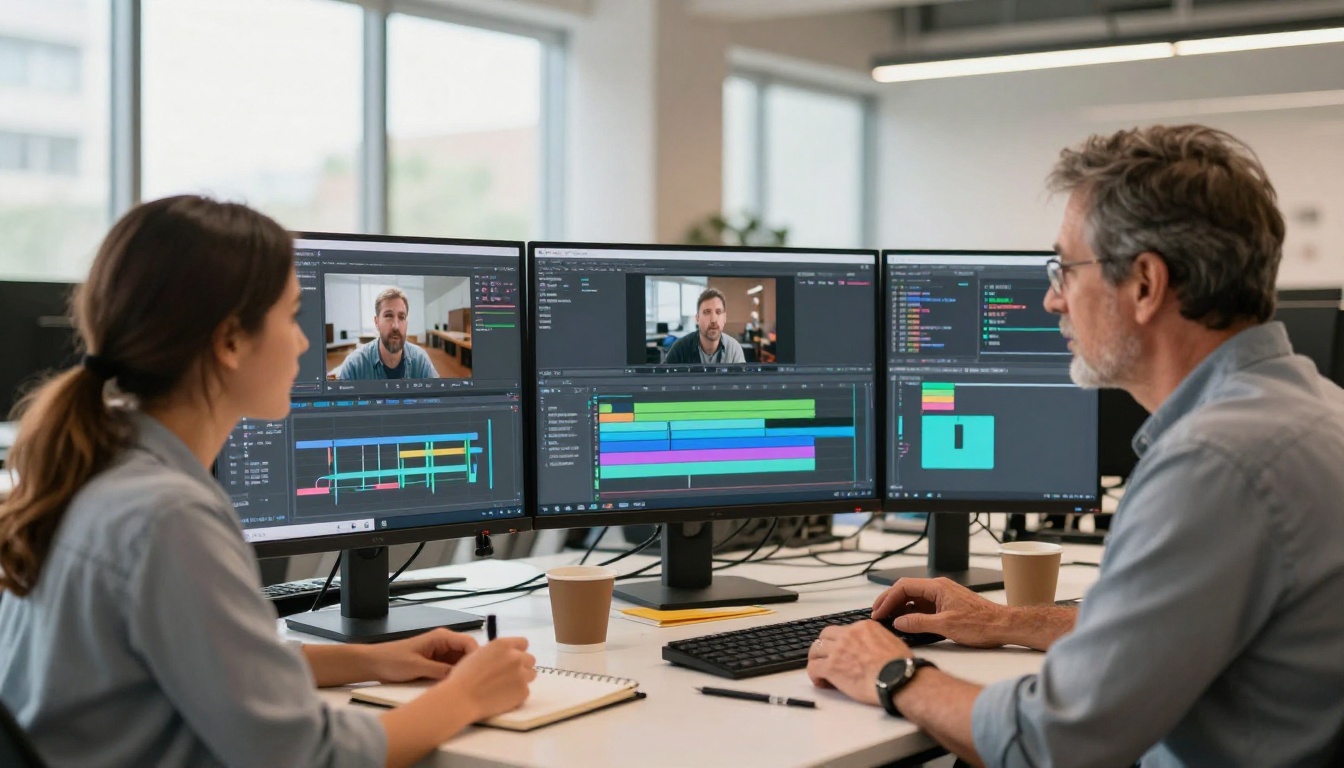
Writers and indie filmmakers are using Wan 2.6 as a pre-visualization tool. Scene descriptions become motion reference clips that communicate mood, framing, and pacing to collaborators before a single camera rolls.
What Wan 2.6 Is Not Built For
Being clear about limitations is as useful as listing strengths:
- Long-form video: The model is optimized for clips in the 4-8 second range. Longer sequences require stitching and will show inconsistencies at edit points.
- Precise dialogue sync: If you need lips to match spoken words, you'll need a dedicated lipsync model on top of Wan 2.6 output.
- Extreme stylization: Wan 2.6 is trained on photorealistic output. If you need cel animation, stylized illustration, or heavy artistic processing, other models are better suited.
- Complex camera rigs: Orbital shots or precisely controlled Dutch angles are better served by models with explicit camera conditioning parameters.
Start Generating with Wan 2.6 Today
Wan 2.6 is the kind of model that rewards experimentation. The best way to calibrate your prompting style to it is to run variations, compare the motion output, and pay attention to which word choices produced the most intentional-feeling results.
PicassoIA puts Wan 2.6 T2V, Wan 2.6 I2V, and Wan 2.6 I2V Flash directly in your browser, so you can test your first prompt without any setup. Try bringing a photo you already have to life, describe a scene you've been picturing, and see firsthand what Wan 2.6 produces when given clear, specific prompts.
The quality ceiling for open-weight AI video generation keeps rising. Wan 2.6 sits at the top of what's practically accessible right now, and it's worth spending time with it. Head to PicassoIA, pick your prompt, and let the model show you what fluid, photorealistic AI video actually looks like.


