If you have spent any time watching the AI video space in 2027, you already know the pace is relentless. Models release, iterate, and replace each other in months. Wan 2.7 Pro arrived in that context and immediately stood out, not because of marketing, but because creators started producing work with it that looked genuinely different from what came before. The output quality at 1080p, the motion coherence over five seconds, the way a still photograph could be nudged into life without losing the original composition: these are concrete, testable things. This article breaks down exactly what Wan 2.7 Pro can do, how it works across its three main modes, and where it fits in a real creative workflow.
Three Modes That Cover Everything
Wan 2.7 Pro is not a single tool with one function. It ships as three distinct generation pipelines, each targeting a different starting point in your creative process. Understanding which mode to reach for first will save you a lot of wasted renders.
Text to 1080p Video
Wan 2.7 T2V takes a written prompt and outputs a fully rendered video clip at up to 1080p resolution. The model is trained to read motion intent directly from language. When you write "a woman walks through a rain-soaked Tokyo alley at dusk, slow tracking shot," the system interprets not just the subject but the implied camera behavior, the lighting condition, and the temporal rhythm of the action.
What makes 2.7 meaningfully different from earlier Wan releases is structural consistency. Characters introduced in frame one stay proportionally correct through the clip. Objects do not drift, morph, or randomly gain or lose detail after the first second. This sounds like a baseline expectation, but it was not reliably delivered by most open-weight video models until very recently.
💡 Prompt tip: Lead with the motion verb before the environment description. "A cyclist accelerates down a mountain road, golden morning light, aerial tracking shot" will produce stronger motion coherence than starting with the setting.
Animate Any Still Image
Wan 2.7 I2V takes a photograph or generated image as its first frame and animates it according to a motion prompt. This is one of the most immediately practical modes for working creators because it collapses the production gap between a static visual asset and a moving one.
The use cases are broad. Product photographers can submit a clean studio shot and specify a slow 360-degree rotation with a subtle depth-of-field pull. Travel photographers can take a landscape still and add natural cloud movement, water flow, or wind through foliage. Portrait photographers can introduce a gentle head turn or breath motion without altering the original composition in any noticeable way.
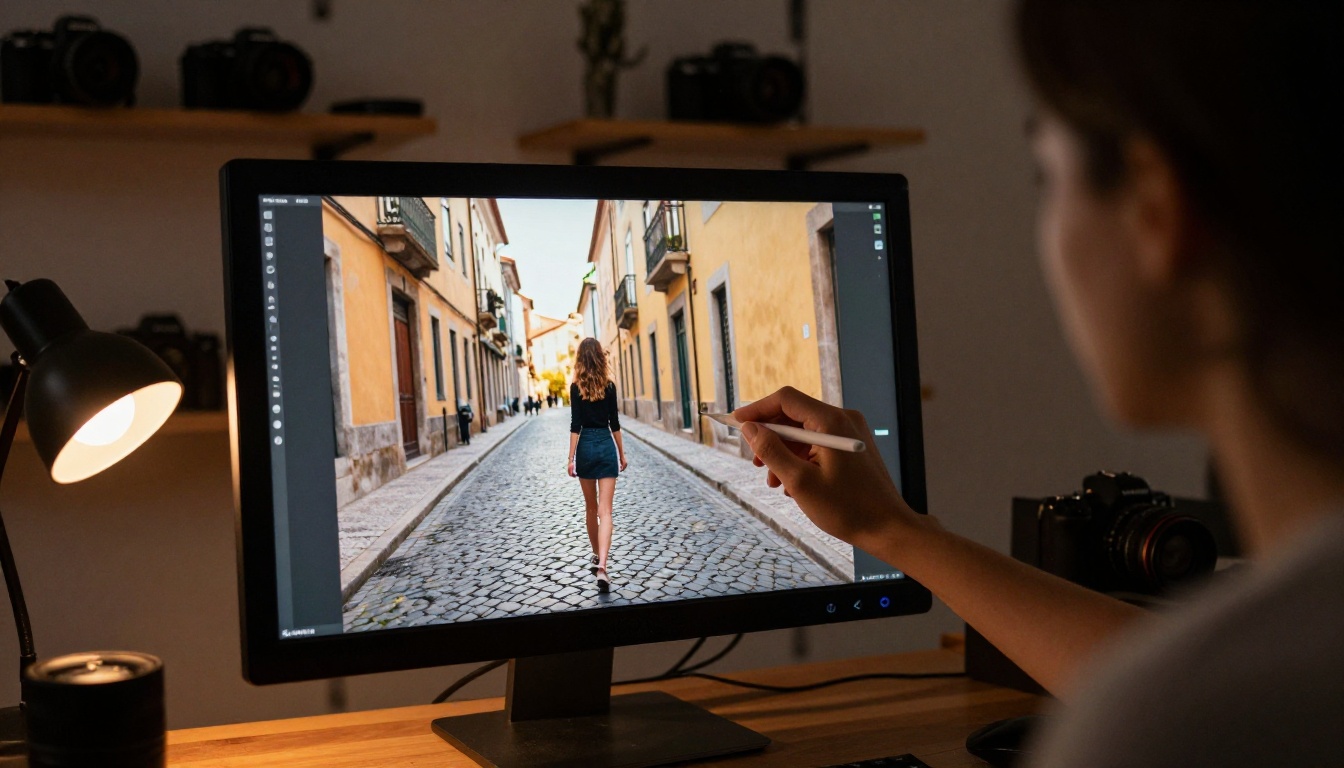
The model preserves the original image's color grading, texture detail, and aspect ratio through the full animation. It does not re-generate the scene; it extends it temporally. The result is that your existing visual assets, things you already shot or generated, become source material for motion content without any re-shooting.
Reference-Based Motion Transfer
Wan 2.7 R2V is the mode that has attracted the most professional attention. R2V accepts a reference image of a specific subject and uses it to anchor character identity through the generated motion sequence. Where I2V animates the source frame itself, R2V uses the source image as a character template and builds motion around that identity.
For creators working with brand characters, custom illustrations, or consistent visual identities across multiple videos, this changes the workflow significantly. You can maintain a single reference image for a character and generate dozens of motion clips with that character performing different actions, without needing to re-describe the character in detail every time.
The Numbers Behind Wan 2.7 Pro
Before getting into workflow specifics, it helps to have the technical specifications clearly laid out.
| Specification | Wan 2.7 T2V | Wan 2.7 I2V | Wan 2.7 R2V |
|---|
| Max resolution | 1080p | 1080p | 1080p |
| Clip duration | 5 seconds | 5 seconds | 5 seconds |
| Frame rate | 24fps | 24fps | 24fps |
| Input | Text prompt | Image + prompt | Reference image + prompt |
| Motion control | Prompt-based | Prompt-based | Prompt + reference |
| Aspect ratio | Flexible | Matches source | Matches source |
The 5-second clip length is shared across all three modes. For most social video formats, five seconds is a complete unit of content. For longer-form work, multiple clips can be chained in a video editor with smooth transitions.
How to Use Wan 2.7 on PicassoIA
PicassoIA hosts all three Wan 2.7 Pro variants directly in its collection, accessible through a browser with no local installation, no GPU setup, and no API key management. Here is the exact process from account to output.
Step 1: Pick Your Starting Mode
Navigate to the model that matches your input type.
Each model page on PicassoIA shows the exact input fields, resolution options, and example outputs before you submit anything.
Step 2: Write a Motion-First Prompt
The single biggest variable in output quality is prompt structure. Wan 2.7 reads motion intent from the order and specificity of your description. The most effective format:
- Subject and starting state: "A barista places a ceramic espresso cup on a marble counter"
- Motion over time: "steam rises slowly from the cup, the barista's hand withdraws to the left"
- Camera behavior: "gentle dolly-in from table height, slight upward tilt"
- Atmosphere: "warm morning cafe light from a window to the right, shallow depth of field"
💡 Avoid abstract adjectives ("beautiful," "stunning," "amazing"). Replace them with specific physical conditions: "soft diffused overcast light" instead of "beautiful lighting."
Step 3: Set Resolution and Review
For final delivery content, set resolution to 1080p. For draft iterations where you want faster feedback, 480p is significantly quicker. PicassoIA's interface makes this a single dropdown selection with no additional configuration needed.
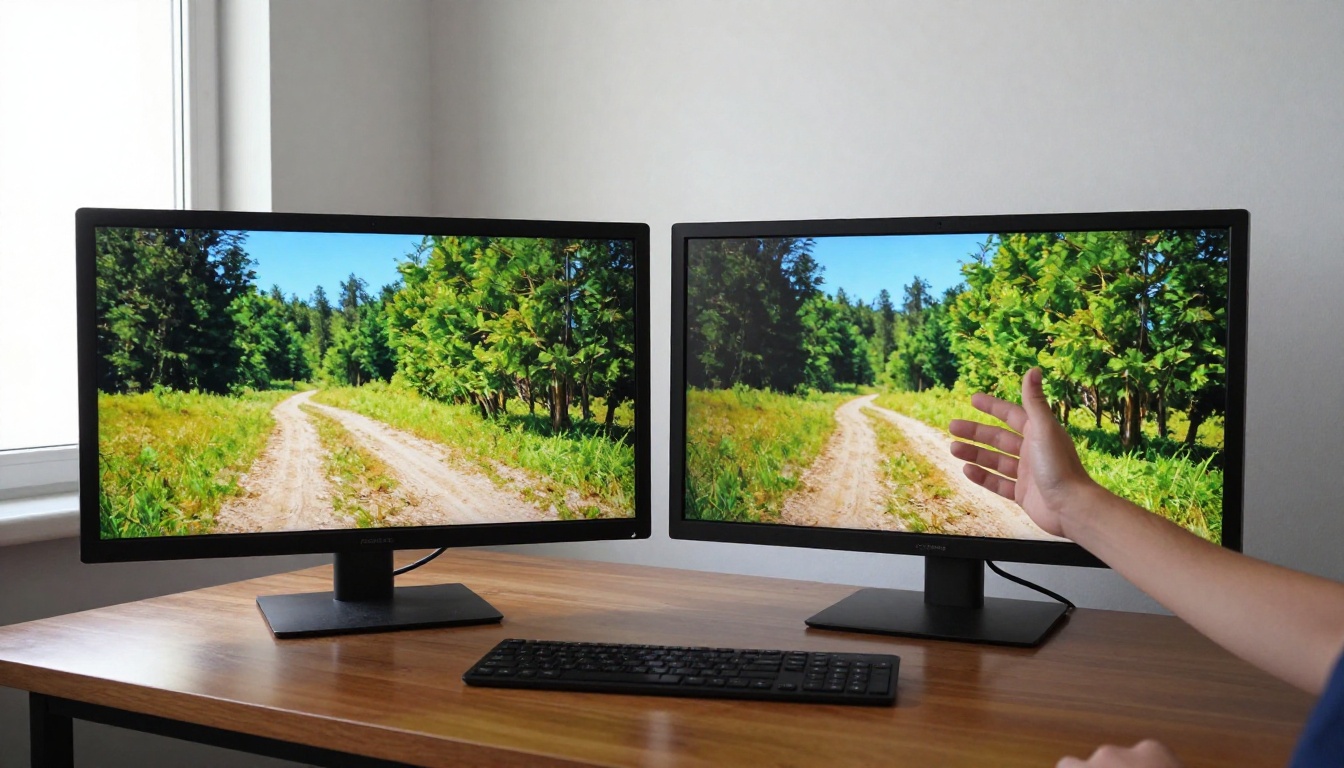
Run your first generation at lower resolution to validate the motion direction, then re-run at full quality once the composition is confirmed. This prevents spending render time on clips that need prompt revisions.
Step 4: Download and Publish
PicassoIA returns a download link for each completed clip. The file is a standard MP4, compatible with every major video editor and social platform upload system. No conversion, no post-processing required before publishing.
Wan 2.7 Pro vs. Other Top Models
Wan 2.7 Pro sits in a competitive field. Several strong models are available on PicassoIA in the same category. Here is a clear comparison of how they differ in practice.
| Model | Best For | Resolution | Prompt Input | Audio |
|---|
| Wan 2.7 T2V | Structural motion, long clips | 1080p | Text | No |
| Seedance 2.0 | Social content with audio | Up to 1080p | Text or Image | Yes, native |
| Kling v3 Video | Cinematic motion, dramatic scenes | 1080p | Text or Image | No |
| Veo 3 | Realistic physics, audio sync | 1080p | Text | Yes, native |
| LTX 2.3 Pro | 4K output, fast generation | 4K | Text or Image | No |
| Wan 2.7 I2V | Animating existing photos | 1080p | Image + Text | No |
| Wan 2.7 R2V | Character consistency | 1080p | Reference + Text | No |
The takeaway: if you need native audio in the output, Seedance 2.0 and Veo 3 are the stronger choices. If structural consistency and character fidelity are the priority, Wan 2.7 Pro's three-mode system has a distinct edge. For 4K resolution, LTX 2.3 Pro is the current top option.
Creative Workflows That Actually Work
The most useful thing about Wan 2.7 Pro is not any single feature in isolation. It is how the three modes slot into specific production workflows that would otherwise require significantly more resources.
Social Clips from Product Photos
E-commerce brands and independent sellers often have high-quality product photography but no video budget. With Wan 2.7 I2V, a product photo becomes a 5-second clip with controlled motion: a bottle rotating on a counter, a piece of jewelry catching light as it shifts, a sneaker tilting to reveal the sole.
The process is direct: upload the product photo to Wan 2.7 I2V, describe the motion you want, and collect a ready-to-post clip. For platforms like Instagram Reels or TikTok, five seconds of well-composed product motion often performs better than a full production video because it loops cleanly.
Narrative Shorts from Storyboards
Independent filmmakers and animators using storyboard images as reference frames can feed each panel into Wan 2.7 I2V or Wan 2.7 T2V sequentially. Each generated clip becomes a scene segment. When edited together, the result is a rough animatic at 1080p quality, usable for pitching or as a proof of concept for a longer production.

This workflow does not replace a full production pipeline. It replaces the expensive, time-consuming phase of getting a visual proof of concept in front of stakeholders or collaborators.
Music Videos from Reference Footage
Musicians and audio producers working on visual content for tracks can use Wan 2.7 R2V to build a consistent visual character across multiple clips. Provide a single reference image of the artist or a visual persona, then generate a series of motion sequences with that character performing or moving against different backgrounds. The character identity stays anchored across all clips, creating visual coherence through a full music video edit without a single camera setup.
💡 For the best results with R2V, use a reference image with a clean, uncluttered background and clear lighting on the subject. The model preserves subject details more precisely when the reference is unambiguous.
What Sets Wan 2.7 Apart from Earlier Versions
The Wan model family has been iterating steadily. Earlier versions like Wan 2.5 T2V and Wan 2.6 T2V delivered solid text-to-video output, but the 2.7 Pro release introduced specific improvements that matter in practice.
Temporal consistency: Earlier Wan versions could show character drift after the first two seconds of a clip, where a subject's proportions would subtly shift or a background element would lose definition. Wan 2.7 Pro holds both foreground subjects and background geometry stable across the full 5-second duration.
I2V fidelity: The image-to-video pipeline in Wan 2.6 I2V was already capable, but 2.7 I2V preserves source image color temperature and fine texture detail more reliably. High-resolution photographs with significant grain or film texture are animated without being smoothed or flattened.
R2V as a new capability: Reference-to-video was not present in earlier Wan versions. Its addition in 2.7 Pro specifically addresses the character consistency problem that made earlier AI video challenging for brand and narrative work.
The progression from 2.5 to 2.6 to 2.7 is not incremental in a vague sense. Each version addressed specific, named problems. Wan 2.7 Pro addresses the three most common complaints about AI video from working creators: drift, texture loss, and character inconsistency.
Prompt Patterns That Produce Better Results
After generating a large volume of clips with Wan 2.7 Pro, certain prompt structures consistently outperform others.
What works:
- Specifying camera movement as a verb phrase: "slow dolly-in," "gentle pan left," "static tripod shot with subtle zoom"
- Including lighting direction and quality: "volumetric morning light from the left window," "overcast diffused daylight, no hard shadows"
- Naming the action rhythm: "gradual," "abrupt," "rhythmic," "continuous"
- Describing the end state as well as the start: "begins with the hand still, then slowly opens the notebook"
What to avoid:
- Stacking too many subjects in a single prompt (one main subject performs better than three)
- Using emotional adjectives instead of physical descriptions ("dramatic" is vague; "deep shadows with a single hard key light" is specific)
- Describing colors with generic names ("blue") instead of tonal descriptions ("cool midday sky blue with slight grey cast")
These patterns apply across all three Wan 2.7 modes. The model responds to specificity at every level of the prompt, from the subject through the environment to the camera behavior.
Where to Take Your Video Work Next
Wan 2.7 Pro is the clearest signal yet that 1080p AI video from text or images is a practical production tool, not an experimental novelty. The structural consistency improvements in the 2.7 release specifically solve the problems that prevented earlier models from being reliable enough for professional use.
If you are a working creator, the most direct path to seeing what this means for your specific content is to run your own tests with your own material. PicassoIA hosts Wan 2.7 T2V, Wan 2.7 I2V, and Wan 2.7 R2V alongside the full library of over 87 video generation models, including Seedance 2.0 for audio-synced content, Kling v2.6 for dramatic cinematic motion, and LTX 2.3 Pro for 4K output.
No local GPU, no configuration, no queue management. The models run in the cloud, your output is ready for download, and the whole library of tools is one place to return to as the models continue to evolve. Start with a prompt you already have in mind, upload a photo you shot last week, or pull a reference image for a character you have been working with. The output will tell you more than any spec sheet.


