The gap between a photograph and an AI-generated image is closing at a pace most people did not expect. Two years ago, hands with six fingers and eyes pointing in slightly wrong directions were the telltale signs. Today, the leading models produce images that hold up under close inspection, at full resolution, across complex scenes with multiple subjects. That shift did not happen because AI got "smarter" in some vague sense. It happened because of specific, measurable changes in architecture, training data, and inference speed. Knowing those changes tells you exactly where image generation is heading next.
The Resolution Revolution Already Happened
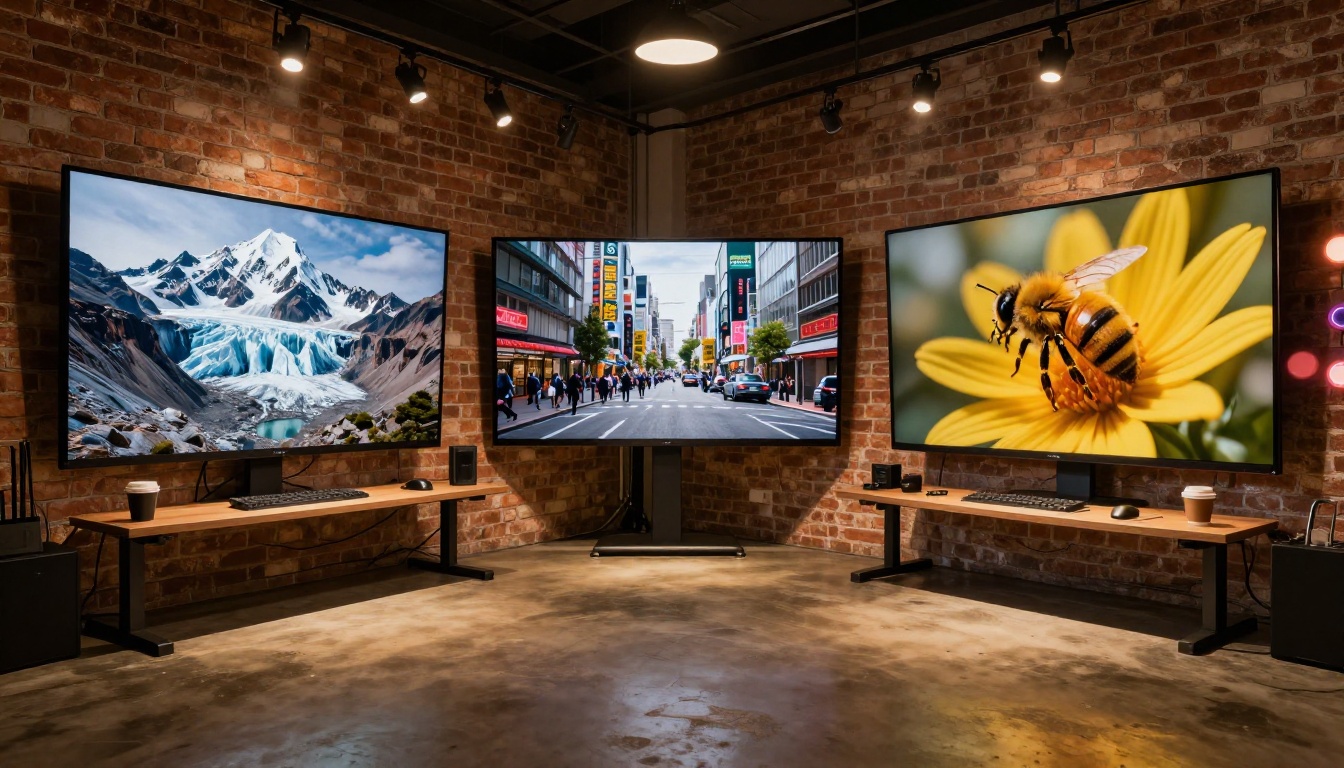
When diffusion models first appeared publicly, generating a clean 512x512 image was the benchmark. Anything larger required tricks, tiling, or heavy upscaling that introduced its own artifacts. That ceiling has since moved dramatically.
How Models Got So Sharp So Fast
The jump in output quality came from three things happening simultaneously: larger training datasets with curated high-resolution samples, architectural improvements that preserved spatial detail through the denoising process, and better schedulers that could produce clean results in fewer steps. The result is that 1-megapixel output is now the baseline expectation, not an achievement.
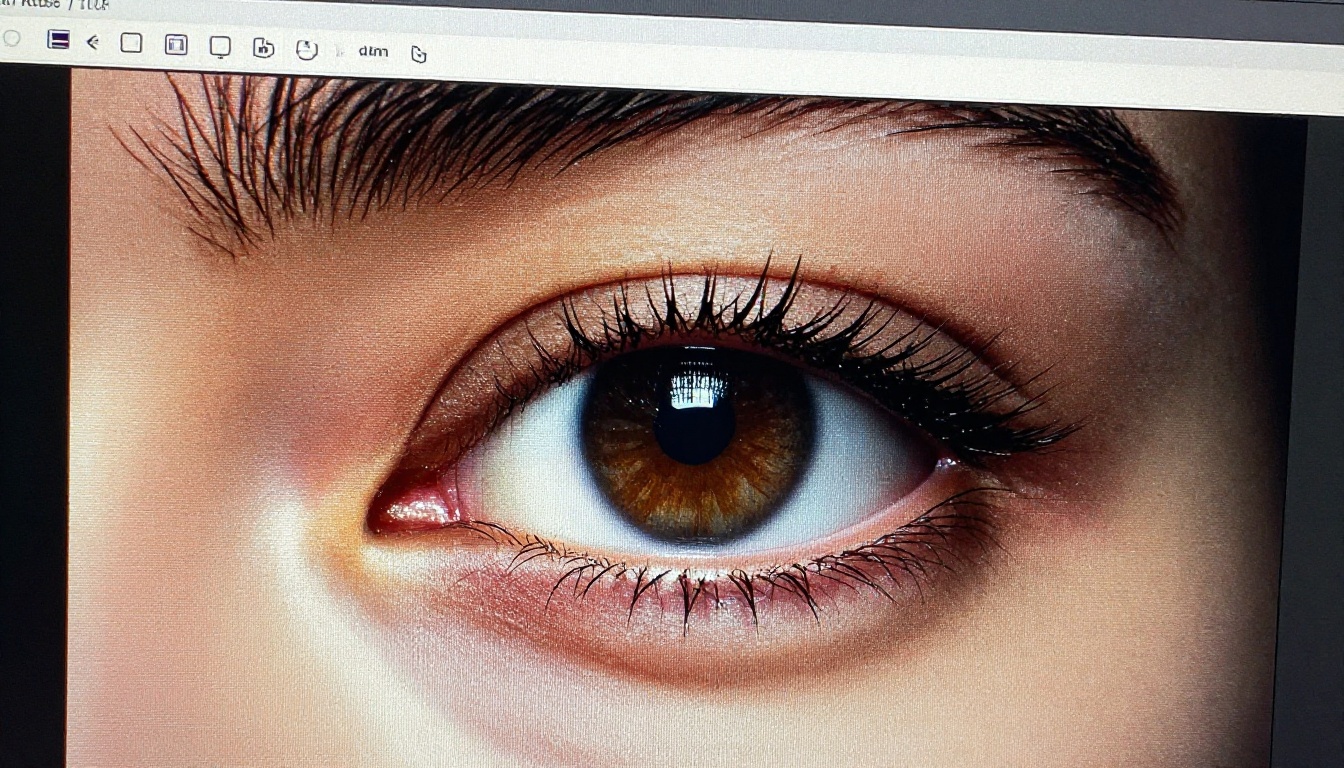
Models like Flux Dev operate at 12 billion parameters and handle 1-megapixel generation as their default output. What makes this meaningful is not just the pixel count. It is the fact that fine details, fabric textures, individual strands of hair, and subtle lighting gradients survive the generation process intact.
What Sharp Output Actually Means for Creators
Sharpness at generation time means less post-processing. When an AI image is clean enough to use directly, the workflow collapses from three or four steps (generate, upscale, retouch, export) to one. That compression of effort is what professional teams actually care about when they evaluate these tools.
💡 Tip: When generating images for commercial use, always export at maximum resolution and avoid the temptation to downscale at prompt time. The difference in quality is significant.

Speed Without Sacrificing Quality
Until recently, quality and speed in AI image generation were in direct tension. Better images took longer. Faster generation meant rougher output. That tradeoff has largely collapsed.
Why 4-Step Models Changed Everything
Traditional diffusion models required 50 or more denoising steps to produce a clean image. Each step added generation time. The development of distilled models, trained to replicate the output of their heavier counterparts in a fraction of the steps, broke this tradeoff entirely.
Flux Schnell generates a 1-megapixel image in four denoising steps and completes in under five seconds. For workflows that involve dozens of prompt iterations, the difference between a five-second generation and a 30-second one is not cosmetic. It changes how people actually work, allowing rapid visual iteration that was previously impractical.
| Model | Steps | Speed | Best For |
|---|
| Flux Schnell | 4 | Under 5s | Fast iteration, concept drafting |
| Flux Dev | 28-50 | 15-30s | High-fidelity output, detail work |
| Flux 1.1 Pro | Optimized | Seconds | Precise prompting, diverse outputs |
| Stable Diffusion | 50 | Variable | Custom control, scheduler tuning |
Real-Time Generation Is Now Practical
The 4-step distillation breakthrough set off a race toward real-time generation. Several research groups have demonstrated generation at interactive frame rates under controlled conditions. While that is not yet available in standard consumer tools, the trajectory is clear. The models generating images in seconds today will generate them in milliseconds within a short timeframe.
For content professionals, this shift matters most in iterative workflows, where seeing results instantly means staying in a creative flow state rather than context-switching while waiting for a render.
The 3 Biggest Shifts Coming to Text-to-Image
The improvements in resolution and speed are already here. The next wave of meaningful changes is focused on three specific problems that even the best current models still struggle with.
Consistency Across Multiple Images
Ask any model to generate the same character in two different poses and you will get two images that look like different people. This is the consistency problem, and it remains one of the most actively worked-on challenges in the field.
Several approaches are converging on a solution. Reference image inputs, ControlNet-style pose conditioning, and adapter methods like LoRA allow models to anchor character appearance across generations. These are not perfect, but they are meaningfully better than what was possible 18 months ago. The models arriving now show increasing support for these controls natively.
💡 Tip: When you need consistent characters across a project, use seed locking plus a reference image as your source of truth. Flux Dev supports both img2img mode and fixed seeds, making it well-suited for this kind of iterative work.
Precise Anatomy and Spatial Control
Hands, feet, and complex spatial arrangements remain the most visible failure mode in AI image generation. The reason is structural: diffusion models learn statistical patterns from training data rather than understanding anatomy the way a trained illustrator does.
ControlNet-style pose conditioning is the main mitigation. By providing a skeleton or depth map as a structural anchor, you constrain the model's compositional decisions to a defined spatial layout. Output quality with pose control active is substantially better than with prompts alone.
The incoming generation of models is being trained with more structured spatial data, which should reduce the frequency of these errors at the base model level, without requiring pose inputs for every generation.
Precise Text Rendering in Images
Readable text inside generated images has historically been one of the clearest markers of AI output. Most models garble letters, invent characters, or produce plausible-looking but illegible words.
Ideogram v2 was specifically built to address this. It renders legible text inside images, including signs, labels, and headlines, by training on datasets that explicitly pair text in images with accurate ground truth. The result is a model that can produce a poster with a readable title or a storefront with the correct words, without a separate text overlay step.
This capability is becoming increasingly common across models, as the training and architectural approaches that enabled it are now well understood and being adopted more broadly.
The most instructive way to see where AI image generation is heading is to look at where professional teams are already using it seriously, not experimentally.
Product Photography Workflows
E-commerce teams were early adopters. The use case is simple: photograph a product against a clean background, then use AI to place it in any setting, season, or environment without a studio shoot. What changed recently is that the quality of these composites has become high enough to pass visual review at scale.
Inpainting tools allow teams to swap backgrounds, fix lighting inconsistencies, and remove objects from existing product shots. Outpainting extends a composed image beyond its original frame to fit different platform aspect ratios. These are not conceptual capabilities sitting in a research paper. They are in active production use across major retail brands.
Brand and Marketing Asset Creation
Social media teams are using AI image generation to produce platform-specific assets at a volume that was previously impossible without large creative departments. A single product description can spin out into a dozen distinct visual directions in the time it takes to brief a photographer.
The bottleneck has shifted from image production to image selection. Teams generate fifty options and curate five. The editorial judgment of the creative director matters more now, not less, because the raw production constraint has been removed.

Models Worth Watching Right Now
Choosing a model is a practical decision, not a philosophical one. Each model has specific strengths, and matching those strengths to the task produces better results than picking one model for everything.
Flux Dev: Detail Work at Scale
Flux Dev is a 12-billion parameter model built for high-fidelity output. It supports both text-to-image and img2img workflows, handles 11 aspect ratios, and allows seed-locked iteration for consistent results. When the task requires maximum detail and the time budget allows for 15-30 second generations, this is the model to reach for.
Its guidance parameter lets you dial between strict prompt adherence and more compositional freedom. Setting it higher produces more literal interpretations of complex prompts. Lower values produce more visually interesting but less controlled results.
Flux Schnell: When Speed Is the Constraint
Flux Schnell produces clean 1-megapixel images in under five seconds at four denoising steps. On PicassoIA it runs without credit caps or generation limits, meaning you can run 50 variations in a single sitting without tracking usage.
For concept drafting, rapid client-facing mood boards, or any workflow that requires high iteration volume, Schnell is the practical choice. Quality holds up well for most commercial uses, with the primary tradeoff being slightly less fine-grained detail compared to Flux Dev at its maximum settings.
Flux 1.1 Pro: Precise Prompt Adherence
Flux 1.1 Pro reads prompts closely and reflects specific compositional details, lighting descriptions, and subject elements with high accuracy. Its image prompt input allows you to steer composition using a reference image alongside your text, which is useful when you have a defined visual direction to match.
The optional prompt expansion feature adds creative variety when you want results beyond your initial wording. It fits best into professional production workflows where prompt control and output predictability matter more than raw speed.
Ideogram v2: When Your Image Needs Words
Ideogram v2 solves the text rendering problem. Posters, labels, signage, and branded creatives that include readable text no longer require a separate editing pass. The model accepts a plain prompt, including the exact words you want displayed, and renders them legibly in the scene.
Its inpainting capability is precise. Upload an image with a black-and-white mask, and the model fills only the masked area while leaving everything else intact. Style presets including Realistic, Anime, and Render 3D let you control the visual tone without rewriting your prompt each time.
Stable Diffusion: Maximum Parameter Control
Stable Diffusion remains the most controllable option for users who want to tune every aspect of the generation process. Six scheduler options, negative prompt support, and an adjustable guidance scale give you levers that more opinionated models do not expose.
For users who have built workflows around specific scheduler behaviors or who are running structured prompt experiments with repeatable conditions, Stable Diffusion's explicit control surface is a genuine advantage.
How to Use Flux Dev on PicassoIA
Since Flux Dev is one of the highest-performing models on PicassoIA, here is a direct walkthrough of how to get the best results from it.
Step-by-Step Prompt Setup
Step 1. Open Flux Dev on PicassoIA in your browser. No account setup or software installation required.
Step 2. Write your prompt in the text field. Be specific about subject, lighting direction, camera angle, and environment. Vague prompts produce vague results. A prompt like "woman in a park" produces far weaker output than "a woman in her 30s walking through a sun-dappled maple forest in early October, dappled light through the canopy, 85mm lens, shallow depth of field."
Step 3. Set your aspect ratio. Flux Dev supports 11 options including 16:9 for landscape banners, 9:16 for social stories, and 4:5 for portrait social posts. Match the ratio to your platform before generating, not after.
Step 4. Choose your mode. Go Fast runs an fp8-quantized version of the model for faster output. Disable it when maximum fidelity is required.
Step 5. Set inference steps between 28 and 50. More steps produce sharper images at the cost of generation time. For most uses, 28 steps produce excellent results.
Step 6. If you want reproducible results, set a fixed seed. This lets you iterate on prompt wording while keeping the compositional starting point stable.
Aspect Ratio and Export Settings
| Platform | Recommended Ratio | Format |
|---|
| Blog Header | 16:9 | JPG or WebP |
| Instagram Post | 4:5 | WebP |
| Twitter/X Header | 3:1 | JPG |
| Story or Reel | 9:16 | WebP |
| Product Square | 1:1 | PNG |
💡 Tip: For product mockups and images that need clean edges, export as PNG. For everything else, WebP at 80 quality gives the best balance of file size and visual clarity.

Start Creating on PicassoIA Now
The generation quality of a model and the platform you run it on are two separate things. Even the best model produces worse results when the platform throttles it, adds compression on export, or wraps it in a confusing interface.
PicassoIA runs Flux Dev, Flux Schnell, Flux 1.1 Pro, Ideogram v2, Stable Diffusion, and over 90 additional text-to-image models with no credit caps or watermarks. You generate, download a clean file, and use it. There is no per-image cost tracking, no subscription tier gatekeeping specific models, and no watermarks on exports.
The platform also supports super-resolution upscaling, background removal, face swap, inpainting, outpainting, and video generation, so the workflow from initial image to final asset stays in one place. As AI image models continue to improve, PicassoIA adds them directly. The lineup available today at picassoia.com/en/all-models reflects the current state of the art, not a six-month-old snapshot.
The best time to get comfortable with these tools is now, before they become a baseline professional skill. Pick one model, generate a hundred images, and pay attention to where it surprises you. That is how you build an intuition for what these tools can do, and how you position yourself to use the next generation of models when they arrive.


