Bigger is not always better. That's the premise most AI users accept in theory but ignore in practice, defaulting to the largest available model every time because it feels safer. The problem is that heavier models carry real costs: slower generation, higher compute overhead, and in many workflows, no meaningful quality improvement over a well-optimized smaller alternative. Seedream 5 Lite is designed precisely for these moments. It outputs 2K and 3K resolution images from text prompts with reference-based editing, sequential generation, and built-in reasoning at a fraction of the weight of full-scale models. The question isn't whether it's "good enough." The question is whether your project actually needs what bigger models offer, and whether that difference is worth what it costs you in time and money.
What "Lite" Actually Means in AI Image Models
The word "lite" in AI models often signals a cut-down product, a stripped-back version that saves you time at the expense of output quality. That association is outdated. Modern lite architectures use techniques like knowledge distillation, parameter pruning, and architecture optimization to preserve the most valuable capabilities while removing redundancy. The result is a model that operates faster and at lower cost without proportional quality loss. This is not a compromise. It is an engineering choice made deliberately to prioritize the use cases where performance-per-compute-dollar matters most.
Parameters vs. Performance
Parameter count gets treated as a proxy for quality, but it's a rough one. A 100-billion-parameter model trained on a narrow dataset will underperform a well-trained 7-billion-parameter model on general tasks. What matters more is training data quality, fine-tuning methodology, and task alignment. Seedream 5 Lite focuses its architecture on photorealistic and prompt-accurate image generation specifically, which means its parameter budget goes toward what actually matters for that output type. The model doesn't waste capacity on capabilities irrelevant to its core task.
The Speed-Quality Tradeoff Is Not Linear
More compute does not produce proportionally better images past a certain threshold. In controlled comparisons across standard creative tasks, output from lean models like Seedream 5 Lite and output from full-scale alternatives are visually indistinguishable for most real-world applications. The gap narrows further when you're working at 2K resolution, where pixel-level differences require a magnifying glass to observe. The gap widens only in edge cases: extreme stylistic abstraction, highly complex multi-subject scenes, and very specific artistic rendering modes that a lite model has seen less of during training.

Seedream 5 Lite's Actual Strengths
Before you can decide when to use it, you need to know exactly what it brings. These aren't marketing points. These are functional capabilities that translate into specific workflow advantages.
2K and 3K Resolution Without the Weight
Most lite models cap output at 512px or 1024px and rely on post-processing super-resolution to hit larger sizes. Seedream 5 Lite renders natively at 2048px (2K) or 3072px (3K) from the initial generation. That matters because native resolution output retains fine texture details, sharp edges, and accurate color transitions that upscaling algorithms approximate rather than preserve. For print work, editorial use, or client deliverables, native 2K is a substantive advantage that separates this model from typical lite alternatives in its class.
Reference-Based Editing Built In
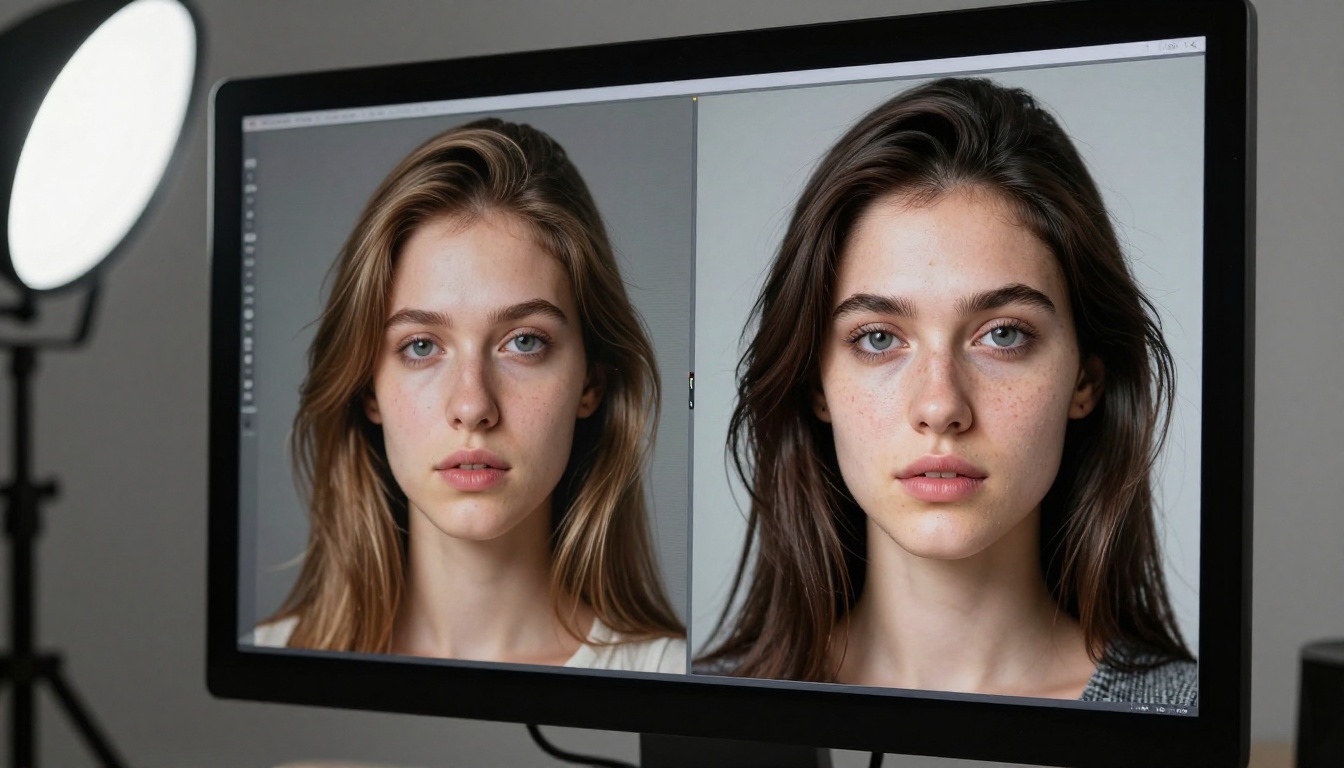
One feature that typically requires separate tooling is reference-based control: uploading existing images to steer the output toward a specific style, subject, or composition. Seedream 5 Lite accepts between one and fourteen reference images natively, meaning you can match a brand's visual identity, recreate a specific subject in a new setting, or maintain stylistic consistency across a series without leaving the generation interface. This alone eliminates several workflow steps that would otherwise require a separate image editing tool.
Sequential Generation in One Session
Producing related image sets typically requires running a model multiple times with prompt variations, then manually curating for consistency. The sequential generation mode in Seedream 5 Lite lets the model produce up to fifteen related images in a single run, automatically maintaining thematic and stylistic coherence. This is directly useful for character variation sets, scene progressions, social media content batches, and product photography series. It collapses a multi-hour workflow into a single generation session.
Note: Sequential mode pairs well with a well-written initial prompt. The model uses the first generation as an implicit style reference for subsequent outputs. Invest time in the first prompt and the rest of the set benefits automatically.
Built-In Reasoning for Complex Prompts
Unlike simpler generators that clip long prompts or misinterpret multi-clause descriptions, Seedream 5 Lite applies built-in reasoning to interpret detailed descriptions holistically. A prompt describing a specific lighting setup, subject posture, background environment, and color palette will produce an image that reflects each element rather than averaging them into something generic. This is especially valuable for commercial briefs where precise visual specifications matter.
Where Bigger Models Actually Win
Honesty matters here. There are real scenarios where a heavier model will outperform Seedream 5 Lite, and knowing them helps you make the right call rather than assuming lite is always sufficient.
When Detail Density Is the Product
Fine art prints, high-end fashion editorial photography simulations, and scientific illustration often demand extraordinary detail density: every pore, every fiber, every surface micro-texture rendered at maximum fidelity. Full-scale models with higher parameter counts have more capacity to synthesize convincing micro-detail in complex scenes. If the image itself is the deliverable and it will be viewed at 1:1 pixel resolution at 300 DPI under scrutiny, a larger model may produce a marginally more credible result in very specific texture categories.
Rare Artistic Styles and Unconventional Rendering
Models trained on broader, larger datasets have seen more examples of niche visual styles: specific historical painting techniques, obscure film stock simulations, unusual mixed-media aesthetics. If your project requires a very specific stylistic register that sits well outside mainstream photography and illustration, a larger model has a better statistical chance of producing something on-target from a cold prompt alone. That said, Seedream 5 Lite handles this case reasonably well when you provide reference images to anchor the style.

Extreme Multi-Subject Scene Complexity
A prompt asking for eight distinct characters in a scene with accurate spatial relationships, realistic lighting interaction, and individual costume detail is a demanding test for any model. Larger models handle this better because they have more capacity to track multiple independent semantic objects simultaneously without one bleeding into another. For single-subject and two-subject compositions, this distinction effectively disappears and lite models perform at parity.
5 Scenarios Where the Lite Model Wins
These aren't theoretical. These are the exact situations where choosing Seedream 5 Lite over a larger alternative is the objectively smarter call, based on real workflow requirements.
1. Content Creation at Scale
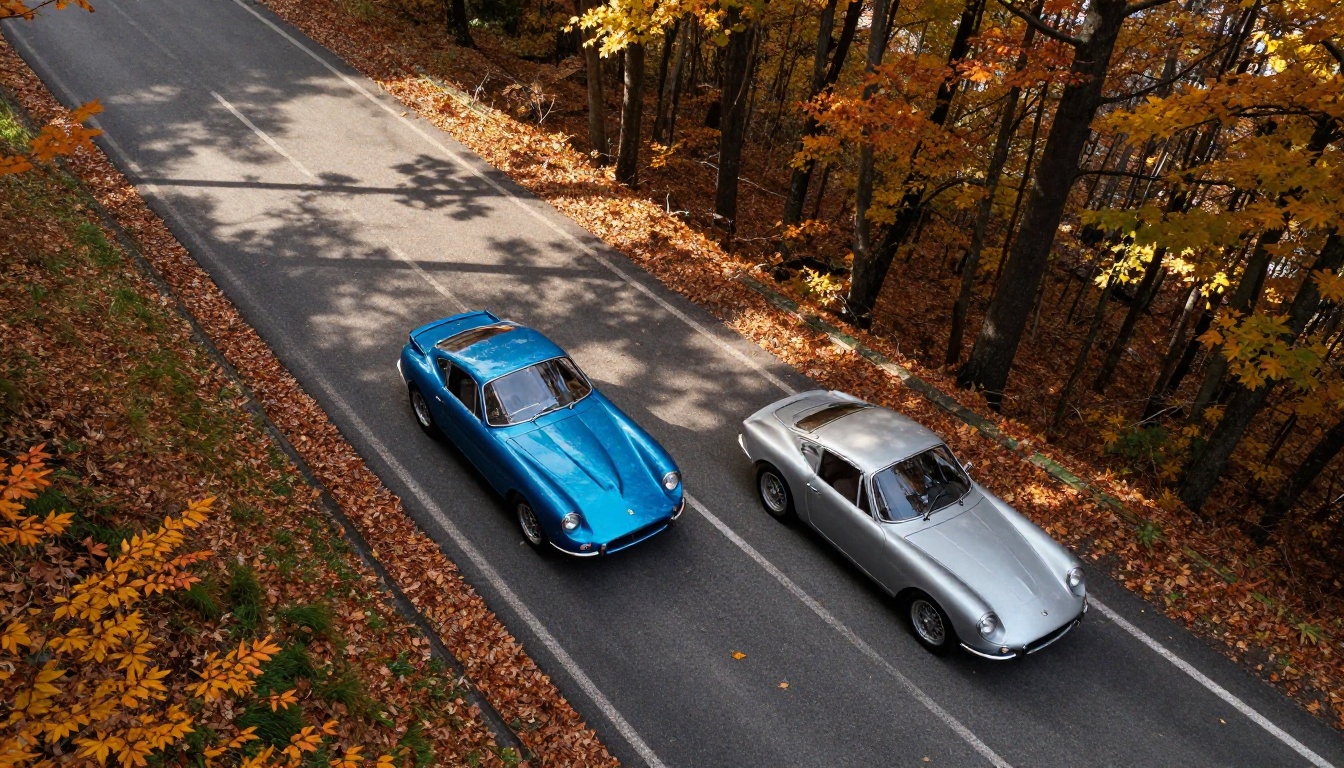
Social media managers, newsletter producers, and content agencies need volume. When you're generating 30 to 50 images per week across multiple clients or channels, generation speed and cost efficiency matter more than marginal quality gains visible only on close inspection. Seedream 5 Lite runs faster, costs less per generation, and through sequential mode can produce matching sets automatically. At scale, those advantages compound into hours of saved time and significantly lower operating costs per month.
2. Rapid Client Prototyping
When presenting visual concepts to clients before final asset production, you need something good enough to communicate the idea while iterating quickly. Clients don't evaluate prototypes at 300 DPI; they evaluate whether the concept feels right for their brand. A fast lite model lets you run twenty prompt variations in the time a heavy model takes to process five, which means more options on the table, faster alignment, and less billable time spent watching a progress bar.
3. Budget-Constrained Projects
Independent creators, small businesses, and freelancers working without enterprise compute budgets benefit directly from lite model efficiency. If you're paying per generation or per compute minute, the arithmetic is straightforward: more generations per dollar means more creative latitude. The quality available in Seedream 5 Lite at 2K resolution is indistinguishable from larger alternatives for 90% of commercial use cases. You're not paying a quality penalty; you're just not paying for capacity you don't need.
4. Standard Product Photography
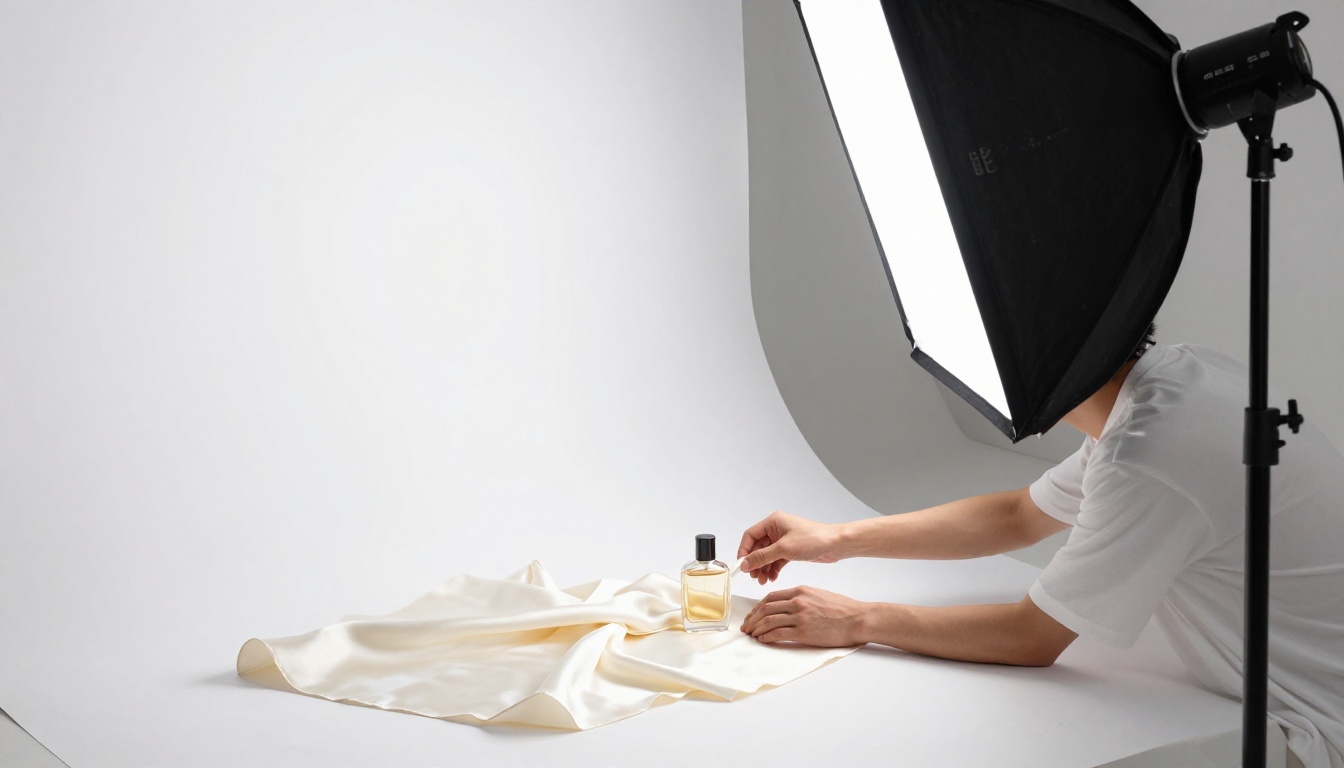
Product shots on clean backgrounds with controlled lighting are among the most predictable image generation tasks. The compositional requirements are simple, the subject count is low, and the aesthetic standard is well-defined. This is exactly the type of task where a well-trained lite model performs at parity with or better than larger alternatives. Seedream 5 Lite handles this category extremely well, producing clean product mockups, lifestyle photography, and packaging visuals that are client-ready without further editing.
5. Iterative Prompt Development
When you're still writing and refining your prompt, running a heavy model on each iteration wastes time and compute. Use Seedream 5 Lite during the iteration phase to get fast feedback on whether your prompt is producing the compositional intent you want. Once your prompt is dialed in and you know exactly what you're building, you can optionally switch to a heavier model for the final render if that step is genuinely necessary. In practice, most projects stop at the lite stage because the output is already usable.
Lite vs. Full Models: An Honest Comparison
| Factor | Seedream 5 Lite | Full-Scale Models |
|---|
| Native resolution | Up to 3K | Up to 3K+ |
| Generation speed | Faster | Slower |
| Cost per image | Lower | Higher |
| Reference image inputs | 1 to 14 images | Varies |
| Sequential generation | Up to 15 images | Varies |
| Complex multi-subject scenes | Good | Better |
| Rare artistic styles | Good | Better |
| Standard photography tasks | Excellent | Excellent |
| Prompt iteration cycles | Ideal | Slow |
| Content volume workflows | Ideal | Costly |
Practical rule: If your use case falls into the "Excellent" or "Ideal" column for Seedream 5 Lite, you don't need a bigger model. If it falls into a "Better" row for full-scale, evaluate whether that marginal gain justifies the tradeoff in time and cost before committing.
Also worth noting: Seedream 3, the previous generation from the same family, remains a solid option for projects where 2K resolution is the ceiling and you want a stable, well-tested generation baseline with an adjustable guidance scale control. It produces 1 megapixel output by default and 2K with the "big" preset, and it handles standard creative tasks reliably.
How to Use Seedream 5 Lite on PicassoIA
Seedream 5 Lite is available directly on PicassoIA, with no API key or code setup required. The workflow from prompt to downloadable 2K image takes under two minutes once you know what you're doing.
Step 1: Open the Model
Go to Seedream 5 Lite on PicassoIA. The interface loads with the prompt field immediately visible. No account is required to try the model, though saving and downloading full-resolution output benefits from creating a free account. The model loads fast and the interface stays out of your way.
Step 2: Write a Specific Prompt
The model applies built-in reasoning that interprets complex, multi-clause descriptions accurately. Don't compress your prompt into three words. Instead, describe the subject, the environment, the lighting direction, and the mood explicitly:
"A woman in a tailored charcoal blazer standing at a floor-to-ceiling window in a minimalist office, morning light from the left, shallow depth of field, film grain, 85mm lens"
More detail produces more on-target results. The model handles long prompts without quality degradation, so specificity is always rewarded over brevity when the scene is complex.
Step 3: Configure Your Parameters
- Resolution: Choose 2K for standard web and social use, 3K for print and large-format work.
- Aspect Ratio: 16:9 for widescreen, 9:16 for mobile portrait, 1:1 for square social posts, 21:9 for cinematic widescreen.
- Reference Images: Upload 1 to 14 reference images to match a specific visual style, subject appearance, or composition structure. This is the most powerful parameter for brand consistency.
- Sequential Mode: Enable "auto" if you need a set of related images in one session. Set
max_images to control how many the model produces, up to 15 total.
- Output Format: PNG for maximum quality files, JPEG for smaller file sizes where lossless is not required.

Step 4: Generate and Review
Click generate. The model produces your image natively at the selected resolution. Review it in the interface, download as PNG or JPEG, and either publish directly or continue iterating on the prompt. If the composition is correct but you need a different lighting angle or color treatment, adjust the prompt description rather than reaching for post-processing software. The model is responsive enough to iterate quickly without that step.
Step 5: Build Sets with Sequential Mode
If you're producing a visual series, switch sequential generation to "auto" and set max_images between 3 and 15. Write a detailed anchor prompt that describes the consistent elements across the set (subject appearance, visual style, lighting character) and notes the variable elements (pose, setting, scene context). The model interprets this holistically and produces a coherent set in one generation pass.
Workflow tip for brand content: Upload your existing brand photography as reference images before generating. The model uses them to match your established visual language across new outputs without any manual style transfer steps. This is the fastest way to produce on-brand imagery at volume.
Start Creating with Seedream 5 Lite
The scenarios above cover the majority of real creative and commercial workflows. If your project involves standard photography styles, content volume, rapid iteration, or budget awareness, Seedream 5 Lite is not a compromise. It is the right tool for the job, built for exactly this type of work.
The fastest way to verify this for your own use case is to run a prompt. Open Seedream 5 Lite on PicassoIA, write a detailed description of what you need, set your resolution to 2K, and generate. Compare the result with what you'd expect from a heavier alternative. In most cases, the output quality will be exactly what you needed. In the cases where it isn't, you now have a clear mental framework for exactly why a larger model would help and whether that difference justifies the added time and cost.
Both Seedream 5 Lite and Seedream 3 are available on PicassoIA with no setup. Run your first prompt today and see where the quality ceiling actually sits for your specific type of work.