You typed a sentence, pressed a button, and ten seconds later a picture appeared that looked like it belonged in a magazine. That is the promise of AI art, and it is also where most beginners get stuck, because there are now dozens of tools that all claim to be the easiest, the cheapest and the best. Some hide the good stuff behind a paywall after three images. Others bury you in sliders before you have made a single picture. This article sorts through all of that so you can pick one tool, make something you like today, and know exactly what the free route will and will not give you.
The Short Answer
If you want one sentence: the best AI art generator for a beginner is the one that gives you good pictures from a plain-English sentence, needs no installation, and lets you try many variations without a tight daily cap.
In practice that points to a browser-based platform with several models in one place, because the first model you try will not always suit the picture in your head. A portrait might look best in one model and a product shot in another. Switching inside one account is far less confusing than juggling five logins.

💡 Quick pick: For fast, sharp results with almost no learning curve, start with Z Image Turbo. When you want richer detail and more realism, move up to Seedream 4.5.
What Beginners Actually Need
Most "best of" lists rank tools by raw image quality. That is the wrong yardstick for someone on day one. A tool that makes stunning pictures but demands a technical vocabulary will lose to a slightly less polished one that you can use in two minutes.
Zero Setup
You should not have to install Python, download a multi-gigabyte checkpoint or own a gaming graphics card. Open-source tools like Stable Diffusion are powerful, but running them locally is a project in itself. A hosted version removes the whole problem. If you are curious about that family of models, Stable Diffusion 3.5 Large runs straight from the browser with no setup at all.
Forgiving Prompts
A beginner writes short, vague prompts: "a dog on a beach", "a cozy room", "a woman in a red dress." A good starter tool still returns something decent from those. Newer models are much better at this than the ones from two years ago, because they read intent instead of waiting for a perfect keyword list.
Honest Free Limits
Every free plan has a ceiling. What matters is whether the ceiling is clear before you hit it. Reviews of free generators published this year disagree on exact numbers, and several quoted figures contradict each other, which is a good reason to check the current pricing page of any tool before you rely on it. Treat any specific "images per day" claim you read in a roundup as a rough hint, not a promise.
Free Options Compared
Free AI art tools fall into three broad camps. None is perfect, and each suits a different kind of beginner.
Chat-Based Assistants
Some chatbots now generate images inside the conversation. ChatGPT and Google Gemini are the best known. You describe what you want, and you can then say "make it warmer" or "remove the person on the left" in plain language. That conversational style is friendly for first-timers.
The trade-offs are control and consistency. You cannot always pick a specific model, and the free allowance can shrink during busy periods. Output tends to be good, but you are working inside whatever the assistant decides to do.
Browser Tools With Daily Credits
Services such as Leonardo, Ideogram and Playground give you a small pool of credits that refreshes on a schedule. They offer more visible controls like aspect ratio, style presets and model choice. They also come with watermarks, queues or lower resolution on the free tier in many cases, and the details change often.
This camp suits people who enjoy tinkering and do not mind a short wait. The credit system can feel stressful, though, because every failed attempt costs you something.
Model Libraries on PicassoIA
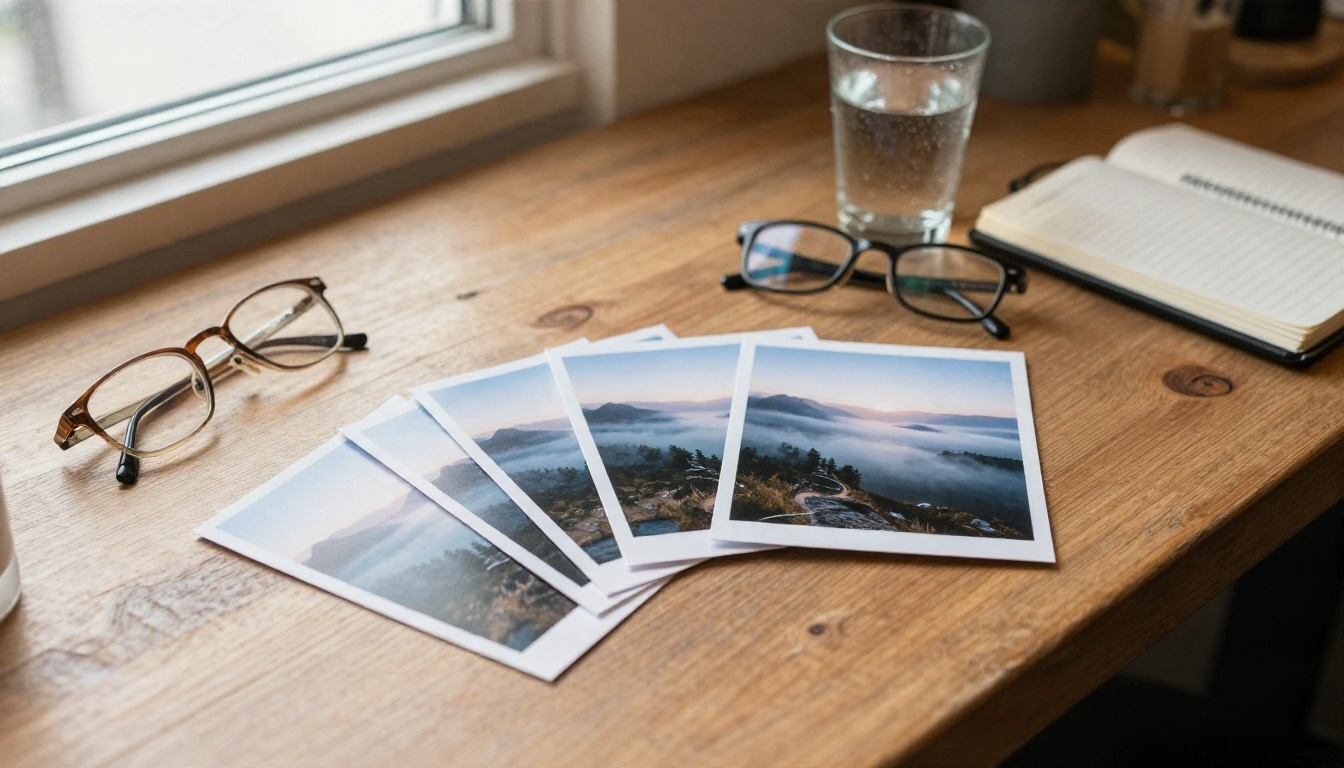
The third option is a library where many models live under one roof. On PicassoIA you can try Flux 2 Klein 4B Base, Nano Banana, Imagen 4 Fast, Ideogram v4 Balanced and many others without opening a new account for each. For a beginner this is the biggest advantage: if one model gives you a flat result, you try another with the same prompt in seconds.
Side-by-Side Table
| Type | Best for | Typical free limit | Main drawback |
|---|
| Chat assistants | Talking your way to an image | Small daily allowance that varies | Little model control |
| Credit-based web tools | People who like presets | Daily or weekly credits | Credits vanish on failed tries |
| Local open-source install | Technical users | None, runs on your own machine | Needs a strong GPU and patience |
| Multi-model library | Comparing results quickly | Varies by model | More choice can feel like a lot |
Real Examples From Simple Prompts
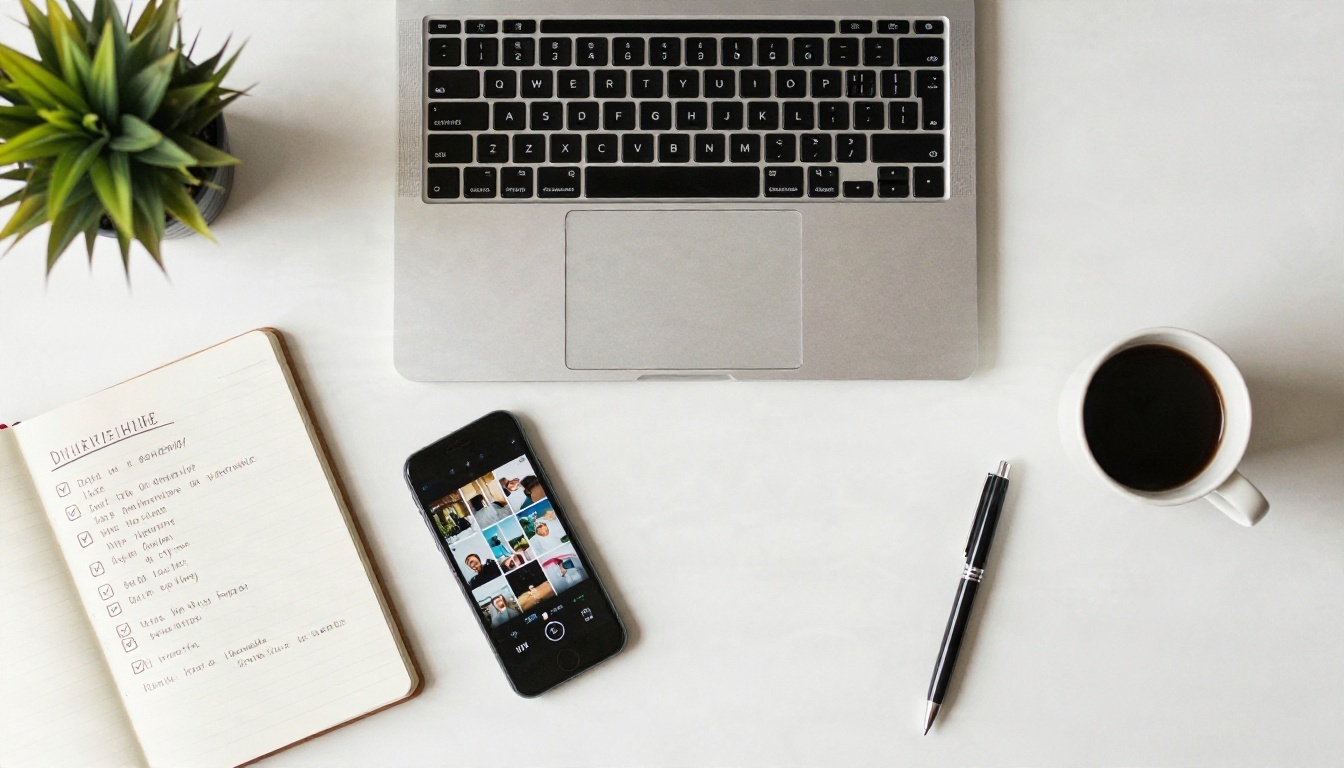
Talk is cheap, so here is what plain prompts can do. The examples below use ordinary sentences, the kind a beginner would write on day one, plus a few photographic details to steer the look.
A Wildlife Portrait
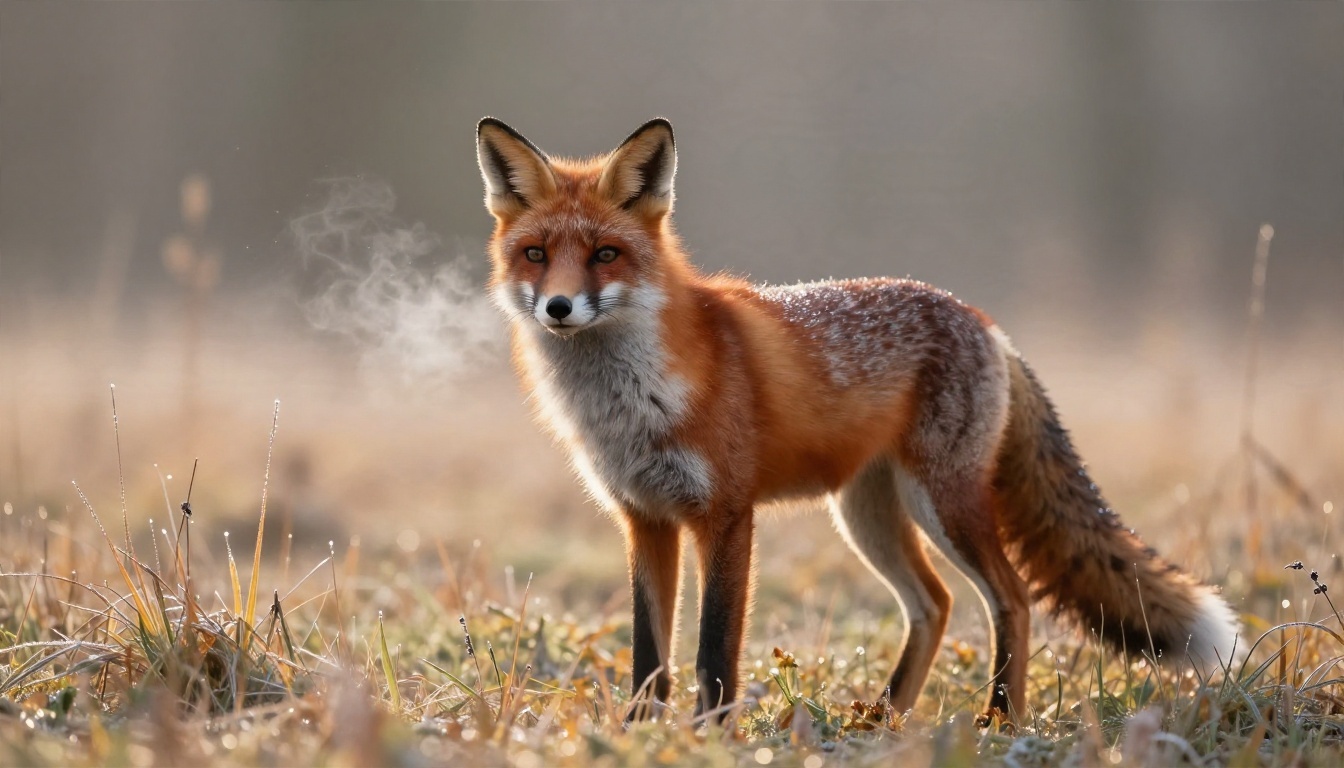
Prompt idea: "A red fox standing in a frosty meadow at dawn, golden grass, soft mist, telephoto lens, natural colors."
Notice what carries the picture: the subject, the place, the time of day and a lens hint. Four short pieces, no jargon. Models trained on photographic data respond well to camera language because it narrows down what "realistic" should look like.
A Food and Lifestyle Scene
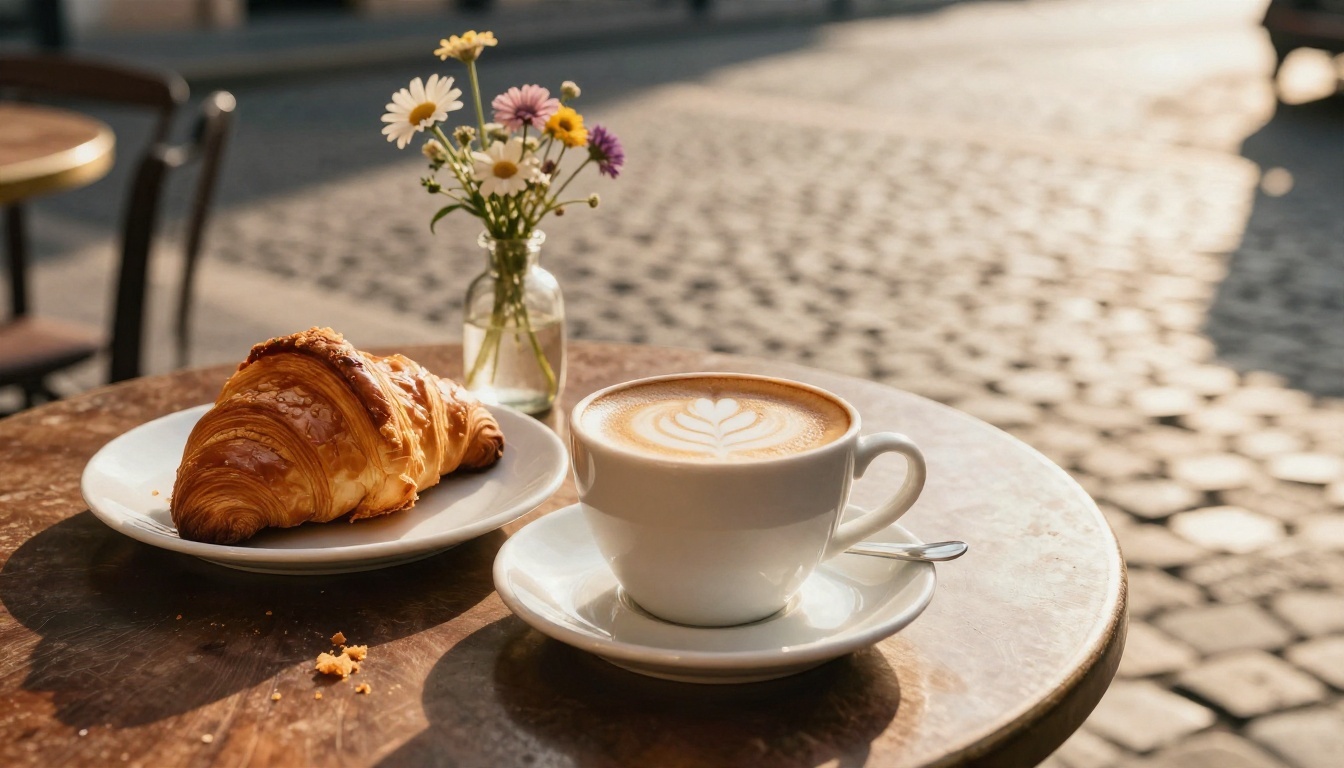
Prompt idea: "A cappuccino with latte art and a croissant on a cafe terrace table, warm morning sun, cobblestone street blurred behind, shallow depth of field."
Food is a great first test because it exposes weaknesses quickly. Foam texture, flaky layers and glazed ceramic are hard to fake. If a model handles them, it will probably handle most everyday subjects.
A Person Holding a Tablet
Prompt idea: "A smiling woman in her sixties with silver hair holding a tablet in a cozy living room, afternoon window light, 85mm lens."
People are the toughest subject for any generator, because we notice small errors in faces and hands immediately. If you want faces that hold up, try Seedream 4.5 or Qwen Image 3 Pro, both known for photographic realism.

💡 Prompt formula that works: subject + setting + light + lens + mood. "A fox, frosty meadow, dawn backlight, 200mm lens, calm." You can write it in one breath.
The Limits Nobody Mentions
Free AI art is genuinely useful, but the marketing skips the awkward parts. Knowing them up front saves you a lot of frustration.
Daily Caps and Watermarks
Almost every hosted tool limits how many images you can make for free. Some add a watermark, some lower the resolution, and some put you in a slower queue. There is no mainstream service with truly unlimited free generation across all its models, so plan for a cap and spend your free pictures wisely: write a careful prompt, generate a small batch, and pick the best one.
Hands, Text and Fine Detail
Even strong models still slip now and then. Fingers can merge, a sign can turn into gibberish, and small items such as jewelry or watch faces can look odd. The fixes are simple:
- Keep hands out of frame or partly hidden when it is not essential.
- Use a model built for lettering when you need words in the picture. Ideogram v4 Quality is a good place to start.
- Generate four or five versions and pick the cleanest.
- Fix small flaws afterward with an editing model instead of rewriting the whole prompt.
Commercial Use Rules
This is the limit that surprises people most. Free tiers often come with restrictions on commercial use. One large provider's terms, for example, keep free-tier output to personal, non-commercial use. If you plan to put pictures on a product, a book cover or client work, read the license of the exact tool and plan you are using. Do not assume.
Picking Your First Model
Instead of choosing a brand, choose a job. Different models shine at different things.
For Speed
Z Image Turbo and Nano Banana 2 Lite are built to return results quickly. They suit brainstorming, because you can run ten rough ideas in the time a slower model makes two.
For Realism
Seedream 4.5 and Imagen 4 lean toward photographic output with natural skin, believable lighting and clean fabric textures. When you want a picture that passes for a photo, they are strong choices. For even more fine detail, Imagen 4 Ultra pushes sharpness further.
For Editing and Fixes
Generating is only half the work. Sooner or later you will want to change a color, remove an object or fix a face. Nano Banana handles prompt-based edits well, and PicassoIA Image Editor Pro is an online photo editor with unlimited generations, which makes it ideal for beginners who want to experiment without watching a counter. For top-end output, Nano Banana Pro produces sharp 4K results.
Quick Model Cheat Sheet
Your First Image in Five Steps
You do not need a course. Follow this routine for your first session:
- Pick one subject. A single clear subject beats a crowded scene.
- Write one sentence. Include the subject, the place and the light, such as "a ceramic mug on a wooden desk, soft morning window light."
- Choose a fast model. Start with Z Image Turbo so mistakes cost you almost nothing.
- Change one thing at a time. Swap the light, then the angle, then the mood. If you change everything at once, you will not know what worked.
- Rerun the best prompt on a stronger model. Paste the same sentence into Seedream 4.5 and compare.
💡 Save your winners. Keep a notebook or a text file of prompts that worked. After a week you will have your own personal recipe book, and it will make your next ten images faster.
Three Common Mistakes
Writing Prompts That Are Too Long
Beginners often paste a paragraph of adjectives, hoping more words mean better results. Usually the opposite happens: the model gets confused and drops half of them. Aim for one or two sentences and add detail only when the first result is close.
Judging a Tool by One Image
A single bad result says very little. Run at least four images per prompt before deciding that a model is weak, because randomness plays a large part.
Ignoring the Free Allowance Reset
Many tools refresh credits on a daily or weekly timer. Spending everything in one burst leaves you stuck for the rest of the period. Space your sessions, and use the quick models for drafts so your best credits go to final images.

Try It Yourself Today
The fastest way to settle the question is to run the same sentence through two or three models and look at the results side by side. Choose a subject you care about, whether that is your dog, your favorite coffee spot or a landscape from your last trip, and write one plain sentence about it.
Then open Z Image Turbo for a quick draft, try Seedream 4.5 for a polished version, and use PicassoIA Image Editor Pro to adjust whatever is not quite right. In under ten minutes you will know which one feels natural to you, and that is the real answer to which generator is best for a beginner.
Ready to see what your own words can make? Head to picassoia.com/en/all-models, pick a model, type your first prompt and start creating your own images with Picasso IA today.


