The moment FLUX.2 Max dropped, something shifted. Adult AI art creators who had spent months dealing with plasticky skin and broken anatomy stopped posting complaints and started posting results. What happened? Black Forest Labs pushed its architecture to a genuinely new level of photorealism, and the adult content space noticed faster than any other community because that community depends on realism more than any other. Glamour, boudoir, and sensual art live or die on skin texture, lighting, and body proportions, and FLUX.2 Max finally delivered all three.
What Changed With FLUX.2 Max
Black Forest Labs did not simply scale up FLUX. They rebuilt the flow matching architecture from the ground up for FLUX 2, and the Max variant represents the highest-quality tier of that effort: higher resolution native output, expanded training data, and a significantly deeper denoising stack than Flux Dev or Flux Pro.
The Architecture Shift
Standard diffusion models, including SDXL and earlier FLUX variants, operate by progressively removing noise from a random tensor. What changes in the FLUX 2 family is the precision of each denoising step. The Max variant uses a larger transformer architecture with more attention heads, meaning it can hold more coherent global structure (anatomy, proportions, background consistency) while simultaneously resolving fine local details (pores, hair strands, fabric weave).
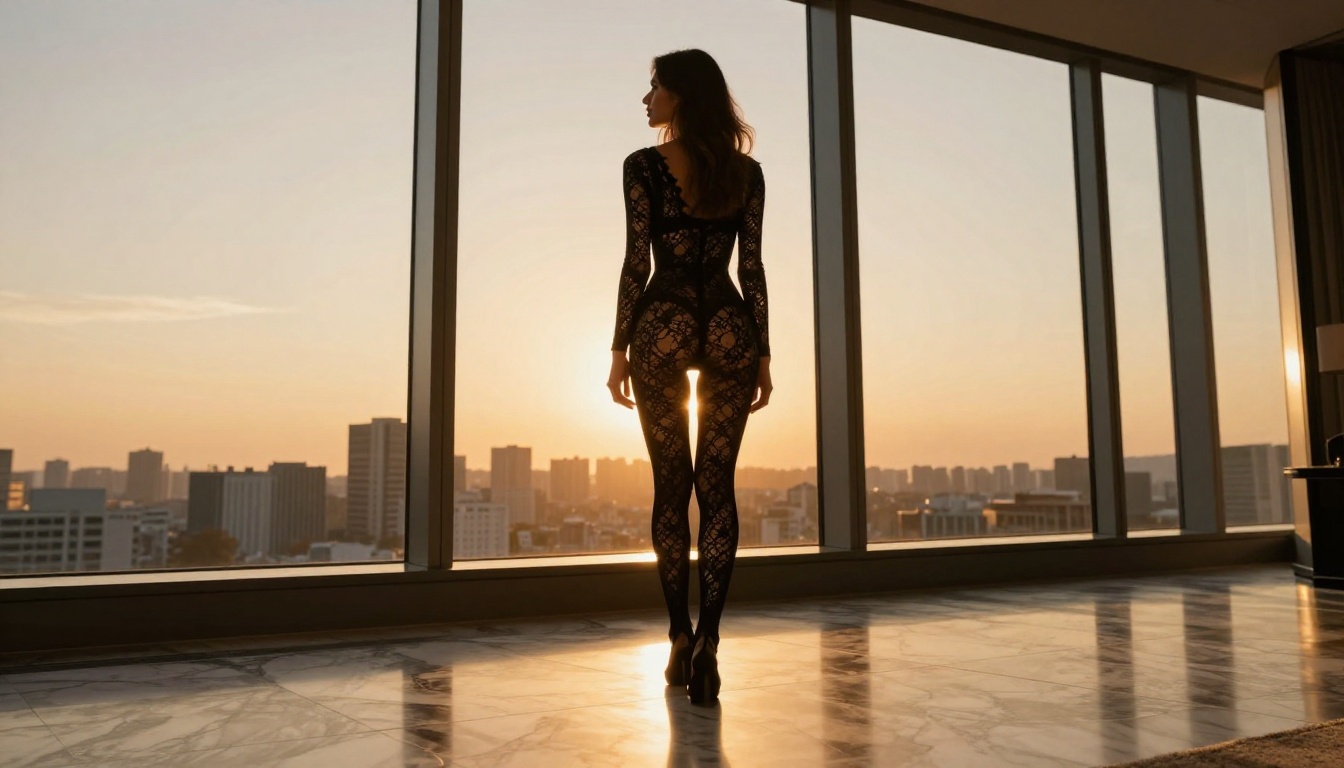
💡 What this means in practice: When you ask for a woman in a lace bodysuit against a window, older models pick one to nail and sacrifice the other. FLUX.2 Max handles both in the same pass.
Why Photorealism Matters in Adult Content
Other art styles forgive imperfections. Fantasy illustration has stylized anatomy. Anime has a defined aesthetic that masks errors. Adult art based on realistic photography does not have that cushion. The viewer's eye immediately detects off proportions, wrong skin translucency, or lighting that does not match the claimed scene. This is precisely why the adult AI art community adopted FLUX.2 Max at a speed other communities did not: the improvement in realism hit exactly where the pain was.
The Quality Gap Nobody Talks About
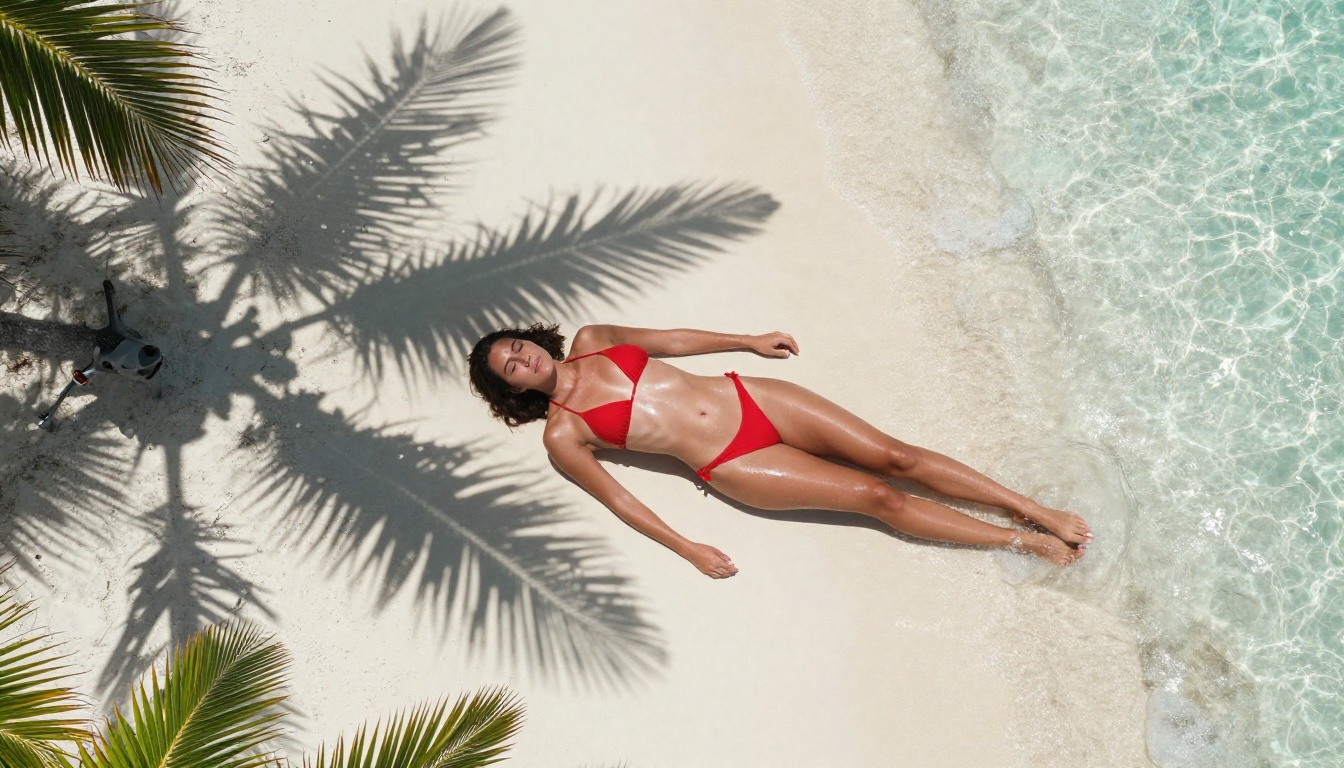
Side-by-side comparisons between FLUX.2 Max and previous generation models tell the story in seconds. But the specific differences are worth breaking down because they are not random improvements; they are systematic.
Skin Texture Rendering
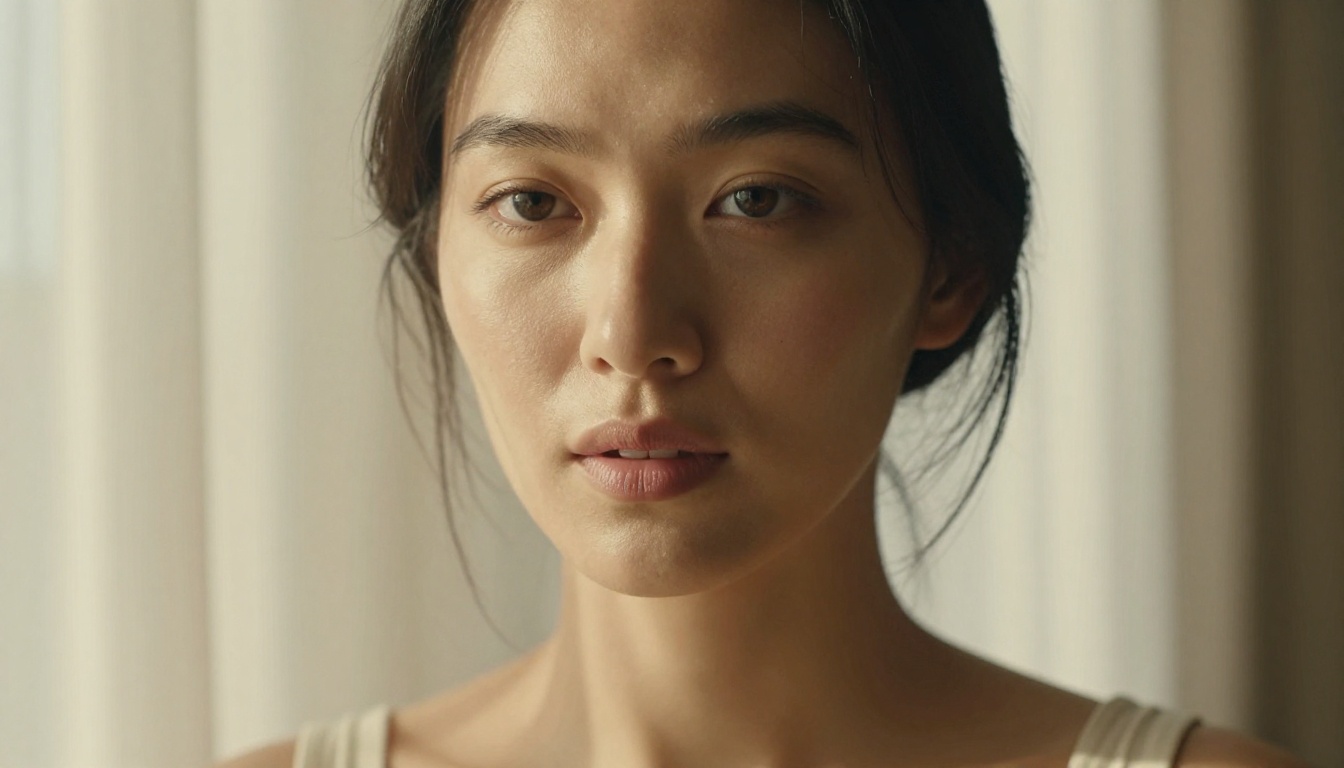
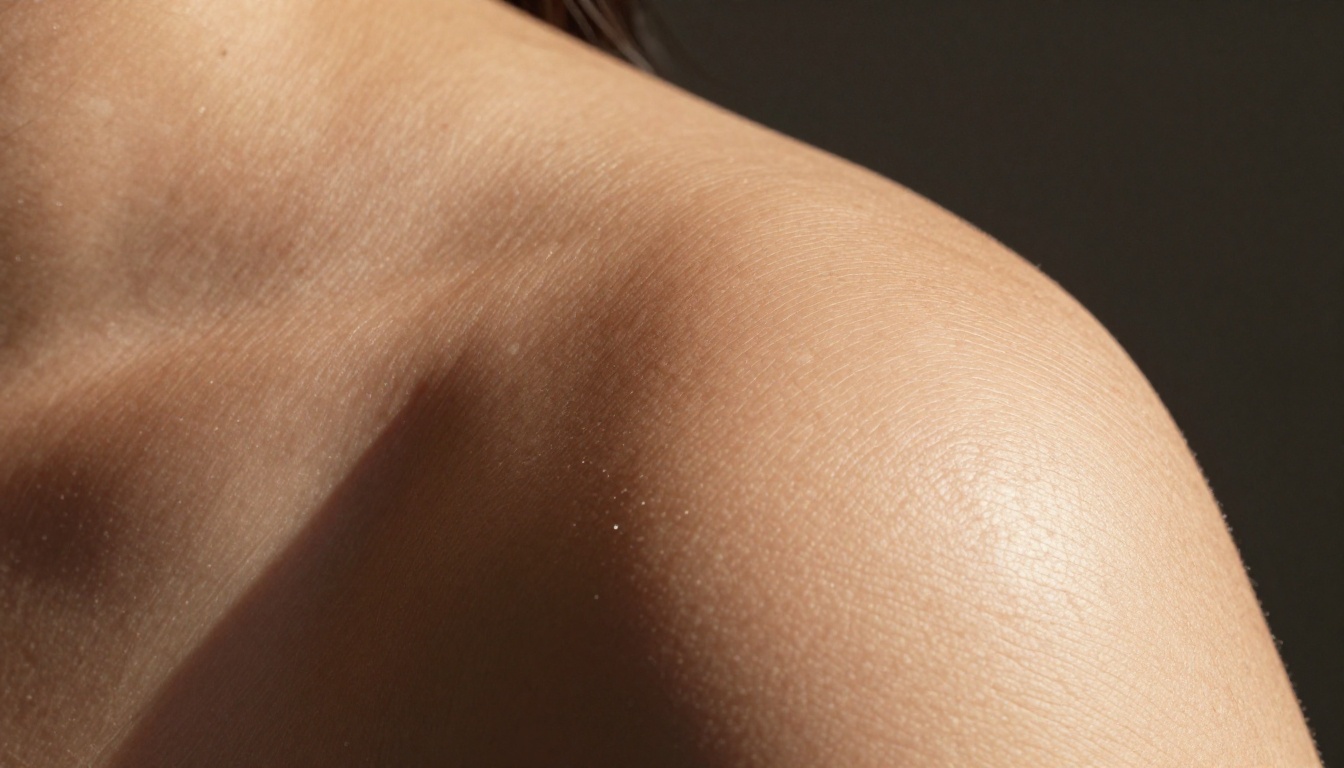
Pre-FLUX 2 models treated skin as a semi-matte surface with a noise layer added for realism. The result looked like skin, but it looked like skin that had been photographed through a slightly soft-focus lens and then had grain added in post. FLUX.2 Max generates skin as a complex subsurface scattering material with visible micro-level variation: pores that catch raking light differently from surrounding smooth dermis, fine vellus hair that creates a slight surface haze, color variation across cheeks, nose, and forehead that matches real human skin tone distribution.
The difference becomes visible the moment you zoom in to 100%. With older models, zooming reveals the noise layer. With FLUX.2 Max, zooming reveals actual texture detail that was there all along.
Lighting and Shadow
Getting lighting right in adult art is not optional. Boudoir photography, swimwear photography, and artistic glamour all depend on precise lighting direction, soft shadow gradients, and the way light wraps around curved surfaces. Earlier models often produced lighting that was globally consistent but locally wrong, meaning the broad strokes were correct but shadows fell from the wrong direction on individual body parts.
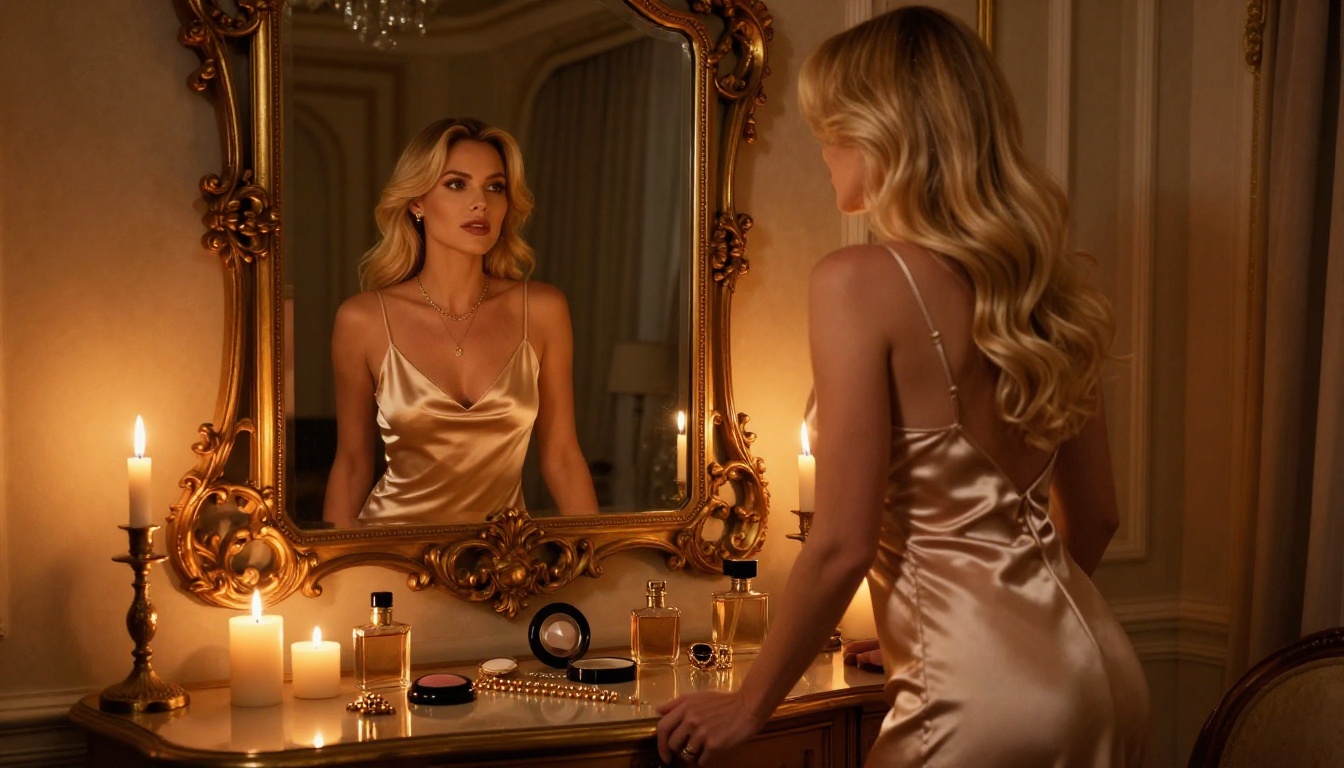
FLUX.2 Max applies lighting coherently at both the scene level and the surface level. If the light source is a window to the left, the highlights on the nose, the shadow under the chin, the lit edge of the shoulder, and the reflected fill on the shaded cheek all align. This is not achieved by prompting alone; it is baked into how the model understands three-dimensional objects in space.
Anatomy and Proportions
Hands. Fingers. Feet. These have been the laughing stock of AI-generated adult art since the first models shipped. FLUX.2 Max does not magically solve every edge case, but it solves them at a dramatically higher rate than previous architectures because its training included far more anatomically precise reference at high resolution.
Body proportions are also more stable. A full-body shot maintains consistent torso-to-leg ratios without the limb-stretching artifacts that plagued SDXL and early FLUX variants.
FLUX.2 Max vs. The Competition
Here is how FLUX.2 Max stacks up against other models commonly used for adult AI art:
| Model | Skin Realism | Anatomy Accuracy | NSFW Capability | Speed | On PicassoIA |
|---|
| FLUX.2 Max | Excellent | Excellent | Yes | Moderate | Yes |
| Seedream 4.5 | Excellent | Very Good | Yes (unrestricted) | Fast | Yes |
| Flux 1.1 Pro Ultra | Very Good | Very Good | Limited | Fast | Yes |
| Realistic Vision v5.1 | Good | Good | Yes | Very Fast | Yes |
| SDXL | Fair | Fair | Partial | Very Fast | Yes |
| Flux 2 Pro | Very Good | Excellent | Yes | Fast | Yes |
💡 For unrestricted adult content, Seedream 4.5 is the most open and capable model on PicassoIA right now. FLUX.2 Max excels in overall realism; Seedream 4.5 excels in removing barriers to creative expression.
The Best Models for Adult Art on PicassoIA
If you are building an adult art workflow on PicassoIA, you do not need to use a single model. The platform gives you access to the full FLUX 2 family plus dedicated alternatives that cover different use cases. Here is the priority order.
Seedream 4.5: Start Here
Seedream 4.5 is where you should begin if adult content is your primary focus. ByteDance's model has been specifically trained without the conservative content filters that hobble many Western models. It produces photorealistic imagery with accurate anatomy, strong lighting coherence, and genuinely uncensored output.
What separates Seedream 4.5 from the competition is how naturally it handles suggestive and expressive prompts without requiring elaborate prompt engineering to work around content restrictions. You describe what you want, and it renders it with minimal creative interpretation or safety-driven substitutions.
Why Seedream 4.5 excels for adult art:
- No content filters blocking legitimate artistic expression
- Exceptional skin texture and body form rendering
- Strong performance with complex lighting scenarios (candlelight, backlight, golden hour)
- Handles a wide range of body types without defaulting to unrealistic proportions
- Fast generation with consistently high output quality
PicassoIA Image Editor Pro
Once you have your base image from FLUX.2 Max or Seedream 4.5, PicassoIA Image Editor Pro gives you unlimited generations for editing and refinement. This is where you fix the 5% of results that need attention: inpainting a hand that did not render correctly, extending the canvas with outpainting to include more of the scene, or replacing a specific element without regenerating the entire composition.
The unlimited generation model makes iteration cheap. You can run 20 inpainting passes on a single image without worrying about API costs, which is essential for producing polished adult art where the final 5% of quality takes the most effort.
Other Models Worth Trying
- Flux 2 Pro: One tier below Max in the FLUX 2 family, faster and slightly more lenient with prompt interpretation. Good for rapid iteration before moving to a Max-quality final render.
- Flux 2 Dev: Open-weight variant, excellent for LoRA-based customization if you want to train a specific look or character consistency.
- Realistic Vision v5.1: A reliable workhorse for photorealistic content built on a stable diffusion base. Not as capable as FLUX 2 in absolute terms, but extremely fast and well-documented for adult content workflows.
How to Use FLUX.2 Max on PicassoIA
PicassoIA hosts FLUX.2 Max with no local setup required. You do not need a GPU, a Docker container, or a Replicate account. Open the model page, type a prompt, and generate.
Step-by-Step Setup
- Go to the FLUX.2 Max page at picassoia.com
- Write your prompt in the text field. Start with the subject and pose, then add environment, lighting, and camera specifics.
- Set aspect ratio to 16:9 for landscape or 9:16 for portrait-orientation shots.
- Run the generation. FLUX.2 Max takes longer than Schnell or Turbo models; this is expected and worth the wait.
- Evaluate the result. If anatomy or lighting needs refinement, take the image into PicassoIA Image Editor Pro for inpainting.
- Upscale. Run the final image through a super-resolution model on PicassoIA to bring it to 2x or 4x resolution for full-size printing or sharing.
Prompt Tips That Actually Work
The quality of FLUX.2 Max output is heavily prompt-dependent. Unlike older models that needed elaborate trigger words, FLUX 2 responds to natural language descriptions, but it rewards specificity.
What works:
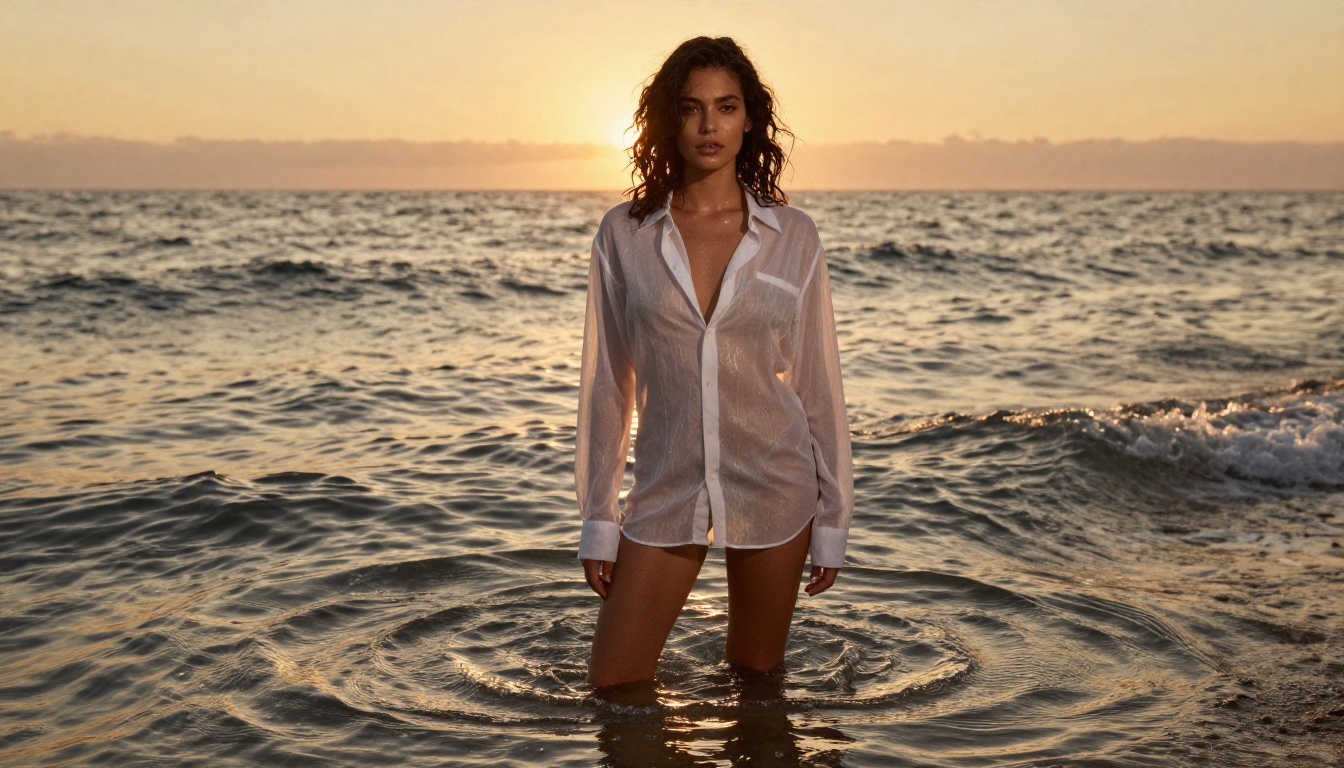
- Be specific about lighting: "Volumetric morning light from the left window casting long shadows across the bedsheet" produces dramatically better results than "good lighting."
- Specify the lens: "Shot on 85mm f/1.8 with shallow depth of field, subject sharp, background bokeh" tells the model how to compose depth.
- Describe fabric and surface texture: "Sheer ivory silk with visible thread count, catching the light along creases" gets you fabric that looks like fabric, not a painted texture.
- Name the film stock: "Kodak Portra 400 color science with lifted shadows and warm highlights" pulls FLUX.2 Max toward analog-accurate color grading.
What to avoid:
- Generic quality modifiers like "ultra HD, masterpiece, best quality" have minimal effect on FLUX 2. They were crutches for older architectures.
- Stacking too many subjects or actions in one prompt. Pick one scenario and describe it in depth.
- Vague lighting descriptions. "Natural lighting" tells the model almost nothing.
Common Mistakes to Avoid
| Mistake | What to Do Instead |
|---|
| Prompting for "realistic" with no other details | Describe the scene as if directing a photo shoot |
| Using FLUX 2 Max for rapid A/B testing | Use Flux 2 Pro for drafts, Max for finals |
| Ignoring negative prompts | Block "cartoon, CGI, plastic, digital art, blurry, low quality" |
| Not upscaling before sharing | Run through super-resolution for full-res output |
| Expecting perfect hands every time | Use inpainting in PicassoIA Image Editor Pro for touch-ups |
Prompting for Adult Art That Looks Real
Getting photorealistic adult art from FLUX.2 Max or Seedream 4.5 is about giving the model enough information to make every decision correctly. When it has to guess, it produces average results. When it knows the lens, the light, the location, and the subject precisely, it produces photography-grade output.
The Anatomy of a Perfect Prompt
A strong adult art prompt has five layers:
- Subject: Who is in the scene, their physical description, pose, expression
- Environment: Where are they, what is around them, what is the setting's texture and color
- Lighting: Direction, quality (hard or soft), color temperature, any secondary fill sources
- Camera: Lens focal length, aperture, shooting angle, crop
- Film and Style: Color science, grain, any post-processing style
An example that hits all five layers:
A woman with dark curly hair and olive skin, sitting cross-legged on an unmade ivory linen bed, bare shoulders, looking directly at the camera with a calm expression. Morning light from a tall window to the right creates soft directional shadows across the rumpled bedsheets and her collarbone. Shot on 85mm f/1.4, slight underexposure. Kodak Portra 400 film stock, warm shadows, fine grain, photorealistic.
That prompt gives the model almost no room for ambiguity. The result is dramatically more consistent than "a beautiful woman on a bed, photorealistic."
Negative Prompts That Make a Difference
FLUX.2 Max benefits from a clean negative prompt that prevents the model from slipping into its most common failure modes:
cartoon, anime, illustration, digital painting, CGI, 3D render, plastic skin, airbrushed, blurry, low resolution, watermark, text, logo, overexposed, underexposed, bad anatomy, extra limbs, deformed hands
This list blocks the main failure patterns without overwhelming the model with too many constraints.
Beyond the Image: Editing and Upscaling
Generating a strong base image is only half the workflow. The other half is refinement, and PicassoIA provides every tool you need without leaving the platform.
Inpainting with PicassoIA Image Editor Pro: Select any region of the generated image, describe what should replace it, and run the inpaint. This is how you fix hands, adjust clothing, swap backgrounds, or add elements without regenerating the entire composition. Because PicassoIA Image Editor Pro offers unlimited generations, you can iterate until the correction is perfect.
Outpainting: If the composition is cropped too tight, outpainting expands the canvas in any direction. Generate a tightly composed portrait, then expand downward to reveal the full figure. This is a common technique for boudoir and glamour shoots where a close crop and a wide shot are both needed from the same base generation.
Super-Resolution Upscaling: FLUX.2 Max generates at high quality but not always at the resolution needed for large-format use. PicassoIA's super-resolution models add genuine detail when upscaling 2x or 4x, rather than simply blowing up pixels. The result is images that hold up at full screen or print size.
AI Image Restoration: For images with any noise, compression artifacts, or generation-related degradation, PicassoIA's restoration tools recover detail and sharpen edges without introducing hallucination artifacts that come from aggressive upscaling on low-quality inputs.
The Real Reason the Switch Happened
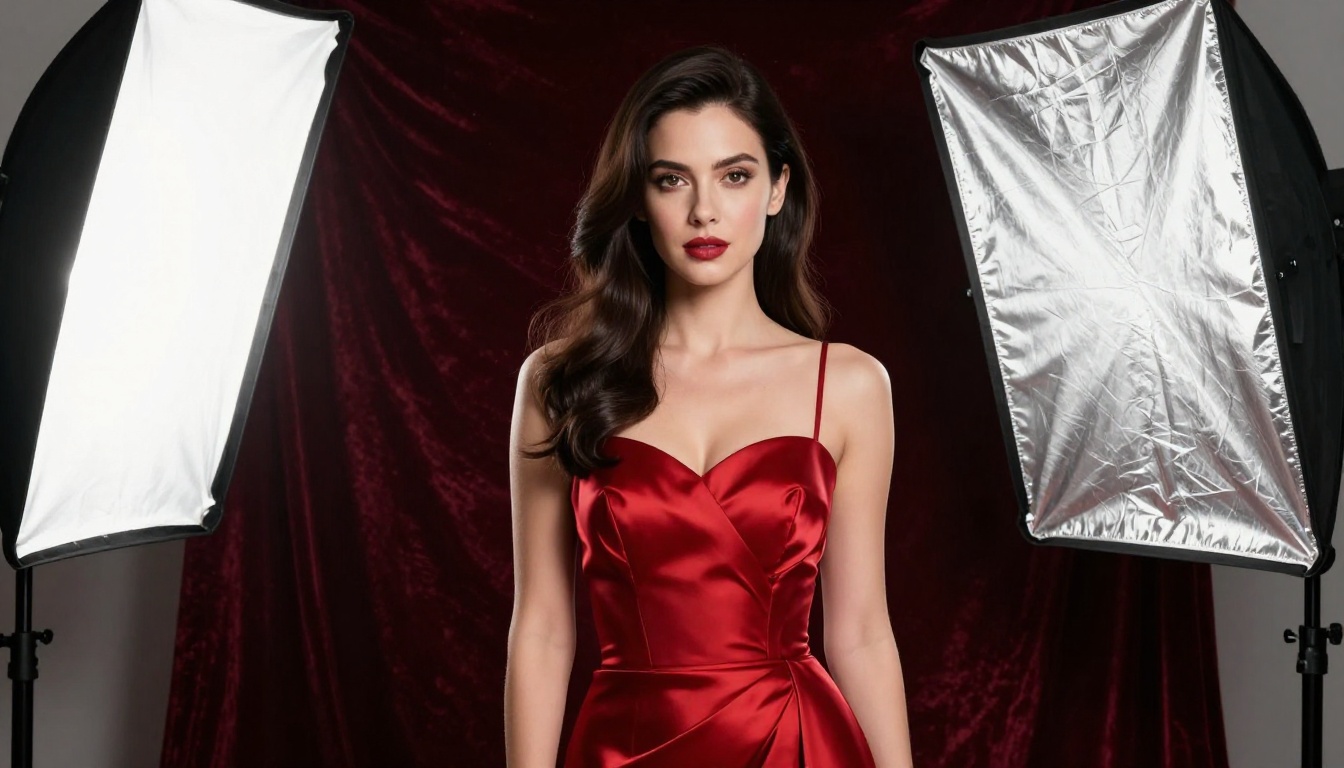
FLUX.2 Max did not win because of marketing. It won because the adult AI art community is unusually rigorous about quality. When you are trying to produce imagery that reads as photographic, every artifact gets noticed: the plastic shine, the wrong shadow, the anatomy error. Most creative AI communities can tolerate a certain amount of unrealism because the style forgives it. Adult photography-style art does not, and that made the FLUX 2 generation's improvements immediately legible to that specific audience.
The other reason the switch happened is access. Through platforms like PicassoIA, FLUX.2 Max is available without a local GPU setup, without complicated installation, and at a cost that makes it accessible for regular creative use rather than occasional experimentation.
The models available on PicassoIA right now, including FLUX.2 Max, Seedream 4.5, Flux 2 Pro, and PicassoIA Image Editor Pro, collectively represent the current ceiling of what is possible with text-to-image adult art. Together, they form a complete workflow from generation to refinement to final output.
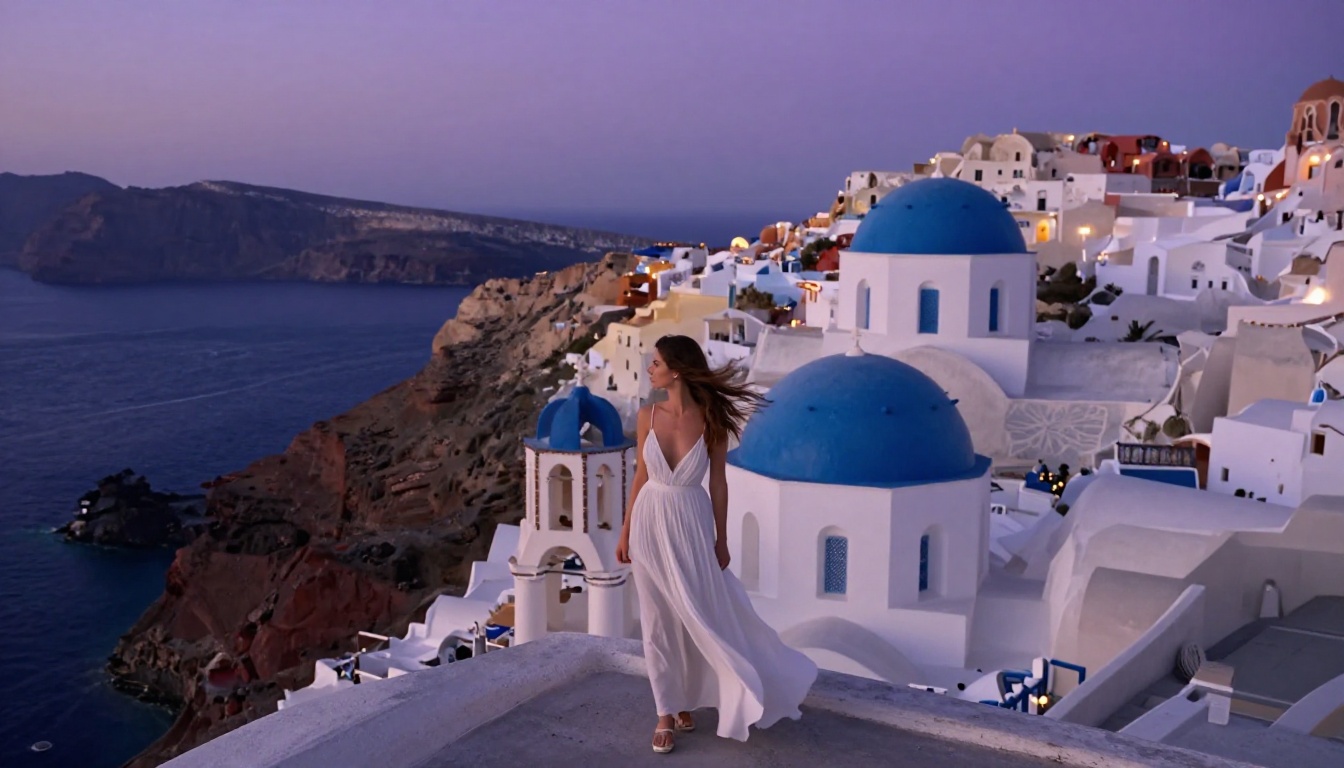
Your First Image Starts Now
If you have been generating adult AI art with older models and accepting results that looked "pretty good for AI," the gap between that and what FLUX.2 Max and Seedream 4.5 produce will be immediately clear.
Start with Seedream 4.5 if you want maximum creative freedom with minimal prompt friction. Move to FLUX.2 Max when you want the absolute ceiling of photorealistic quality. Use PicassoIA Image Editor Pro to take any result from 90% to 100% through inpainting and refinement. Every tool is available right now at picassoia.com/en/all-models.
The quality of AI-generated adult art in 2027 is no longer a question of whether it can look photographic. With the right model and the right prompts, it does. The question now is whether your workflow is using the tools that actually deliver that quality.


