Most people spend hours crafting the perfect prompt and zero time thinking about which model will run it. That is the wrong order of operations. The model you select is not just a rendering engine: it is the fundamental interpreter of your creative intent, and two models given the exact same prompt will produce outputs so different you might think they came from completely different tools built for entirely different purposes.
This is not a minor variable. Model choice shapes resolution behavior, detail retention, color grading tendencies, speed, the way skin tones render, whether text appears legible, how edges hold on complex subjects, and the ceiling of quality you can ever achieve from that prompt. Getting the model right is step zero, not an afterthought.
The Decision Nobody Talks About
What a model actually decides
When you write a prompt and hit generate, you are not directly instructing pixels. You are feeding language into a learned statistical distribution, and the model is the container that absorbed that distribution from its training data. The model decides which patterns map to which visual outcomes.
That means the model carries its training history into every generation. A model trained heavily on photographic datasets behaves differently from one trained on mixed art and illustration sources. A model trained on 100 million images develops different visual shortcuts than one trained on 10 billion. These are not settings you can override with a better prompt. They are baked into the weights at the architectural level.
💡 Think of it this way: prompts are instructions, but models are the skill set that receives those instructions. A skilled surgeon and an amateur both hear "make a precise incision," but the results are not comparable.
The same principle applies here. The model determines the execution quality of whatever instruction you give it. A poorly chosen model will produce mediocre output from a brilliant prompt. The right model can extract exceptional results from a straightforward one.
Why your prompt can't fix a wrong model choice
This is the part that trips up most users. You can write an extraordinarily detailed, technically precise prompt and still get mediocre output if the model is not suited to the task.
A model optimized for speed with four denoising steps will not produce the same fine-grained detail as a model running 28 to 50 steps, even if you write identical prompts. A base model without fine-tuning on photographic realism will struggle to match the output of a model specifically trained on high-fidelity portrait photography. The prompt tells the model what to do. The model determines how well it can execute that instruction.
This is why people who spend hours tweaking prompts and seeing diminishing returns often experience a dramatic improvement the moment they switch models. The prompt was not the bottleneck. The model was.
How Models Are Built Differently
Training data and its impact
The most consequential factor in a model's character is what it was trained on. Diffusion models absorb patterns from millions or billions of image-text pairs, and the distribution of that training data shapes everything about the output.
A model trained primarily on stock photography will lean toward clean, commercial aesthetics. One trained with heavier weight on artistic illustration will drift toward stylized rendering even when you ask for realism. One trained on uncurated internet data without quality filtering will have inconsistencies in output quality across different subject types.
This is why some models produce skin tones that look almost clinical while others produce warm, natural-looking portraits. It is not a setting. It is a fingerprint from the training process that cannot be washed out by prompt language.
| Training Factor | What It Controls |
|---|
| Dataset size | Generalization across diverse prompt types |
| Dataset curation | Baseline output quality and consistency |
| Domain weighting | Aesthetic tendency: photographic vs. artistic |
| Fine-tuning rounds | Specialization for specific subjects or styles |
| Parameter count | Detail ceiling and complexity handling |
Fine-tuned vs. base models
Base models are general-purpose. They span a wide range of visual styles because they were trained to handle many types of output. Fine-tuned models start from that base and are then trained further on specific datasets: portraits, product photography, anime, architectural visualization, medical illustration.
A fine-tuned model narrowed to photorealistic portraits will often beat a general model on that specific task by a significant margin. But it may underperform on prompts outside its specialty. Knowing whether you are working with a base model or a fine-tuned variant is part of choosing the right tool. On PicassoIA, the model description tells you exactly what each one is optimized for before you commit to a generation.
What Changes When You Switch
Realism vs. stylization
This is the most immediately visible difference. Swap a model and the same prompt can produce a photograph-quality output, an oil painting, or a watercolor sketch. These are not prompt effects: they are model personality.
If your goal is photorealistic imagery, human portraits with accurate skin tones and lighting that matches how cameras see the world, you need a model trained toward that aesthetic. If you want stylized illustration work, a different model will produce that more naturally without fighting its defaults.
Most users discover this by accident: they write a detailed realistic portrait prompt, get a painterly result, and spend the next hour adding "photorealistic, RAW, 8K photography" to the prompt. Those additions help at the margins, but they cannot fully override a model with stylization bias in its weights.
Speed vs. quality
Speed and quality exist on a spectrum, and models sit at different points by design.
Flux Schnell runs in as few as 4 denoising steps and produces an image in under 5 seconds. That speed comes from a distilled architecture optimized for fast inference. The trade-off is a lower detail ceiling compared to heavier models.
Flux Dev, running at its full 28-50 steps with its 12 billion parameters, takes longer but delivers more nuanced shadow handling, sharper edge retention on complex subjects, and finer texture rendering on materials like fabric, glass, and skin.
💡 Match the model to the workflow stage: for rapid ideation and prompt testing, the fast model saves hours. For a final asset headed to publication or print, the quality model is worth the wait.
Detail retention at the edges
One of the subtler but more consequential differences between models is how they handle complex subjects: intricate clothing, fine hair strands, lace patterns, architectural ornament, text, hands, jewelry.
Speed-optimized models blur these out, averaging them into a plausible shape without rendering actual structure. Higher-fidelity models with more parameters and more denoising steps maintain that structure. If your subject involves fine detail anywhere in the composition, the model's parameter count and step range matters as much as the prompt description.
The Models Worth Knowing
Flux Dev: detail and control
Flux Dev is a 12-billion parameter model from Black Forest Labs. It is the choice when fidelity is the priority. It supports 11 aspect ratios, runs in both text-to-image and image-to-image modes, and gives you a denoising range of 28 to 50 steps. The img2img capability is particularly valuable: you can upload a reference photograph and redirect it with a prompt, preserving the structural information of the original image while changing content, style, or lighting.
The guidance parameter on Flux Dev controls how strictly the model follows your prompt versus composing more freely. Higher guidance produces outputs closer to literal prompt interpretation. Lower guidance gives the model more compositional latitude, which sometimes surfaces surprising and useful results you would not have prompted for directly.
Best for: high-fidelity portraits, product photography, final production assets, image-to-image refinement.
Flux Schnell: speed without compromise
Flux Schnell is built for iteration speed. At 4 denoising steps, it generates a full-resolution image in under 5 seconds. On PicassoIA it runs with no credit caps, so you can work through dozens of prompt variations in a single session without tracking a counter.
It is the correct model for the early stages of any creative project: testing visual directions, checking whether a prompt concept works, building a reference library of options before committing to a final render. The quality ceiling is lower than Flux Dev, but for rapid-fire ideation, the speed advantage outweighs the fidelity trade-off by a wide margin.
Best for: concept testing, prompt iteration, visual direction scouting, reference library generation.
Stable Diffusion: the reliable workhorse
Stable Diffusion is the model that introduced text-to-image generation to most users, and it remains genuinely useful. Its six built-in schedulers (DDIM, K_Euler, DPMSolverMultistep, K_Euler_Ancestral, PNDM, and KLMS) give you meaningful control over how the image is constructed at each denoising step. Different schedulers produce noticeably different compositional tendencies from the same prompt, which makes it a powerful tool for rapid creative variation.
The negative prompt system is particularly powerful. You can explicitly exclude visual elements, not just ask the model to avoid them implicitly. This gives you a second axis of control: what to include, and what to actively remove.
💡 Negative prompts are a Stable Diffusion strength. Inputs like "no text, no watermarks, no motion blur, no noise, no compression artifacts" can be added as negative prompts, steering the model away from unwanted artifacts while keeping your positive prompt focused on what you want.
Best for: creative exploration via scheduler variety, negative prompt control, concept art variation.
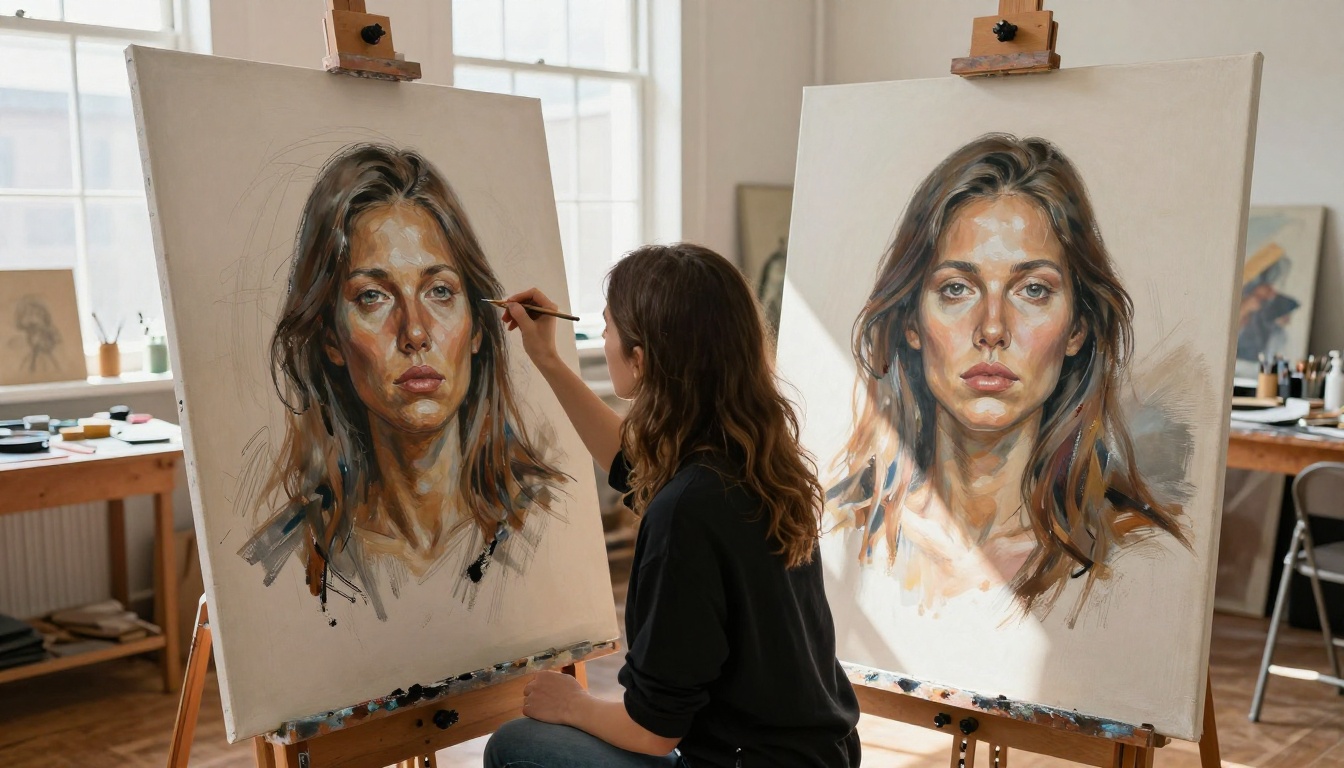
How to Use Flux Dev on PicassoIA
Flux Dev is available at picassoia.com/en/collection/text-to-image/black-forest-labs-flux-dev. Here is how to extract the most from it:
Step 1: Write a structured prompt
Flux Dev responds well to layered prompts that specify subject, environment, lighting, and camera characteristics. For a portrait: describe the person's features, the setting, the light source direction and quality, and the lens you are simulating. Specific visual language ("volumetric morning light from upper left, Canon 85mm f/1.4, Kodak Portra 400 grain") outperforms vague adjectives every time.
Step 2: Set your aspect ratio before generating
Choose your canvas first. Instagram portrait: 4:5 or 9:16. Website hero: 16:9 or 21:9. Square social post: 1:1. Generating in the wrong aspect ratio and cropping after loses resolution and disrupts the original composition. Pick the ratio before the first generation.
Step 3: Set denoising steps by purpose
For a first pass, 28 steps is standard. For maximum detail on a final asset, push to 50. For fast iteration between prompt variations, 20 steps will save time while keeping the composition readable enough to evaluate direction.
Step 4: Lock the seed on what works
When a generation produces a composition worth building on, note the seed value and fix it in subsequent runs. Small prompt variations from a fixed seed stay coherent with the original composition, letting you refine specific elements rather than re-rolling the entire image from scratch.
Step 5: Refine with img2img
Once you have a strong base image, upload it into Flux Dev's img2img mode to push detail further, change the lighting, or shift the color grade while preserving the composition. Set prompt strength between 0.4 and 0.7 to maintain original structure while allowing meaningful changes. Higher prompt strength overrides more of the original; lower preserves it.
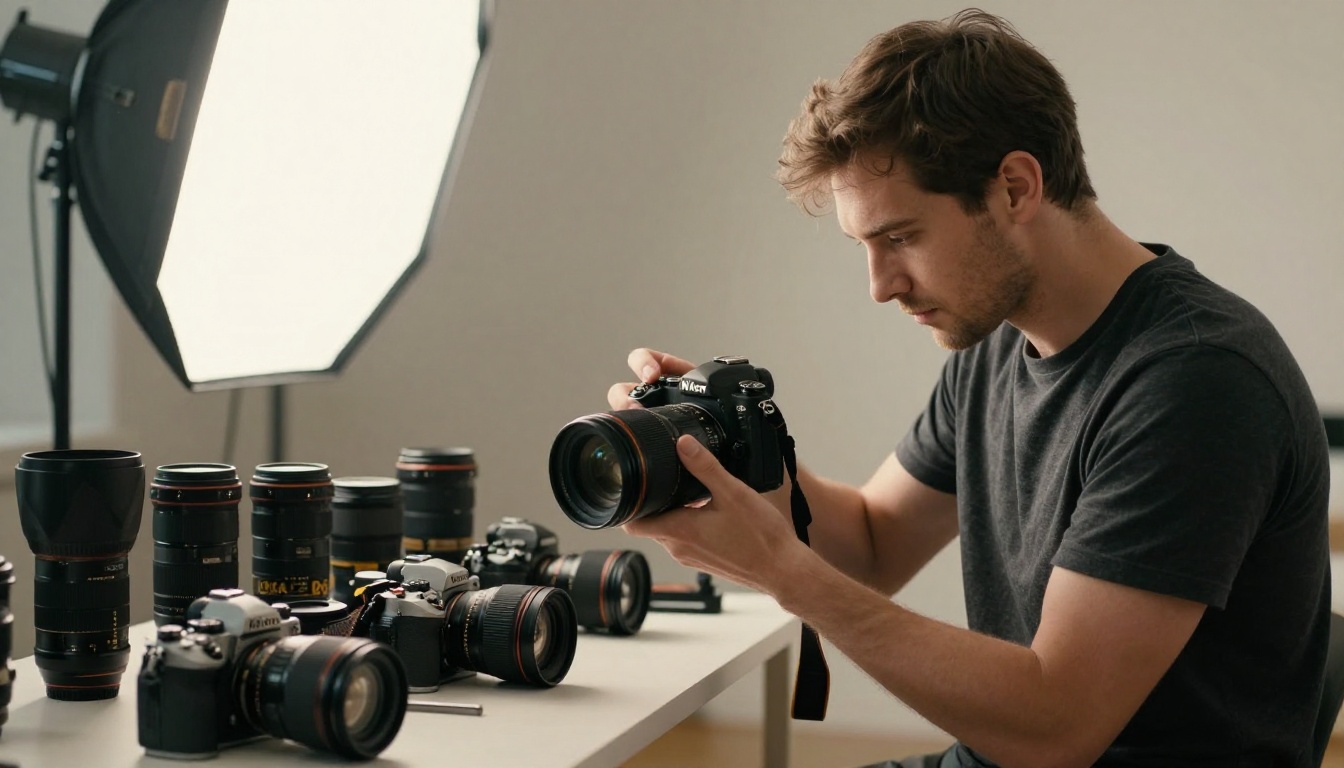
Matching Model to Creative Task
Portrait and people photography
For portraits requiring fine detail, Flux Dev is the strongest option: individual hair strands, skin pores, iris structure, fabric texture on clothing. Run at 40-50 steps, use a portrait aspect ratio (4:5 or 3:4), and write prompts that describe lighting direction explicitly. "Volumetric soft box from upper left" produces different results than "natural light" even though both are technically describing light.
For quick character concepts where exact fidelity is not required, Flux Schnell produces usable portraits in under 5 seconds. Use it to generate 20 character directions in the time it takes Flux Dev to generate 3.
Product and commercial work
Product photography requires clean backgrounds, accurate material rendering (metal, glass, fabric, leather), and controlled lighting. Stable Diffusion with a high guidance scale (7.5-12) and a targeted negative prompt removes unwanted shadows, noise, and reflections cleanly.
For hero product shots at maximum resolution where material texture needs to be convincing, Flux Dev's parameter depth produces better rendering. The 12B parameter count shows clearly in how it handles reflective surfaces and complex material transitions between different textures in the same frame.
Concept art and creative exploration
This is where Stable Diffusion's scheduler variety becomes an asset. Different schedulers produce different compositional tendencies from the same prompt. Running one creative concept through K_EULER, K_EULER_ANCESTRAL, and DPMSolverMultistep and comparing the three outputs is a fast way to find unexpected visual directions without changing a single word of the prompt.
For final production-quality concept illustrations that need to hold up at large sizes, Flux Dev handles the detail rendering at a level that Stable Diffusion's base architecture cannot match.
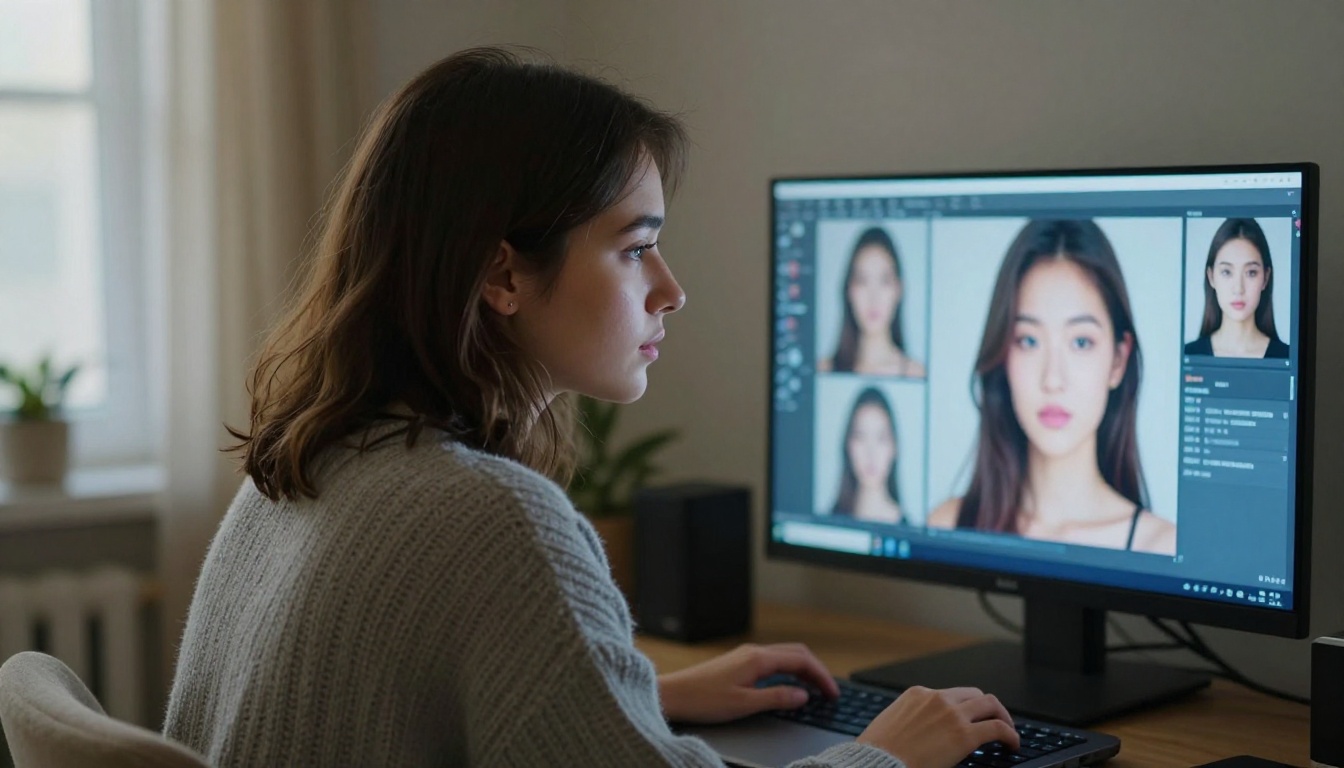
The Real Cost of the Wrong Model
Time wasted on retries
When people use the wrong model for a task, they usually do not realize it immediately. They assume the prompt is the problem and keep rewriting it. Hours of iteration produce diminishing returns not because the prompt is wrong, but because the model has a ceiling below what the task requires.
This is common and expensive. Switching the model takes five seconds. Rewriting prompts for an hour to work around a model mismatch is frustrating, rarely fully effective, and entirely avoidable once you know what to look for.
The tell-tale sign: you keep getting the same kind of flaw regardless of how you rephrase the prompt. Same blurring in the same areas. Same color cast. Same stylization tendency. That is the model, not the prompt.
The quality ceiling you cannot break through
Every model has a quality ceiling: the best output it can produce under any conditions, with any prompt, at any settings. Some models have that ceiling at "good enough for a social post." Others have it at print-quality resolution with photorealistic rendering.
Once you hit a model's ceiling, no amount of prompt engineering pushes past it. The only move is to switch to a model with a higher ceiling. This is why model choice matters more than any other parameter in your workflow, including the prompt itself.
💡 A precise prompt in the right model beats a perfect prompt in the wrong one, every time.
Understanding this changes how you troubleshoot. Before rewriting a prompt for the tenth time, ask: am I asking this model for something it was not built to produce? If the answer is yes, no amount of rewording will fix it. Change the model first.
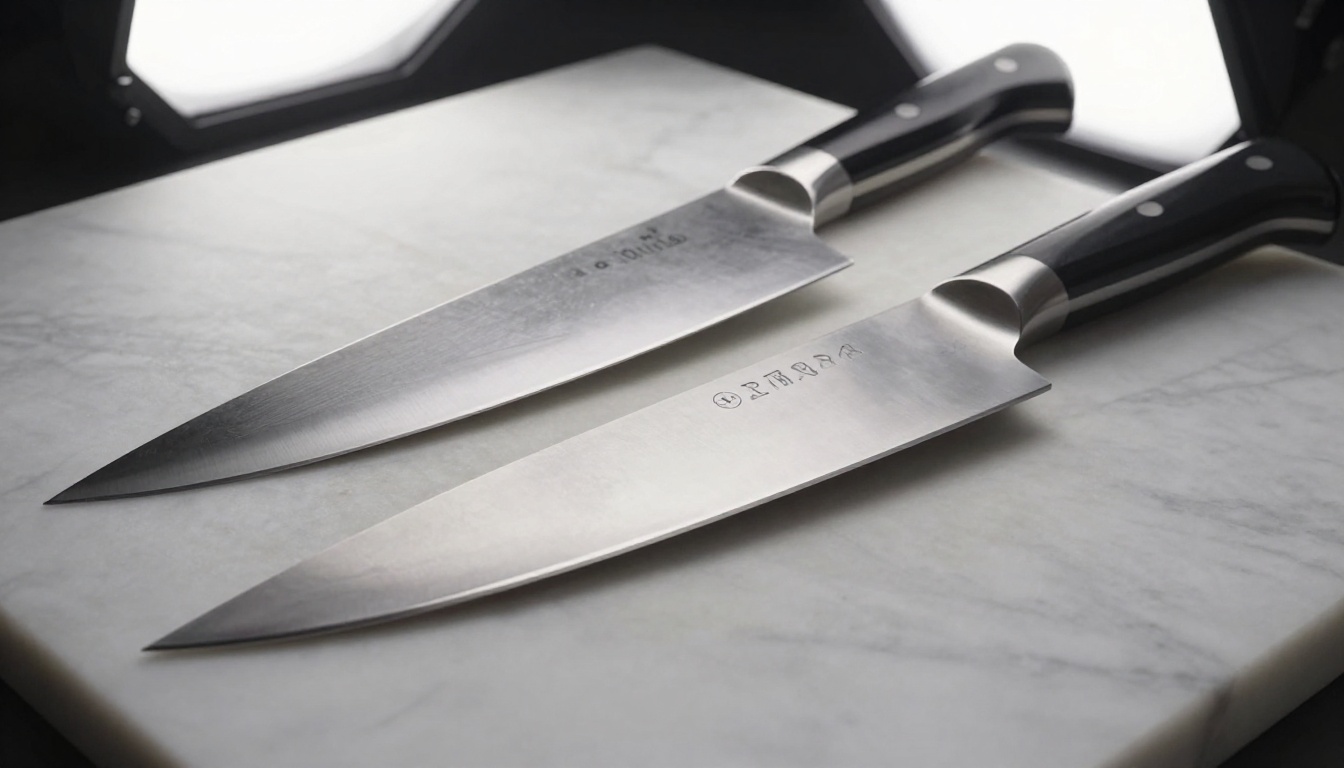
Build Your Own Model Instinct
The fastest way to internalize model differences is to run the same prompt through three different models back to back. The visual delta will be more instructive than any written description.
On PicassoIA, you have access to Flux Dev, Flux Schnell, and Stable Diffusion with no credit counters or generation limits. Run one portrait prompt through all three. Run one product prompt. Run one creative concept. After three rounds of that comparison, model differences stop being theoretical and start being instinctive.
Your eye will start recognizing a model's fingerprint from the output before you check the settings. That is when model choice stops being a deliberate decision and starts being a reflex built from direct experience, and your creative output will show it in the quality of every first attempt.
Pick one prompt you already have, open PicassoIA, and run it through all three. Start at picassoia.com.


