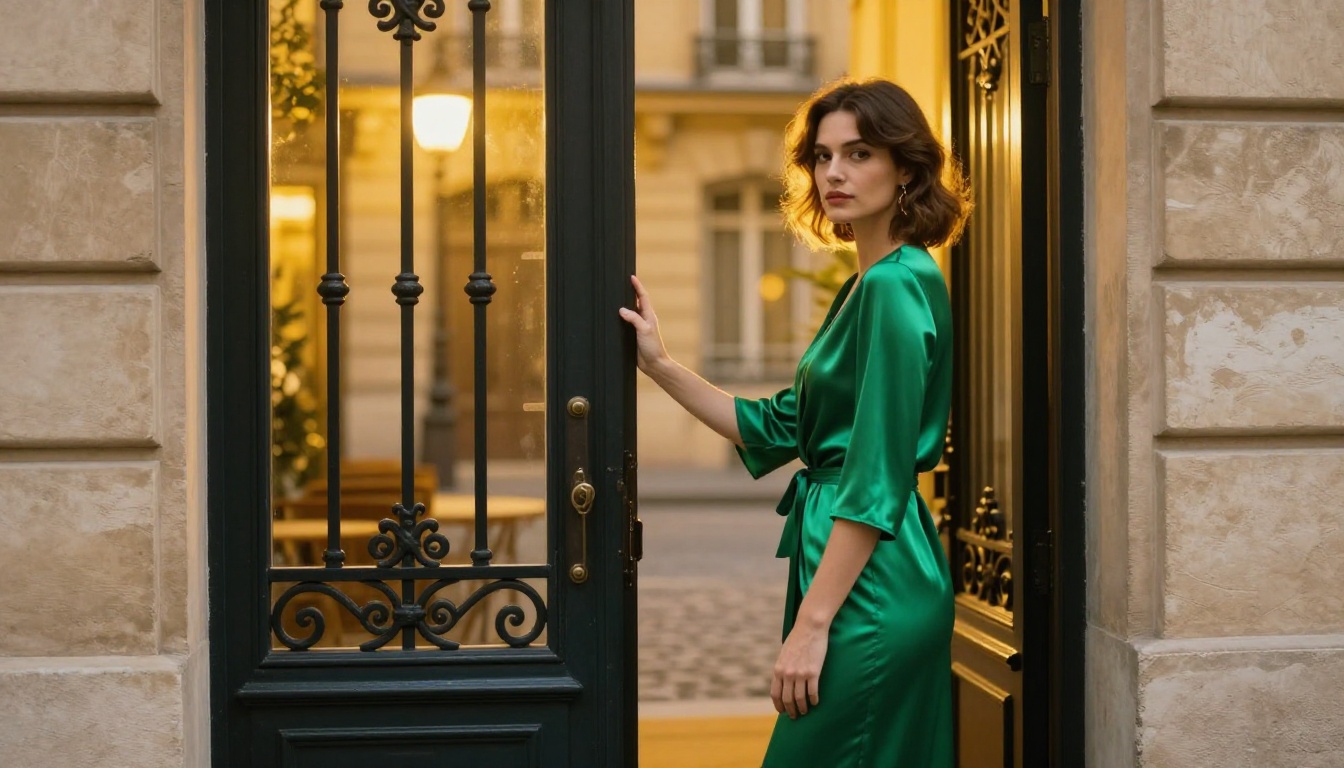
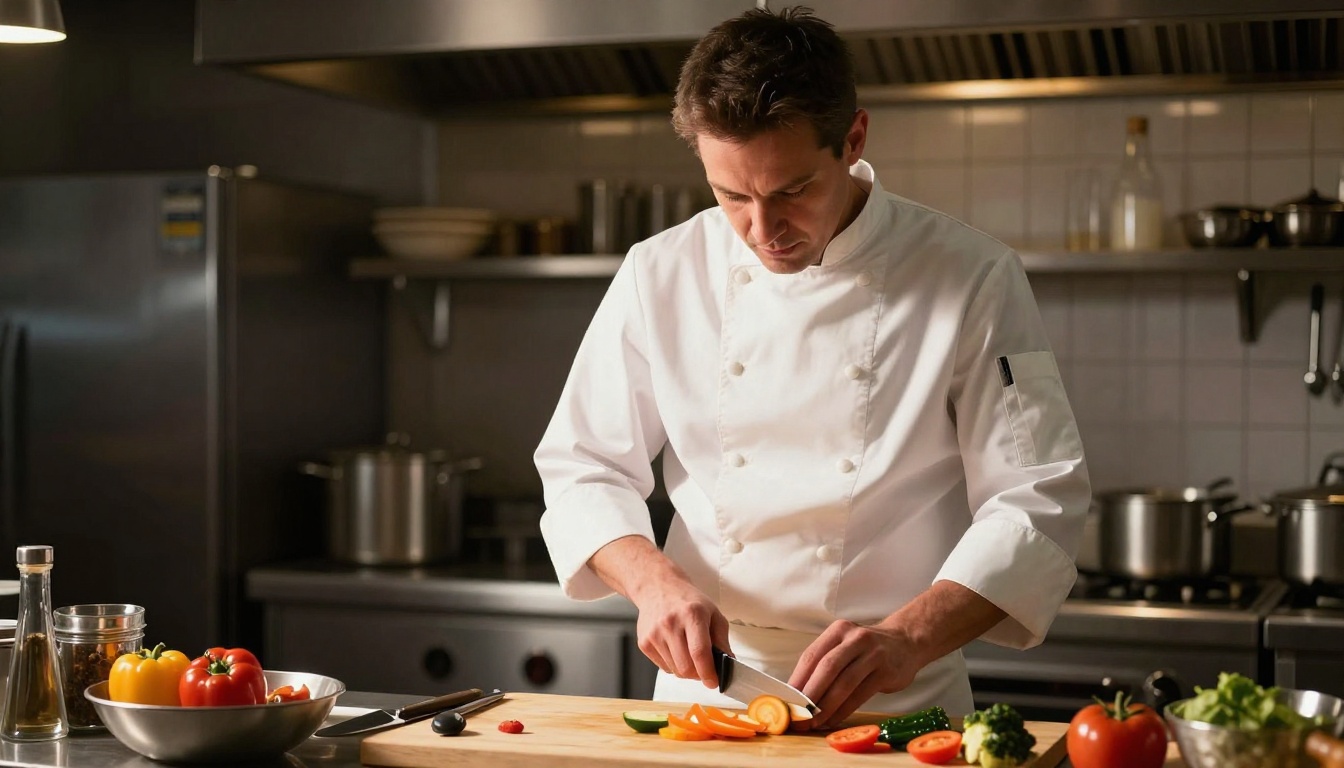
Most AI image generators you try will tell you "no" before you even finish typing. The prompt gets flagged, the generation fails, or the output comes back sanitized into something that has nothing to do with what you asked for. This is not an accident. It is a design choice. And it is one that not every platform makes the same way.
The question worth asking is not "which AI tool is the most powerful?" but rather "which AI tool actually lets you use that power?" There is a meaningful difference between a model that can generate anything and a platform that will let you. Knowing where the line between those two things sits, and why it exists, changes how you approach your creative work entirely.
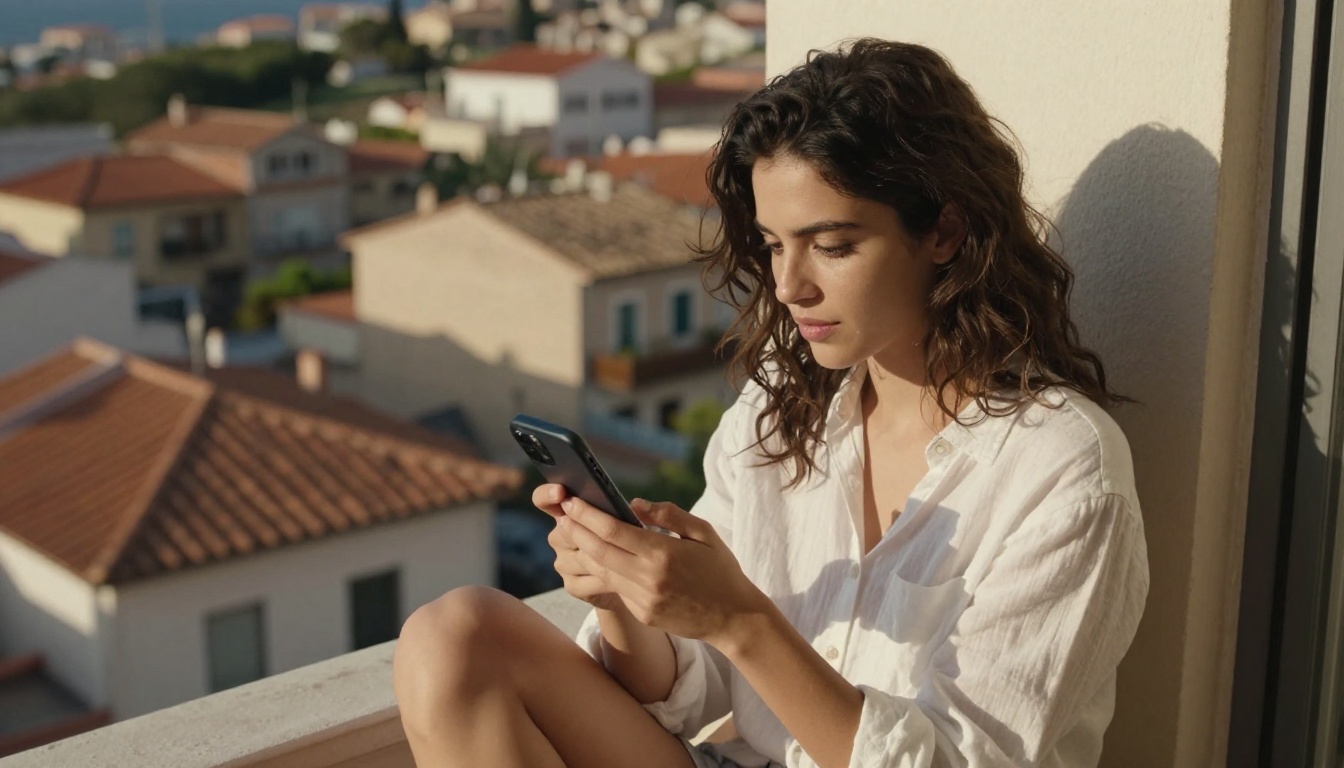
Every major AI image tool imposes limits. Some are obvious: you type a prompt and get an error message. Others are invisible: the model quietly shifts your output toward something "safer" without telling you it did. Both are forms of restriction, and both affect what you can actually create.
Where the Restrictions Come From
AI content restrictions come from three main sources. First, the training data itself: if a model was trained on data that excluded certain styles, subjects, or visual qualities, it literally cannot produce them. Second, fine-tuning processes like RLHF (reinforcement learning from human feedback), which shape what kinds of outputs the model rewards itself for producing. Third, post-generation filters that scan outputs before delivery and block or modify results based on keyword lists or image classifiers.
Each of these operates at a different layer. Training-level restrictions are the hardest to override. Fine-tuning-level restrictions can sometimes be worked around with prompt engineering. Post-processing filters are the most visible, because they are the ones that throw error messages.

Safety Filters vs. Creative Censorship
There is a real difference between safety filtering and creative censorship, even if the line between them is often blurry. A safety filter that blocks realistic-looking images of violence against real, identifiable people makes sense. A filter that refuses to generate a portrait of a woman in a swimsuit, blocks certain skin tones, or fails on the word "nude" even in a fine art context does not.
The problem is that most content filtering systems are blunt instruments. They are built with keyword lists and classifier models that cannot distinguish context. "Artistic nudity" and "explicit content" look identical to a filter that is only reading surface-level signals. This creates a situation where the tool actively works against the creator's intent.
Why "Safe" Sometimes Means "Broken"
For creators who work in fashion, fine art, body positivity photography, or any visual medium that involves the human form, an over-aggressive filter is not a minor inconvenience. It makes the tool useless. When every attempt to generate a natural-looking human body results in a refusal or a distorted output, you are not using a creative tool. You are fighting one.
This is why the question of restrictions matters so much. It is not about seeking out controversy. It is about whether the tool actually works for the work you are trying to do. A tool that blocks legitimate professional requests is simply a broken tool for that professional's purposes.
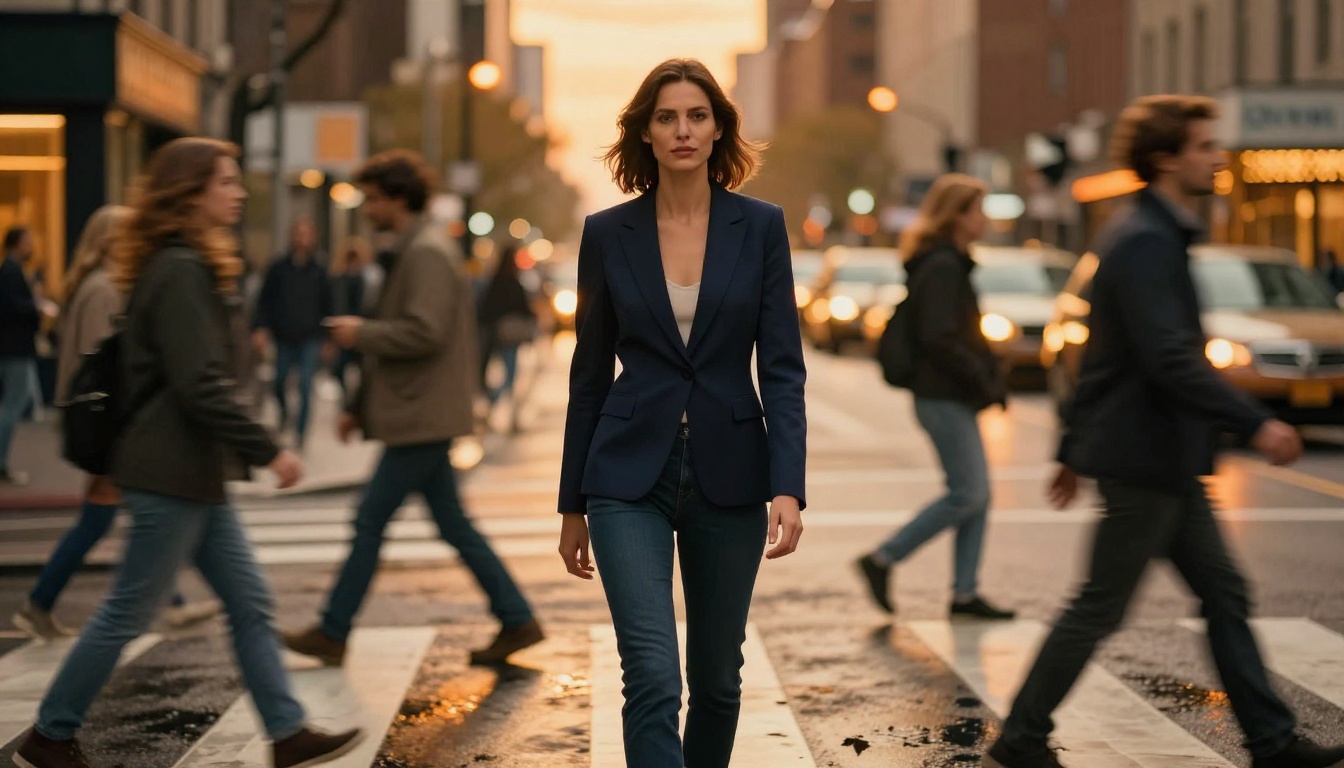
What "Zero Limits" Actually Looks Like
"No limits" is a phrase that gets thrown around a lot in AI marketing. Most of the time it refers to generation speed or output resolution, not content freedom. When a platform genuinely offers fewer content restrictions, the difference shows up in very specific, practical ways.
The Spectrum from Restricted to Open
AI platforms sit on a spectrum. On one end you have tools that refuse to generate anything the model considers sensitive, which in practice often includes mature artistic content, certain clothing types, specific poses, and subjects that are common in professional photography but unusual by mainstream content moderation standards.
On the other end you have platforms built around open-source models with minimal post-generation filtering, designed explicitly for creators who need that freedom. These are not illegal content generators. They are tools that treat adult creative professionals as adults.
💡 The most useful question to ask about any AI tool is not "what can it generate?" but "what will the platform let me generate?"
Real Creative Freedom vs. Marketing Claims
Creative freedom in practice means your prompt runs. The output reflects what you asked for. You can adjust and iterate without hitting invisible walls. It means the model does not quietly shift a beach scene into something covered up, does not replace a natural human form with a cartoon approximation, and does not fail silently.
PicassoIA Image and PicassoIA Image Editor Pro are built around this principle: unlimited generation attempts with no cap on how many images you create per session. You are not being charged per generation or rationed on an arbitrary quota system.
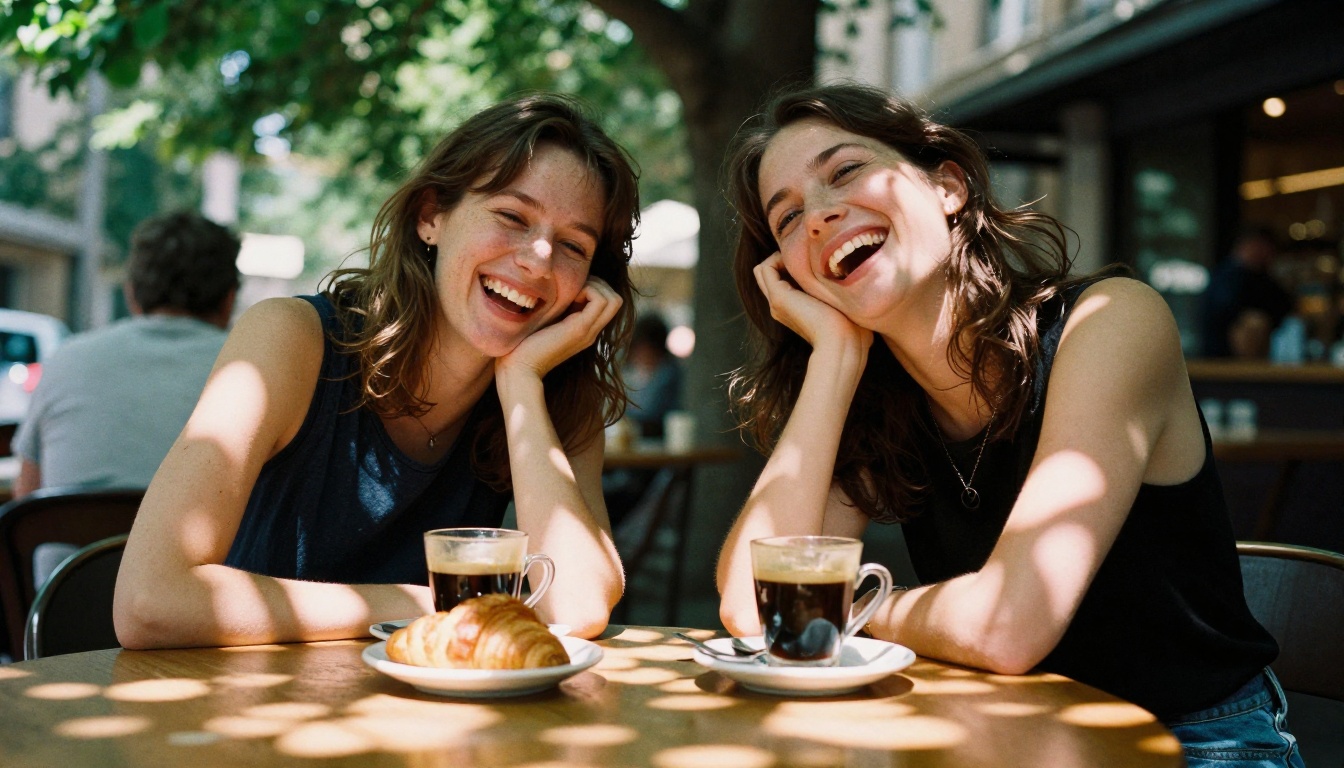
How AI Restrictions Get Built In
Knowing why restrictions exist does not make them less frustrating when they block legitimate creative work. But it does help you choose tools more intelligently and write better prompts when you are on a platform that has the right settings for your work.
Training Data and What Gets Removed
Most large-scale AI image models were trained on scraped web data that included both safe and mature content. Many developers then apply filtering to remove certain categories of content from the training set. This process is imprecise: entire aesthetic styles, cultural visual traditions, and body types sometimes get caught in the net alongside the material the developers were actually trying to exclude.
The result is models with specific blind spots that are not obvious until you try to use them for real work. A model trained on filtered data will not produce convincing results for subjects it has been trained away from, regardless of how the platform's content policy is set.
RLHF and the Feedback Loop
After base training, most commercial AI models go through reinforcement learning from human feedback. Human raters score outputs, and the model adjusts toward producing more of what scores well. When raters consistently flag certain types of content as undesirable, the model stops producing it, even when that content is artistically legitimate.
This shapes the model's outputs in ways that do not show up as explicit error messages. The model just drifts toward a particular aesthetic range and stops producing convincing results for content outside it. The restriction becomes invisible, embedded in the model's behavior rather than in an explicit filter.
Post-Processing Content Filters
The most visible layer of restriction is the post-processing filter. This runs after the image is generated and checks the output against a classifier before delivering it to you. These classifiers work on statistical patterns and are not interpretive. A painting of a classical sculpture and an explicit photograph can receive the same classification if their pixel-level distributions are similar enough.
Some platforms run their classifiers at high sensitivity because they serve general audiences that include minors, or because their content moderation teams have decided that false positives (incorrectly blocking legitimate content) are preferable to false negatives. For creative professionals, those priorities are often reversed. An incorrect block is a lost iteration, and on a daily-cap system, lost iterations mean lost work time.
A small number of platforms are built differently. They are designed for creative professionals who need the full range of what the underlying models can produce, with content policies that distinguish between artistic and explicit content rather than treating them as equivalent.
Open-Source Models and What They Change
The availability of open-source models like Flux Redux Dev and Flux Krea Dev changed the landscape significantly. When model weights are open, independent platforms can deploy them with different content policies than the original developers apply. The model itself does not change. What changes is the filtering layer wrapped around it.
This is why two platforms running the same underlying model can produce very different results. One might refuse a prompt that the other runs without issue, not because the model itself cannot handle it, but because one platform's post-generation filter is set to a different threshold.
PicassoIA's Approach to Creative Control
PicassoIA takes the position that creative professionals should not have to fight their tools. The platform hosts over 91 text-to-image models, including Seedream 4.5 for 4K photorealistic outputs, Wan 2.7 Image Pro for high-resolution generation, and Hunyuan Image 2.1 from Tencent, all accessible through a single interface without generation caps.
The content policy is structured to allow artistic and mature creative content while maintaining clear limits on genuinely harmful material. This is a different approach from platforms that treat "safe for all audiences at all times" as the only acceptable standard. The difference matters when your work consistently falls into the gap between those two positions.
How to Use PicassoIA's Models
The platform gives you access to a wide range of models, and the choice between them matters for quality, speed, and the specific type of output you are producing.
Starting with PicassoIA Image
PicassoIA Image is the platform's own unlimited text-to-image generator. It is the right starting point for most creative work: portrait photography, lifestyle scenes, product visualization, and conceptual imagery. Generate as many iterations as you need without hitting a daily cap or credit limit.
The model handles photorealistic outputs well, particularly for human subjects. For prompt structure, lean toward specific descriptions of lighting conditions, camera specs, and subject behavior rather than broad aesthetic descriptors. "Warm directional light from the left, 85mm f/1.4, shallow depth of field" outperforms "beautiful lighting" every time.
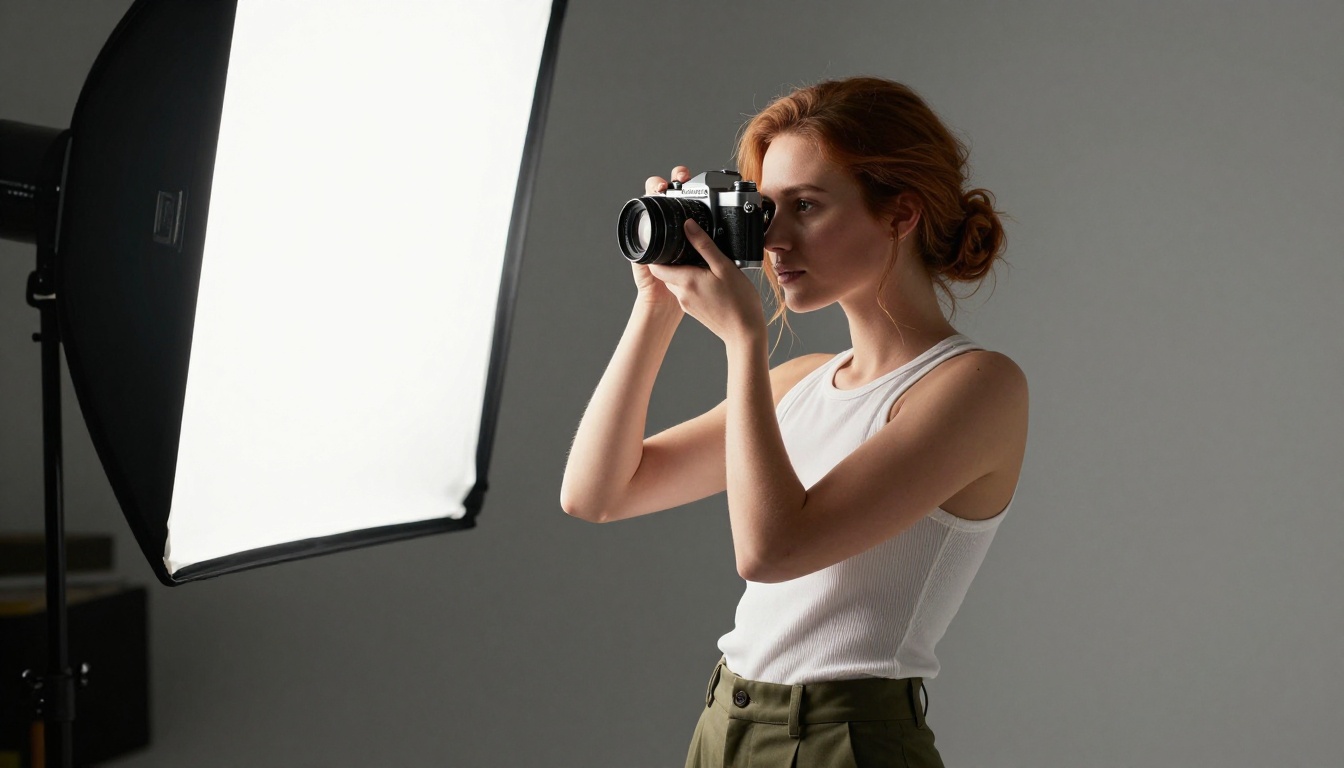
PicassoIA Image Editor Pro for Refinements
PicassoIA Image Editor Pro is the platform's most powerful editing-focused model. It handles inpainting (filling or replacing specific areas of an image), outpainting (expanding the canvas beyond the original frame), and targeted object replacement. Where the base generator produces images from scratch, Image Editor Pro lets you modify and refine existing outputs.
For portrait retouching workflows, Image Editor Pro can adjust specific areas: change clothing, modify backgrounds, or refine details without regenerating the entire image. This significantly reduces iteration time on complex compositions.
| Task | Best Model | Why |
|---|
| Generate from scratch | PicassoIA Image | Unlimited, fast, photorealistic |
| Edit existing image | PicassoIA Image Editor Pro | Precise inpainting and outpainting |
| 4K photorealistic output | Seedream 4.5 | Highest detail resolution |
| Style-consistent variations | Flux Redux Dev | Variation-preserving generation |
| Ultra-high resolution | Wan 2.7 Image Pro | 4K native output |
| Rapid iteration | Flux Schnell LoRA | Fast generation for testing |
Choosing Between Photorealism and Style
For photorealistic outputs, Seedream 4.5 and Wan 2.7 Image Pro consistently deliver high-fidelity results with natural skin texture, accurate lighting behavior, and convincing environmental detail. For stylized or conceptual work, Stable Diffusion 3 or Flux Krea Dev often give more interesting and unexpected outputs.
Flux Schnell LoRA is the fast-iteration choice. It generates quickly, making it ideal for concept validation and prompt testing before committing to a slower, higher-quality run. When you have the direction locked down, switch to a higher-fidelity model for the final outputs.
What Creators Are Actually Making
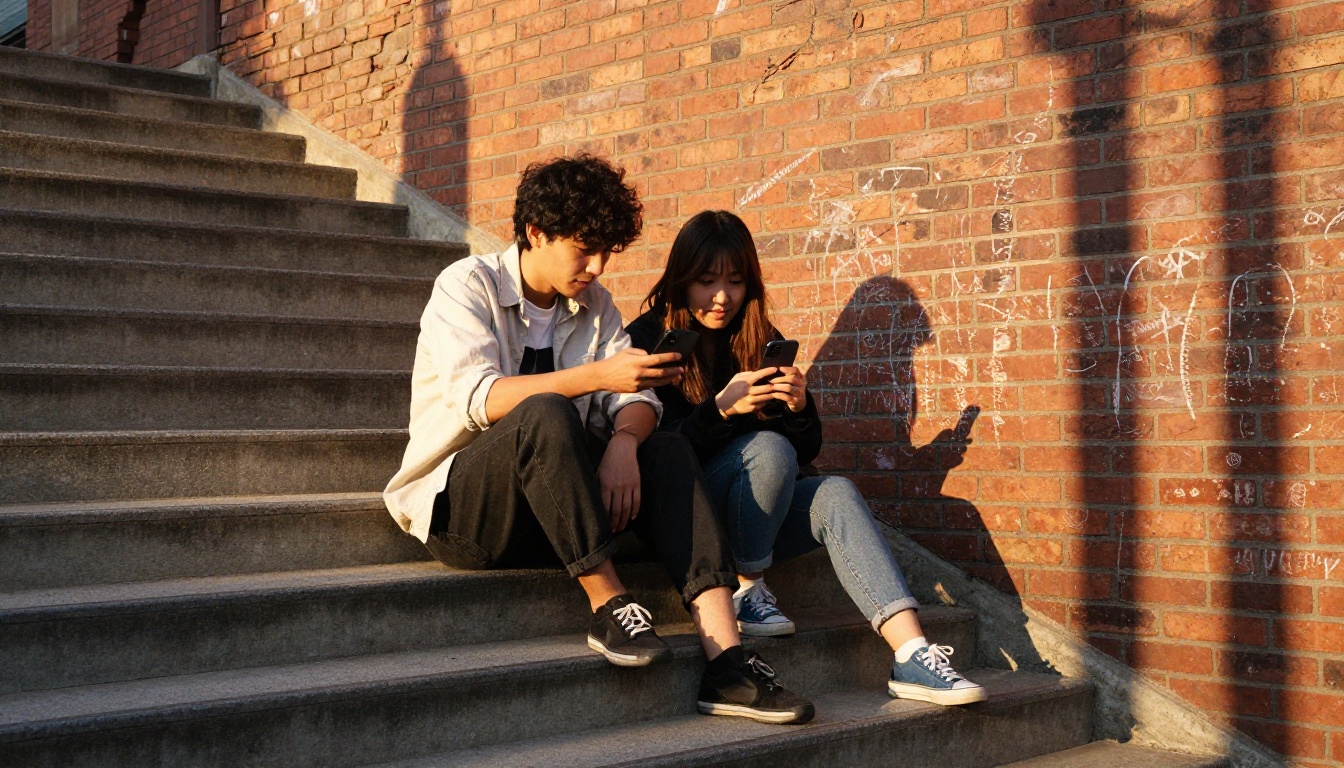
The range of real work being produced on platforms with fewer restrictions is broader than most people assume. It is not primarily explicit content. Most creative professionals are using these tools for work that would not raise an eyebrow in any professional context, but that still consistently runs into problems on heavily filtered platforms.
Portrait Photographers and Fashion Teams
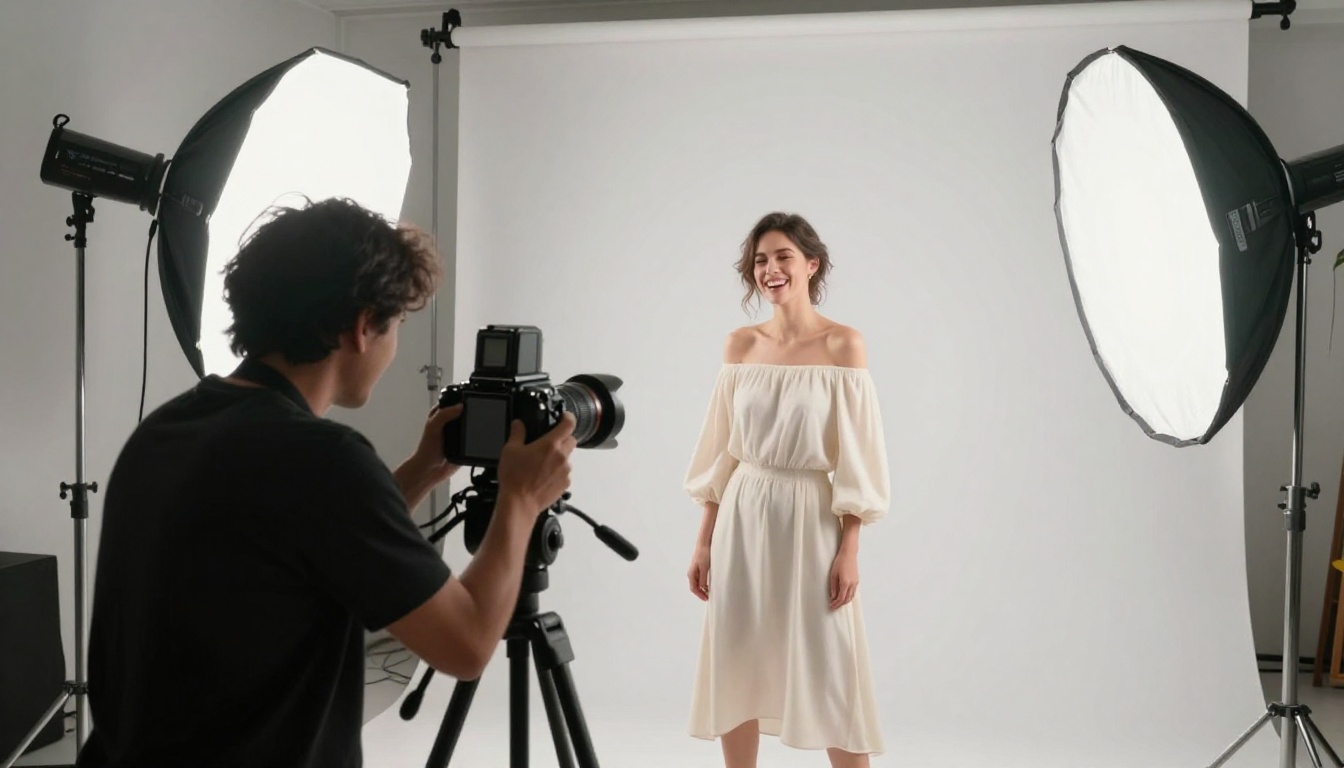
Fashion photographers use AI generation for lookbook concepts, mood board visualization, and pre-shoot planning. They need the ability to generate human subjects in a full range of natural poses and clothing states, including swimwear, lingerie, and other attire that is standard in professional photography but sometimes flagged by consumer-oriented content filters.
When every other generation attempt produces an error because the model assumes a swimsuit prompt is inappropriate, the tool is no longer useful for professional fashion work. Platforms without those restrictions become the only viable option for this category of creative work.
Content Marketers and Brand Teams
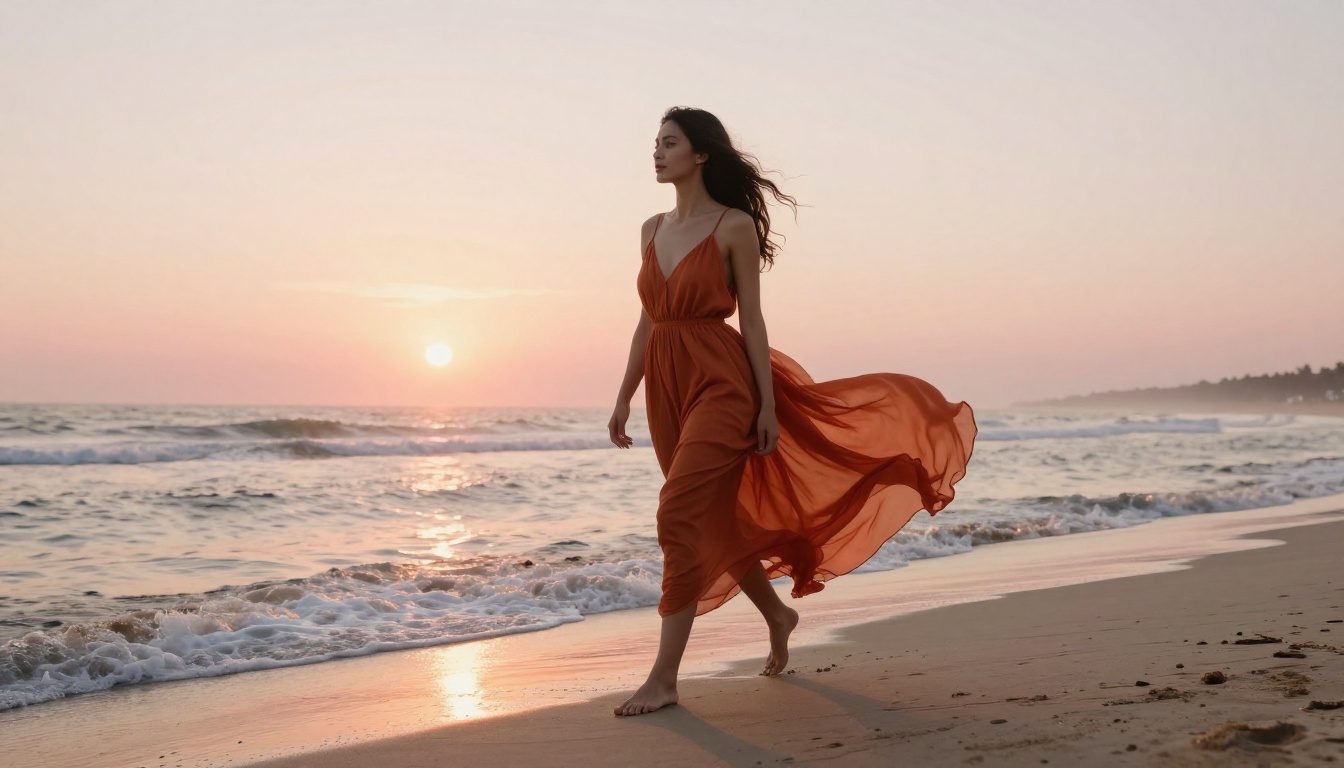
Commercial content teams produce high volumes of lifestyle photography for social media, ad campaigns, and editorial use. Much of this content involves human subjects in naturalistic settings: beach scenes, fitness content, intimate moments between couples, and other subjects that are entirely standard in commercial photography but can trigger content filters that read surface-level signals rather than context.
The volume requirement is the other factor. A content team producing 50 to 100 variations per shoot cannot afford to have 30 of those attempts fail. Unlimited generation without daily caps or credit limits is a production requirement, not a preference.
Independent Artists and Illustrators
For fine artists, the restrictions that matter most are often not about mature content at all. They are about style: certain aesthetic directions, body proportions, artistic traditions, and visual references that a model has been trained away from because those styles share surface features with restricted content.
An illustrator working in a particular figurative tradition might find that the model consistently distorts the human form in their target style because the training or RLHF process has pushed the model away from any output that resembles restricted material with similar visual statistics. Open-access platforms give these artists a path back to the actual outputs they need.
Common Restrictions You Will Not Find Here
Seeing what PicassoIA does not impose is as informative as seeing what it offers.
No Prompt Refusals for Artistic Subjects
The platform does not throw error messages for standard artistic and photographic subject matter. Portrait work, lifestyle imagery, fashion photography, and fine art subjects run without refusal loops. You describe what you want; the model produces it.
This might sound like a low bar. In practice, on most mainstream AI platforms, this is not the reality. Prompt engineering to work around content filters is a skill that creators have had to develop specifically because so many platforms refuse legitimate requests. On a platform with fewer restrictions, that effort redirects toward describing what you actually want to create.
💡 The best creative AI tool is the one that spends your time on generation, not on arguing with filters.
No Watermarks, No Style Blocks
Generated images are yours. There are no watermarks appended to outputs, no restrictions on which artistic styles you can request, and no quiet modifications applied to your prompt before it runs. What you request is what the model attempts to generate.
No Generation Caps
PicassoIA Image and PicassoIA Image Editor Pro operate on unlimited generation. There is no daily image limit, no credit system that resets monthly, and no paywall that cuts off your session mid-project. For production workflows, this is a fundamental requirement that determines whether the tool can actually be integrated into a professional pipeline.
What Unlimited Actually Changes in Practice
The practical impact of using a platform with fewer restrictions is not always about the specific content you can generate. Often, it is about the workflow it enables.
When generation attempts do not fail, you can build a real iteration loop. You generate, evaluate, adjust the prompt, generate again. Over 10 to 20 iterations, that loop produces outputs that are qualitatively different from what you get on a first or second attempt. Platforms that impose generation caps force you to treat each attempt as precious, which disrupts the iterative process that consistently produces better results.
The same applies to content restrictions. When you are not spending prompt engineering effort working around filters, you spend it on describing what you actually want. That shift in attention produces better prompts, which produce better outputs, which produce better creative work.
💡 Iteration is the core skill in AI image generation. Anything that limits iterations limits the quality of your final output.
When to Edit Instead of Regenerate
A common mistake is regenerating images from scratch when editing would be faster and more precise. If you have an output that is 90% correct but needs a background change or a clothing adjustment, PicassoIA Image Editor Pro's inpainting capability will get you there faster than a new generation attempt.
Use inpainting when the subject is positioned correctly, the lighting is right, and you want to modify one specific element. Use regeneration when the overall composition needs to change, or the base generation is far enough from your target that editing would require changing too many areas.
The Compound Cost of Every Barrier
Every barrier in a creative tool has a compound cost. A content filter that blocks one in five prompts does not just cost you that generation. It costs you the mental overhead of deciding whether to rewrite the prompt, the time spent rewriting it, and the iteration momentum lost while you wait to find out whether the rewritten version passes.
Multiply that across a working session and the real cost becomes visible. On a platform where prompts run without interference, you produce significantly more iterations in the same amount of time, and the quality of your final output reflects that.
Try It With Your Own Prompts
The fastest way to see what changes when restrictions are removed is to run your actual prompts on a platform with fewer of them. Not test prompts. Not simple landscapes. The prompts you have been modifying and softening to make them pass filters on other platforms.
Take those prompts to picassoia.com and run them as you originally wrote them. See what happens when the model receives your actual creative intent without a filter reinterpreting it.
Start with PicassoIA Image for your first session. If you are working with existing images you want to modify, bring them into PicassoIA Image Editor Pro. For 4K quality work, go directly to Seedream 4.5.
The full model library, across every category from text-to-image to video generation, is available at picassoia.com/en/all-models. Over 185 models. One platform. No generation limits.