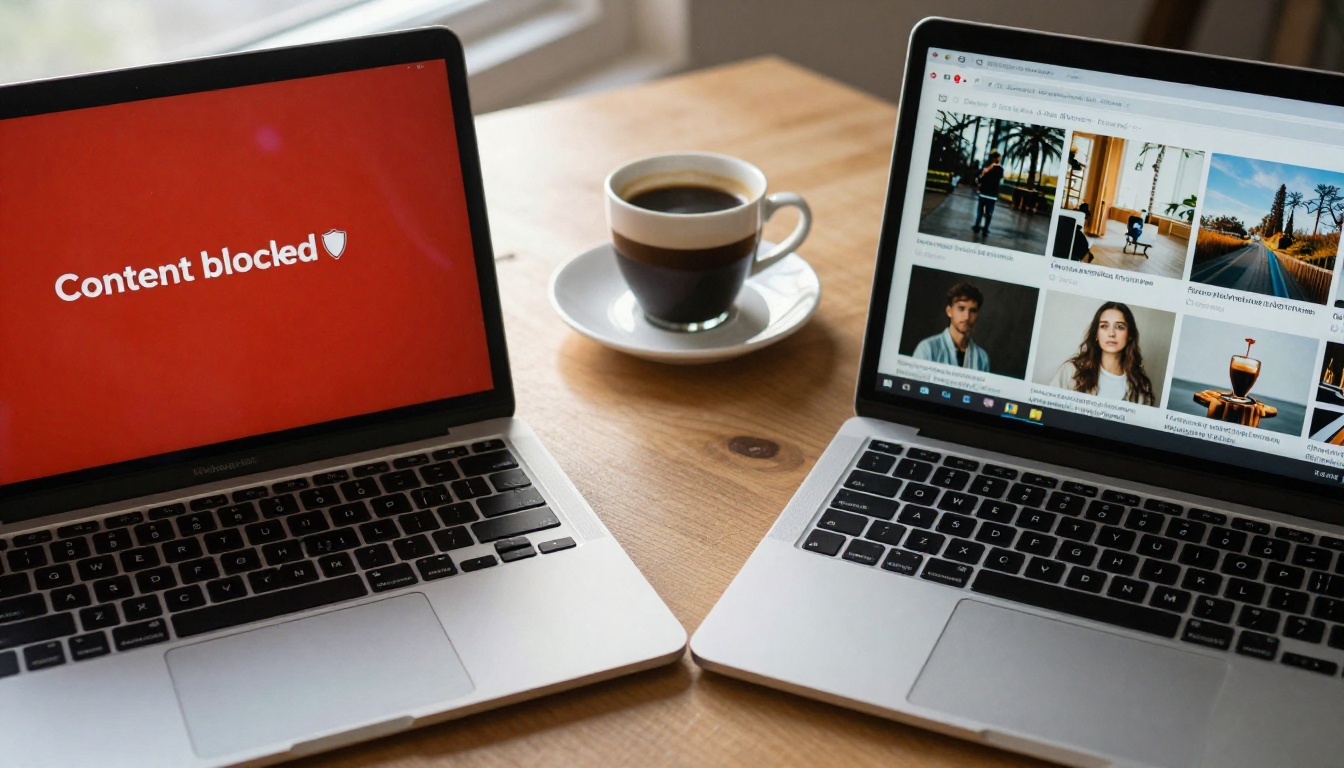
You opened a text-to-image tool, typed your prompt, and got a red box. "Content blocked." Maybe it was a simple request. Maybe it wasn't. Either way, you know that feeling: the wall. Not every AI tool has it, though. Some platforms generate the same prompt without blinking. Others produce results that would be flagged instantly on mainstream tools. If you have ever wondered why that is, you are about to find out the real answer, and it has very little to do with what most people assume.
Two Very Different Worlds
The AI image space has split into two distinct camps. On one side sit tightly controlled products built by large tech companies with massive legal teams, public-facing brands, and investors watching every headline. On the other sit open-source models deployed on platforms that operate under a completely different set of incentives. These two worlds produce radically different experiences when you try to create certain types of content.
Closed Platforms and Their Walls
Products like the image generators inside major consumer AI services are built with one eye permanently fixed on brand risk. When a company has 100 million users and a business model tied to corporate partnerships and app store approval, a single controversy involving its image generator can cost it far more than the revenue from any niche creative use case. So they build filters. Sometimes very thick ones.
The content moderation layer in these systems is not a passive safety feature. It is an active business decision. Legal teams review what could go wrong. PR teams calculate reputational risk. Product managers balance what users want against what advertisers will accept. The result is a product that often refuses prompts with no real harm potential, because "false positive" refusals are cheap while "false negative" generations are expensive.
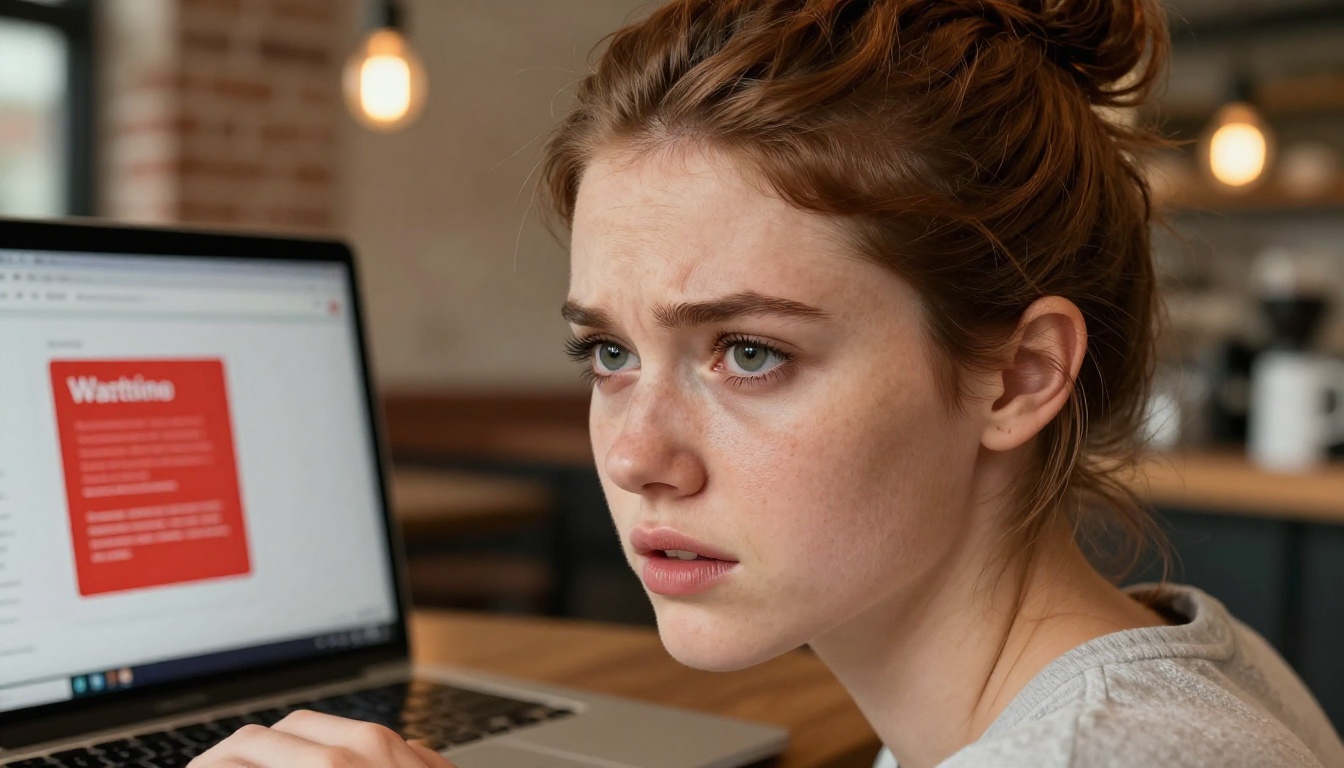
The asymmetry matters. For every user who walks away frustrated after hitting a content block, the company loses maybe one subscription. For every piece of controversial content that makes a headline, the company risks losing enterprise contracts, app store placement, and advertiser revenue worth millions. The math always favors over-blocking.
Open Models and No Walls
Open-source models work differently from the ground up. When Stability AI released the weights of Stable Diffusion publicly, they handed control to the community. Anyone could download those weights, fine-tune them on any dataset, and run them on their own hardware. The company no longer controlled what people created, because the tool was in everyone's hands.
This is why open-source models often ignore restrictions: they were never designed around a corporate content policy. They were designed around a research release. The creators assumed the person running the model was a researcher, developer, or sophisticated user who understood what they were doing. Restrictions, when they appeared at all, were optional add-ons rather than foundational architecture.
It Is Not About Ethics
Here is the thing most people get wrong: AI restrictions are almost never primarily about ethics. They are about liability, brand safety, and business model. When a company says its AI tool "can't" generate something, what it usually means is that the company has decided it won't, for reasons that have more to do with risk management than moral philosophy.
Liability, Not Morality
The legal exposure for AI companies around generated content is real and evolving. Copyright, defamation, obscenity law, platform liability, and user-generated content regulations all touch AI-generated imagery. A company that allows explicit content opens itself up to compliance requirements, age verification burdens, potential prosecution in jurisdictions with strict obscenity laws, and advertiser pullout. So they block it. Not because the model cannot produce it, but because the legal and financial exposure of letting it run freely outweighs the revenue they would generate from users who want that freedom.
This is not a new dynamic. Every major media and technology platform has gone through this calculation. YouTube demonetizes certain categories. Facebook restricts certain images. Instagram has famously inconsistent nudity rules. AI image generators are just the newest iteration of the same corporate logic.
Business Decisions Disguised as Safety
When you read an AI company's acceptable use policy, you are reading a business document, not a moral framework. The restrictions are calibrated around what the company's most important customers, meaning enterprises, schools, and platforms, will tolerate. Consumer preferences come second. This explains why you sometimes see wildly inconsistent behavior: a tool that will not generate a bikini image will happily write detailed descriptions of violence, because violence does not carry the same regulatory or reputational risk in the markets that company operates in.
💡 What this means for you: The "restriction" you are hitting is not a fundamental technical limit. It is a policy layer sitting on top of the model, and policies vary enormously across platforms.
How AI Restrictions Actually Work
The mechanics explain why different tools behave so differently. AI content restrictions are not built into the underlying neural network in most cases. They are applied as separate, additional layers placed between you and the model.

The Filter Layer
Most consumer AI image tools use a combination of:
- Prompt classifiers: Text filters that scan your input for flagged words and phrases before the image is even generated.
- Output classifiers: Automated systems that scan the generated image for disallowed content before you see it.
- Human review sampling: Periodic human review of flagged outputs, used to refine the automated systems over time.
The problem with these filter layers is that they are blunt instruments. A word list is a poor heuristic for intent. Context collapse is constant. A prompt about Renaissance sculpture hits the same filters as an explicit request, because the classifier does not read art history. A fashion photography prompt gets flagged because it mentions certain body parts. The system is optimizing to block a small number of genuinely harmful requests and is fine with blocking an enormous number of legitimate creative requests as collateral damage.
Training Data Choices
The base model itself can be shaped to be more or less permissive through training data curation. If the training dataset was filtered to exclude certain content categories, the model will generate lower-quality or unusual outputs for those categories even without explicit runtime filters. Conversely, models trained on diverse, uncurated datasets will naturally be more capable across a wider range of content types. This is one reason why different models, even without explicit filter layers, have such different default behaviors.
Fine-Tuning and Alignment
After initial training, large AI companies typically apply a process called alignment fine-tuning. This involves training the model to refuse certain requests by showing it examples of what it should and should not do. This can be quite effective at changing behavior without completely removing underlying capability. It is why certain workarounds sometimes function on these models: the base capability is still there, it is just being suppressed by an additional behavioral layer. Open-source models, distributed as raw weights, skip this alignment fine-tuning step entirely.
Why Open-Source Models Play by Different Rules
Open-source models are built on fundamentally different assumptions. When the weights are public and anyone can run the model, the creator cannot actually control what users do with it. This changes everything about the relationship between the model creator and the end user.
The Stable Diffusion Effect
Stable Diffusion 3 changed the landscape when it was released openly. For the first time, a production-quality image generation model was available to anyone with a GPU. No API key required. No usage policy enforced at the infrastructure level. The model could be run locally, modified, fine-tuned, and deployed in any way the user wanted. This created an ecosystem of community-created variants, many fine-tuned specifically to produce content that mainstream tools refuse. These are not hacked models. They are legitimate fine-tunes of open-source weights, trained by communities for specific creative purposes.
Who Owns the Weights
When a company releases model weights publicly, they give up operational control. Unlike a cloud API where the company sits between you and the model at every generation, an open-source release means the model lives on your hardware or on a platform of your choice. The original company's content policy becomes advisory at best. Platforms like PicassoIA host many of these open models and make them accessible through a clean interface, without a corporate filter layer sitting on top. You get the creative range of community fine-tuned models with the convenience of a polished web platform.
Community Fine-Tuning
The open-source community has produced thousands of fine-tuned variants for every creative niche imaginable. Models fine-tuned on photography, on specific artistic styles, on realistic portraiture, on fashion, on adult content. Models like Wan 2.7 Image Pro and Hunyuan Image 2.1 bring this community-driven quality to a polished platform, offering outputs that rival closed commercial tools in quality without the arbitrary restrictions.
Not all unrestricted AI tools are equal. Some are genuinely higher quality. Some are just poorly built tools that happen to lack filters because no one bothered adding them. Here is how the landscape actually breaks down.
| Platform | Restriction Level | Output Quality | Open-Source Base |
|---|
| DALL-E 3 | Very High | High | No |
| Midjourney | High | Very High | No |
| Adobe Firefly | Very High | High | No |
| Stable Diffusion (local) | None | Variable | Yes |
| PicassoIA | Low / None | High | Yes |
| Seedream 4.5 on PicassoIA | Minimal | Very High | Community |
Tools That Skip the Filter Layer
Seedream 4.5 is the top-tier choice for creators who need high-quality, unrestricted image generation. It produces 4K-level photorealistic output with far more creative latitude than closed commercial alternatives. The quality is not a compromise for the freedom. It is genuinely excellent on both fronts, which is rare.
PicassoIA Image Editor Pro takes this further by offering unlimited generations. No credit caps, no daily limits. If you are doing iterative work and shooting dozens of variations to find the right composition, this matters enormously. It also supports reference images for character consistency across a shoot.
💡 Important: "Unrestricted" does not mean "low quality." The models available on PicassoIA consistently produce outputs that match or exceed the visual quality of mainstream closed tools. You are not trading quality for freedom.
What Unrestricted Actually Looks Like
When you use a genuinely free AI image generator, the difference is immediately obvious. Prompts that would be blocked elsewhere generate without friction. More importantly, you can iterate freely. You are not constantly second-guessing your prompt to avoid triggering filters. You just describe what you want, and the model delivers it.

How to Use These Models on PicassoIA
PicassoIA hosts over 90 text-to-image models and gives you access to all of them from a single platform. Here is how to actually put this to work.
Starting with Seedream 4.5
Seedream 4.5 is the recommended starting point for anyone who wants high-quality creative content without restriction walls. Here is how to use it effectively:
Step 1. Go to Seedream 4.5 on PicassoIA and open the generator.
Step 2. Write your prompt with specificity. Include: subject, environment, lighting conditions, camera angle, and overall mood. More detail produces better results.
Step 3. Set your aspect ratio. Use 16:9 for widescreen landscape images, 9:16 for vertical portrait shots. Seedream handles both with equal quality.
Step 4. Generate and iterate. Because there is no credit limit on PicassoIA Image Editor Pro, you can run 20 variations and pick the best without worrying about running out.
Step 5. Use a strong result as a reference image if you want to create a cinematic video version using the image-to-video tools also available on the platform.
💡 Prompt tip: Instead of vague adjectives, describe the photography mechanics. "85mm f/1.4, shallow depth of field, morning side-light from left" produces dramatically better results than "beautiful portrait photography." Specificity is the real skill.

PicassoIA Image Editor Pro for Unlimited Generations
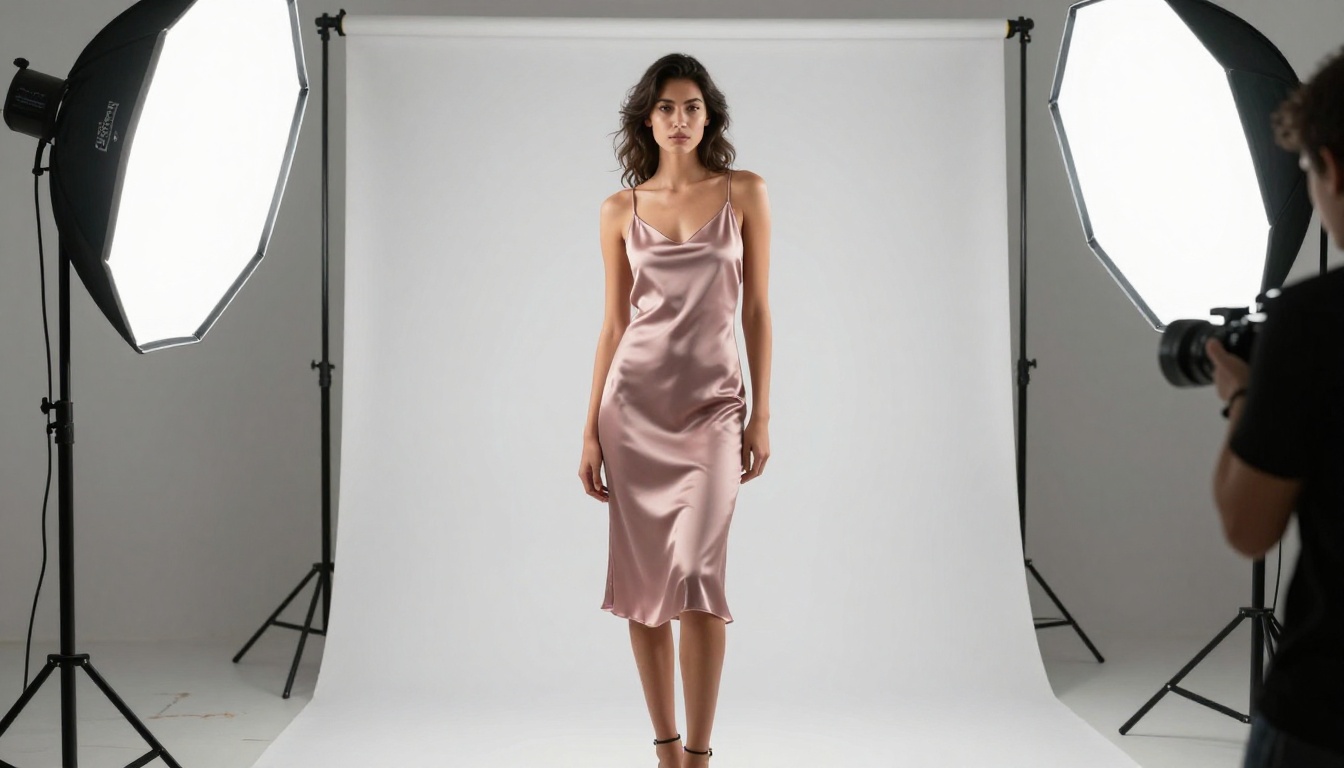
PicassoIA Image Editor Pro is the tool to use when you need volume. Product shoots, content libraries, character consistency across many frames, fashion lookbooks. Situations where you need dozens of images to select from, and where running out of generation credits at the wrong moment is simply not an option. The unlimited generation model removes the friction entirely.
Reference image support also makes character consistency realistic. You can establish a character in your first generation, then pass that image as a reference for all subsequent generations, maintaining consistency across a full shoot or content series.
The Full Model Library
Beyond Seedream 4.5 and PicassoIA Image Editor Pro, the platform gives you access to a broad range of capable models:
- Wan 2.7 Image Pro: True 4K output, outstanding for large-format prints and commercial production work
- Hunyuan Image 2.1: 2K output with excellent photorealistic rendering and fine detail control
- Flux Redux Dev: Image variation tool for generating stylistic alternatives while preserving composition from a base image
- GPT Image 2: High-fidelity image creation with precision instruction-following
- PicassoIA Image: Fast, versatile text-to-image generation for everyday creative projects
Each model has its own strengths. Switching between them for different tasks, portraiture on Seedream 4.5, product shots on Wan 2.7 Image Pro, style variations on Flux Redux Dev, is one of the most effective ways to expand the range of what you can produce.

What the Results Actually Look Like
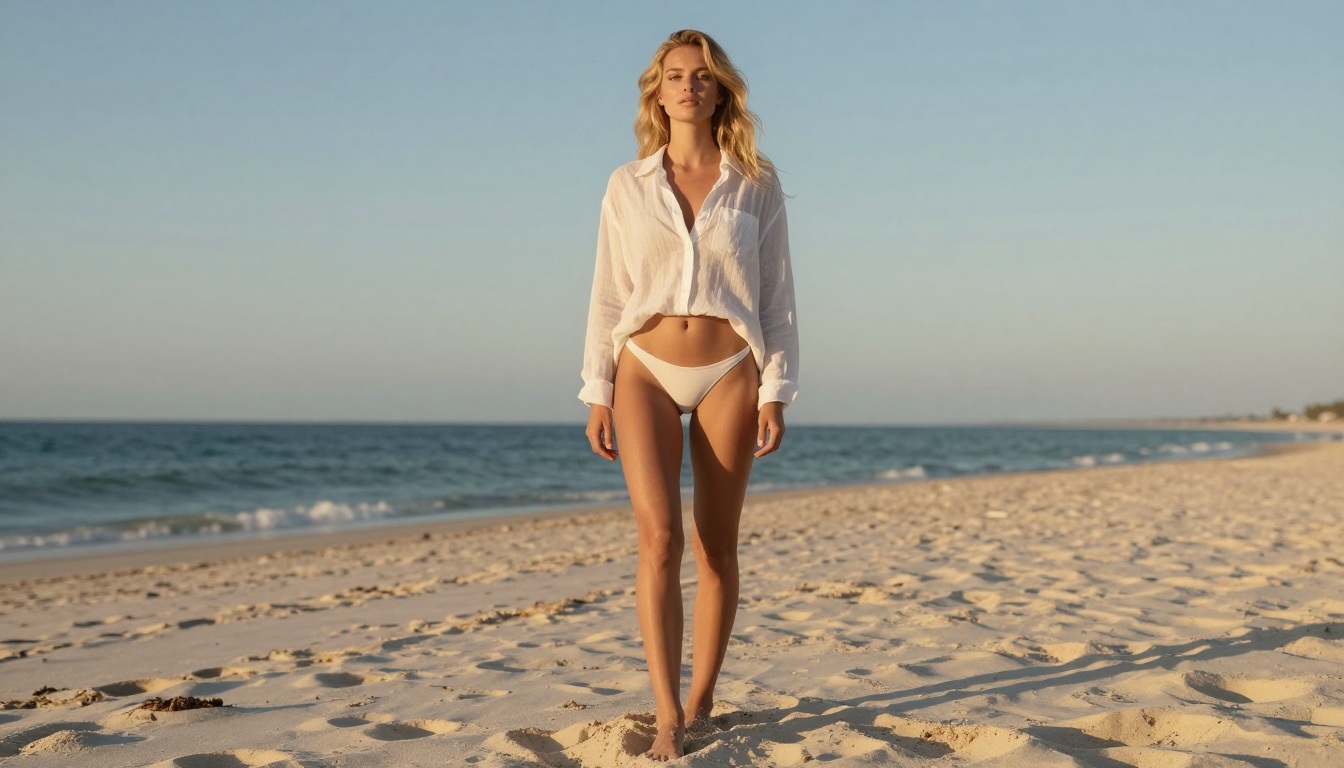
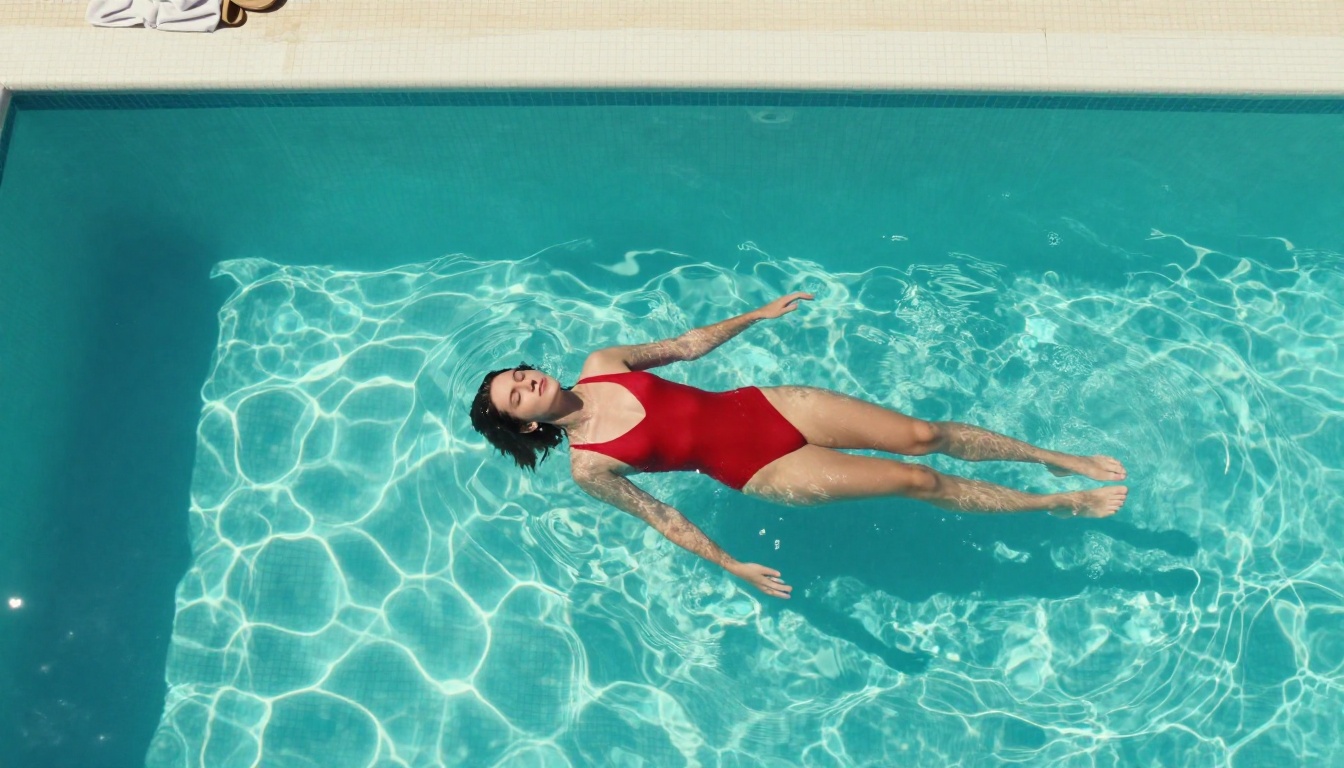
The proof is in the output. When you stop fighting a filter and just describe what you want, the quality of what you can produce is striking. The images below were all generated using models available on PicassoIA, without any prompt gymnastics to avoid triggering content warnings.
Quality vs. Censored Alternatives
Creators who have only ever used heavily filtered tools are often surprised by the quality difference when they switch. Not because the filtered tools are bad, but because:
- Prompt iteration is faster without constantly rewording to avoid blocks
- Creative range is wider when you are not self-censoring your prompts before you even type them
- Output variety increases because the model can respond to the full nuance of your description
- Artistic control improves when you are describing the actual content rather than a sanitized proxy for it
The models on PicassoIA do not sacrifice quality for freedom. Seedream 4.5 in particular produces images competitive with the best closed-source tools on the market, across every category including fashion, lifestyle, portraiture, and artistic content. You are not choosing between quality and creative latitude. You are choosing a platform that does not force you to pick one.
Variety Without Compromise
One of the underrated advantages of working with unrestricted models is diversity of output. When you can be precise about what you want without workarounds, the model can express the full range of what it was trained on. You get images that feel specific and intentional, not blurred by overly cautious prompt reinterpretation. A request for a bold editorial portrait does not become a mild, neutralized version of itself. It becomes exactly what you asked for.


Start Creating on PicassoIA
If you have spent time hitting walls on other platforms, PicassoIA is worth your attention. The platform hosts over 90 text-to-image models, with Seedream 4.5 as the flagship for high-quality, high-latitude image creation, and PicassoIA Image Editor Pro as the unlimited workhorse for high-volume projects.
The restrictions you have been hitting are not technical limits. They are policy layers applied on top of capable models, calibrated around brand risk and legal liability rather than creative value. The underlying technology can do far more than those filters permit.
Platforms that host open-source and community fine-tuned models give you access to the actual capability. The full creative range. The images you had in mind before the red box appeared.
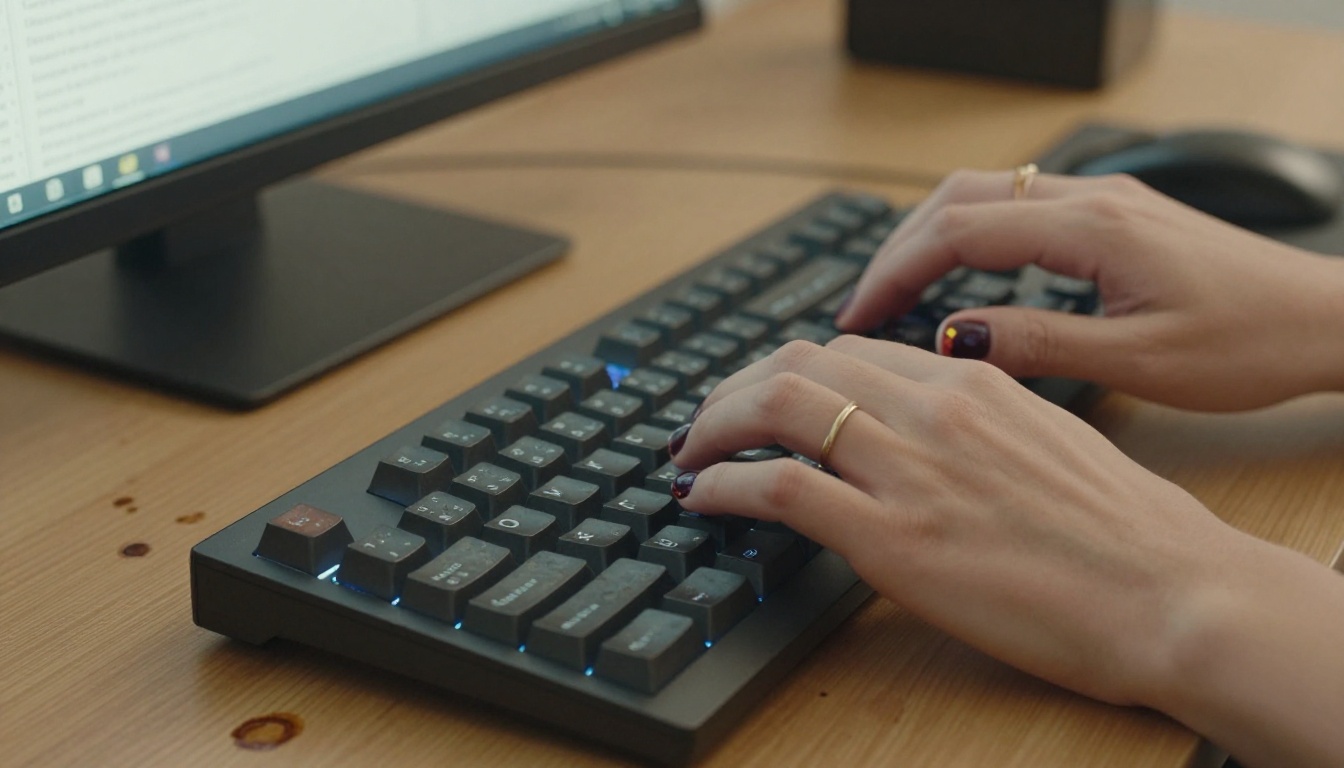
Go to picassoia.com/en/all-models and see what becomes possible when the walls come down. Start with Seedream 4.5, type exactly what you want, and find out what a capable model without a filter layer actually produces. The difference is immediate.


