The difference between a mediocre +18 AI image and a jaw-dropping one comes down to three things: the model you pick, the prompts you write, and the platform you use. In 2026, you have more options than ever before, and that makes choosing harder, not easier. This ranking cuts through the noise. We tested the top models available today across photorealism, anatomy accuracy, lighting fidelity, and prompt adherence, so you get a straight answer on what actually works.
Why 2026 Is a Different Game
Two years ago, generating a photorealistic +18 image that passed for real photography was a niche skill requiring complex negative prompts, LoRA stacking, and significant trial and error. That friction is largely gone. The new generation of models arriving in late 2025 and into 2026, particularly the Flux 2 series and Seedream 4, have pushed baseline output quality to a level that previously required post-processing to achieve.
The biggest shift is in skin texture rendering. Earlier models like SDXL produced plausible skin in good lighting but fell apart at close range or in shadows. Modern models render individual pores, micro-hair, and subsurface scattering that makes skin look genuinely three-dimensional. That change matters enormously for glamour and editorial-style adult content, where close-up quality is expected.
The second shift is lighting comprehension. Models now understand natural lighting physics well enough that you can describe a Rembrandt lighting setup or golden hour side-light and actually get it. The model is not just applying a filter; it is constructing light sources, shadows, and specular reflections from scratch.
How We Ranked These Models
Rankings are based on four criteria, each weighted equally:
- Photorealism: skin, hair, eyes, fabric, background authenticity
- Prompt adherence: how accurately the model follows detailed instructions
- Anatomy accuracy: hands, proportions, posture under varied camera angles
- Lighting fidelity: directional light, shadows, specular highlights
All models were tested with identical prompts across three scenarios: close-up portrait, full-body beach shot, and low-light indoor scene.
The Top 10: Ranked
1. Flux 1.1 Pro Ultra
Flux 1.1 Pro Ultra sits at the top of this list for a reason: it produces the most consistently photorealistic output available in 2027. Skin pores, catchlights in the eyes, the way fabric wrinkles at a hip or shoulder, it handles all of it with a naturalness that no other model currently matches at high resolution.
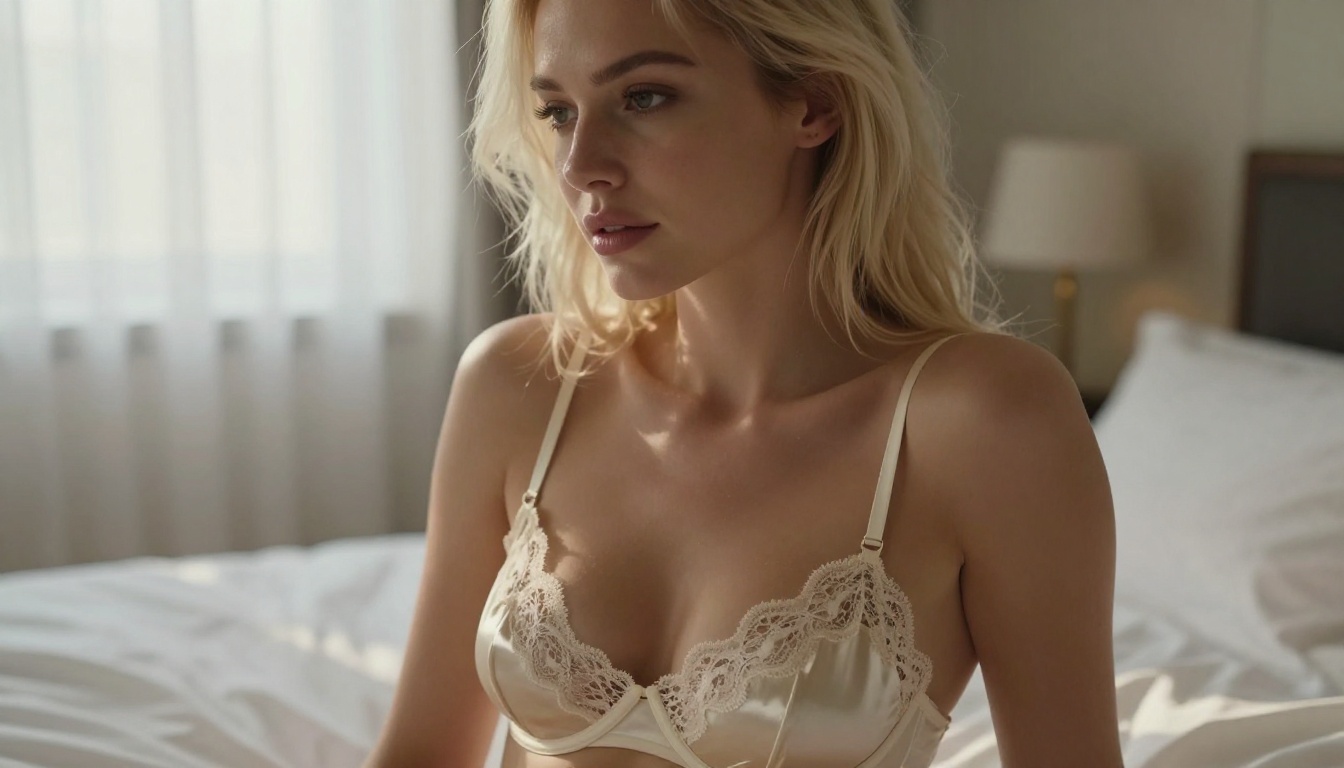
What separates it from the competition is its handling of complex lighting scenarios. Ask it for a candlelit shot with soft rim light from a window and it builds both light sources correctly, with accurate falloff and shadow interaction. For +18 glamour content, that capability is not optional. It is what separates editorial-quality output from generic AI output.
💡 Best for: High-fidelity portraits, luxury editorial, close-up detail work. Use with detailed prompts specifying lens type, aperture, and lighting direction for maximum results.
Strengths: Anatomy, skin texture, lighting physics, prompt adherence
Limitations: Slower generation time than flash models; higher cost per generation
2. Flux 2 Max
Flux 2 Max is the maximum-effort version of Black Forest Labs' second-generation architecture. It takes everything that made Flux 2 Pro competitive and pushes resolution and detail to another level.
The improvement most visible in +18 content is hair rendering. Flux 2 Max produces individual hair strands in motion, wet hair separating into natural clumps, fine body hair catching directional light. These details were notoriously difficult in previous generation models and still trip up competitors. Flux 2 Max handles them naturally.
Strengths: Hair detail, 4K-equivalent output resolution, color accuracy
Limitations: Requires very specific prompts for best results; sparse prompts yield average output
3. Realistic Vision v5.1
Realistic Vision v5.1 has been a staple of the photorealistic AI image community since its release, and it remains in the top five for one reason: consistent face quality at low computational cost. The model produces extraordinarily natural facial features, even with minimal prompting, which makes it ideal for creators who want high-quality results without writing 200-word prompts.
It is not the best model for full-body composition or complex environments, but for portrait-focused +18 content, it remains one of the most reliable options on the platform.
💡 Best for: Face-focused portraits, quick iterations, beginners working in the +18 space who want reliable baseline quality.
Strengths: Face quality, speed, ease of use, low prompt complexity needed
Limitations: Full-body anatomy is weaker than Flux models; backgrounds can be generic
4. RealVisXL v3.0 Turbo
RealVisXL v3.0 Turbo brings speed to the realism equation. It produces output that competes with models twice as slow, making it the go-to choice when you need to iterate quickly through multiple concepts before committing to a final generation.
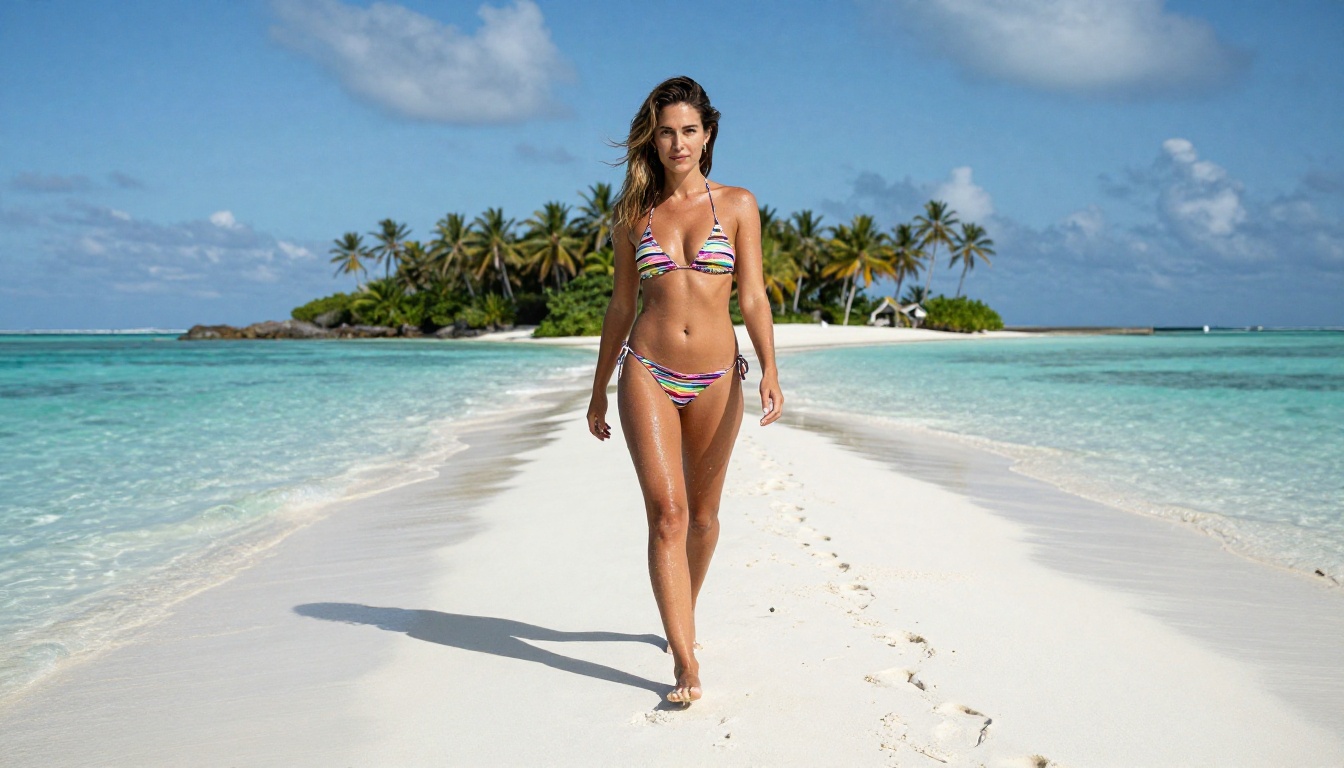
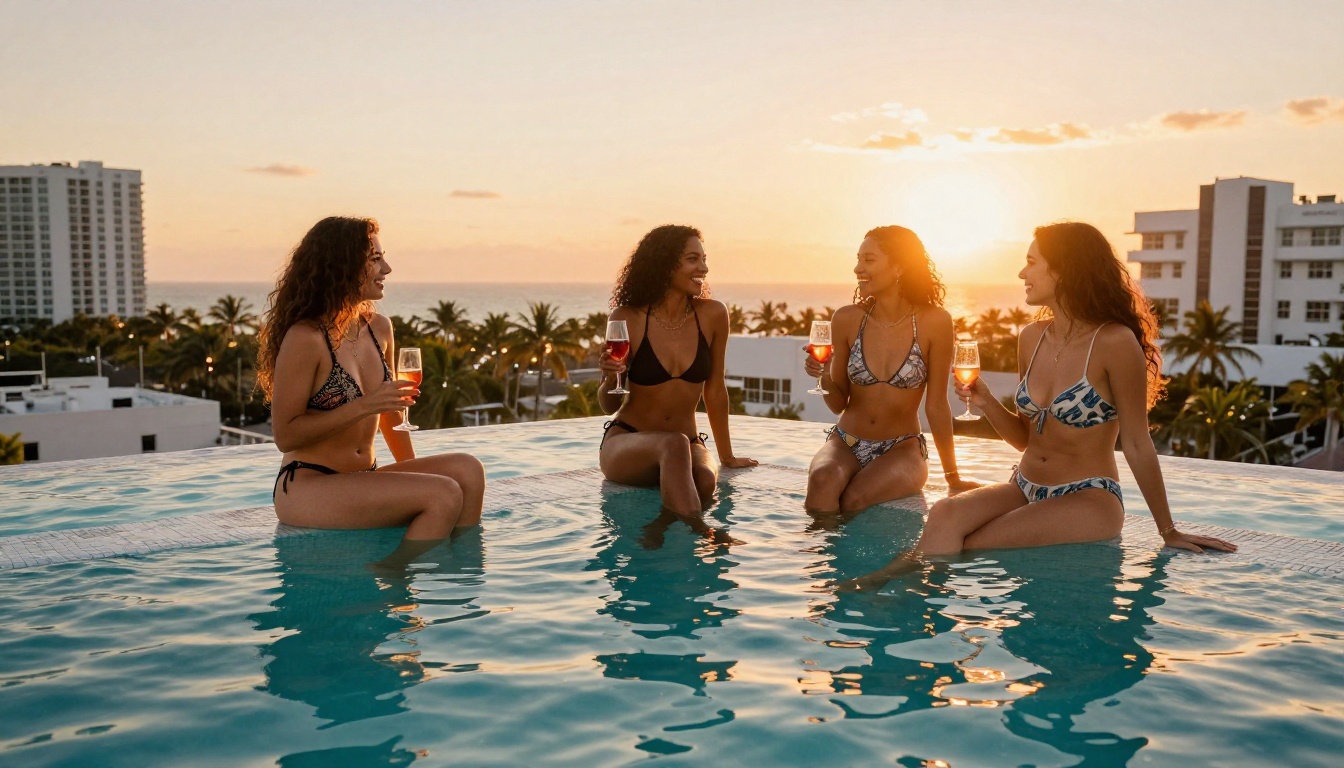
The SDXL base architecture underneath RealVisXL gives it solid anatomy handling, but the v3.0 Turbo fine-tune adds a natural color palette and softer skin rendering that works particularly well for warm, sun-lit outdoor scenes. Beach and poolside +18 content looks especially good with this model.
Strengths: Speed, outdoor and natural light scenes, iteration-friendly
Limitations: Interior and low-light scenes are weaker than Flux options
5. Stable Diffusion 3.5 Large
Stable Diffusion 3.5 Large represents the most significant improvement Stability AI has made in years. The multi-modal diffusion transformer architecture dramatically improved composition and spatial reasoning, which means the model actually understands where bodies are in space relative to backgrounds, furniture, and other elements.
That spatial understanding translates directly to better full-body compositions. A woman lying on a bed, seated in a car, or partially obscured by water now renders with correct perspective and proportional relationships that earlier SD models botched regularly. For those who want a faster alternative with less compute, Stable Diffusion 3.5 Large Turbo is worth testing.
Strengths: Composition, spatial reasoning, full-body accuracy, diverse styles
Limitations: Skin texture slightly less detailed than Flux at close range
6. Seedream 4
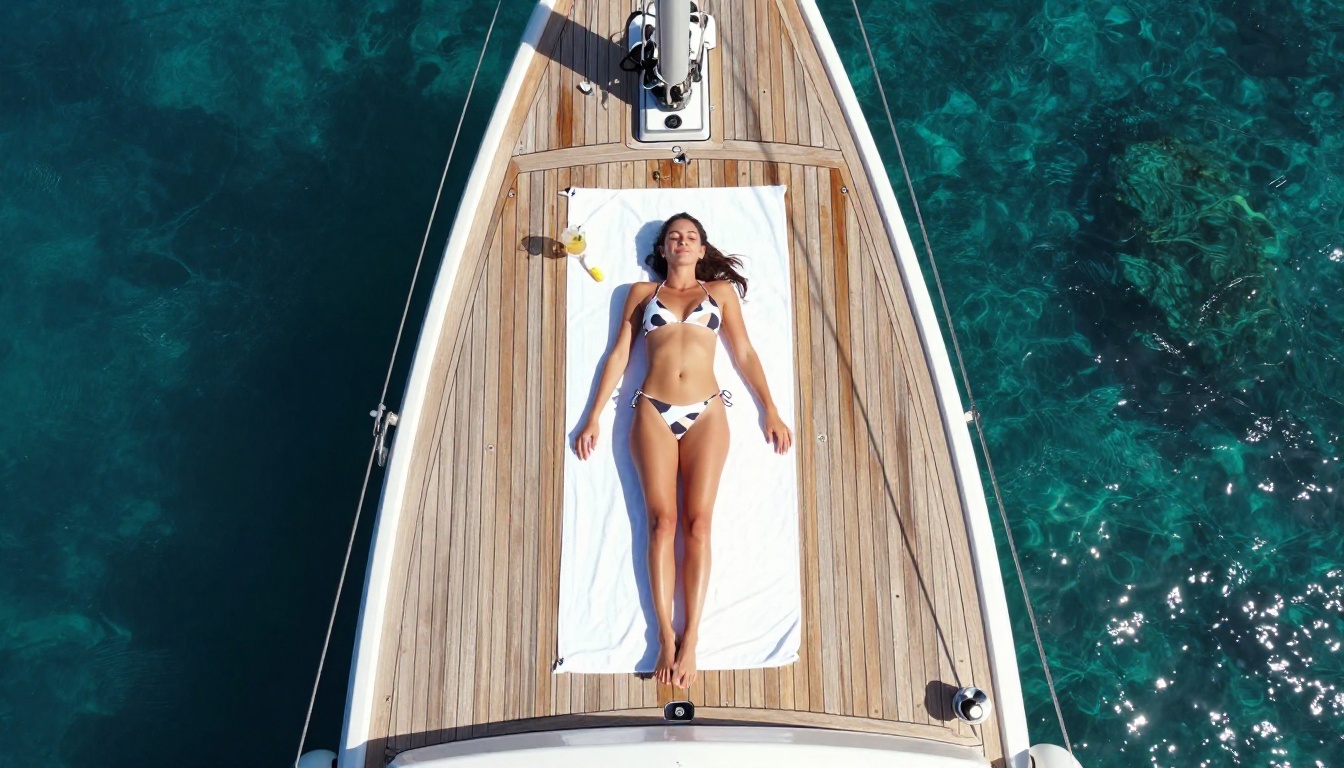
Seedream 4 from ByteDance is the biggest surprise in this ranking. The model produces ultra-high-resolution output with a color palette that feels distinctly more vivid and warm than most Western-trained models. For sun-drenched tropical content, beach photography, or anything requiring lush, saturated natural colors, Seedream 4 outperforms models ranked above it.
The trade-off is subtle but real: Seedream 4 tends toward idealized beauty standards, producing faces and bodies that are slightly more stylized than raw photography. For most +18 content this is actually a feature, but if your goal is extreme photorealism that could pass for an unretouched photograph, Flux 1.1 Pro Ultra remains the benchmark.
💡 Best for: Tropical scenes, warm color palettes, vibrant outdoor content, anywhere saturation matters more than clinical realism.
7. Ideogram V3 Quality
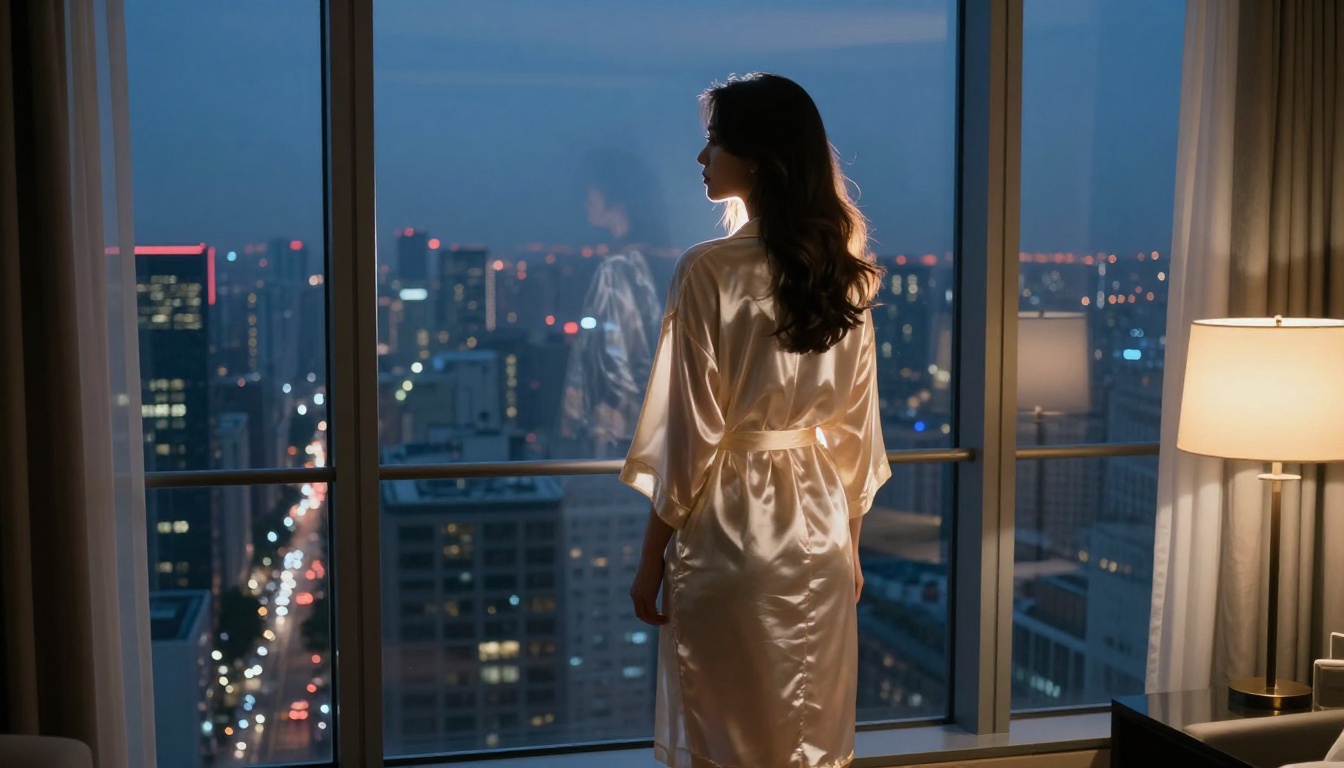
Ideogram V3 Quality surprises most people. The model is often associated with text-heavy design work, but the V3 Quality variant has a specific strength: extraordinarily clean backgrounds and environments. Hotel rooms, terraces, interiors, cityscapes, any context where the background needs to look as photorealistic as the subject, Ideogram V3 Quality delivers.
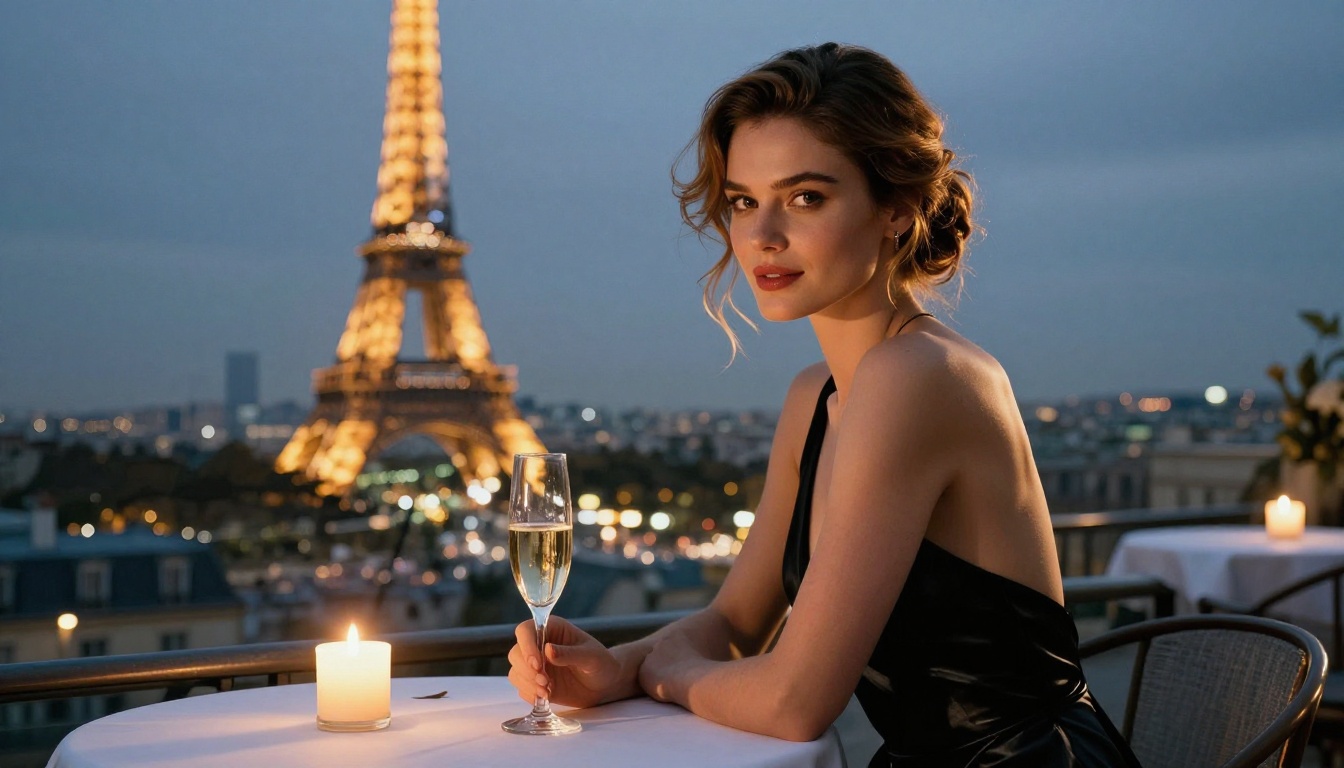
For +18 content that leans into luxury settings, whether that is a Parisian apartment, a five-star hotel suite, or a rooftop with a city panorama, this model gives the environment as much attention as the subject. For even faster turnaround, Ideogram V3 Turbo offers similar environment quality at reduced generation time.
Strengths: Background and environment quality, interior scenes, architectural detail
Limitations: Not the top choice for extreme close-up skin detail
8. GPT Image 1.5
GPT Image 1.5 from OpenAI brings something different: natural language understanding at a level no other model touches. You can describe a scene in plain conversational English, no photography jargon required, and get back a coherent, well-composed image. The model fills in artistic and lighting decisions intelligently when you leave them unspecified.
That strength cuts both ways. Creators who want precise control over aperture, focal length, and lighting setup will find GPT Image 1.5 less compliant than Flux models. Those who prefer to describe a mood and let the model interpret it will find this the most accessible +18 generator in the ranking.
Strengths: Natural language prompting, accessible for beginners, strong composition
Limitations: Less precise when given highly technical photography specifications
9. Imagen 4 Ultra
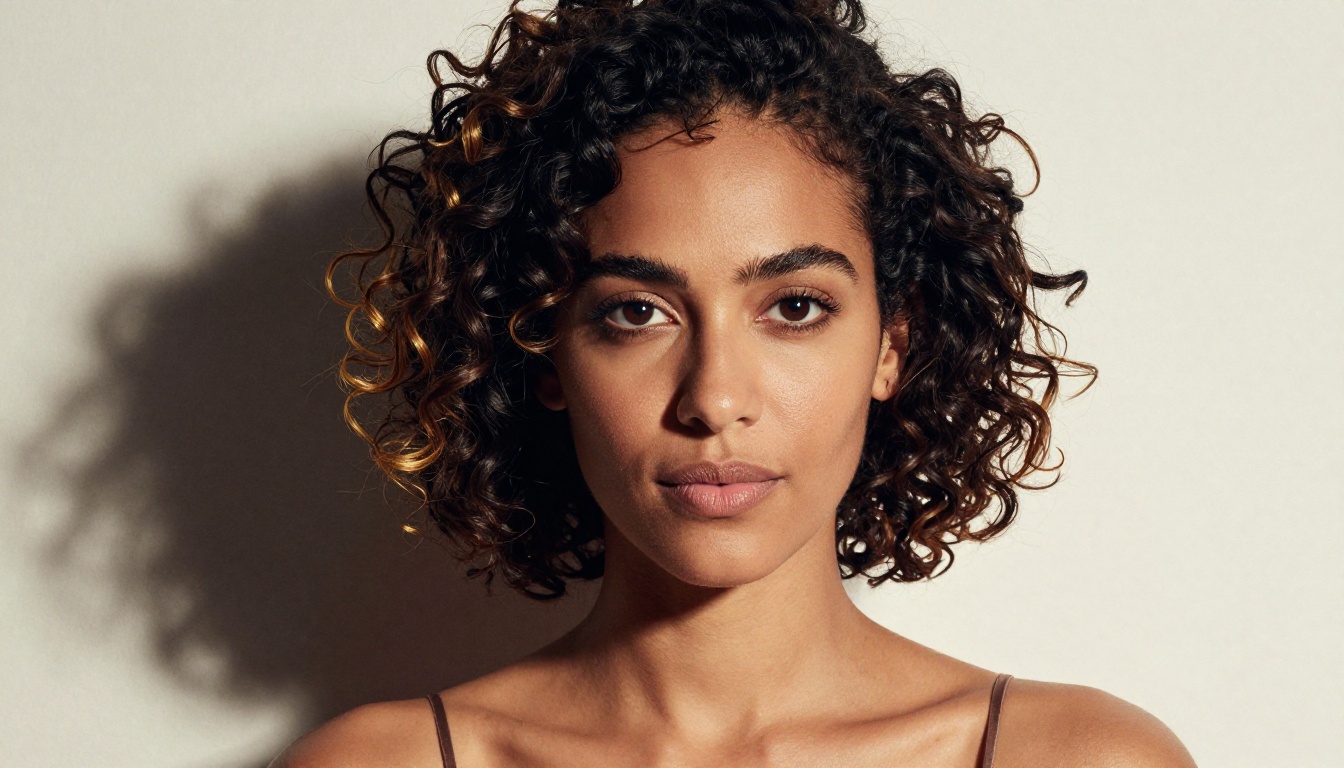
Imagen 4 Ultra from Google stands out in color science: the model reproduces natural color temperature shifts across a scene with a precision that looks less AI-generated and more like a calibrated camera sensor. Sunset gradients, mixed indoor/outdoor lighting, skin tones under different color temperatures, all look genuinely correct rather than merely plausible.
For +18 content where cinematic color quality matters, Imagen 4 Ultra is worth the investment. Creators who need a faster variant without sacrificing too much color fidelity can also test Imagen 4 Fast.
Strengths: Color science, cinematic quality, lighting color accuracy
Limitations: Requires explicit prompting for suggestive content; more conservative defaults
10. DreamShaper XL Turbo
DreamShaper XL Turbo closes the top 10 as the best value option on this list. It runs on the SDXL architecture with a fine-tune optimized for cinematic realism and produces solid photorealistic output at a fraction of the cost and time of premium models.
For creators who generate large volumes of +18 content and need a fast, affordable model that still delivers acceptable quality, DreamShaper XL Turbo is the practical choice. It will not win a side-by-side comparison against Flux 1.1 Pro Ultra, but it will produce ten usable images in the time the premium model generates two.
Strengths: Speed, cost-effectiveness, volume generation, cinematic look
Limitations: Anatomy weaker than top-tier models; skin texture less detailed at close range
Speed vs. Quality: The Real Trade-Off
How to Use Flux 1.1 Pro Ultra on PicassoIA
Flux 1.1 Pro Ultra is the top-ranked model in this list, so here is exactly how to use it on the platform to get the best results.
Step 1: Open the model page
Go to the Flux 1.1 Pro Ultra page on PicassoIA and click "Generate."
Step 2: Set the aspect ratio
For full-body or landscape compositions, use 16:9. For portrait close-ups, use 9:16 or 1:1. The ultra model supports up to 4 megapixel output natively.
Step 3: Write a structured prompt
Use this formula for best results:
[Subject + Pose] + [Environment] + [Lighting description] + [Camera: lens + aperture] + [Film stock/grain] + [Style tag]
Example prompt:
"Confident woman in a minimal white bikini sitting on sun-warmed stone steps of a Mediterranean villa, afternoon sun from the right creating strong rim light along her shoulder and jaw, 85mm f/1.4 lens, shallow depth of field, bougainvillea and white walls behind, Kodak Portra 400 grain, photorealistic raw photography"
Step 4: Specify the light
The single most impactful variable is lighting direction. Specify where the light source is ("from the upper left," "behind the subject," "candlelight from below") and Flux 1.1 Pro Ultra will construct shadows and highlights accordingly. Vague terms like "beautiful lighting" produce flat output.
Step 5: Add the raw style modifier
Adding --style raw or ending your prompt with "raw photography" significantly reduces the overly polished look that AI images often have. It introduces natural imperfections: slight skin unevenness, natural hair variation, authentic environmental detail.
💡 Pro tip: For maximum skin realism, add "visible skin texture, fine pores, natural complexion, no heavy retouching" to your prompt. This counteracts the model's tendency to produce too-perfect skin at high detail settings.
Step 6: Scale up with LoRA customization
Once you have a working prompt formula, p-image-lora lets you apply LoRA fine-tunes on top of the base generation pipeline, giving you fine-grained control over style, body type, and aesthetic consistency across a batch of images.
3 Mistakes That Kill Your Results
These are the errors that separate weak +18 AI output from strong output, regardless of which model you use.
1. Not specifying the light source
Most creators write "beautiful lighting" and wonder why their images look flat. "Beautiful lighting" is meaningless to a model. "Soft morning light from the upper left" tells the model exactly what to build. Light direction, light quality (hard or soft), and light color temperature should all be in your prompt.
2. Using generic subject descriptions
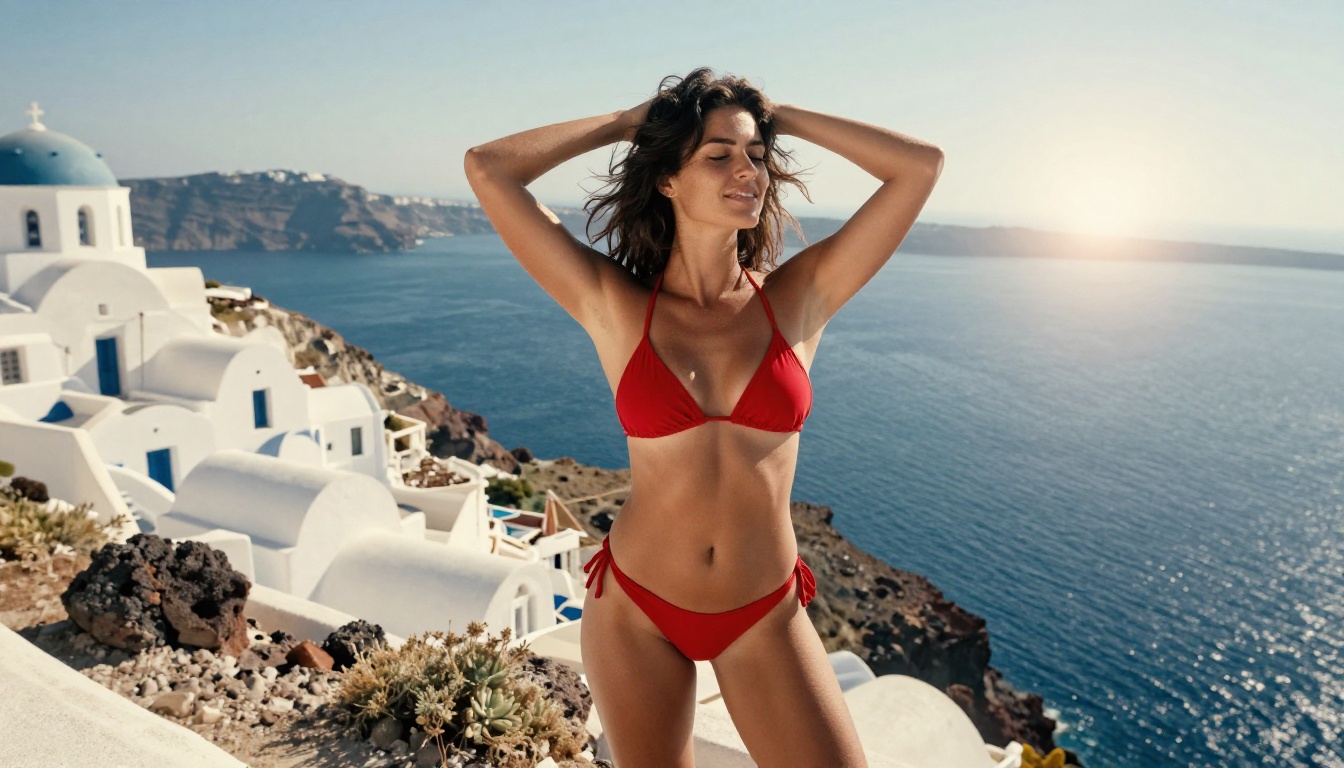
"Beautiful woman in a bikini" produces average output. "Confident woman with dark wavy hair, tanned olive complexion, wearing a minimal deep-red string bikini, relaxed posture" gives the model specific parameters to work with. The more specific the subject, the more coherent the result.
3. Ignoring the camera as a creative tool
AI models understand photography equipment. Specifying "35mm f/2.8 wide angle looking up" produces a fundamentally different image than "135mm f/2.0 telephoto looking down." Every part of your prompt that references a physical camera choice directly affects composition, perspective distortion, depth of field, and subject relationship to background.
What Prompts Actually Need
Prompts for +18 content work best when they borrow from the vocabulary of professional photography rather than AI art. The models in this ranking were trained on real photographs, so describing real photographic setups produces more photorealistic output than describing fictional AI art concepts.
These four elements should be present in every serious prompt:
- A defined light source: Direction, quality, and color temperature
- A camera specification: Focal length and aperture at minimum
- A film stock reference: Kodak Portra 400, Kodak Ektar 100, or Fuji Provia for different color moods
- A texture note: What specific textures should be visible in skin, fabric, and environmental surfaces
💡 Prompting shortcut: Write your prompt as if you are briefing a professional photographer before a shoot. "I want her standing on the edge of a cliff in Santorini at 4pm, right-side lighting from the setting sun, shot on a wide angle from below, the sea and white buildings in the background at medium bokeh." That briefing format translates directly into detailed, coherent prompts that the top models respond to extremely well.
For creators who want to work at scale, the Super Resolution tools on PicassoIA let you upscale images generated at standard resolution to 2x or 4x output quality after the fact, which effectively doubles the usefulness of faster generation models like Flux Schnell and RealVisXL v3.0 Turbo.
Start Creating Right Now
The ten models ranked above are all available without software installation or local hardware requirements. PicassoIA runs them entirely in the browser, which means you can open Flux 1.1 Pro Ultra in a new tab and have your first image generated in under two minutes.
If you are new to +18 AI image generation, start with Realistic Vision v5.1 for accessible, portrait-quality output with minimal prompting. Once you have built an intuition for how models respond to different prompt elements, move up to Flux 1.1 Pro Ultra for work that needs to hold up at full resolution.
For creators who need volume, DreamShaper XL Turbo and RealVisXL v3.0 Turbo are the fastest routes to a large batch of usable images. Both sit alongside 88 other text-to-image models on the platform, which means you can A/B test the same prompt across multiple models in the same session to see exactly where quality differences show up.
The ranking above gives you a starting point. The real work starts the moment you type your first prompt.


