There is a very specific conversation happening in private Slack channels, design Discord servers, and freelancer forums right now. Professionals are trading links to free AI tools that do everything their expensive subscriptions do, and they are not telling their clients. The tools exist, they are powerful, and most people have no idea they are available without paying a cent.

The economics are simple. If a freelance designer charges $500 for an AI-generated image campaign and the client finds out the actual tool is free, the conversation gets uncomfortable fast. The same dynamic plays out with copywriters using free LLMs, video editors using free lipsync tools, and photographers using free upscaling software. The value was never the tool. It was the knowledge that the tool exists in the first place.
The Paywall Illusion
Many AI tools operate on a freemium model where the free tier is quietly left off the main marketing page. You land on a pricing page, see a $49/month plan, and assume that is what you need. What you do not see is the free plan buried in the FAQ, or the fact that a completely free alternative exists with nearly identical output quality.
This is not an accident. Premium AI services spend heavily on SEO and paid advertising, which systematically pushes free alternatives out of search results. The outcome is a lopsided information landscape where paid tools dominate visibility and free tools thrive quietly among those who already know where to look.
Who Profits From You Not Knowing
Subscription-based AI companies have a direct financial interest in keeping free alternatives obscure. Every user who finds a free tool is a lost recurring payment. But beyond the companies themselves, there is a secondary economy of consultants, agencies, and "AI experts" whose entire value proposition is knowing which tools to use. Share that knowledge openly, and the mystique fades overnight.
💡 The real skill in AI is not paying for access. It is knowing which free tools to combine for professional results.
Free AI Image Generators That Actually Work
The text-to-image space is where the gap between free and paid is most dramatic. There are platforms right now offering state-of-the-art image generation at zero cost, processing hundreds of images per day without requiring a credit card.
Text-to-Image Without the Price Tag
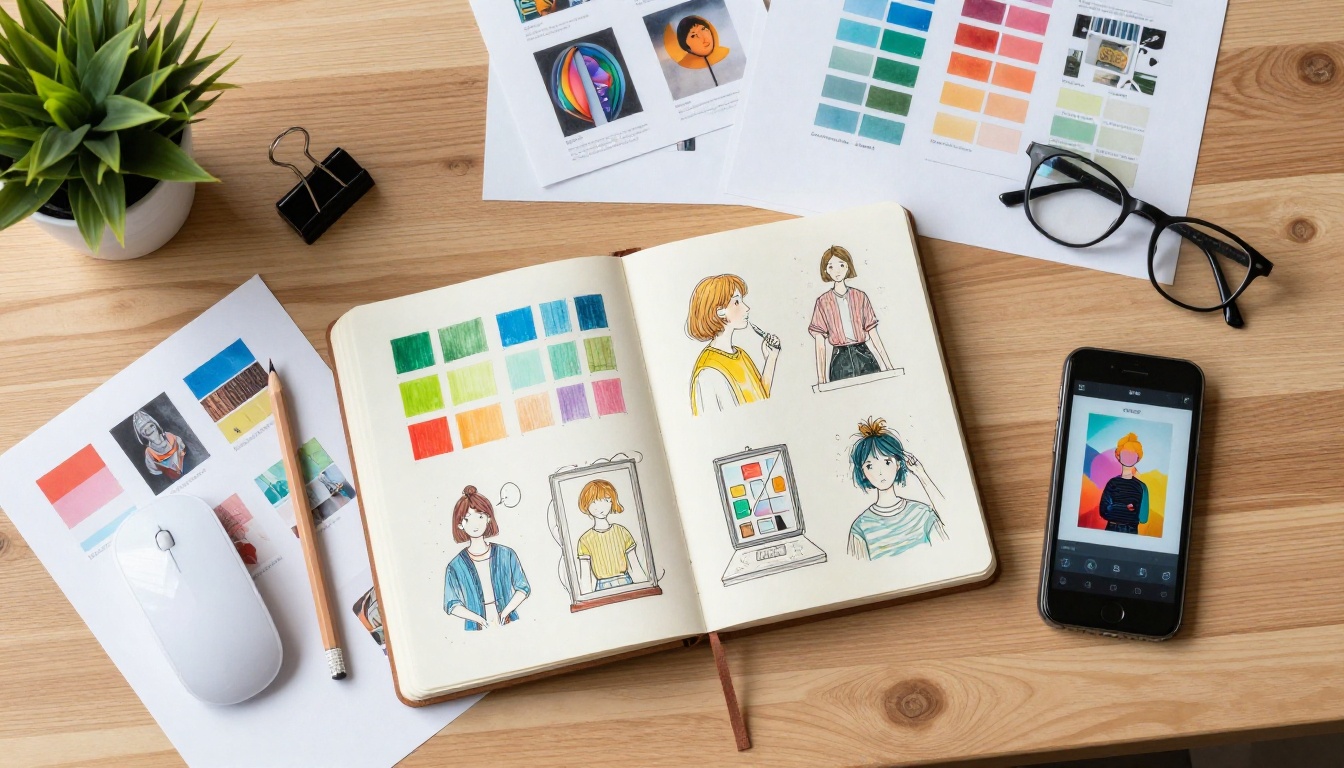
Platforms like Picasso IA aggregate over 91 text-to-image models under one roof, many of which are completely free to use. This includes access to high-quality models capable of generating photorealistic portraits, product photography, landscapes, fashion imagery, and abstract art on demand. The output quality matches, and in many cases exceeds, what paid single-model subscriptions offer.
What professionals actually do is test multiple free models against the same prompt to find which one handles their specific use case best. The variety available on a multi-model platform is a structural advantage over paying for a single proprietary tool with a fixed aesthetic.
| Use Case | Free Capability | Professional Output |
|---|
| Photorealistic portraits | Text-to-image models | Studio-quality results |
| Product photography | Text-to-image models | Clean, sharp, commercial-ready |
| Fashion and lifestyle | Text-to-image models | Editorial-grade imagery |
| Abstract and creative | Text-to-image models | Unlimited style variation |
| Social media content | Text-to-image models | Fast, multiple aspect ratios |
Upscaling and Restoring Photos for Free
Super-resolution AI, which upscales images 2x to 4x while adding realistic micro-detail, is one of the most expensive features in paid photo software. It is also available for free. Platforms with super-resolution tools let you take a small or degraded image and output a print-ready high-resolution version without a monthly subscription.
The same applies to AI image restoration, which repairs noise, blur, color fading, and physical damage in old photographs. What costs $15/month in a dedicated app is available as a no-cost tool on the right platforms. Wedding photographers, archivists, and social media managers use this workflow every week without paying anything.
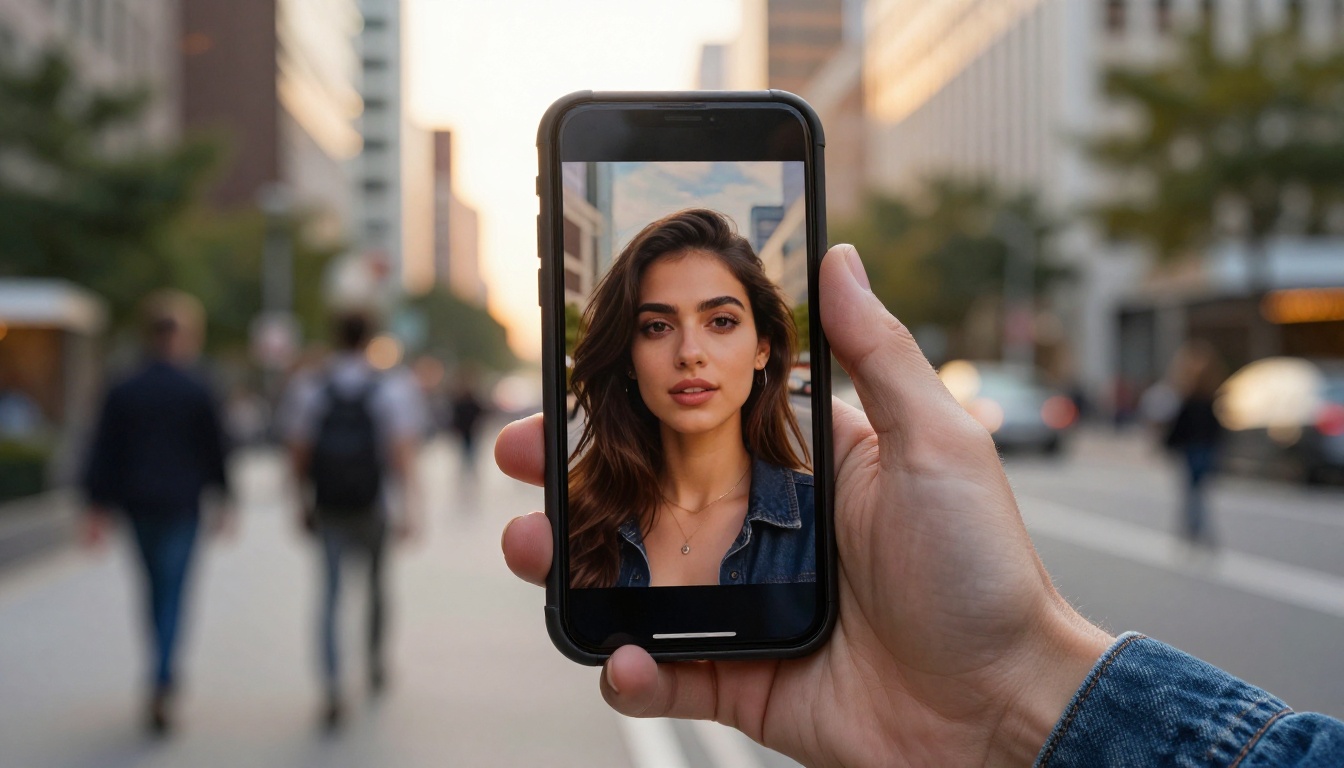
The large language model space has seen the most dramatic shift toward free access in the past 18 months. What once required an expensive API subscription is now accessible through browser-based interfaces with no payment required.

LLMs That Rival Paid Subscriptions
The models professionals actually use for writing, summarizing, coding, and complex reasoning are now accessible for free through platforms that aggregate them. On Picasso IA, you can run conversations with GPT-5, GPT-4o, Claude 4 Sonnet, and Gemini 2.5 Flash without maintaining individual subscriptions to OpenAI, Anthropic, or Google.
Each model carries specific strengths that professionals match to specific tasks:
- GPT-5: Strongest for complex reasoning, long-form writing, and structured data outputs
- Claude 4 Sonnet: Excels at precise coding tasks and nuanced instruction-following
- Gemini 2.5 Flash: Fast, multimodal, excellent for document analysis and summarization
- GPT-4o: Reliable all-rounder with strong vision capabilities for image interpretation
Paying separately for all four would exceed $100/month in individual subscriptions. Having them in one place, free, completely changes the economics of AI-powered professional work.
DeepSeek, Llama 4, and the Open-Source Wave
The open-source AI movement has produced models that directly compete with the most expensive proprietary options on the market. DeepSeek R1 delivers step-by-step reasoning that professionals use for complex problem-solving, data analysis, and research tasks that previously required premium subscriptions. DeepSeek v3 handles text generation and coding at a quality level that was considered premium territory just two years ago.
Meta's Llama 4 Scout Instruct and Llama 4 Maverick Instruct represent the open-source state of the art, running fully open weights that anyone can access through hosting platforms at no cost. Gemini 3 Pro brings multimodal reasoning to the table, reading images, documents, and text in a single conversation.
💡 Pro tactic: Run the same prompt through three different free LLMs and compare outputs. The best response is rarely from the most famous model.
The practical reality: A copywriter billing $150/hour for AI-assisted work is almost certainly using one of these free models. The differentiation is in the prompt strategy and workflow, not the subscription price.

Free AI Audio Tools Nobody Mentions
Audio AI has a reputation for being expensive and technically difficult to access. That reputation is at least two years out of date.
Voice Generation Without a Monthly Fee
Text-to-speech tools have reached a quality level where synthetic voices are indistinguishable from recorded human audio in many production contexts. Podcasters, YouTubers, and content studios use these daily to produce narration, character voices, and professional voiceovers at scale. Free access to text-to-speech AI is available now through platforms that include it alongside image and video tools.
The use cases are wide: product demo narration, accessibility features for web content, social media voiceovers, audiobook production, and customer service recordings. None of this requires a dedicated subscription when the right platform provides the tool as part of a broader offering.
Turn Speech Into Text Instantly
Speech-to-text transcription, which was a paid per-minute service just a few years ago, is now free at scale. Meetings, interviews, lectures, and podcasts can be transcribed automatically with high accuracy in multiple languages. Professionals use this to pull written content from spoken material, create subtitle files, and build searchable archives of recorded conversations.
When combined with a free LLM, the workflow is clean: record audio, transcribe for free, clean up and rewrite with AI for free, publish. Zero recurring cost for the entire pipeline.
Generate Videos From Text
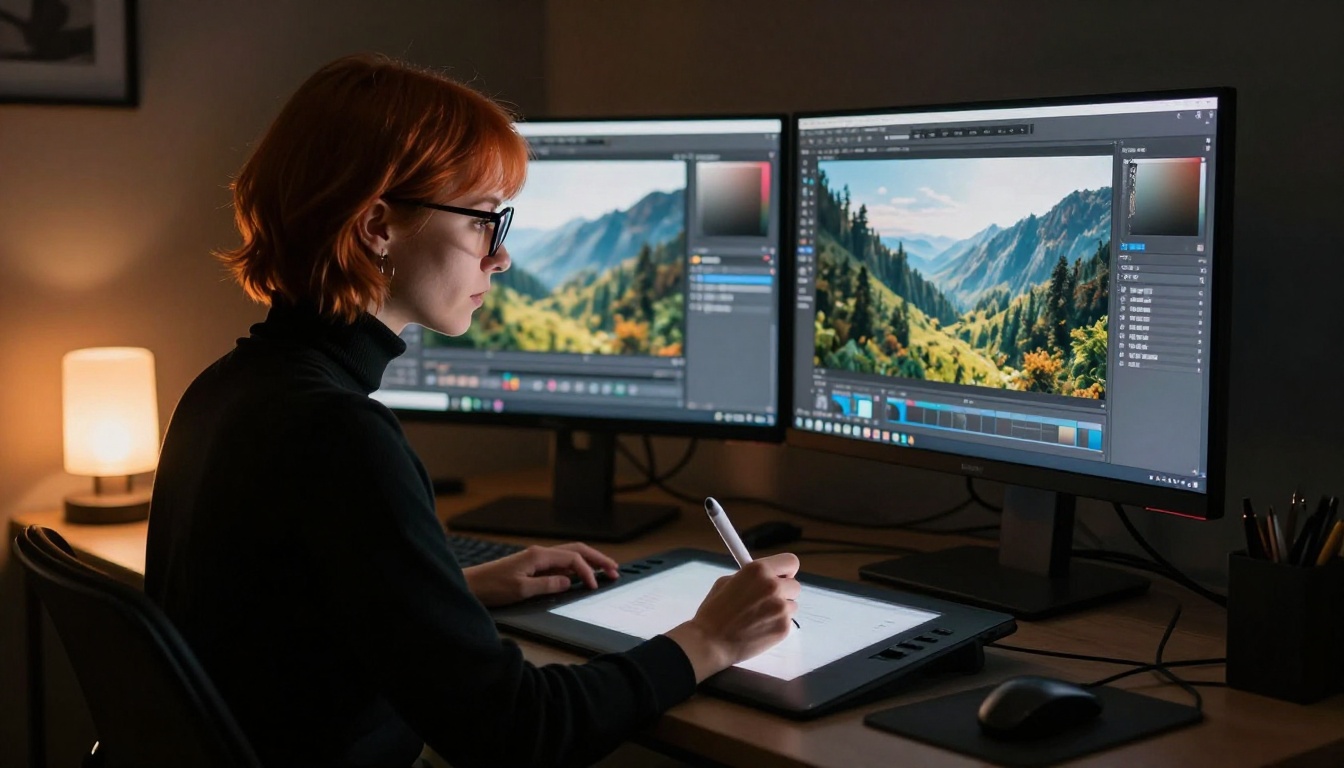
Text-to-video AI has moved from novelty to practical production tool faster than most people anticipated. Free-tier access to these models, available through aggregator platforms, lets you generate short video clips from text descriptions alone. For social media content, product teasers, and creative prototypes, the quality is more than sufficient for professional use.
The approach that works in practice is treating text-to-video as a raw starting point, not a final deliverable. Generate the base clip for free, add audio from a free text-to-speech tool, apply color correction, and cut it into a polished final piece. The entire pipeline costs nothing.
Lipsync and Video Effects at No Cost
Lipsync AI, which animates a still photograph or video clip to match a spoken audio track, is one of the most commercially valuable capabilities in digital media. Advertising agencies and production houses charge significant rates for this work. It is also available free through platforms that include lipsync models in their tool collection.
Beyond lipsync, over 500 video effects ranging from color transforms to stylistic filters are available through AI-powered video effects tools. Professionals use these to add meaningful production value to client deliverables without licensing expensive plugin suites or hiring post-production specialists.

Background Removal and Photo Editing
One-Click Background Removal
AI background removal has made the green-screen photo studio nearly irrelevant for most product photography needs. The free versions of this technology handle complex edges with high accuracy, including fine hair strands, transparent objects, and intricate fabric patterns. E-commerce sellers and social media managers use this workflow daily without paying the per-image fees that dedicated background removal services charge.
The output is a clean, transparent PNG ready for placement on any background, product page, or marketing asset. What once required a skilled Photoshop operator spending 20 minutes on a single image now takes seconds.
AI Photo Restoration
Damaged, faded, or low-resolution photographs can be restored automatically using AI restoration tools. The model identifies noise, blur, scratches, and color degradation, then applies corrections that would take a skilled retoucher significant time to replicate manually. The output is a clean, high-resolution file ready for print or digital distribution.
💡 Combine free background removal with free super-resolution for a complete product photography post-processing workflow at zero cost.
How to Use Picasso IA for Free AI Creation
Since Picasso IA hosts over 91 text-to-image models alongside LLMs, audio tools, video tools, and editing capabilities, here is the exact workflow professionals use to get professional results for free:
Step 1: Access the collection
Go to picassoia.com and open the category that matches your task. Text-to-image for visuals, large language models for writing and reasoning, background removal for product photos.
Step 2: Write a specific prompt
Vague prompts produce generic results. Specific prompts, describing the subject, lighting direction, camera angle, mood, and texture, produce professional output. "A woman in a red silk dress in a sunlit Parisian café, 85mm f/1.8 lens, golden hour, photorealistic" produces dramatically better results than "woman in café."
Step 3: Test multiple models
Different models handle different prompt styles differently. Run your prompt through three to five models and compare outputs side by side. The best performer varies by use case and subject matter.
Step 4: Refine with editing tools
Use inpainting to fix specific areas of a generated image. Use outpainting to extend the canvas in any direction. Apply super-resolution to upscale the final output for print or large-format use.
Step 5: Pair with LLM assistance
Switch to the large language model collection and choose from GPT-5, DeepSeek R1, Claude 4 Sonnet, or Gemini 3 Pro depending on the task. Use these to write image prompts, generate captions, rewrite copy, or research content topics before creating visuals.

Not using free AI tools does not save money. It costs time, and time carries a real monetary value. A social media manager spending four hours on content that a free AI workflow could handle in 20 minutes is losing revenue, not protecting professional standards.
The professionals who produce the most with AI are not the ones with the most expensive subscriptions. They are the ones who know which free tools exist, how to chain them together, and where to find new capabilities before they become mainstream knowledge. By the time a tool appears in a mainstream "best AI apps" roundup, the early adopters have already integrated it into their billable workflow and moved on to the next one.
💡 The advantage is not the tool itself. It is being the first person in your niche to use it seriously.
The gap between what is available for free today and what most people believe they need to pay for is enormous. That gap is widening every quarter as open-source models improve, as new aggregator platforms launch, and as companies compete for users by expanding free tiers rather than restricting them.
The professionals keeping these tools quiet are not doing anything wrong. They are simply operating with information asymmetry. That asymmetry ends when you know where to look.
Start Creating Right Now
The tools in this article are not theoretical future possibilities. They are live, accessible today, and require no payment to use for a broad range of professional tasks. The only barrier was knowing they existed.
Picasso IA puts over 91 text-to-image models, GPT-5, Claude 4 Sonnet, DeepSeek R1, Llama 4 Maverick, Gemini 3 Pro, background removal, super-resolution, video generation, lipsync, text-to-speech, and AI music generation in one place.
Start with a single image generation prompt. Run it through three different models. Notice how differently each one interprets the same words. Then build from there: add an LLM to refine the prompt, use the output in a social post, apply super-resolution before printing. Each step is free. Each step produces something a client will pay for.
The professionals already using this setup are not going to announce it. So consider this your introduction to what they already know.