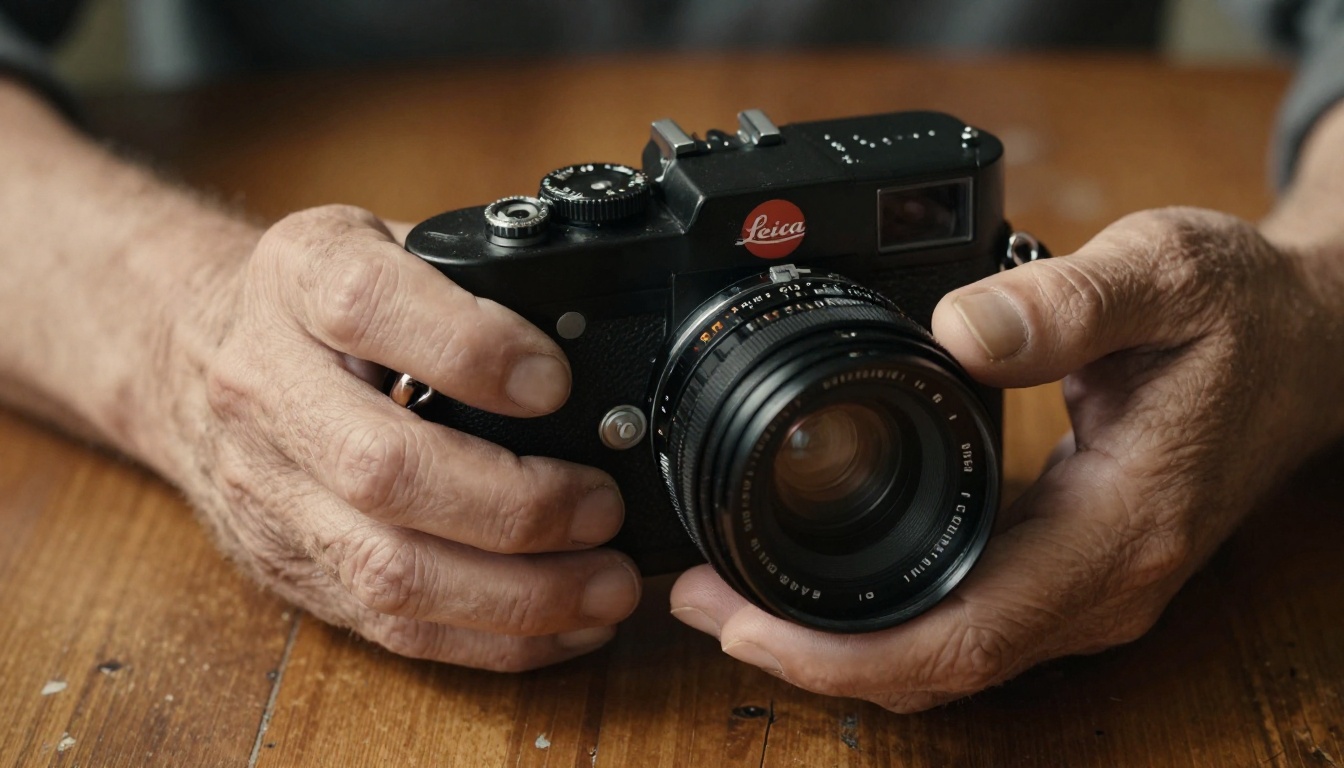
Three months ago, I sold my camera. A Sony A7 IV with a 50mm f/1.4 and an 85mm portrait lens. Gear I spent years saving for. I put it all on eBay, shipped it out, and have not touched a physical camera since. Not because photography stopped mattering to me. Because AI image generation got so good it made the camera feel optional.
This is not a hot take. It is something photographers are quietly figuring out right now, and the results are starting to speak for themselves.
What Actually Changed in AI Photography
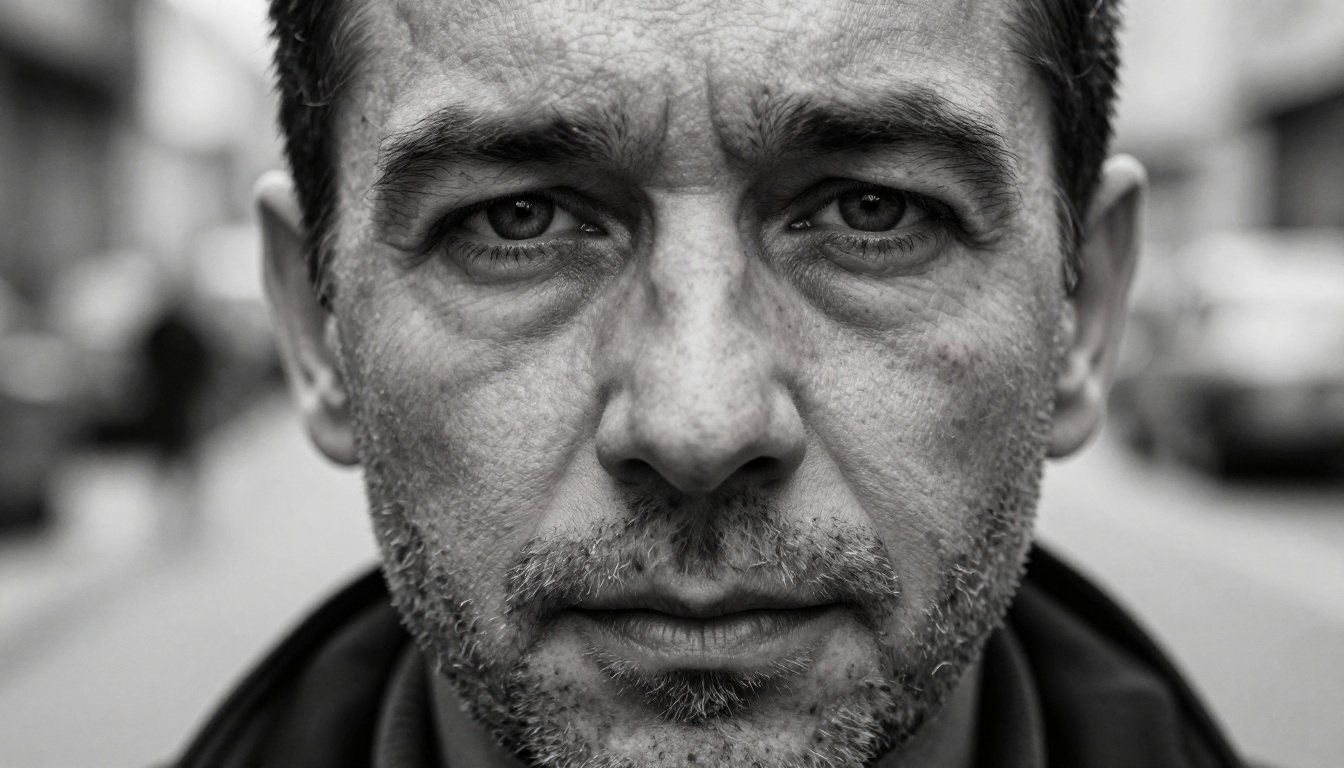
For years, AI-generated images had a specific look. Too smooth. Too symmetrical. Wrong hands. Weird ears. Any experienced eye could spot them immediately. That era is over.
The models powering today's AI photography, specifically Flux 1.1 Pro and Flux 2 Pro, have crossed a threshold that matters: they generate images with film grain, lens aberrations, and natural lighting behavior that is indistinguishable from a camera raw file at first glance.
What changed technically comes down to three things:
- Training data scale: Modern models trained on hundreds of millions of real photographs, not synthetic images
- Photorealism conditioning: The latest architectures specifically reward realistic light behavior, accurate shadows, and natural skin tone
- Resolution and detail retention: 8K-equivalent output with micro-texture that holds up at 100% zoom
💡 The shift happened fast. Twelve months ago, AI images looked like concept art. Today, the best outputs look like they came off a Phase One medium format camera.
The Models Doing the Heavy Lifting
Not all AI image models are the same. There is a clear hierarchy when it comes to photorealism, and knowing which tool to reach for matters.
Flux: The New Industry Standard
Flux 1.1 Pro from Black Forest Labs is the current benchmark for photorealistic output. It handles:
- Accurate facial anatomy without the uncanny valley effect
- Natural bokeh and depth of field simulation
- Realistic hair, skin texture, and fabric behavior
- Correct shadow direction based on the described light source
For faster generation with slightly less detail, Flux Schnell is the go-to. It runs in seconds and still produces images that would fool most viewers. The newer Flux 2 Max pushes the ceiling even higher with finer micro-detail rendering, particularly in fabric, foliage, and architectural shots.
Realistic Vision: Film Photography Feel
Realistic Vision v5.1 has a distinctive character. It skews toward the aesthetic of film photography rather than digital, producing results with natural grain, slight color shifts, and the kind of imperfection that makes a photograph feel lived-in. If you are going for editorial, documentary, or cinematic stills, this is worth testing alongside Flux Dev.
Luma Photon: Speed Without Sacrifice
Luma Photon occupies a specific niche: fast generation with a strong composition sense. It tends to produce images with excellent framing and natural subject placement, which matters when you are iterating through many prompts quickly.

What Shots Actually Work
Not every photography scenario translates to AI equally well. Here is an honest breakdown:
| Shot Type | AI Result Quality | Notes |
|---|
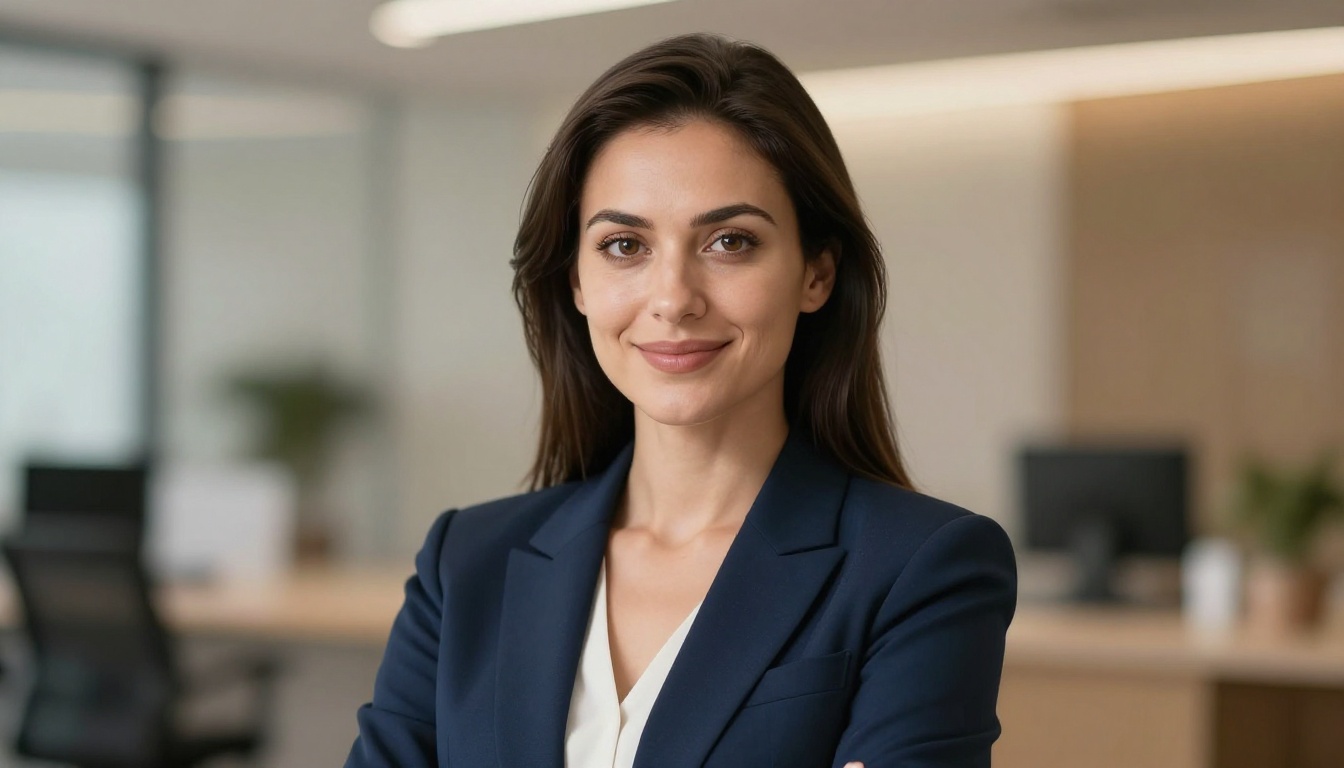
| Portraits | Excellent | Skin, eyes, and hair are now near-perfect |
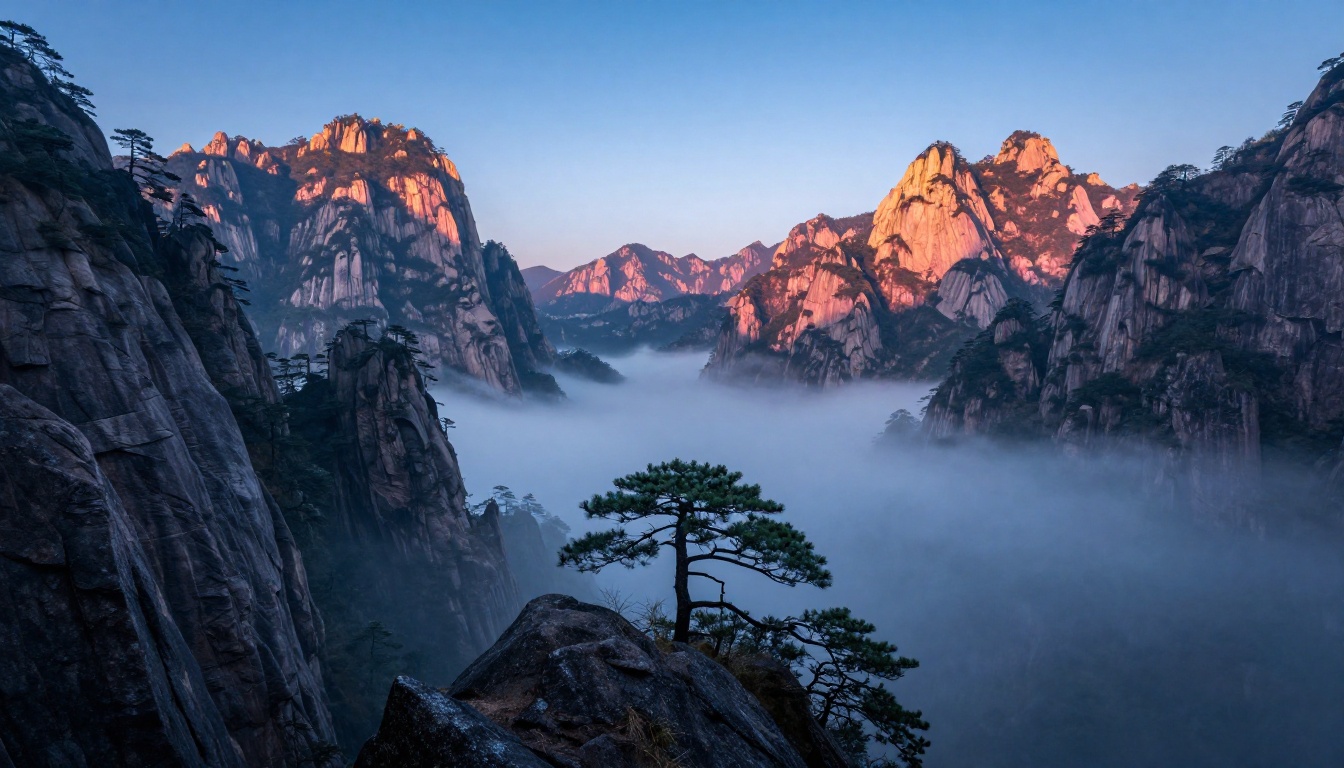
| Landscapes | Excellent | Lighting conditions are highly controllable |
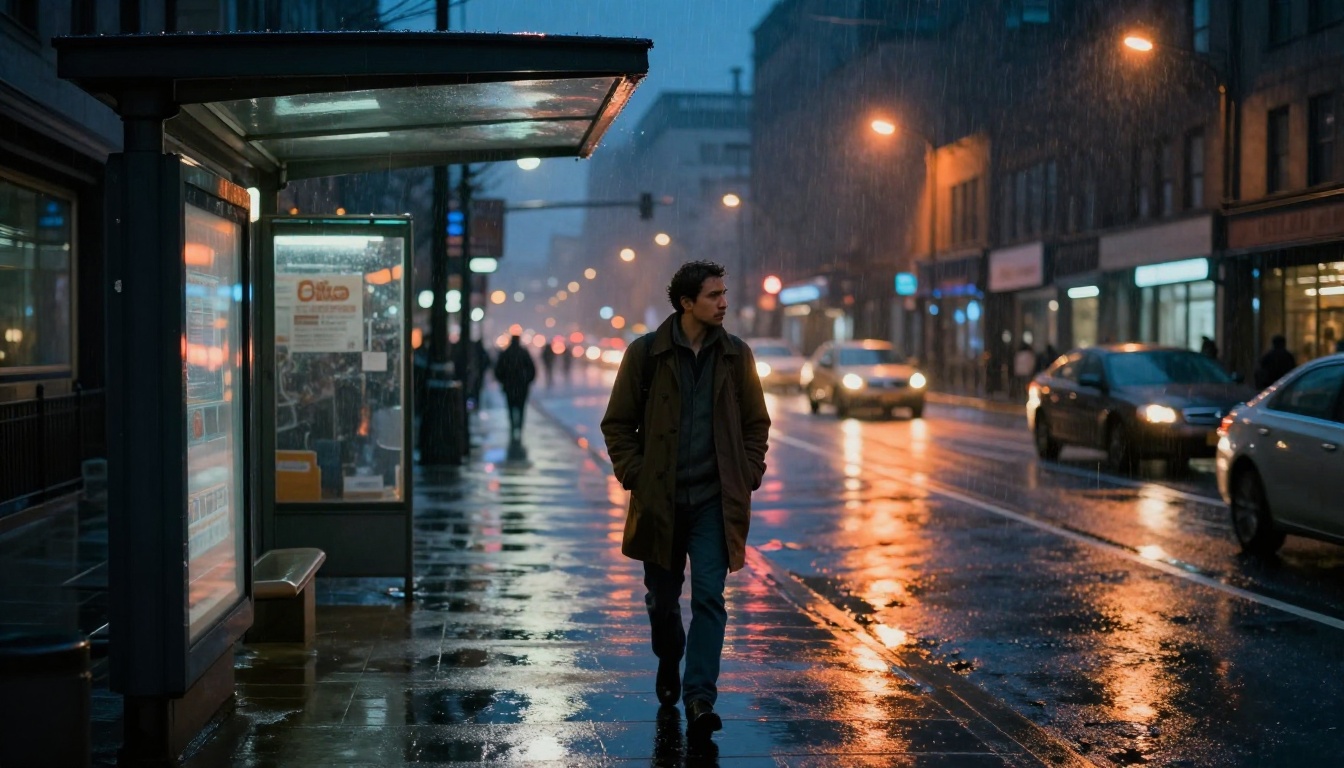
| Street photography | Very good | Urban environments render with strong realism |
| Sports and action | Good | Fast motion still requires strong prompting |
| Macro and product | Very good | Detail retention has improved significantly |
| Candid events | Moderate | Real-time spontaneity is still camera territory |
The categories where AI now beats a camera are the ones that traditionally required the most expensive gear. Studio-quality portrait lighting normally requires multiple strobes, reflectors, a backdrop, and a rented studio. With Flux Kontext - Professional Headshot, you describe the lighting and it is there.
How to Use Flux on PicassoIA
PicassoIA gives you direct access to Flux 1.1 Pro, Flux Dev, Flux 2 Pro, and the full suite of Flux Kontext tools, all in one place. Here is how to get photorealistic results fast.
Step 1: Pick the Right Model
For a portrait or lifestyle shot, start with Flux 1.1 Pro. For faster iteration during the prompting phase, switch to Flux Schnell. Once you have a composition you like, run the final version through Flux 1.1 Pro for maximum quality.
Step 2: Write the Prompt Like a Photographer
The single biggest difference between an AI image that looks like a photo and one that looks like an illustration is how you describe the technical setup. Treat your prompt like a shot brief:
Subject + Pose + Environment + Light Source and Direction + Camera and Lens + Film Stock or Look
Here is an example that works:
"Young woman in linen blouse standing in a golden wheat field, waist-up, shot from slightly below eye level, volumetric warm light from the right at sunset, Nikon 85mm f/1.4, Kodak Portra 400 film grain, natural bokeh background"
Every one of those details signals to the model that this is a photograph, not an illustration. The lens specification alone changes how the model renders depth of field.
Step 3: Edit Without Reshooting
This is where AI genuinely leaves traditional cameras behind. If a portrait is good but the background is wrong, Flux Kontext Pro lets you change the environment while keeping the subject intact. No photoshoot do-over required.
For damaged or noisy images, Flux Kontext - Restore Image reconstructs detail that a camera could not capture in the first place. Want a full set of portraits with consistent lighting but different compositions? Flux Kontext - Portrait Series was built for exactly that.
💡 Use Flux Kontext Max when you need maximum fidelity on contextual edits. It preserves identity and texture better than any other model at this task.
The Prompts That Make It Look Real
Most people write AI image prompts like they are describing a scene to a child. The results look accordingly generic. Here are the specific terms that shift the output from illustration to photography:
Lighting terms that work:
- Volumetric morning light from the left
- Overcast diffused daylight, no harsh shadows
- Golden hour backlight with rim lighting
- Single practical source from window, directional
Camera and lens terms that shift the realism:
- 85mm f/1.4 (compression, shallow depth of field)
- 35mm f/2.0 (wider, documentary feel)
- 16mm f/4 (landscape, deep focus)
Film stock references that change color science:
- Kodak Portra 400 (warm skin tones, fine grain)
- Fujifilm Velvia 50 (saturated, high contrast)
- Ilford HP5 (black and white, medium grain)
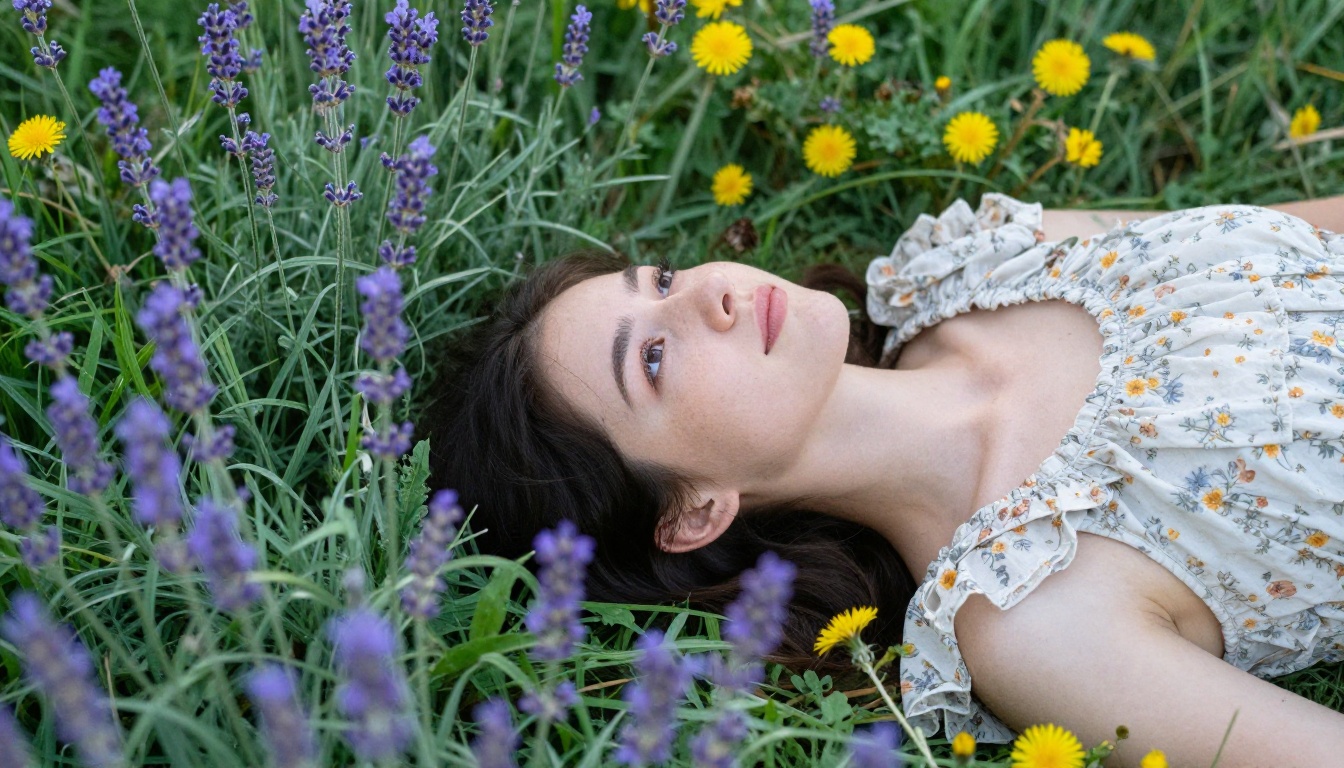
Combine these with explicit texture descriptions: visible pores on the nose, individual eyelashes distinct, fabric weave visible in close-up. That level of detail is what separates a photorealistic output from a generic AI headshot.
Finishing the Shot: Upscale and Polish
Even at native output resolution, sometimes you need more. Two tools on PicassoIA handle the post-processing side:
- Real ESRGAN: The fastest route to 4x upscaling without visible artifacts. It preserves edge detail and handles portraits particularly well.
- Topaz Image Upscale: Up to 6x enlargement, better than any traditional interpolation method.
For composite work or product photography, Remove Background gives you clean cutouts in seconds, without the manual masking that would take hours in Photoshop.
What AI Still Cannot Do
Being honest matters here. There are categories where a physical camera remains the right tool:
- Truly spontaneous moments: A child's exact laugh at the exact second it happens cannot be prompted. Real events require real presence.
- Sports and unpredictable action: AI can simulate athletes in motion, but specific real-world sequences are still a camera's domain.
- Client-specific likeness: If you are photographing a specific person and they need to be recognizably themselves, that still requires either a real camera or face-reference tools.
- Legal documentation: Architectural surveys, insurance evidence, legal proceedings. A generated image carries no evidentiary weight.
The rule is simple: if the specific real moment is what matters, use a camera. If the visual output is what matters, AI now competes directly.
Shots I Could Never Get Before
This is the part that surprises people most. AI does not just replicate what a camera can do. It does things that are physically impossible with any camera.
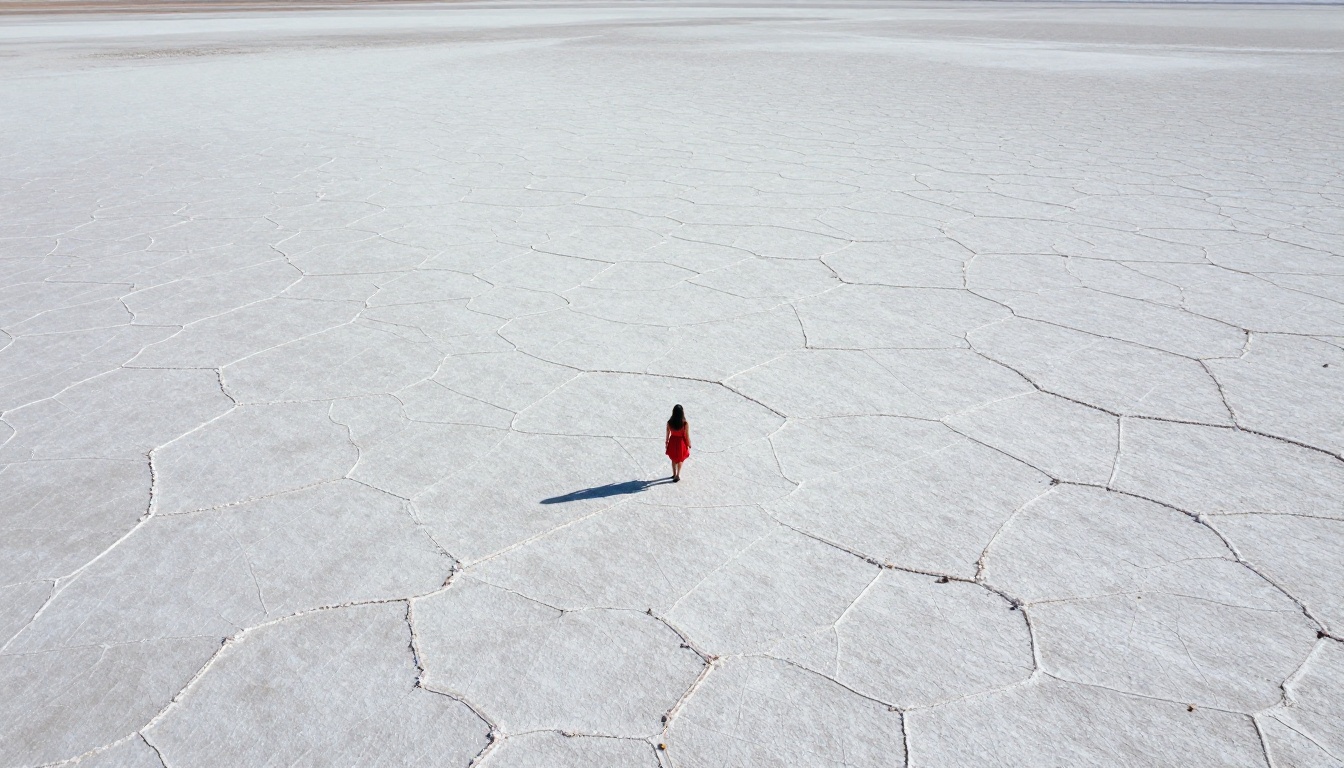
Aerial drone shots without a drone: Describing a bird's-eye view of a location produces results that would normally require a licensed drone pilot, flight permissions, and a $3,000 rig. The aerial salt flat image in this article would have cost thousands to produce with a camera.
Controlled golden hour, on demand: Getting perfect golden hour light requires being in the right location at the right 20-minute window on a clear day. AI generates it at 2 AM with a three-sentence prompt.
Locations that do not exist: A mountain range that blends the Dolomites with Patagonia. A beach with the water of the Maldives and the cliffs of Santorini. These are not places anyone can fly to.
Multiple consistent shots: A photography editorial typically requires a full day of shooting for 10 to 15 usable frames. With Flux Kontext - Portrait Series, you produce a consistent set in minutes.
💡 The comparison that matters is not whether AI images look as good as camera photos. It is whether they look as good as camera photos with a $50,000 budget and a professional crew. On that comparison, AI wins most of the time.
The Real Cost Comparison
| Item | Camera Route | AI Route |
|---|
| Equipment | $3,000 to $15,000 | $0 |
| Studio rental | $500 to $2,000 per day | $0 |
| Editing software | $60 per month | Included |
| Reshoots | Full day cost | Regenerate in seconds |
| Location travel | Variable | $0 |
| Per-image cost | High | Cents to dollars |
The financial argument alone is significant. But the time argument is just as strong. A full portrait session with editing typically takes two to three days from shoot to final delivery. A comparable AI workflow takes an afternoon.
Who This Is Actually For
The "AI replaced my camera" conversation gets hijacked quickly by people arguing about artistic purity. That is a different conversation. This one is practical.
Social media content creators who need consistent, high-quality visual output on a weekly schedule have the most to gain immediately. Flux 2 Dev and Flux Schnell together cover the speed-quality tradeoff for content pipelines.
Small businesses that need product photography, lifestyle shots, or team images without a photography budget now have a viable path. A consistent brand visual library that would have cost tens of thousands can be built in a week.
Designers and art directors who want to concept-test visuals before committing to production budgets. AI images are detailed enough now to show a client exactly what the final shot will look like.
Individual photographers who want to produce work in locations, lighting conditions, or scenarios that are physically impossible on their budget. Stable Diffusion 3.5 Large and DALL-E 3 are also worth testing for specific visual styles, particularly when you want different aesthetics than the Flux family produces.
Start Creating Without a Camera
Every image in this article was generated without a camera, without a location scout, and without a lighting setup. Some took under 30 seconds. Others required three or four iterations to get the prompt right.
The best way to see whether this workflow fits your needs is to run a few prompts yourself. PicassoIA gives you access to Flux 1.1 Pro, Flux Kontext Pro, Realistic Vision v5.1, Luma Photon, and over 90 other text-to-image models from one interface.
Pick a shot you have always wanted but never had the gear, the location, or the budget to get. Write it like a photographer would. Specify the lens, the light, the film stock. See what comes back.
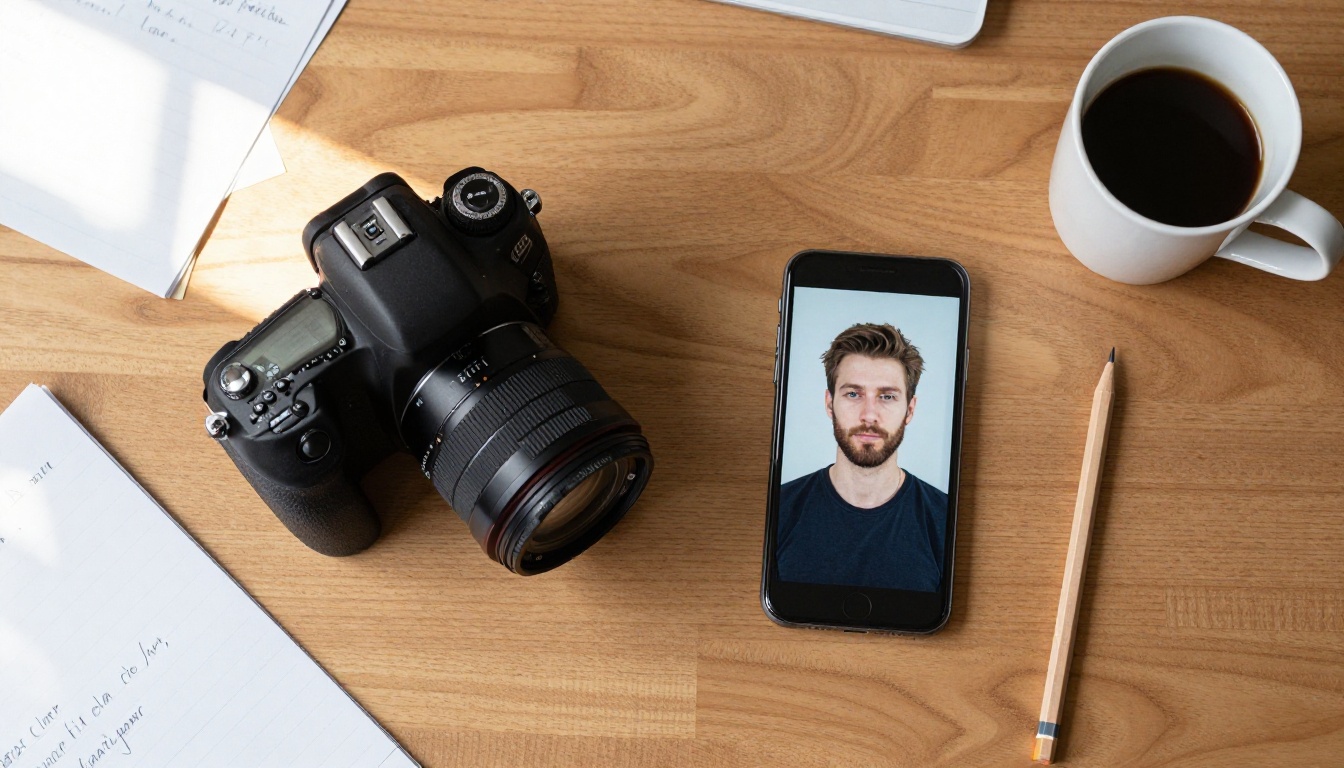
The camera on my desk is now a prop. The one I use every day fits in a browser tab.


