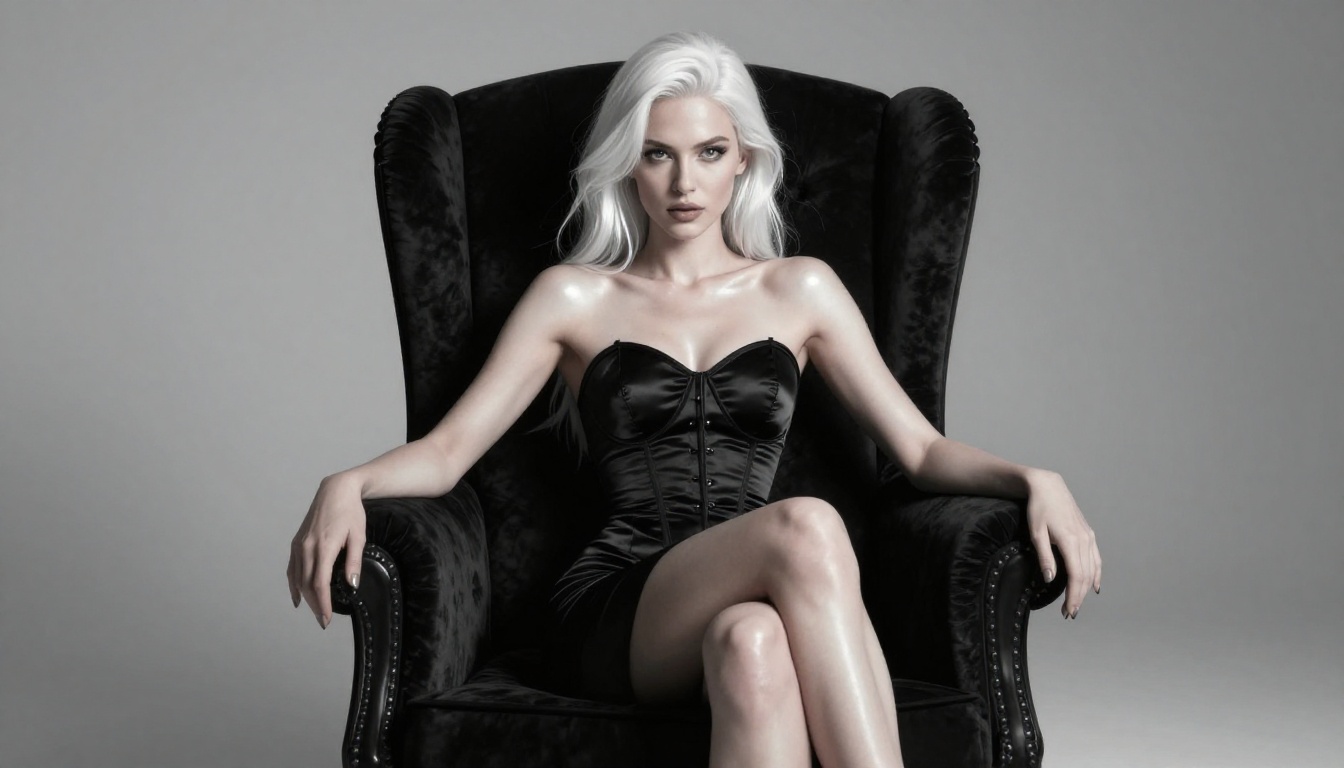
The line between a still image and a living, breathing video has officially disappeared. +18 AI video generators have reached a point where you can take a single photorealistic AI image and turn it into fluid, cinematic motion in minutes. No camera crew. No editing suite. No complicated software. Just a prompt, a model, and a result that looks like it was shot on a RED camera.
This is not the choppy, flickering animation of early AI video. The newest image-to-video models produce realistic skin movement, natural hair physics, subtle breathing motion, and ambient environmental motion that makes a static portrait feel genuinely alive. For adult content creators, this represents a fundamental shift in what is possible.
Whether you are generating portraits with FLUX 2 Pro and want to see them move, or you are building an entire adult content pipeline using AI tools, the workflow has never been more accessible. This article walks through exactly how it works, which models perform best, and how to get the most out of each generation.
What +18 AI Video Actually Means
From Static to Moving
A "+18 AI video generator" does not necessarily mean a tool that generates adult content from text alone. The more powerful and more commonly used workflow is image-to-video: you generate a high-quality still image first, then pass it through a video model that adds realistic motion.
This matters because still image generation is significantly more mature than video generation. Models like FLUX 2 Pro, GPT Image 1.5, and Realistic Vision v5.1 can produce stunning photorealistic portraits and body shots with extraordinary detail. Passing those images into a video model like Wan 2.6 I2V then adds life to them without losing quality.
The term "+18" in this context refers to the type of content being animated: suggestive, glamour, and adult-oriented imagery. The same technical pipeline applies regardless of content type.
The Quality Gap Is Closing Fast
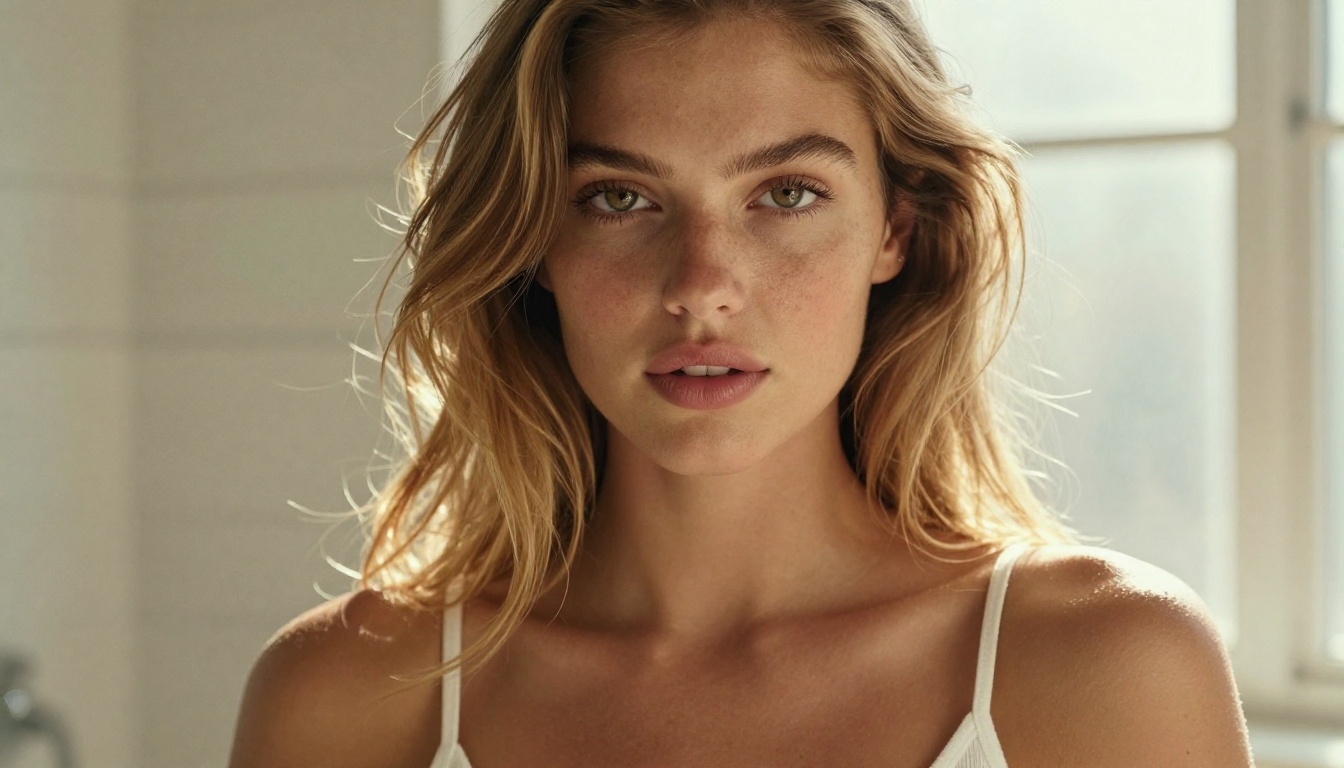
Twelve months ago, AI-generated video had visible artifacts: warping faces, inconsistent anatomy, jittery motion. That era is over. The latest models from Wan, Kling, Minimax, and Lightricks produce output that holds up under scrutiny.
The improvements driving this forward:
- Temporal consistency: Characters maintain consistent anatomy across frames
- Natural micro-motion: Subtle eye blinking, breathing, hair movement
- Lighting coherence: Shadows and highlights do not flicker or shift unnaturally
- Higher resolutions: 720p and 1080p output is now standard on the best models
For adult content specifically, this means realistic skin texture motion, fabric drape physics, and environmental interaction (water, wind, fabric) all render with a level of realism that was simply not possible before.
How Image-to-Video AI Works
The Technical Process (Simple)
When you pass an image into an image-to-video model, the model uses the image as the first frame and generates subsequent frames based on:
- The visual content of your input image
- A text prompt describing desired motion
- Model-specific parameters (duration, motion intensity, camera movement)
The AI does not "animate" in the traditional sense. It hallucinates plausible subsequent frames using its training data, constrained by your starting image. This is why image quality matters enormously: a blurry or anatomically inconsistent source image will produce poor video output.
💡 Always start with the highest quality image possible. Run your source image through a super-resolution upscaler before video generation to maximize output quality.
What Models Power This
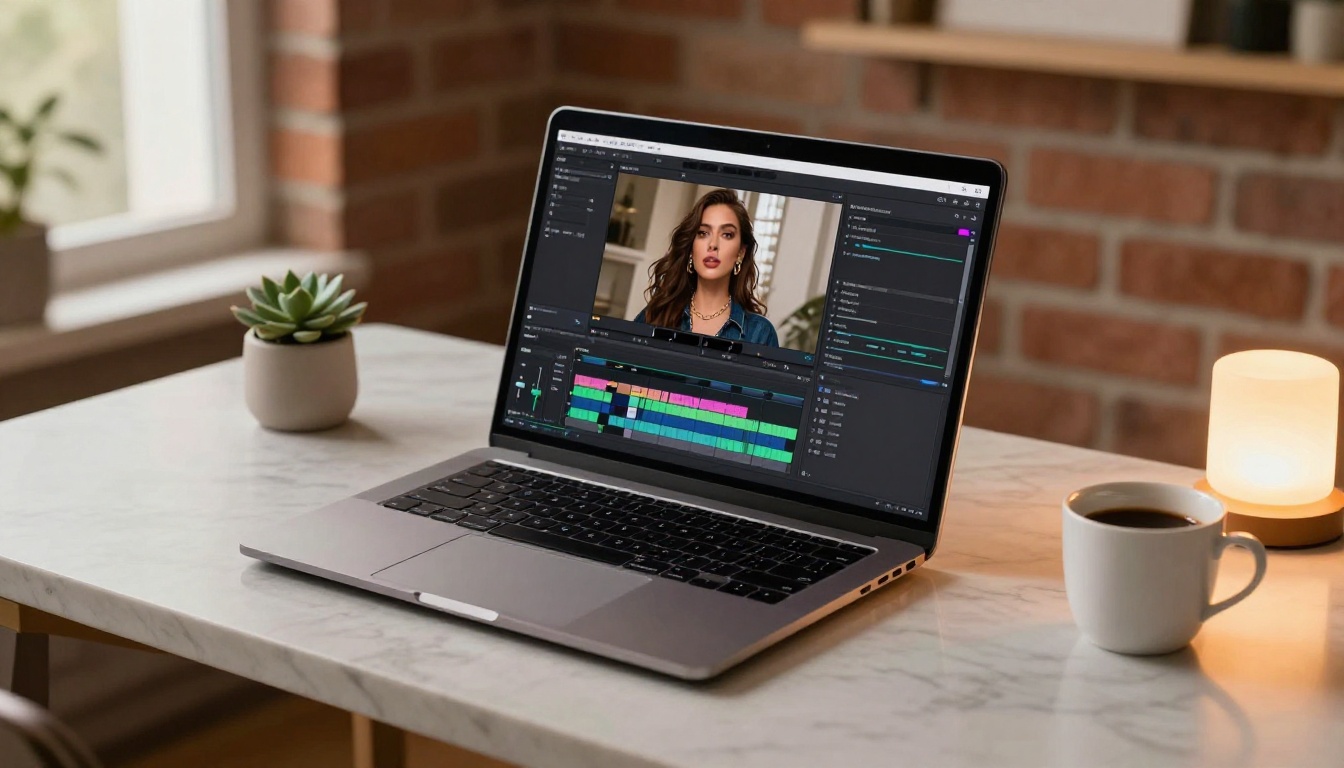
The models doing the heavy lifting for image-to-video generation are largely open-source or commercially available through platforms like Picasso IA. Each has different strengths:
Best +18 AI Video Models Right Now
Wan 2.6 I2V: The Realism Benchmark
Wan 2.6 I2V is currently the gold standard for photorealistic image-to-video generation. It handles human subjects with exceptional anatomical consistency across frames, which matters enormously for portrait and body-focused content.
What sets it apart is how it handles skin. Other models tend to produce a slightly "plastic" look when animating close-up portraits. Wan 2.6 I2V preserves natural skin texture, produces believable micro-expressions, and handles hair physics with a naturalness that previously required expensive compute.
For adult content workflows, use it for:
- Close-up portrait animations with subtle expression changes
- Environmental motion where the subject is relatively static
- High-stakes output where quality is the priority over speed
For faster iteration, Wan 2.6 I2V Flash gives you the same model architecture at roughly half the generation time. Use this for testing prompts and motion parameters before committing to a full-quality run.
Kling V3: Motion Control That Works
Kling V3 Omni Video and its companion Kling V3 Motion Control offer something the Wan models do not: precise camera movement control.
This is critical for certain types of adult content where the camera angle and motion are part of the aesthetic. A slow dolly-in on a subject, a circular orbit shot, or a handheld-style motion that adds tension and intimacy, all can be dialed in with Kling V3.
Parameters to control:
- Camera pan speed: Keep it slow for intimate shots (0.1 to 0.3 range)
- Motion intensity: Set between 0.4 and 0.6 for subtle, natural motion
- Duration: 5-10 seconds is the sweet spot for loopable content
Hailuo 2.3 Fast: Speed Without Sacrifice
Hailuo 2.3 Fast from Minimax is the model you reach for when you need volume. It generates clips in a fraction of the time of the Wan models while maintaining quality that is more than acceptable for most use cases.
Where it shines is in natural body motion: walking, turning, dancing, and ambient movement. It handles full-body shots with good anatomical consistency, which makes it particularly useful when your source image shows more of the subject's body rather than a tight portrait crop.
💡 Hailuo tip: Use explicit motion descriptors in your prompt ("slow left-to-right head turn", "gentle chest breathing motion", "wind moving through hair from right"). Vague prompts produce random motion. Specific prompts produce intentional motion.
LTX-2.3-Pro: Longer Clips
LTX-2.3-Pro from Lightricks supports longer clip generation than most competitors. While standard image-to-video models cap out at 4-8 seconds, LTX-2.3-Pro can produce clips of 15+ seconds while maintaining consistency throughout.
For adult content creators building longer-form video pieces, this matters. A 4-second clip is a teaser. A 15-second clip is a scene.
The model also supports audio input through its companion Audio to Video model, so you can sync generated video to music or ambient audio.
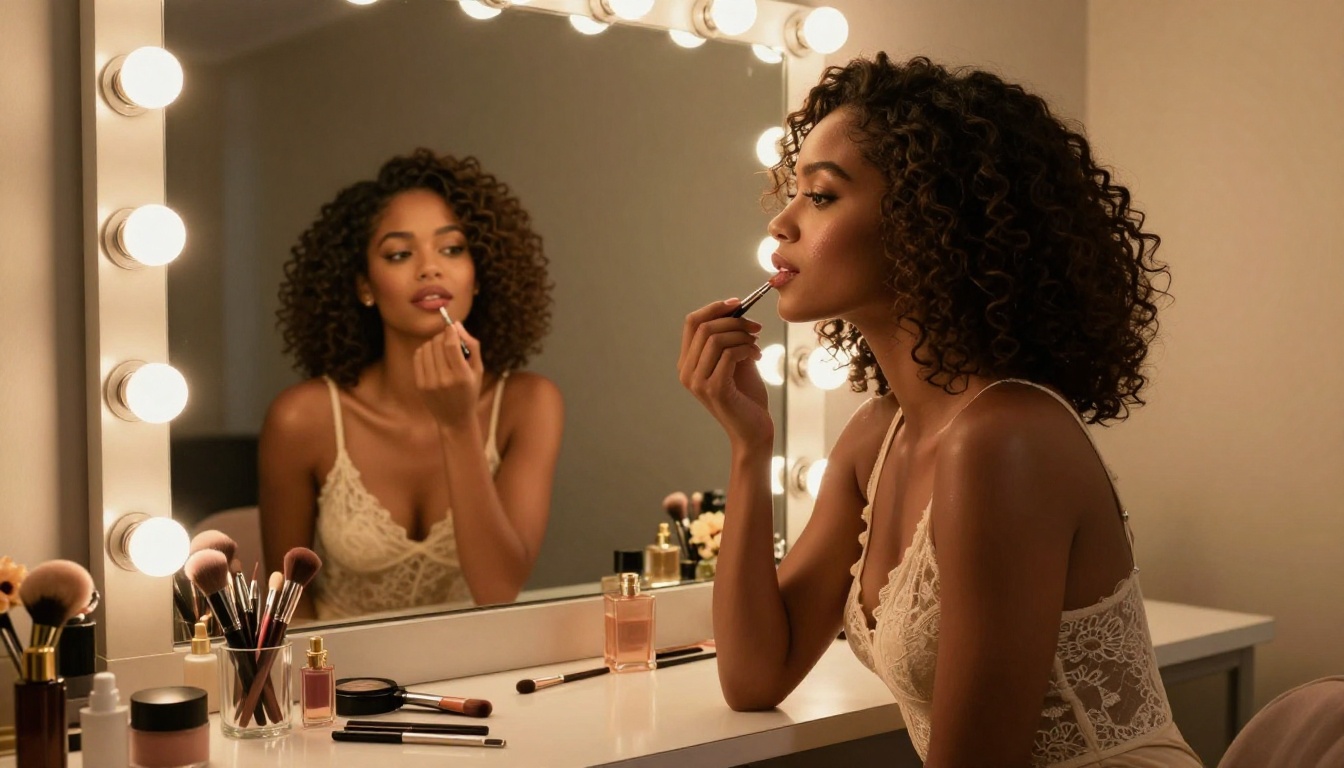
Creating Your AI Images First
The video is only as good as the image you start with. This section covers generating source images that are optimized for video conversion.
FLUX 2 for Maximum Detail
FLUX 2 Pro produces the most detail-rich images in its class. At 8K output with proper prompting, it captures skin texture, fabric weave, hair strand definition, and environmental details that carry through beautifully when the image is animated.
FLUX 2 Max pushes this even further for maximum fidelity. Use it when you are generating a hero image that will be the centerpiece of a video clip.
For NSFW and suggestive content specifically, FLUX 2 handles:
- Skin tone variation and natural imperfections
- Fabric translucency and drape
- Wet skin, body sheen, and surface reflections
- Facial micro-expressions and natural asymmetry
Realistic Vision for Body Shots
Realistic Vision v5.1 is fine-tuned specifically for photorealistic human photography. It handles full-body shots and close-up portraits with anatomical accuracy that other models sometimes miss.
For image-to-video workflows, anatomical accuracy in the source image is not optional. If limbs are slightly wrong, the video model will attempt to correct them across frames and produce visible warping artifacts.
💡 Image quality checklist before video generation:
- Both hands fully visible? Check anatomy carefully.
- Face symmetry acceptable? Asymmetric faces amplify in video.
- Resolution at least 1024x576? Upscale if not.
- Background simple or coherent? Complex busy backgrounds confuse motion models.
Prompt Architecture for Source Images
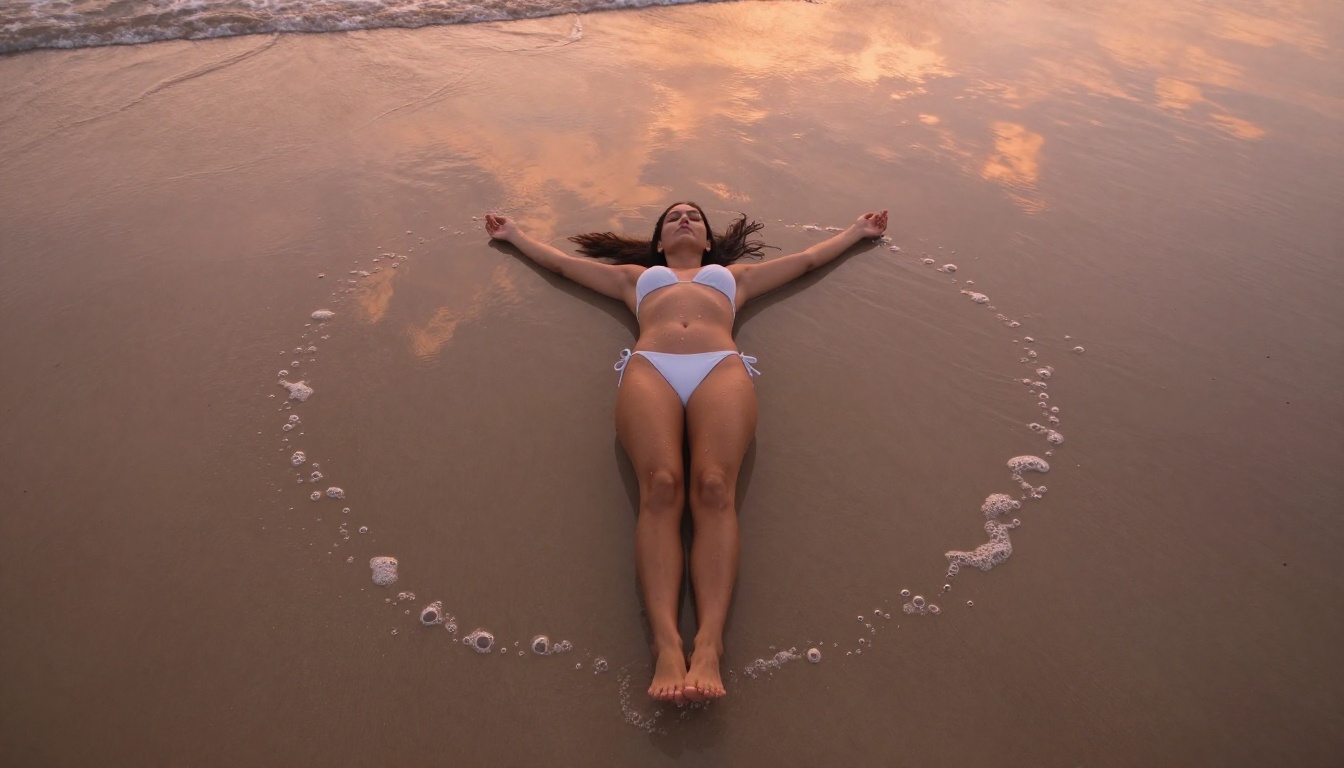
The prompt you use for your source image directly affects how well the video model performs. Certain image characteristics animate better than others.
What animates well:
- Single subject with clear separation from background
- Neutral or simple background (studio, plain wall, outdoor sky)
- Subject in a natural, stable pose (not extreme action)
- Clear directional lighting (not flat or blown-out)
- Some environmental elements that can move (hair, fabric, water, leaves)
What to avoid:
- Extreme close-ups where there is nothing to animate
- Highly complex backgrounds with many competing elements
- Multiple subjects (motion models struggle with identity consistency)
- Harsh high-contrast lighting that creates deep blocking shadows
For the motion prompt when you pass your image to the video model, keep it specific and grounded: "gentle wind moving through hair from the left, subtle chest breathing motion, eyes blinking slowly, soft ambient light shimmer."
The Full Workflow: Image to Video
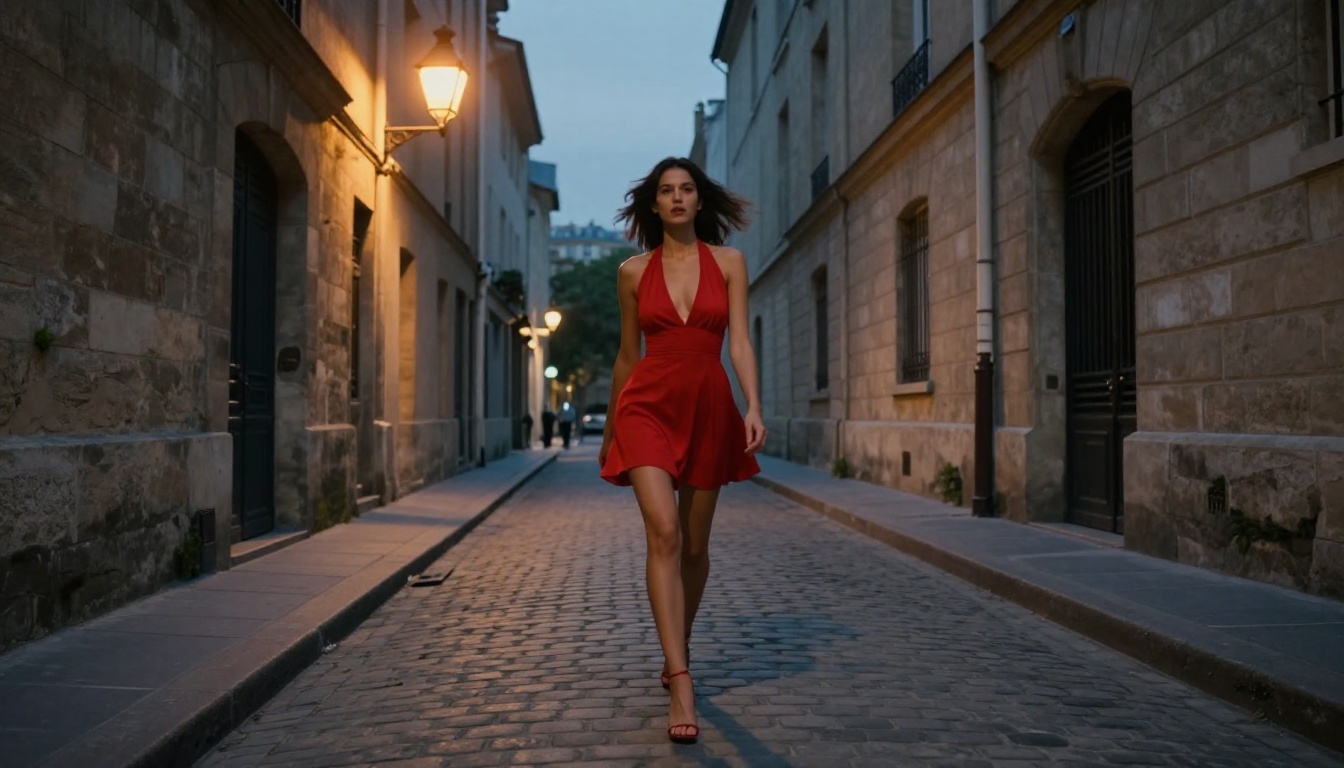
Step 1: Generate Your Source Image
Start with one of the high-fidelity image models. For adult content with maximum detail, FLUX 2 Pro or GPT Image 1.5 are the recommended starting points.
Build your prompt in layers:
- Subject description: Appearance, expression, pose, clothing (or lack of)
- Environment: Location, time of day, background elements
- Lighting: Direction, quality, color temperature
- Technical specs: Camera lens, depth of field, film stock simulation
- Quality modifiers: "photorealistic, 8K, Kodak Portra 400, RAW photography"
Generate 3-5 variations before committing. Small prompt differences produce dramatically different anatomy and lighting, and you want the best possible starting frame.
Step 2: Choose Your Video Model
Match the model to your output goal:
Step 3: Set Motion Parameters
Every model accepts a text prompt alongside the input image. This prompt controls what motion is generated.
The most effective motion prompts for portrait and body-focused adult content:
| Desired Effect | Prompt Language |
|---|
| Breathing | "slow rhythmic chest rise and fall, subtle nostril flare" |
| Hair movement | "gentle breeze moving hair from left to right, individual strands visible" |
| Eye expression | "slow blink, eyes tracking slightly right, subtle pupil dilation" |
| Fabric motion | "silk dress rippling gently in breeze, fabric catching light" |
| Water environment | "water surface rippling around body, small waves, light caustics" |
| Camera movement | "slow push-in toward face, minimal camera shake, cinematic drift" |
💡 Pro tip: Describe motion as if directing a cinematographer. "Slow dolly-in" is more specific than "zoom in." "Hair blowing gently from the left" is more useful than "hair moving."
What to Expect (and What Not To)
Resolution and Length
Current image-to-video models on Picasso IA generate output at:
- Resolution: 480p to 1080p depending on model and settings
- Duration: 4 to 15+ seconds per generation
- Frame rate: Usually 24fps or 30fps
For most adult content use cases, 720p at 5-8 seconds per clip is the practical sweet spot. Higher resolutions cost more compute time and the quality improvement is marginal on most screens.
3 Common Problems
1. Face warping mid-clip
This happens when the source image has subtle face asymmetry or when the video model is asked to produce too much motion. Fix it by reducing motion intensity and using a higher-quality source image with better face symmetry. SDXL and Stable Diffusion 3.5 Large both handle face consistency well for source generation.
2. Background inconsistency
Complex backgrounds confuse motion models into animating elements that should be static. Use simple, clean backgrounds in your source images. A plain studio backdrop, open sky, or defocused natural environment work best.
3. Clothing disappears or morphs
Video models sometimes struggle with specific clothing items, particularly thin straps, lace patterns, and semi-transparent fabrics. Reduce motion intensity, or generate your image in a pose where the problematic element is less prominent.
Beyond Single Clips
Once you have a working image-to-video workflow, the creative possibilities expand significantly.
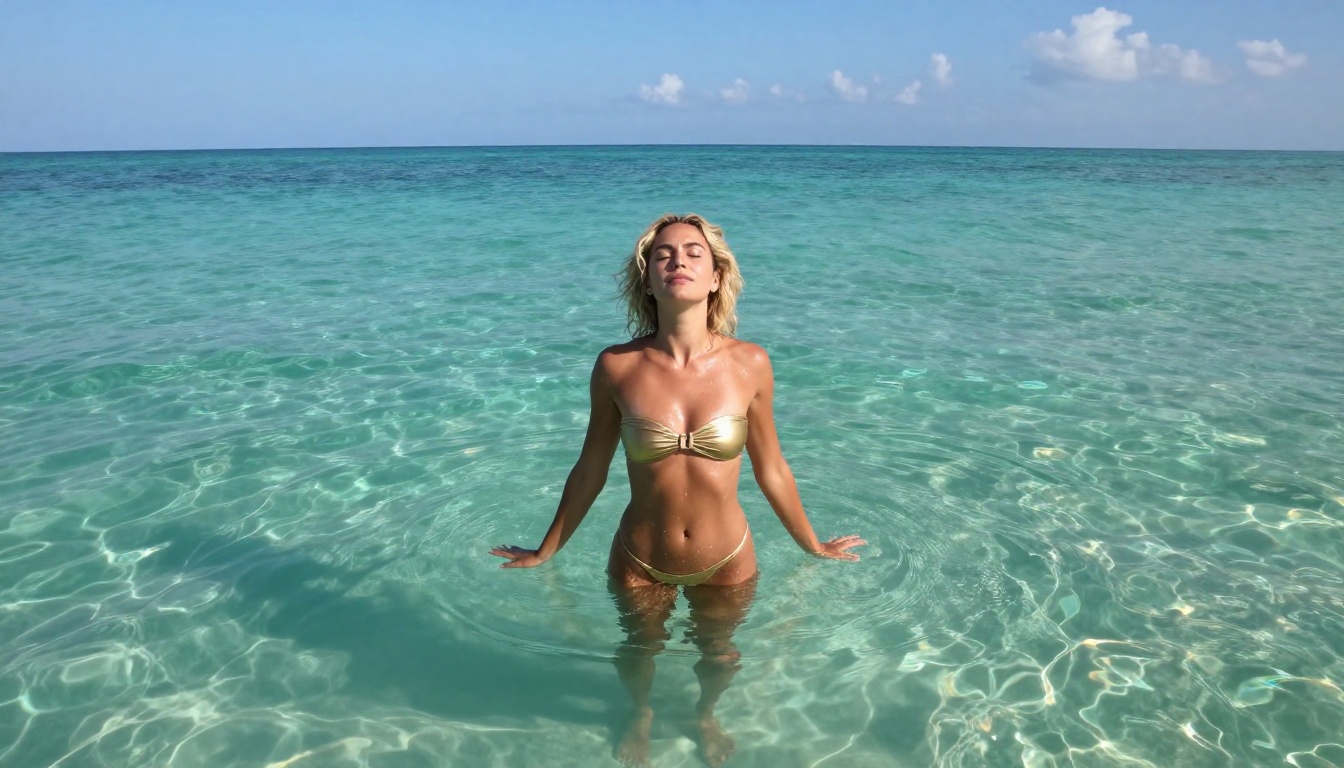
Wan 2.2 Animate Replace lets you swap characters within an existing video while preserving the motion and environment. This means you can animate one character and then replace them with another without regenerating the entire clip.
DreamActor-M2.0 takes a single reference photo and animates it to perform arbitrary motion from a reference video. For adult content creators, this opens up the ability to apply a dance or movement sequence to any generated character.
P-Video handles both text-to-video and image-to-video with audio input, making it useful for creators who want to build short-form video pieces with a consistent audio-visual relationship.
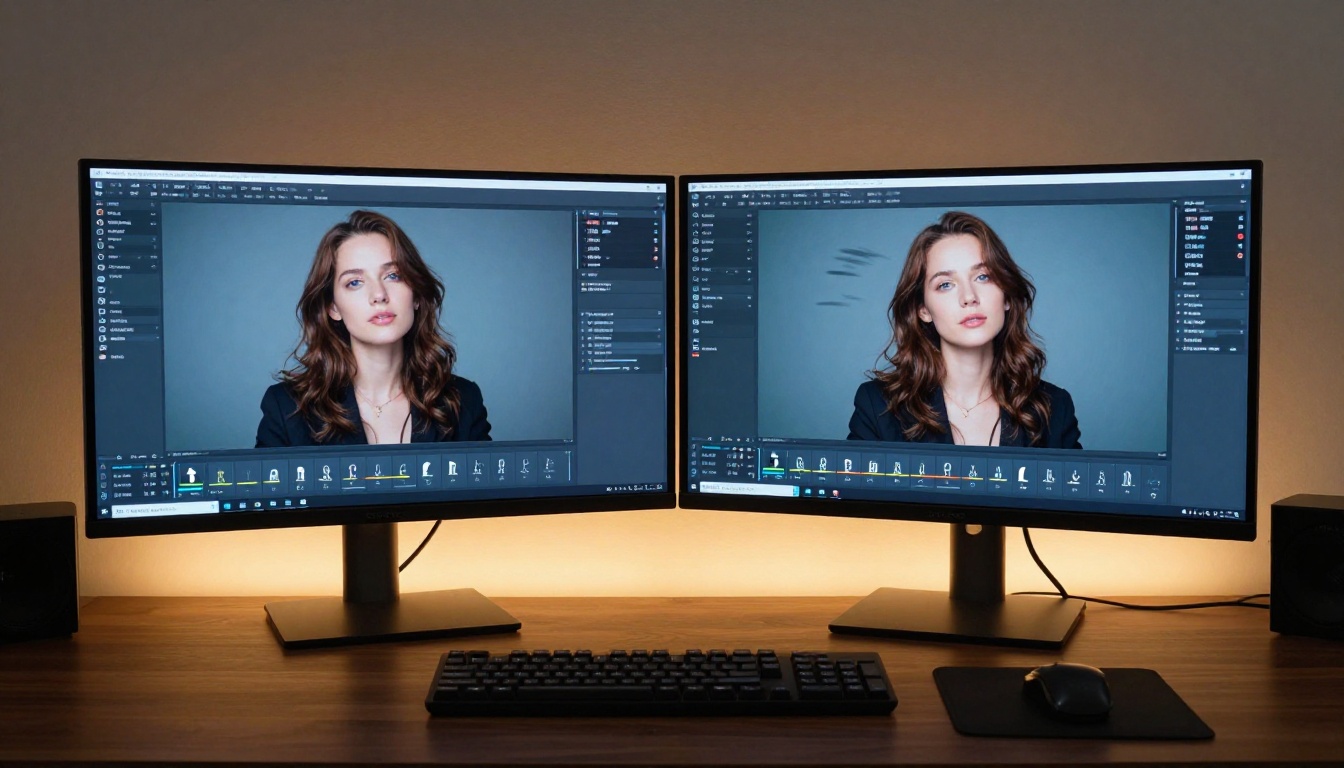
For polishing final output, AI video upscaling and stabilization tools on Picasso IA can sharpen and restore generated video for a cleaner final result.
Start Creating on Picasso IA
The full stack for a professional +18 AI video workflow is available on Picasso IA right now. Generate photorealistic source images with FLUX 2 Pro, GPT Image 1.5, or Realistic Vision v5.1. Feed the results into Wan 2.6 I2V, Kling V3 Omni Video, or LTX-2.3-Pro for the video pass. Polish the output with super-resolution tools when needed.
The platform gives you access to over 87 video generation models and 91 image generation models from one interface, with no setup required. Every model mentioned in this article is available to test immediately.
Adult content creation with AI is no longer a technical challenge. It is a creative one. The tools exist. The quality is there. All that remains is the vision you bring to each generation.