The AI video landscape in 2027 is crowded, noisy, and moving fast. Every few weeks, a new model claims to be the top choice for creators, and separating real performance from marketing noise has become a discipline in itself. But after spending time with what Kling v3 Video can actually produce, the conversation narrows quickly. Kuaishou's Kling 3.0 is not just competitive with the best AI video tools of 2027. It is, by most practical and measurable criteria, the one to beat. These are five concrete reasons why that is the case.
What Sets Kling 3.0 Apart
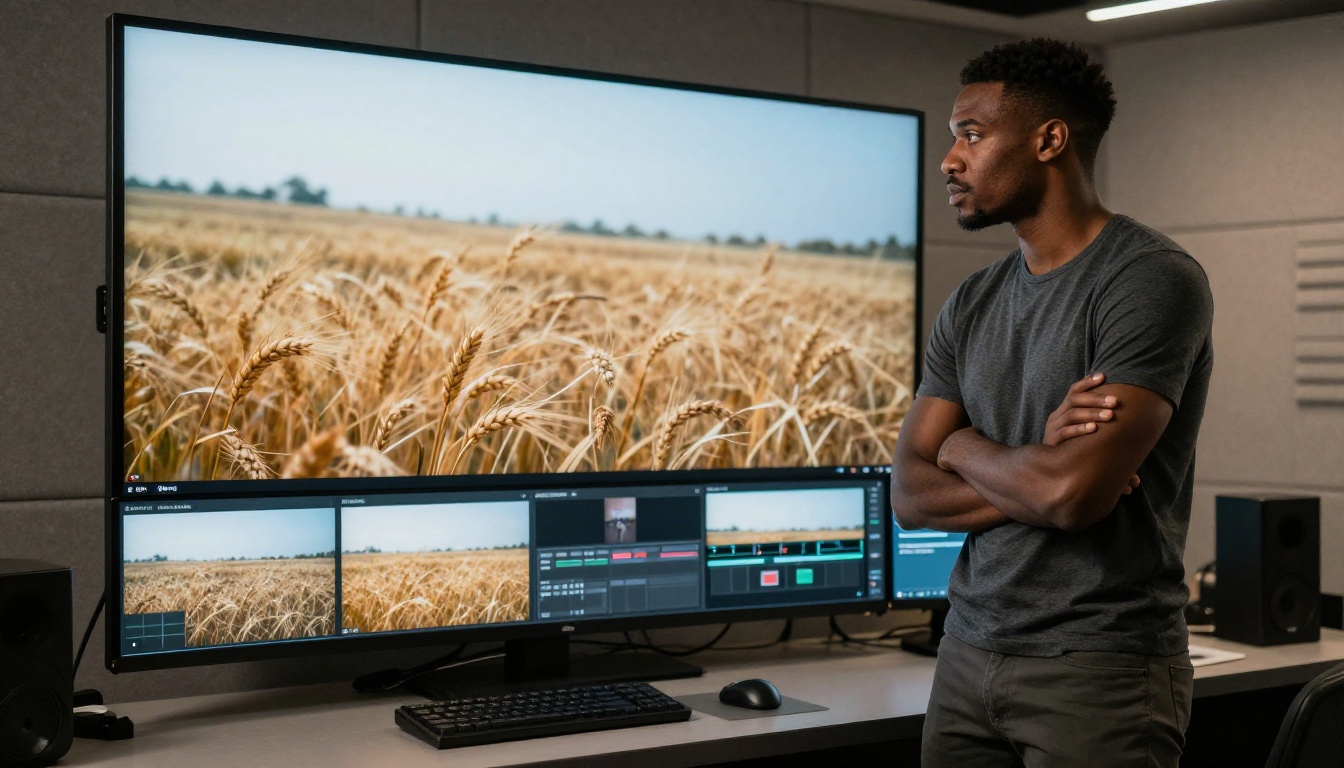
The jump from the Kling 2.x series to Kling 3.0 is not an incremental patch. It represents a substantial rethink of how the model handles temporal coherence, motion plausibility, and prompt interpretation. Where Kling v2.1 and Kling v2.6 were already strong contenders in the AI video space, the 3.0 architecture produces output that holds together with a quality that feels closer to actual cinematography than synthetic generation.
The Leap from 2.x to 3.0
Working with the earlier Kling versions, you noticed specific failure points: subjects occasionally drifted in appearance after the 4-second mark, lighting conditions would subtly shift without corresponding motion in the scene, and complex prompts with layered instructions sometimes produced outputs that honored only part of the described scenario.
Kling 3.0 addresses each of these with measurable improvements:
- Temporal stability: Character appearance, proportions, and clothing remain consistent from the first frame to the last.
- Lighting coherence: Dynamic lighting responds correctly to subject and camera movement throughout the clip.
- Prompt depth: The model handles multi-clause, detailed prompts with substantially higher fidelity than any previous Kling version.
Who Builds with Kling 3.0
The creators relying on Kling 3.0 span a wide range. Independent filmmakers use it for pre-visualization at a quality level that actually informs production decisions. Advertising agencies produce campaign cuts at scale without the logistics of live shoots. Social media studios generate character-based content across platforms with consistent visual identity. Brand teams build spokesperson video at a speed that matches publishing cadence. The common thread is that Kling 3.0 produces output that holds up at the standard required for actual publication, not just internal prototyping.
Reason 1: The Photorealistic Output Gap
If you have spent time with AI video tools and been frustrated by footage that looks synthetic regardless of how detailed your prompt was, the underlying problem is usually physics. Most models still struggle to generate what cinematographers call "plausible material behavior": how cloth wrinkles under movement, how hair separates and catches directional light, how water surface tension breaks when disturbed, how skin responds to volumetric illumination without looking like CGI.

4K-Ready Output That Holds Up on Screen
Kling v3 Video generates footage at a resolution and detail density that survives scrutiny on large monitors and professional reference displays. Individual hair strands move with variation rather than as a single undifferentiated mass. Water surfaces refract and reflect with physically accurate behavior. Fabric folds respond to body motion with natural inertia. These are not minor aesthetic preferences. They are the variables that determine whether a viewer's brain reads footage as real or synthetic within the first two seconds of watching.
💡 When prompting for photorealistic output, specify optical characteristics directly: "85mm f/1.8 lens, shallow depth of field," "Kodak Portra 400 color palette," "volumetric afternoon light from the left." Kling 3.0 responds to this level of detail with precision that generic prompts cannot achieve.
Natural Motion vs. The Competition
Here is how Kling 3.0 positions itself against the most credible rivals in 2026:
| Tool | Motion Plausibility | Temporal Stability | Prompt Complexity |
|---|
| Kling 3.0 | Cinematic, physically realistic | Excellent | High |
| Sora 2 Pro | Strong, occasionally mechanical | Good | High |
| Veo 3 | Very good | Good | Very High |
| Hailuo 2.3 | Smooth, limited complexity | Moderate | Moderate |
| Seedance 2.0 | Good | Good | Moderate |
The specific advantage Kling 3.0 holds in this comparison is not simply a higher score on any one dimension. It is the combination of cinematic motion quality with strong prompt accuracy. Tools that score high on prompt fidelity sometimes produce motion that feels tracked or composed rather than organic. Kling 3.0 handles both without the creator having to choose between them.
Reason 2: Motion Control That Actually Delivers
Most AI video tools give you a text box. Kling 3.0 gives you a text box and a precision motion control layer that operates as a distinct creative input.
How Kling V3 Motion Control Works
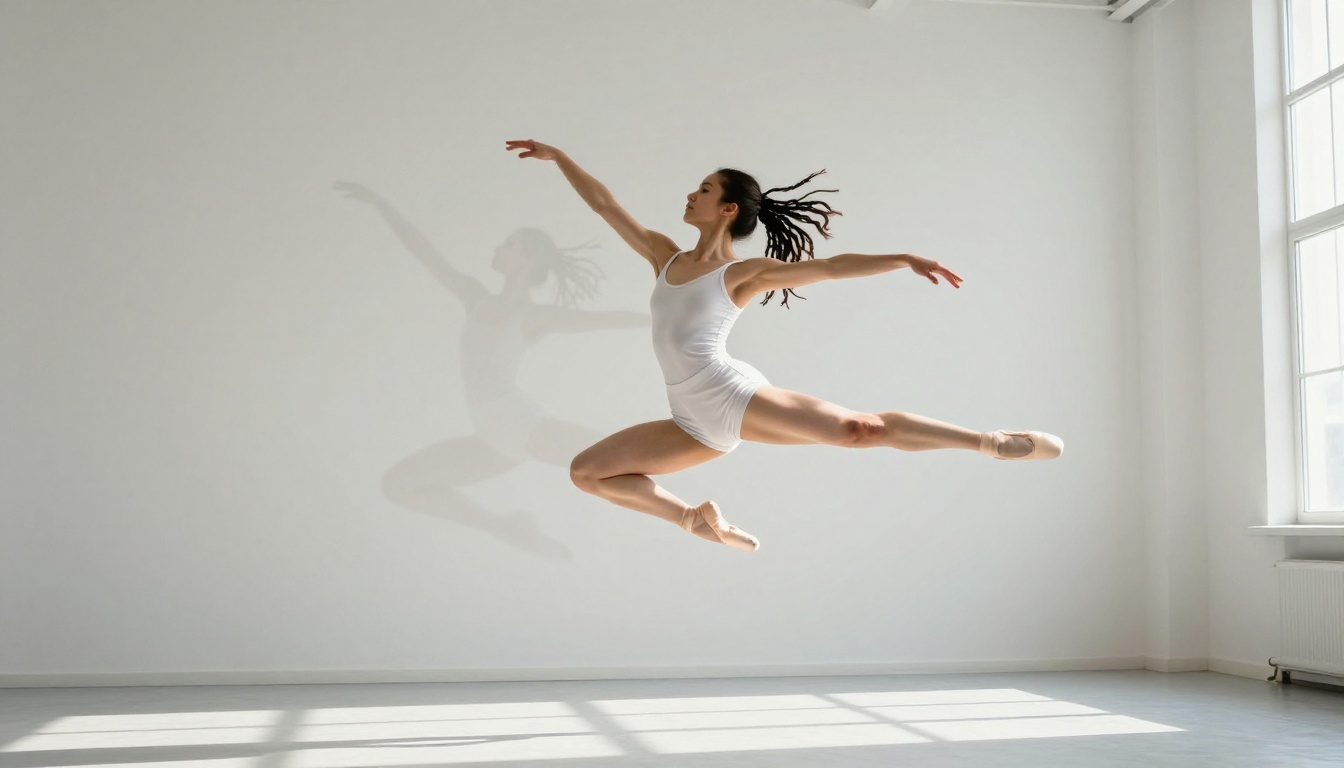
Kling V3 Motion Control lets you use a reference video clip to define the movement pattern for your generated subject. You can take an existing clip showing a specific walk cycle, a camera arc, or a hand gesture, and apply that motion profile to an entirely different AI-generated character or scene. The source motion becomes a structural template. The generated output fills it with new visuals.
This capability matters for three distinct creator types:
- Brand content teams who need a recurring spokesperson to move and gesture consistently across multiple clips without hiring an actor for each batch.
- Independent directors who want to pre-visualize blocking and camera movement before committing to a live shoot with talent and crew.
- Social creators building character-driven series who need their AI avatar to remain behaviorally consistent across weekly posts and seasons.
Character Consistency Across Long Sequences
Character drift is one of the most persistent failure modes in AI video generation: a subject's face shifts slightly between clips, clothing changes texture, body proportions vary across cuts. Kling 3.0 has dramatically reduced this problem, and when combined with the motion control system, you can now produce multi-segment sequences where the same character moves, speaks, and reacts in ways that edit together cleanly without frame-level manual correction.
💡 For motion control, use reference footage shot at a consistent frame rate, 24fps preferred, with a single clearly visible subject against a relatively uncluttered background. The model reads spatial and temporal cues from the reference, so signal clarity in your input directly affects transfer precision in the output.
Reason 3: Speed Without the Quality Tradeoff
Until recently, fast AI video generation was a synonym for lower fidelity. You could get a decent 5-second clip in 2 minutes, or a high-quality clip in 20. Kling 3.0 has effectively collapsed that tradeoff into a tiered system where speed and quality are no longer in opposition.
Multiple Speed Tiers for Different Workflow Stages
The Kling architecture offers distinct rendering modes that serve different stages of the production process:
- Pro mode: Full quality ceiling, maximum compute, best reserved for final output that goes directly into publication.
- Standard mode: Strong quality at significantly reduced processing time, the right default for most creative iteration and client review.
- Turbo mode: Rapid previewing, concept testing, and prompt experimentation where speed matters more than peak fidelity.
The Kling v2.5 Turbo Pro model introduced the architectural efficiency that Kling 3.0 now extends to the full quality tier. In practice, this means you can run a prompt through standard mode, refine the creative direction based on what you see, and commit to a Pro generation only when the output direction is confirmed. Wasted high-compute time drops significantly when the feedback loop is this tight.
Throughput That Changes the Production Math
For creators generating 5 to 15 video segments per day, speed is not a preference. It is an economic variable. At equivalent quality levels, Kling 3.0 in standard mode consistently outperforms comparable tools in time-to-usable-output. Across a full production week, the difference between tools compounds into hours, and hours in video production have direct dollar values attached to them.
Reason 4: Kling V3 Omni Is a Full Creative Studio
Single-input AI video tools accept text and output video. Kling V3 Omni Video accepts text, images, and audio simultaneously, which puts it in a different category of creative tool entirely.
Text, Image, and Audio in One Model
The multimodal input architecture means you are not routing creative assets through three separate tools and manually stitching the results together. You are feeding all three input types into a single model that interprets their combined intent:
- Anchor a scene spatially with a reference photograph, then layer a detailed motion prompt on top of it.
- Provide a music track or voice-over recording and have the generated footage respond to the audio's pacing and rhythm.
- Combine all three input types to build a coherent video segment from scratch, with visual, motion, and audio continuity handled inside a single generation call.
💡 When using a reference image with Kling V3 Omni, keep the composition clean and uncluttered. The model uses the image as a spatial anchor for camera perspective and subject positioning. A busy reference image limits the motion range it can generate within the established frame.
What You Can Actually Build
| Input Combination | Practical Output |
|---|
| Text only | Product advertisement, narrative short, abstract visual essay |
| Image + Text | Animate a photograph, extend a still scene into motion |
| Audio + Text | Music video segment, beat-synchronized visual montage |
| Image + Audio + Text | Short film segment with visual and audio continuity |

Reason 5: The Full Kling Ecosystem
Kling 3.0 does not operate as an isolated model. It sits inside a broader ecosystem of tools built on the same foundational architecture, which means outputs from one Kling tool feed naturally into the next without format conversion, re-rendering, or compatibility friction between stages.
Avatar V2 and What It Adds
Kling Avatar V2 generates photorealistic talking avatar videos from a single portrait photograph. Upload a face, provide a script or audio track, and receive a video of that person delivering the content with natural lip sync, blinking, and facial expression variation. The output is not a stiff digital puppet. It reads as a real person speaking.
For a creator running a channel where consistent on-screen presence matters, or a brand that needs spokesperson content without recurring talent costs, or an educator building course modules with a consistent instructor face across dozens of lessons, Avatar V2 closes a production loop that previously required either live human talent or a full CGI pipeline with motion capture.
A Production Pipeline in AI
The Kling workflow for a finished video segment from scratch:
- Generate or source a strong reference image with clean composition.
- Feed it into Kling V3 Omni Video with a motion prompt and an audio reference.
- Apply specific movement patterns using Kling V3 Motion Control for character-driven sequences.
- Generate on-camera presenter segments using Kling Avatar V2.
- Assemble the clips in any standard video editor.
Every stage that previously required specialized human skill now has a Kling-based counterpart. For high-volume projects where Kling 3.0's full quality tier is not needed on every clip, Kling v1.6 Pro and Kling v1.6 Standard remain available as lower-compute options within the same ecosystem, so cost and quality can be matched to what each clip actually requires.

How to Use Kling 3.0 on PicassoIA
PicassoIA provides direct browser-based access to the full Kling 3.0 family. No local GPU required. No API key management. No installation. You open the model page, write a prompt, and generate.

Step-by-Step: Your First Kling v3 Video
- Open Kling v3 Video on PicassoIA in your browser.
- Write your prompt. Include subject, environment, specific motion behavior, and camera angle.
- Set duration. Start at 5 seconds to validate the creative direction before committing to longer, higher-cost generations.
- Select aspect ratio. 16:9 for standard horizontal video, 9:16 for vertical platforms like Reels and Shorts.
- Choose a quality mode. Standard for iteration cycles, Pro for final output.
- Generate and review. If the result is not right, refine the prompt based on what the model produced rather than re-running the same input and expecting different output.
- Download. The file is delivered ready for your editing software of choice.
Prompt Structure That Gets Results
| Prompt Element | Strong Example |
|---|
| Camera angle | "Low-angle shot from ground level looking up at a skyscraper" |
| Subject behavior | "Man walking slowly, glancing down at his phone, unhurried pace" |
| Lighting | "Overcast morning light, flat and soft, no hard directional shadows" |
| Material and texture | "Wet cobblestone street, reflective surface, shallow puddles" |
| Camera movement | "Slow tracking shot from right to left at constant speed" |
Specificity drives output quality. Vague prompts produce generic results. Detailed, layered prompts give the model enough signal to produce footage that matches a clear creative intent rather than its best statistical average.
💡 For motion control work with Kling V3 Motion Control, always run a standard-mode test generation first to check how the model interprets your reference clip. Confirm the motion reads correctly before committing to a Pro-mode generation. This two-step process saves significant time on complex motion transfer projects.
Pairing Kling 3.0 with Other PicassoIA Tools
The video you generate with Kling 3.0 does not have to be your final output. PicassoIA's broader tool set lets you take the footage further:
- Run generated clips through AI video enhancement tools to sharpen detail and stabilize motion.
- Use lipsync models to add synchronized speech to character footage without re-generating the underlying video.
- Apply video effects from PicassoIA's library to stylize specific segments while keeping the photorealistic base intact.
Each of these tools operates within the same platform, which means the workflow stays in one place from first prompt to finished asset.
Make Your First Video Today
The barrier to professional-quality video production has dropped sharply in 2027. The tools that were available only to well-funded studios two years ago are now accessible in a browser tab. Kling v3 Video, Kling V3 Omni Video, and Kling V3 Motion Control represent the current ceiling of what AI video generation can produce, and all of them are available through PicassoIA right now.

Start with a single prompt. Write something specific, something you would actually want to watch. Run it through Kling v3 Video on PicassoIA. Take what you see, refine the prompt, and push the output further. Then try Kling V3 Omni Video with a reference image. Take Kling Avatar V2 for a run with a portrait you already have. The model does the rest. That is how you find out what Kling 3.0 can actually do for your specific creative work.


