Something significant happened in AI video this year. ByteDance quietly dropped Seedance 2.0, and the reaction from creators was immediate. Within weeks, it was being called one of the most capable video generation models available, not because of a single breakthrough feature, but because of how many things it got right at once. Native audio. Genuine motion coherence. Dual input flexibility. Real rendering speed. And a quality leap over its predecessors that is hard to argue with. Here are five specific reasons why Seedance 2.0 is worth your attention.
1. Native Audio That Actually Syncs
Why most AI video models fail at audio
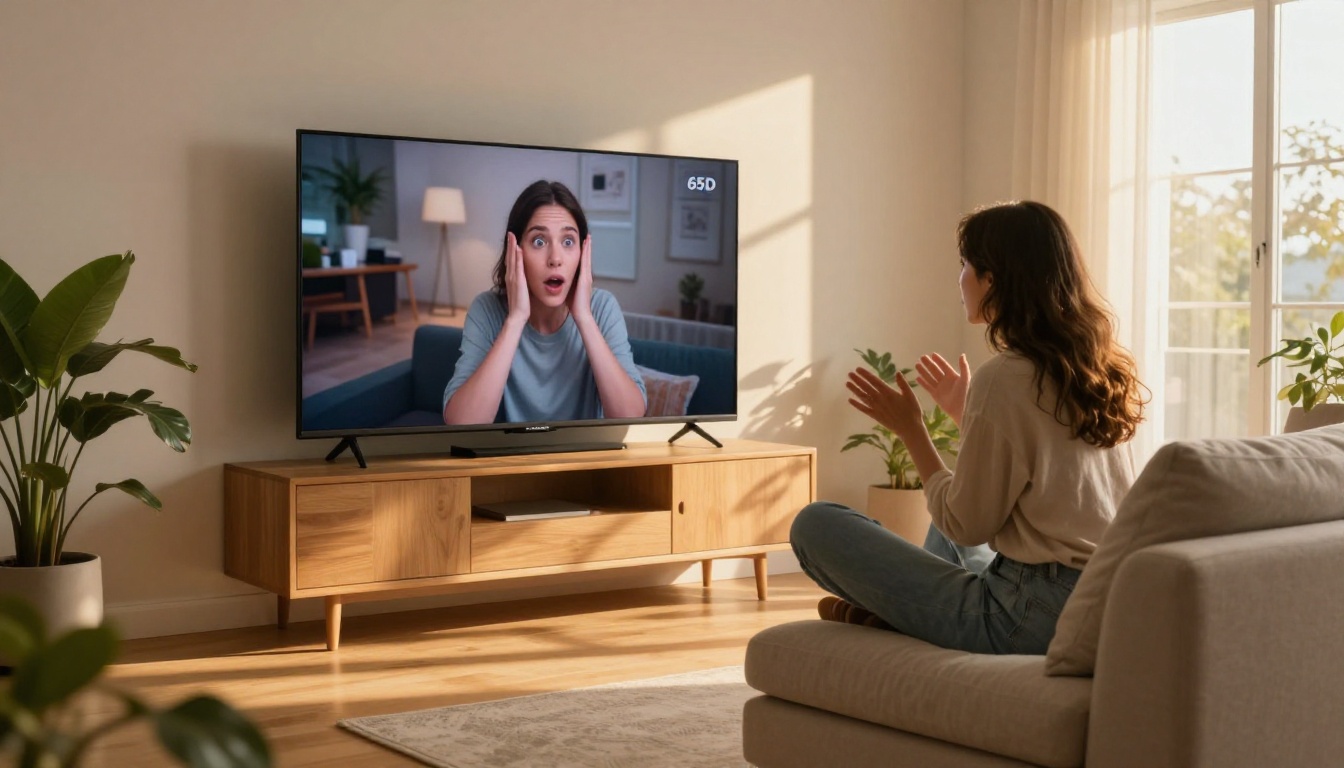
For most of its short history, AI video generation and audio were completely separate problems. You would generate a silent video clip, then layer sound on top in post. The results were always slightly off. Footstep sounds never quite hit at the right frame. Ambient audio felt like it came from a different scene. Background music was generic and disconnected from the visual energy.
This was not a minor inconvenience. For creators producing social content, ads, or short films, re-syncing audio to AI video was a workflow bottleneck that wiped out half the time saved by using AI in the first place.
What Seedance 2.0 does differently
Seedance 2.0 was built with audio as a first-class output, not an afterthought. The model generates audio natively alongside the video frames, meaning the sound and motion are produced in the same pass. A character speaking has lip movement tied to vocal output. An object impacting a surface produces a corresponding sound. Environmental audio matches the visual setting automatically.
💡 This matters in practice: creators using Seedance 2.0 report finishing video projects in significantly fewer steps because audio no longer requires manual correction after generation.
The Seedance 2.0 Fast variant includes this same native audio capability at higher generation speed, making it practical for rapid iteration workflows where you need to test multiple concepts before committing to a final output.
2. Motion That Holds Together
The flickering problem that plagued early models
Anyone who spent time with first-generation text-to-video models remembers the artifacts. Objects that warped between frames. Faces that drifted out of proportion mid-shot. Hands that dissolved into smears. These were not rare edge cases. They were consistent failures that showed up whenever a subject moved beyond a slow pan or a static pose.
The root issue was temporal consistency. Earlier models optimized heavily for individual frame quality while treating the relationship between frames as secondary. The result was technically impressive stills that, when played back, looked like a slideshow going through an identity crisis.
How coherent motion changes everything
Seedance 2.0 prioritizes temporal coherence through architecture-level improvements. Subjects maintain consistent proportions across frames. Camera movements follow a predictable path without sudden jumps. Objects in motion respect basic physics, including weight, momentum, and occlusion.
This does not mean every output is perfect. But the failure rate is dramatically lower, and when artifacts do appear, they are subtle rather than jarring. For creators producing content for commercial use, that reliability gap matters enormously.
💡 Practical tip: for the most stable motion output, describe camera movement explicitly in your prompt. Phrases like "slow push in" or "static wide shot with subject walking left" give Seedance 2.0 clear directional intent, which significantly reduces drift artifacts.
3. Text AND Image as Starting Points
Why dual-input changes your creative options
Some of the best AI video models only accept text prompts. That sounds reasonable until you realize how much creative control you lose. You cannot say "make THIS person walk through a forest." You cannot take a product photo from your shoot and animate it. You cannot use a reference image as a visual anchor for your scene.
Seedance 2.0 accepts both text prompts and image inputs, and handles both well. This is not a halfhearted checkbox feature. Image conditioning in Seedance 2.0 means the model treats the input image as a scene-setting reference, preserving the visual character of the original while adding motion, depth, and environmental detail.
Text-to-video starting points
When you use Seedance 2.0 purely from text, the model excels at converting descriptive scene prompts into cinematically composed shots. Specificity pays off. "A woman in a red dress walking down a rain-soaked Paris street at night, medium tracking shot" produces substantially better results than "woman walking at night."
Image-to-video starting points
Using an image as input lets you animate existing visual assets. Product images become short demonstration clips. Portrait photos become talking or moving subjects. Concept art becomes animated previews. This workflow is particularly valuable for marketers and social media teams who already have a defined visual brand and want to extend it into motion content without losing consistency.
4. Speed That Does Not Cut Corners
The old tradeoff between speed and quality
For a long time, using a fast AI video model meant accepting noticeably lower quality. The fast variants of most models cut corners on temporal consistency, audio synchronization, and fine detail rendering. If you wanted quality, you waited. If you needed speed, you compromised.
Seedance 2.0 Fast breaks this tradeoff in a meaningful way. The speed improvement over the standard Seedance 2.0 is substantial, but the quality delta is surprisingly small. Both variants include native audio, both maintain temporal coherence, and both support dual input modes.
Speed comparison across top models
💡 When to use Fast vs Standard: use Seedance 2.0 Fast for concept testing and iteration. Switch to standard Seedance 2.0 for final renders where maximum detail matters.
5. A Massive Leap from Version 1.x
What Seedance 1.x was
Seedance 1.5 Pro was already a competitive model. It produced decent motion, handled text prompts capably, and generated usable output for social content. But it had real limitations: no native audio, occasional motion artifacts on complex scenes, and image conditioning that sometimes drifted significantly from the source material.
For light use cases, those limitations were tolerable. For professional or commercial applications, they were genuine blockers.
What actually changed in 2.0
The jump from 1.x to 2.0 is not a subtle version bump. It is a substantial rebuild that addressed the most complained-about failure modes of the previous generation.
What changed, at a glance:
- Audio: Native synthesis in 2.0 vs completely absent in 1.x
- Motion coherence: Dramatically improved temporal consistency in complex scenes
- Image conditioning: Stronger fidelity to input reference images
- Prompt following: More accurate scene interpretation from detailed text prompts
- Resolution output: Higher maximum output resolution in 2.0
- Cinematic quality: Significantly more film-like rendering with depth and natural color grading
💡 For teams already using Seedance 1.x: the workflow transition to 2.0 is minimal. Prompts that worked in 1.x generally work in 2.0 and produce better results. The only adjustment needed is learning to take advantage of the new audio descriptions in your prompts.
How to Use Seedance 2.0 on PicassoIA
PicassoIA provides direct access to Seedance 2.0 and Seedance 2.0 Fast without any API setup, local installation, or technical configuration. The full generation pipeline runs in the browser.
Step 1: Open Seedance 2.0
Go to the Seedance 2.0 model page on PicassoIA. You will see the prompt input and optional image upload fields on the left, with generation controls on the right.
Step 2: Write a detailed prompt
Seedance 2.0 responds well to specific, scene-descriptive prompts. Include:
- Subject: who or what is in the scene
- Action: what movement is happening
- Setting: where the scene takes place, including lighting and time of day
- Camera: shot type and any camera movement
- Audio cues: what sounds should appear (optional but effective)
Example: "A chef slicing vegetables in a bright modern kitchen, close-medium shot, soft natural window light from the left, the sound of knife on cutting board, steam rising from a pot in background"
Step 3: Upload a reference image (optional)
If you want image-to-video conditioning, upload your reference photo before generating. Seedance 2.0 will use it as the visual anchor for the scene while adding motion and depth.
Step 4: Choose your speed tier
Step 5: Generate and download
Click generate. PicassoIA processes the request in the cloud and returns the video with embedded audio. Download directly from the result panel in full resolution.
The Prompt Makes or Breaks the Output
One thing that separates consistent Seedance 2.0 users from those who get mediocre results: prompt construction. The model is powerful enough that a weak prompt will produce a technically correct but creatively empty clip, while a detailed prompt produces something genuinely compelling.
A few patterns that consistently improve output quality:
- Be specific about light: "golden hour backlight" is better than "nice lighting"
- Name the camera language: "dolly push" or "handheld follow" gives Seedance 2.0 motion intent it can work with
- Describe sound explicitly: since audio is native, prompting for specific sounds ("soft jazz piano in background" or "ocean waves") actually influences the audio output
- Avoid contradictions: do not prompt for "fast-paced action scene" and "slow cinematic shot" in the same description

Who Is Actually Using Seedance 2.0
The adoption pattern for Seedance 2.0 is broader than most video AI models. It is not just AI enthusiasts running benchmark tests. The real-world use cases showing up across creative communities include:
- Social media teams generating short-form video ads from product images
- Independent filmmakers using it for concept visualization and pre-visualization
- Music video directors prototyping visual treatments before production
- Small businesses creating professional-looking video content without hiring agencies
- E-commerce brands animating product photography for dynamic listings
- Educators and trainers building illustrative video clips from text descriptions
The common thread across all these groups: they needed video creation to be faster, more reliable, and closer to production-ready without requiring a dedicated editing and audio pipeline.
What to Try First
If you have not used Seedance 2.0 yet, the most direct way to understand what it does is to run a side-by-side test. Take a prompt you have used on another model, run it on Seedance 2.0 Fast for speed, and compare the output. Focus specifically on three things: audio synchronization, motion consistency across the full clip duration, and how closely the visual matches your intended scene.
Most creators who run this test do not go back to their previous model for the same use case.
The model is available right now on PicassoIA. No API setup. No technical installation. You write a prompt, upload an image if you want, and generate. The full platform also includes Kling v3, Veo 3, LTX 2.3 Pro, and over 85 other video generation models if you want to compare outputs across different architectures, all in the same workspace.
Start with Seedance 2.0 and see what your prompts actually produce.


