YouTube Shorts crossed 70 billion daily views in 2024. The creators winning that attention are not grinding harder. They are using AI to produce better content in a fraction of the time. Whether you are running a faceless channel, a personal brand, or trying to repurpose long-form videos into viral clips, the right AI tools change the economics of content creation entirely.
This article breaks down the 6 best AI tools for YouTube Shorts, covering every stage of the production pipeline: video generation, voiceovers, music, thumbnails, lipsync, and final quality enhancement. Every tool covered here is available directly on PicassoIA, so you can run your entire workflow from a single platform without juggling subscriptions.

Why Shorts Creators Are Switching to AI
The average viewer decides in under 3 seconds whether to keep watching a Short. That means production quality, pacing, and audio cannot be afterthoughts. Traditional editing workflows take hours per video. With AI, you collapse that to minutes while producing content that stops the scroll.
Here is what the six tools below solve:
- No footage: AI video generators create clips from text descriptions alone
- No mic setup: AI voiceover tools produce studio-quality narration from typed scripts
- No music library: AI music generators create custom, royalty-free soundtracks on demand
- No designer: AI image generators produce click-worthy thumbnails in seconds
- No filming: AI lipsync tools animate a photo to speak any audio you provide
- Low resolution output: AI upscalers sharpen video to the quality mobile screens demand
💡 Pro Tip: Start with your strongest hook. AI can generate any visual you describe, so invest your creative energy in the first 2 seconds. That is where views are won or lost.
1. AI Video Generator for Shorts
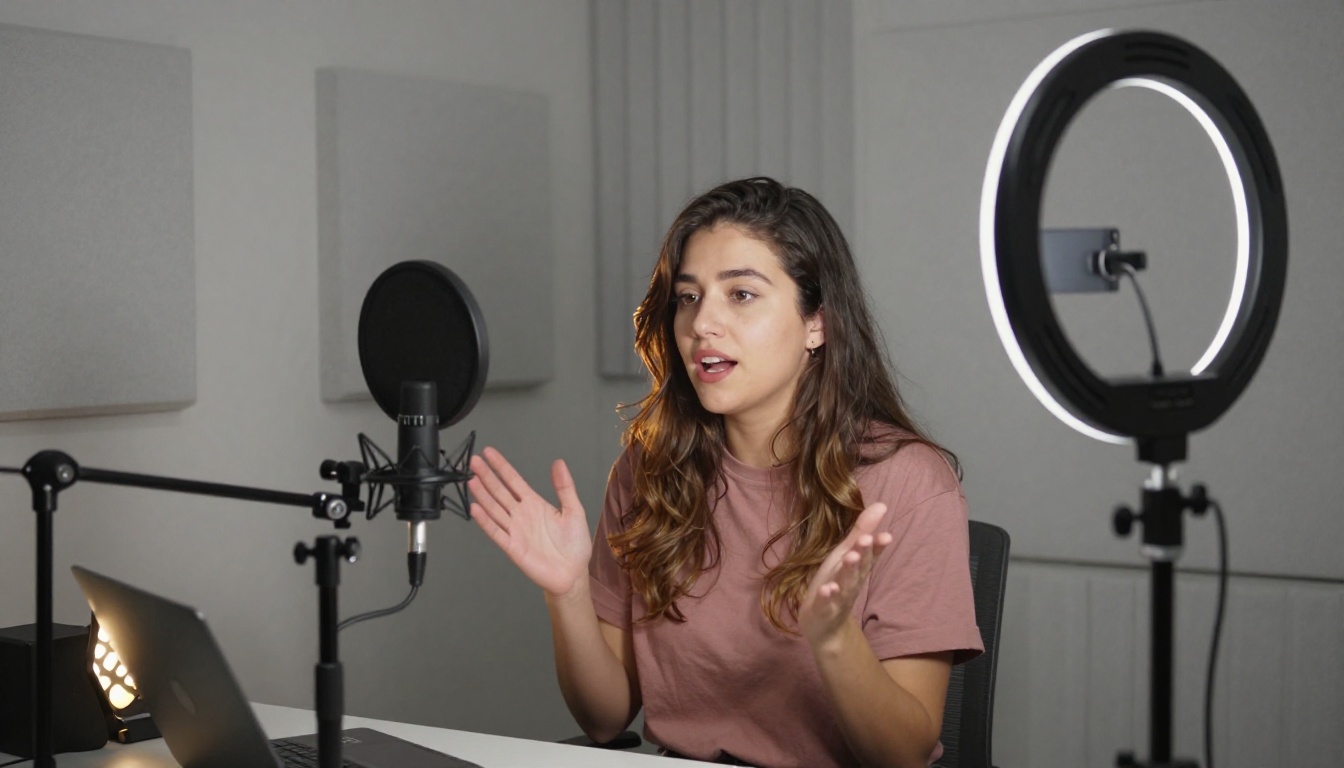
The most powerful shift in short-form content production is text-to-video AI. Instead of filming, you write a prompt describing a scene, and the model produces a ready-to-use clip. This is the backbone of every high-volume faceless YouTube channel operating in 2027.
What Text-to-Video Does for Your Channel
You describe a scene in natural language, and the model renders it as a clip. Describe a product in action, a lifestyle moment, a dramatic B-roll shot, or a story beat, and you get footage you can cut directly into your timeline. No camera, no location, no crew.
For YouTube Shorts specifically, this means you can produce a 30-60 second video entirely from text prompts in under 10 minutes. Multiply that by a consistent daily publishing schedule, and the compounding effect on channel growth is significant.
Top Models Available on PicassoIA
Kling v2.6 from Kwaivgi is one of the most powerful options for cinematic, motion-rich clips. It handles complex camera movements, realistic physics, and detailed subjects with precision. Ideal for dramatic product shots, lifestyle content, and anything requiring smooth motion arcs.
Veo 3 by Google is unique because it generates native audio alongside the video. Ambient sounds, environmental noise, and basic dialogue are baked into the output, removing an entire layer of post-production work.
Seedance 2.0 from ByteDance delivers audio-synced 1080p video generation with impressive detail retention. It handles fast-paced sequences well, which suits the energy of most viral Shorts formats.
Pixverse v5.6 produces 1080p output with strong color and motion consistency. Good choice when you need reliable results at volume.
Wan 2.6 T2V is the strongest free option for quick HD clip generation. When budget is a concern but quality cannot drop, this is the default starting point.
Prompting for Shorts-Specific Output
Write prompts in vertical (9:16) framing language even though the model outputs 16:9. Describe your subject centered in frame, close-up, with a clean or minimal background. Be specific about lighting and emotion: "close-up of a woman opening a product box, warm kitchen morning light, slight smile, shallow depth of field." Generic prompts return generic clips.
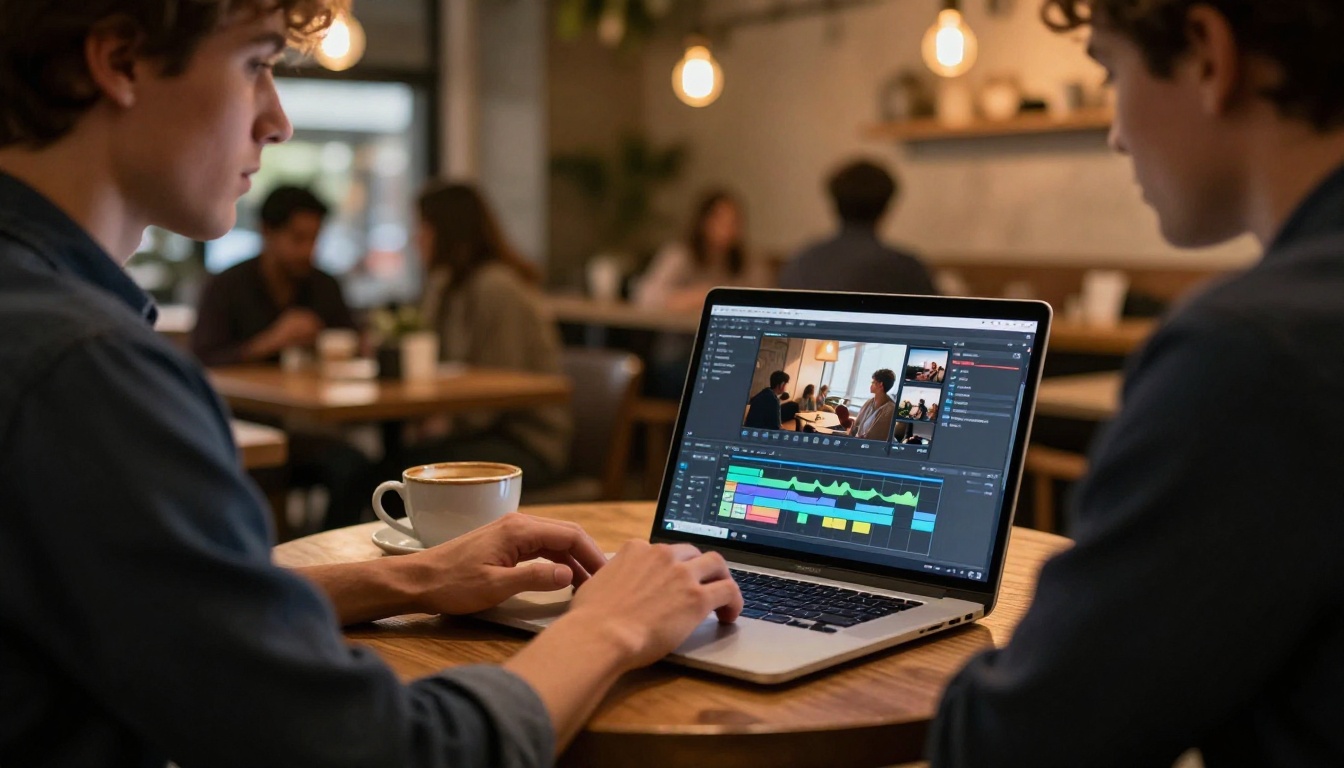
Every Short that uses narration needs a voice. Recording yourself is a valid option, but it slows production and ties your output to your own schedule. AI voiceover tools let you generate studio-quality narration from typed text in seconds, at any hour, without a microphone.
Why Voice Quality Matters in Shorts
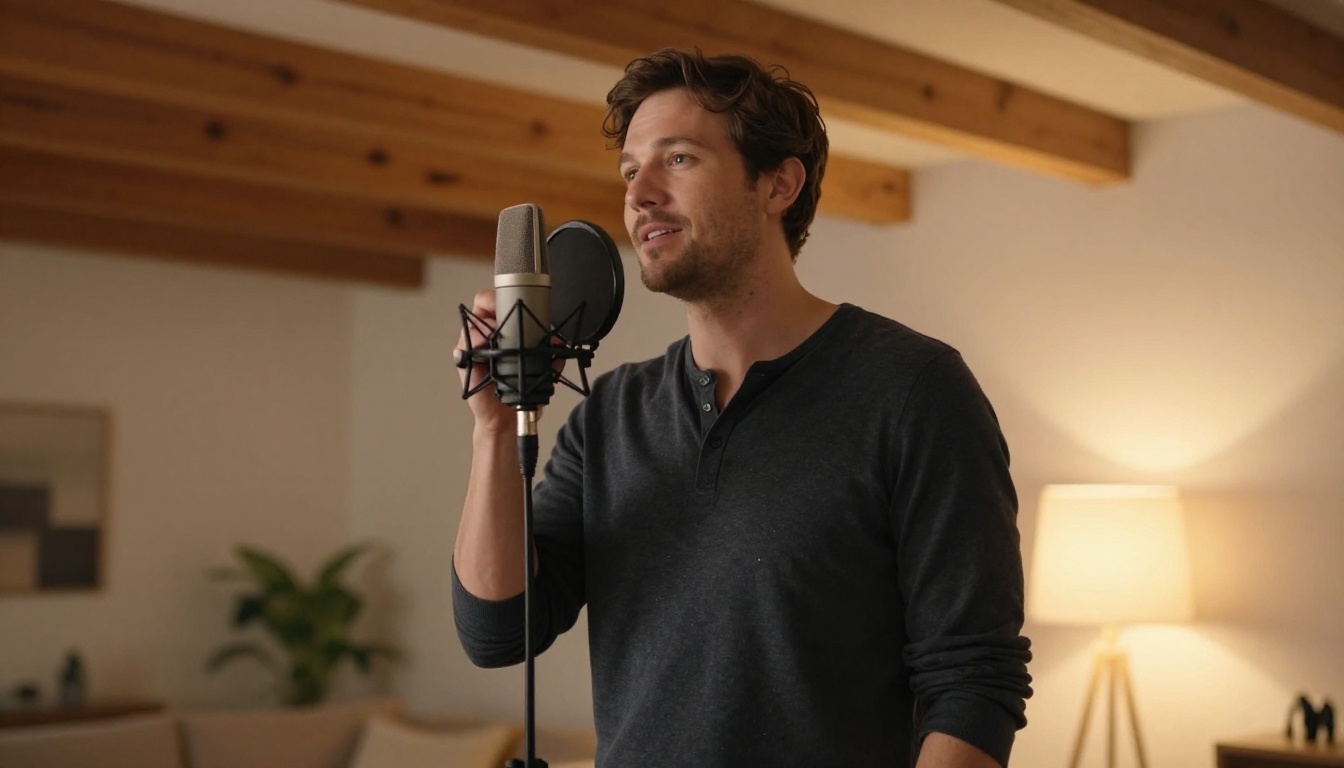
A flat or robotic voiceover kills a Short faster than bad visuals. The AI voices available in 2027 are indistinguishable from human recordings at consumer audio quality. Viewers do not consciously notice the difference. What they do notice is poor pacing, wrong emotional tone, or a voice that does not match the content's energy.
Top Models Available on PicassoIA
Speech 2.6 HD by Minimax delivers studio-quality output with natural prosody and emotional range. Your narration can sound excited, calm, authoritative, or conversational depending on the copy you feed it. This is the primary recommendation for most creators.
Voice Cloning lets you clone your own voice from a short audio sample and use it indefinitely. For personal brands that want AI-assisted production without losing their signature voice, this is the cleanest solution.
Speech 02 Turbo is optimized for speed. If you are producing high volume, this model generates real-time audio without noticeable quality loss. Useful when iteration speed matters more than absolute audio polish.
Script Tips for Better Voiceovers
- Keep sentences short. AI reads long sentences with unnatural mid-sentence pauses
- Add emotional cues in brackets:
[excited] or [calm and slow] before key lines
- Use punctuation deliberately: commas create pauses, periods create full stops
- Write for the ear, not the eye. Short-form audio scripts should sound like conversation, not articles
💡 Pro Tip: Generate your voiceover first, then create video clips that match the narration length and energy. This is consistently the fastest Shorts production workflow because audio structure determines clip length.
3. AI Music Generator
Background music is not optional for YouTube Shorts. The platform's algorithm has consistently favored content with audio, and viewers engage more with clips that have well-matched soundtracks. AI music generation removes the need for royalty-free libraries, licensing fees, and the hours spent finding tracks that fit the edit.

What This Changes for Creators
Instead of scrolling through a library hoping something fits, you describe the mood and tempo you need and the AI generates a track built specifically for it. Every Short can have custom, purpose-built audio that matches the edit frame-by-frame. No licensing concerns, no copyright claims, no compromises.
Top Models Available on PicassoIA
Music 1.5 by Minimax lets you input lyrics and generate complete, full-length songs. For Shorts where music is the primary hook, this is the most creatively powerful option on the platform.
Stable Audio 2.5 from Stability AI generates instrumentals from text descriptions. Specify the BPM, instruments, genre, and mood, and it returns a full track that fits the emotional tone of your content.
Lyria 2 by Google focuses on original composition. Every track it creates is unique to the prompt, which avoids any copyright flagging issues on the platform.
4. AI Thumbnail Creator
Your Short's thumbnail is what appears in search results, suggested feeds, browse features, and your channel page. It is the visual equivalent of a headline. Creators who treat thumbnails as an afterthought are leaving significant click-through rate on the table.
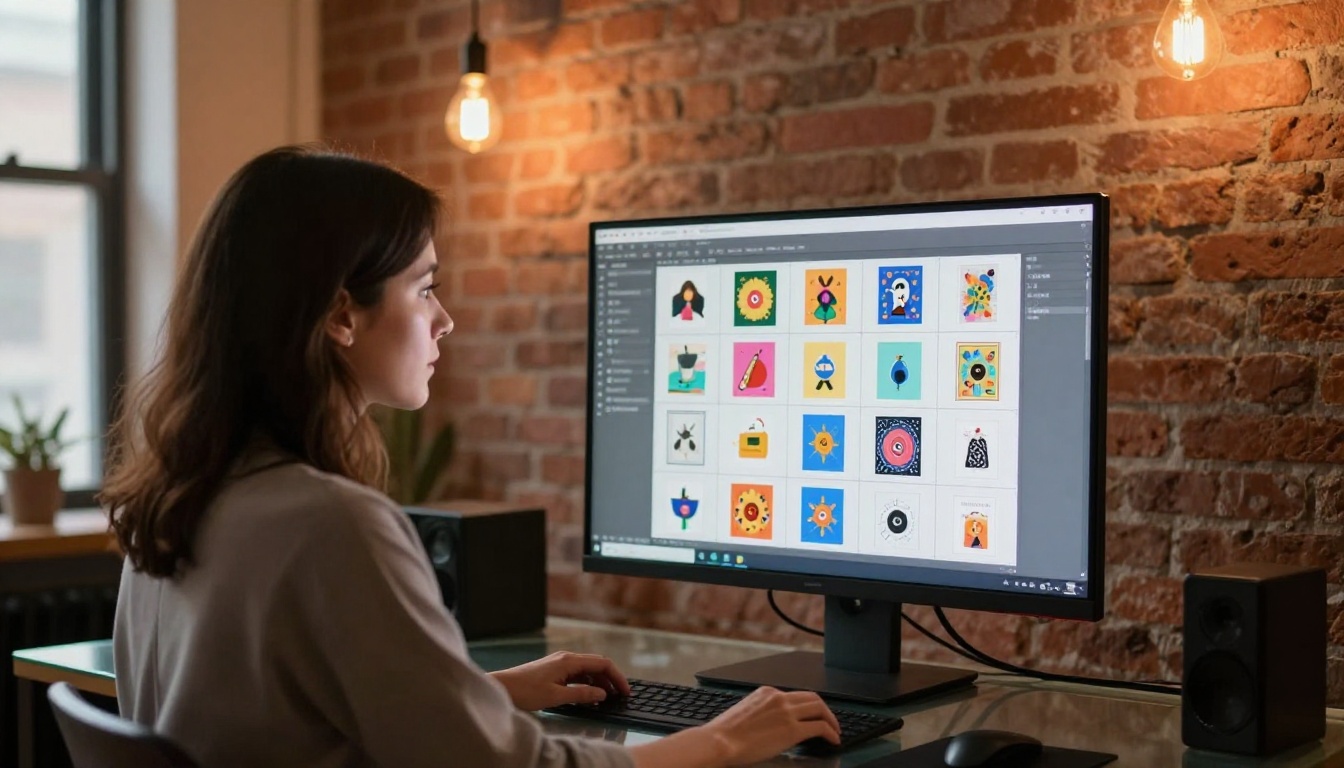
The Thumbnail Gap Most Creators Have
Most creators either pull a random still from the video, which rarely captures the most compelling frame, or spend too long designing manually. Neither approach is scalable at publishing volume. AI image generation solves this by producing multiple high-quality thumbnail candidates in under a minute.
Top Models Available on PicassoIA
Flux 2 Pro from Black Forest Labs is the benchmark model for photorealistic thumbnail backgrounds, subject shots, and lifestyle imagery. It handles faces, products, and scenes with high fidelity and strong compositional awareness.
Imagen 4 Ultra from Google produces highly detailed, sharp images that hold up perfectly under the text overlays most thumbnails require. The clean output at this level of detail makes it ideal for thumbnails with bold text elements.
Seedream 4.5 from ByteDance generates 4K images that hold up at any thumbnail display size. At 4K resolution you can crop aggressively without losing any sharpness, which matters for tight, punchy thumbnail compositions.
Thumbnail Generation Tips
- Describe the subject centered in frame, facing the camera or looking toward the viewer
- Use contrast language in prompts: "bright subject, dark background, dramatic side lighting"
- Avoid cluttered scenes. Thumbnails must read clearly at 200 pixels wide on a small screen
- Generate 5 to 10 variations per Short and pick the strongest candidate
- Match the emotional tone of the thumbnail to the first 3 seconds of the video
💡 Pro Tip: Generate your thumbnail before the video is finished. It clarifies the visual direction of the Short and can serve as a reference image when prompting your video generation models.
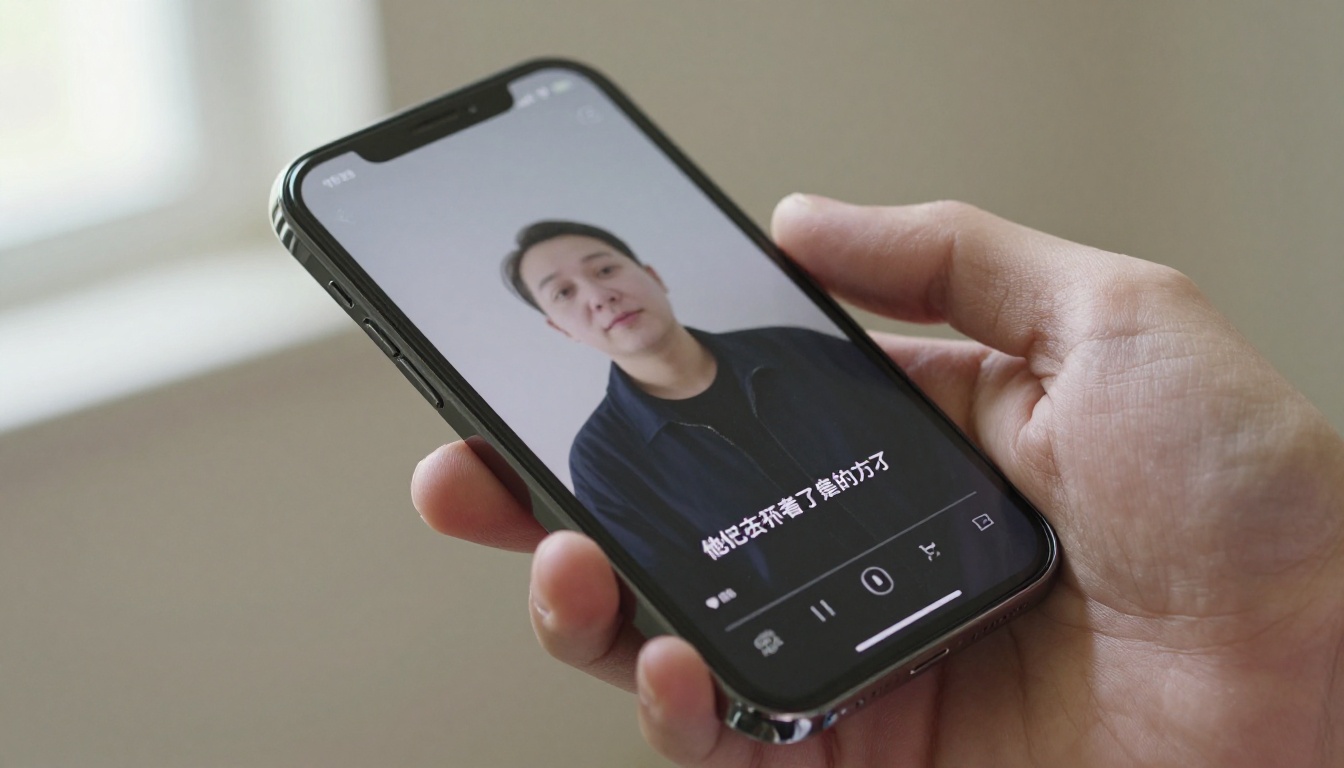
Talking head Shorts are consistently among the highest-performing formats on YouTube. The problem is they traditionally require you to film yourself, which creates a barrier for many creators in terms of time, equipment, confidence, or privacy. AI lipsync tools remove that barrier entirely.
How Lipsync AI Changes the Format
With AI lipsync, a single static image of any person, character, or custom avatar becomes a reusable presenter. Write the script, generate the voiceover with a text-to-speech model, then animate the lips of your chosen subject to match the audio. The result is a fully animated talking head Short with no filming whatsoever.
This approach is particularly powerful for:
- Faceless channels that want a consistent on-screen character without revealing identity
- Brand accounts that need a digital spokesperson across multiple languages
- High-volume creators who cannot physically film every day but need daily publishing cadence
Top Models Available on PicassoIA
Lipsync 2 Pro from Sync is the highest-fidelity option available. It handles subtle mouth movements, natural blinking, micro-expressions, and head motion, which makes the output feel like real footage rather than AI animation.
Kling Lip Sync from Kwaivgi integrates naturally with Kling's video generation pipeline. If you generate your character visuals with Kling v2.6, syncing the lips is the logical next step in the same workflow.
Omni Human from ByteDance goes beyond face animation and animates the full body from a single photo. For creators building branded presenters or digital spokespersons, this opens up much more dynamic and expressive Short formats.
A Complete Lipsync Shorts Workflow
- Write your script (30 to 60 seconds for optimal Shorts length)
- Generate the voiceover with Speech 2.6 HD
- Select or generate your presenter image using Flux 2 Pro
- Run the image and audio through Lipsync 2 Pro
- Add background music with Stable Audio 2.5
- Export and publish
That is a complete, high-quality talking head Short without a single frame of original footage filmed.
6. AI Video Quality Enhancer
The final step in any Shorts production pipeline is quality control. Even when you generate video at 1080p, AI-generated content sometimes has softness, compression artifacts, or low-detail areas that look off on a mobile display. AI super-resolution tools correct this before you publish.
Why Sharpness Matters More Than Bitrate
YouTube Shorts are viewed almost exclusively on mobile screens. Modern flagship phones have high pixel-density displays that reveal softness in video that would pass on a laptop monitor. If a competitor is publishing crisp, sharp content and yours looks softer in the feed, viewers notice at a subconscious level even if they cannot articulate why they keep scrolling.
Upscaling solves this by using AI to invent new detail rather than simply interpolating pixels. The result is sharper edges, more defined textures, and overall higher perceived production quality.
Top Models Available on PicassoIA
Image Upscale from Topaz Labs supports up to 6x upscaling without introducing visible artifacts. It is the industry standard for a reason: it adds genuine detail at each scale increment rather than just sharpening edges.
Real ESRGAN is a free 4x upscaler that performs exceptionally well for the file sizes involved in Shorts production. For thumbnail sharpening, frame extraction from AI-generated clips, and quick batch processing, this is the default recommendation.
Increase Resolution from Bria handles 4x upscaling with particularly strong preservation of facial detail. When your Short features a talking head or avatar face, this is the right choice to avoid the uncanny sharpening artifacts that other upscalers sometimes introduce around facial features.

When to Apply Upscaling
Run super-resolution on your output whenever the source clip is under 1080p, when you are repurposing older AI-generated content, or when visual softness is noticeable on a phone screen at full brightness. For thumbnails, always run the final version through an upscaler before export regardless of the source resolution.
Building a Complete AI Shorts Production Workflow
The most productive creators do not use these tools in isolation. They build repeatable pipelines that chain the tools together, turning a topic into a published Short with minimal manual steps at each stage.
Here is a production sequence that takes a topic to publication using only AI:
- Write the hook and narration script (30 to 90 seconds)
- Generate the voiceover with Speech 2.6 HD or Voice Cloning if you want to preserve your own voice
- Generate video clips with Kling v2.6 or Veo 3, using the script beats to structure prompt descriptions
- Add background music with Music 1.5 or Stable Audio 2.5
- Generate the thumbnail with Flux 2 Pro or Imagen 4 Ultra
- Upscale key frames and thumbnail with Image Upscale or Real ESRGAN
- Publish
If you are new to AI-powered short-form content, start with one tool and build the skill before layering in others. The right starting point depends on your current bottleneck:
Create Your First AI Short on PicassoIA
Every tool in this article is available on PicassoIA. You do not need accounts across six different platforms or separate subscriptions for each model. The full production stack, from text-to-video and lipsync to music, thumbnails, and super-resolution, runs from a single place.
Pick your biggest bottleneck. Run one Short through the corresponding tool. See how much time you get back. The creators already using this approach are not working more hours. They are publishing more content, more consistently, at higher quality than they could produce manually. That consistency is what the algorithm rewards.


