Type "NSFW AI app" into a search bar and you get a wall of promises: free forever, no filters, unlimited images, no sign-up. Then you open the first result, make three pictures, and hit a paywall, a queue timer or a quiet filter that softens every prompt. This article sorts the marketing from the reality. You will see what free plans actually allow, how to use these tools online without installing anything, what pricing tends to look like, and where the limits bite hardest.
Everything below is about adult, tasteful, non-explicit content: glamour portraits, swimwear, boudoir-style lifestyle shots and suggestive photography. That is the part of the category where the best tools are fast, legal and easy to use.
💡 Quick answer: Truly free options exist, but they trade something: daily credit caps, slow queues, watermarks or weaker quality. If you want unlimited generations with speed, the fastest route is a browser-based model like Seedream 4.5 paired with the PicassoIA Image Editor Pro.
What an NSFW AI App Really Is

Strip away the branding and an NSFW AI app is a front end for an image generation model. You type a prompt, the model draws, and the app decides what is allowed through. The difference between a great app and a frustrating one is rarely the model itself. It is the rules wrapped around it: credits, filters, queues and price.
Apps vs browser tools
Most people assume an "app" means something installed from a store. In practice, the majority of adult-friendly image generators run entirely in the browser. That matters for three reasons:
- No install, no store policy. Mobile app stores restrict adult content, so many apps are really websites in a wrapper.
- Faster updates. A web tool can swap in a better model overnight.
- Works on any device. A phone, tablet or laptop all give you the same result.
What "non-explicit" means here
Suggestive is not the same as pornographic. Think bikini editorials, silk robes, lingerie campaign lighting, beach golden hour and moody hotel suite portraits. This style is also the most commercially useful: it works for mood boards, character concepts, social content and personal art, and it avoids the legal and platform headaches that come with explicit material.
Free Options That Actually Work
Free is the most abused word in this category. Reviews published through 2026 describe a wide spread of free models, and they often contradict each other, so treat any specific number as something to verify on the vendor's own pricing page. The patterns, though, are consistent.
Free tiers and daily credits
The most common structure is a sign-up bonus plus a daily refill. A platform might hand you a pile of credits on day one, then a smaller trickle each day. Some reviewers report generous free plans on well-known platforms such as Mage.space, OurDream AI and SeaArt, while others describe the same plans as mostly a sign-up bonus with the good features behind a membership. Both can be true at different times, because platforms change their rules often.
What a daily credit plan means in practice:
- You can test a tool properly for a few days.
- You rarely get enough credits to finish a real project.
- Higher resolution and faster queues usually cost more credits.
Unlimited free tools and the catch
A few sites, Perchance being the usual example in reviews, advertise free use with no account and no hard cap. They deliver on that promise, but with trade-offs:
| Trade-off | What it looks like |
|---|
| Quality | Older or smaller models, softer detail, odd hands |
| Control | Few settings, limited editing, no upscaling |
| Speed | Shared servers, so busy hours mean waiting |
| Consistency | Hard to keep the same face across images |
Watermarks and hidden filters
Two limits do not show up on pricing pages. First, watermarks on free exports, which make an image useless for most purposes. Second, silent filtering: instead of a clear refusal, some tools quietly rewrite your prompt or soften the result. You think the model is weak; in fact the filter is working. Reviewers also note that major mainstream tools have tightened free image access, with one comparison reporting that xAI dropped free image generation in Grok in March 2026, and another noting that Bing Image Creator's free tier is aimed at personal, non-commercial use.
💡 Test before you commit: run the same three prompts on every tool you try: a bikini beach shot, a silk robe portrait and a evening dress street photo. Differences in filtering and quality show up within minutes.
Using an NSFW AI App Online

Using one of these tools online is simple, and a clean workflow saves credits and time.
Browser versus installed app
A browser tool is usually the better pick. You skip downloads, avoid permission requests for your camera roll, and can close the tab when you are done. Installed apps make sense only if you want notifications or offline gallery storage. For generation itself, the browser wins on flexibility and on how quickly new models appear.
Privacy checks before you upload
Many reviews point out that several platforms publish unclear data-retention or training policies. Before you upload a reference photo, check these points:
- Does the site say how long uploads are stored?
- Can you delete your gallery and account yourself?
- Is your content used to train models?
- Are generated images public by default?
A simple rule helps: never upload photos of real people without their consent. Generate original characters from text instead, and you avoid most privacy problems altogether.
Pricing and Limits Compared
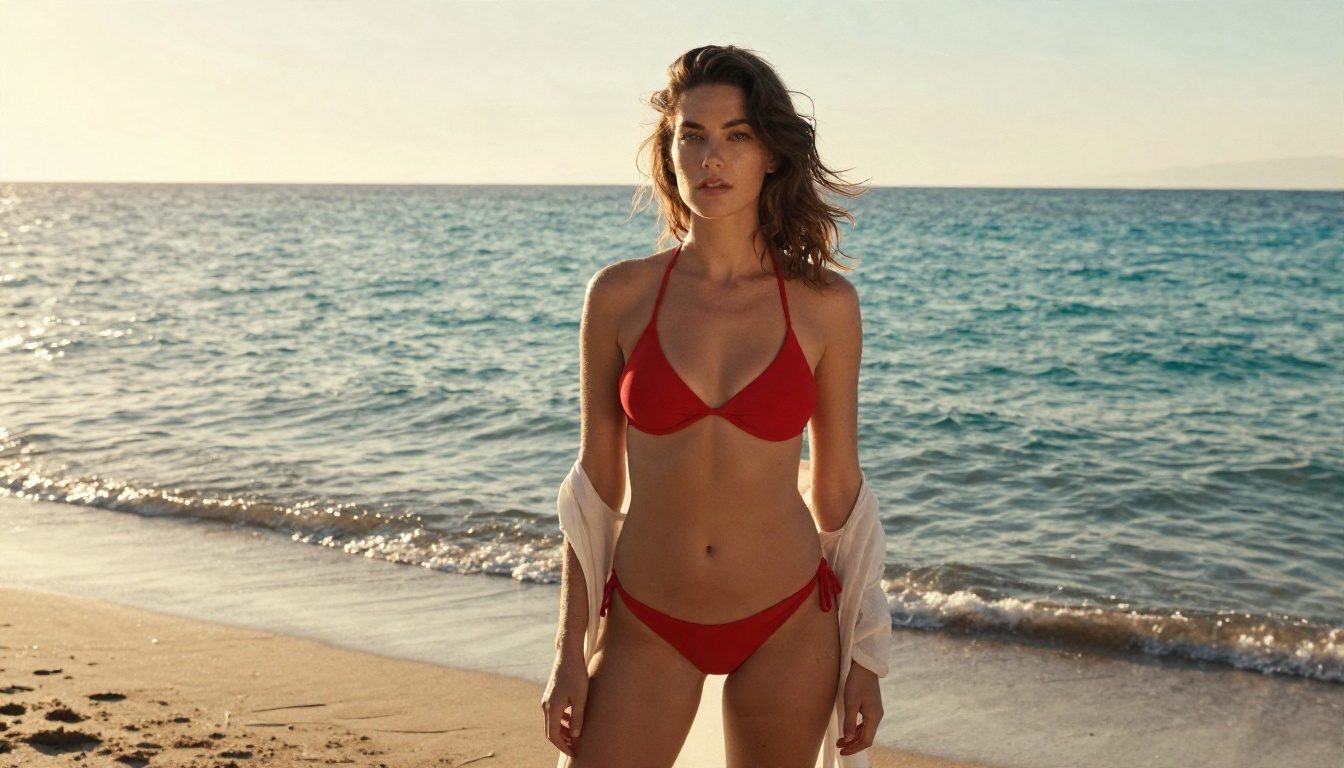
Prices move quickly, so the numbers below describe typical ranges reported in 2026 reviews, not guarantees. Always check the live pricing page before you pay.
| Plan type | Typical cost | What you usually get | Typical catch |
|---|
| No account, free | $0 | Basic images, no sign-up | Lower quality, slow at peak hours |
| Free with credits | $0 | A daily or sign-up allowance | Runs out fast, watermarks possible |
| Entry subscription | About $10 per month | More credits, faster queue | Still capped, features locked |
| Pro subscription | About $18 per month and up | Higher volume, higher resolution | Credits can still run out |
| Pay per image | Cents per image | Pay only for what you use | Costs climb with experimenting |
What subscriptions usually include
Entry plans often sit around the ten dollar mark per month, with pro plans nearer eighteen and above. One reviewed platform lists a Pro plan at $9.99 per month with daily free credits on the free tier, and another mentions around 15 image prompts per day on a free plan. The pattern is clear: the lower the price, the more you ration your prompts.
Typical paid perks:
- Faster generation and priority queues
- Higher resolution exports, sometimes 4K
- Private galleries
- Commercial use rights (check the terms)
- Image editing tools, such as inpainting and upscaling
Limits that cost you time
The limit that hurts most is not the daily cap. It is iteration cost. A good image often takes five to ten attempts. If each attempt eats a credit, a "50 images per month" plan really gives you five finished pictures. This is why unlimited generation, even at a modest price, beats a bigger credit pile for anyone who edits and refines.
How to Use Seedream 4.5 on PicassoIA
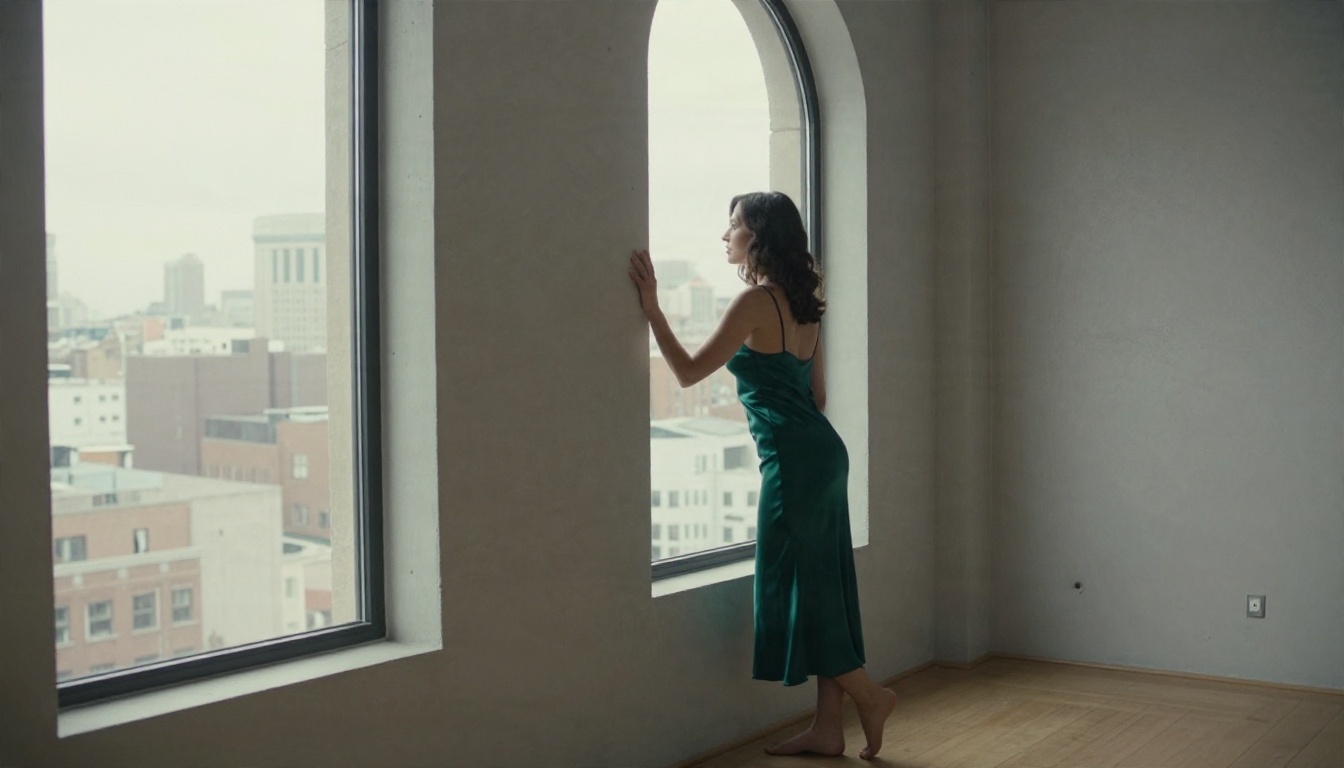
Seedream 4.5 is the strongest starting point for tasteful adult glamour in the browser. It handles skin texture, fabric sheen and lighting with a photographic realism that cheaper tools struggle to match, and it outputs sharp results up to 4K. It is also quick, so you can run many variations without waiting.
Step by step
- Open the Seedream 4.5 page on PicassoIA.
- Write your prompt in plain language, starting with the subject, then the setting.
- Add lighting and lens details, for example "85mm lens, soft window light from the left".
- Choose a 16:9 ratio for wide editorial shots, or a vertical ratio for portraits.
- Generate, review, then adjust one thing at a time and run it again.
- Send your favorite to the editor for touch-ups and upscaling.
Prompt and parameter tips
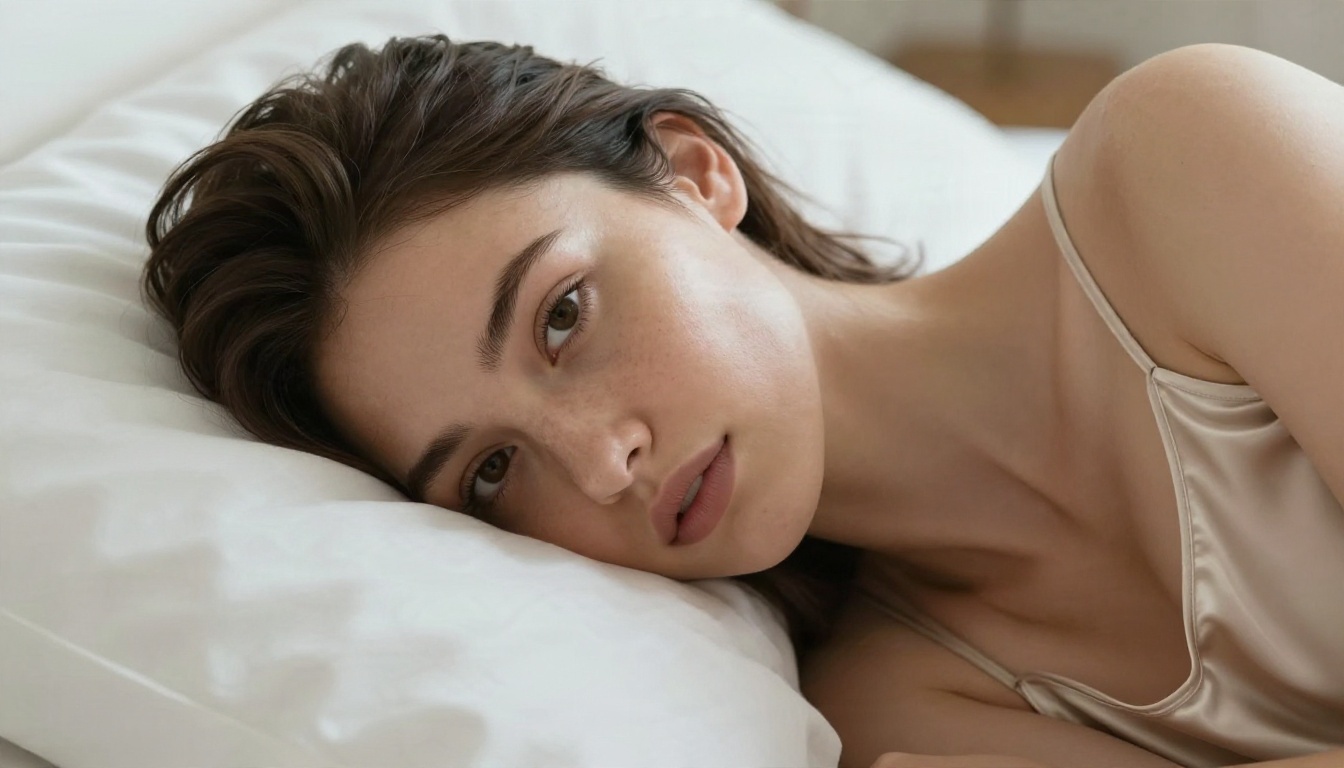
- Be specific about fabric. "Champagne satin camisole" gives a better result than "lingerie".
- Name the light. Golden hour, overcast window light and tungsten lamp light all produce very different moods.
- Describe skin honestly. Words like "natural pores" and "subtle freckles" avoid the plastic look.
- Keep one idea per prompt. A single clear scene beats a crowded list of ten details.
- Reuse your wording. Save a prompt that works and change only the outfit or location.
💡 Prompt starter: "Adult woman in a navy one-piece swimsuit sitting on the edge of a villa pool, midday sun, 24mm lens, water droplets on skin, natural film grain, Kodak Portra 400."
Image Editor Pro for Unlimited Edits
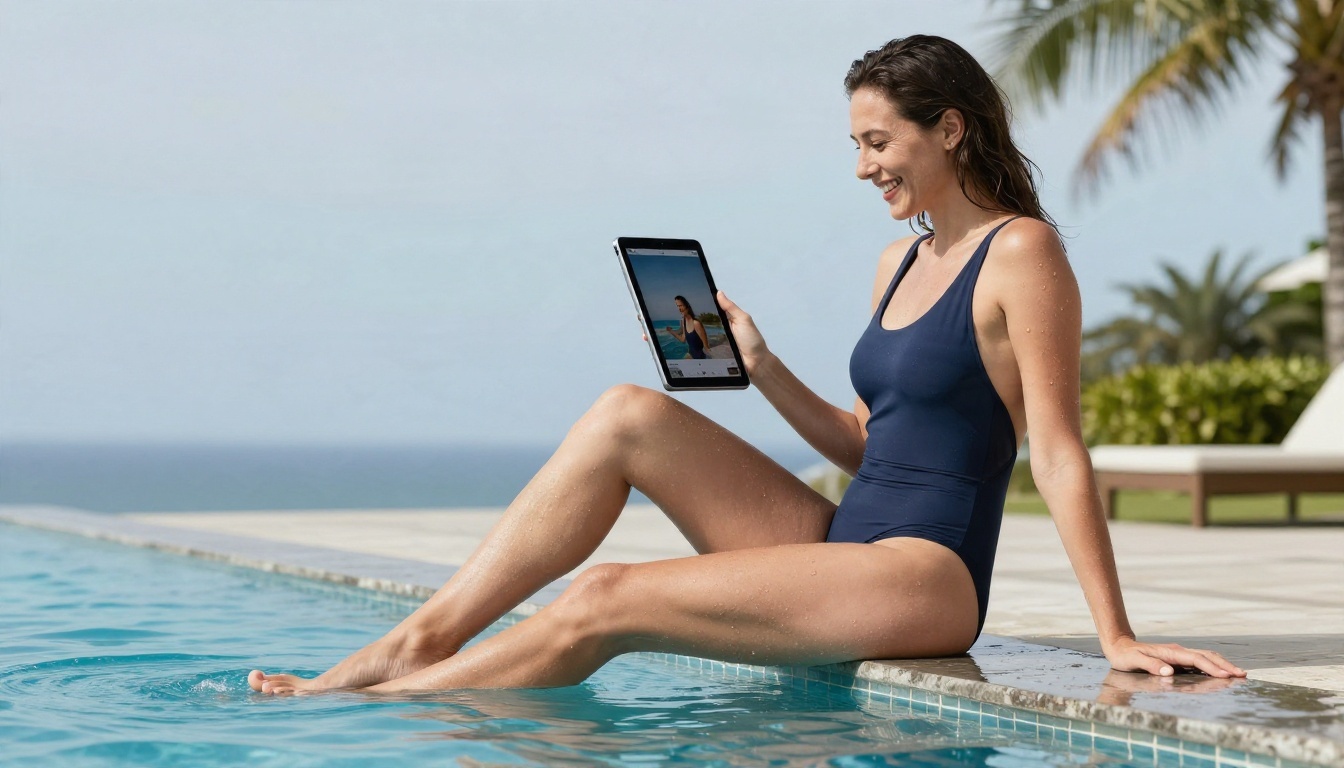
Generating is half the job. The other half is fixing a hand, changing an outfit color, extending a background or cleaning up lighting. The PicassoIA Image Editor Pro is built for exactly that, and its biggest selling point is simple: unlimited generations. No credit counter ticking down while you refine.
Why unlimited matters
Think back to the iteration problem. When every attempt is free, you can try the same pose in five outfits, three locations and two lighting setups without worrying about cost. That freedom is what separates a casual experiment from a finished set of images with a consistent look.
What you can fix
- Outfit swaps: change a black bralette to a white one while keeping the pose.
- Background changes: move a vanity scene to a beach at sunset.
- Detail repair: fix hands, hair edges and fabric folds.
- Lighting cleanup: warm up a cold shot or soften harsh shadows.
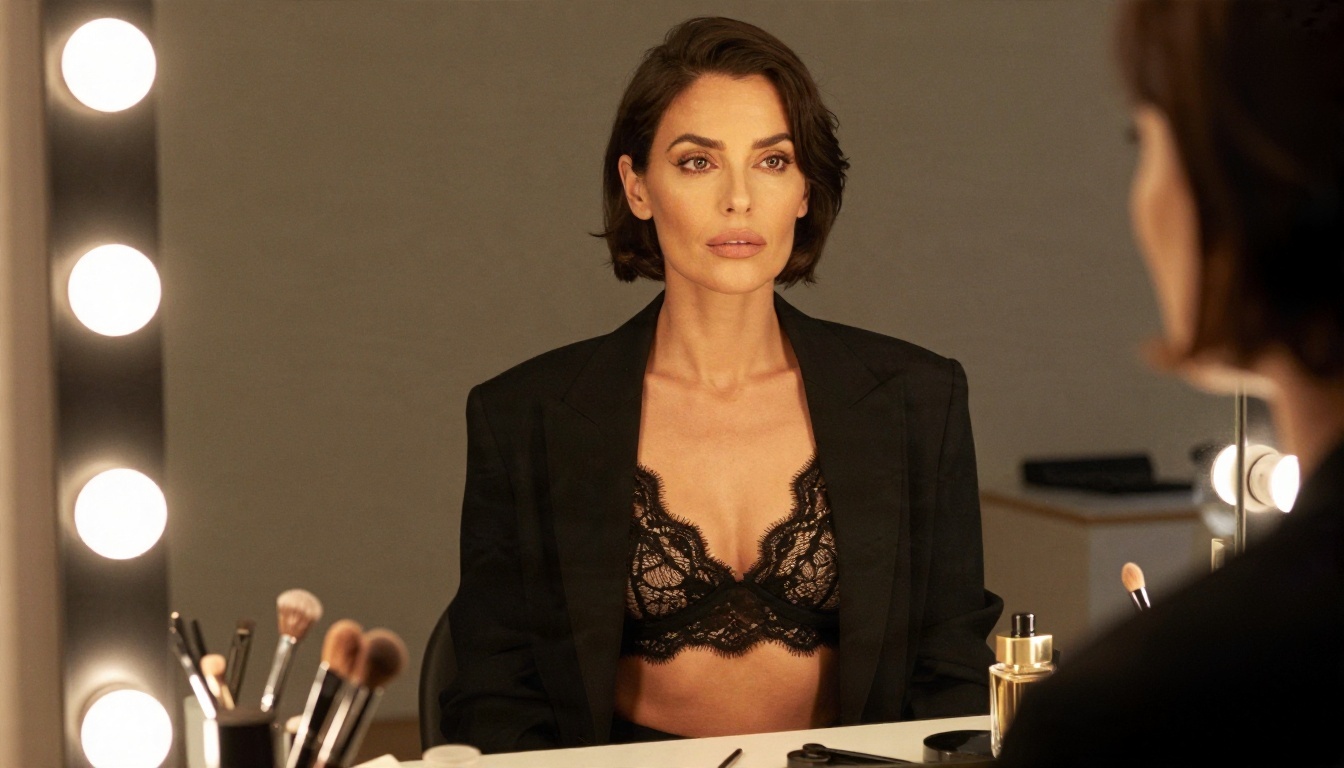
Speed and uncensored value
Two things stand out in daily use. The first is speed: results arrive in seconds, so you stay in a creative flow. The second is freedom to work without a nanny filter quietly rewriting prompts. Within the boundaries of tasteful, non-explicit content, you get the picture you described, not a diluted version of it.
Other Models Worth Trying
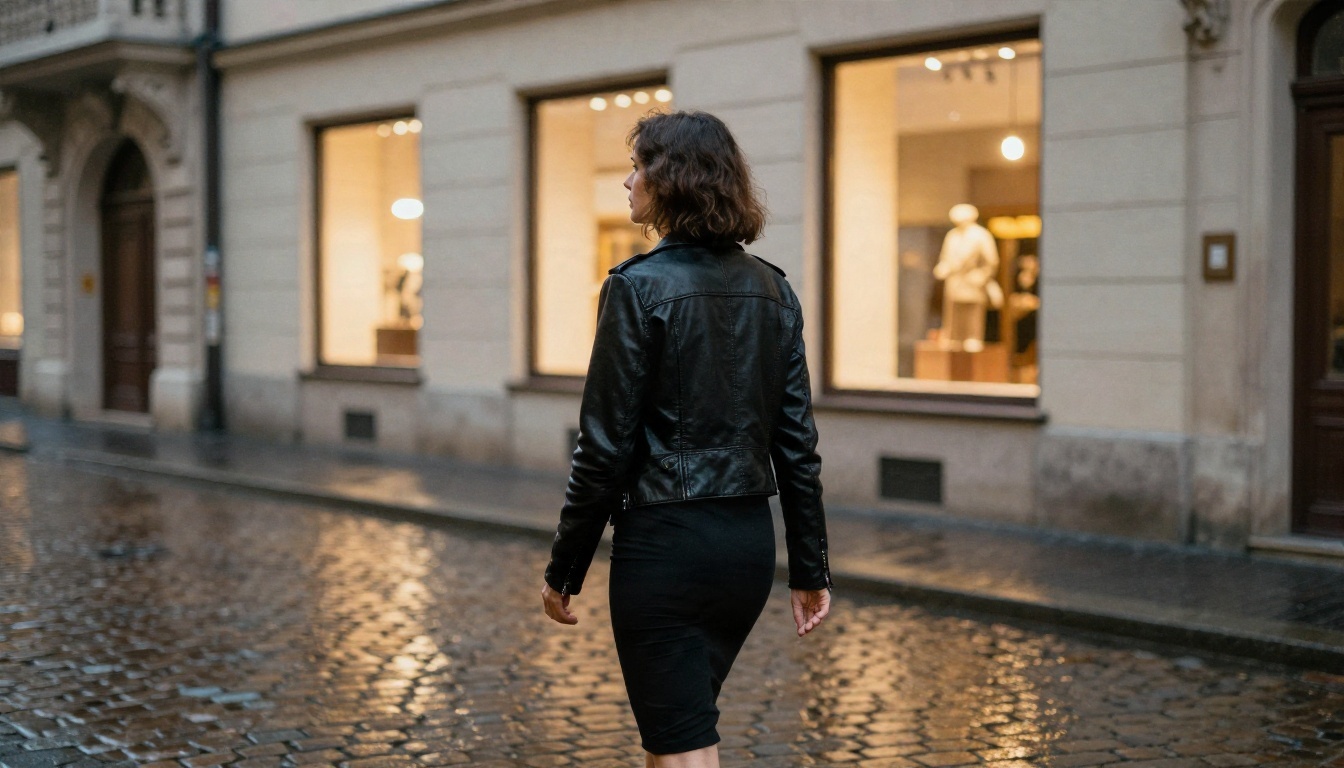
No single model wins every scene. After Seedream 4.5 and the Image Editor Pro, these are good additions to your toolbox, each with its own strengths:
| Model | Best for | Link |
|---|
| Seedream 4.5 | Photorealistic glamour, 4K detail | Open model |
| Image Editor Pro | Unlimited edits and refinements | Open model |
| Z Image Turbo | Very fast drafts and quick tests | Open model |
| Flux 2 Klein 9B Base LoRA | Styled looks and custom character styles | Open model |
| Qwen Image 3 Pro | Natural-looking portraits | Open model |
Fast drafts first
A smart workflow is to sketch ideas with a speedy model like Z Image Turbo, then recreate the winners in Seedream 4.5 for the final detail. You save time and avoid polishing weak concepts.
Custom looks with LoRA
If you want a consistent aesthetic across a series, Flux 2 Klein 9B Base LoRA supports styled outputs. For portraits with a natural feel, Qwen Image 3 Pro is worth a test run.
Bring stills to life
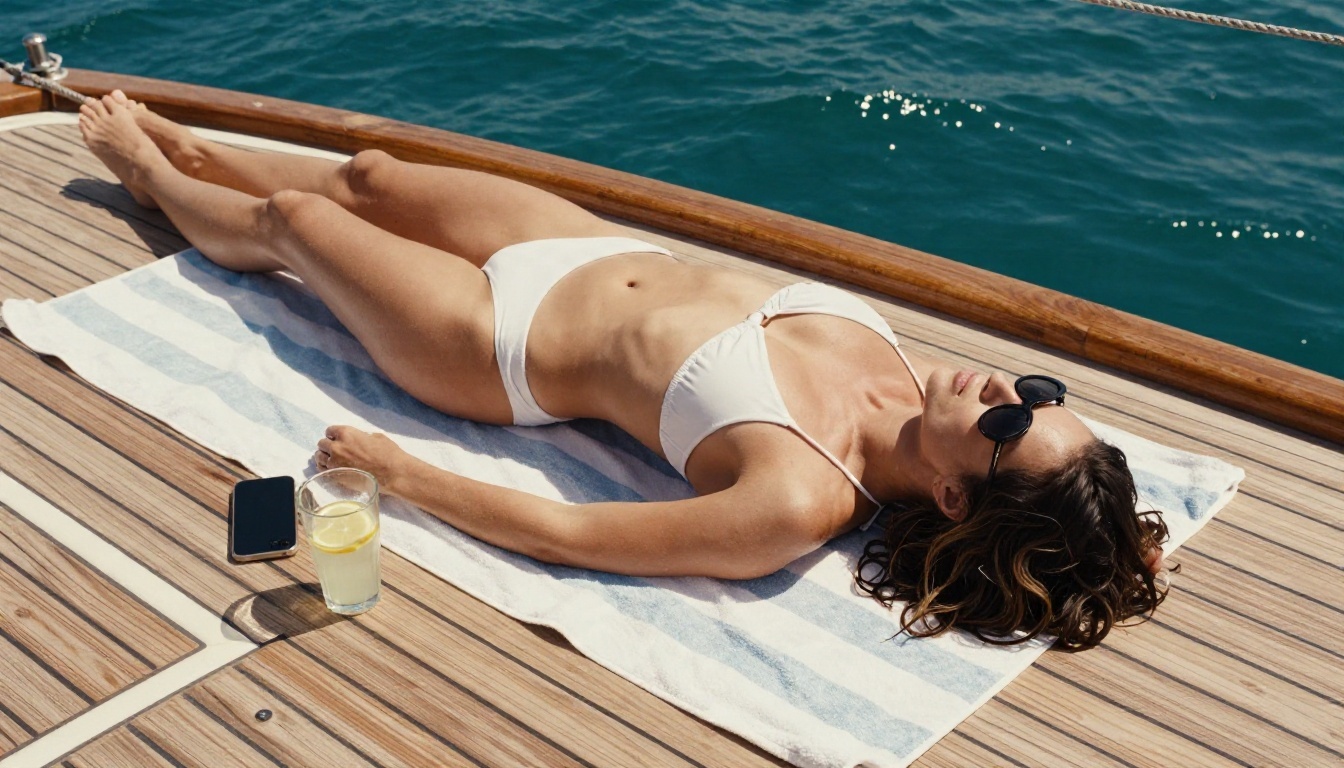
Once you have a final image, you can animate it. An image-to-video model such as Wan 2.5 I2V Fast adds gentle motion like hair drifting in a breeze or a slow camera push, which turns a still into a short clip for social posts.
Avoiding Common Mistakes
A few habits waste money and time with any NSFW AI app:
- Paying yearly on day one. Test monthly first. Limits and filters change without notice.
- Ignoring the terms. If you plan to use images commercially, read the license wording.
- Chasing the biggest credit count. Unlimited editing beats a large but capped pile.
- Uploading real photos carelessly. Privacy policies vary, and many are vague.
- Writing vague prompts. "Sexy woman" gives generic output. Detail gives character.
Try It Yourself Today
The honest summary of free NSFW AI apps is this: they are fine for a quick test and frustrating for real work. Credit caps, watermarks, silent filters and slow queues all push you toward a subscription you may not need.
If you want to create your own tasteful glamour images with speed and no generation counter, start with Seedream 4.5, refine every result in the PicassoIA Image Editor Pro, and test the rest of the lineup when you want a different look. Write one prompt, change one detail, and run it again. Ten minutes of experimenting will tell you more than any review.
Ready to see what you can create? Browse every model on picassoia.com/en/all-models and start with your first prompt on PicassoIA today.


