If you typed "Seedance 2.0 no filters" into a search bar, you probably want three answers fast: can it make anything, does it cost nothing, and where does it stop? Short version: Seedance 2.0 is not uncensored, it is free only in small doses, and it has real limits on length, inputs and content. The longer version is more useful, because knowing exactly where the walls are will save you wasted credits, rejected prompts and a lot of frustration.
This article lays out what the filters do, what passes without trouble, what the limits look like in practice, and how to get the best clips out of the model on Seedance 2.0 on PicassoIA. It also covers a smarter route for glamour and swimwear looks, which is where most "no filters" searches are actually headed.

What "No Filters" Really Means
People use the phrase for very different goals. Some want a model that will not refuse a harmless prompt for no reason. Some want realistic famous faces. Some want adult content. Those are three separate problems, and Seedance 2.0 treats them very differently.
The Short Answer
Seedance 2.0 is a ByteDance video model, and it ships with safety checks built into the model and the pipeline around it. Reports from creators and reviewers since its public launch are consistent: adult material, realistic graphic violence and realistic depictions of real people get blocked or softened. Stylized and fictional work passes far more often.
💡 Quick reality check: If a page promises a "Seedance 2.0 unfiltered" mode, treat it with suspicion. The restrictions come from the model developer, not from the website hosting it, so a different front end rarely changes the rules.
Where the Filters Sit
Filtering usually happens at more than one point:
- Prompt check: your text is screened before generation starts.
- Input check: uploaded reference images, videos and audio are screened too.
- Output check: the finished clip can be reviewed and withheld.
That third layer is why a prompt that looks innocent can still return nothing. The model may have drifted into territory you did not ask for.
Is Seedance 2.0 Uncensored?
No. And once you accept that, you can work with it instead of against it.
What Gets Blocked
Based on what reviewers have reported, these categories are the usual trouble spots:
| Category | Typical result |
|---|
| Explicit adult content | Blocked |
| Realistic graphic violence | Blocked or sanitized |
| Realistic likeness of real public figures | Often blocked |
| Well known copyrighted characters and franchises | Frequently blocked |
| Minors in any sensitive context | Always blocked |
| Stylized action, fantasy, mild horror | Usually passes |
The copyright point deserves attention. After studios raised legal objections around the model's launch, the checks around famous characters and recognizable film styles got noticeably tighter. If your idea depends on a specific franchise, expect friction.
What Passes Fine
A surprising amount of creative work goes through without a hitch:
- Original characters described in your own words.
- Fashion and lifestyle scenes, including beachwear and swimwear in tasteful, non explicit settings.
- Cinematic action with stylized or implied impact instead of graphic detail.
- Product shots, travel scenes, interviews and dialogue clips with native audio.
- Fantasy and sci-fi worlds that are clearly fictional.
The pattern is simple. The more a request looks like ordinary, original, non-graphic filmmaking, the smoother it runs.
Why Workarounds Backfire
You will find forum threads full of rewording tricks. I would not build a workflow on them, for three reasons:
- They break without warning. Filters get updated, and a phrase that worked on Monday fails on Friday.
- They can cost you credits on platforms that charge for attempts that get flagged late in the pipeline.
- They put accounts at risk. Some platforms monitor outputs and can restrict users who repeatedly push against the rules.
Spend that effort on better prompts instead. A precise, well-lit, clearly fictional prompt beats a clever evasion almost every time.
Is Seedance 2.0 Free?
Partly. "Free" depends on where you run it and how much you need.

Free Tiers Elsewhere
Across the web, the pattern is the same: a trial or a daily allowance, then a paywall. Some ByteDance products such as Jimeng and Dreamina have offered daily free credits to new users. CapCut has offered a small monthly number of Seedance 2.0 generations to paying subscribers. Third party platforms bundle it into subscription plans with monthly credit pools. Plans and regions change often, so check the current offer before you count on it.
💡 Budget tip: Test a concept at the lowest resolution first. Spend your best credits on the final render, not the sketch.
Free Access on PicassoIA
On PicassoIA, the model page for Seedance 2.0 describes the model as free to try online with no coding required. There are also lighter siblings if you want to iterate cheaply:
If you generate dozens of clips a week, the unlimited tier is the one that changes your math. If you make a handful, the standard route is plenty.
The Real Limits You Will Hit
Content rules are only one wall. The technical limits shape your results just as much.

Duration and Resolution
Seedance 2.0 on PicassoIA defaults to 5 second clips at 720p, with the option to set duration manually or pass -1 and let the model pick a length based on how complex your prompt is. Aspect ratios include 16:9, 9:16, 1:1, 4:3, 21:9 and an adaptive mode.
| Setting | What to expect |
|---|
| Default duration | 5 seconds |
| Intelligent duration | Set to -1, model chooses |
| Default resolution | 720p |
| Aspect ratios | 16:9, 9:16, 1:1, 4:3, 3:4, 21:9, 9:21, adaptive |
| Audio | Generated by default, including dialogue and effects |
Short clips are a feature, not a flaw. You build scenes by chaining shots, the way an editor would.
Inputs and References
The model is generous with references, but each one has rules:
- Up to 9 reference images for character and style consistency.
- Up to 3 reference videos for motion and style, with a total length cap of 15 seconds.
- Up to 3 reference audio clips, also capped at 15 seconds total, which need at least one reference image or video alongside them.
- A first frame image and an optional last frame image for pinned openings and endings.
- First and last frame inputs cannot be combined with reference images in the same run.
That last rule trips people up. Pick one control method per generation.
Speed and Queues
Generation is not instant. Expect a wait that grows with resolution, duration and audio. Heavy traffic can add more. If you need quick feedback, draft with the Fast or Mini variants, then switch to the full model for the keeper.
How to Use Seedance 2.0 on PicassoIA
Step by Step
- Open the Seedance 2.0 model page on PicassoIA.
- Write your prompt. Describe the subject, the action, the camera move and the lighting in plain sentences.
- Optionally upload a first frame image if you want the clip to start from a specific picture. Add a last frame image to control the ending.
- Or skip the frames and add up to nine reference images for character consistency. Do not mix the two methods.
- Choose resolution (720p is the default and a solid starting point), duration (5 seconds, or -1 for automatic) and aspect ratio.
- Leave Generate Audio on if you want sound. Put spoken lines in double quotes inside the prompt so the model treats them as dialogue.
- Press generate, review the clip, then adjust one variable at a time and run it again.
Prompt Tips That Work
- Write in time order. "A woman steps onto a pier, the camera drifts back, wind lifts her scarf, gulls call in the distance."
- Name the light. "Soft overcast window light" gives the model more to work with than "nice lighting."
- Keep one subject per shot. Crowded prompts produce muddled motion.
- Use quotes for speech. "She whispers, 'We should go.'" gets lip movement and a voice.
- Avoid trigger territory. Skip real celebrity names, franchise characters and graphic detail. You will get cleaner results and fewer rejections.
💡 Fast iteration loop: Draft with Seedance 2.0 Fast, lock the composition, then rerun the same prompt and seed on the full model for the final.
Glamour Looks Without Rejections
Here is the honest truth about most "no filters" searches: people want attractive, confident, swimwear or fashion imagery that does not get flagged. You do not need an uncensored video model for that. You need the right order of tools.
Start With Seedream 4.5
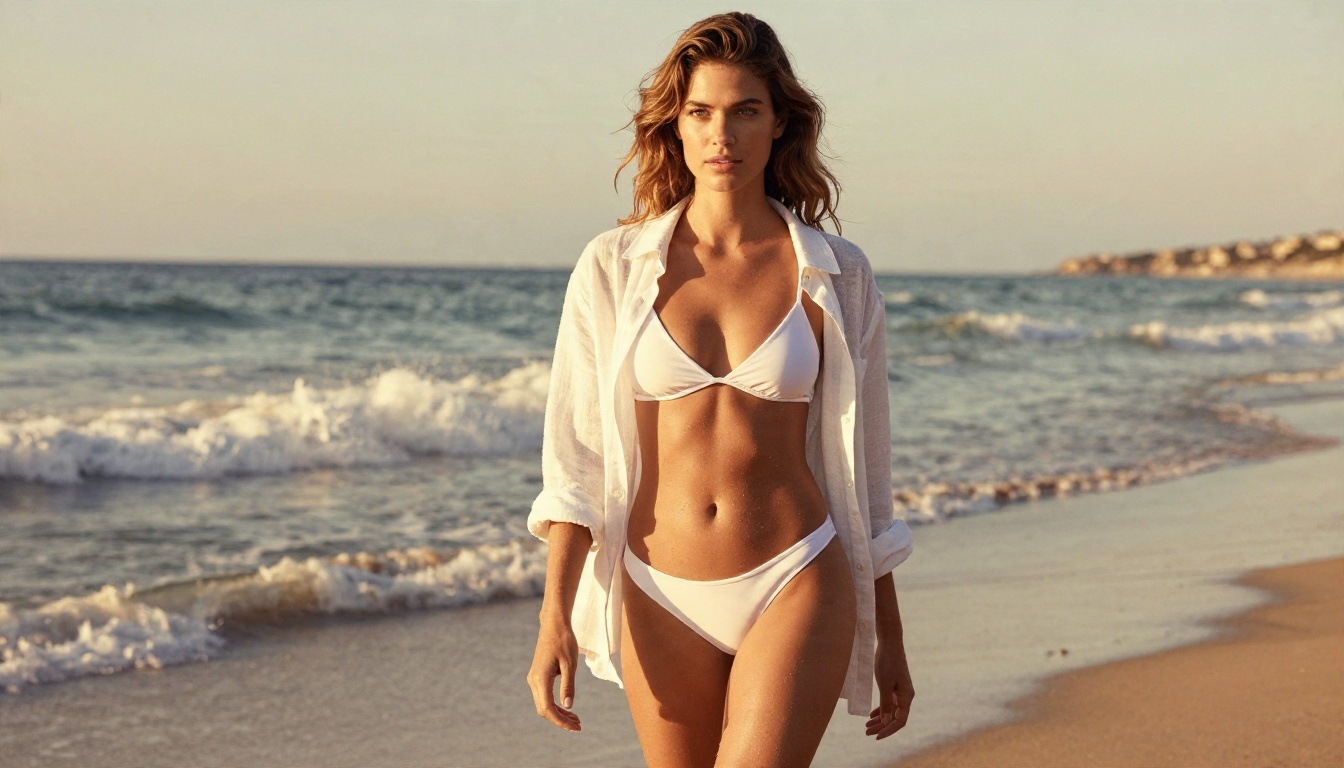
Build the still first. Seedream 4.5 is the strongest starting point on PicassoIA for glamour, beachwear and editorial portraits with realistic skin, fabric and light. It is quick, it handles suggestive but non-explicit styling well, and it gives you a locked look to work from.
Refine in Image Editor Pro
Next, polish the frame. PicassoIA Image Editor Pro offers unlimited generations, so you can adjust outfits, backgrounds, lighting and details as many times as you like without watching a counter. It is where a good still becomes a great one.
Animate the Result
With a strong still in hand, feed it into Seedance 2.0 as the first frame image, and write a motion prompt that keeps the scene tasteful and cinematic: walking at the waterline, a breeze through the hair, a slow camera push. You keep the look you designed, and the video model only has to add motion.
💡 Stay realistic about scope: Keep everything suggestive and attractive, never explicit. That is the range that stays usable on almost every platform, and it is the range that looks most like real editorial work.
Alternatives Worth Trying Today
No single model wins every shot. If Seedance 2.0 refuses a concept or you want a different motion feel, these are on PicassoIA:
Every video model has its own rules, so expect each to draw lines in slightly different places. Testing the same prompt across two or three models is the fastest way to find the best fit for your idea.
A Simple Decision Rule
- Need sound and dialogue in one pass? Seedance 2.0 or Veo 3.1.
- Need long continuous shots? Seedance 2.5.
- Need dramatic camera movement? Kling v3.
- Need fast, cheap drafts? Seedance 2.0 Fast or Mini.
Make Your Own Clips Today
The "no filters" dream does not exist in any mainstream version of Seedance 2.0, but the thing people actually want does: sharp, good looking, cinematic video, made quickly, with sound. Learn the rules once, write precise prompts, and you will spend your time creating instead of rewording rejected requests.

Here is a simple plan for your first session:
- Build a still in Seedream 4.5.
- Polish it in Image Editor Pro.
- Animate it in Seedance 2.0.
- Compare it against a second video model.
Ready to see what you can make? Open PicassoIA, pick a model, and run your first prompt. You can browse everything available at picassoia.com/en/all-models and start experimenting with your own images and videos right now.


