Scroll through any short-video feed for ten minutes and you will notice a pattern: the clips that make people stop are rarely the loudest ones. They are slow, warm, well lit and a little bit suggestive. A silk sleeve slides off a shoulder, hair moves in a breeze, a smile arrives half a second late. That is the whole appeal of AI erotic reels, and the good news is that you no longer need a studio, a model or a crew to make them. You need one strong photo, a short motion prompt and a maker that does not choke on glamour content.
This article walks through how an online maker handles the job, which prompts give you smooth and flattering motion, what finished examples look like, and which alternatives are worth your time. Everything here stays in the tasteful, non-explicit lane: swimwear, evening wear, boudoir mood, soft light. Think magazine editorial, not adult film.
💡 Quick answer: generate a photorealistic still with Seedream 4.5, polish it in PicassoIA Image Editor Pro, then animate it for 5 to 10 seconds with a video model such as Seedance 2.5 Lite.
What AI Erotic Reels Actually Are
An AI erotic reel is a short vertical clip, usually 5 to 15 seconds, built around an adult, fictional or fully consented subject presented in a sensual, glamorous way. The clip is generated or animated by AI rather than filmed. Most are made from a single image that a video model brings to life with subtle movement.
Why the Short Format Works
Short clips reward mood over plot. A viewer decides in about two seconds whether to keep watching, so the first frame has to look expensive. Rich color, soft directional light and natural skin texture do more work than any caption. The motion itself should be small and believable: a head turn, fabric drifting, a slow push toward the face.
Image First, Then Motion
Almost every strong reel starts as a great still. If the photo has plastic skin, warped hands or flat lighting, animating it only makes the flaws move. This is why the best workflow separates two jobs:
- Build the still with a photorealistic image model.
- Add motion with an image-to-video or text-to-video model.
Skipping the first job and asking a video model to invent everything from text usually gives you a weaker face, drifting outfits and inconsistent lighting.
The Online Maker Workflow in Three Steps
A good online maker removes software installs, render queues and editing timelines. You type, click and download. Here is the loop that works whether you make one reel a week or ten a day.
Step 1: Build the Still
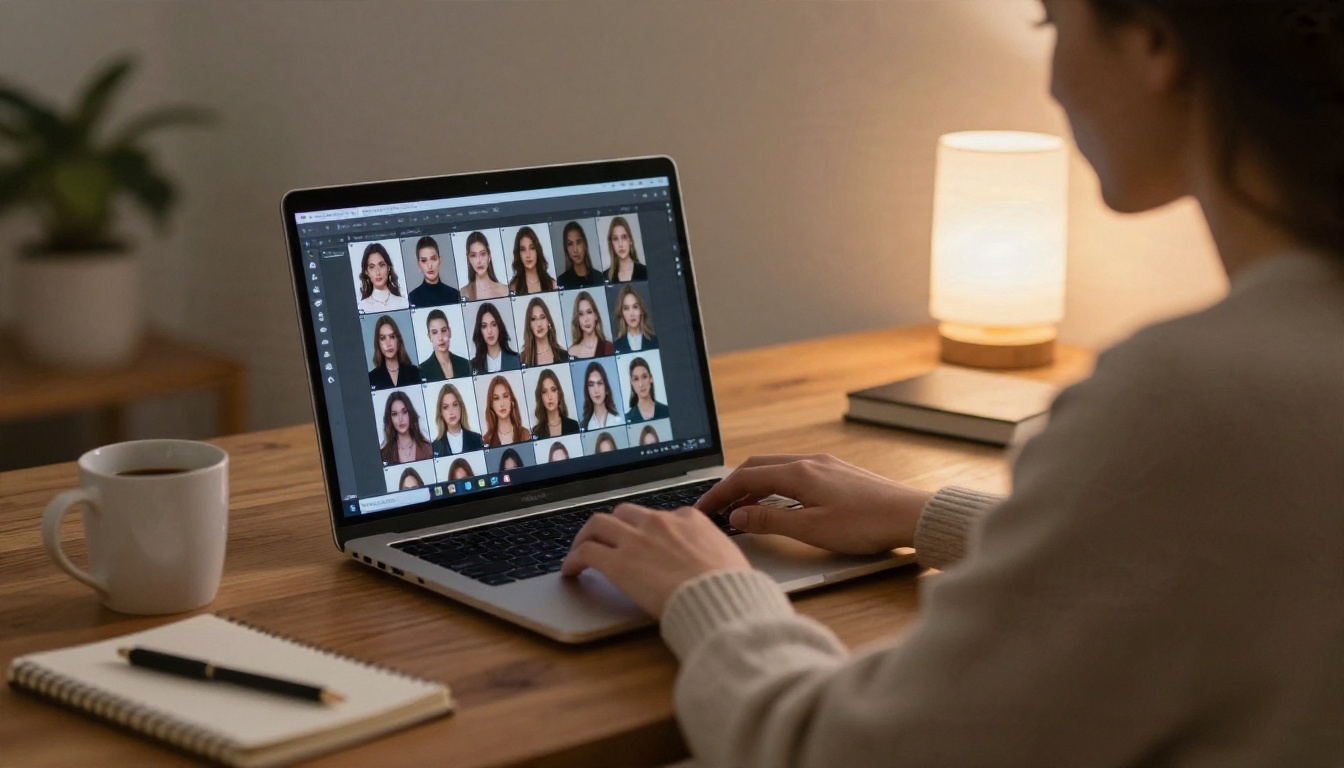
Generate several variations of the same idea and pick the best one. Look at three things before you move on:
- Face: eyes aligned, natural expression, no asymmetry that jumps out.
- Hands and edges: fingers, jewelry and fabric edges are the first places AI breaks.
- Light: one clear source direction. Mixed, confused lighting turns into flicker once it moves.
Step 2: Animate the Frame
Feed the chosen still into an image-to-video model and write a short motion prompt. Describe one subject movement and one camera movement, nothing more. Two small motions look elegant. Six motions look like a glitch.
Step 3: Cut and Post
Most reels land between 5 and 10 seconds, so you often do not need to edit at all. If you want a longer piece, generate two or three clips from different stills and join them. Keep the color grade consistent across clips so the sequence feels like one shoot.
| Stage | Goal | Typical time | Common mistake |
|---|
| Still image | Flattering, sharp base frame | 1 to 3 minutes | Accepting the first result |
| Retouch | Fix skin, hands, background | 2 to 5 minutes | Over-smoothing skin |
| Animation | 5 to 10 seconds of subtle motion | 1 to 4 minutes | Asking for too much movement |
| Export | Vertical or square crop | Under 1 minute | Cropping out the face |
How to Make Them on PicassoIA
PicassoIA puts the image models, the editor and the video models in one place, so you can go from prompt to finished clip without exporting files between tools. The order below is the one that gives the most reliable results for glamour content.
Seedream 4.5 for the Base Frame
Seedream 4.5 is the first model to reach for. It produces sharp, photorealistic portraits with believable skin, handles swimwear and evening wear well, and gives you the kind of lighting that survives animation.
Steps:
- Open the Seedream 4.5 page and choose a 16:9 ratio for landscape reels or a tall ratio for vertical posts.
- Paste a prompt built from subject, setting, light, lens and film look (examples below).
- Generate four to six variations. Pick the one with the cleanest face and hands.
- Download the winner at full resolution.
💡 Parameter tip: name a real lens and film stock, such as "85mm f/1.8, Kodak Portra 400". It nudges the model toward natural color and gentle grain instead of that glossy, over-processed AI look.
Image Editor Pro for Fixes
PicassoIA Image Editor Pro is where a good still becomes a great one. It offers unlimited generations, which matters because glamour work is a numbers game: you rarely nail the pose, light and expression on the first try. Use it to:
- Change an outfit color or fabric without rebuilding the whole scene.
- Soften a harsh background or swap it for a sunset terrace.
- Fix a stray finger, a strap that sits wrong or a hairline that looks off.
- Adjust the mood, for example turning cool daylight into warm lamplight.
Because there is no counter ticking down, you can iterate ten or fifteen times on the same frame until it is exactly right. That freedom is the real value for anyone producing reels at volume.
Picking the Video Model
Once the still is final, choose a video model for the motion. Each has a different strength:
Every video model applies its own content rules, so keep prompts in the suggestive, non-explicit lane. Glamour, swimwear and boudoir mood generally animate without trouble.
Prompts That Work
Prompts are the part most people overcomplicate. The best ones are short, concrete and written like a photographer's shot list.
The Still Image Formula
Use this order every time:
Subject and pose + setting + light direction + camera angle and lens + texture details + film look
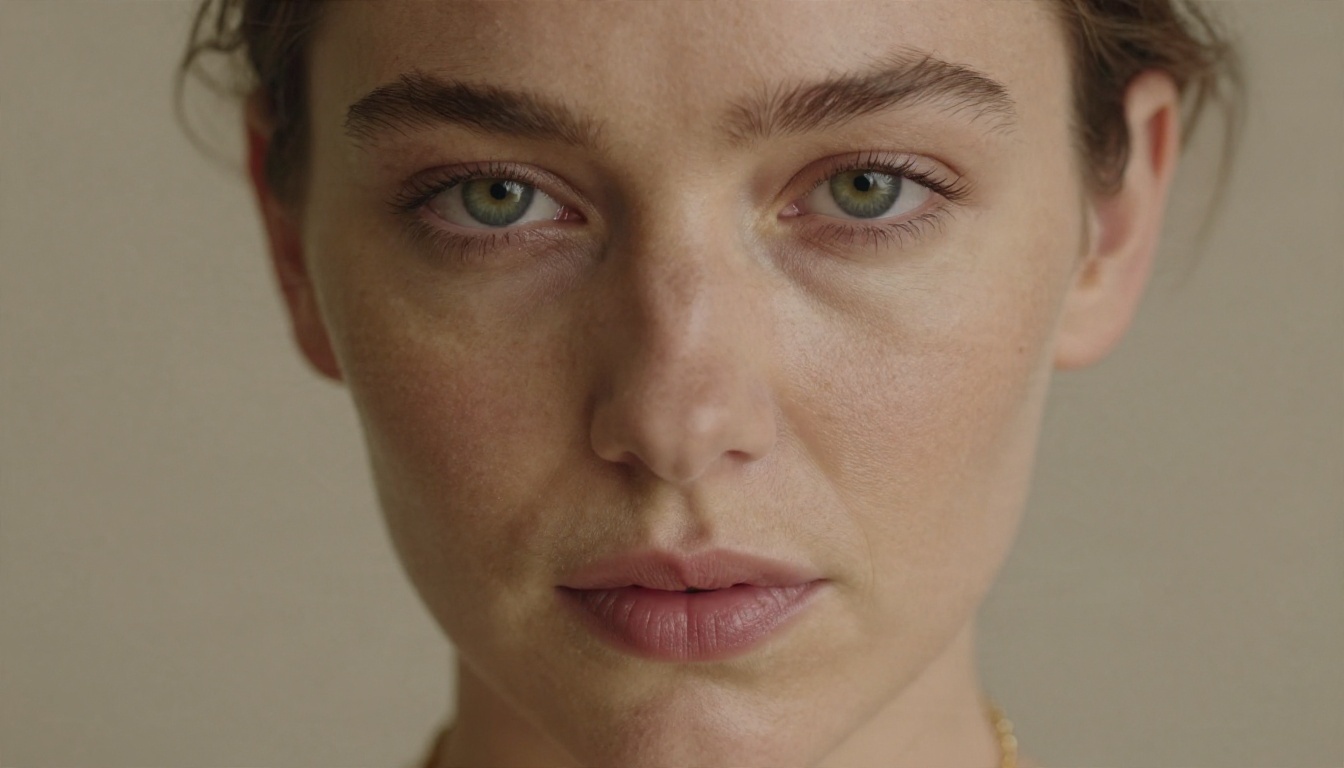
Why it works: the model reads the subject first, so the face and pose get the most attention. Light and lens come next and set the mood. Texture words such as "visible skin pores", "satin sheen" or "rough brick" are what push a result from pretty to photographic.
The Motion Formula
For the video prompt, switch to chronology:
Starting pose, then what moves, then what the camera does, then the light
Keep the verbs gentle: drifts, turns, settles, sways, glides. Avoid verbs like jumps, spins, runs, which make faces warp.
Copy-Ready Prompt Examples
Here are six prompts you can paste and adapt. Each stays suggestive and non-explicit.
| Scene | Still image prompt | Motion prompt |
|---|
| Hotel morning | Adult woman in a champagne silk slip dress on white linen, soft window light from the left, 85mm f/1.4, Kodak Portra 400 | She slowly turns her head toward the camera and smiles, curtains stir, slow dolly-in |
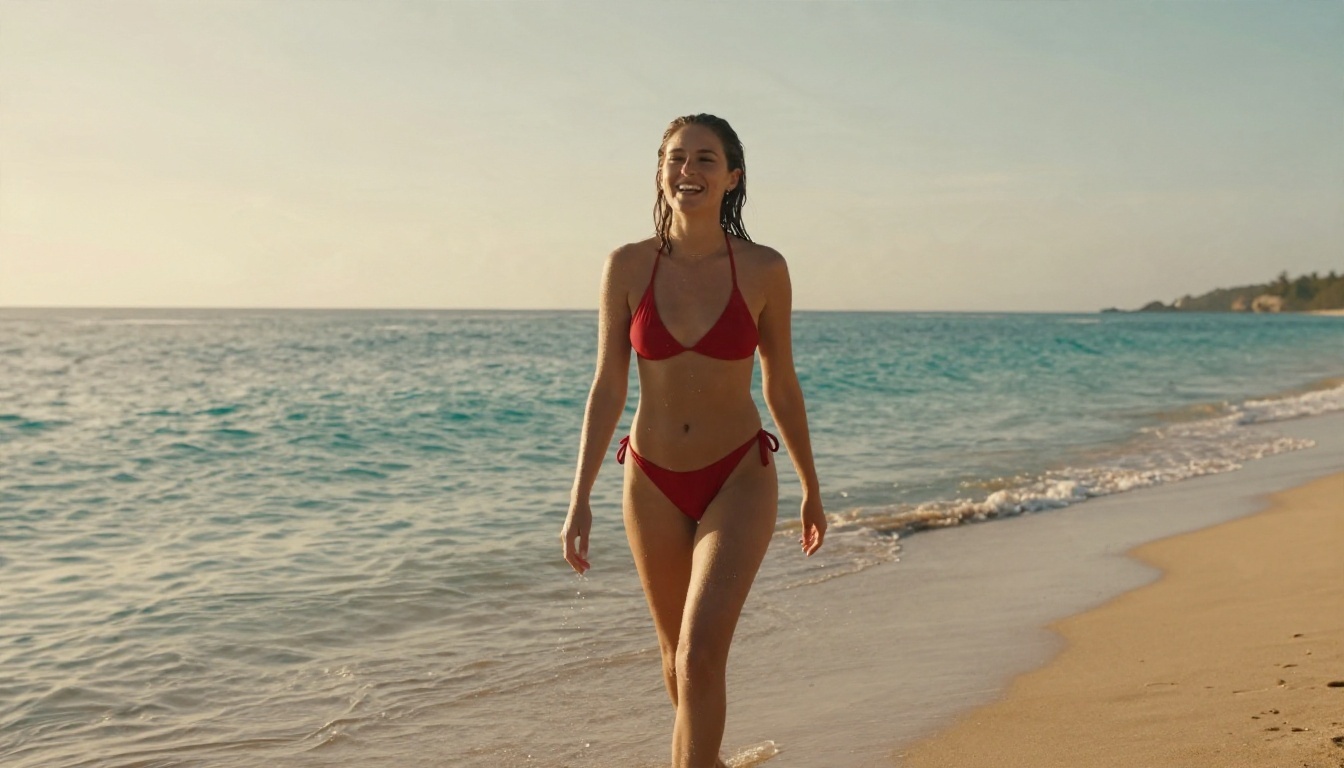
| Beach sunrise | Adult woman in a red bikini walking out of turquoise water, low-angle, warm backlight, wet skin texture | She walks toward the lens pushing wet hair back, waves roll behind, gentle handheld sway |
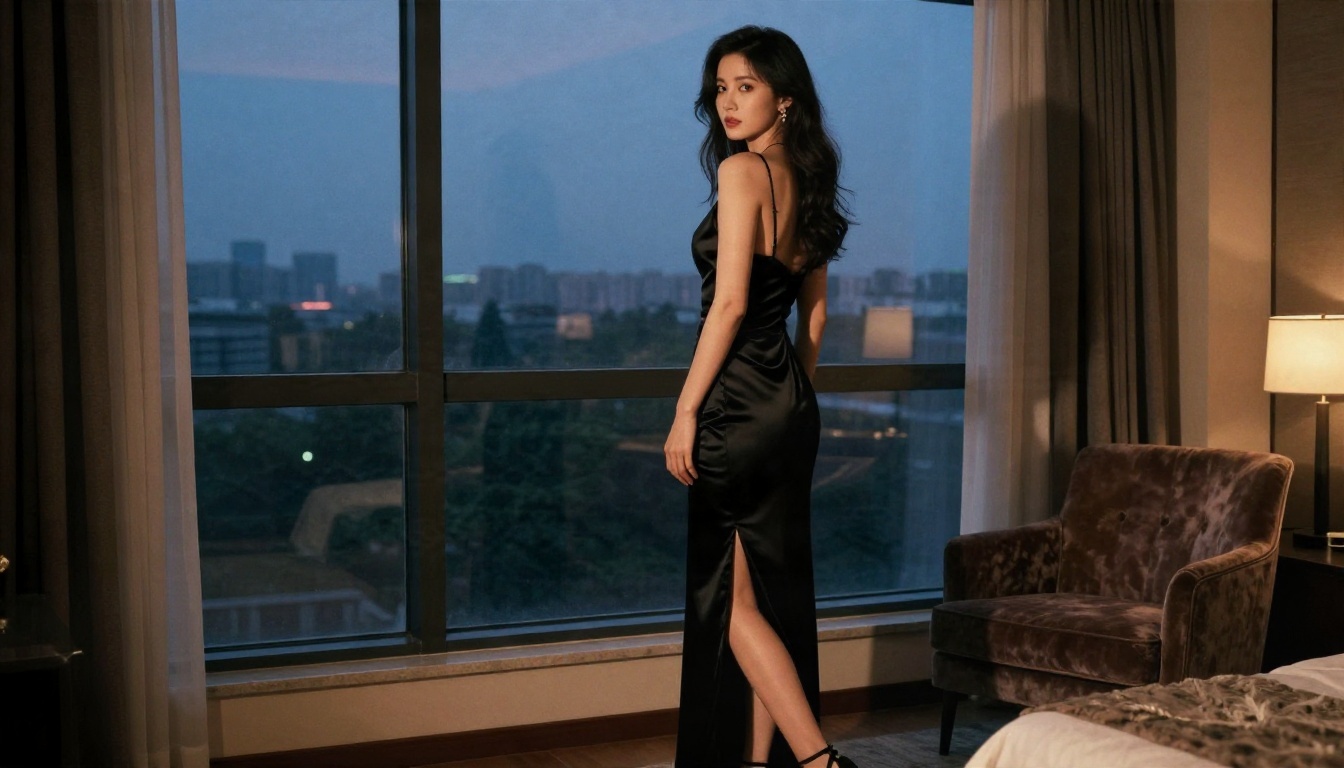
| Evening window | Adult woman in a black satin dress by a window at dusk, warm lamp light against blue dusk | She glances over her shoulder, fabric shifts, camera drifts slightly to the right |
| Pool deck | Adult woman in a navy one-piece on a teak deck, overhead angle, hard midday sun | She lifts sunglasses into her hair, water ripples, slow overhead crane down |
| Cabin fireplace | Adult woman in a cream off-shoulder sweater by a stone fireplace, wine glass, amber light | Firelight flickers across her face as she laughs, slow push-in |
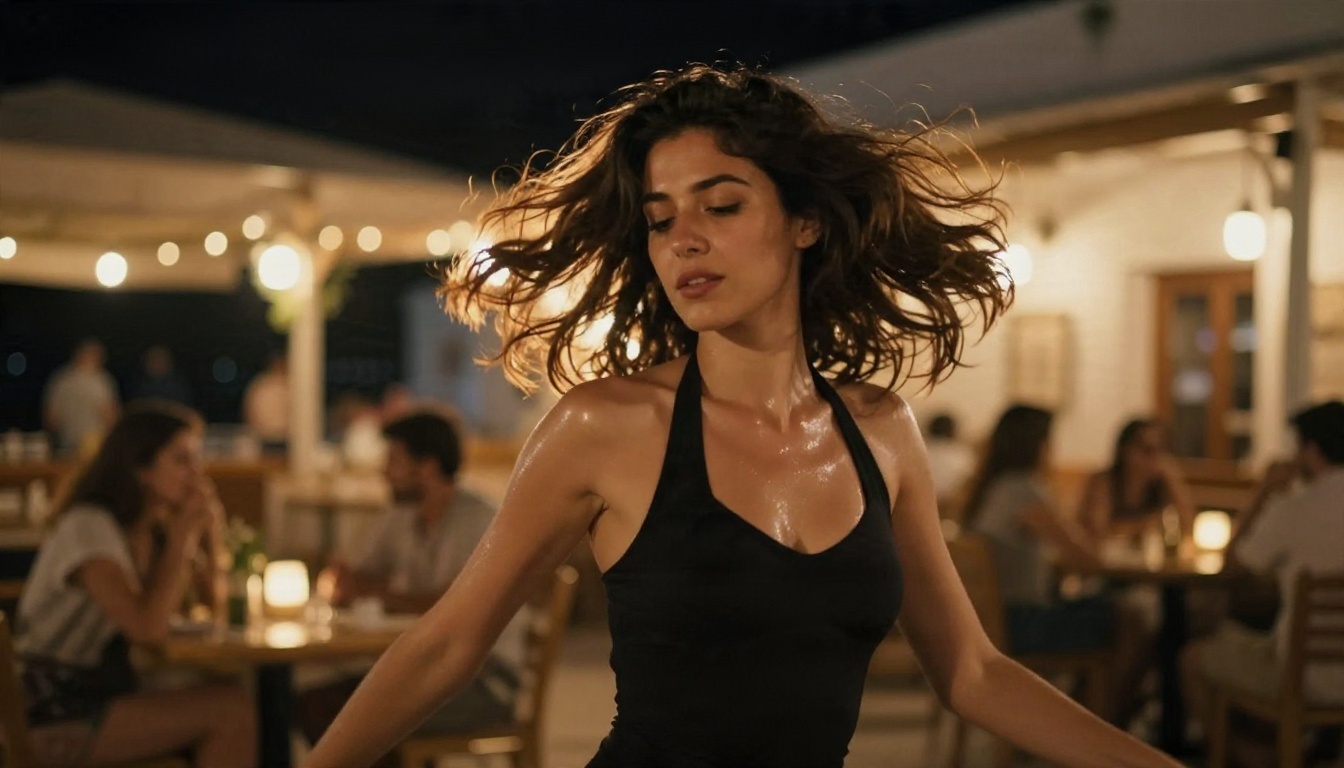
| Terrace night | Adult woman in a black halter bodysuit dancing on a terrace with string lights | Hair sways with the slow dance, lights twinkle, soft side tracking shot |
💡 Reusable add-on: end every motion prompt with "natural lighting, realistic skin, subtle movement, no morphing". It cuts down on the rubbery look.
Examples by Scene
Seeing the frames helps more than any description. These are the kinds of stills that animate well, each with a clear light source and an uncluttered background.
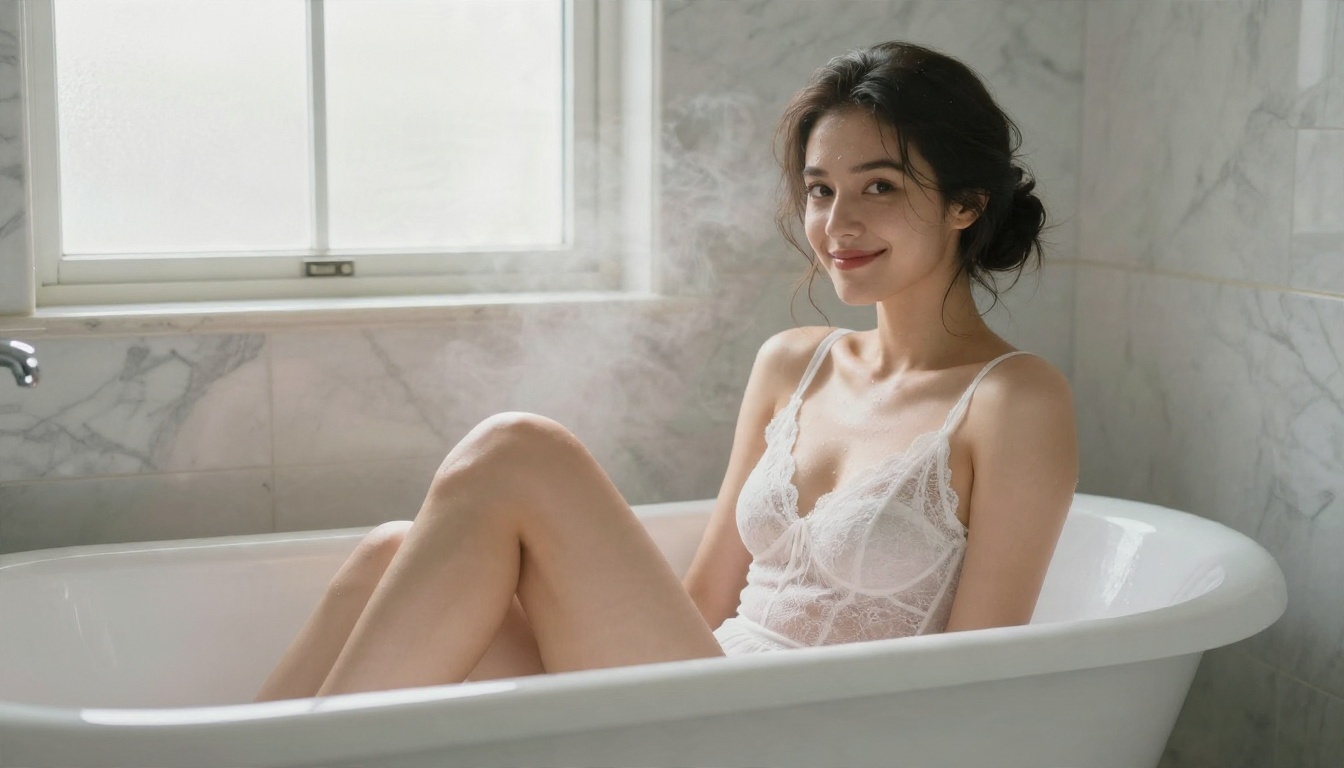
Bathroom Glamour
Bright marble, diffused daylight and a high 45 degree angle give a clean, airy look. Steam adds free motion for the video step: it drifts upward on its own, so you barely need to prompt anything.
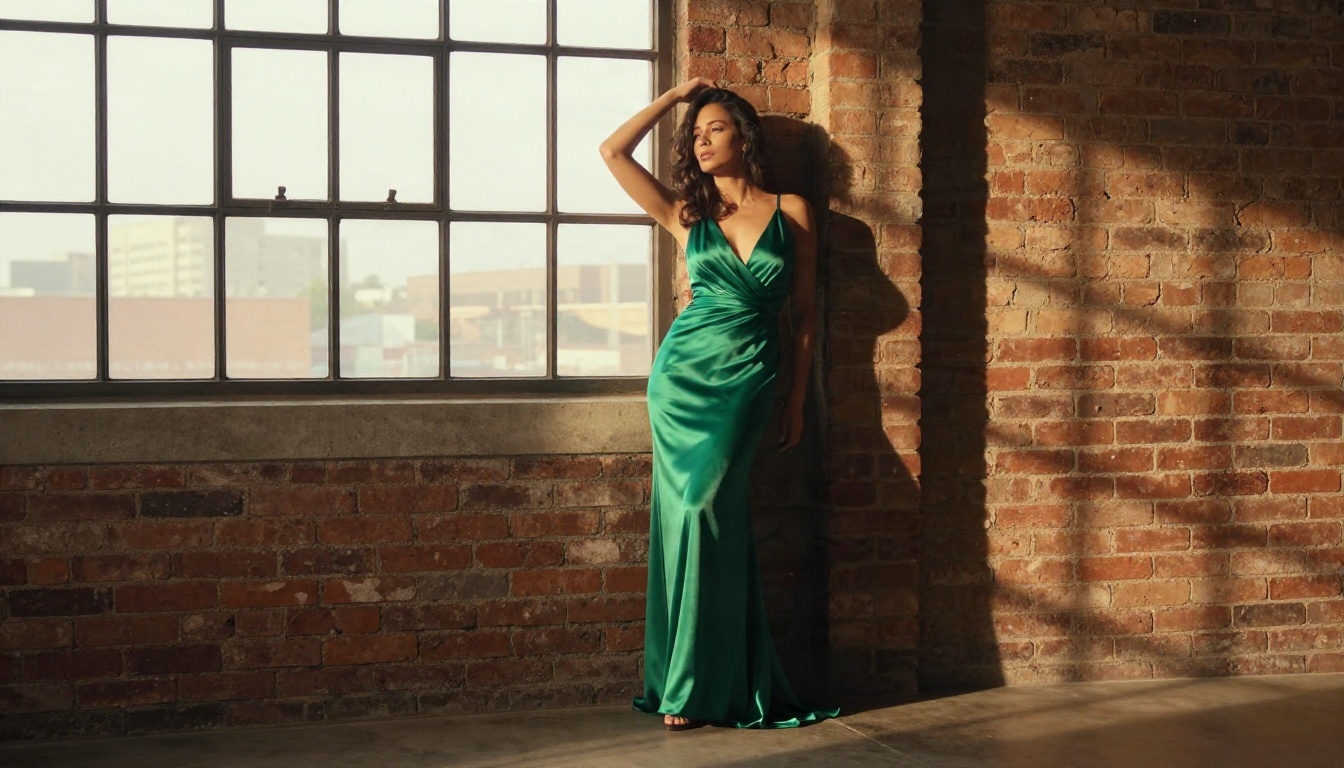
Loft and Evening Wear
An industrial window, brick texture and a flowing gown make a strong fashion-style reel. Ask for a slow camera drift and a hair or fabric movement. The long silk folds animate beautifully because they have natural weight.
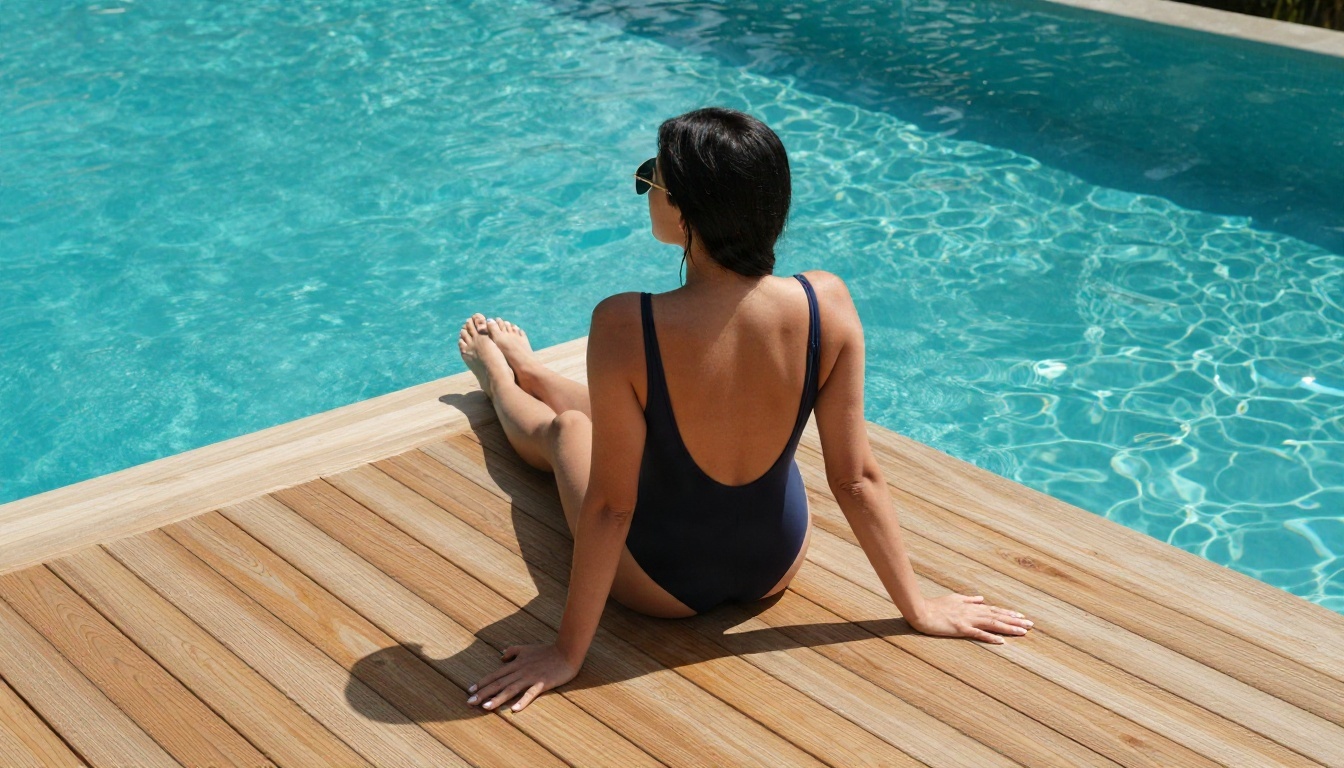
Poolside Overhead
A top-down angle is great for variety in a multi-clip reel. Hard sun means crisp shadows, and water ripples supply constant background motion. Ask for a slow crane move downward and keep the subject nearly still.
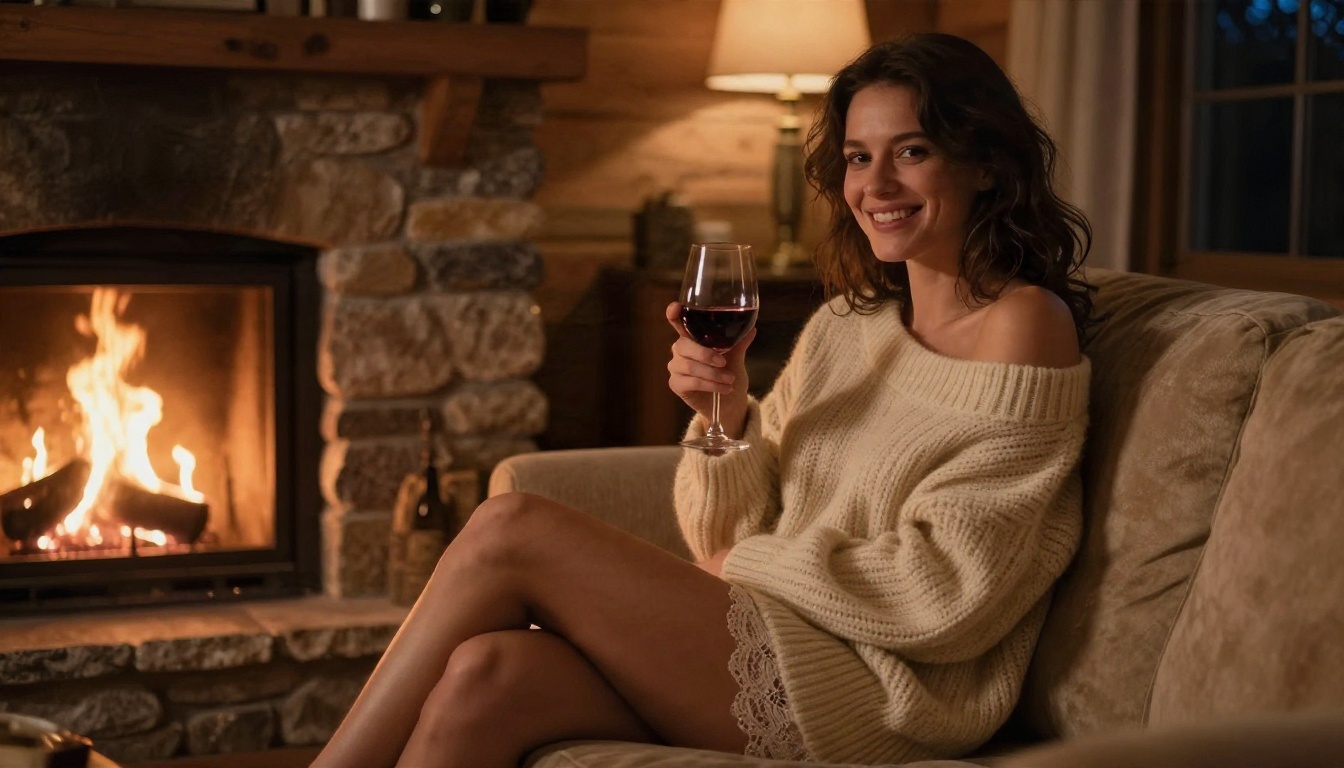
Cozy Cabin Mood
Warm firelight is forgiving. It flatters skin, hides small errors and flickers naturally. A relaxed laugh or a sip from a glass is all the movement this scene needs.
Night Terrace Dance
This is the most demanding scene because hair and body are in motion at once. Use a short 5 second clip, a side angle and a slow tempo. String-light bokeh in the background hides small inconsistencies.
Alternatives Worth Trying
No single model wins every scene. If one gives you a flat result, switch rather than rewriting the prompt five times. These are the options on PicassoIA, in the order I would test them.
For comparison, mainstream reel tools such as Dreamina, HeyGen and Higgsfield are built mainly for marketing and product clips. They tend to apply stricter filters to anything suggestive and often limit how many tries you get. A platform with unlimited editing and a spread of video models gives you more room to experiment.
💡 Speed tip: run drafts on a fast model such as LTX 2.5 Fast to check the motion idea. Only render the final version on a heavier model once the prompt works.
Mistakes That Ruin Reels
These problems account for most of the weak clips you see online.
Too Much Motion
If the subject walks, turns, smiles and the camera also spins, the face will drift. Pick one subject action and one camera move.
Flat or Mixed Lighting
Two competing light sources look fine in a photo but flicker in video. Choose one clear direction, such as window light from the left, and name it in the prompt.
Plastic Skin
Overly smooth skin is a giveaway. Ask for "visible skin pores", "fine freckles" and "natural film grain". In the editor, avoid heavy smoothing.
Ignoring the Crop
Reels are tall. A subject placed at the far edge of a wide frame will be cut off. Compose with the final crop in mind, or generate directly in a vertical ratio.
Skipping Consent and Age Rules
Only create content with adult, fictional subjects or people who have clearly agreed. Never use a real person's face without their permission, and never depict anyone who looks underage. Platforms remove this content fast, and rightly so.
Start Making Yours Today
You now have the full loop: a photoreal still, a quick retouch, a gentle motion prompt and a short export. The only thing left is practice, and practice is cheap here. Open Seedream 4.5, generate a handful of frames in the scene that suits your style, refine the best one in PicassoIA Image Editor Pro, then animate it with Seedance 2.5 Lite.
Try the same still with two different video models and compare the motion. Change only the lighting word in your prompt and watch how the mood shifts. Within an hour you will have a personal set of prompts that reliably deliver the look you want.
When you are ready to branch out, browse every image, video and editing model at picassoia.com/en/all-models and build your own workflow.


