The moment FLUX.2 Max arrived, everything changed for adult AI art creators. While other models struggled with either realism or style flexibility, FLUX.2 Max delivers both at once: photorealistic skin, cinematic lighting, and complete freedom to switch between artistic styles without losing quality. If you have been searching for a model that actually respects your creative vision, especially for suggestive, glamour, or artistic adult content, this is the one worth your time.
What FLUX.2 Max Changes About Adult AI Art
Adult AI art used to mean one of two things: heavily censored outputs that sanitized every prompt, or unreliable models that produced plastic-looking skin and broken anatomy. FLUX.2 Max breaks both of those patterns. It processes prompts with a level of semantic understanding that lets you describe lighting, mood, composition, and style in plain language, and it listens.
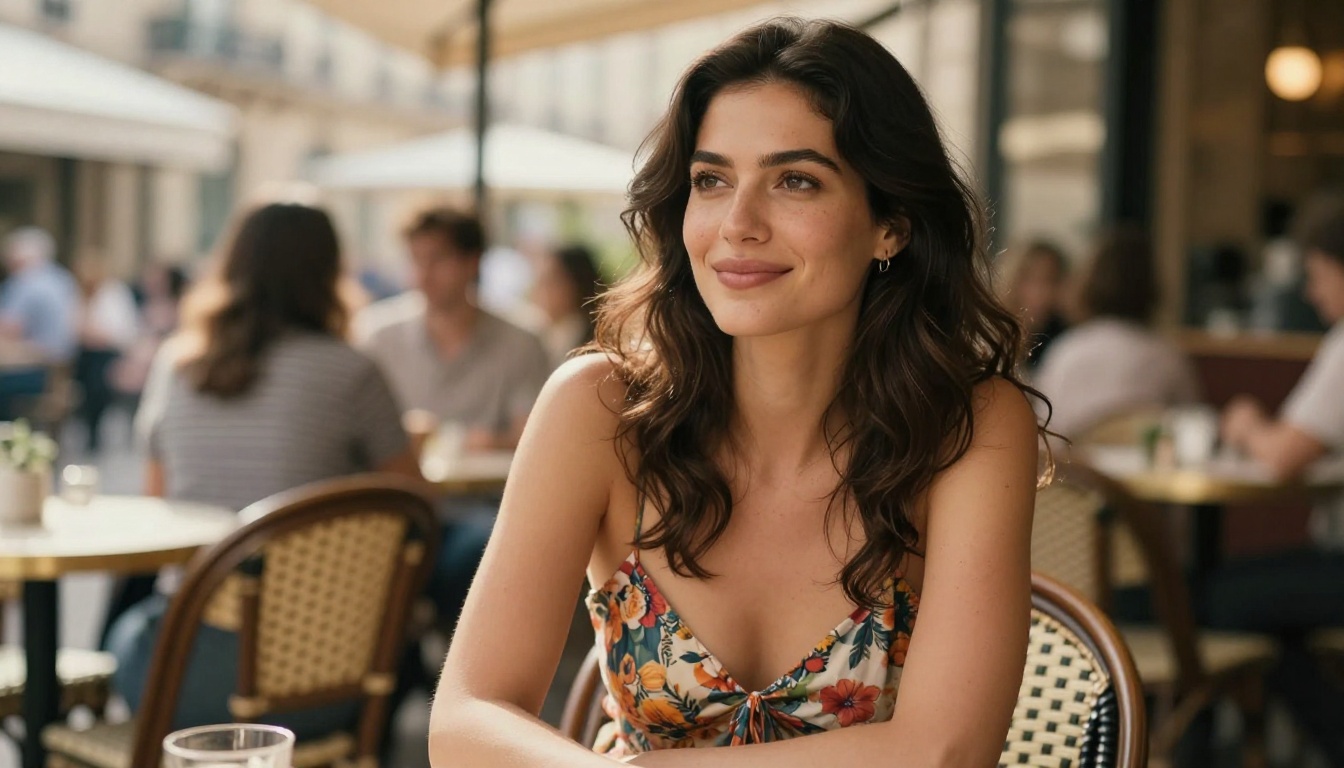
Photorealism That Holds Up to Scrutiny
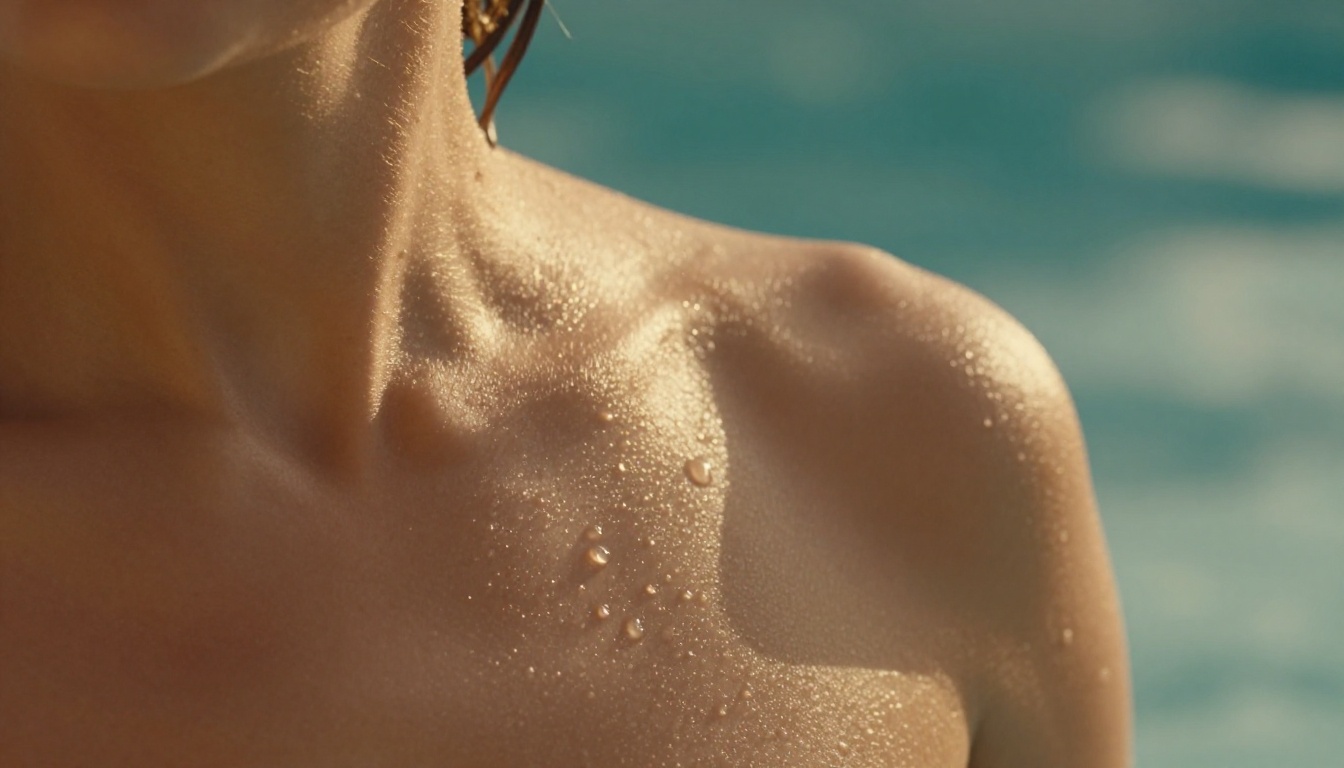
The biggest complaint with older diffusion models was the "AI look": waxy skin, symmetrical perfection, floating hair. FLUX.2 Max addresses this at the architecture level. Its transformer-based design allocates more attention to texture coherence, meaning skin pores, fabric weaves, and environmental details all resolve with the kind of irregularity that makes an image feel real.
When generating adult content specifically, this matters. A glamour shot that looks like it was pulled from a magazine demands authentic skin texture, natural shadow falloff under clothing, and eyes with actual depth. FLUX.2 Max produces this without extra prompting tricks.
Style Switching Without Losing Quality
Where FLUX.2 Max really separates itself is style range. In a single session you can go from:
- Photorealistic glamour (raw photography aesthetic, 35mm film grain)
- Classic oil painting (Rembrandt lighting, impasto texture)
- Art Nouveau illustration (flowing lines, decorative borders)
- Cinematic still (anamorphic lens flare, teal-orange grade)
- Editorial fashion (high contrast, graphic negative space)
Each style produces a fully realized output, not a half-baked approximation. That flexibility is what makes FLUX.2 Max particularly powerful for adult content creators who want a recognizable aesthetic rather than random outputs.
Accessing FLUX.2 Max through the right platform determines everything about your experience. PicassoIA Image Editor Pro gives you that access with zero restrictions on how many images you generate. No credit timers, no daily caps that cut off your creative flow mid-session. You load a prompt, run it, and keep iterating.
The editor also combines generation with post-processing. After you create an image, you can extend the canvas outward with outpainting, fill in specific details with inpainting, or swap faces and objects. For adult AI art, that inpainting capability is particularly useful: you can generate a strong base image and then refine specific areas without regenerating from scratch.
Why Seedream 4.5 Is the First Stop for Adult Content
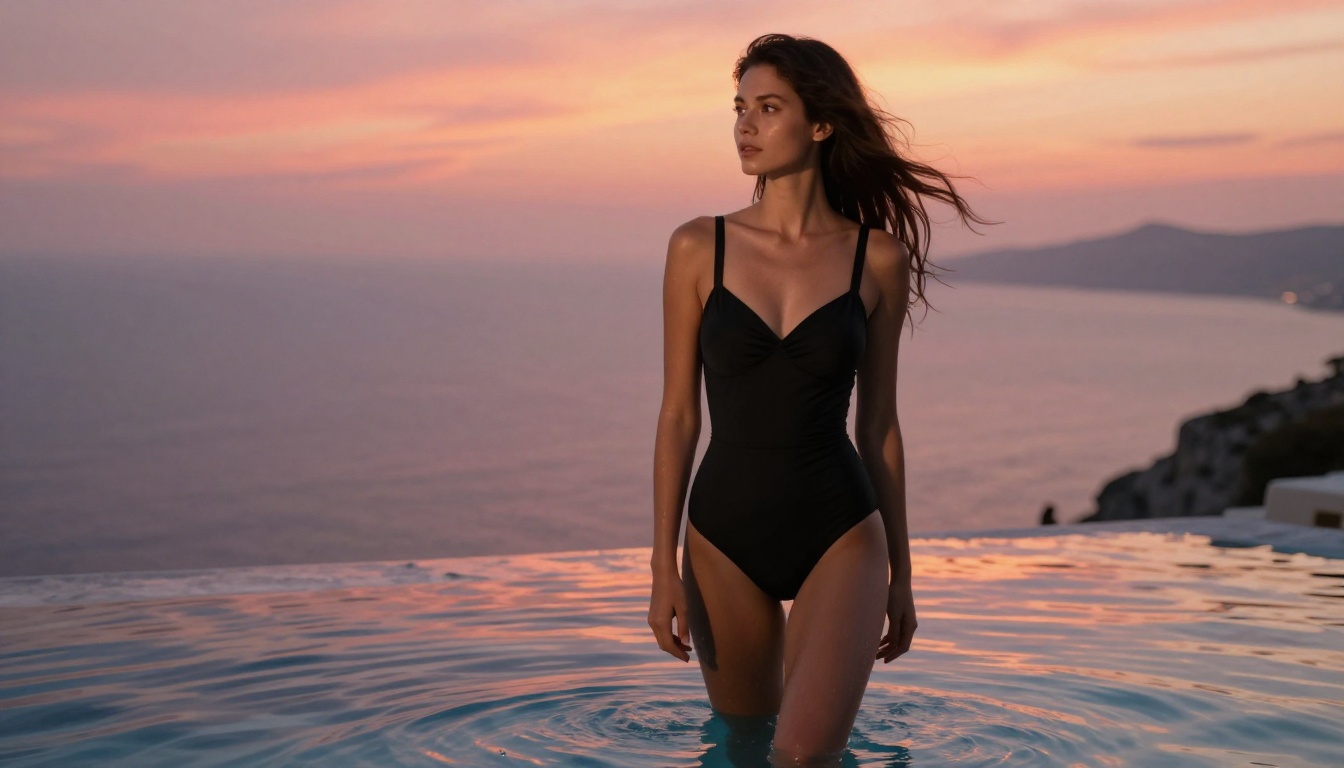
For straightforward adult AI art generation, Seedream 4.5 is the current leader on PicassoIA. It produces 4K-resolution outputs with uncensored flexibility that most platform-hosted models block. The combination of high resolution and content freedom makes it the default recommendation for anyone creating glamour, suggestive, or tasteful artistic nudity.
💡 Why Seedream 4.5 first? It handles anatomy with more consistency than most competitors at the same resolution, and the 4K output means you get professional-grade results that hold up when zoomed in.
Speed Without Sacrifice
One practical advantage of Seedream 4.5 is generation speed. High-quality adult AI art prompts tend to be long and detailed. A 150-word prompt that describes lighting direction, fabric texture, skin tone, and background environment will still return a result in seconds rather than minutes. That speed lets you iterate through prompt variations quickly.
What Seedream 4.5 Does Better Than Competitors
| Feature | Seedream 4.5 | Older Models |
|---|
| Native resolution | 4K | 1024x1024 |
| NSFW flexibility | High | Variable |
| Anatomy consistency | Excellent | Moderate |
| Prompt response | Precise | Loose |
| Style range | Broad | Limited |
The FLUX.2 Models Worth Using
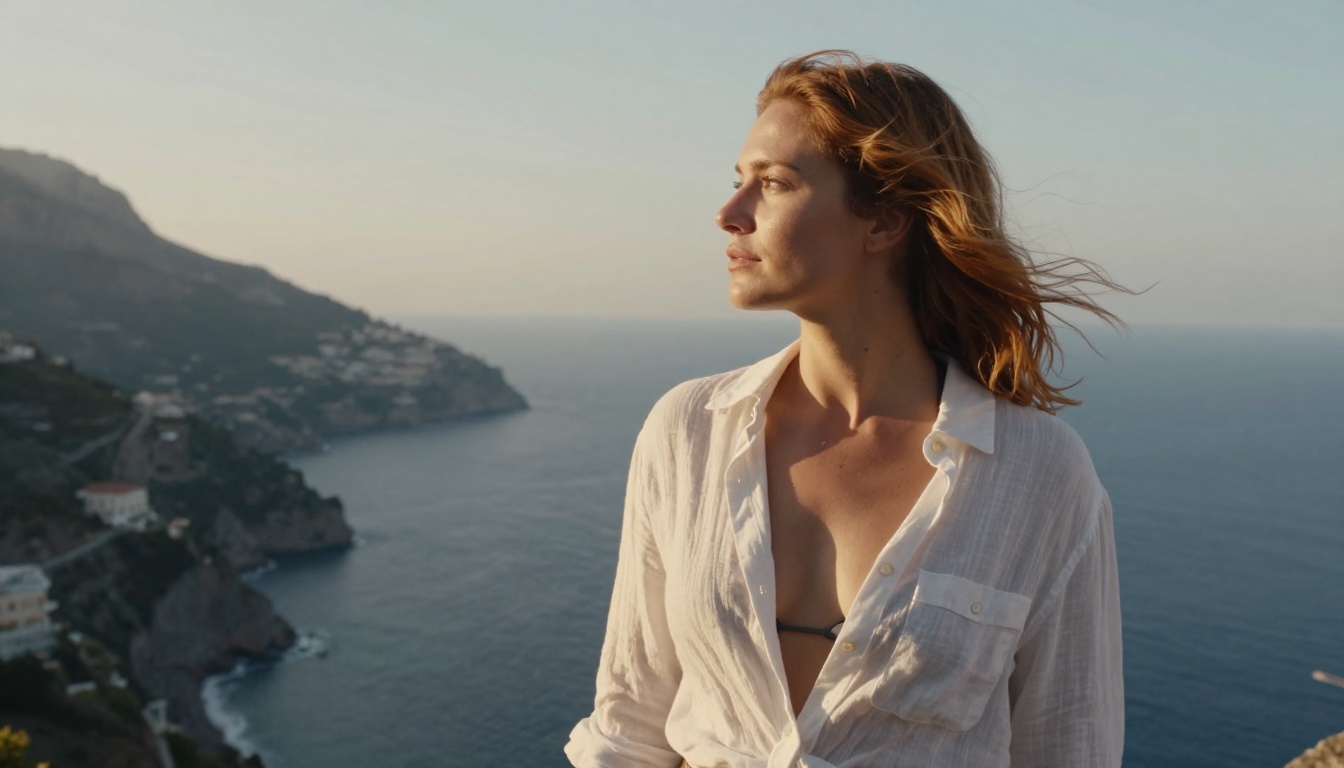
FLUX.2 Max is not a single model, it is a family. Understanding which variant to reach for in a given situation saves time and produces better results.
FLUX 2 Klein 9B vs 4B
FLUX 2 Klein 9B Base LoRA is the full-weight variant. It produces the most detailed outputs and handles complex compositional prompts best. If you are generating a scene with multiple lighting sources, intricate fabric, and specific background architecture, the 9B version resolves all of those simultaneously without detail loss.
FLUX 2 Klein 4B Base LoRA is faster. For quick iterations where you are testing prompt concepts rather than finalizing an image, 4B gives you the same artistic direction at roughly twice the speed. Once you have locked a prompt you like, switch to 9B for the hero shot.
FLUX Redux Dev for Variations
FLUX Redux Dev takes a source image and generates stylistic variations of it. This is useful when you have created an adult AI art piece you love and want to explore different lighting scenarios, outfit changes, or mood shifts without rewriting the original prompt entirely. The subject stays recognizable while the style shifts.
FLUX Fill Pro for Post-Generation Editing
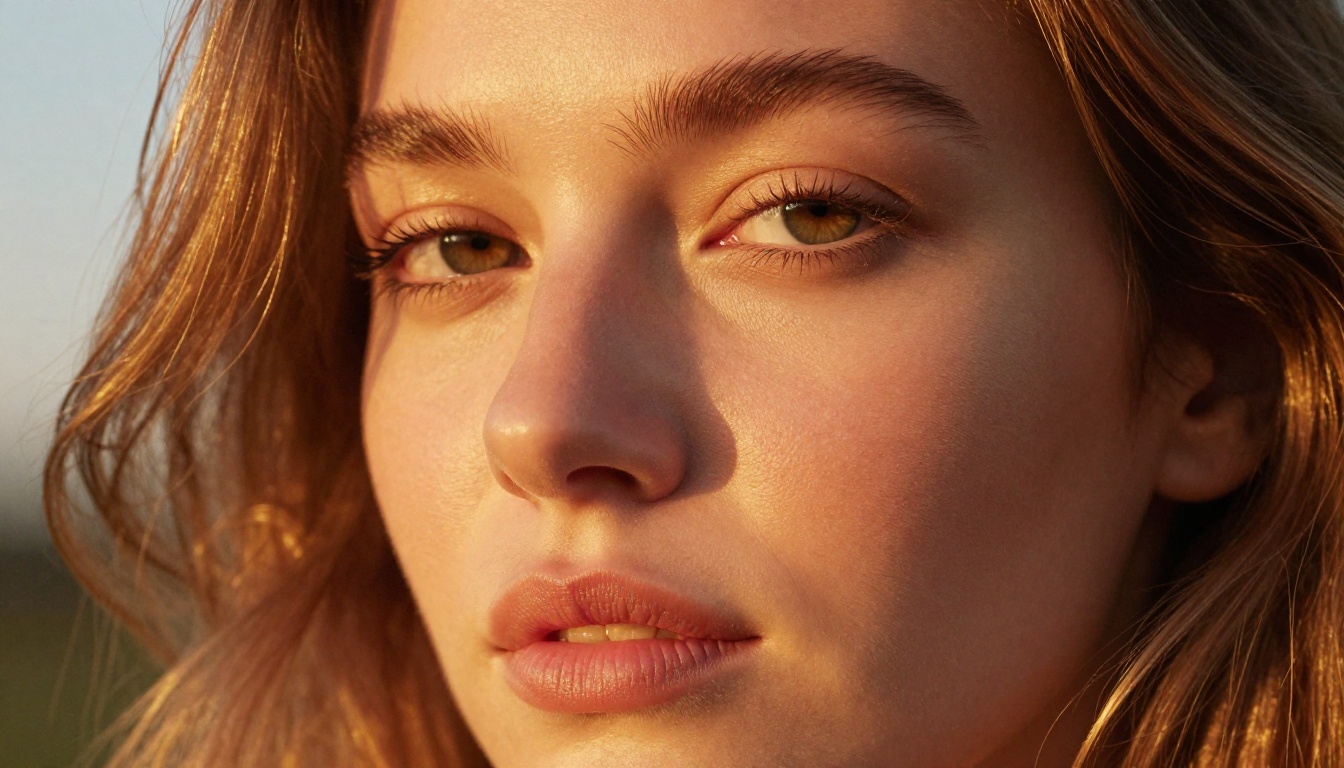
FLUX Fill Pro handles inpainting and outpainting with FLUX-quality output. If a generated image has a minor anatomical issue, an unwanted background element, or a region you want to replace, FLUX Fill Pro lets you mask that area and regenerate it while keeping everything else intact. The seam blending is noticeably cleaner than what older inpainting models achieved.
FLUX Fill Dev does the same at lower resource cost, making it the right pick for fast iterative edits.
How to Create Adult AI Art on PicassoIA
Getting strong results with FLUX.2 Max is not complicated, but there are specific habits that separate adequate outputs from exceptional ones.
Step 1: Choose Your Model
Open PicassoIA and go to the text-to-image section. For adult content at high resolution, start with Seedream 4.5. For pure style range and photorealism, go directly to FLUX 2 Klein 9B Base LoRA.
Step 2: Build a Layered Prompt
A strong adult AI art prompt has four layers, each doing distinct work:
- Subject description: Who is in the image, what they are wearing or doing, their pose and expression
- Environment: Where the scene takes place, background elements, time of day
- Lighting: Direction, quality (hard or soft), color temperature, any practical light sources
- Technical specs: Camera, lens, film stock or color grade, aspect ratio
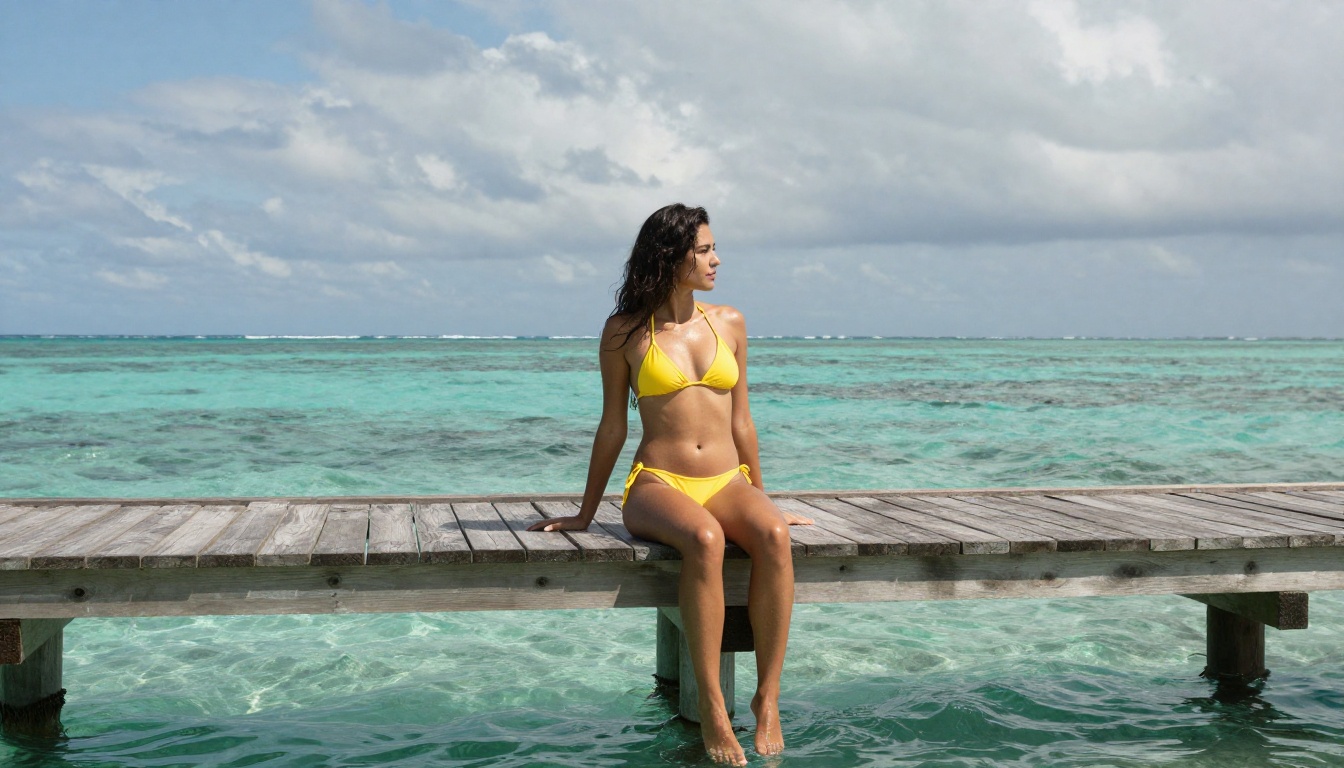
💡 Prompt example: "A woman in a black silk slip dress standing at the edge of a rooftop in Rome, dusk light from the right creating long warm shadows, shot with a 35mm f/1.8 on Canon EOS R5, Kodak Portra 400 film grain, cinematic color grade, 16:9"
Step 3: Iterate Fast, Finalize at Full Quality
Run your initial prompt through FLUX 2 Klein 4B Base LoRA three or four times. This costs less compute and returns results faster. When one output direction clicks, refine the prompt and run the final version through FLUX 2 Klein 9B Base LoRA for maximum quality.
Step 4: Upscale for Print or High-Resolution Use
Generated images at native resolution are excellent for digital use. For print or large-format display, run them through PicassoIA's Super Resolution tools (2x to 4x upscale). This preserves every detail from the generation while increasing pixel dimensions without typical upscale blur.
Prompt Strategies That Actually Work
The gap between a mediocre adult AI art result and a compelling one almost always comes down to the prompt. These patterns produce reliably strong outputs.
Lighting Language That Changes Everything
Lighting descriptions have disproportionate impact on the final image. Specific language beats vague language every time:
- Weak: "good lighting"
- Strong: "volumetric morning light streaming from upper left, warm 5500K color temperature, soft shadow falloff on right side of face"
Other high-impact lighting phrases: "practical lamp creating warm pool of amber light," "bounced flash from white ceiling," "overcast diffused north light," "backlit by sunset creating golden rim highlight."
Camera Specs That Force Realism
Including real camera and lens specifications signals to FLUX.2 Max that you want photorealistic output rather than illustrated output. The model was trained on enormous amounts of photography metadata, so these terms activate the right output pathways:
- Cameras: Canon EOS R5, Sony A7R IV, Nikon Z9, Leica M11
- Lenses: 85mm f/1.4 for portraits, 35mm f/1.8 for environmental shots, 100mm f/2.8 macro for close-ups
- Film stocks: Kodak Portra 400, Fujifilm Pro 400H, Ilford HP5, Kodak Ektar 100
Avoid These Common Mistakes
| Mistake | What Happens | Fix |
|---|
| Generic style requests | Bland, forgettable output | Name a specific photographer or film |
| Overloaded prompts | Competing visual elements | Focus on 1 subject, 1 location, 1 mood |
| Missing lighting info | Flat, lifeless image | Always specify direction and temperature |
| No camera specs | Illustrative output | Add real camera and lens details |
| Vague pose descriptions | Broken anatomy | Describe clothing and body position explicitly |
Adult AI art does not stop at image generation. PicassoIA's broader toolset lets you build on your generated images in ways that add real value.
FLUX Krea Dev is trained specifically to produce outputs that do not look artificially generated, making it a strong option when the goal is an image indistinguishable from a real photograph.
FLUX Redux Schnell provides rapid image variation generation when you need multiple options quickly without waiting for longer generation runs.
Face Swap AI lets you apply realistic face replacements to your generated images. Combined with a strong FLUX.2 Max base image, this creates highly customized outputs with specific likeness requirements. AI Video Enhancement can upscale and restore video frames, useful if you are extending your adult AI art into short animated sequences.
Quality Control Before You Use Your Images
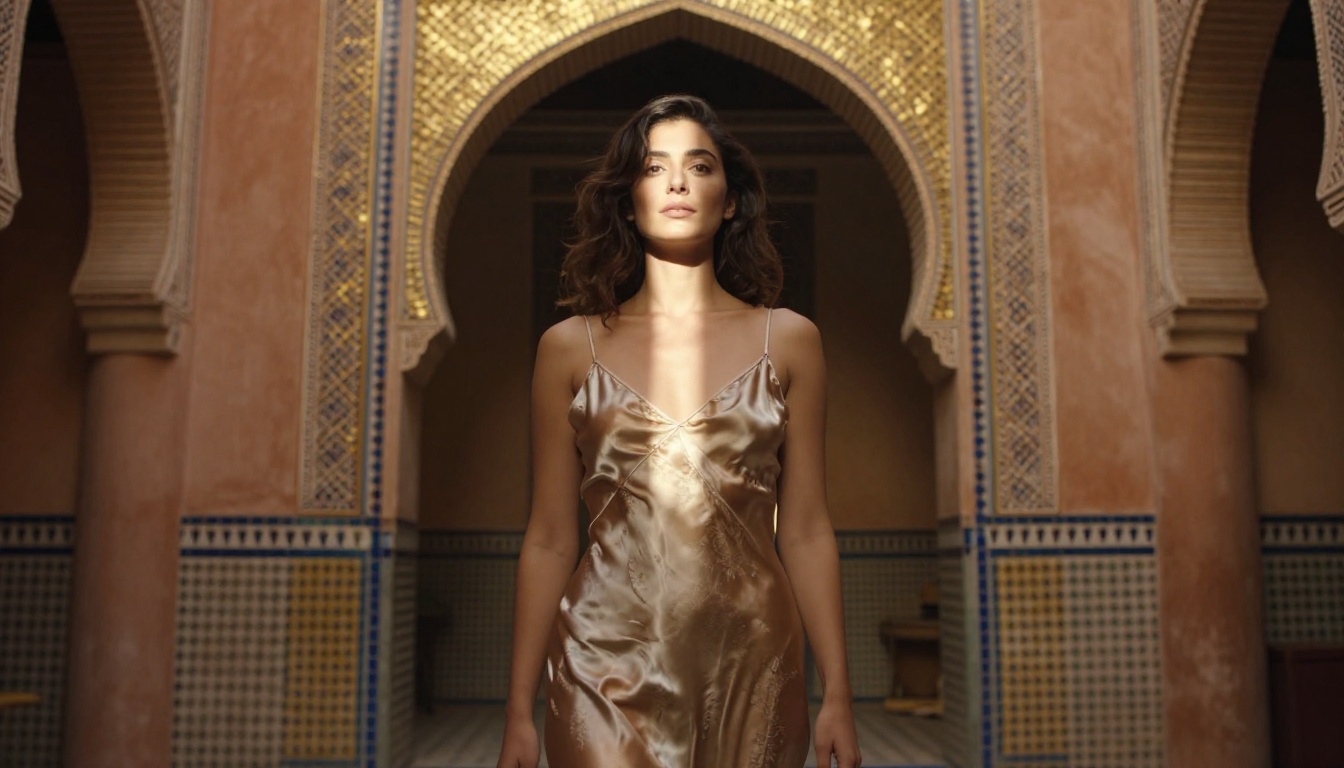
Generating a strong image is step one. Before using any adult AI art image in a serious context, check these three things:
Anatomy first: Hands, ears, and background objects are where most FLUX.2 Max errors appear. Zoom into the hands specifically. If fingers are fused or the count is wrong, use FLUX Fill Pro to regenerate that region.
Edge coherence: Where clothing meets skin is the second most common failure point. An otherwise excellent image can have a seam that does not match surrounding textures. FLUX Fill Dev handles these edits quickly.
Background consistency: Blurred bokeh backgrounds tend to be fine. Detailed backgrounds with architecture or furniture sometimes produce impossible geometry. A quick crop or background replacement in PicassoIA's editor fixes this without a full regeneration.
Styles That Work Exceptionally Well with FLUX.2 Max
The freedom to switch between styles is one of FLUX.2 Max's defining qualities. These five consistently produce strong adult AI art results:
- RAW photography: The natural home of FLUX.2 Max. Pair with film grain and natural lighting for magazine-quality outputs.
- Baroque painting: Rich shadow, dramatic side lighting, oil paint texture. Specify painters like Caravaggio for directional reference.
- Art Nouveau: Flowing decorative lines, floral elements, muted jewel tones. Works well for elegant suggestive compositions.
- Editorial fashion: High contrast, graphic composition, minimal backgrounds. Strong for portfolio-style adult content.
- Soft focus glamour: Diffusion filter effect, warm highlights, slightly overexposed skin. A classic aesthetic that FLUX.2 Max handles beautifully.
Start Creating on PicassoIA Today
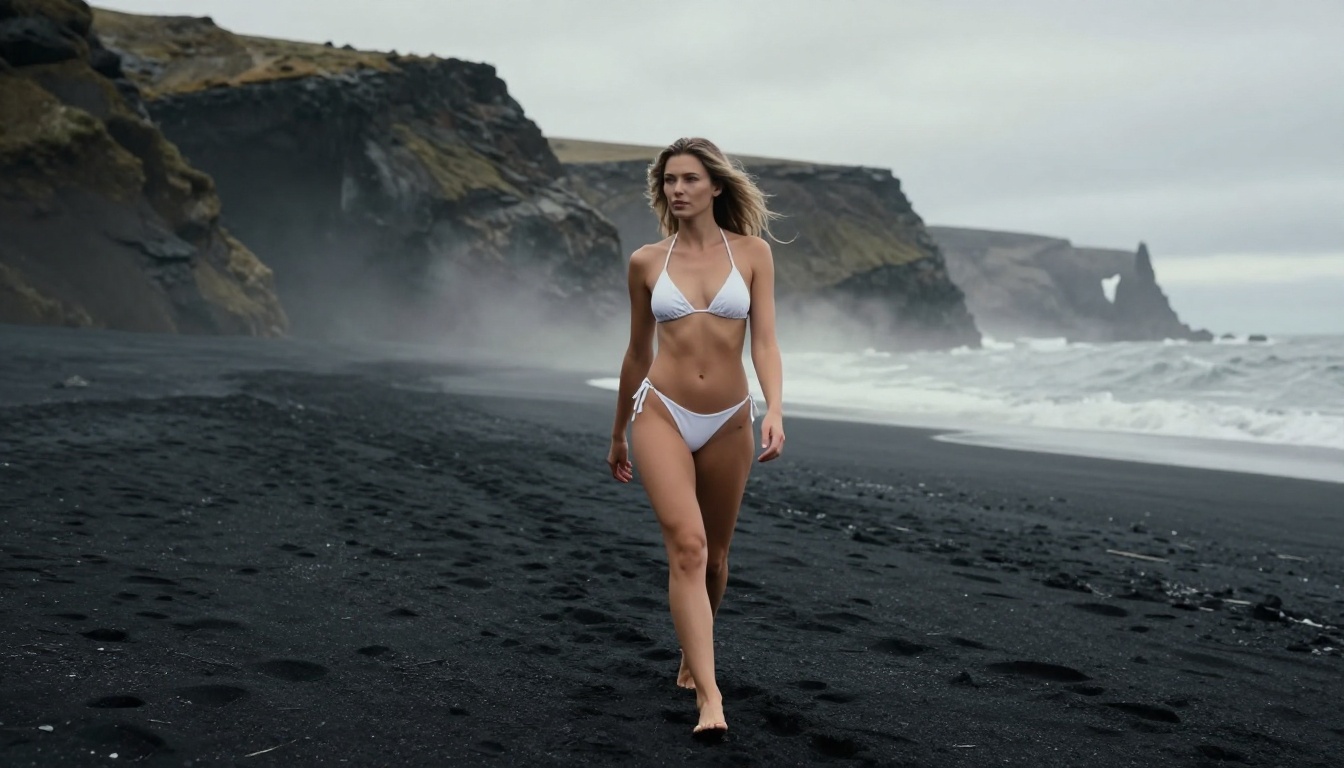
Every image in this article was created using models available on PicassoIA right now. The platform gives you immediate access to Seedream 4.5, FLUX 2 Klein 9B Base LoRA, PicassoIA Image Editor Pro, and 185+ additional text-to-image models without installation or generation caps.
The best way to understand what FLUX.2 Max can do is to run your own prompts. Start with a scene you have in mind, add specific lighting, a real camera and lens reference, and a film stock. Compare the result to anything you have generated on other platforms. The difference in texture and realism tends to be immediately visible.
Browse all available models at picassoia.com/en/all-models to see the full range, from image generation to video effects, upscaling, and beyond.


