For years, the biggest giveaway in AI-generated adult art was the skin. Plastic-smooth surfaces. Uniform tones. That uncanny absence of pores, fine hairs, subsurface warmth, or the natural unevenness that makes human skin look alive. Qwen Image 2 changes that calculation in a way no previous model release quite managed. The improvements to photorealistic skin rendering AI are not incremental, and if you create NSFW art with AI tools, the difference is immediately visible.
This article breaks down exactly what changed in the skin rendering pipeline, why it matters for NSFW and adult AI art, how the new capabilities compare to the top models available today, and where PicassoIA gives you the fastest path to production-quality results.
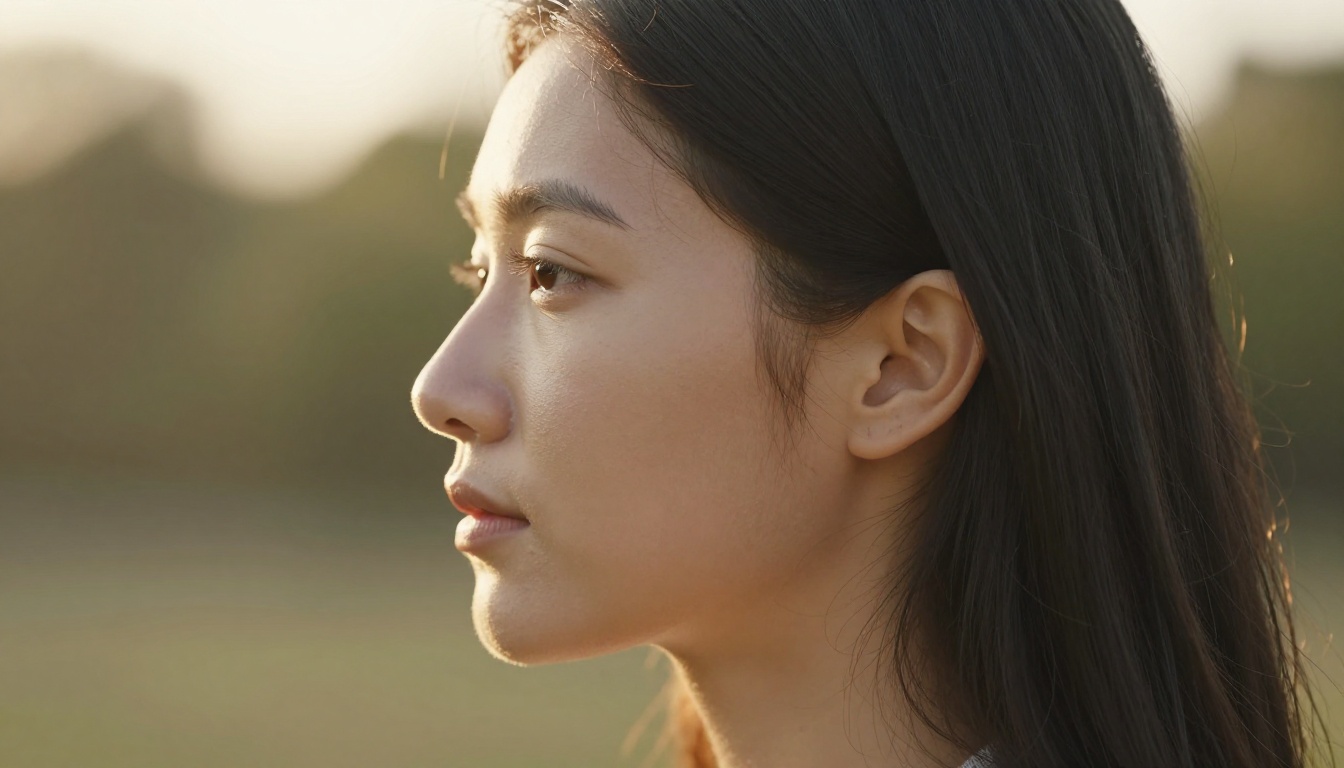
What Qwen Image 2 Actually Changed
The Qwen Image 2 architecture introduced targeted improvements to how it generates human skin. These are not cosmetic tweaks to output sharpness. They reflect changes in how the model encodes and reconstructs skin-specific features from training data. Three areas stand out.
Pore-Level Rendering
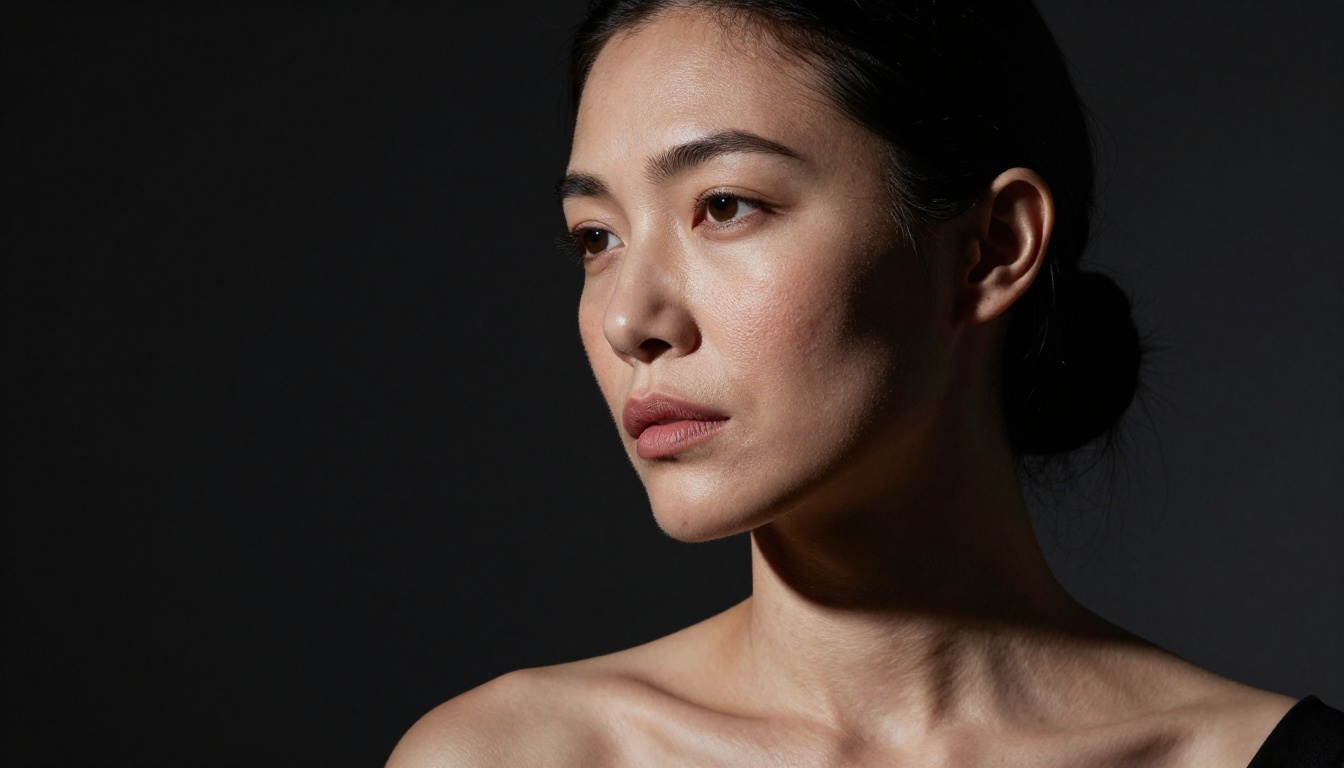
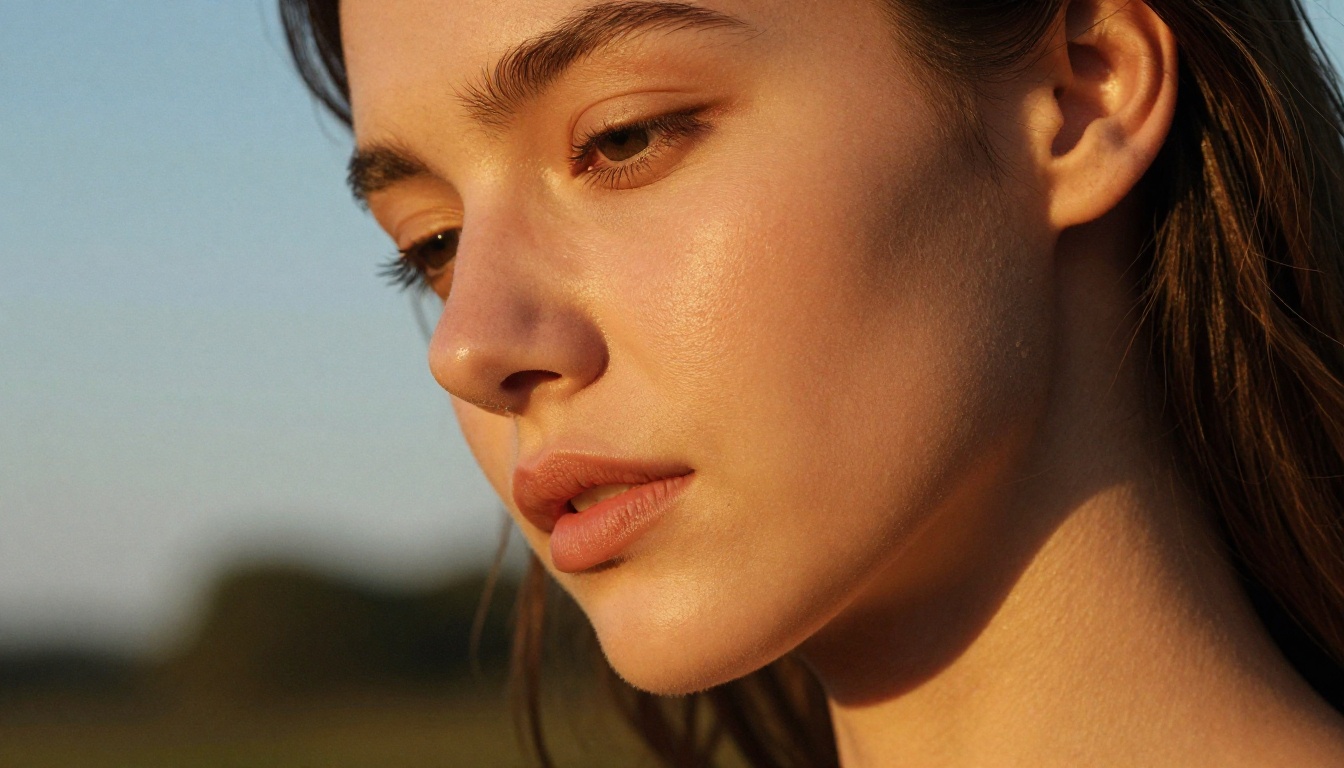
Previous generations of diffusion models averaged out micro-detail at the skin level. Pores, the tiny openings across the nose, cheeks, and forehead, were either completely absent or rendered as a generic grainy texture that did not behave like real skin anatomy. Qwen Image 2 preserves the topographical variation of pores: they appear larger and more open in the T-zone, finer and closer-set on the temples and below-cheek areas, and they respond differently to light depending on skin type.
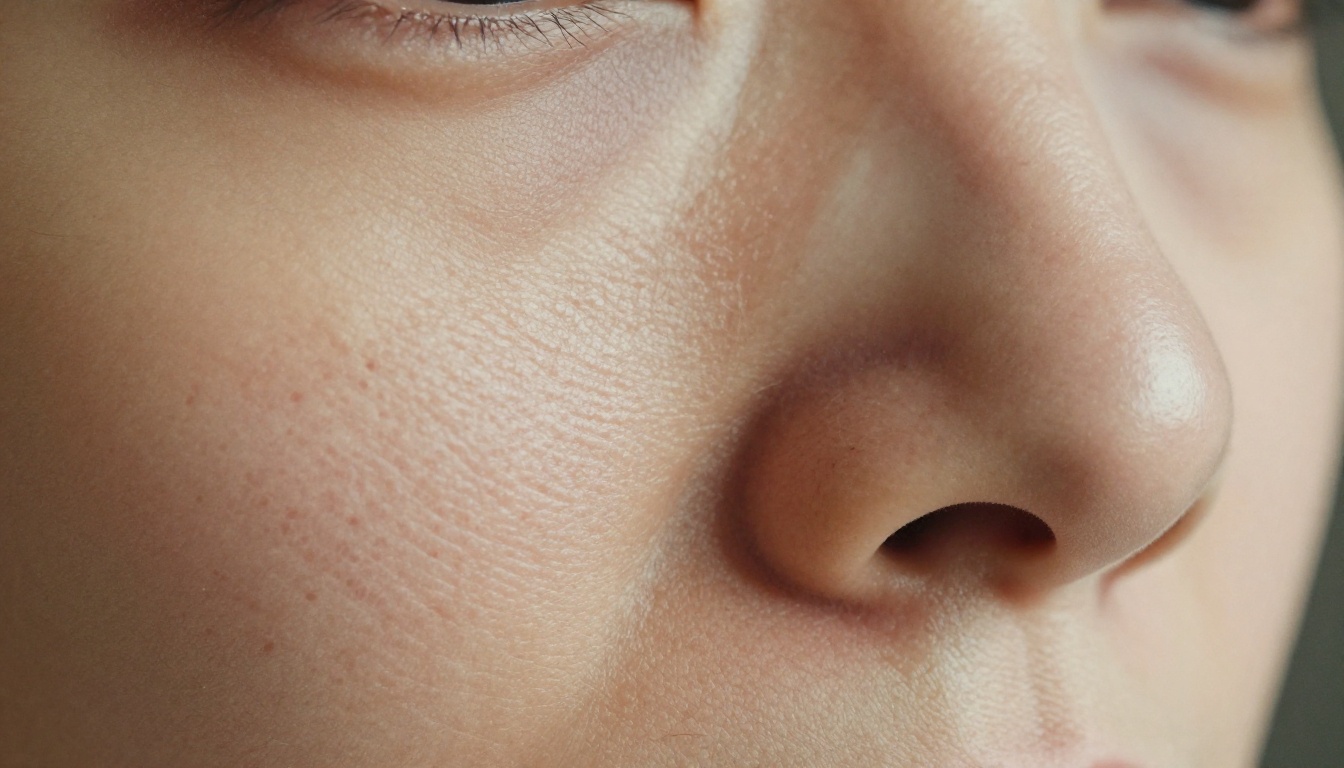
For AI image generation skin texture, this is a significant jump. When a portrait is generated at 4K and cropped to the nose area, the pore structure no longer breaks down into noise. It holds. That matters when output is destined for print, large-format display, or high-resolution publications. The model renders pores with shadow depth inside each opening, creating the topographical three-dimensionality that separates a photographic result from an obviously synthetic one.
Subsurface Scattering Goes Mainstream
Skin subsurface scattering AI has been a technical benchmark for years in 3D film VFX, but reproducing it convincingly in a diffusion model was hit-or-miss before this update. Subsurface scattering is the physical phenomenon where light penetrates the outer skin layer, bounces beneath the surface, and exits at a slightly different point, producing the warm, faintly translucent look of real skin. It is especially visible at ear edges, fingertips, and thin areas around the eyes.
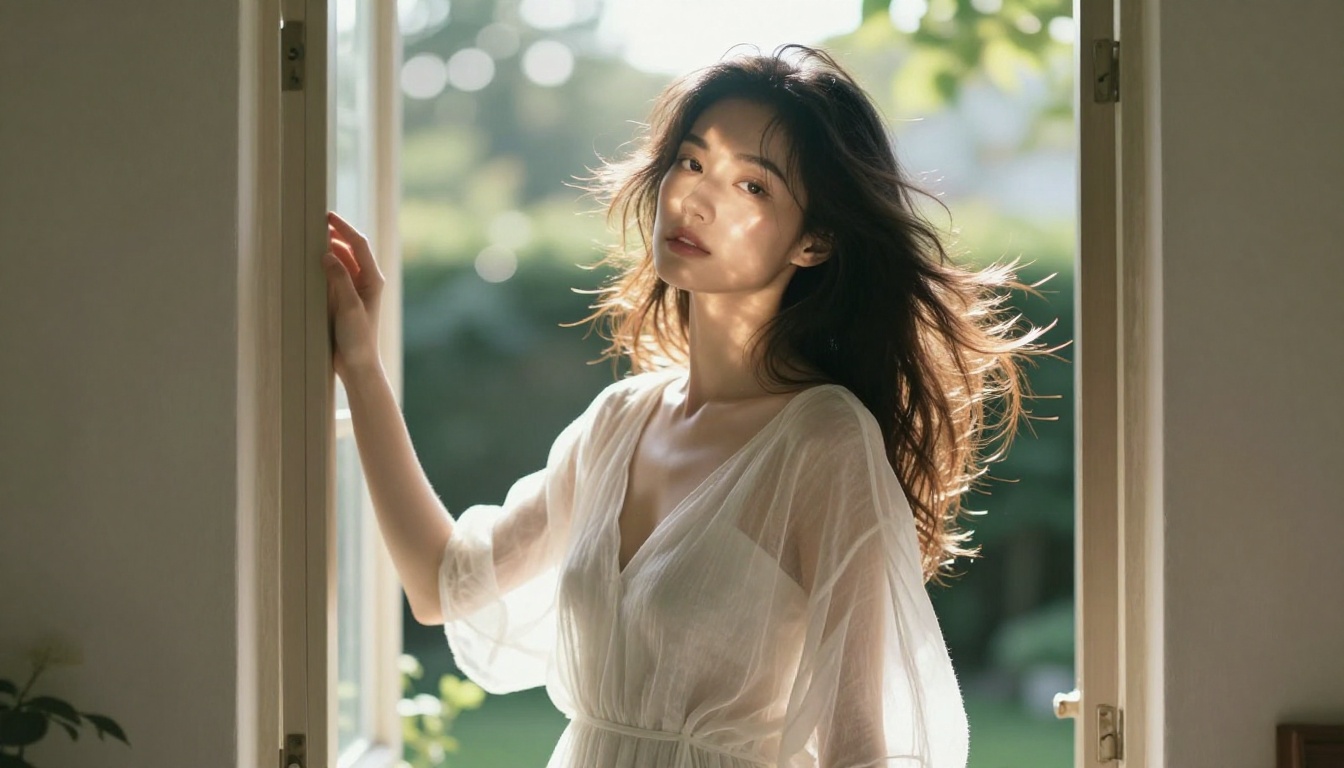
Qwen Image 2 handles this with noticeably more consistency. Backlighting a subject now produces that characteristic skin glow. Portrait shots with rim lighting show warmth bleeding through the earlobe. It is subtle, but it is the detail that separates a photographic result from an obviously synthetic one, particularly in NSFW art where the body is the primary subject.
Natural Skin Tone Gradients
Real skin is not one color. A face has cooler, bluer undertones in the forehead and temples, a redder-flush zone across the nose and cheeks, and warmer, yellower tones in the chin and jaw. Qwen Image 2 reproduces these micro-gradients with a fidelity that previous open-weight models only partially managed. Body areas show similar variation: inner arm skin reads differently from shoulder skin, which reads differently from the décolletage.
💡 Tip: When prompting for NSFW portraits, explicitly name these zones. "Warm flush across cheeks and nose tip, cooler forehead undertone, natural capillary redness near the nose bridge" will coax better skin gradient output from any model.
Why This Matters for NSFW Art
Skin realism is not just an aesthetic preference in NSFW AI art. It is the central technical challenge. Here is why.
The Uncanny Valley Problem
The uncanny valley describes the discomfort triggered by a human-looking form that is almost but not quite right. In AI-generated NSFW art, this manifests most often through skin. Everything else in the image, hair, clothing, environment, can be rendered at high quality, but plastic-looking skin pulls the entire output into the valley. It registers as wrong at a subconscious level even for viewers who cannot articulate why.
Qwen Image 2's AI portrait realism improvements directly address this. By producing skin that reads as genuinely organic, whether the subject is a close-up portrait or a full-body artistic composition, the model keeps the image on the right side of the valley. The result is adult AI art that carries real aesthetic weight rather than reading as a technical experiment.
Artistic vs. Explicit Content
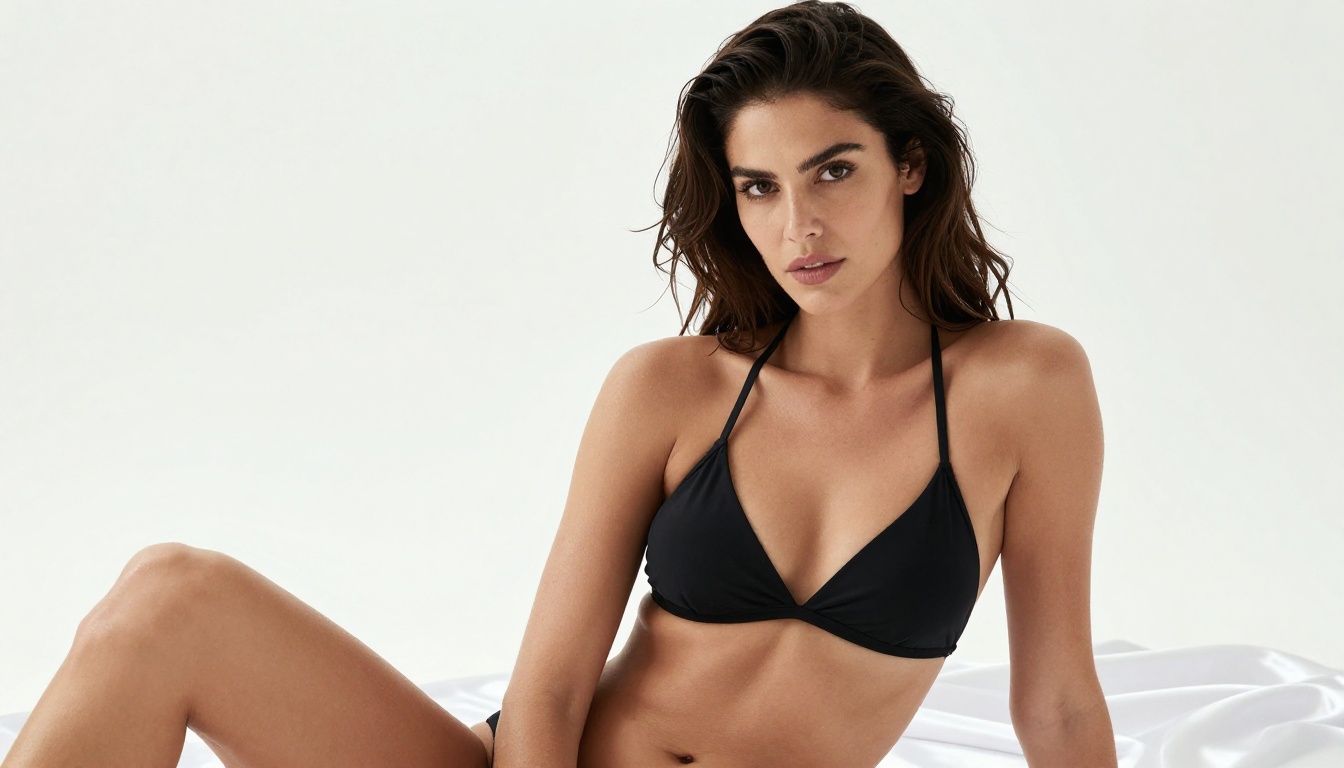
Non-explicit adult AI art operates in a specific creative space. The goal is suggestive, beautiful, and aesthetically compelling imagery that communicates sensuality without crossing into pornographic content. This is where skin realism does its most important work. When skin looks real, a portrait carries genuine emotional weight: vulnerability, confidence, warmth, desire. When it looks synthetic, the same image becomes clinical or hollow.
Qwen Image 2's improved AI body realism elevates the artistic potential of NSFW generators significantly. You can produce editorial-quality glamour photography, intimate portraiture, and implied artistic nudity that reads as photography rather than generated content, which is precisely where the genre reaches its highest visual standard.
The Best NSFW Models on PicassoIA Right Now
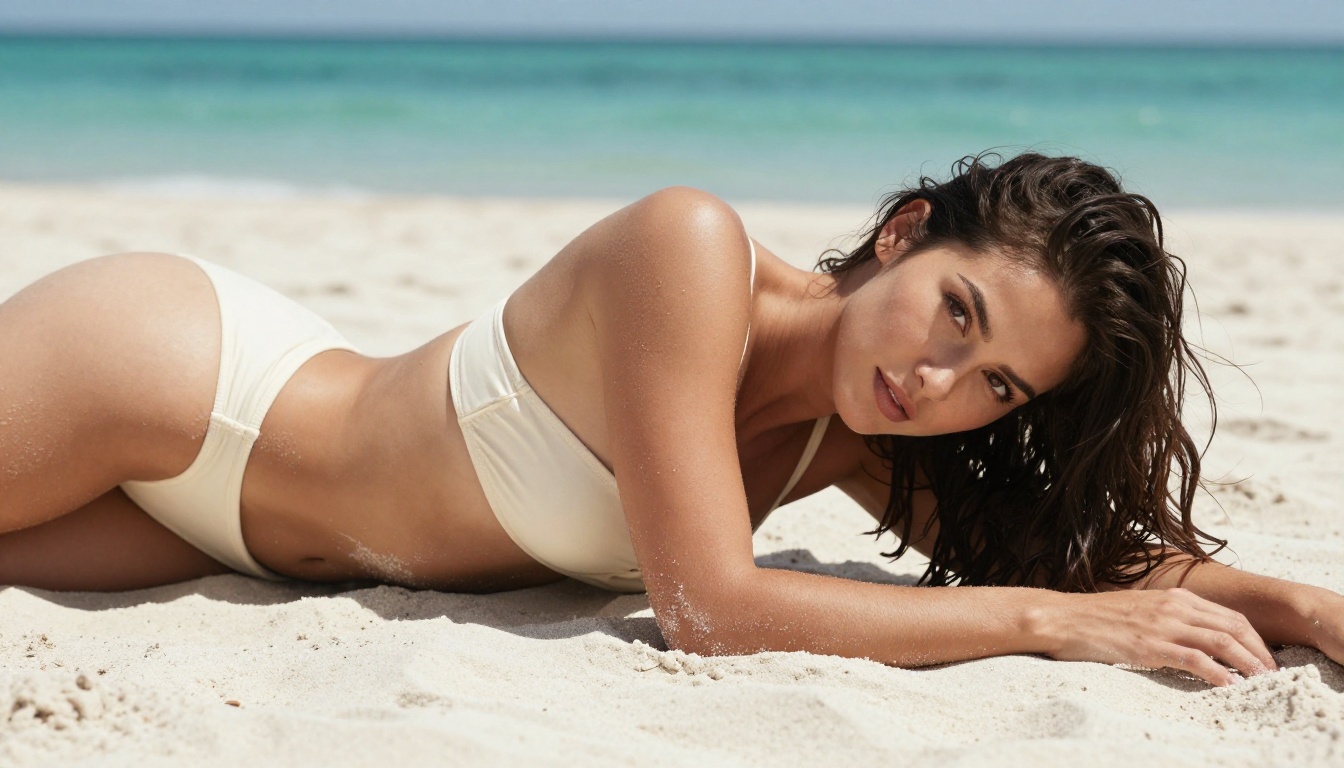
PicassoIA gives you access to the top NSFW art generators 2027 without installation, account setup at multiple providers, or per-generation credit loops. Here is how the leading options break down.
Seedream 4 for NSFW Generation
Seedream 4 is the current top performer for NSFW and adult AI art on PicassoIA. It generates up to 4K resolution from a text prompt and accepts reference images to anchor character consistency across sessions. For Seedream NSFW generation, it delivers on three fronts:
- Skin rendering: Consistent pore-level detail and natural skin tone gradients across body areas, including the torso, neck, and limbs
- Resolution: 4K output means you can crop aggressively without losing quality in close-up details
- Editing integration: A single sentence modifies an existing output without starting from scratch, making iterative refinement fast and non-destructive
Seedream 4 handles non-explicit adult content well because its training data includes a broad range of human form representations at high fidelity. It does not add artificial softening to skin in the way some safety-tuned models do. The result is a photographic output style that holds up under magnification.
💡 Important: Do not use Seedream 5 Lite for NSFW generation. The Lite variant applies content filters that block adult content at the generation stage. Always use Seedream 4 for this use case.
PicassoIA Image Editor Pro for Unlimited Work
PicassoIA Image Editor Pro is the native editing model from PicassoIA, and its defining feature is that it is unlimited. No daily quota. No per-edit cap. You can iterate on the same image dozens of times, adjusting skin tones, swapping backgrounds, correcting anatomical details, or refining lighting, all without running into a generation wall.
For NSFW art workflows, unlimited editing is critical. Getting the skin right usually takes multiple passes. A first-generation image might have the correct composition but slightly off skin tones. A second pass might nail the skin but lose the lighting quality. With Image Editor Pro, you iterate until everything lands, without rationing your edits or watching a credit counter tick down.
It also accepts up to three reference images at once, which makes it ideal for character consistency workflows: provide a face reference, a body reference, and a lighting style reference, and the model combines them in a single generation pass.
Model Comparison Table
The table makes the choice straightforward for NSFW workflows. Seedream 4 for initial generation at maximum quality, PicassoIA Image Editor Pro for unlimited iterative refinement afterward.
How to Use Seedream 4 on PicassoIA
Getting the best AI portrait realism from Seedream 4 requires prompt structure and parameter choices that most users overlook. Here is a repeatable workflow.
Step 1: Structure Your Prompt for Skin
The model responds to anatomically specific language. Generic prompts produce generic results. For realistic skin, build your prompt in layers:
Subject description: Age range, skin tone, and specific features. "A woman in her late twenties with olive skin and visible freckles across the nose bridge" gives the model far more to work with than "a beautiful woman."
Lighting specification: Name the light source, direction, and quality. "Soft natural window light from camera-left, creating gentle shadows inside skin pores" explicitly guides the model toward the kind of light that makes skin texture visible and dimensional.
Skin-specific terms: Include phrases like "visible skin pores," "natural subsurface scattering," "skin tone gradient," "fine hairs visible at forearms," and "Kodak Portra 400 color science" to anchor the output to photographic realism rather than illustration.
Camera and lens data: "Shot with 85mm f/1.8 at ISO 400, shallow depth of field" tells the model what kind of optical simulation to reproduce.
Step 2: Set Output to 4K
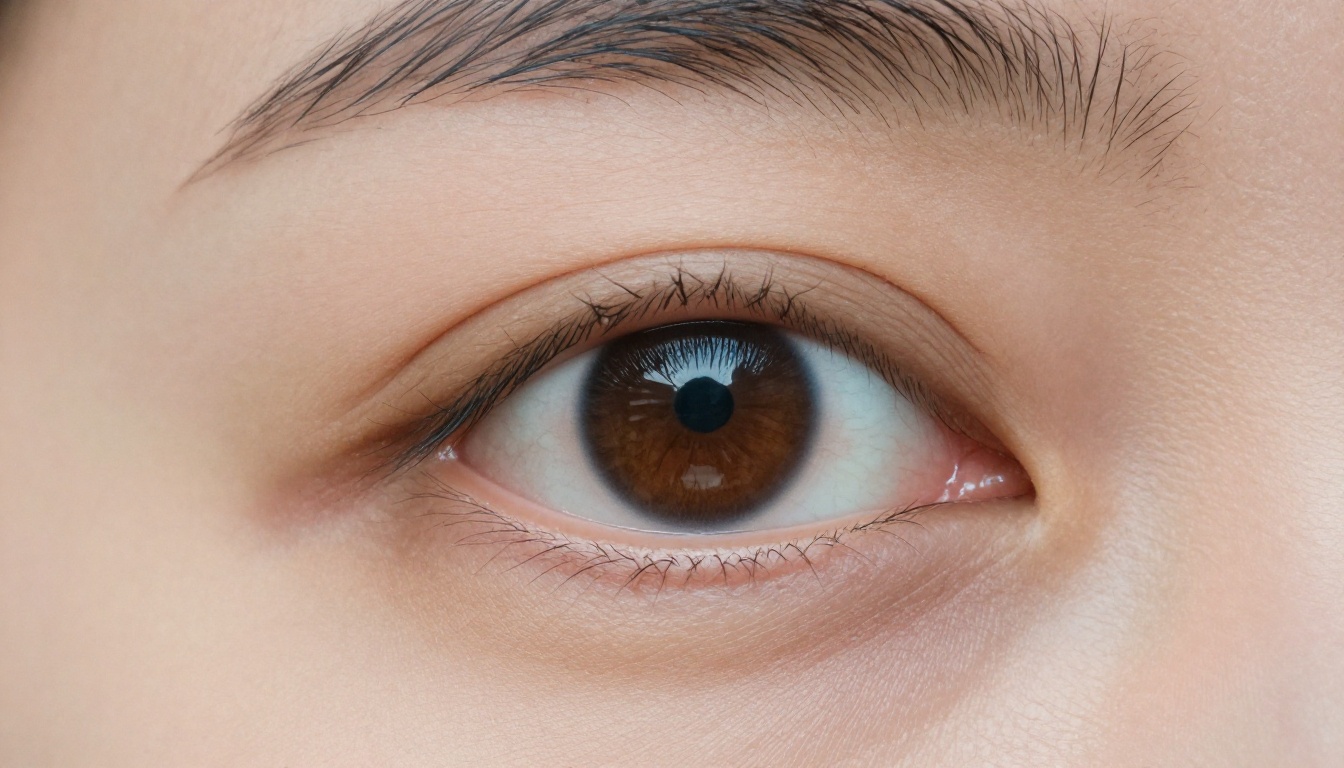
On PicassoIA, set the resolution selector to 4K before generating. At 1K or 2K, the model allocates fewer parameters to micro-detail, and skin texture is one of the first things to soften. At 4K, pore-level rendering and subsurface effects have room to express fully.
Step 3: Refine with PicassoIA Image Editor Pro
After your Seedream 4 generation, take the output URL and pass it into PicassoIA Image Editor Pro. Use targeted, specific edit prompts:
- "Add a subtle flush across the cheeks and nose tip, keep everything else identical"
- "Increase the visibility of skin pores on the forehead and nose bridge without adding noise"
- "Shift the skin tone slightly warmer, add Kodak Portra color grading to highlights and shadows"
Because Image Editor Pro is unlimited, you can run as many refinement passes as the image requires without worrying about cost per edit.
Upscaling Your NSFW Art to 4K
Even when you generate at Seedream 4's maximum output resolution, you may want to push further for print or large-format display. Or you might be working from an older image that needs a quality restoration pass. PicassoIA has four strong options for upscale images workflows, each optimized for different use cases.
Crystal Upscaler for Portraits
Crystal Upscaler is specifically optimized for portrait photography. It upscales up to 4x while preserving skin texture, adding micro-detail to skin and eyes rather than smoothing them out. For NSFW portrait work specifically, this is often the best first choice. It understands that pores, fine hairs, and skin tone gradients should be preserved and enriched, not averaged into clean surfaces.
Clarity Pro for Full-Body Shots
Clarity Pro Upscaler handles full-body and mid-range compositions better than Crystal because it balances skin detail with background and clothing detail simultaneously. For editorial or glamour compositions where the entire frame matters equally, Clarity Pro produces cleaner overall results without over-sharpening the skin.
Other Upscaling Options
For maximum resolution at any cost, Topaz Image Upscale supports up to 6x enlargement and is the choice when you need to push a portrait to true poster dimensions without losing skin fidelity. Real ESRGAN is a fast, free 4x option that works well when you need quick upscaling without fine-tuning the output style or waiting for the heavier models.
Prompt Patterns That Consistently Work
After extensive testing across generation sessions, these prompt structures produce the most consistent high-realism skin results in NSFW-adjacent generation workflows.
For portraits, use this layer structure: [Subject: age, skin tone, specific features] in [setting], [lighting direction and quality], visible skin pores on nose and cheeks, natural subsurface scattering, [skin tone gradient detail], shot with [lens spec], [film stock], photorealistic, 8K RAW.
For full-body artistic shots: [Subject] in [pose and context], [wardrobe: minimal, suggestive but non-explicit], [light source and angle], natural skin texture across [body area], visible anatomical contour, [lens spec at appropriate distance], [film stock], photorealistic, 8K.
What to avoid in skin prompts:
- "Perfect skin" or "flawless complexion": these push the model toward plastic smoothness rather than realism
- "Smooth": in any skin-adjacent context it suppresses texture detail
- "Anime" or "illustration style": anywhere in the prompt if photorealism is the goal
- Vague subject descriptions without specificity: "beautiful woman" leaves too much ambiguous for the model to resolve toward realism
Staying on the Right Side of Artistic Intent
Qwen Image 2's skin realism improvements raise the quality ceiling for non-explicit adult AI art significantly. But higher quality also means being precise about content intent. PicassoIA's generation environment supports artistic and glamour content, not pornographic content. The distinction matters practically:
Supported content types:
- Editorial glamour and high-fashion photography
- Artistic nudity with implied rather than explicit exposure
- Swimwear, lingerie, and intimate portraiture
- Suggestive compositions focused on sensuality and aesthetics
Not supported:
- Explicit sexual acts or genitalia
- Pornographic scenarios or contexts
The best NSFW art with Qwen Image 2 and the models above lives in the glamour, artistic, and intimate photography space. That is also where the skin realism improvements carry the most visual impact: at the intersection of artistry and physicality, where a technically precise rendering of skin carries genuine aesthetic weight and emotional resonance.
Start Creating on PicassoIA
The models are live, the workflow is ready, and the quality ceiling has moved. Seedream 4 is the fastest path to photorealistic skin at 4K resolution with NSFW content support. PicassoIA Image Editor Pro gives you unlimited refinement passes to get every skin tone gradient and texture detail exactly right. And the super-resolution tools push finished work to print-ready quality without softening what the generation built.
Every model above is available without installation at picassoia.com/en/all-models. Start with a 4K Seedream 4 generation, run it through Image Editor Pro for skin refinement, upscale with Crystal Upscaler for portrait work or Clarity Pro for full-body shots, and see how far photorealistic AI skin rendering has actually come.


