Most adult AI video prompts fail for the same boring reason: they describe a body and forget the film. You type a few flattering adjectives, press generate, and get a stiff five second clip where nothing moves with intent. The prompts that work read like a director's note. They name a place, a light, a lens, one slow motion and a mood. This article gives you that structure, eight setting by setting prompt examples you can paste today, the camera and lighting settings that change the result most, and the free models worth trying first. Everything here stays suggestive and tasteful: swimwear, silk, window light and glamour, never explicit content.
💡 Quick answer: write the still image first, then animate it. A strong first frame plus a short motion prompt beats a long text to video paragraph almost every time.
What Makes a Good Adult Video Prompt
A video model has a harder job than an image model. It has to invent a face, a body, fabric, light and movement over time, all at once. Every vague word you give it becomes a coin flip. Specific words remove the flip.
The Five Part Formula
Build every prompt from five blocks, in this order:
- Subject and pose: who is on screen, what they wear, where they begin.
- Action: one simple motion that unfolds over the clip.
- Environment: the place, with two or three physical details.
- Light: direction, time of day and quality (soft, hard, warm, cool).
- Camera: lens, distance and one movement.
Here is the formula applied to a short clip prompt:
"An adult woman in a black two piece swimsuit stands at the edge of an infinity pool, she slowly lifts her hair off her neck and glances back over her shoulder, terracotta rooftops and a hazy sea behind her, low golden sun from camera left, 85mm lens, slow dolly in, soft film grain."
Notice what is missing: no stack of adjectives like "hot, sexy, stunning, perfect". Those words add nothing the model can render. Texture, light and motion add a lot.
Keep It Non-Explicit
Two reasons to keep the content suggestive rather than explicit. First, most platforms and models apply moderation, and a prompt that pushes past the line gets blocked or returns a blurred, degraded result. Second, the clips that people actually share and reuse are the glamour ones: the beach walk, the silk robe, the candlelit dinner. They look like fashion films, and fashion films age better than anything crude.
⚠️ House rules: use fictional adult characters only. Never use a real person's face or likeness without their consent, and never describe anyone who looks underage. Say "adult woman" or "adult man" in the prompt if a model tends to drift young.
Prompt Ideas by Setting
Each example below follows the formula. Swap the clothing, location or time of day and you get a fresh clip. For image to video, generate the still first and then use only the action, light and camera blocks as your motion prompt.
Poolside Golden Hour
The classic. Warm skin tones, water reflections and a slow turn toward the lens.
Prompt: An adult woman in a black two piece swimsuit and an open white linen shirt stands barefoot at the edge of an infinity pool, water beads on her shoulders, she lifts her hair away from her neck and looks back over her shoulder with a calm half smile, low golden sun from camera left, soft rim light on her hair, 85mm lens, shallow depth of field, slow dolly in, subtle film grain.
Why it works: the water gives the model a surface to animate, and the shirt hem moves in the breeze without any extra instruction.
Boudoir Morning Light
Silk, linen curtains and a quiet pace. This is the setting where slow is the whole point.
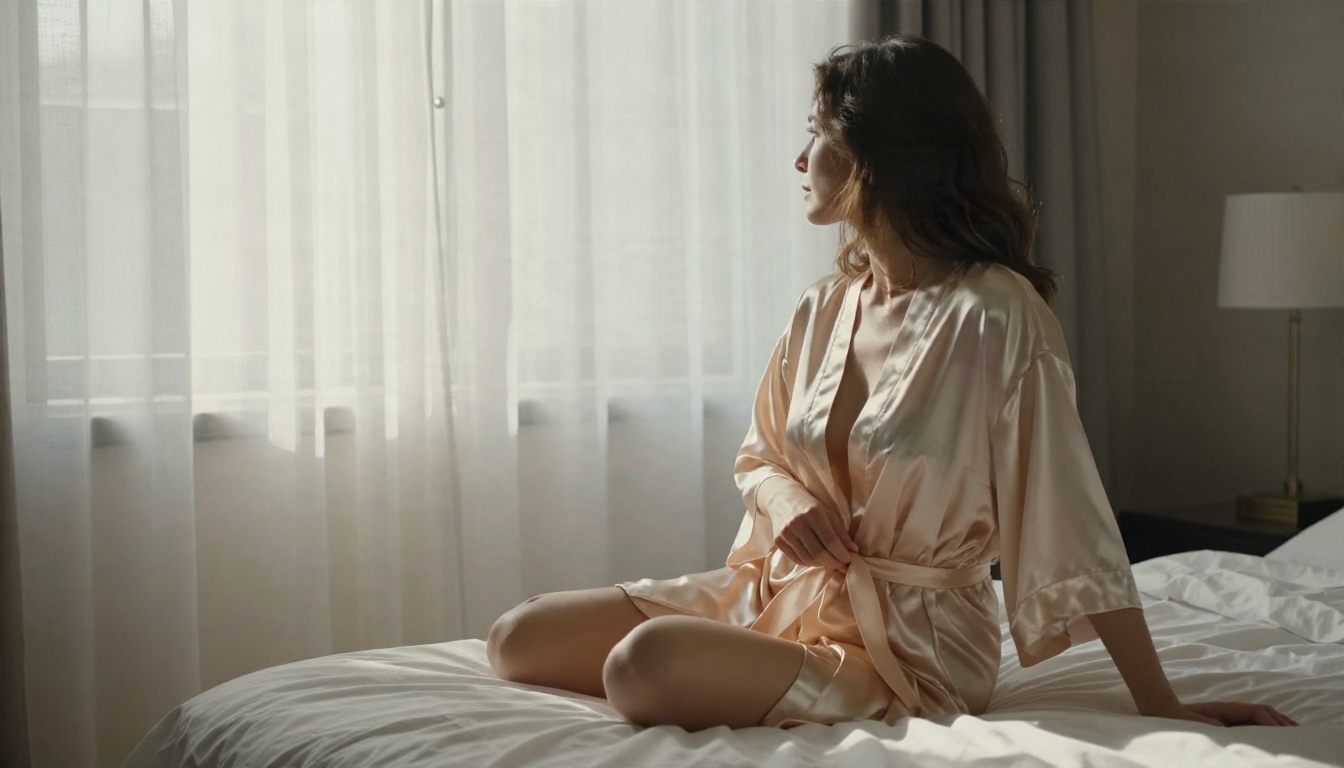
Prompt: An adult woman in a champagne silk robe sits on the edge of a rumpled white hotel bed, she slowly ties the sash and looks toward sheer linen curtains, soft morning window light from the left, silk folds catching highlights, curtains moving gently, 50mm lens at eye level, very slow push in, quiet and warm.
Tip: add "curtains moving gently" or "dust floating in the light". Small ambient motion makes the whole clip feel alive rather than pasted.
Beach Sunrise Walk
Water, backlight and wet skin give you a lot of natural highlights.
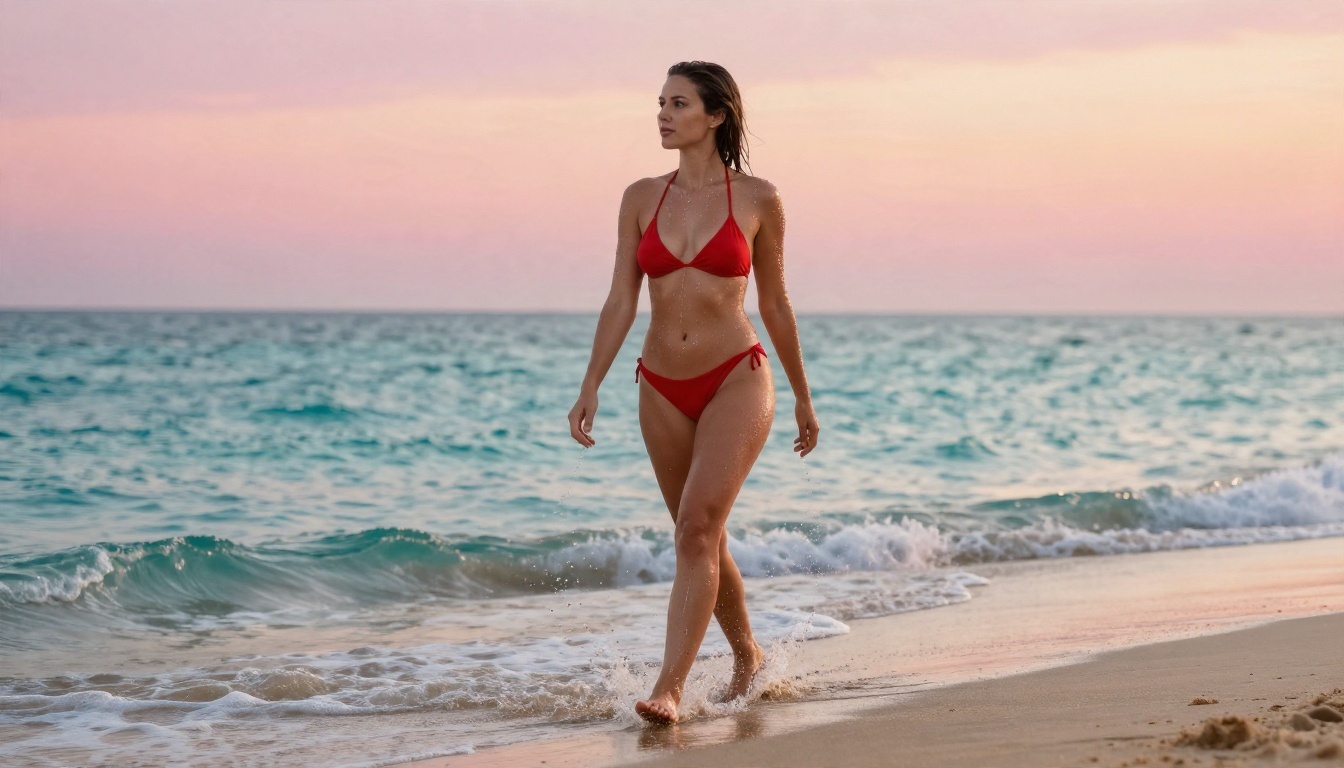
Prompt: Low angle shot of an adult woman in a red bikini walking out of shallow turquoise surf onto wet sand at sunrise, hair slicked back, water streaming down her shoulders, foam swirling around her ankles, pastel pink and orange sky, strong backlight from the horizon, 35mm lens, camera tracks backward at a walking pace, natural film grain.
Tip: "camera tracks backward at a walking pace" gives a steady, believable rhythm. Without it, many models drift the camera randomly.
Candlelit Dinner Close-Up
Not every adult video prompt needs a beach. A close-up with warm practical light reads as intimate and expensive.
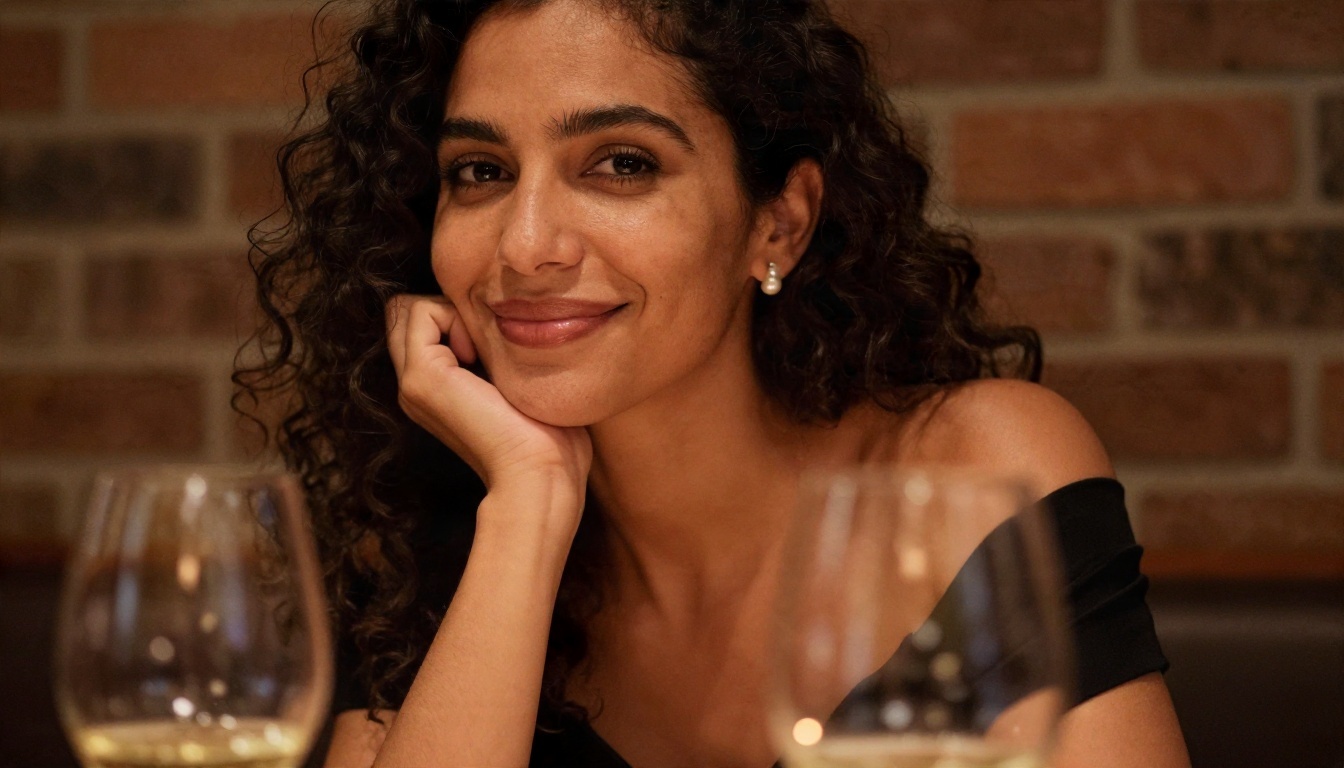
Prompt: Close-up of an adult woman with dark curly hair leaning her cheek against her hand at a candlelit restaurant table, black off shoulder dress, small pearl earrings, she breathes in and gives a faint smile, candle flame flickering at frame right, blurred wine glasses and brick wall behind, 85mm lens, shallow depth of field, almost static camera with a tiny drift.
Tip: limit motion in close-ups. Faces hold together best when only a smile, a blink or a breath moves.
Loft and Mirror
Casual glamour with a tank top and denim, plus a mirror for a built-in second angle.
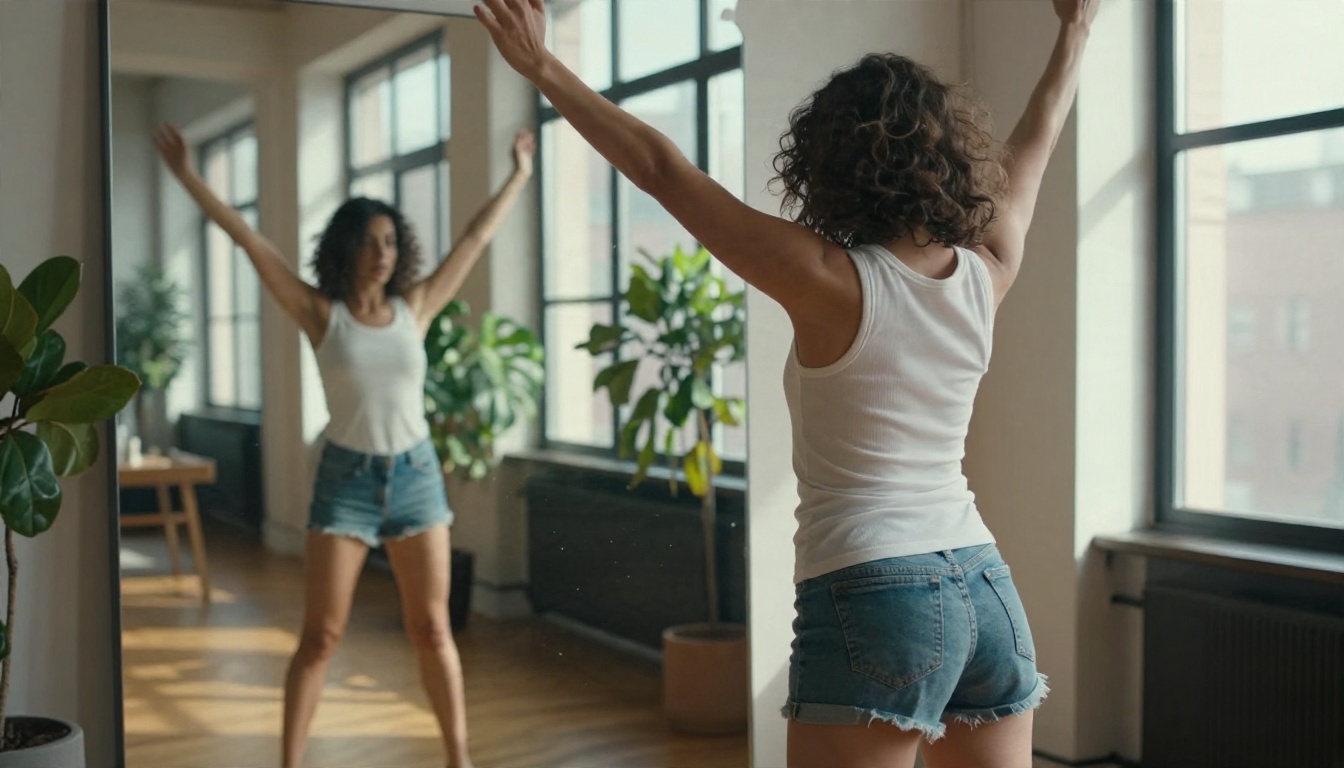
Prompt: Over the shoulder shot of an adult woman in a fitted white tank top and denim shorts stretching beside a floor mirror in a sunlit loft, the mirror reflects her profile and tall industrial windows, hard midday light from the right casting crisp window shadows, dust drifting in the air, 35mm lens, slow lateral slide of the camera.
Warning: mirrors are the most common place for video models to break physics. Keep the motion small, and generate several takes.
Balcony at Blue Hour
An elegant evening look with city lights, using only natural dusk tones.
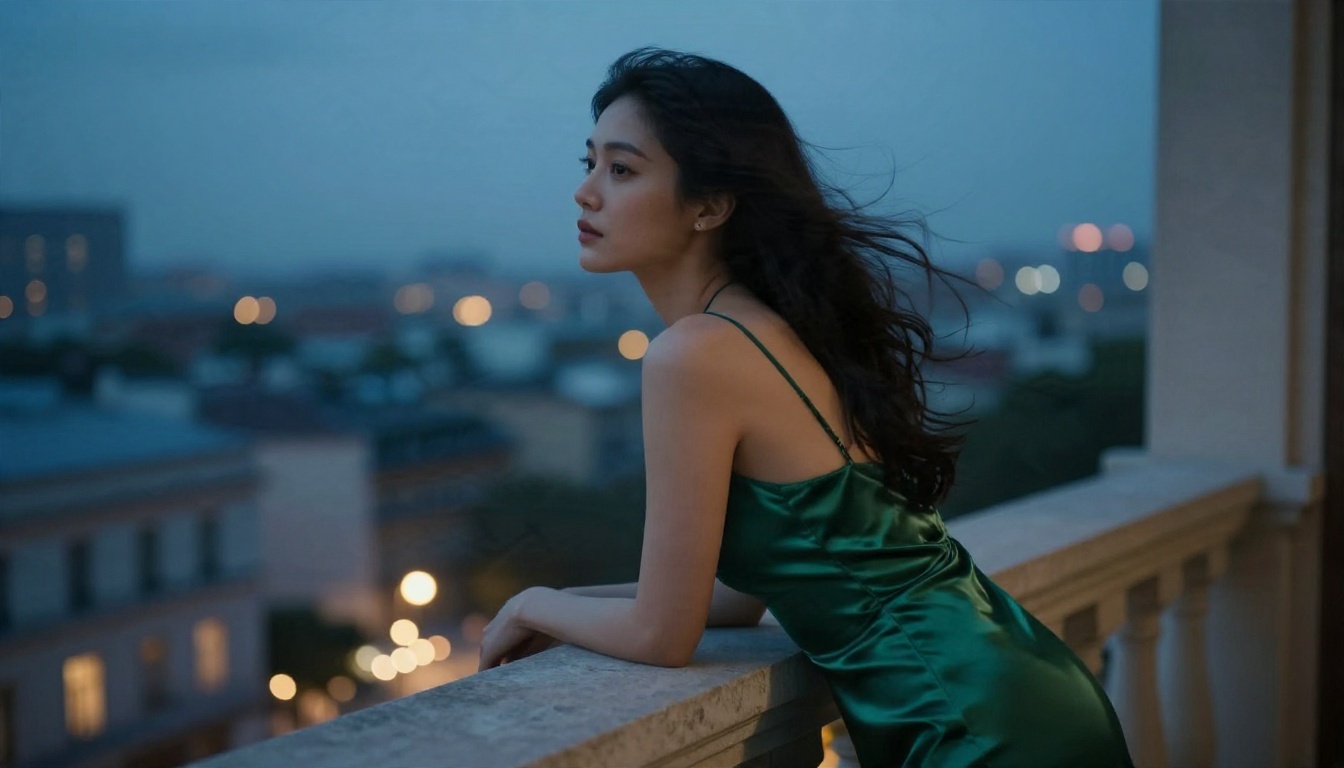
Prompt: Wide shot of an adult woman in an emerald satin slip dress leaning on a stone balcony railing of a city hotel at blue hour, long dark hair moving in the breeze, distant skyline with warm window lights, cool dusk light from the sky and a warm spill from the room behind her, 50mm lens, slow orbit to the left, satin sheen on the fabric.
Rainy Afternoon Sofa
Cozy rather than glamorous. Rain on glass is excellent free motion for the background.
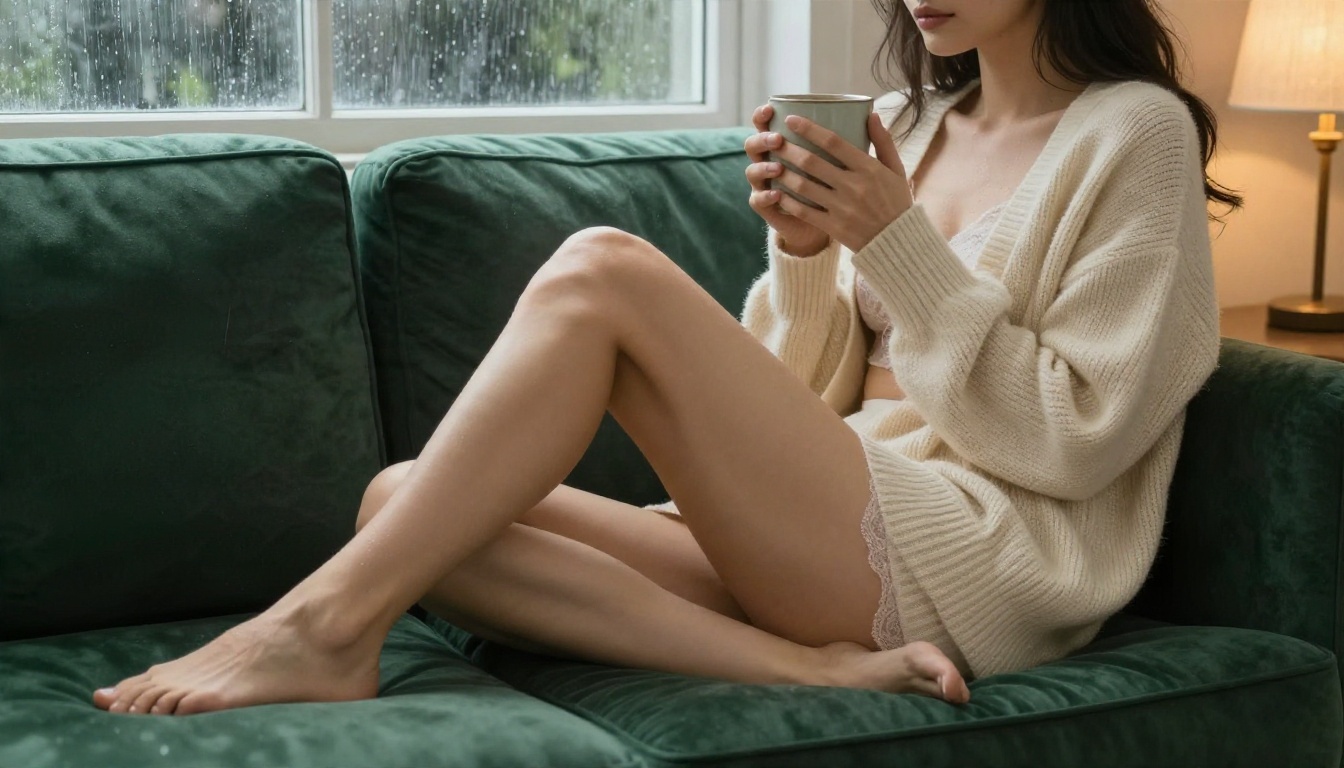
Prompt: Medium shot of an adult woman in a cream knit cardigan and lace bralette lounging on a deep green velvet sofa, bare legs tucked beneath her, both hands around a ceramic mug, rain streaking the window behind her, soft grey daylight from the left plus a warm table lamp, she lifts the mug and exhales a little steam, 50mm lens, slow push in.
Yacht Day at Sea
Wind is your best friend here. It moves hair, sarongs and sails without you asking twice.
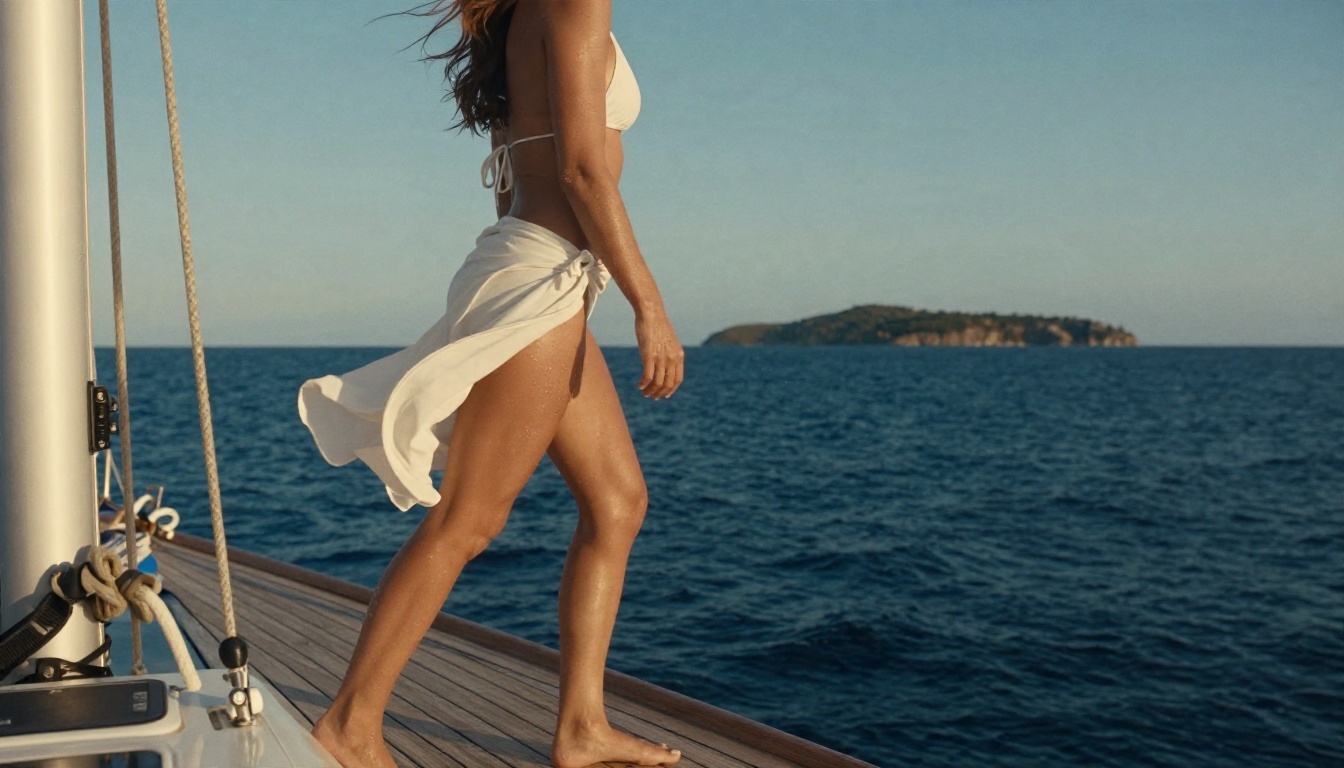
Prompt: Side angle shot of an adult woman in a white bikini and sarong stepping across the teak deck of a sailing yacht, wind lifting her sarong and hair, deep blue sea and a distant island behind, late afternoon sun from camera right, rope and teak in sharp foreground, sea spray catching light, 70mm lens, gentle handheld sway.
Camera Settings That Change Everything
Same subject, same outfit, different camera words: totally different clip. These are the levers worth touching.
Lens and Framing
| Lens words | Look | Best for |
|---|
| 24mm, wide | Environment dominates, subject smaller | Beach, pool, aerial shots |
| 35mm | Natural, documentary feel | Loft, walking shots |
| 50mm | Balanced, flattering | Balcony, sofa, general use |
| 85mm, f/1.8 | Compressed background, soft bokeh | Portraits and close-ups |
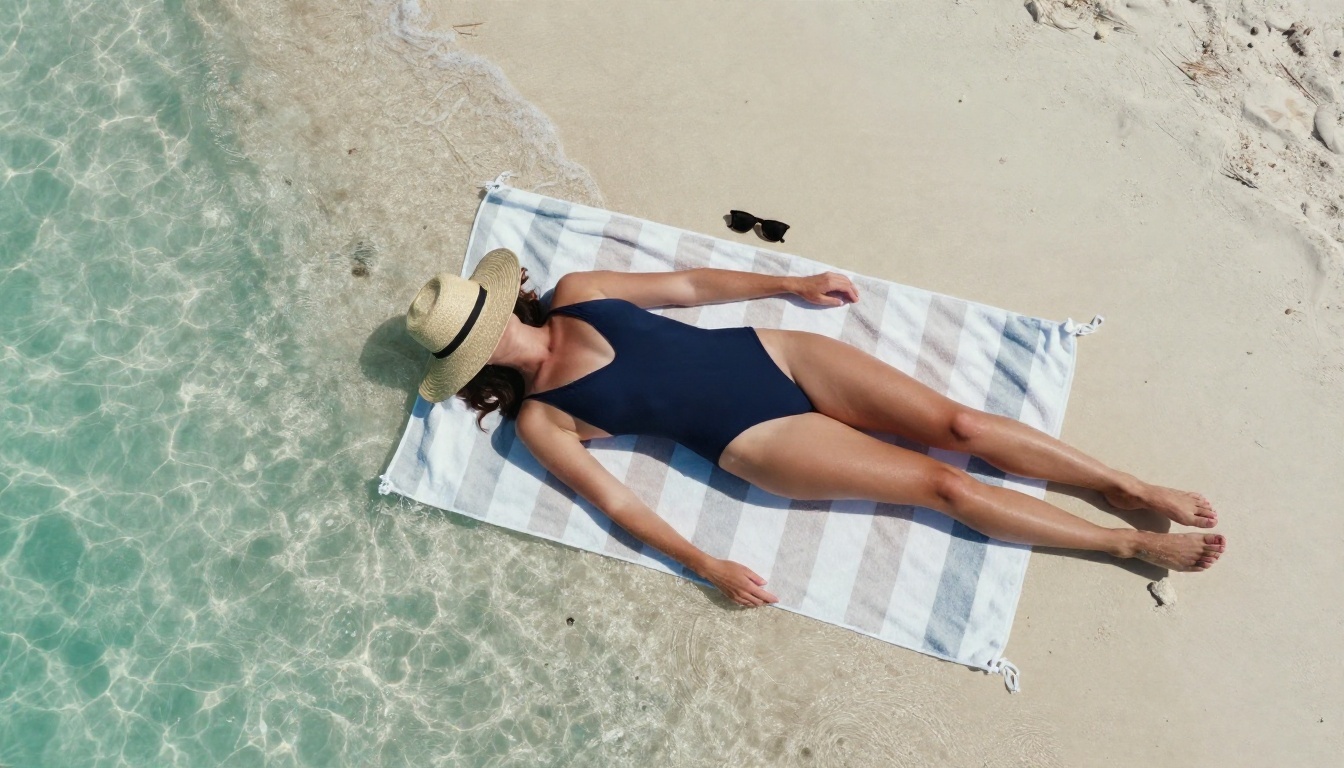
| Aerial, top down | Graphic and clean | Towels, sand, water patterns |
A phrase like "shallow depth of field, creamy bokeh" pushes the model toward a photographic look. Without it, backgrounds tend to turn into flat, over sharp wallpaper.
Camera Movement
Pick one movement per clip. Combining a dolly, a pan and a tilt is how you get warped anatomy.
- Slow dolly in: builds intimacy, ideal for portraits.
- Slow push in: a gentler version, great for boudoir.
- Tracking backward: a steady walking rhythm for beach and street shots.
- Slow orbit: reveals depth around a subject on a balcony or terrace.
- Handheld sway: adds realism to outdoor scenes like the yacht.
- Static with tiny drift: safest choice for close-up faces.
Lighting Words
Light is what separates "AI look" from "film look". Use real photographic vocabulary:
- Golden hour, low sun from camera left, warm rim light
- Soft morning window light through linen curtains
- Hard midday sun with crisp shadows
- Blue hour, cool sky light with warm spill from the room
- Candle flame, warm tungsten glow, deep soft shadows
💡 Add the film stock look as a final line: "Kodak Portra 400, subtle film grain, gentle halation on highlights". It pulls colors toward natural skin tones instead of the oversaturated plastic default.
Free Models to Try First
Free and unlimited options matter, because the real cost of AI video is retries. A good clip often takes three to six attempts, and you want the freedom to throw bad takes away.
Start With the Still
For adult glamour video, the first frame decides roughly eighty percent of the result. Generate it with an image model, then animate it.
- Seedream 4.5 is the one to lead with. It produces sharp, photographic skin and fabric detail at up to 4K, and it handles swimwear, silk and boudoir scenes without fuss. Use it for your first frame.
- PicassoIA Image Editor Pro offers unlimited generations, which makes it the best place to iterate. Fix a pose, change an outfit, adjust a background or try ten versions of the same scene without watching a counter.
- Qwen Image 3 Pro is a solid photorealistic alternative when you want a different face or skin rendering style.
- Riverflow v2.5 Pro and Riverflow v2.5 Fast are useful for quick drafts of composition and lighting.
Pick a Video Model
💡 Every model applies its own moderation. Stay with swimwear, lingerie style loungewear and glamour scenes, and if one model refuses a prompt, rewrite it with more cinematic wording instead of pushing harder.
Use an LLM as a Prompt Writer
Language models are excellent at turning a rough idea into a formatted prompt. Give one the five part formula and ask for three variations.
Ask for glamour and cinematic wording, not explicit content. Chat models tend to refuse the latter, and you do not need it for good clips anyway.
A Simple Workflow That Works
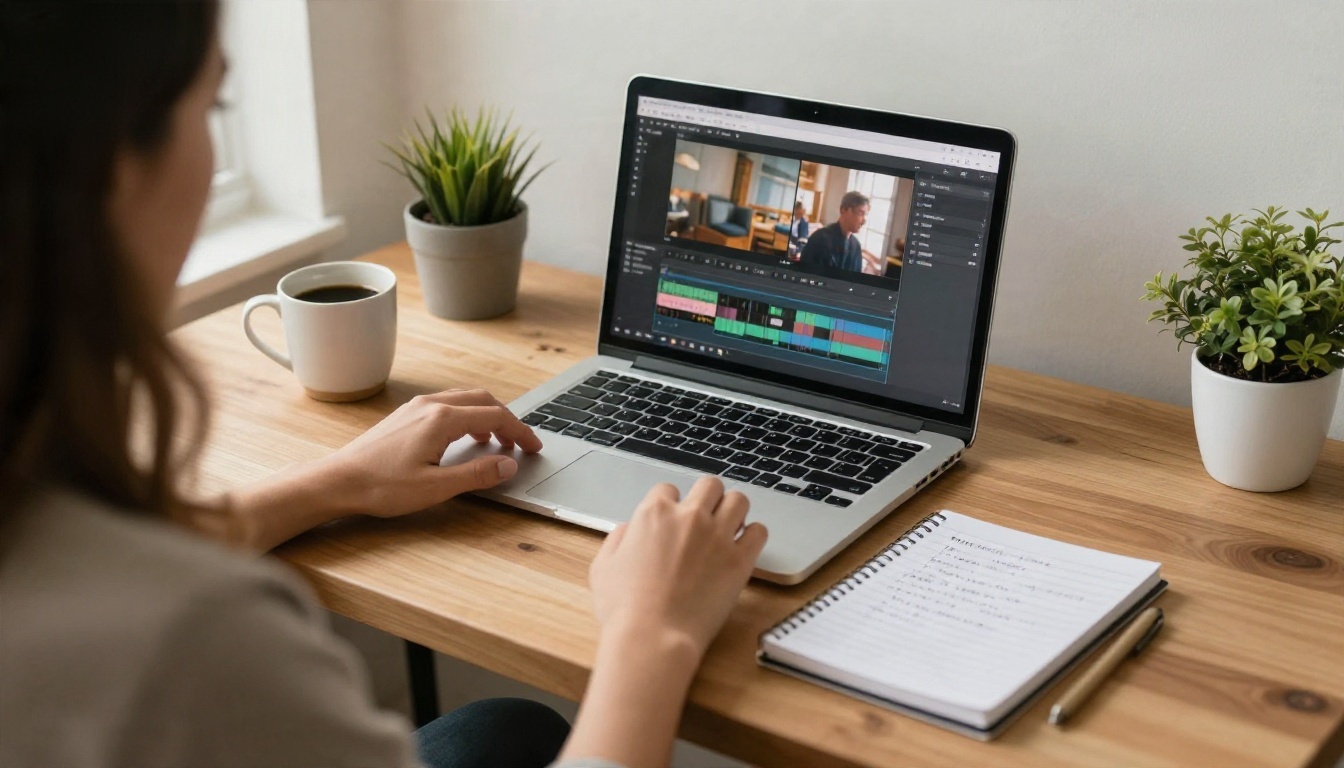
Here is the loop that produces usable clips with the fewest wasted generations.
- Draft the idea in one sentence. "Adult woman, silk robe, hotel window, morning."
- Expand it with an LLM. Paste the sentence and the five part formula into one of the models above and ask for three versions with different lighting.
- Generate the still. Run the best version in Seedream 4.5. Make four to eight attempts and pick the cleanest hands, face and fabric.
- Polish in Image Editor Pro. Because generations are unlimited, fix small flaws: a collar, a background object, a strap.
- Write a short motion prompt. Only action, light and camera. Example: "She slowly ties the sash, curtains move gently, very slow push in, soft morning light."
- Animate in Seedance 2.5 Lite. It is free and unlimited, so test two or three takes.
- Upgrade only the winners. Re-run the best prompt on a stronger model such as Kling v2.5 Turbo Pro or Seedance 2.5 for the final version.
💡 If a clip is almost right, do not rewrite the whole prompt. Change one thing: the camera move, the light direction or the action. Isolating variables is how you build a personal prompt library.
Common Mistakes
1. Too many actions. "She walks, turns, laughs, adjusts her hair and sips a drink" is five clips in five seconds. Pick one.
2. Adjective stacking. Ten flattering adjectives give the model nothing to render. One texture word ("glistening", "silk sheen", "freckled") does more.
3. Contradictory light. "Golden hour" plus "neon night" gives you mud. Choose one light source and describe it.
4. Ignoring the negative direction. If your model supports negative prompts, add: "extra fingers, warped hands, distorted face, plastic skin, flicker, text, watermark."
5. Skipping the still. Pure text to video gives you less control of the face and body proportions. The still first approach fixes both.
6. Animating a flawed frame. A bad first frame becomes a worse video. Reject it early.
Prompt Templates to Copy
Fill the brackets, keep the structure.
Template A: Outdoor glamour
An adult [woman/man] in [swimwear or outfit] [standing/walking] at [location], [one simple action], [two physical details of the environment], [time of day] light from [direction], [lens]mm lens, [camera movement], natural film grain.
Template B: Indoor boudoir
An adult [woman/man] in [silk robe, lace loungewear or satin slip] [seated/standing] in [room with a window], [slow action], [fabric or curtain motion], soft [morning/evening] window light from the [left/right], 50mm lens, very slow push in, warm and quiet.
Template C: Image to video motion prompt
[One action]. [One ambient motion such as wind, rain, curtains or water]. [Camera movement]. [Light description]. Keep face and clothing consistent with the first frame.
Template D: Negative prompt
Distorted face, extra fingers, warped hands, plastic skin, flicker, jitter, text, watermark, blur, low quality.
Quick Settings Cheat Sheet
| Setting | Recommended |
|---|
| Clip length | 5 seconds for testing, 10 for finals |
| Aspect ratio | 16:9 for cinematic, 9:16 for social |
| Camera moves per clip | One |
| Actions per clip | One, maybe two small ones |
| Takes per idea | Three to six |
| First frame | Photorealistic still with clear hands and face |
Start Creating Your Own
You now have the formula, eight setting examples, the camera and lighting settings that matter, and a list of models that cost nothing to experiment with. The only thing left is volume. Pick one setting from this article, generate the still in Seedream 4.5, refine it in PicassoIA Image Editor Pro, and animate it with Seedance 2.5 Lite. Change one variable per attempt and keep the prompts that work.
Want more options? Browse every image, video and language model in one place at picassoia.com/en/all-models, and build your own prompt library clip by clip.


