Most women who search for an adult content creator app are not chasing shock value. They want a private, low-pressure place to make glamour, boudoir and swimwear style images of themselves or of invented characters, without sending their camera roll to a stranger or paying for a subscription they will forget to cancel. That is a reasonable thing to want, and in 2027 the tools finally make it easy. This article walks through what to look for, which free options hold up, the prompts that give you elegant results, and the privacy settings worth changing before you press generate.
One boundary up front: everything here is about non-explicit, adult, consensual imagery. Think silk robes, lace, bikinis, soft window light and magazine-style portraits. Nothing in this article involves minors, real people who have not agreed to be pictured, or pornographic output.
What Women Want From These Apps
If you read forum threads and app reviews, the same complaints repeat. Interfaces built for someone else, filters that block a perfectly normal swimsuit photo, and unclear rules about who owns the pictures afterward. Flip those complaints around and you get a clear checklist.
Control Over Your Own Image
The first priority is control. You decide what is generated, who sees it, and whether it is kept or deleted. An app that makes you upload face photos to a public gallery by default fails this test on day one.
Style Over Shock
Most women describe the look they want in the language of photography: warm skin tones, believable fabric, natural light, a calm expression. Think editorial lifestyle shoot, not a cartoon. Models that lean toward plastic skin and over-sharpened eyes miss the brief, no matter how fast they are.
Speed and Zero Awkwardness
Nobody wants to wait three minutes per picture or fill in a form with twelve sliders. A good app lets you type one clear sentence, get a usable image in seconds, and change one detail at a time.
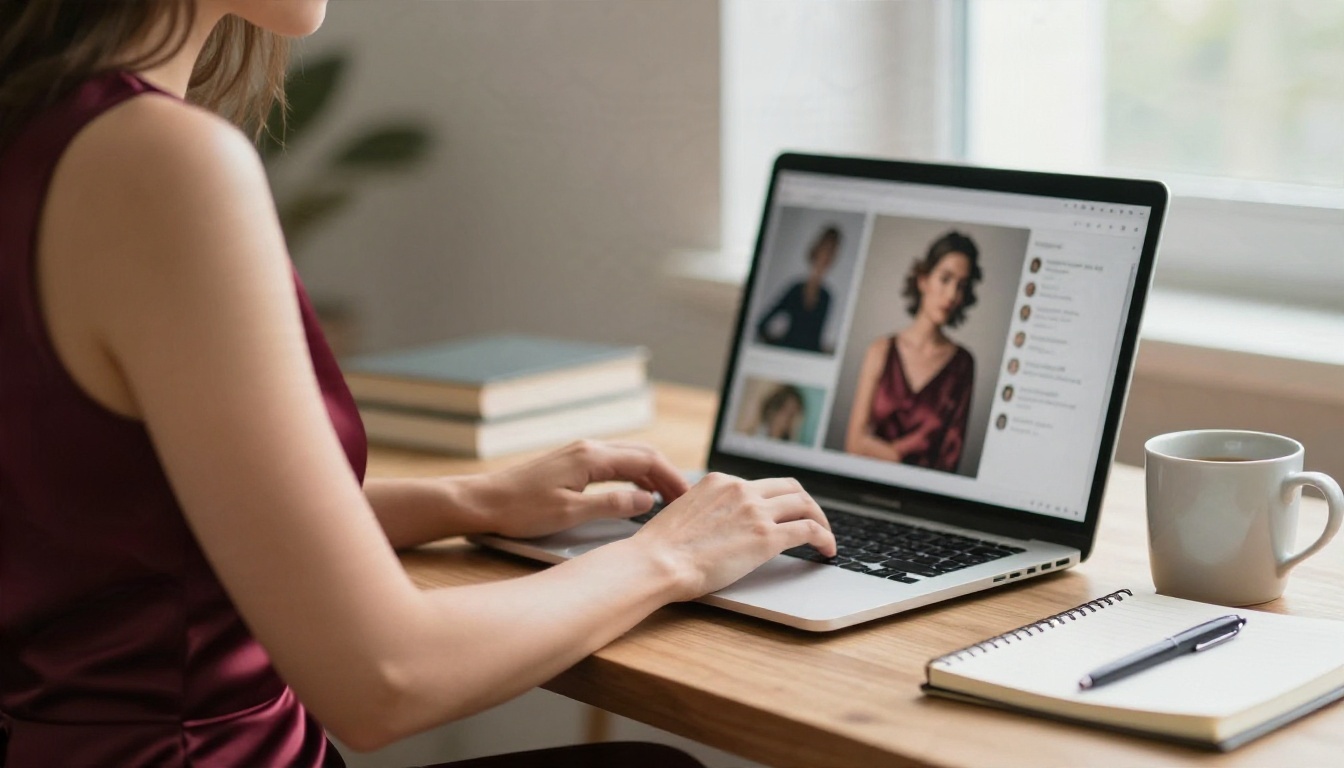
💡 Quick test: before committing to any app, generate three images with the same simple prompt. If skin, fabric and hands look believable in all three, the model is worth your time.
Free Options That Actually Work
"Free" covers a lot of ground, and some of it is a trap. Here is how to tell the difference quickly.
What "Free" Usually Means
| Type of free | What you get | The catch |
|---|
| Free trial credits | A handful of generations, then a paywall | Credits vanish fast on high-resolution runs |
| Daily free tier | A few images per day | Slow queues, watermarks on output |
| Free but filtered | Unlimited runs on a strict model | Refuses swimwear, lingerie or even bare shoulders |
| Free with uploads required | Full features | Your photos feed a public or shared gallery |
| Truly free generation | Many runs, no watermark | Rare, check the privacy terms carefully |
The sweet spot is a platform where several strong models sit under one account, so you are not hopping between apps every time one filter blocks a harmless prompt.
Seedream 4.5 First
For adult glamour work, Seedream 4.5 is the model to try first. It produces sharp, high-resolution portraits with natural skin texture, convincing silk and lace, and lighting that feels photographed rather than painted. It also follows detailed wardrobe, pose and setting instructions closely, which matters when you are describing something like a robe, a bedroom and morning light in one sentence.
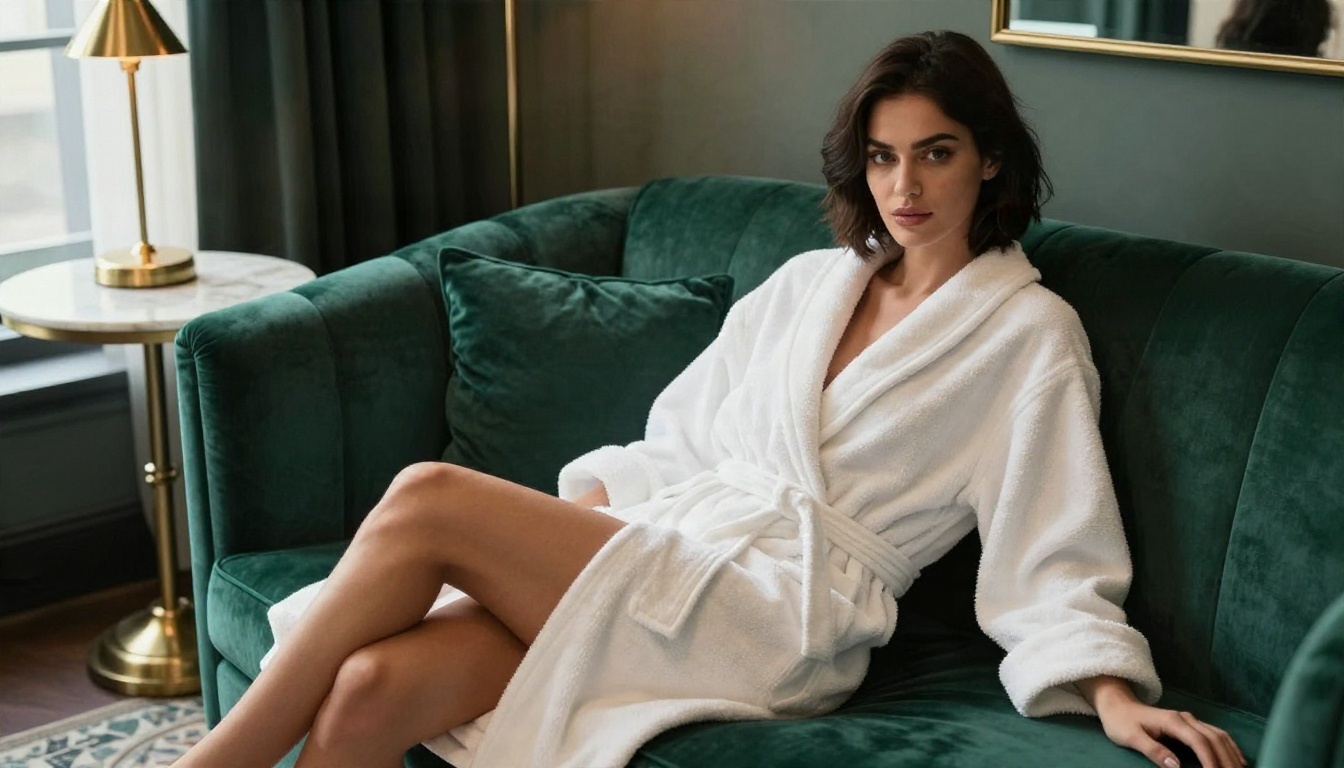
Image Editor Pro for Unlimited Runs
When you want to keep iterating without watching a credit counter, PicassoIA Image Editor Pro is built for it. It offers unlimited generations, handles uncensored adult glamour that stricter models refuse, and works as an editor too: you can adjust outfits, backgrounds and lighting on an existing picture instead of starting from scratch. For most people this becomes the daily driver, with Seedream 4.5 reserved for the final hero shots.
💡 Workflow that saves time: draft five or six options in Image Editor Pro, pick the best, then recreate it in Seedream 4.5 at full quality.
Models Ranked for Glamour Work
After the first two, here are the other models worth having in your rotation. All of them are available on PicassoIA, and each is strongest at something different.
Realism Picks
If your goal is portraits that pass for real photography, start with Qwen Image 3 Pro and Realistic Vision v5.1. The first handles complex interior lighting well. The second has a warm, slightly grainy look that suits boudoir and lifestyle shots.
Fast Picks
When you are testing ideas, speed matters more than perfection. Z Image Turbo gives you a usable draft in seconds, so you can try ten wardrobe ideas in the time one slower model takes to render three. For a recurring character with the same face every time, Nano Banana Pro is the safer pick.
Prompts You Can Copy Today
A good prompt reads like a photographer's shot list. The model does not need poetry. It needs a subject, a place, a light source and a camera feel.
The Prompt Formula
Use this order every time:
- Subject and pose: who she is, what she wears, what she is doing
- Setting: room, props, textures
- Light: direction, time of day, warmth
- Camera: lens, angle, depth of field
- Finish: film stock, grain, mood
For example: a woman in a champagne silk robe sitting on a linen bed, sunlit loft, golden morning light from the left, 85mm f/1.8, shallow depth of field, Kodak Portra 400 grain, calm and confident.
Five Ready-Made Prompts
Paste these into Seedream 4.5 or PicassoIA Image Editor Pro and adjust the details to match you or your character.
1. Morning boudoir. Woman in a black lace bralette and a loose white shirt on a rumpled linen bed, soft sunlight through sheer curtains, 85mm f/1.8, natural skin texture, Kodak Portra 400 grain.
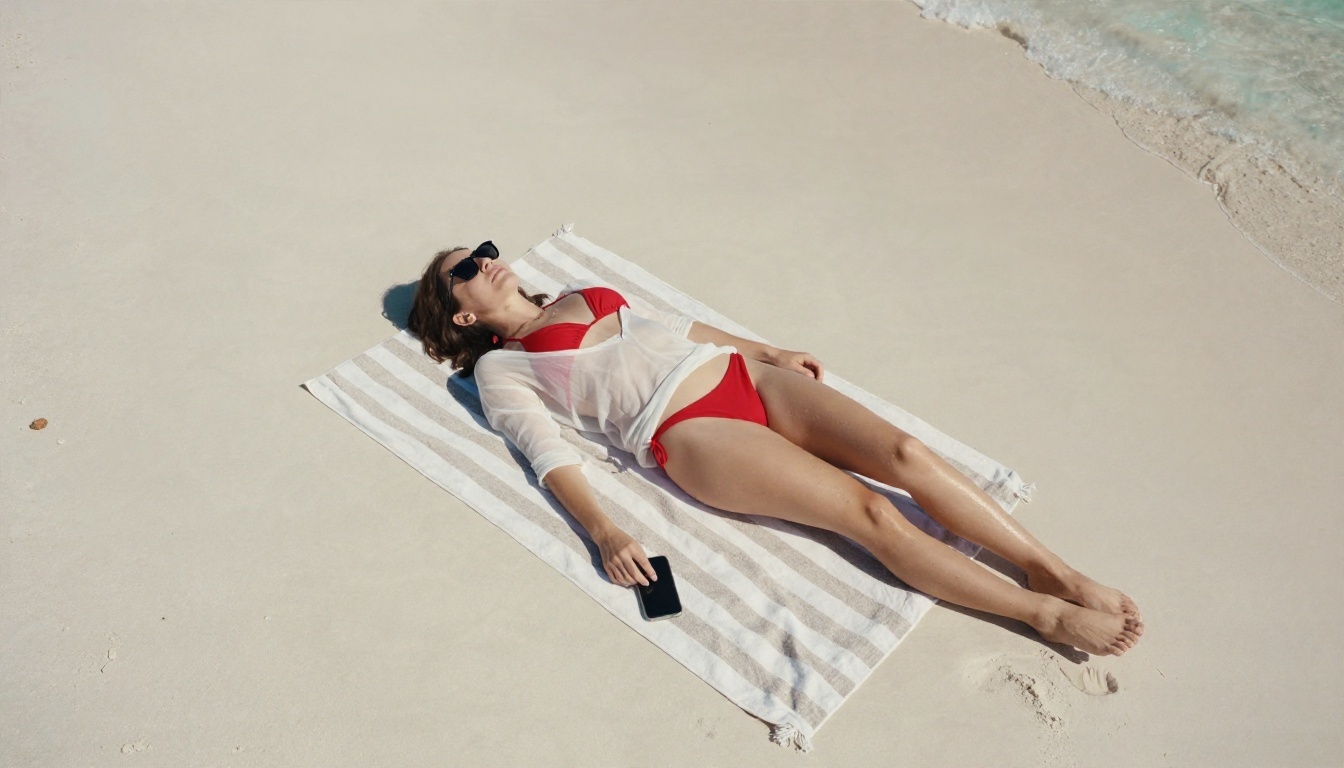
2. Pool day. Woman in a red bikini and sheer cover-up lying on a striped towel at the edge of a pool, harsh midday sun, crisp shadows, 35mm lens, water droplets on skin, film grain.
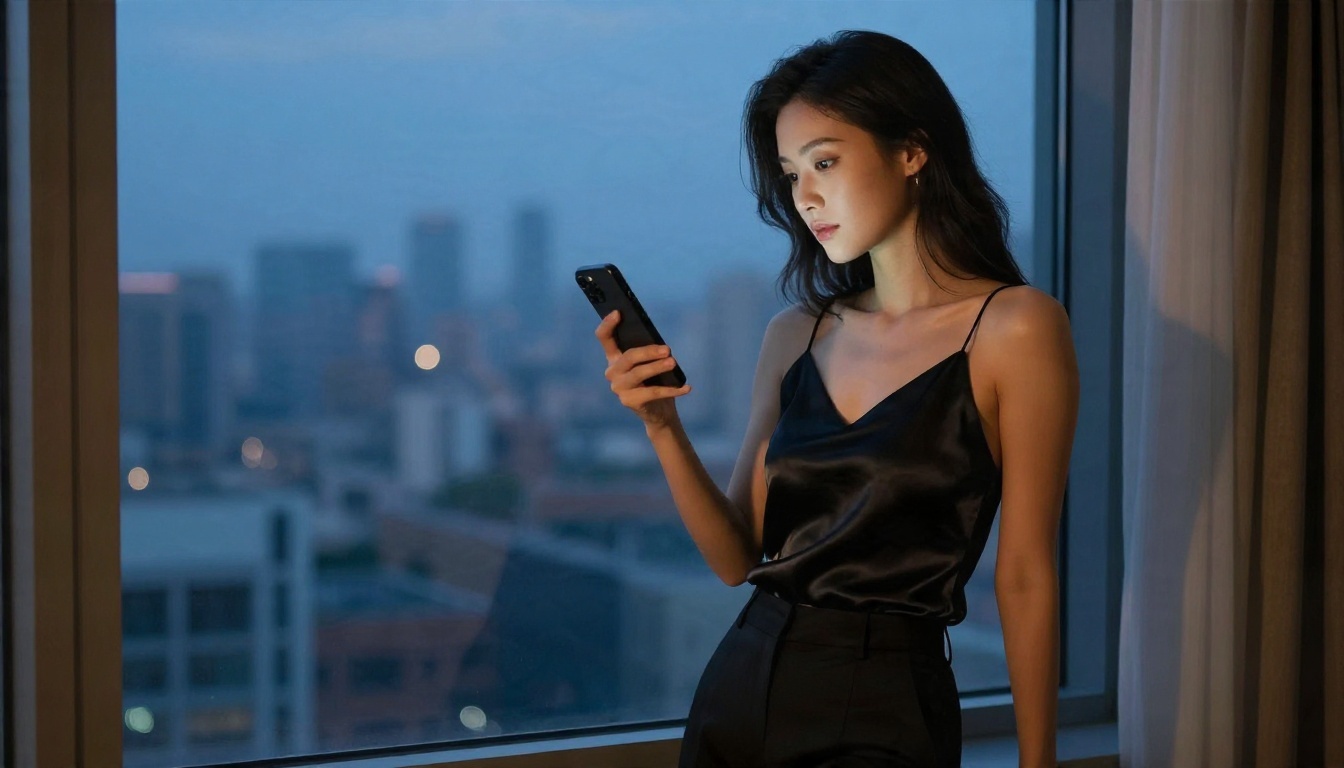
3. Hotel evening. Woman in a fitted satin slip dress by a window at dusk, warm lamp light on her face, cool blue sky outside, 70mm f/2, silk highlights, editorial mood.
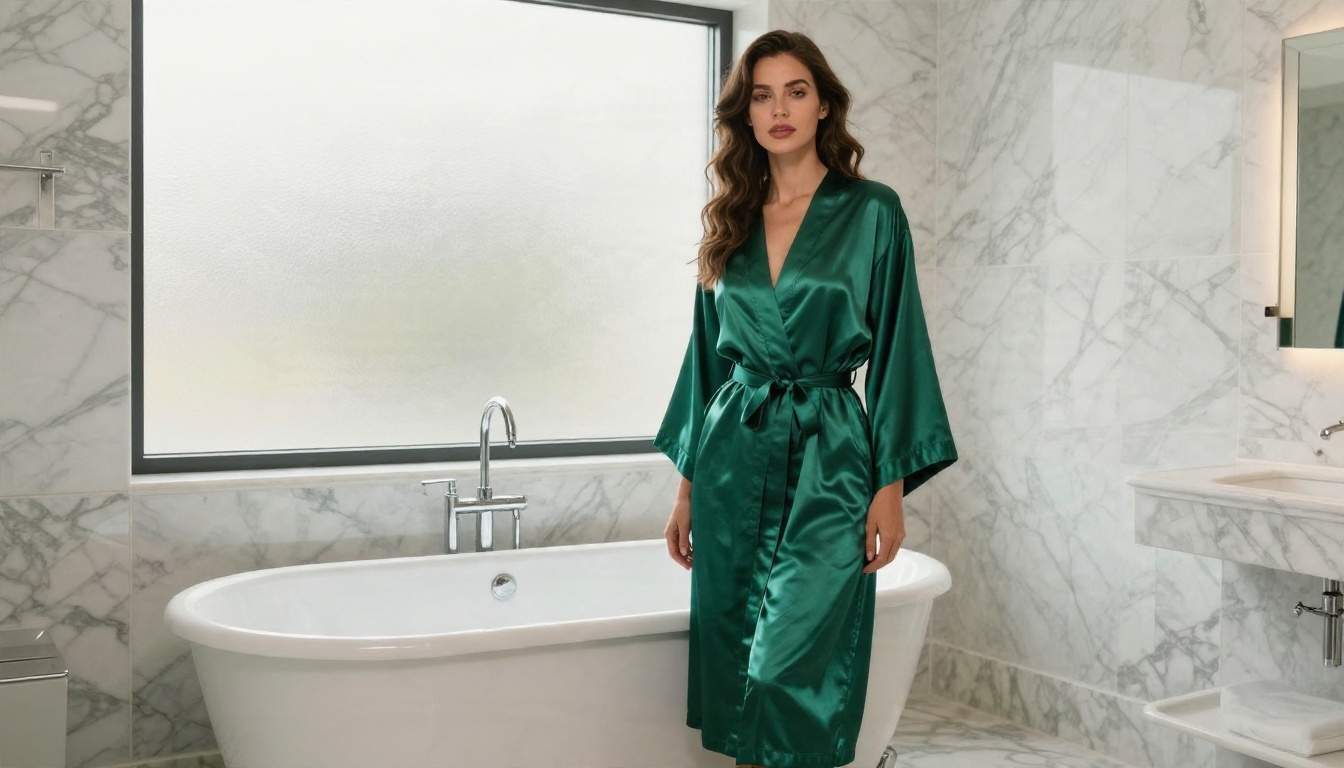
4. Bath robe calm. Woman in an emerald satin robe in a marble bathroom, frosted window backlight, gentle steam, 35mm f/2, glossy reflections.
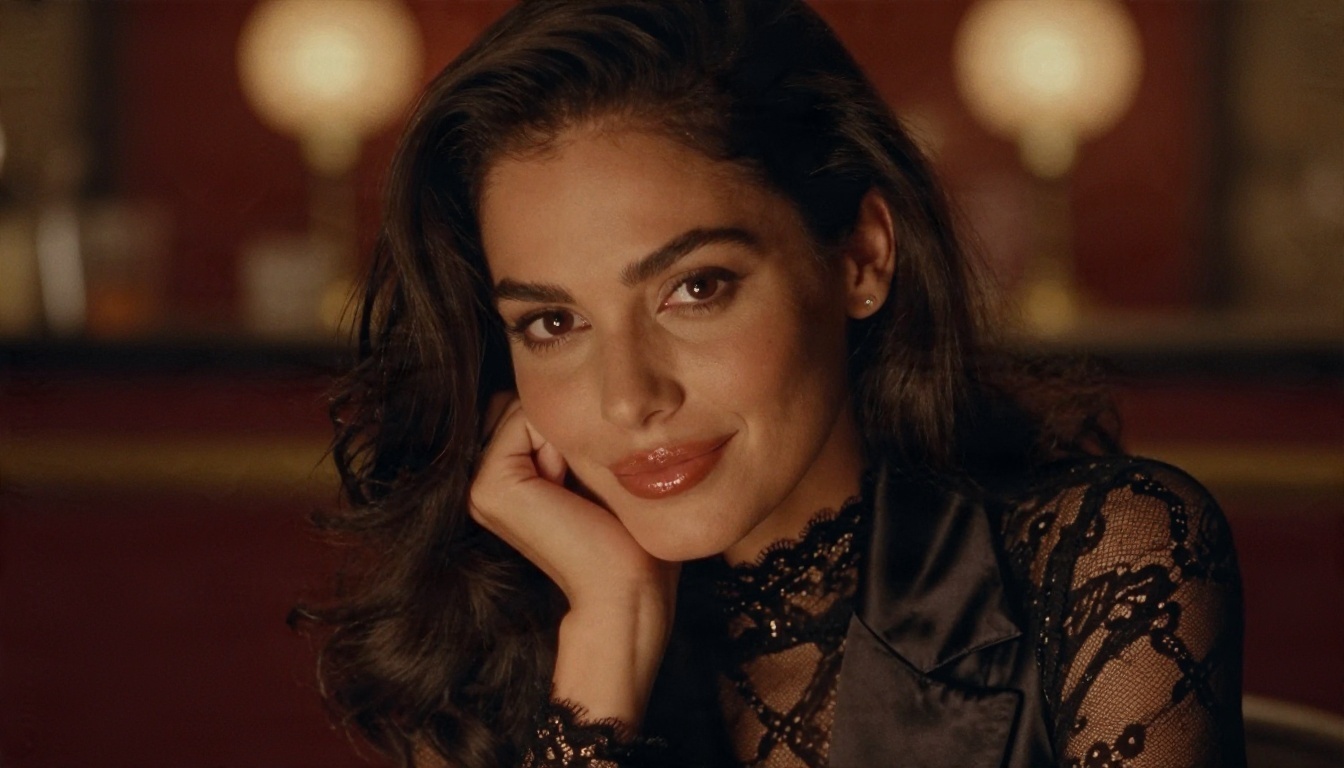
5. Lounge portrait. Woman in a sheer lace top and satin blazer resting her chin on her hand, amber bokeh lights of a vintage bar behind her, 85mm f/1.4, film grain.
Words That Cause Blocks
Some models refuse prompts when the wording leans too far toward revealing clothing or body parts, even when the intent is harmless. If a prompt is blocked, do not fight the filter with longer descriptions. Change the wardrobe wording (robe instead of lingerie, cover-up instead of swimsuit only), adjust the pose to something more relaxed, or switch to a model built for adult glamour like PicassoIA Image Editor Pro.
💡 Tip: lighting and mood words ("soft window light", "quiet", "confident") add appeal without adding risk. Lean on them.
Privacy Settings Worth Changing
This is the part most roundups skip, and it is the part that matters most. An app can generate flawless pictures and still be a bad choice if it handles your data carelessly.
Account and Sharing
Before you generate anything, open the account settings and check these:
- Gallery visibility: set everything to private by default
- Public feed or community sharing: switch it off unless you want it
- Login method: use a unique password and two-step verification if the app offers it
- Email: consider a separate address just for creative tools
- Payment details: use a method that shows a neutral name on your statement
💡 Rule of thumb: if you cannot find a setting that makes your gallery private, treat the app as public and do not upload personal photos.
Files and Metadata
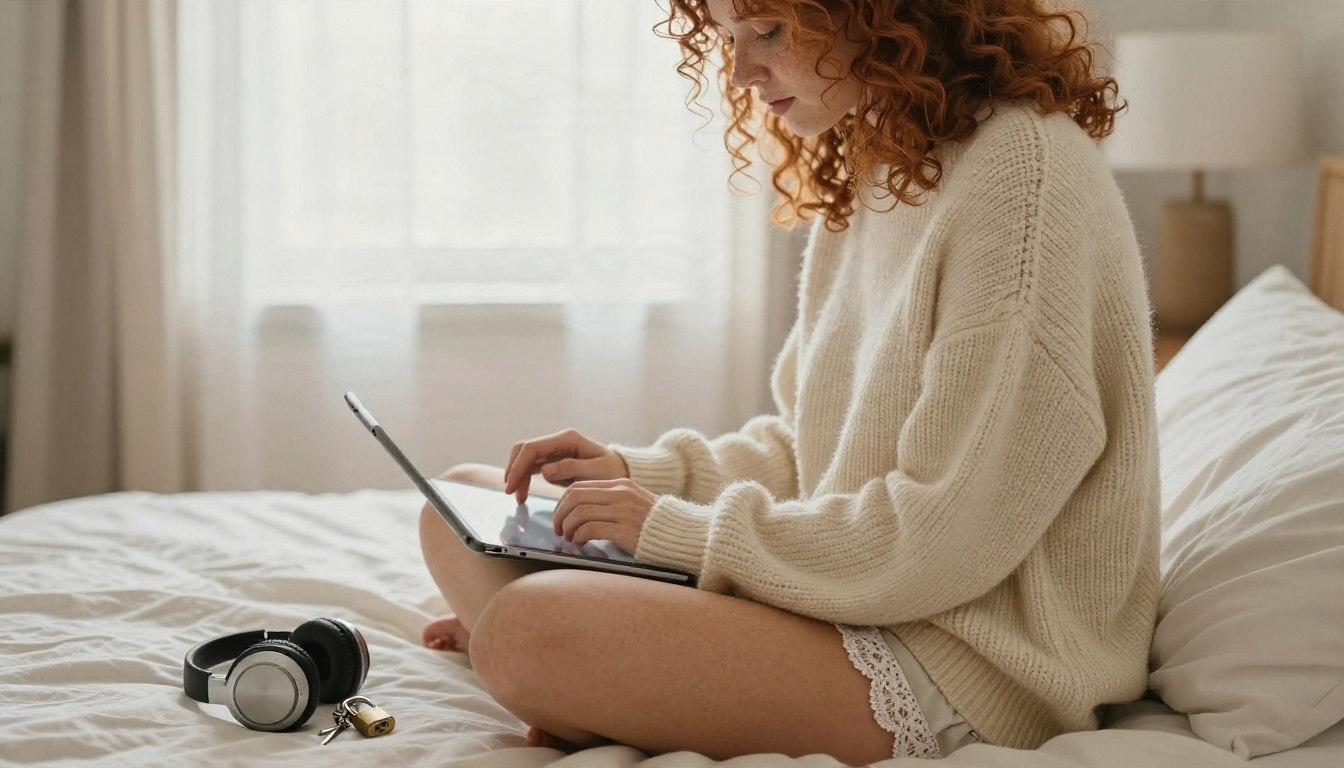
Images you download can carry hidden information. Phone photos you upload may include location data and device details. Before using a personal photo as a reference, strip that data by taking a screenshot of the picture instead of sending the original file. When you save your finished images, give them neutral file names and keep them in a folder that does not sync automatically to a shared cloud album or a family tablet.
Face and Likeness Rules
Decide early whether you are making pictures of yourself, of an invented character, or of someone else. The first two are fine. The third requires clear consent, and in many places the law is tightening around fake intimate images of real people. A simple safe approach is to build one fictional adult character and keep her consistent using a model like Nano Banana Pro. You get a recognizable look for your project with no risk to anyone's privacy, including your own.
| Choice | Privacy risk | Recommendation |
|---|
| Invented adult character | Very low | Best default |
| Your own likeness, private gallery | Low to medium | Fine with strict settings |
| Your likeness, public sharing | Medium to high | Only if you are comfortable with it |
| A real person without consent | Unacceptable | Never do this |
Mistakes That Waste Your Time
After watching many people try these tools, the same errors show up again and again.
- Writing a paragraph of adjectives. Three clear details beat fifteen vague ones. "Silk robe, morning window light, 85mm" works better than "stunningly beautiful gorgeous elegant sensual masterpiece."
- Changing everything between attempts. Adjust one thing at a time, wardrobe, then light, then pose. Otherwise you never know what helped.
- Skipping the camera language. Lens and aperture words push the model toward photographic realism and away from the airbrushed look.
- Ignoring hands and jewelry. Check these first when judging results. If they are off, regenerate rather than trying to fix them with more words.
- Paying before testing. Run the same three-image test on every app before you hand over a card number.
- Forgetting the edit step. A near-perfect image is often one small fix away. Flux Kontext Fast can change a background or an outfit color on an existing picture in seconds.
Your First Image in Ten Minutes
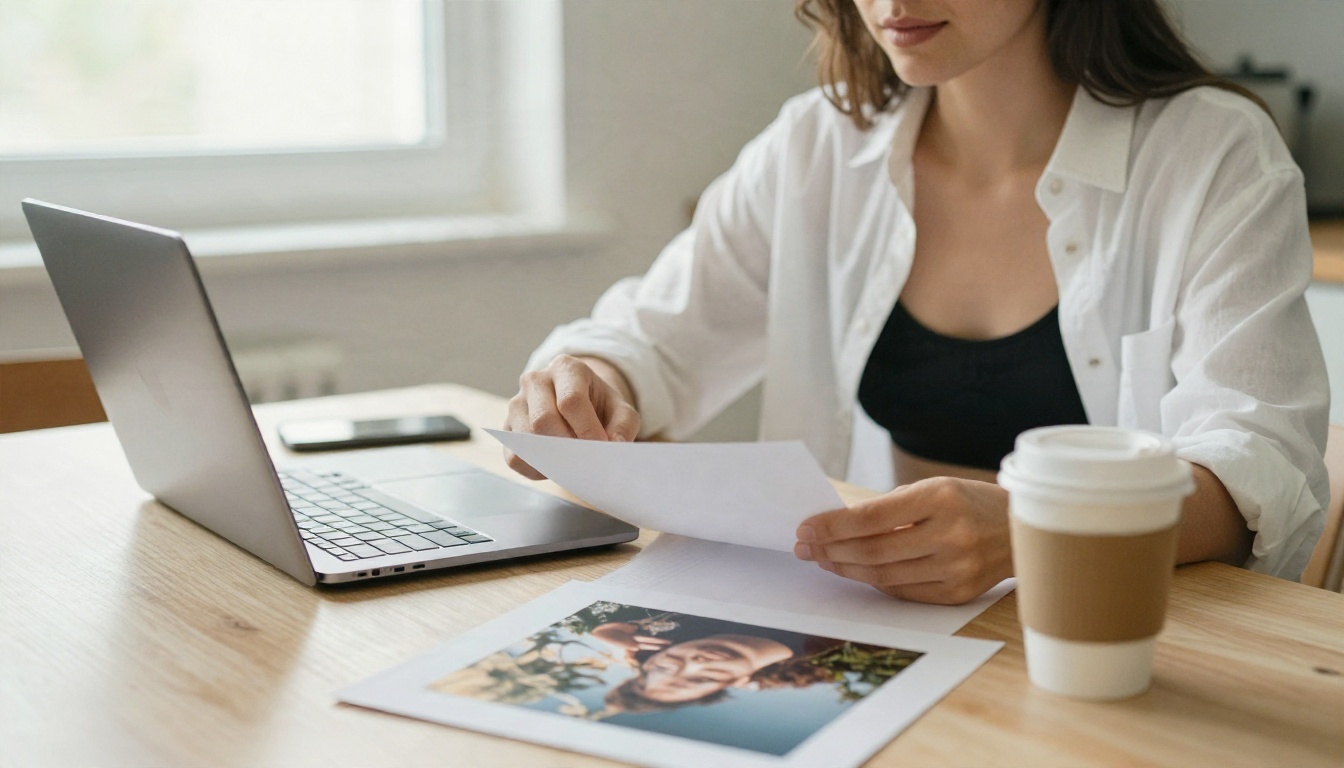
Here is a simple routine you can follow right now.
- Open a model. Start with PicassoIA Image Editor Pro for unlimited drafts.
- Check your privacy settings. Make sure your gallery is private before generating anything.
- Paste one of the five prompts above. Swap in your own wardrobe color, room and time of day.
- Generate four versions. Pick the one with the best skin texture and lighting.
- Change one detail. Maybe the robe color or the window direction, and regenerate.
- Recreate your favorite in Seedream 4.5. Use the same prompt for a sharper, higher-resolution final.
- Save with a neutral file name. Store it in a private folder.
💡 Aspect ratio tip: use 16:9 for wide scene shots and 3:4 or 2:3 for portraits meant for a phone screen.
Free tools are good enough for a polished result in one sitting, as long as you pick a platform with strong models, a clear privacy setup and no pressure to share. Speed counts too, since a draft that takes seconds lets you try more ideas in an evening.
Make Your Own Images Today
You now have the full picture: what to ask from an app, which free options hold up, five prompts to start from, and a privacy checklist that takes under ten minutes. The only step left is to try it.
Open PicassoIA Image Editor Pro for unlimited drafts, take your favorite prompt to Seedream 4.5 for the final render, and browse every other option at picassoia.com/en/all-models. Start with one prompt from this article, change a single detail, and see what comes out. Your first usable image is probably only a few minutes away.