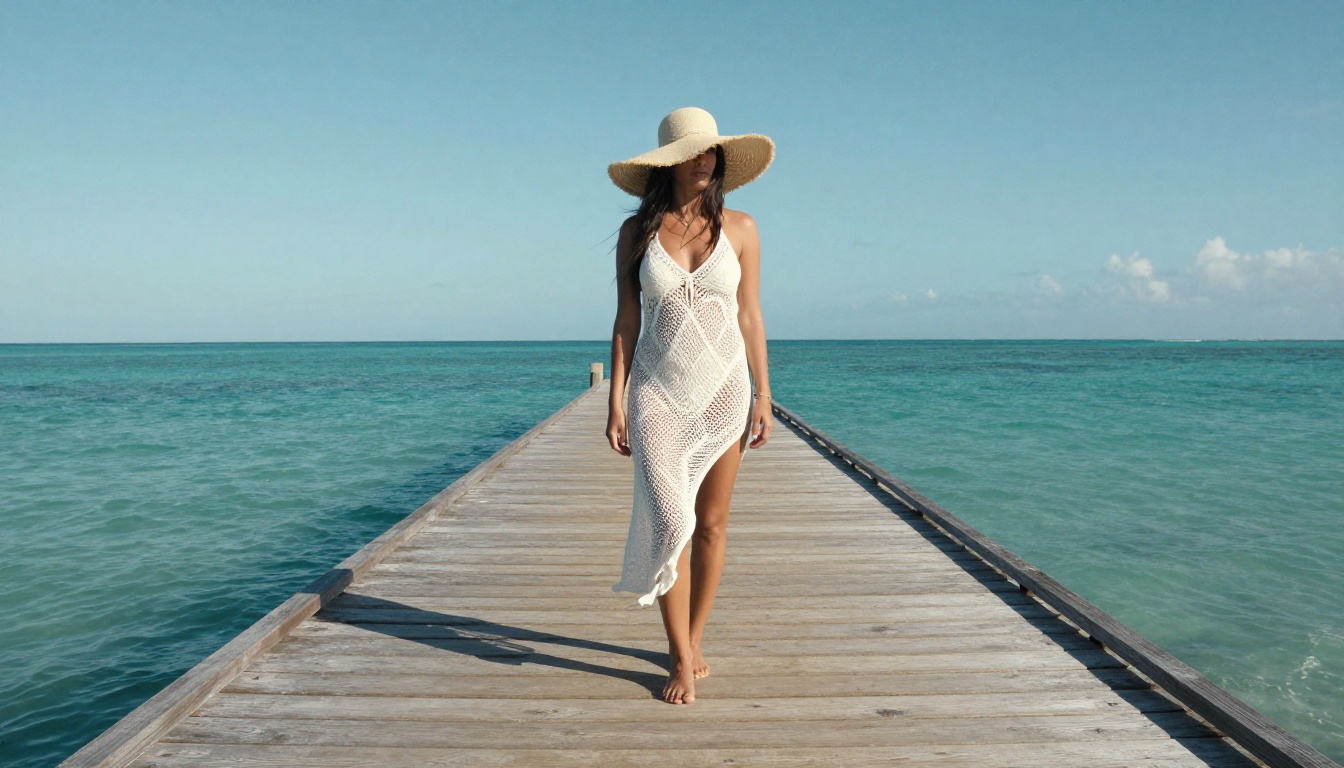
The gap between AI-generated images and real photography has quietly closed. In 2027, the top AI adult image generators produce portraits so photorealistic that even professional photographers struggle to spot the synthetic origin at first glance. Skin pores, catchlights in eyes, realistic body proportions, and the physics of light on skin surfaces have all reached a level of fidelity that seemed impossible just two years ago.
Whether you're a content creator, an artist working in glamour photography, or simply curious about what the current crop of text-to-image models can do, the options available right now are extraordinary. This article breaks down the best tools, explains what actually separates realistic output from plastic-looking results, and shows you exactly how to get the most out of each platform.
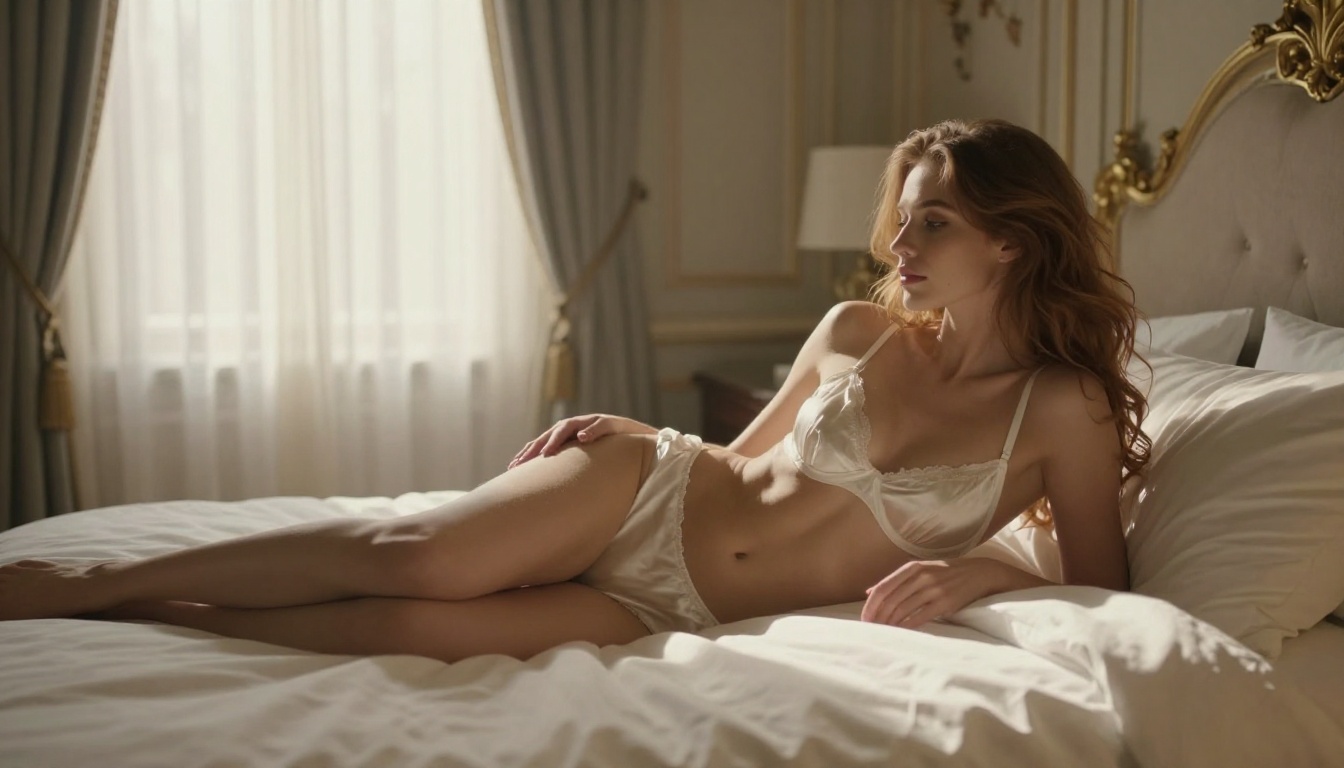
What "Realistic" Actually Means in AI Imagery
Not all "photorealism" is equal. There are specific technical benchmarks that separate truly realistic AI output from images that look impressive at first glance but fall apart under scrutiny.
Skin Texture and Micro-Details
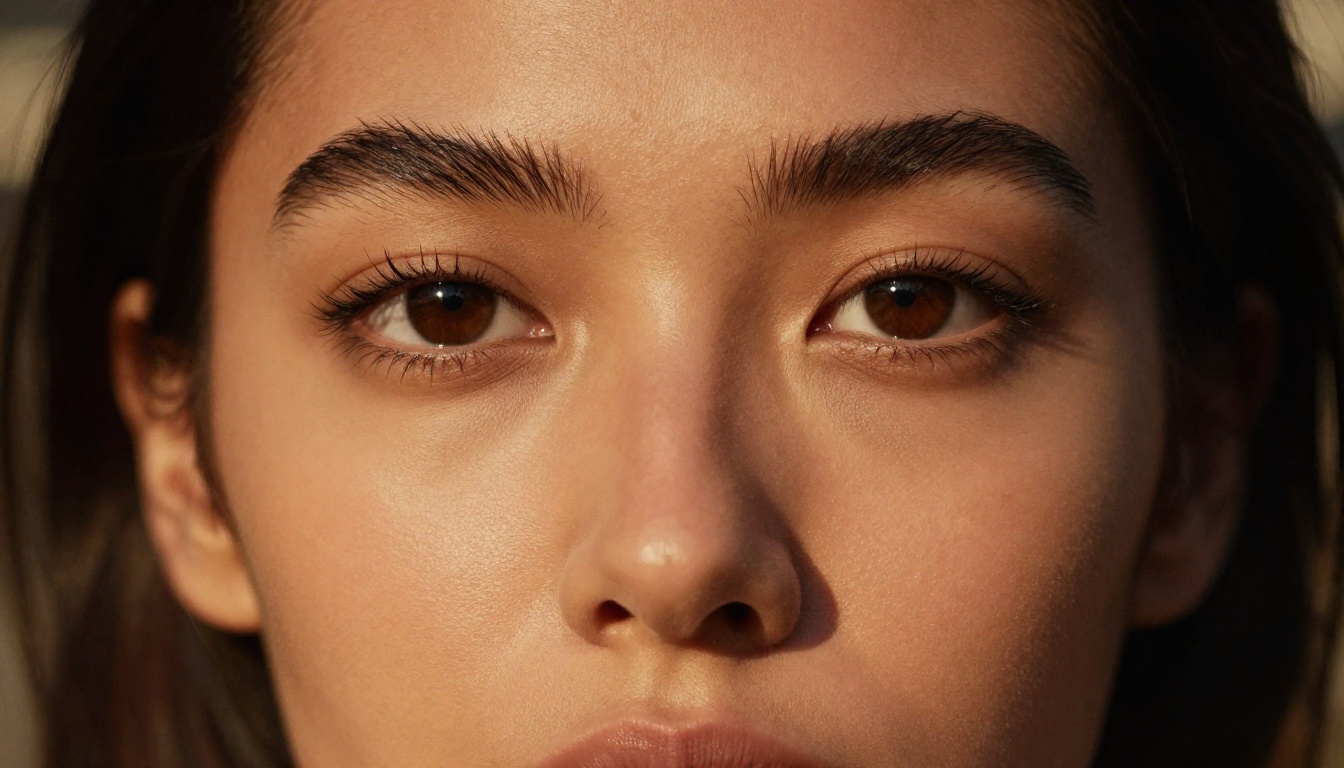
Real skin has pores, fine hairs, subtle discoloration, and micro-shadows. The best AI adult image generators in 2027 reproduce these at the pixel level. Poor models produce skin that looks like polished plastic or a smooth oil painting. The difference is immediately obvious when you zoom in.
Pro Tip: The phrase "individual skin pores visible, natural skin texture, film grain Kodak Portra 400" adds significant realism to any portrait prompt. This forces the model to render micro-surface details rather than defaulting to smoothed approximations.
The models that perform best here are those trained on large datasets of actual photography rather than painted or stylized art. Models like Flux 1.1 Pro Ultra and Realistic Vision v5.1 were specifically built with photographic fidelity as a core training objective, and the difference shows clearly in side-by-side comparisons.
Lighting Physics and Depth
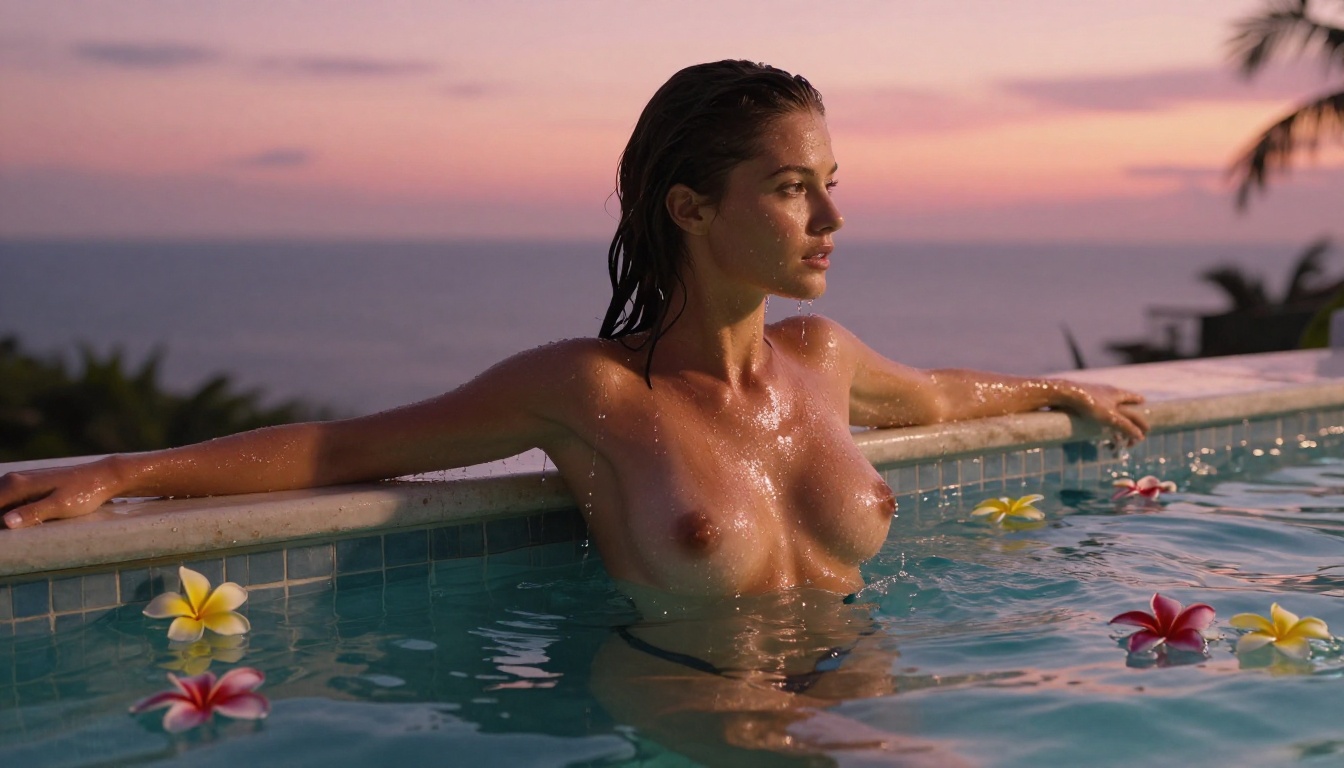
Realistic images have physically plausible lighting. Shadows fall in the right direction. Specular highlights appear on glossy surfaces. Ambient occlusion darkens creases naturally. When AI gets lighting wrong, the human brain detects it instantly, even if the viewer can't articulate exactly what's off.
The models that nail this have internalized physically-based rendering logic. Specifying exact light sources in your prompt, such as "volumetric morning light from the left, soft shadow on the right cheekbone", gives these models the data they need to produce coherent, believable lighting that holds up at any zoom level.
Top Models for Realistic Adult Content in 2027
These are the models producing the most photorealistic adult and glamour imagery right now. Each has been evaluated on skin realism, anatomical accuracy, lighting fidelity, and overall photographic impact.
Flux 1.1 Pro Ultra
Flux 1.1 Pro Ultra by Black Forest Labs is currently the benchmark for photorealistic human generation. The "Ultra" designation refers to a higher-resolution training pipeline and improved human anatomy modeling. For adult content creators, this is the model to start with.
What sets it apart:
- Anatomy accuracy at extreme resolutions without distortion or deformation
- Hair strand simulation that looks genuinely photographic rather than painted
- Skin tone consistency across the entire image, including shadowed areas
- Natural pose generation that avoids the stiff, posed-looking stances common in earlier models
The model performs best with detailed, photography-specific prompts. Generic prompts get generic results. Specify lens, aperture, lighting conditions, and film stock to get professional-grade output every time.
Flux 2 Pro and Flux 2 Max
The Flux 2 series represents Black Forest Labs' second generation, and both Flux 2 Pro and Flux 2 Max push photorealism further with improved prompt adherence. Where Flux 1.1 Pro Ultra excels at raw image fidelity, Flux 2 Max adds better composition intelligence: it positions subjects within scenes more naturally and handles spatial relationships between elements with noticeably more sophistication.
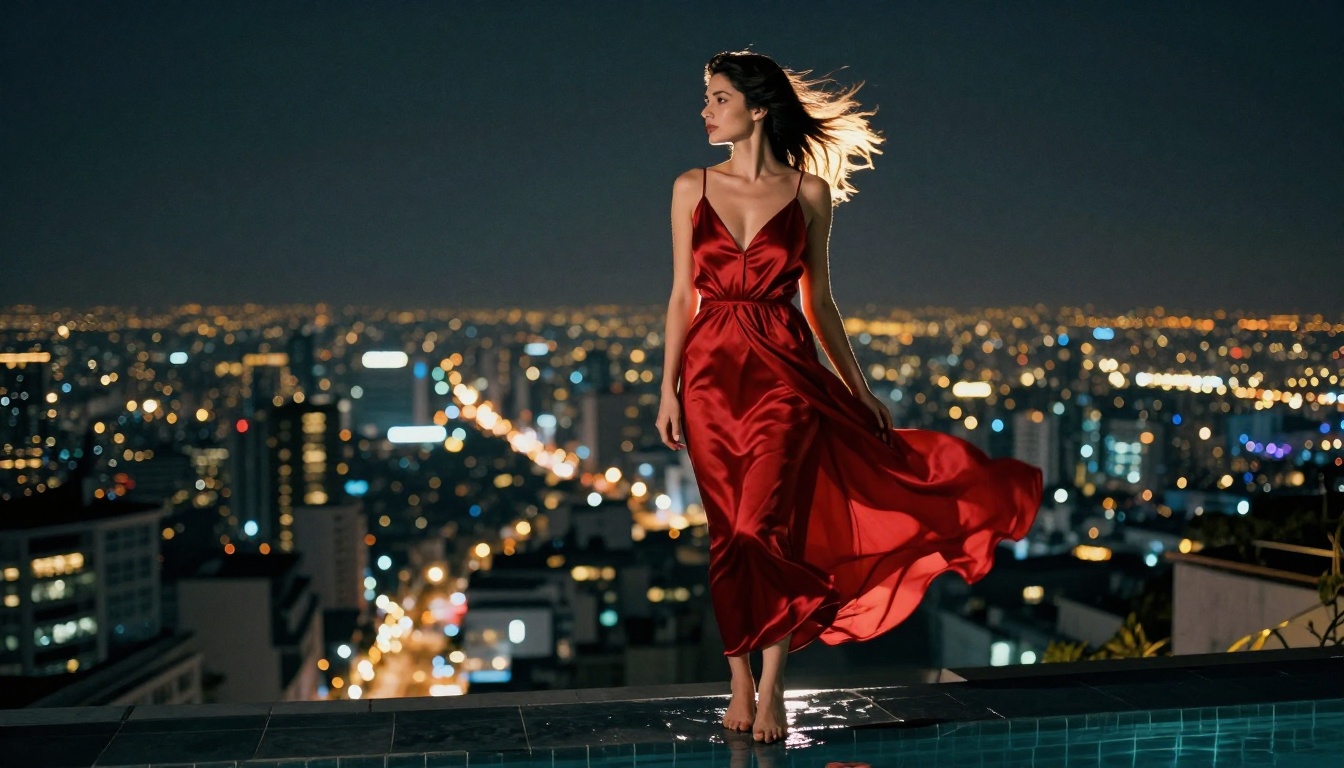
For glamour and adult content specifically, Flux 2 Max handles complex lighting setups with multiple sources significantly better than its predecessors. Night scenes with mixed light sources, candlelit interiors, and environments with strong backlight all see meaningful improvements.
Realistic Vision v5.1
Realistic Vision v5.1 remains a favorite in the adult content creation community because it was fine-tuned specifically for photographic human realism. The model has an extensive understanding of body proportions, facial symmetry, and natural poses that many larger foundation models still struggle with.
It works particularly well for close-up portraits and beauty photography. At this focal range, its skin rendering is among the most convincing of any model available. It also tends to produce more naturally relaxed expressions compared to models that default to slightly tense or artificial-looking faces.
RealVisXL v3.0 Turbo
RealVisXL v3.0 Turbo combines the structural improvements of the SDXL architecture with specific photorealism fine-tuning. The "Turbo" variant generates faster without significant quality loss, making it practical for producing multiple variations quickly when you're iterating on a concept.
This model shines in lifestyle and fashion contexts. For editorial-style adult photography, beach scenes, and fashion-adjacent glamour content, it often produces more natural-looking results than heavier models that can over-process the image into an almost CGI-adjacent look.
More Contenders Worth Your Attention
The models above lead the category, but several others deserve serious consideration depending on your specific creative goals.
Stable Diffusion 3.5 Large
Stable Diffusion 3.5 Large from Stability AI brings a completely redesigned architecture that addresses many of the anatomy problems that plagued earlier versions of the model. In 2027, it's a genuinely competitive option for realistic human portraiture, particularly when combined with LoRA weights.
Its biggest advantage is flexibility. The architecture allows extensive community fine-tuning, which has produced specialized LoRA weights for virtually every photographic style imaginable, from editorial fashion to boudoir to lifestyle photography.
GPT Image 1.5
GPT Image 1.5 from OpenAI takes a different approach, using a language-heavy generation pipeline that excels at following complex, nuanced prompts. If your creative vision involves specific scenarios with multiple elements and precise spatial relationships, GPT Image 1.5 often outperforms dedicated image models on prompt adherence.
For adult content, this translates to the ability to specify complex scene compositions that other models misinterpret or simplify. The trade-off is that its default style has a slightly cleaner, less "gritty real" aesthetic compared to models like Realistic Vision, though this can be dialed in with the right prompting.
Qwen Image 2 Pro
Qwen Image 2 Pro represents significant improvements in photorealistic human generation from the Qwen team. This model has notably improved anatomical consistency, particularly for full-body shots where many models still produce proportion errors in the torso, hands, or legs.
Worth knowing: Qwen Image 2 Pro handles diverse skin tones with notably less bias than many Western-trained models, producing more accurate and beautiful results across the full range of human skin colors. For creators working with subjects of different ethnicities, this is a meaningful practical advantage.
Imagen 4 Ultra
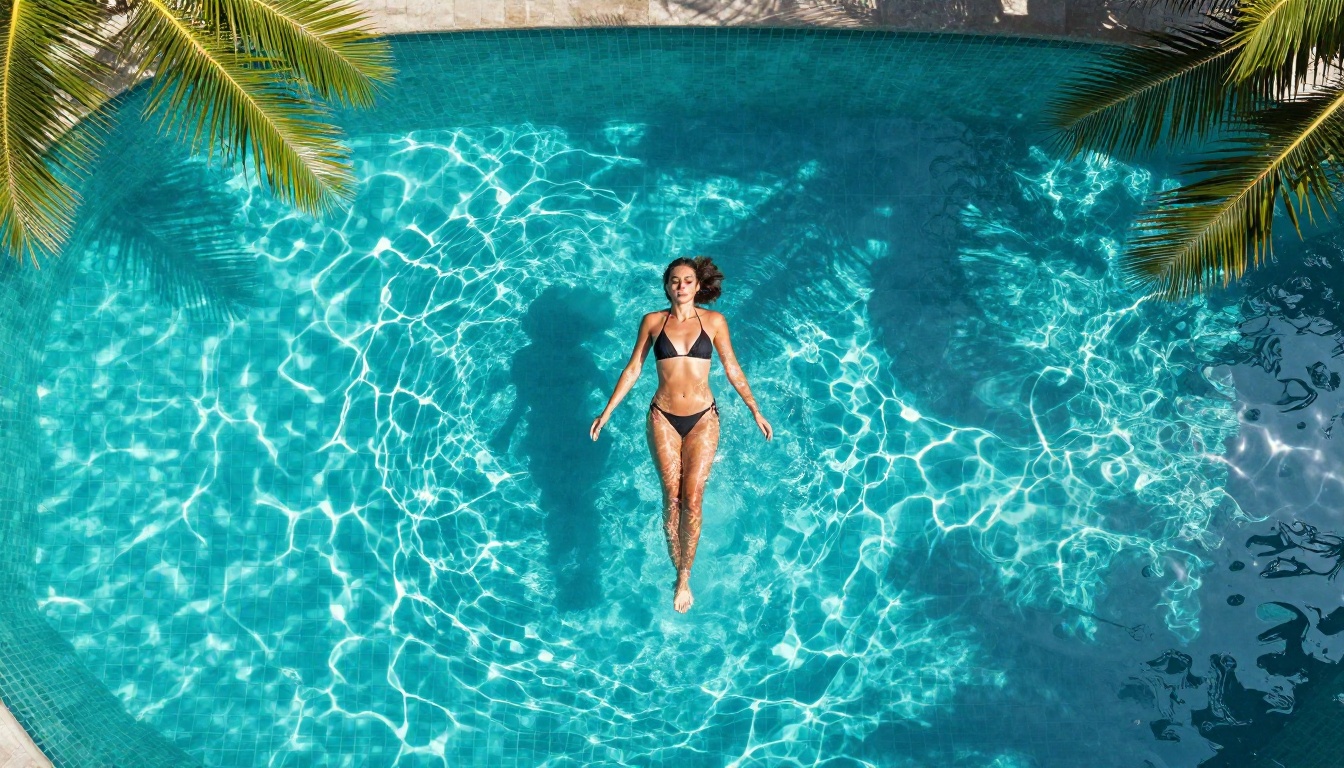
Google's Imagen 4 Ultra sits at the top tier for sheer image quality. The detail rendering, particularly for fabric textures, water, and environmental elements surrounding subjects, is exceptional. For glamour shots where the environment is as important as the subject itself, Imagen 4 Ultra delivers consistently impressive results.
Model Comparison at a Glance
Prompting for Maximum Realism
The model matters, but the prompt determines roughly 60% of your output quality. These are the specific prompting strategies that separate mediocre from exceptional results.
Camera Specs That Work
AI image models trained on photography have internalized the visual characteristics of different lenses and camera settings. Using precise camera language activates this knowledge and steers generation toward photographic results:
- For intimate portraits: "Canon EOS R5, 85mm f/1.4, shallow depth of field, creamy bokeh"
- For full-body shots: "Sony A7IV, 35mm f/2.0, natural perspective, no distortion"
- For extreme close-ups: "Canon 100mm macro, f/2.8, individual pores visible"
- For wide environmental scenes: "Nikon Z9, 24mm wide-angle, f/8, everything sharp"
The aperture value is particularly powerful. Lower f-numbers (f/1.2, f/1.4) produce the creamy background blur that makes portraits immediately feel professional. Higher f-numbers (f/8, f/11) render everything sharp from front to back, appropriate for lifestyle and location shots.
Lighting Language
Specifying lighting precisely is the single highest-impact prompting habit you can build. These phrases consistently elevate realism across all models:
- "volumetric morning light from the left"
- "Rembrandt lighting, soft triangular shadow on cheekbone"
- "large diffused studio softbox, minimal hard shadows"
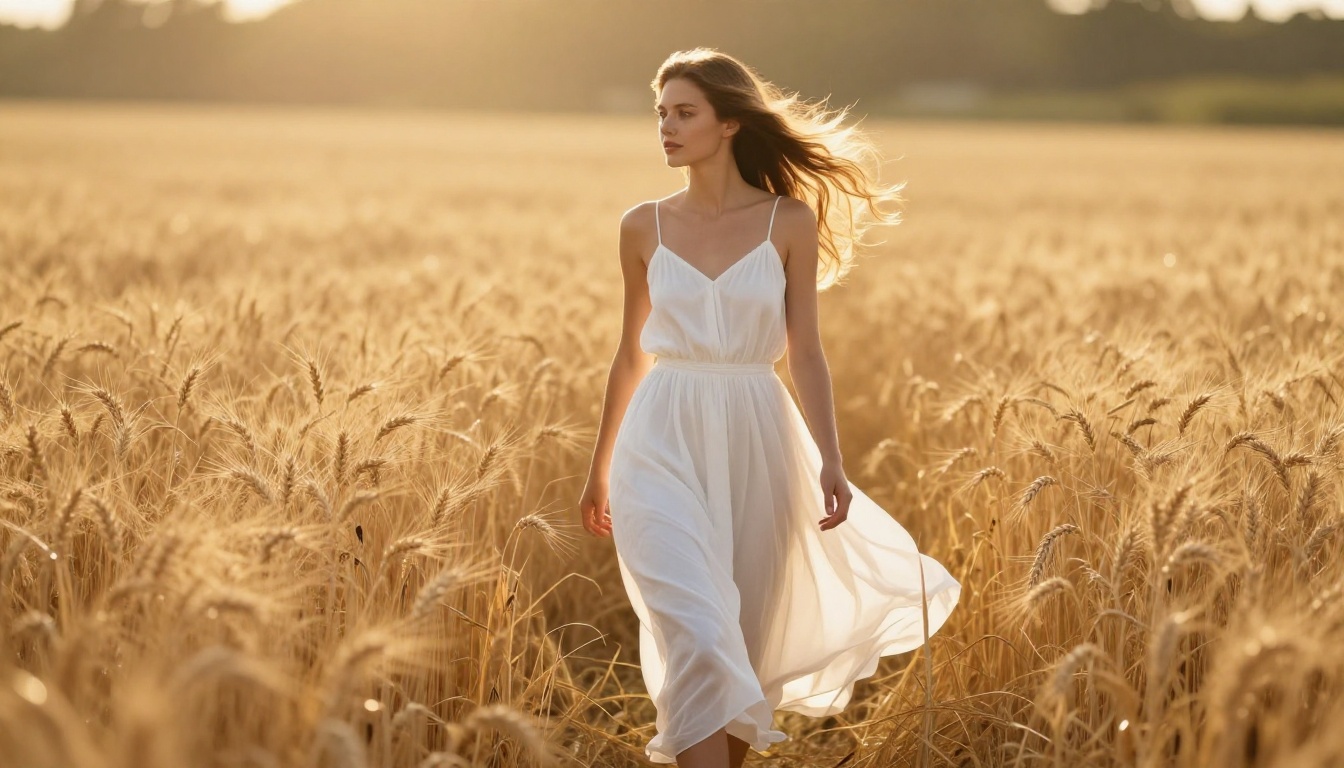
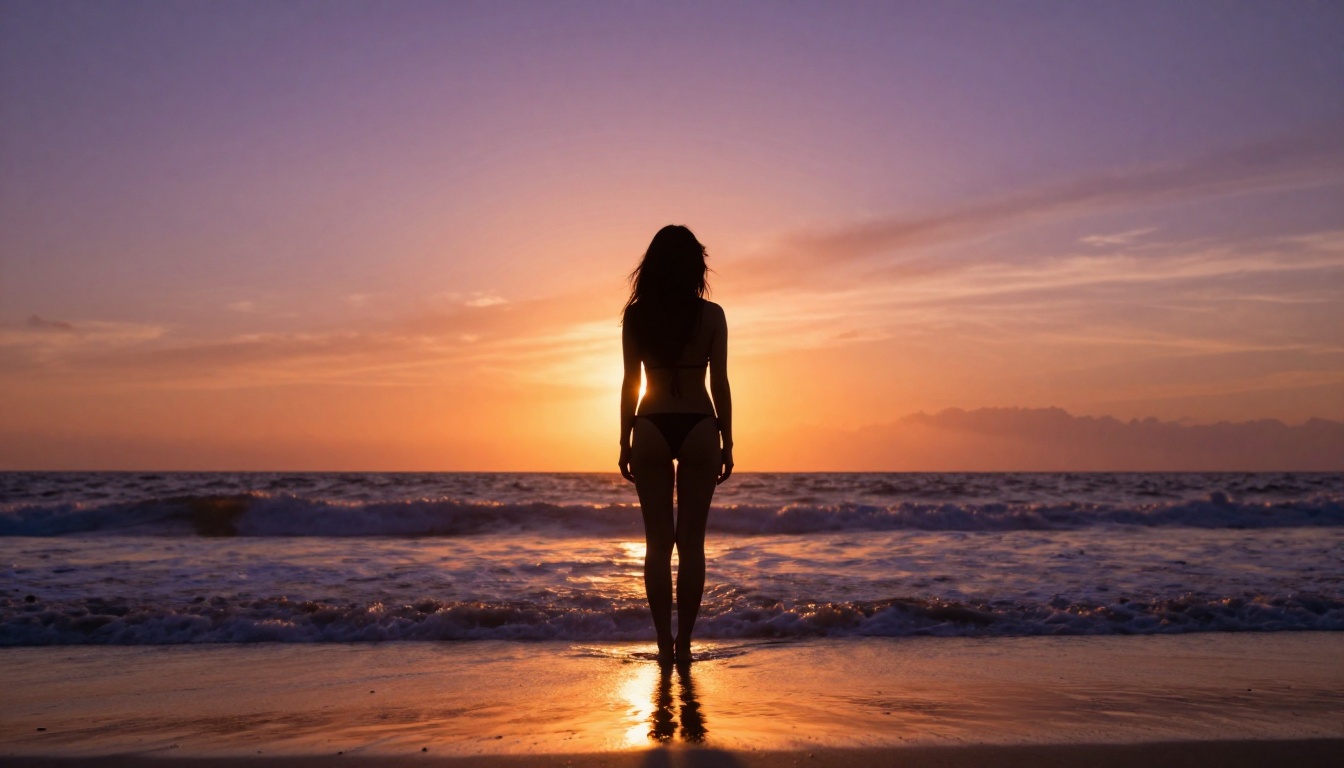
- "golden hour backlighting with rim light on hair"
- "warm candlelight from below right, amber tones"
Pair lighting descriptions with film stock references: "Kodak Portra 400" for warm, skin-flattering tones; "Fuji Velvia 50" for saturated, high-contrast outdoor shots; "Ilford HP5" for moody black-and-white results. These activate color science and grain characteristics associated with each film emulsion, producing far more analog-feeling results than prompts without film references.
How to Use Flux 1.1 Pro Ultra for Glamour Portraits
Flux 1.1 Pro Ultra is available directly on PicassoIA. Here's a practical step-by-step workflow for getting photorealistic glamour results:
Step 1: Set your aspect ratio
For portrait work, use 2:3. For editorial spreads or widescreen content, use 16:9. For social media posts, use 1:1. Aspect ratio affects how the model composes the scene, so decide this before writing your prompt.
Step 2: Write a structured prompt
Follow this sequence:
- Subject description: physical characteristics, expression, pose
- Wardrobe and styling details
- Environment and background setting
- Lighting conditions, be as specific as possible
- Camera body and lens specifications
- Film stock or processing aesthetic
Step 3: Add negative prompts
Block the most common failure modes: "cartoon, digital art, anime, CGI, painting, 3D render, plastic skin, airbrushed, oversaturated, watermark, text"
Step 4: Generate at maximum resolution
Flux 1.1 Pro Ultra supports native high resolution. If you need to scale further, the Super Resolution models on PicassoIA can upscale output 2x-4x while preserving photorealistic detail in skin, hair, and fabric textures.
Step 5: Iterate on the best result
Generate 4-6 variants with the same prompt and select the strongest. Small prompt edits, such as changing the lighting direction, adjusting the wardrobe color, or specifying a different lens, produce meaningfully different outputs and often reveal unexpected compositions worth keeping.
LoRA Models for Style Fine-Tuning
Standard models produce excellent baseline results, but LoRA (Low-Rank Adaptation) extensions take realism to another level by fine-tuning the base model on specific photographic styles and aesthetics.
On PicassoIA, p-image-lora and Flux Dev LoRA offer LoRA-augmented generation. The practical benefit: you can apply style LoRAs trained on editorial fashion photography, boudoir aesthetics, or specific lighting setups to dramatically shift output toward that style while retaining the base model's anatomical accuracy.
SDXL Multi ControlNet LoRA goes further by adding structural control. You can provide a pose reference, a depth map, or an edge detection map to control exactly how the subject is positioned in the frame, while the LoRA handles the visual style. This is particularly useful for adult content creators who need consistent poses across multiple images.
Pro Tip: For the most consistent results with LoRA models, keep LoRA strength between 0.6 and 0.85. Lower values preserve the base model's quality; higher values risk the style overwhelming the underlying anatomy accuracy and producing artifacts.
Three Mistakes That Kill Output Quality
Getting strong results from AI adult image generators isn't only about choosing the right model. These are the errors that consistently separate experienced creators from those still getting mediocre output.
Over-Prompting Ruins Detail
There's a counter-intuitive ceiling on prompt effectiveness. Beyond approximately 100-120 words, many models start producing confused output where too many directives conflict with each other. The model tries to weight all elements equally and the composition becomes incoherent.
The fix: identify your three most important visual elements and write those clearly. Add camera and lighting specifications. Stop there. A 75-word precision prompt beats a 250-word list of every possible detail you might want to include.
Wrong Aspect Ratios for the Subject
Generating a full-body portrait at 1:1 forces awkward cropping. Generating a face close-up at 16:9 wastes the wide frame. Match your aspect ratio deliberately:
- Full body standing: 2:3 or 9:16 (portrait orientation)
- Half body or waist up: 3:4 or 4:5
- Face close-up: 1:1 or 4:5
- Subject in environmental context: 16:9 or 3:2
Ignoring Negative Prompts
Every model drifts toward its own failure modes. Flux models occasionally over-smooth skin unless explicitly blocked. SDXL-based models can produce slightly cartoon-adjacent results without negative prompts. Realistic Vision sometimes adds excessive sharpening.
Build a standard negative prompt block and apply it consistently: "cartoon, illustration, painting, digital art, 3D render, CGI, anime, manga, watermark, text, logo, plastic skin, airbrushed skin, wax figure, unnatural proportions, extra fingers, deformed hands"
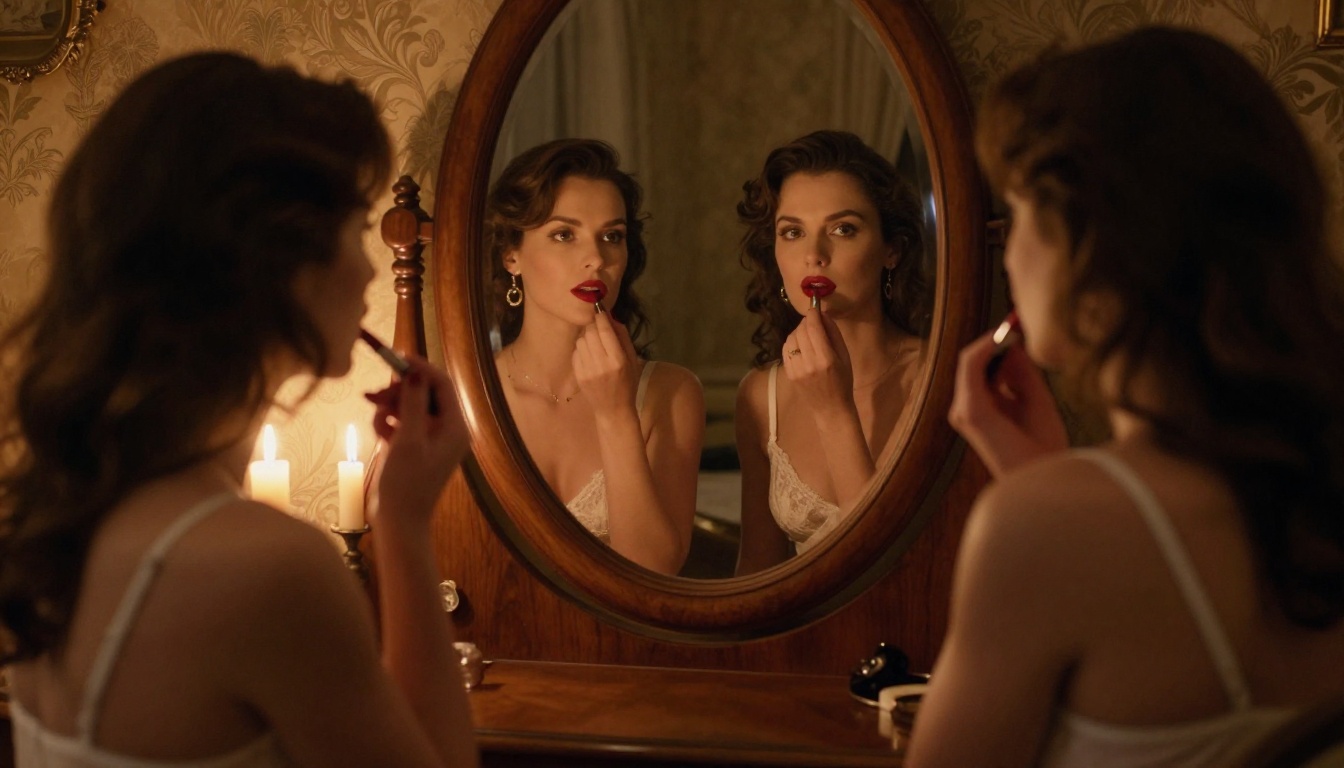
Start Creating Your Own Realistic Images
Every model covered in this article is accessible from a single platform. You don't need to juggle multiple subscriptions, API configurations, or local GPU installations to try Flux 1.1 Pro Ultra, Realistic Vision v5.1, RealVisXL v3.0 Turbo, or any of the others reviewed here.
PicassoIA gives you direct access to all of them in a clean interface built specifically for serious image generation work. Switch between models in seconds. Compare outputs side by side. Apply LoRA extensions, use ControlNet for pose guidance with SDXL ControlNet LoRA, or run Super Resolution upscaling on your best outputs, all from the same place with no setup required.
The best way to see what 2027-era AI adult image generation actually looks like? Generate something yourself. Pick any model from this article, write a detailed photography-style prompt with specific lighting and camera details, and see how close to reality these tools have genuinely gotten. The results will surprise you.


