Nobody types "AI adult movie" into a search bar hoping for a lecture. You want to know three things: which generators are free, how long a clip can actually be, and what to write in the prompt box so the result looks like cinema and not a glitchy slideshow. Here are the straight answers. Every clip you can make today is short, a "movie" is assembled from many of them, and the quality of your first frame decides almost everything that follows.
This article stays on the glamour side of the line: boudoir, lingerie, swimwear, silk robes, moody hotel rooms. That is where AI video looks best, where most platforms allow you to work, and where the results are worth watching.
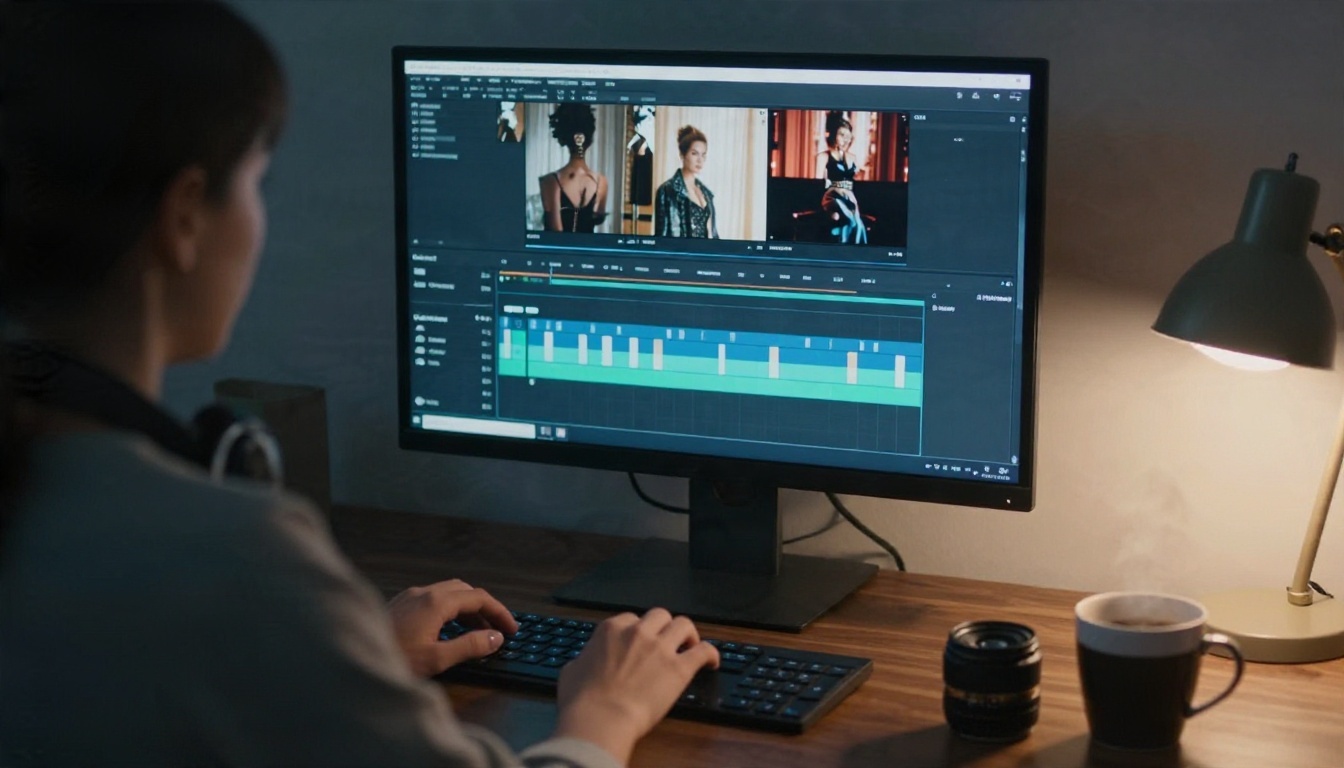
What "AI Adult Movie" Really Means
It is a stack of short clips
No single generator produces a ninety-minute film from one sentence. What you get is a clip of 5 to 30 seconds, sometimes with native audio, depending on the model. A finished "movie" is a sequence of those clips: an establishing shot, a close-up, a reaction, a wide shot, a cutaway to a detail. Think of yourself as a director with a very fast, very cheap camera crew.
That changes how you plan. Instead of one long prompt, you write a shot list. Each line becomes a clip. Each clip starts from a still image so the character, wardrobe and room stay consistent from shot to shot.
Where tasteful ends and explicit begins
Most mainstream video models block fully explicit material, and many of them are strict even about suggestive material. Models that are more permissive with glamour content (lingerie, bikinis, implied intimacy, artistic styling) give you a lot more room to work. Keep your project suggestive, never pornographic. It is easier to generate, easier to publish anywhere, and honestly it looks better. Restraint reads as cinematic. Shadows, fabric, glances and camera movement do the heavy lifting.
💡 Rule of thumb: if a shot would fit in a perfume advert or a late-night fashion film, a modern video model will usually render it well. If it would not, expect refusals, blur or broken results.
Free Video Generators Worth Using
"Free" comes in three flavors: truly unlimited, daily credits, and a watermarked trial. Here is what is worth your time.
Seedance 2.5 Lite for unlimited clips
Seedance 2.5 Lite is the easiest place to start if cost matters. It is a free, unlimited video generator with clips up to 10 seconds, which is long enough for most single shots in a boudoir sequence. Because there is no meter running, you can generate six takes of the same shot and keep the best one. That habit alone separates good AI films from mediocre ones.
Wan 2.5 for image to video
Wan 2.5 I2V Fast takes a still photo and animates it. That is the right mode for a character-driven project, since your first frame already contains the face, outfit and set. If you prefer to start from text, Wan 2.5 T2V and Wan 2.5 T2V Fast are the siblings to try. The Fast variants trade a little polish for speed, which is ideal while you are still testing shots.
Paid options for final quality
When a shot has to look perfect, step up:
| Model | Best for | Cost feel | Speed |
|---|
| Seedance 2.5 Lite | Free, unlimited tests and final shots | Free | Fast |
| Wan 2.5 I2V Fast | Animating a still frame | Low | Very fast |
| Kling v2.5 Turbo Pro | Camera moves, fabric motion | Medium | Medium |
| Veo 3.1 Fast | Clean footage with audio | Medium | Medium |
| Hailuo 2.3 Fast | Expressive photo animation | Low | Fast |
| Seedance 2.5 | Longest single clips | Higher | Medium |
Clip Length Limits Explained
Typical limits by model
Length is the first wall everyone hits. Published numbers vary between sources and change as models update, so treat the table below as a practical range and check the model page before you plan a long scene.
| Generator family | Typical single clip |
|---|
| Veo 3.1 | About 8 seconds |
| Wan 2.5 | About 5 to 10 seconds |
| Kling | Roughly 5 to 15 seconds |
| Hailuo | Around 6 to 10 seconds |
| Sora 2 | Roughly 10 to 25 seconds, depending on tier |
| Seedance 2.5 Lite | Up to 10 seconds |
| Seedance 2.5 | Up to 30 seconds |
If you want the longest unbroken shot, Seedance 2.5 is the one to pick, since it reaches roughly 30 seconds in a single pass. For free work, the 10-second ceiling of Seedance 2.5 Lite is generous.
Why clips stay short
Video models predict frames, and every extra second multiplies the chance that a face drifts, a hand sprouts a finger, or the bedroom rearranges its furniture. Providers also pay for every second of compute. Short clips keep quality high and costs sane. Longer outputs usually come from chaining: the model continues from the last frame of the previous clip.
How to stretch a scene
You do not need a long clip. You need a convincing sequence. Four tricks work every time:
- Cut on movement. End one clip as the camera starts to move and begin the next on the same motion from a new angle.
- Reuse the last frame. Export the final frame of clip one and use it as the starting image for clip two.
- Alternate wide and close. A 6-second wide shot followed by a 4-second close-up feels like 10 seconds of continuous film.
- Add a cutaway. A slow shot of a curtain, a lamp, or a glass of water hides any seam and gives the audio room to breathe.
Start With Stills, Not Text
Build your character with Seedream 4.5
Text-to-video alone gives you a different face every time. The fix is to build a reference still first. Seedream 4.5 is the model to lead with for glamour and boudoir imagery: sharp 4K output, natural skin texture, and good handling of silk, lace and swimwear. Generate your lead character in three or four outfits and settings, pick the best, and use those images as first frames for every video clip.
A reliable still prompt follows this order: subject and pose, wardrobe, location, light direction, lens, film stock. For example: "adult woman in a black silk robe on the edge of a hotel bed, soft morning light from the left, 85mm f/1.8, Kodak Portra 400 grain."
Fix details with Image Editor Pro
Once you have a promising frame, PicassoIA Image Editor Pro is where you polish it. It offers unlimited generations, so you can change a wardrobe color, swap a background, soften a harsh shadow or repair a hand without watching a credit counter. It is also fast, which matters when you are building a shot list of twenty frames and tweaking each one.
💡 Workflow that saves hours: generate stills in Seedream 4.5, correct them in Image Editor Pro, then animate the final versions in Seedance 2.5 Lite or Wan 2.5 I2V Fast. Only move a shot to a paid model if the free result is not good enough.
Other image models worth a test
If you want a different look, Seedream 5 Pro, Qwen Image 3 Pro, Riverflow v2.5 Pro and Riverflow v2.5 Fast each have their own color and skin rendering. Run the same prompt through two of them and pick the frame that feels most like your film.
Prompts That Work
A simple motion formula
A video prompt describes what moves, not what the picture looks like, because the first frame already shows that. Use this structure:
[Subject + starting pose] → [action over time] + [camera movement] + [light and atmosphere]
Example: "She sits on the edge of the bed, then slowly turns toward the window and lifts her chin. Slow dolly-in from eye level. Warm morning light drifts across the sheets, curtains move in a light breeze."
Eight prompts to borrow
Use these as starting points and swap in your own character and set:
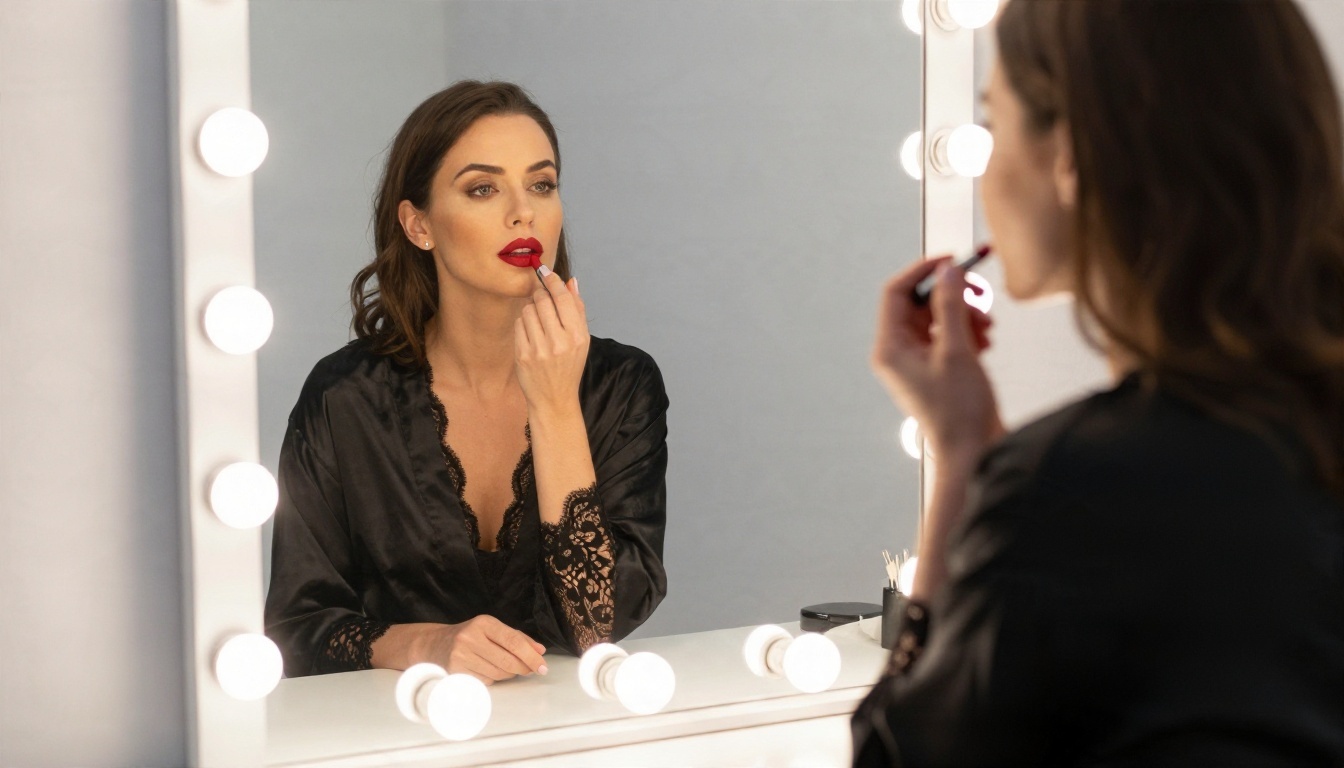
- Slow push-in on a woman at a vanity mirror, she glances at her reflection and smiles, warm bulb light flickers softly.
- Low-angle tracking shot along an infinity pool, she steps forward, water droplets catch the golden sun.
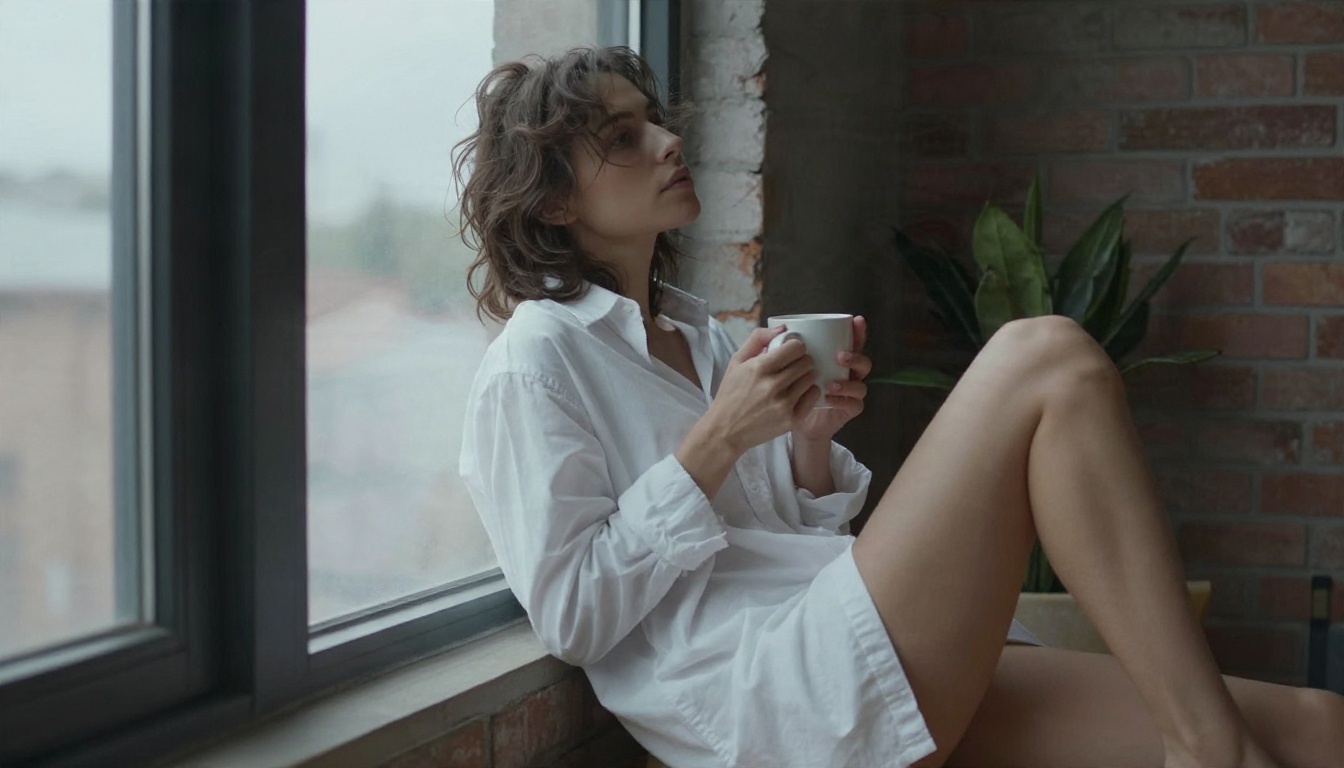
- Handheld medium shot, she crosses a loft in an oversized white shirt, hair moving, soft overcast light.
- Locked-off wide shot of a hotel bed, a silk robe slides off a chair back onto the floor, curtains breathe.
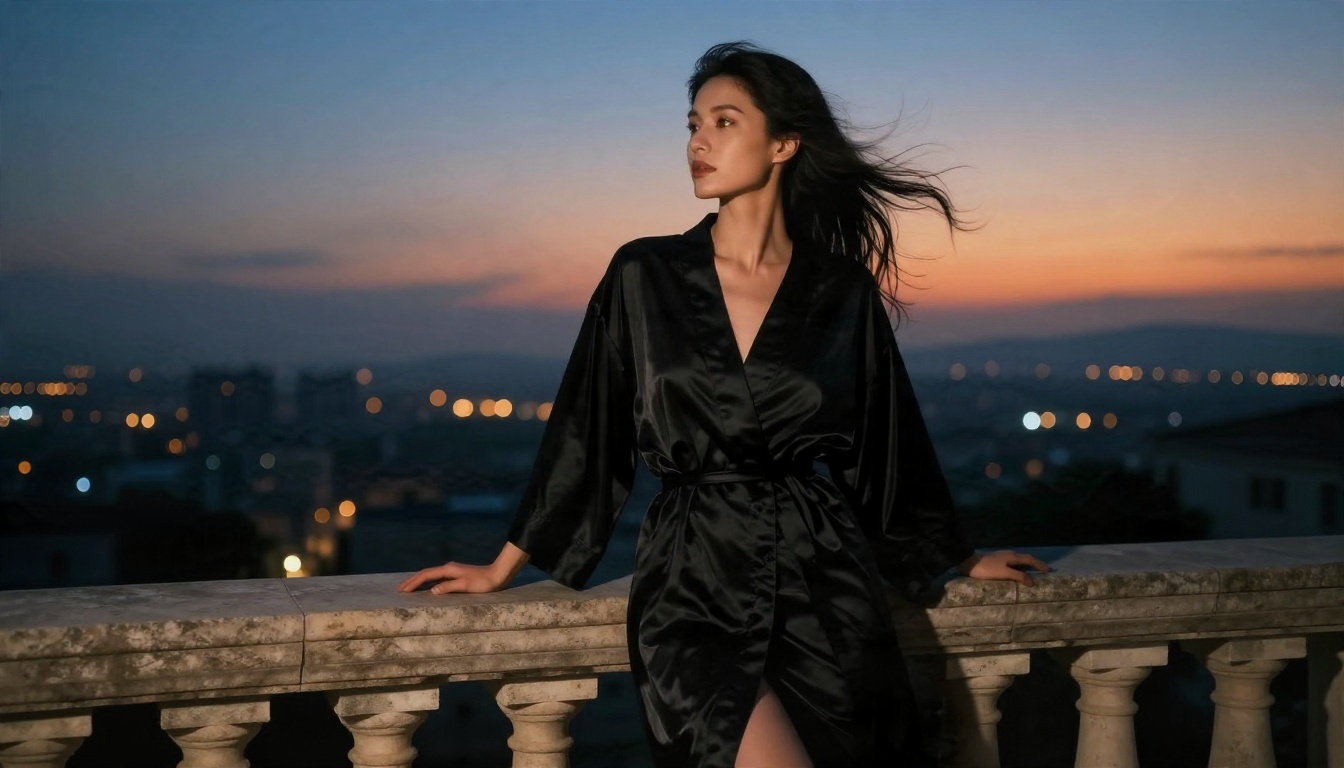
- Orbit around a woman on a balcony at dusk, city lights blink on, wind lifts the hem of her robe.
- Close-up on her eyes, she looks down then up into the lens, shallow depth of field, tungsten lamp glow.
- Slow pan across a candlelit dressing room, she adjusts an earring, quiet ambient room tone.
- Over-the-shoulder shot, she reads a note, folds it, and walks to the window, light moving across her shoulders.
Mistakes that ruin a shot
| Mistake | What happens | Fix |
|---|
| Describing the outfit again in the video prompt | The model redraws it and the look shifts | Describe only motion and camera |
| Asking for five actions in one clip | Limbs blur, faces drift | One action per clip |
| Fast camera moves | Warping at the edges | Slow dolly, pan or orbit |
| Vague light: "nice lighting" | Flat, plastic look | Name direction and source |
| No negative space | Cramped, static frames | Leave room on one side |
Build Scenes From a Shot List
The six-shot template
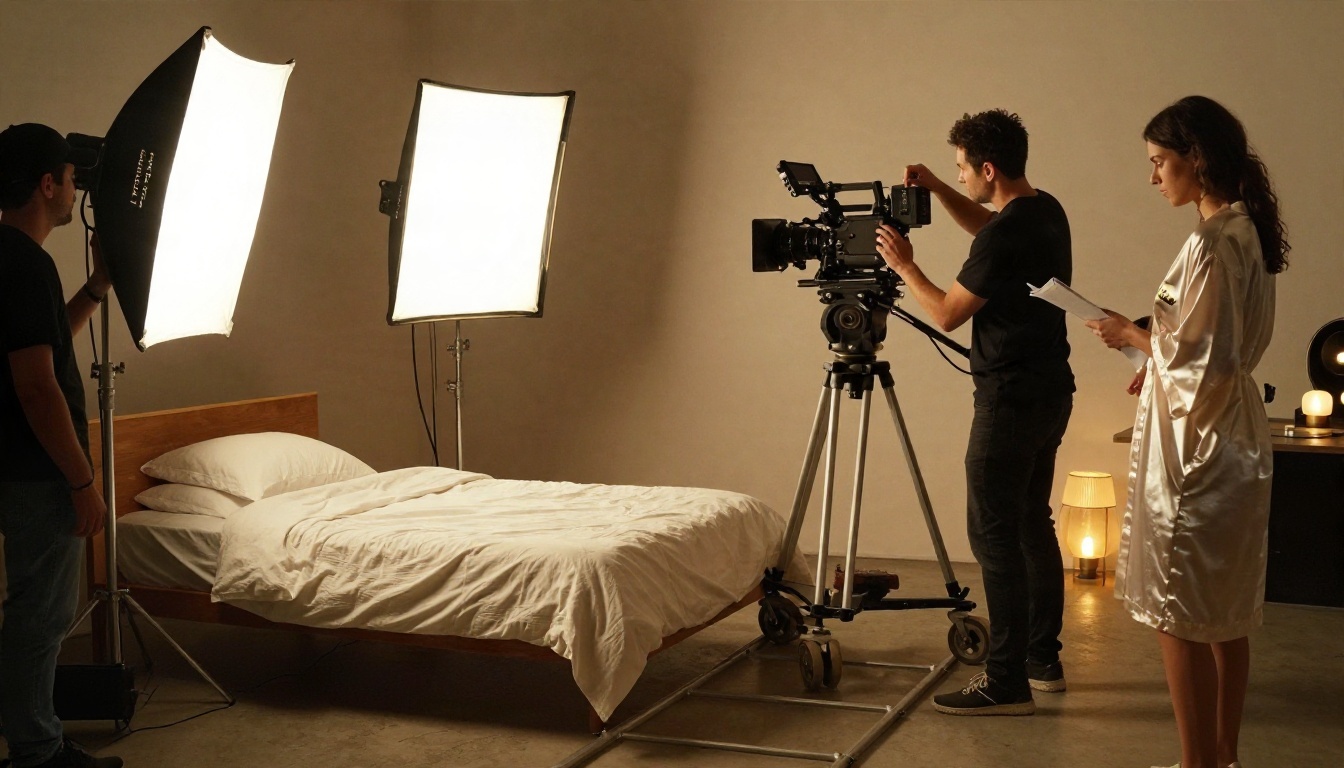
Here is a structure that turns a handful of 5-second clips into a 30-second sequence with a beginning, middle and end:
- Shot 1, establishing wide: the room or location, 5 seconds.
- Shot 2, medium: your character enters or settles, 5 seconds.
- Shot 3, detail: fabric, jewelry, a hand on a railing, 4 seconds.
- Shot 4, close-up: the face, a look or a smile, 5 seconds.
- Shot 5, movement: a walk, a turn, a camera orbit, 6 seconds.
- Shot 6, closing wide: pull back to the location, 5 seconds.
Use reference-based tools for consistency
When faces drift between clips, PicassoIA Reference To Video lets you feed in reference images, video and audio so the model sticks closer to the look you chose. It is worth trying when a single character appears in many shots.
Editing the Final Cut
Pacing and sound
Cut every clip earlier than feels natural. AI clips are strongest in their first three seconds and weakest in the last two, so trim the tail. Set a steady rhythm: wide, medium, close, detail. Models such as Veo 3.1 Fast and Seedance 2.0 Mini produce native audio, but a single music bed or room-tone track laid under the whole edit makes separate clips feel like one film.
Color and grain
Apply the same grade to every clip. A warm, slightly lifted-shadow look with fine film grain hides small differences between generations and gives the sequence a consistent texture, the way a film stock would on a real shoot.
Rules You Should Follow
This part matters more than any prompt:
- Adults only. Every character must be clearly and unmistakably an adult. No exceptions, no ambiguity.
- No real people. Never generate the likeness of an actual person without their written consent. That includes celebrities, coworkers and exes.
- Respect platform rules. Each site that hosts your video has its own adult-content policy. Read it before you upload.
- Label AI content where required, and keep your source files in case a platform asks.
- Stay non-explicit if you want your work to be shareable and your accounts safe.
Make Your First Scene Today
You do not need a studio, a crew or a budget. Open Seedream 4.5 and create a lead character. Refine the frame in PicassoIA Image Editor Pro, which has no cap on generations. Then animate it with Seedance 2.5 Lite for free, and repeat for each shot in your list. Six clips later, you have a short film with a real look.
Experiment with different outfits, lenses and camera moves, and keep the takes you like. When you want more options, browse every image and video model at picassoia.com/en/all-models and build the scene you had in mind.


