A birthday video used to mean a shaky phone clip, a slideshow set to a song nobody picked, and an hour of editing the night before the party. Now you can type one sentence about a dinosaur cake, press generate, and watch a short, bright clip appear in a few minutes. That is the promise of AI birthday videos, and for kids' parties it fits better than almost any other use of video generation: the scenes are short, the themes are simple, and nobody expects a Hollywood budget.
This article is a practical look at AI Birthday Videos: Free Makers, Prompts, Examples and Ideas for Kids. You will find which kinds of tools make these videos, which ones cost nothing to try, prompts you can paste as they are, a table of ideas sorted by age, and the mistakes that waste the most time.

What AI Birthday Videos Actually Are
An AI birthday video is a short clip made from a text prompt, a still image, or both, then finished with a voice, a song, or a caption. You describe the scene, the model produces motion, and you stitch two or three clips into something a child will happily watch on repeat.
Three Kinds Parents Make
Most birthday videos fall into one of three buckets:
- The animated greeting. A character, an animal, or a toy sings or speaks to the birthday child. Usually 5 to 10 seconds, used as a card or a text message.
- The party opener. A tiny story played on the TV before the cake: a rocket launches, a superhero lands, a dragon blows out a candle.
- The memory reel. Real photos brought to life with gentle motion, then paired with music. Perfect for grandparents who live far away.
Each one asks for a different workflow, but all three start with the same thing: a very clear idea of what the child loves right now.
Who Uses Them
Parents are the obvious group, but teachers, older siblings, and grandparents use birthday clips too. A teacher can make a class greeting in the time it takes to eat lunch. A grandparent can send a clip of a cartoon bear wishing a grandchild happy birthday in a favorite language. A sibling can build a surprise reveal for a party. The common thread is speed: short, personal, and made in one sitting.
💡 Tip: Kids notice details adults skip. If your child is obsessed with tractors, a tractor in the clip will beat a perfectly lit cake every time.
Free Makers Worth Trying
"Free" is the word most parents search for, and it deserves an honest answer. Some tools are free with daily limits, some give you a handful of credits, and a few offer unlimited generations on lighter models. The sections below sort the field by job, not by hype.

Text to Video Models
This is the core of any birthday video. You write the scene, the model draws and animates it. On PicassoIA, several options suit birthday clips:
- PicassoIA Video is a free and unlimited video generator that accepts text or an image, which makes it the easiest place to practice.
- Seedance 2.5 Lite is listed as a free and unlimited generator with clips up to 10 seconds, long enough for a full greeting.
- Wan 2.5 T2V Fast is quick for testing several ideas before you commit to one.
- Veo 3.1 Lite produces clips with native audio, so a character can speak or a party sound can play without extra editing.
- Kling v3 Video is a strong pick when you want more cinematic motion for a party opener.
If you already have a lovely still image, such as a drawing your child made or a stylized portrait of a stuffed toy, an image to video model keeps the look consistent. Wan 2.5 I2V Fast and Wan 2.7 I2V both animate a single image.
Voice and Music Tools
A silent clip feels unfinished, and birthdays are loud. Two small additions make a big difference:
- Voice: Gemini 3.1 Flash TTS offers many voices and languages, handy for a message in a grandparent's native tongue. Realtime TTS 2 is another natural option for short greetings.
- Music: Music 2.6 creates full songs from a description, so you can ask for a cheerful ukulele birthday tune with a child's name in the lyrics. Lyria 3 is an alternative when you want an instrumental backing track.
What Free Really Means
| Type of "free" | What you get | Best for |
|---|
| Unlimited on a light model | Many tries, shorter clips, lower detail | Practice, quick greetings |
| Daily credits | A few high-quality generations per day | One polished opener |
| Free trial credits | One-time budget across models | Comparing models once |
| Free tools with watermark | Easy sharing, branding on the clip | Group chats only |
💡 Tip: Draft on the unlimited model, then re-run only your best prompt on a stronger model. You save credits and avoid regret.
A Simple Workflow That Works
You do not need a storyboard app. You need three small steps and about 30 minutes.
Step 1: Write the Moment
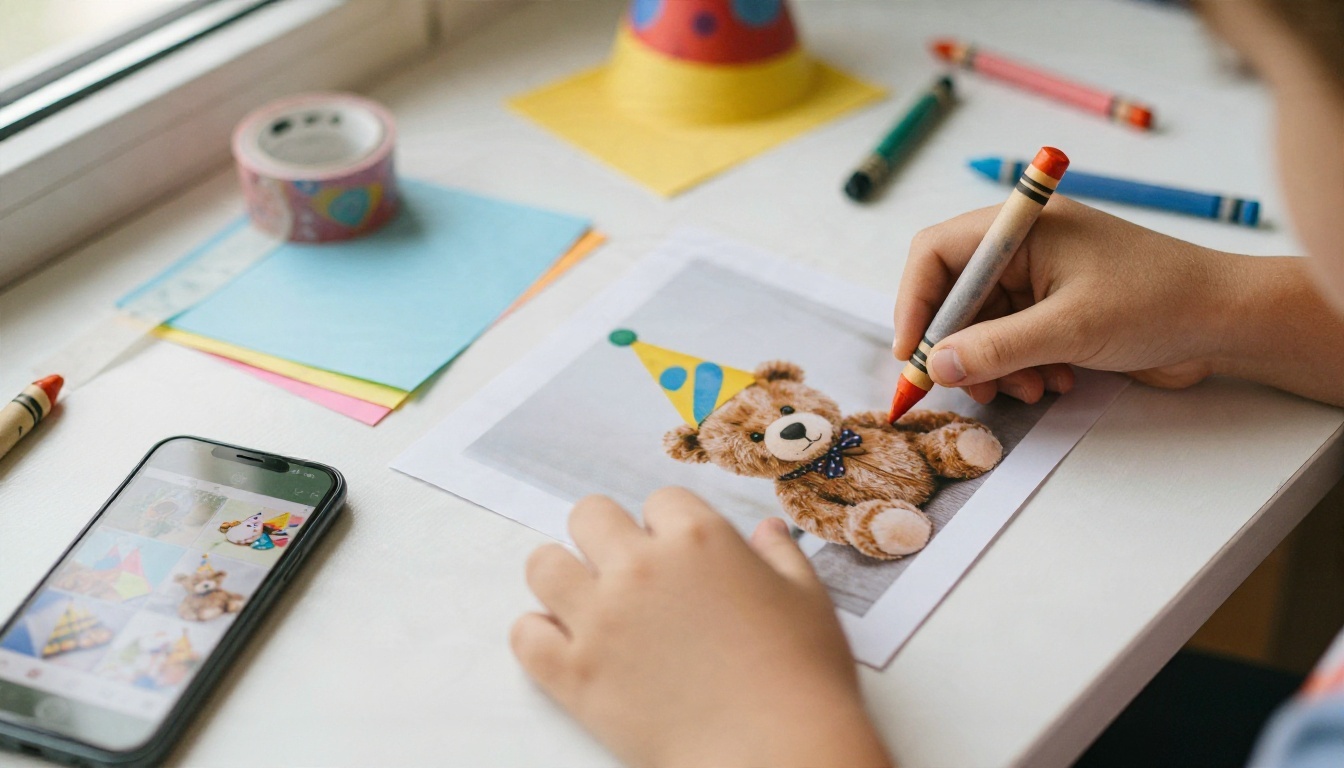
Before touching any tool, write one sentence about what the child will feel. "A bear delivers a cake to Maya's birthday in a snowy forest" is a story. "Birthday video" is not. Keep three things in your head: who is in the scene, where they are, and what happens in five seconds.
Step 2: Generate Short Clips
Aim for two or three clips of 5 to 10 seconds each. Short clips are easier to get right than long ones, and kids do not need more. Generate three versions of each idea, then pick the one with the clearest motion. If a character's face drifts or a hand looks odd, change one word in the prompt and try again instead of rewriting everything.
Step 3: Add Voice and Music
Record or generate a line like "Happy birthday, Maya! Today is all yours." Short sentences sound more natural in text to speech than long ones. Then add a bright song from a music generator, keep the volume lower than the voice, and export. Any phone video editor can join the clips in a few taps.
💡 Tip: Say the child's name early. A kid hearing "Maya" in the first two seconds will stop whatever they were doing.
Prompts You Can Copy
Good prompts for birthday videos read like a tiny film scene. They include a subject, a setting, a motion, a camera move, and a mood. Replace the names and colors, and they work in most text to video models.
Cake and Candles
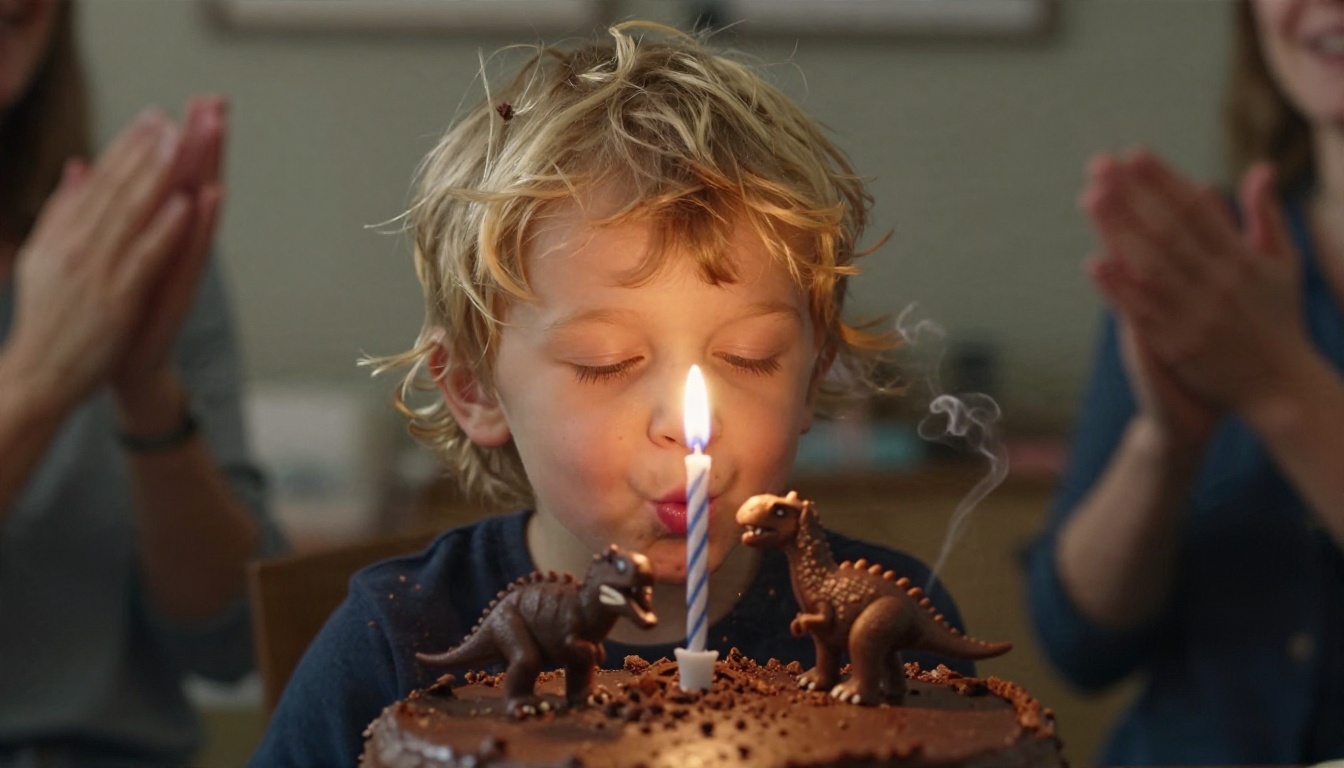
A close-up of a chocolate birthday cake with five candles on a wooden table, a small toy dinosaur on top, warm candlelight, a child's hands clapping in the background, the flames flicker gently, the camera slowly pushes in, cozy evening light, natural colors.
Works best as a party opener right before the real cake appears. Add a voice line: "Make a wish!"
Superhero Party
A group of cheerful children in colorful capes running across a green backyard lawn at golden hour, pastel bunting and string lights above, capes flowing behind them, the camera follows low to the ground, bright and playful, realistic fabric and grass.
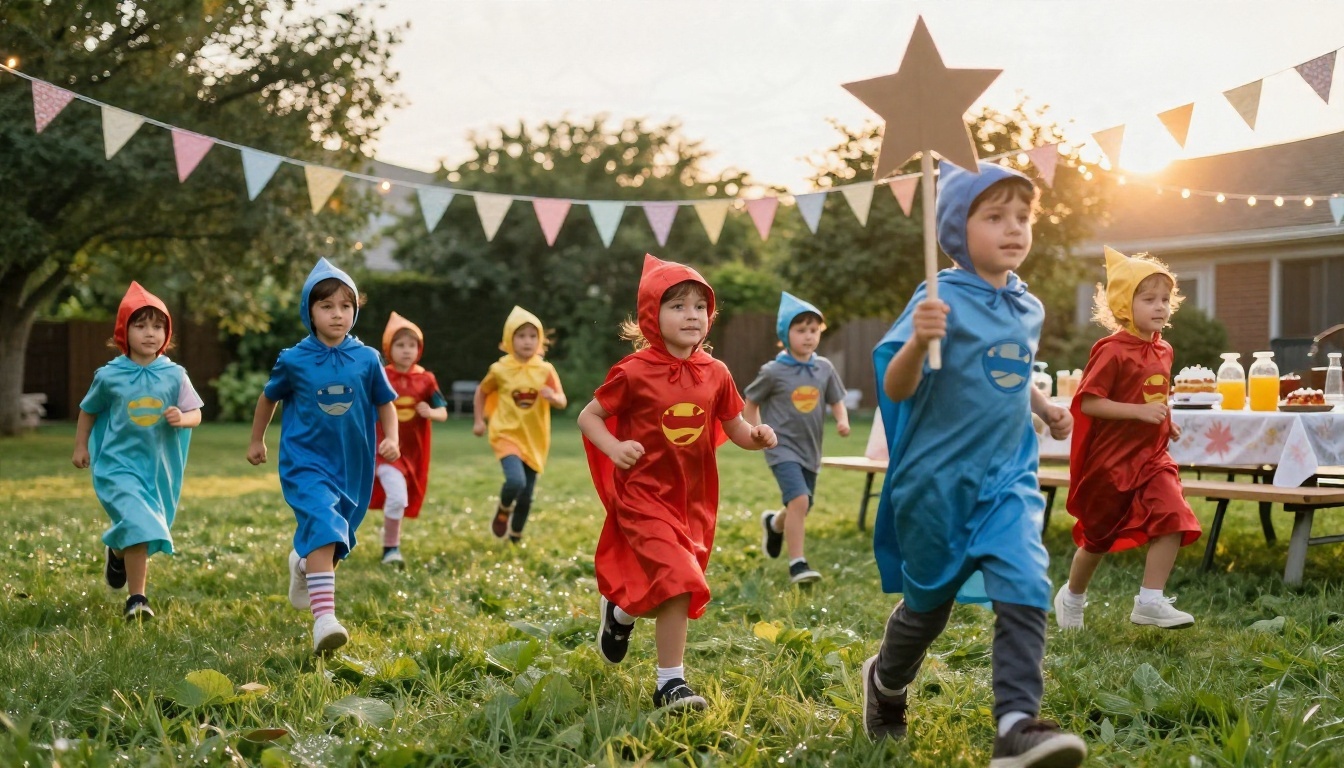
For an even stronger result, add the birthday child's cape color. Kids love seeing their own detail in the scene.
Princess Garden
A little girl in a soft tulle dress holding a bunch of pastel balloons in a sunlit flower garden, petals drifting in the breeze, the balloons sway gently, the camera circles slowly around her, warm backlight, dreamy but realistic.
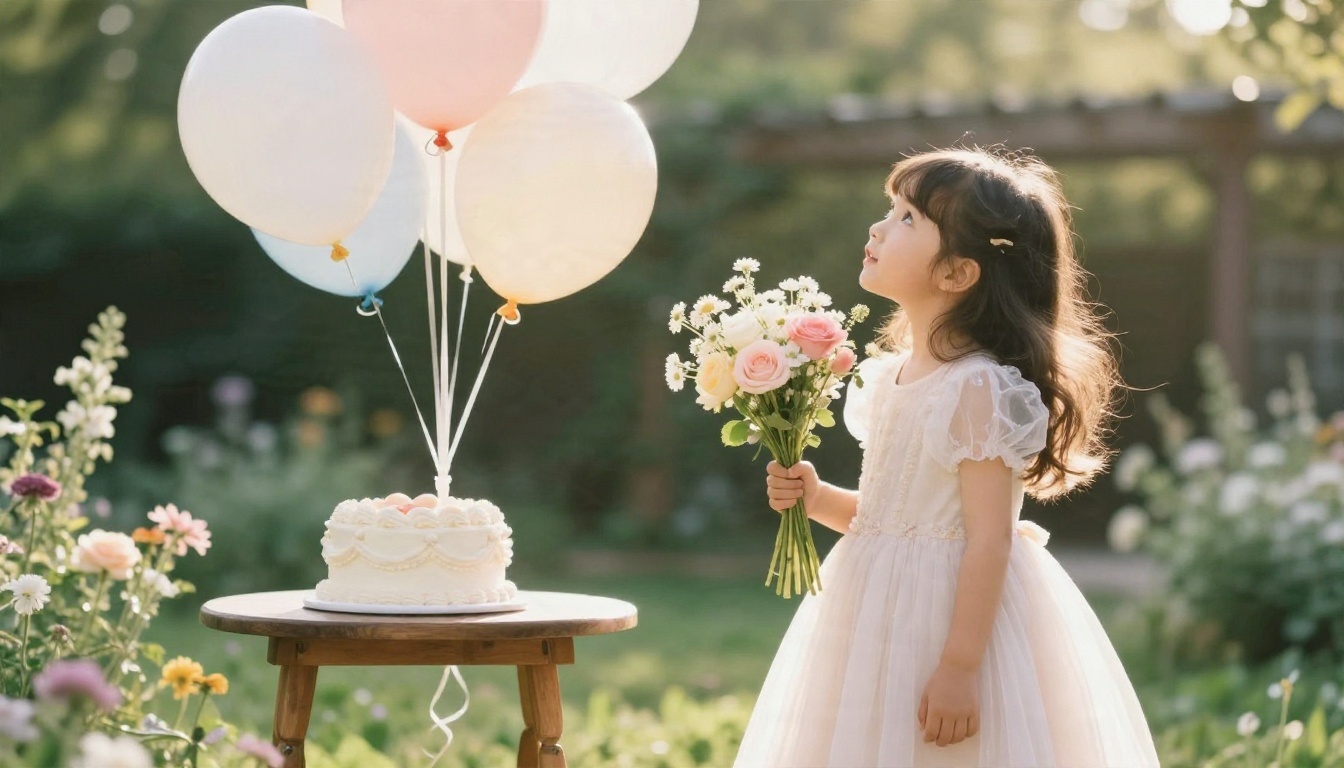
Swap the dress for a crown, a fairy wing set, or a pony, depending on what the child is into this month.
Space Adventure
Four children in silver paper helmets sitting around a low table with a moon-shaped cake, tiny star lights moving slowly across the ceiling, the children look up in wonder, a gentle dolly-in, warm lamp light, cozy and magical.
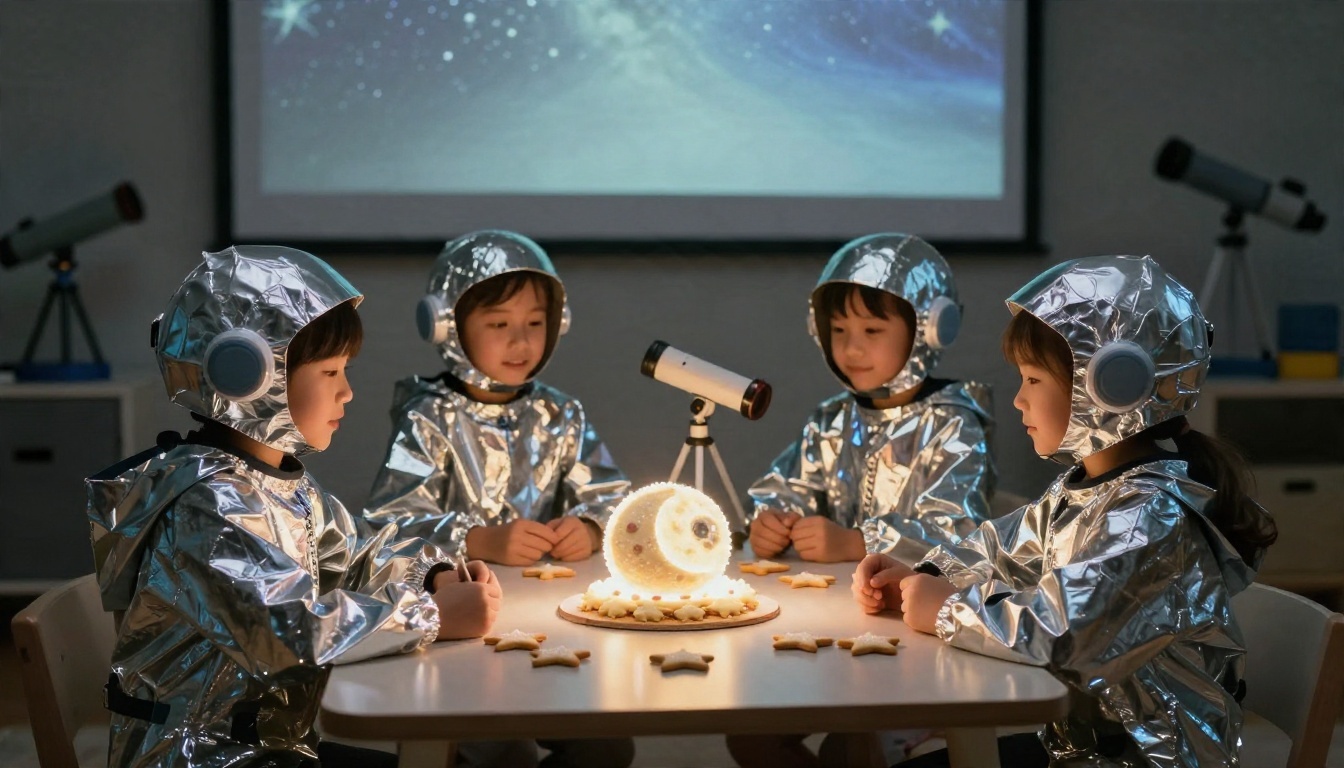
Space themes work well for ages six to ten, especially when you pair the clip with a countdown voiceover: "Three, two, one, blast off into your birthday!"
💡 Tip: Keep each prompt under 70 words. Long prompts with ten ideas usually produce confused clips. One idea, one clip.
Birthday Video Ideas by Age
What works for a three-year-old will bore a ten-year-old. This table gives you quick starting points, matched to attention span and humor.
| Age | Best idea | Length | Add-on |
|---|
| 2 to 3 | A talking animal sings a short birthday line | 5 sec | Simple voice, no music |
| 4 to 5 | Dinosaur or truck delivers the cake | 5 to 8 sec | Cheerful kids song |
| 6 to 7 | Superhero arrives and announces the birthday | 8 to 10 sec | Dramatic voiceover |
| 8 to 9 | Space mission with a countdown to cake | 10 sec | Instrumental theme music |
| 10 to 12 | Short "movie trailer" with the child as hero | 10 to 20 sec | Epic music, friend names |
| Any age | Grandparent greeting animated from a photo | 5 to 10 sec | Recorded real voice |
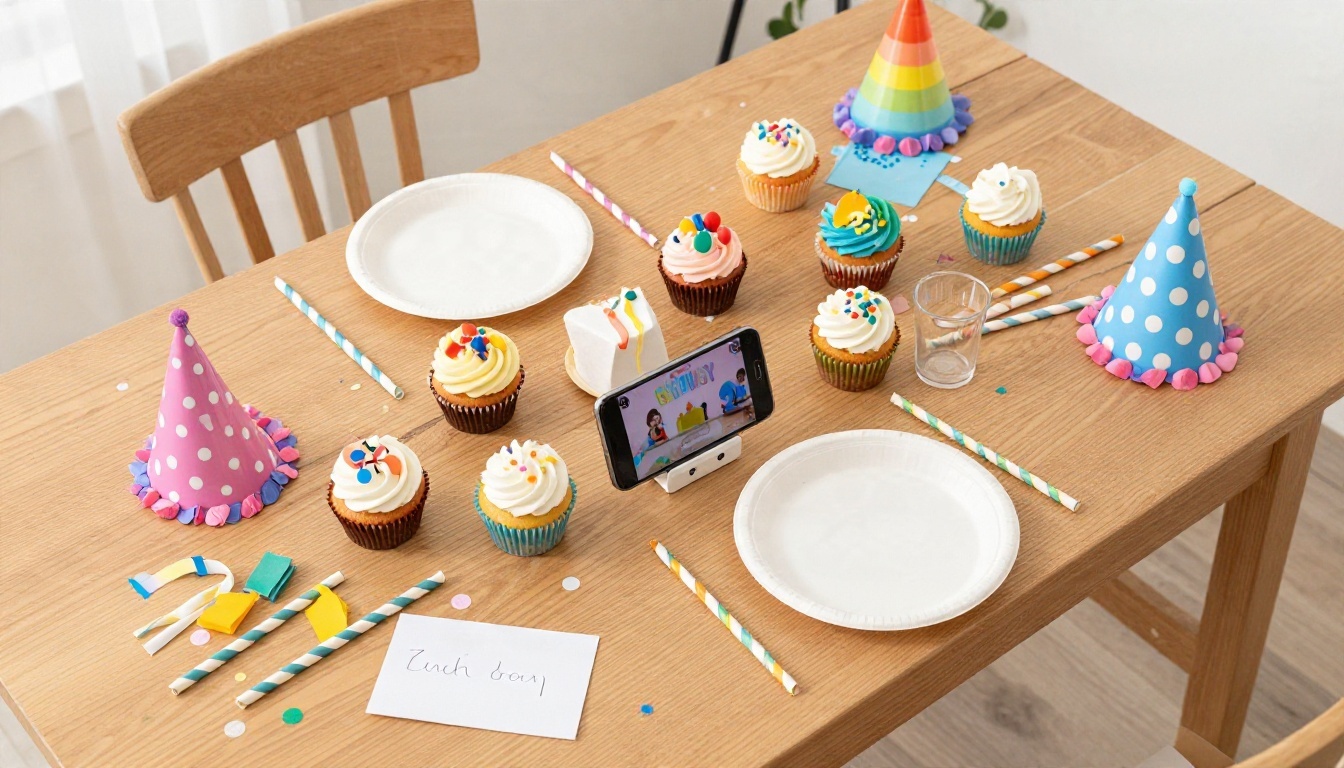
Ideas for Younger Kids
Toddlers respond to faces, animals, and sounds. Keep the scene calm and the colors bright. A rabbit blowing a bubble that pops into confetti, a bear with a cupcake, or a giraffe wearing a party hat are all easy to prompt and easy for little ones to follow. Avoid fast camera moves, which can feel overwhelming at that age.
Ideas for Older Kids
Older kids like to be in on the joke. Let them help write the prompt, choose the theme, or pick the music style. A ten-year-old will love seeing a "trailer" with their name and their friends' nicknames, and they will often tell you exactly what to change in the second version. That turns the video into a small creative project, not just a gift.
Mistakes That Waste Time
A few predictable problems account for most of the frustration with birthday clips.
Too Many Subjects
Prompts with six children, a cake, a dog, a banner, and a magic trick tend to blur. Pick one hero and one supporting object. If you need a crowd, make it a background detail, not the subject.
Text Inside the Video
Most models still struggle with letters inside the scene. A cake that says "Happy Birthday Maya" may come out as a sweet-looking jumble. Add the name as a caption in your editor, or let the voiceover say it.
Skipping the Sound
A well-made clip with no sound feels flat. Even a short soft jingle gives it a party feel. If you use a model with native audio such as Veo 3.1 Lite, check the clip with the volume on before moving to the next one.
Chasing One Perfect Take
Generate three, choose one, and move on. Parents lose entire evenings trying to fix a tiny glitch that a five-year-old will never notice.
Keep It Safe and Kind
Kids' videos deserve a bit more care than a meme.
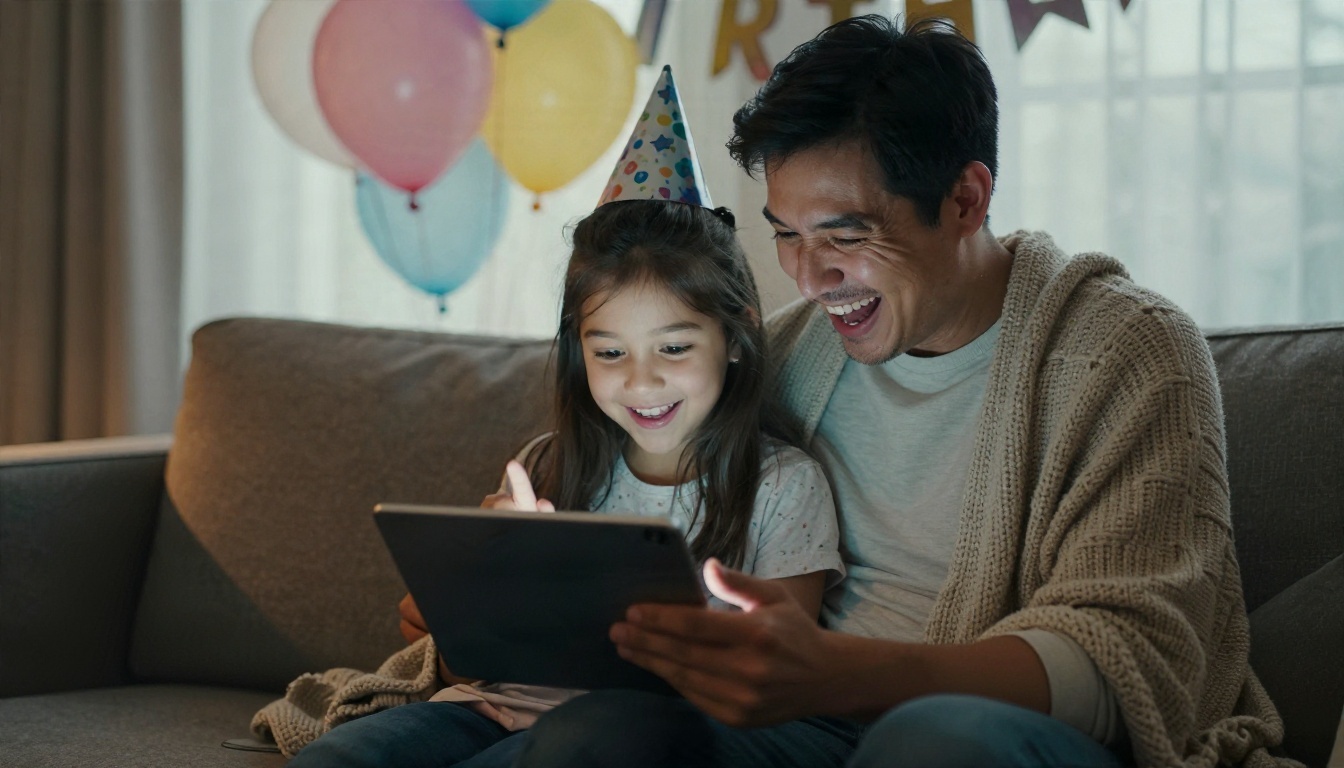
- Be careful with real photos of children. Before uploading a photo of a child to any tool, read how that service stores and uses images. When in doubt, use a drawing, a toy, or a stylized character instead.
- Ask the child. Older kids often have strong opinions about how they look. Let them veto a version.
- Share privately. Send the finished video directly to family through a private chat instead of posting it publicly.
- Label it if you share widely. A short note such as "made with AI" keeps everyone informed, especially when a clip shows realistic people.
Long-Distance Birthdays
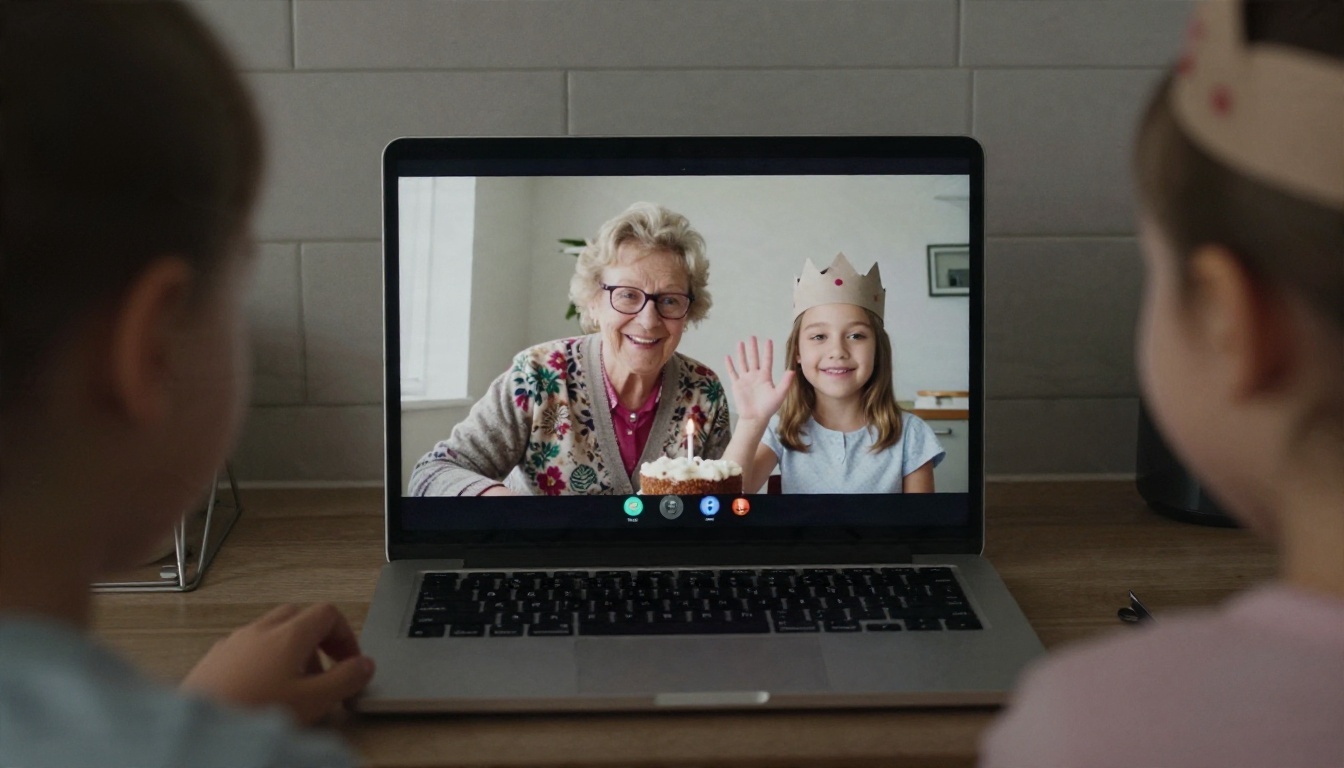
Distance is one of the best reasons to make these videos. A grandparent who cannot be at the party can record a short message, and you can animate a photo or a character to deliver it. Combine it with a live call for the cake moment, and the whole family feels present.
A Small Checklist
- Pick the theme the child loves this month.
- Write one sentence for each clip.
- Generate three versions of each.
- Add a short voice line with the child's name.
- Add a cheerful song at a low volume.
- Preview it once with the family before the party.
Make Your First One Today
You do not need a studio, a script, or a free weekend. You need one idea, one prompt, and about half an hour. Open PicassoIA Video, paste the cake and candles prompt above, change the name and the toy on top, and watch what comes back. If it works, add a short voice with Gemini 3.1 Flash TTS and a bright song from Music 2.6.
If you want to compare more options, browse all PicassoIA models and try the same prompt on two or three of them. Small changes in wording often lead to completely different clips, and that is part of the fun. Experiment with a dinosaur one day and a space mission the next, and let the birthday child steer.
Birthdays pass quickly. A short, silly, personal video lasts a lot longer than the cake does.


