You finished the manuscript. Now a blank rectangle stands between you and the "publish" button, and every tool you try wants an account, a credit card or a watermark across the middle of your art. That is the exact moment most indie authors lose a weekend. The good news: an AI book cover generator free no sign up workflow is realistic in 2027, provided you know what to ask for, which sizes to export, and which traps quietly get a file rejected at upload.
This article walks through the whole path: how to spot a truly watermark-free tool, the pixel sizes for Kindle ebooks, the spine math for paperbacks, prompts you can copy for five genres, and the mistakes that make a jacket look amateur on a crowded shelf. Everything here is written for people who want a finished file, not a theory lesson.

What "Free, No Sign Up" Really Means
The phrase sounds simple, but it hides three separate promises, and tools rarely keep all three.
The three promises to check
| Promise | What to test | Red flag |
|---|
| No sign up | Can you generate before entering an email? | A "free trial" wall appears after you type the prompt |
| No watermark | Is the downloaded file clean at full size? | A logo in a corner or a tiled pattern |
| Commercial use | Can you sell books with the image? | Terms say "personal use only" |
A tool can pass the first and fail the second. Many sites show a clean preview, then stamp the download. The only reliable test is the cheapest one: run one throwaway prompt, download the file, and open it at 100% zoom before you invest an hour in refining anything.
💡 Tip: Check the terms for the words "commercial use" before you publish. A watermark-free image you are not allowed to sell is worse than a watermarked one, because you find out after the books are printed.
Why the preview lies
Preview thumbnails are small and compressed, so they hide soft edges and mangled lettering. What looks sharp on a phone screen can fall apart on a 6 × 9 inch print. Always judge the downloaded file, not the thumbnail.
What PicassoIA offers
PicassoIA hosts dozens of image models you can open from a single page, so you can compare results without hunting across sites. Requirements around accounts and output can differ per model, so open the model page first and read what the tool asks for before you type your prompt. The full list lives at picassoia.com/en/all-models.
KDP Sizes You Must Get Right
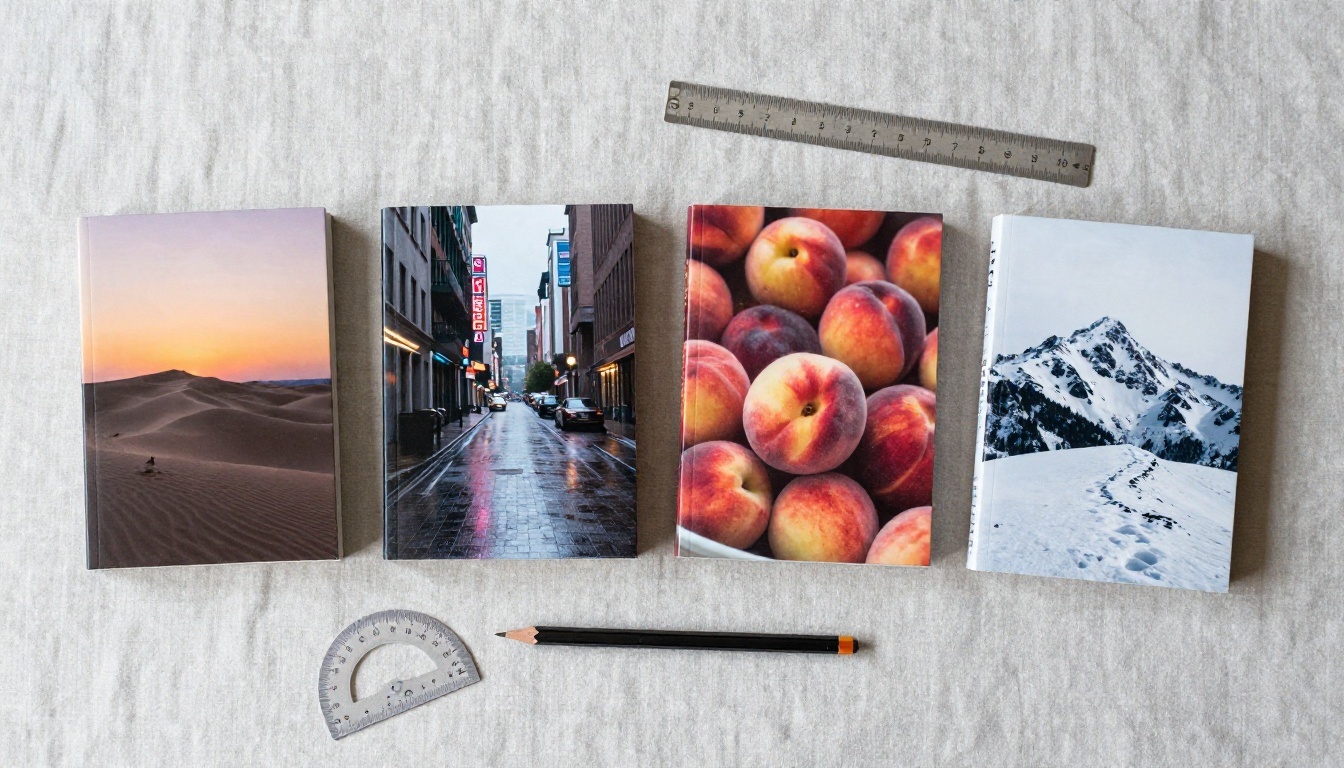
Sizes are where free tools get slippery, because most of them export a square or a generic poster ratio. Amazon KDP wants specific dimensions, and a wrong ratio means cropping or rejection.
Kindle ebook size
An ebook uses the front image only. No spine, no back panel, no bleed.
| Spec | Value |
|---|
| Recommended size | 1600 × 2560 pixels (width × height) |
| Ratio | Roughly 1:1.6, portrait |
| Minimum shown by many guides | 625 × 1000 pixels |
| Format | JPEG or TIFF, RGB color |
| File weight | Under 50 MB |
Notice the orientation: 1600 wide and 2560 tall. People often flip those numbers and end up with a landscape image that looks wrong on every reader.
Paperback wraparound size
A print jacket is one wide image: back panel, spine, front panel, plus a 0.125 inch (3.2 mm) bleed on every outer edge. The formulas are:
- Total width = bleed + back panel + spine + front panel + bleed
- Total height = bleed + trim height + bleed
- Spine width = page count × paper thickness
Paper thickness depends on the stock. One widely used calculator applies about 0.002252 inch per page for white paper, 0.0025 for cream, and 0.002347 for premium color. Here is a worked example for a 6 × 9 inch book with 200 pages on white paper:
| Part | Calculation | Result |
|---|
| Spine | 200 × 0.002252 | 0.4504 in |
| Width | 0.125 + 6 + 0.4504 + 6 + 0.125 | 12.7004 in |
| Height | 0.125 + 9 + 0.125 | 9.25 in |
At 300 DPI that is about 3811 × 2775 pixels.
💡 Tip: Always confirm the final numbers with KDP's own template calculator after you set your page count. Third-party figures are handy for planning, but a spine error of a fraction of a millimeter can still trigger a rejection.
Spine text threshold
Very thin books have no room for lettering on the spine. Sources disagree slightly on the cutoff, with figures between 79 and 80 pages, so treat anything under 80 pages as spine-text-free and keep the spine a plain color or image.
Build a Jacket in Four Steps
You do not need design software. You need a clear brief, one strong image, and a way to place the title cleanly.
Step 1: Write a one-line brief
Before you open any tool, fill this sentence: "A [genre] book about [one image], mood: [two adjectives], palette: [two or three colors]." For example: "A coastal mystery about a lighthouse keeper, mood: lonely and tense, palette: teal, amber and charcoal." That single line becomes the skeleton of every prompt.
Step 2: Generate the artwork without the title
This surprises people. Ask the AI for the image only, and leave a calm area where the title will sit, such as open sky, a dark foreground or a soft fog band. Models are far better at scenes than at spelling your name correctly across a book.
If you do want lettering built into the image, pick a model known for text. Ideogram v4 Quality and GPT Image 2 are the two I would test first, and P Image Ideogram is a lighter option when you want quick drafts.
Step 3: Set the portrait ratio
Choose a portrait ratio close to 1:1.6 from the start. If the tool only offers fixed shapes, generate at the closest one and extend the edges later rather than stretching, which distorts faces and horizons.
Step 4: Place the title and export
Add your title and author name in any free layout tool or word processor, export as JPEG at the sizes above, then view it at thumbnail size. If you cannot read the title at the size of a postage stamp, the jacket will not sell on a storefront page.
Pick the Right Model
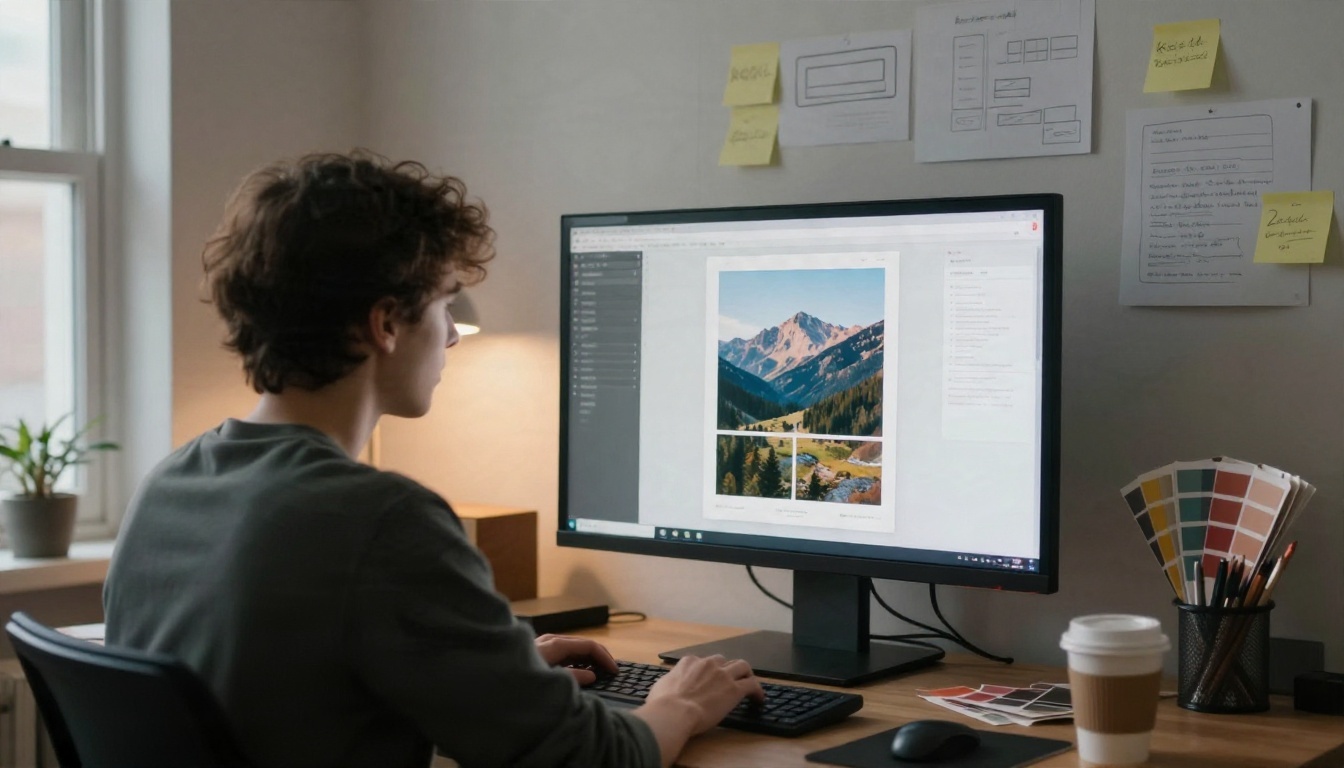
Not every model suits book art. Some excel at photographic scenes, others at clean typography or print resolution. Here is how the options on PicassoIA compare for this specific job.
When text matters most
Non-fiction, business and self-help books live and die by the title. In that case start with Ideogram v4 Quality or GPT Image 2 and keep the title to three or four words. Long subtitles belong in your layout tool, not in the prompt.
When the picture matters most
Thrillers, romance, fantasy and literary fiction sell on mood. Try Seedream 4.5 or Nano Banana Pro for scene work, then add lettering yourself. Run the same prompt on two models and keep the stronger result. It takes a minute and often changes the whole direction.

Prompt Examples by Genre
Copy these, then swap the nouns. Each one leaves space for the title and states the ratio.
Thriller
Portrait book jacket artwork, a lone figure standing on a rain-soaked pier at dusk, heavy fog, teal and amber palette, photographic realism, dark empty sky in the upper third for the title, 1:1.6 portrait ratio, no text.
Romance
Portrait book jacket artwork, two coffee cups on a sunlit cafe table by a window, soft peach and cream palette, shallow depth of field, warm natural light, clean negative space at the top, 1:1.6 portrait ratio, no text.
Fantasy
Portrait book jacket artwork, a stone bridge crossing a misty valley at sunrise, ancient forest below, cool blue and gold palette, wide cinematic perspective, open sky area for the title, 1:1.6 portrait ratio, no text.
Business and self-help
Portrait book jacket artwork, a single open door in a bright concrete wall, bold color block of deep orange against grey, minimal composition, strong silhouette readable at thumbnail size, centered empty area for a large title, no text.
Children's story
Portrait book jacket artwork, a small red boat on a calm blue lake with a curious fox on the shore, soft morning light, gentle storybook mood in a photographic style, open sky for the title, no text.
💡 Tip: Name a palette of two or three colors in every prompt. Palette is the cheapest way to make a series of books look related.
Fix the Mistakes That Hurt Sales
Free tools make generation easy, which means thousands of authors ship the same flaws. These are the ones worth fixing.
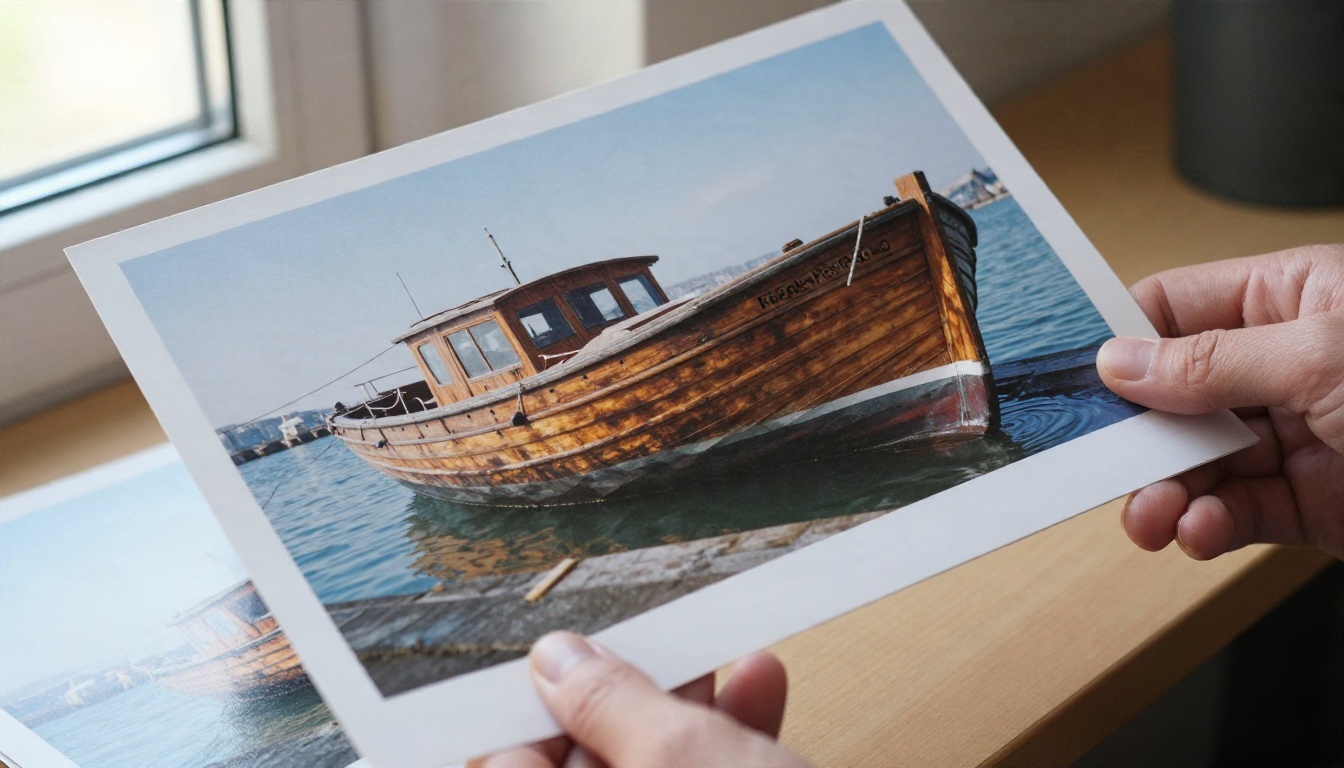
Garbled lettering
If a word comes out mangled, do not keep regenerating the whole image. Remove the text from the prompt, keep the artwork you like, and add the title in a layout tool. When you must keep lettering inside the image, shorten it.
Low resolution
A 1024 pixel image stretched to 3800 pixels looks soft in print. Run the final pick through Real ESRGAN to upscale it 4x before you build the wraparound. Upscale first, then add the title, so the lettering stays sharp.
Cutting the subject out
If you want a character or object on a flat or custom background, Remove Background gives a clean cutout you can drop onto a plain color panel. Product Cutout is a useful second option for objects with sharp edges.
Content in the danger zone
Keep the title and author name well inside the trim edge. Print cutting can shift by a small amount, and anything near the edge risks being sliced. A safe margin of at least 0.25 inch inside the trim is a sensible habit.
Matte or glossy confusion
Screens show glow that paper cannot. Dark, saturated artwork often prints darker than you expect, and glossy finishes reflect room light. If your budget allows, order a single proof copy and compare finishes before committing to a larger run.
| Problem | Fast fix |
|---|
| Mangled title | Generate art without text, add lettering later |
| Soft print | Upscale 4x before layout |
| Wrong shape | Generate portrait first, extend edges, never stretch |
| Text near edge | Keep 0.25 in inside trim |
| Dark print | Brighten slightly, order a proof |
| Cluttered thumbnail | Cut elements, enlarge the title |
Ebook vs Print Strategy
Two formats, two different jobs. An ebook jacket competes at thumbnail size on a storefront grid. A paperback jacket competes in a hand, on a shelf or table, where texture and spine matter.
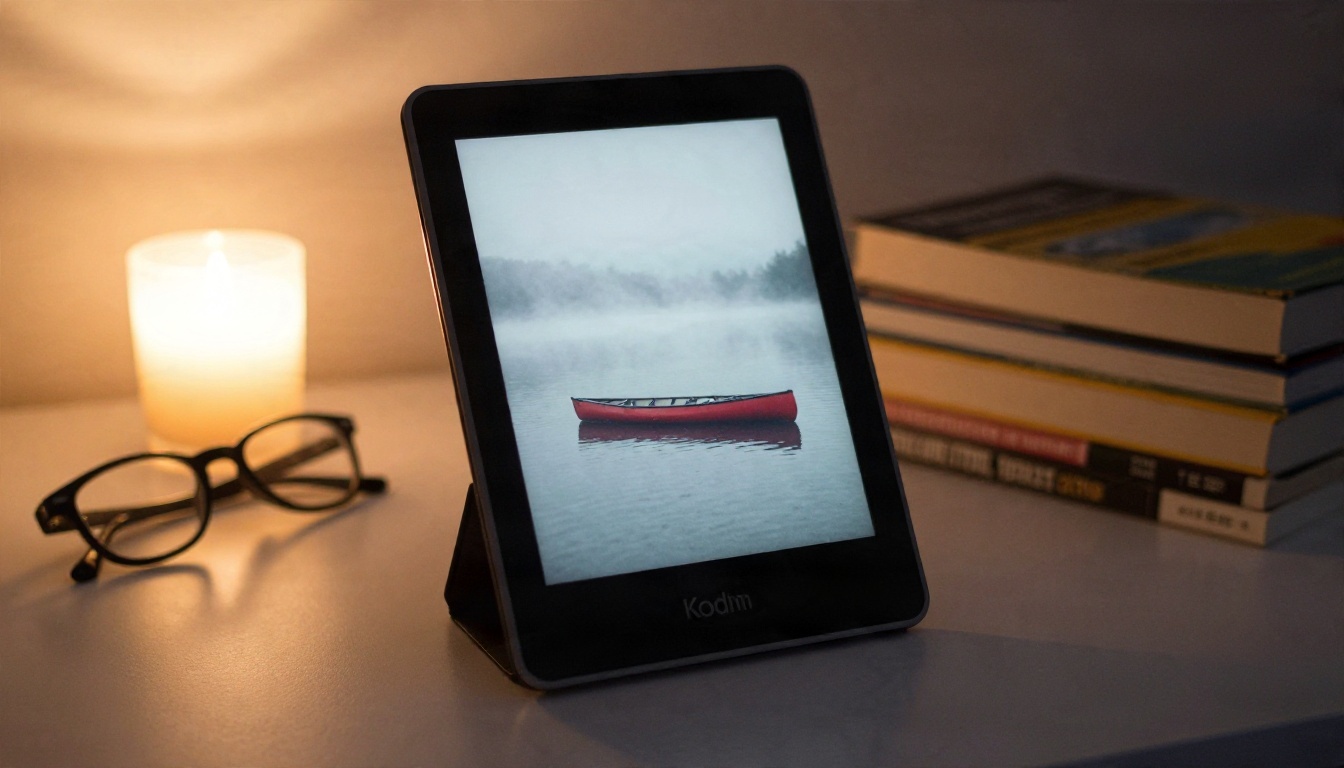
Design the ebook for small screens
Use one clear focal subject, high contrast, and a title big enough to read on a phone. Busy scenes with many tiny objects turn into noise at 150 pixels wide. If your subject is small in the frame, crop in tighter.
Design the paperback for the table
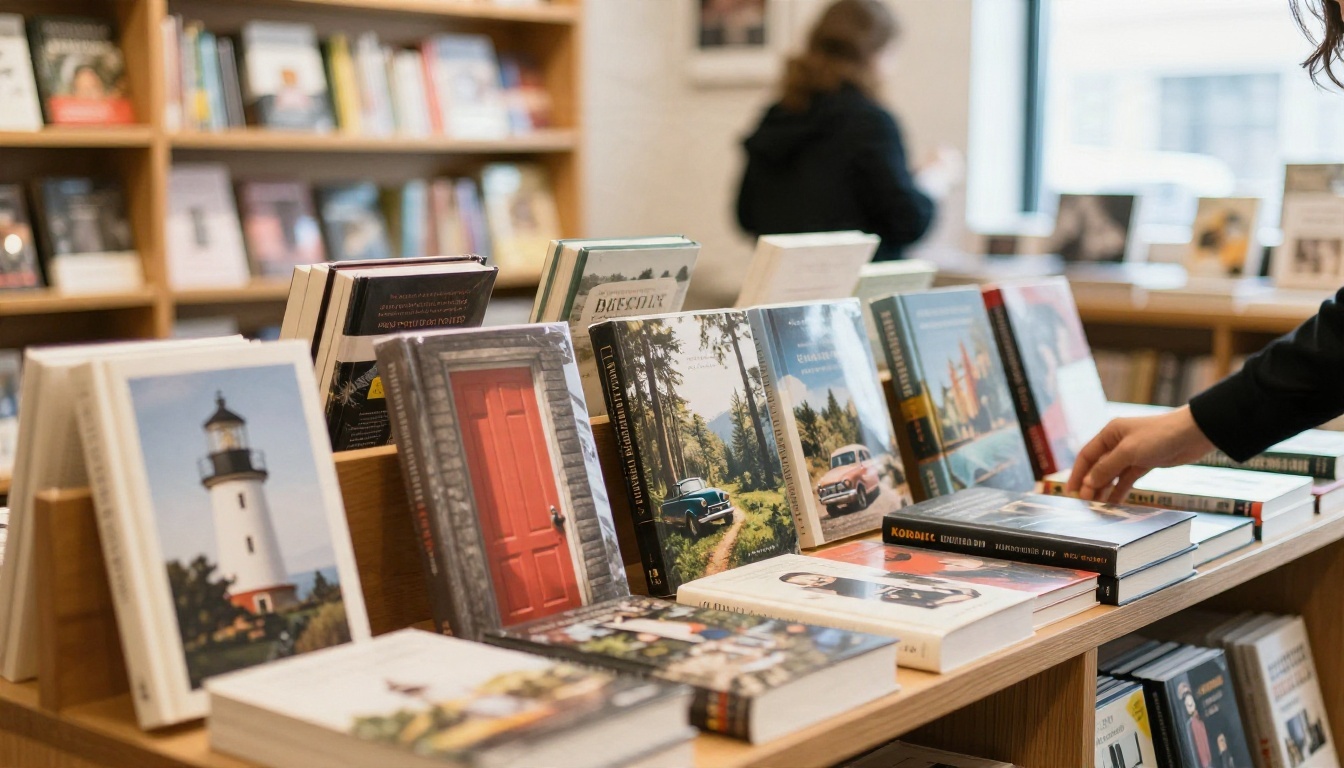
In print you gain a back panel and a spine, so use them. Extend the scene across all three panels for a continuous wrap, put a short blurb on the back in a calm area, and keep a barcode space clear. A bookstore table rewards jackets that look good from three feet away, with color contrast against their neighbors.
Keep a series consistent
If you write a series, lock three things: palette, subject type and title position. Reuse the same style words in every prompt, and generate the next book's artwork the same day as the first when possible, since results shift across sessions and model versions.
Your Pre-Upload Checklist
Run this list before you press publish. It takes five minutes and prevents most rejections.
- Size matches the format: 1600 × 2560 for ebooks, calculated wrap size for paperbacks
- Color mode is RGB for the ebook file and the file is under the size limit
- Spine width was recalculated after the final page count
- Bleed of 0.125 inch is present on all outer edges for print
- Title readable at roughly 150 pixels wide
- Nothing important within 0.25 inch of the trim
- Download inspected at 100% zoom for watermarks or artifacts
- Usage terms allow commercial sale
- Upscaled before the title was added
- Proof copy ordered at least once for print
A realistic time budget
| Task | Typical time |
|---|
| Write the brief | 5 minutes |
| Generate and compare 8 to 12 options | 15 to 25 minutes |
| Upscale and place the title | 10 minutes |
| Export and test at thumbnail size | 5 minutes |
That is under an hour from blank page to a file you can upload, which is a very different weekend than the one you were bracing for.
Make Your First Jacket Today
You now have the sizes, the spine math, five prompts and a short list of fixes. The only thing left is the thing no article can do for you: type your own brief and look at what comes back.
Open one of the models above on PicassoIA, paste the thriller or romance prompt, then replace the nouns with your own story. Generate a few versions, compare two models side by side, upscale the winner, and add your title. If a result misses, change one variable at a time, such as palette, subject or lighting, so you can see what moved the needle. Browse the full model list at picassoia.com/en/all-models to find the style that fits your genre, and share your results with other authors in your circle. The book is already written. Give it a face.


