A single used car can sit online for weeks, and the first thing a shopper sees is a thumbnail. If that thumbnail shows a cluttered street, a stray trash can and a crooked angle, the car loses the click before anyone reads the price. That is why AI car photo editing has spread through dealerships so quickly, and why the real question is no longer "does it work?" but "what does it cost me per vehicle?" This article puts numbers on it: per-photo prices, per-car budgets, the free options worth trying, the apps dealers compare, and a low-cost workflow you can build today.
💡 Quick answer: Most AI background and cleanup tools land somewhere between a couple of cents and about forty cents per photo, which works out to roughly $1 to $10 per vehicle. Manual editing and bundled capture services usually cost several times more.
What Dealers Actually Pay Today
Prices in this market are messy. Vendors publish different units (per photo, per vehicle, per month, per year), and many of the figures you find online come from the vendors themselves. Treat everything below as a rough benchmark and confirm current pricing before you commit.
Per-Photo AI Pricing
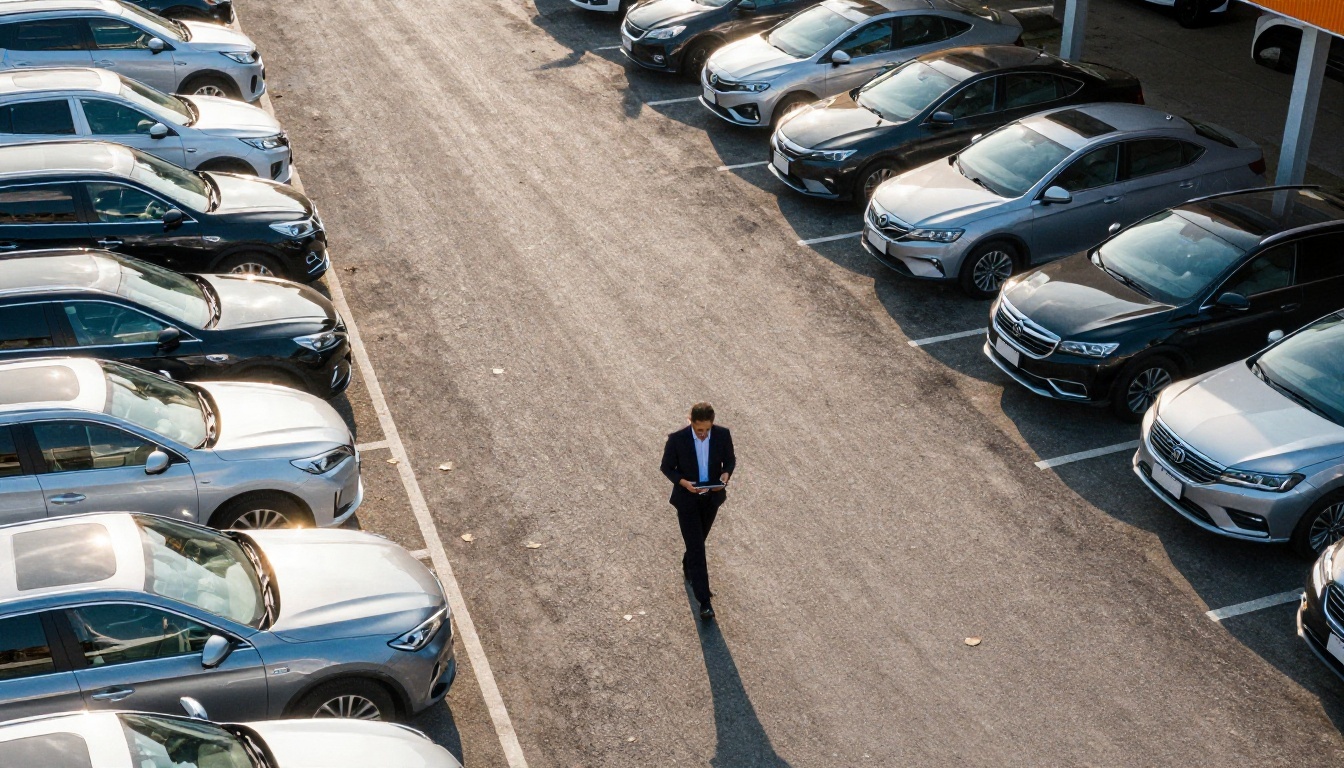
The most common model is pay-as-you-go. Published rates for AI background replacement apps sit mostly in the $0.20 to $0.39 per photo range. One photo editing vendor lists a promotional rate around $0.22 and a standard rate around $0.32, with no subscription attached. At the cheaper end, an API-style offering from Spyne has been listed at roughly $0.02 to $0.10 per image, though the best rates come with enterprise commitments, such as large annual volumes.
Broader market surveys give a wider band, from about $0.10 to $2.00 per image, depending on how much work the tool does. A simple background swap sits at the bottom. Full retouching, reflection cleanup and plate masking push the price up.
Human Editors and Outsourcing
Manual editors are still common, especially for dealers who want a person checking every frame. Freelance and offshore teams are often quoted at $0.40 to $1.50 per photo for straightforward work. Outsourced editing priced per vehicle tends to land around $45 to $120 when it includes heavier retouching or compositing.
Bundled Capture Services
Some companies send staff to shoot and edit for you. Dealer Image Pro has been quoted at about $12 to $22 per vehicle, with a 50-car minimum and a setup fee near $999. Dealermade has been listed at around $750 per month for up to 40 vehicles. These are convenient, but you pay for labor, travel and scheduling on top of the software.
| Option | Typical published price | Rough cost per 25-photo vehicle |
|---|
| Enterprise AI API | $0.02 to $0.10 per image | $0.50 to $2.50 |
| Pay-as-you-go AI apps | $0.20 to $0.39 per photo | $5.00 to $9.75 |
| Freelance manual editing | $0.40 to $1.50 per photo | $10 to $37.50 |
| Bundled shoot and edit | $12 to $22 per vehicle | $12 to $22 |
| Outsourced heavy retouching | $45 to $120 per vehicle | $45 to $120 |
Free Options That Actually Work
"Free" in this niche usually means one of three things: a limited free tier, trial credits, or a general-purpose editor that is not built for dealers but does the job. Each has a catch, and it is worth knowing where the catch sits.
Free Tiers and Trial Credits
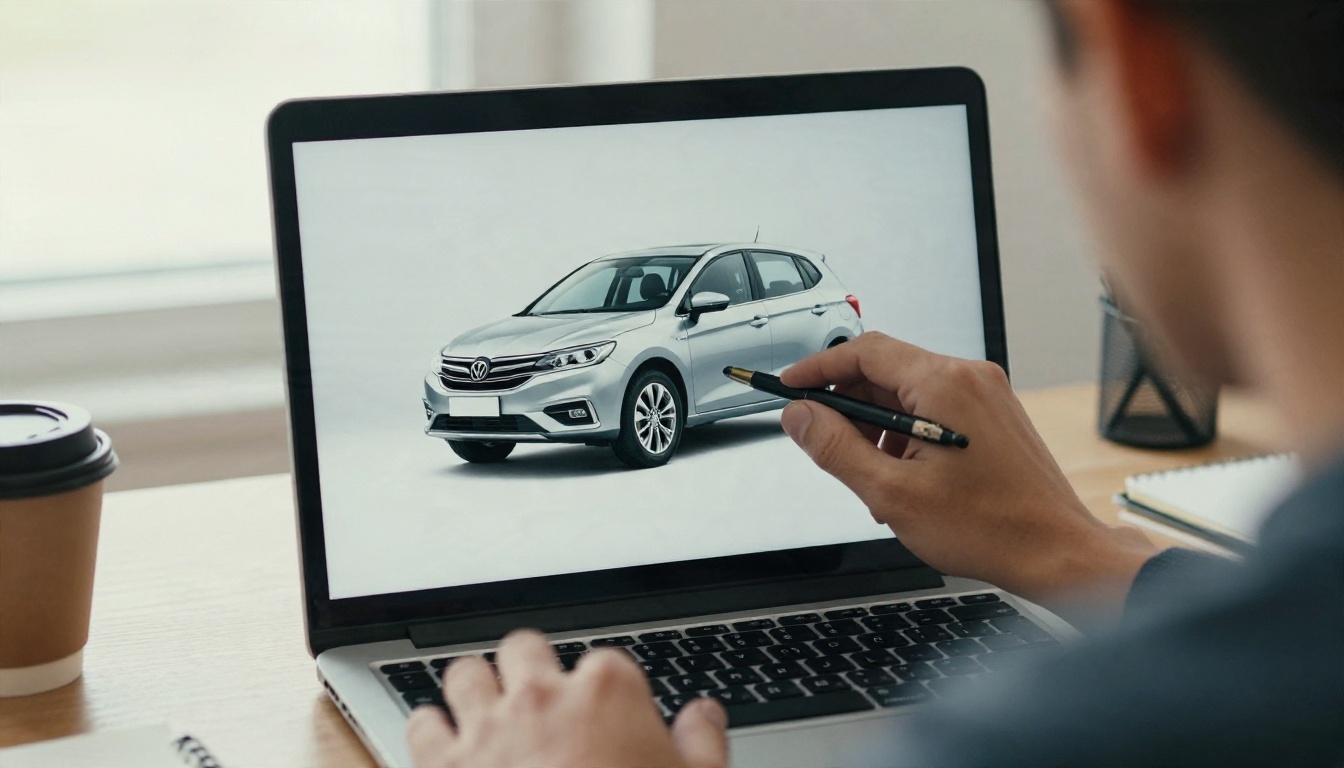
Several dealer-focused platforms label themselves as free on aggregator sites, but a closer look often shows a credit system behind the label. CarPixAI is a good example: it appears as free on directory pages, yet reviewers note that its pricing is not publicly listed, and the dashboard runs on image credits. That makes your real per-image cost hard to predict. Before relying on any "free" dealer app, run a test batch of 20 to 30 photos and count how many credits disappear.
Free Tools on PicassoIA
If you want to test an AI workflow without a contract, general-purpose editors are the fastest route. On PicassoIA you can try several steps of a dealer workflow on your own photos:
- Remove Background gives you a clean cutout of the vehicle, ready to drop onto a plain studio backdrop.
- Product Cutout is tuned for object edges, which helps with mirrors, antennas and roof racks.
- Flux Kontext Fast edits a photo from a plain text instruction, such as removing a distracting object or changing the sky.
- PicassoIA Image Editor Pro offers unlimited AI photo editing, which matters when you are testing dozens of frames.
- Real ESRGAN upscales low-resolution phone shots by 4x.
Where Free Runs Out
Free workflows stumble in three places: consistency (the same background across 25 frames), volume (dozens of cars a week), and speed (someone has to click through every image). A free tool that costs ten minutes of staff time per car is not free. If an employee earns $20 an hour, ten minutes is about $3.30 per vehicle, which already matches a cheap paid app.
💡 Tip: Always price your own time. A tool that is $0 in software but 15 minutes of labor per car costs more than a $0.30-per-photo service that finishes by itself.
Monthly Math for a 50-Car Lot
Let's build a simple budget. Assume a dealership lists 50 new vehicles per month and shoots 25 photos per vehicle. That is 1,250 photos a month.
The Cost Per Vehicle Formula
The formula is short:
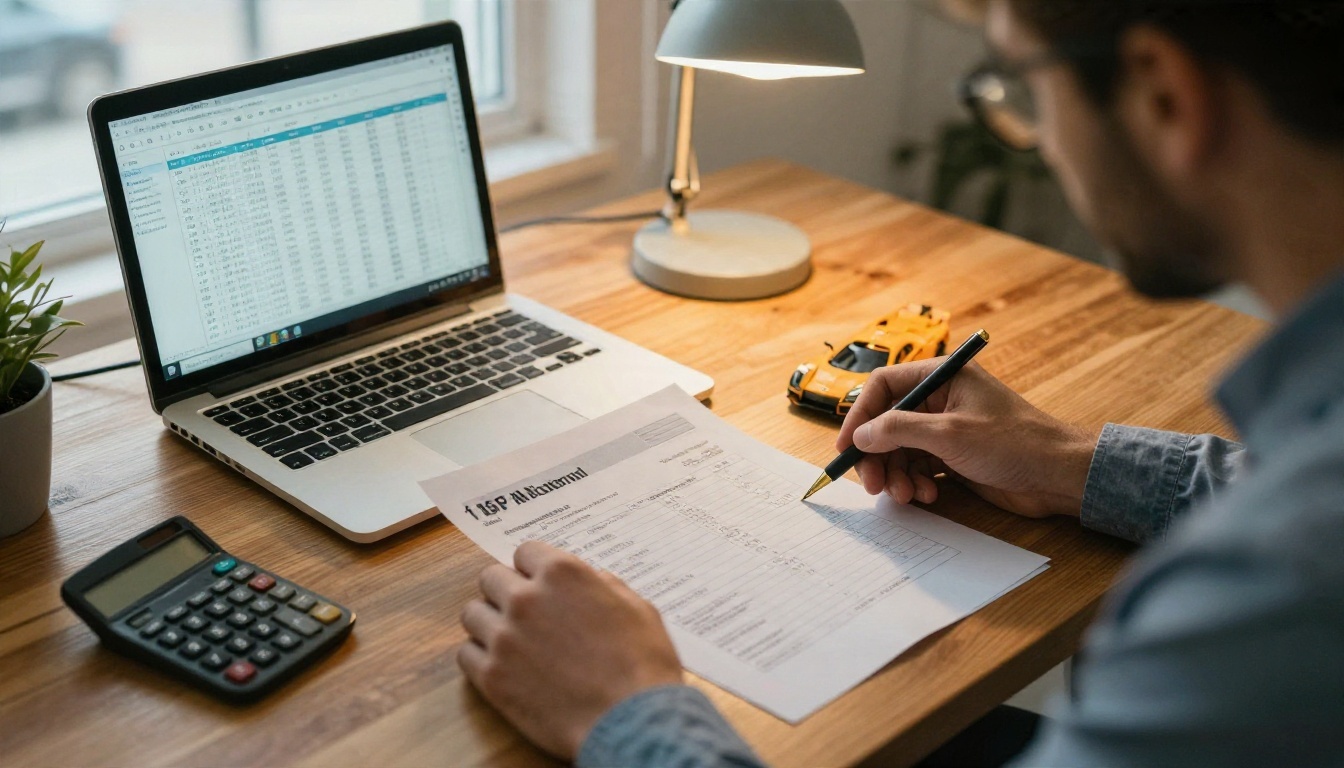
Monthly cost = vehicles per month × photos per vehicle × price per photo
Then add any fixed fees (subscription, setup, minimums) and the time your staff spends capturing and reviewing the photos. Always divide the final figure by the number of vehicles to get a cost per car, because that is the number you can compare to your gross profit and your days-to-sale.
Sample Budget Table
| Approach | Math | Monthly cost |
|---|
| Enterprise AI API at $0.02 | 1,250 × $0.02 | about $25 |
| Enterprise AI API at $0.10 | 1,250 × $0.10 | about $125 |
| Pay-as-you-go AI at $0.22 | 1,250 × $0.22 | about $275 |
| Pay-as-you-go AI at $0.32 | 1,250 × $0.32 | about $400 |
| Pay-as-you-go AI at $0.39 | 1,250 × $0.39 | about $488 |
| Freelance editor at $0.40 | 1,250 × $0.40 | about $500 |
| Freelance editor at $1.50 | 1,250 × $1.50 | about $1,875 |
| Bundled service at $12 to $22 | 50 × $12 to $22 | $600 to $1,100 plus setup |
Two things stand out. First, even the more expensive AI apps cost less than most human editing. Second, the cheapest API rates usually need a developer or an enterprise contract, so a small dealer will probably live in the middle of the table. If your lot is under 20 cars a month, a plain pay-as-you-go app or a do-it-yourself workflow is usually the smarter bet than a monthly plan with a minimum.
The market splits into dealer-specific platforms and general AI editors. Which one fits depends on your volume and on who takes the photos.
Dedicated Dealer Platforms
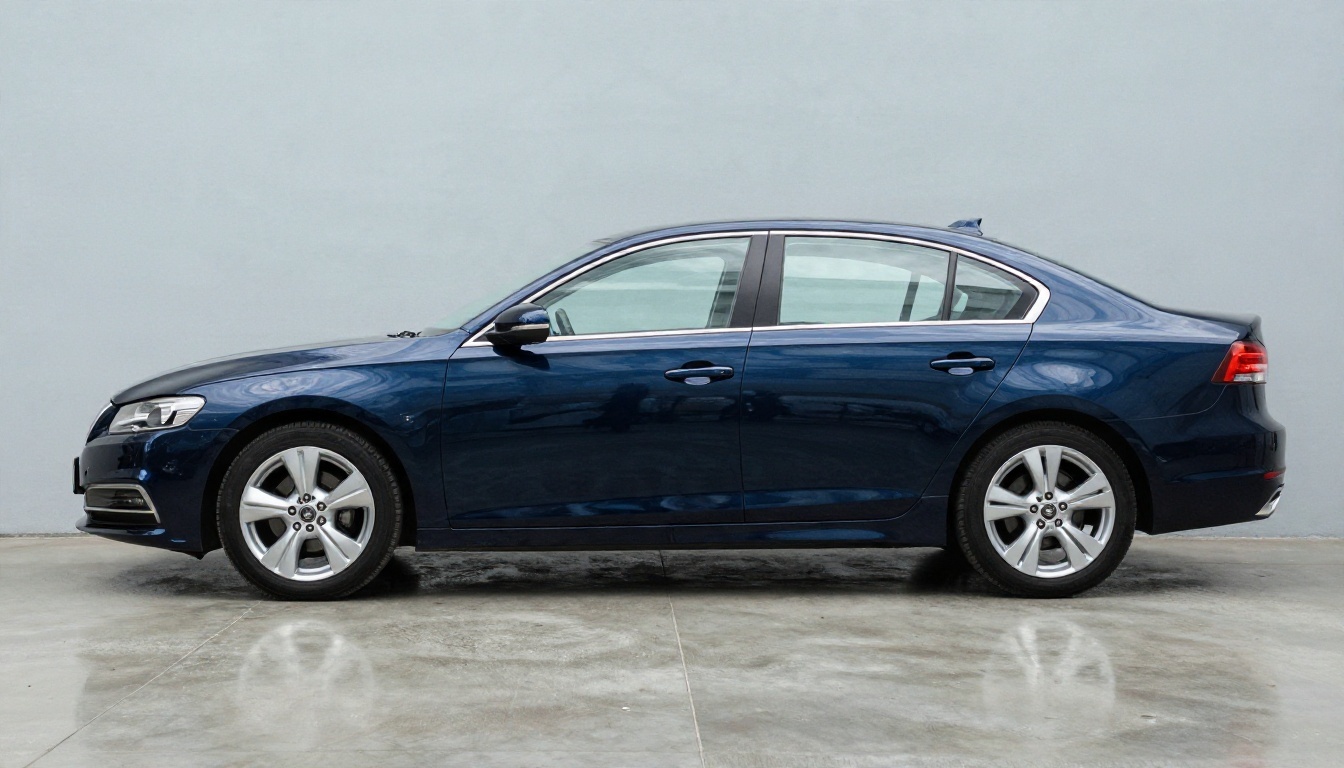
Spyne, Imagen AI, Photoroom, CarPixAI, Autoverify and a long list of smaller names target automotive photography. They tend to include templates, VIN-linked uploads, license plate masking, and integrations with inventory systems. The trade-off is that pricing is often opaque, minimums are common, and some of the most attractive rates require annual contracts. If you pick one, ask for a written per-photo price, the credit rules, and what happens to unused credits.
General AI Editors
General editors give you more control and lower commitment. They cost less per image and let you adjust each result, but you do the clicking. On PicassoIA, a typical set looks like this:
- Nano Banana for conversational photo edits and clean generation.
- Seedream 4.5 for sharp, photorealistic scene creation, such as a branded showroom backdrop.
- Depth of Field to soften a busy background without removing it.
- Text Removal to clean up stray signage or dealer plate frames in a shot.
- Recraft Remove Background as a second opinion when one cutout tool struggles with a tricky edge.
A DIY Phone Workflow
You do not need a studio to start. A modern phone, a clean lot and a consistent walk-around pattern produce usable raw photos. The edit then handles what the lot cannot: the background and the stray objects.
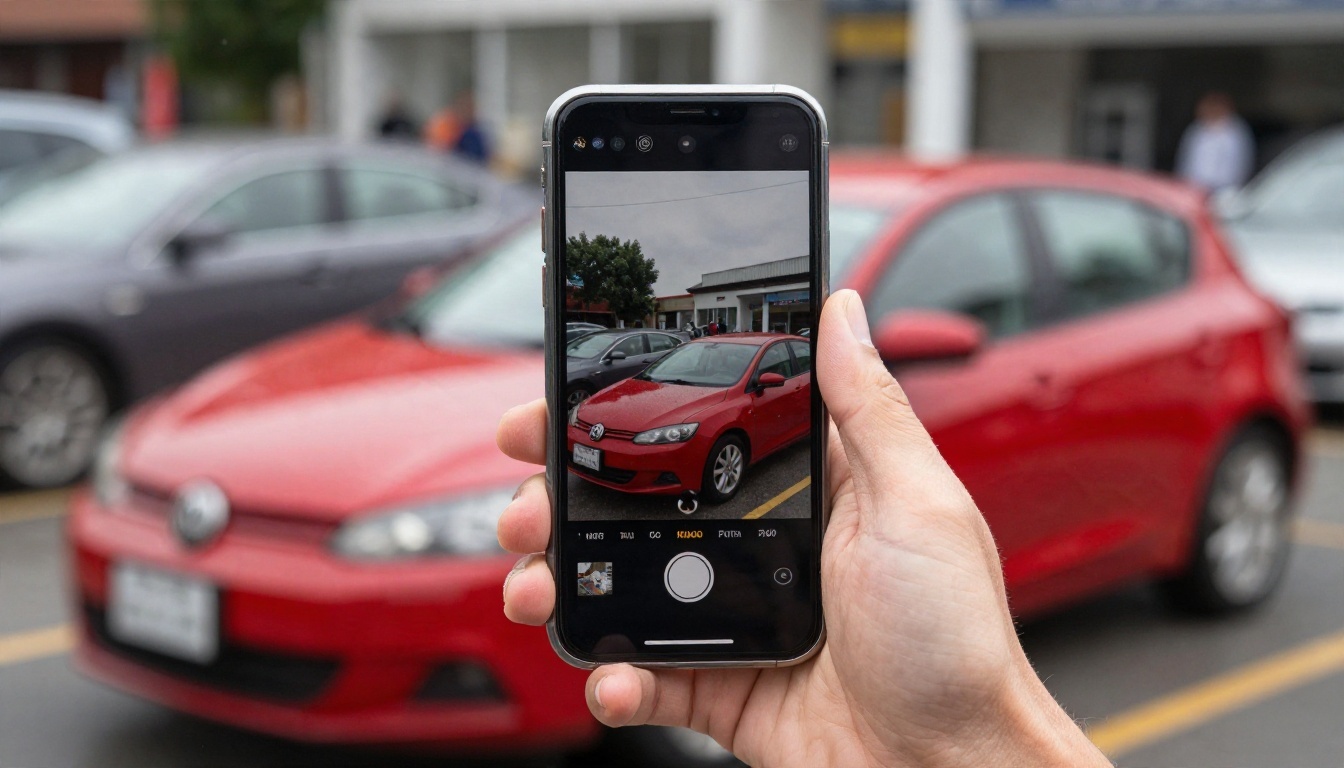
Shoot at the same height for every car, keep the horizon level, wipe the paint before you shoot, and photograph the full set in one pass. The cleaner the input, the lower the retouch bill, whether you pay a vendor or do it yourself.
Rules, Risks and Marketplace Limits
Cheap editing is only useful if the listing stays honest and accepted.
Never Alter the Car Itself
Marketplaces and consumer protection rules generally expect photos of the actual vehicle. A background swap is normal, but removing a dent, hiding rust or smoothing a scratch is a misrepresentation that can lead to returns, complaints and legal trouble. Use AI to fix the scene, not the car. If a feature changes paint color, wheel design or visible damage, turn it off.
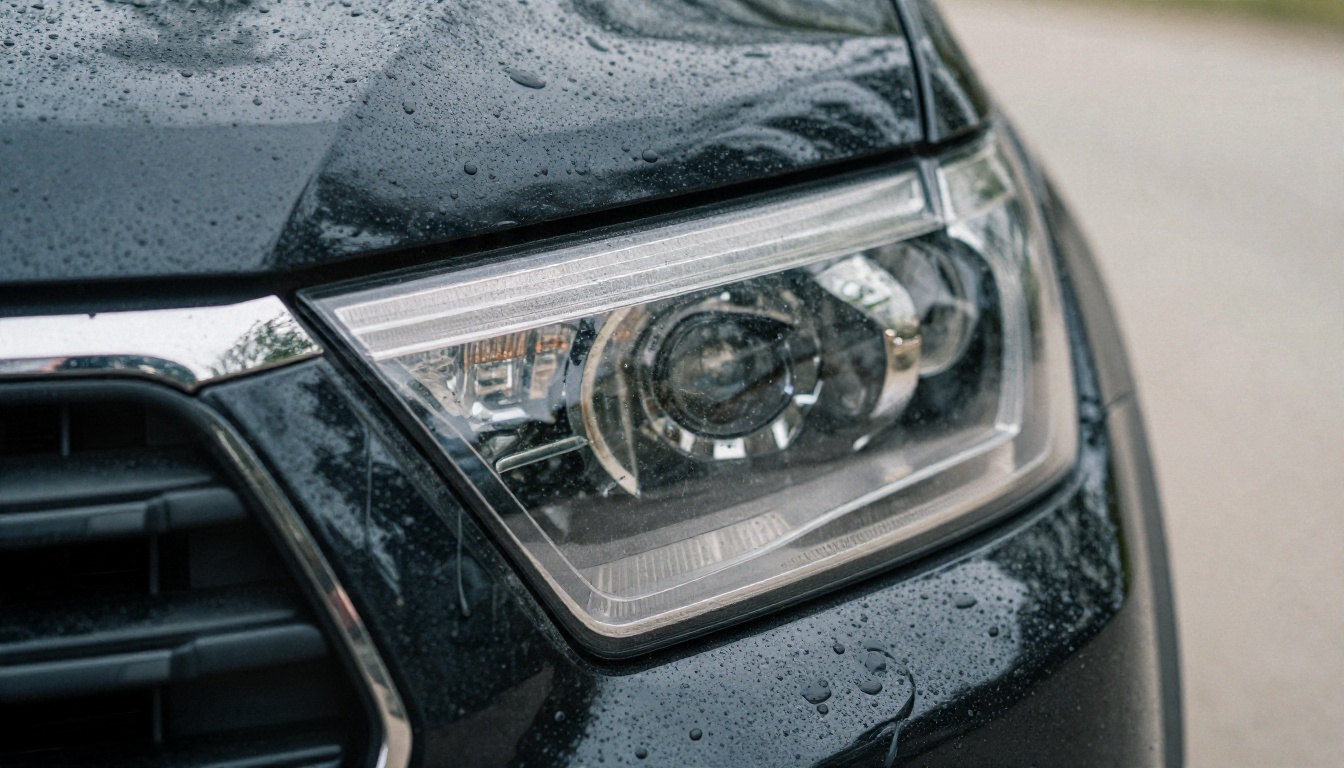
A good habit is to include a few unedited close-ups of real wear, such as a scuffed bumper corner or a chip in the windshield. Shoppers trust a listing more when the flaws are visible, and it protects you if a buyer says the photos were misleading.
Disclosure and Trust
Some sellers add a short line such as "Background digitally cleaned, vehicle unaltered." That small note sets expectations. Plates, VIN stickers and personal items inside the car should also be handled carefully: mask plates if your local rules or marketplace expect it, and make sure the interior shot does not show a previous owner's items.
💡 Rule of thumb: If a shopper would feel misled when they see the car in person, the edit has gone too far.
A Simple Workflow on PicassoIA
Here is a low-cost sequence you can run on a few cars this week, using tools you can test without a contract.
Step 1: Shoot Consistent Raw Photos
Park the car in the same spot each time, ideally in open shade or a covered bay. Take 20 to 30 shots: front three-quarter, side, rear three-quarter, wheels, interior, dashboard, engine bay and any damage.
Step 2: Upscale Weak Shots
If a phone photo looks soft, run it through Real ESRGAN before editing. It gives you a 4x upscale, which helps when a marketplace requires a minimum resolution.
Step 3: Cut Out the Vehicle
Use Remove Background for a fast cutout, and check mirrors, antenna and window edges. If an edge looks rough, try Product Cutout on the same frame and compare.
Step 4: Clean the Scene
For small fixes, such as a trash can or a stray sign, write a short instruction in Flux Kontext Fast. Keep the prompt specific: "remove the blue trash can behind the car, keep the car unchanged." For a batch of frames, PicassoIA Image Editor Pro is handy because unlimited generations mean you can retry without watching a meter.
Step 5: Pick a Realistic Backdrop
Choose a simple, believable setting: a light gray studio wall, a quiet street at sunrise, or your own showroom. Generate one backdrop and reuse it across the lot for a consistent look. A model like Seedream 4.5 handles realistic scenery well, and Nano Banana is a useful alternative when you want to adjust a scene with plain-language edits.
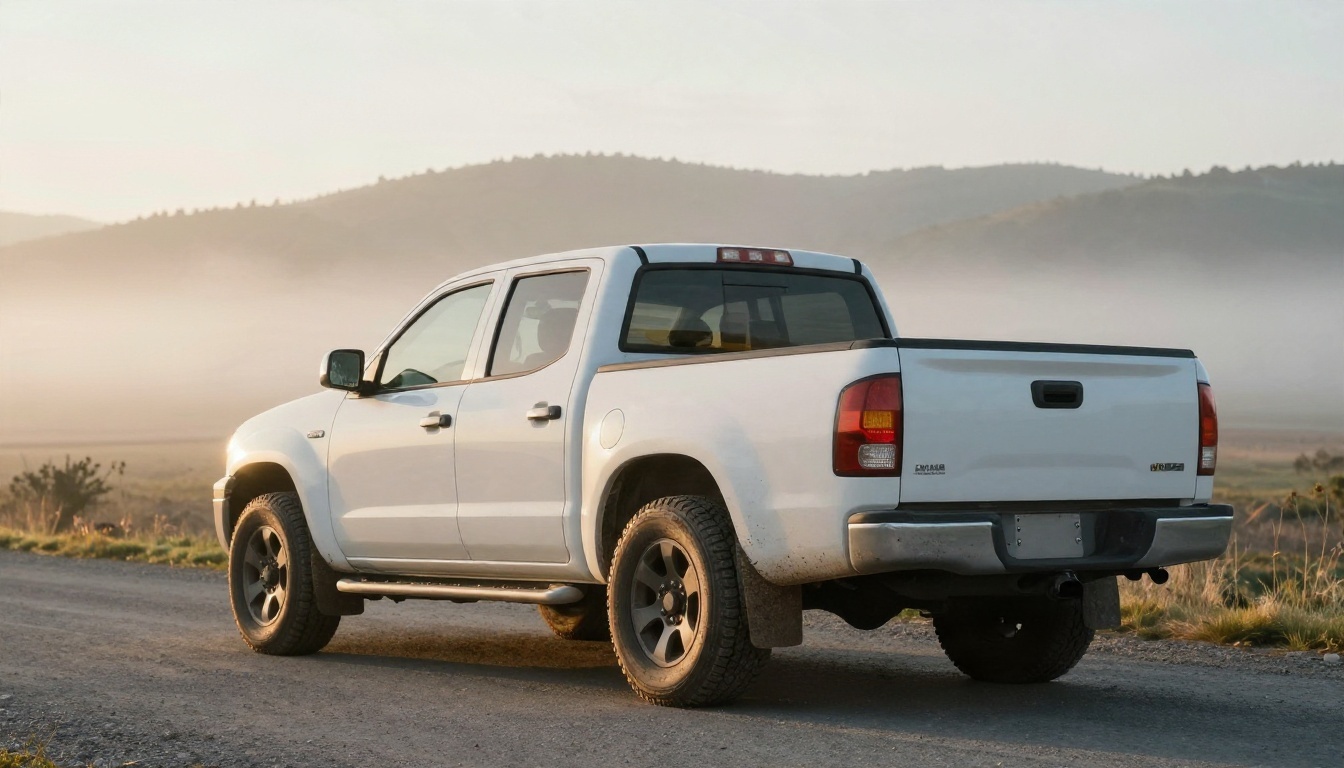
💡 Tip: Match the light. If the car was shot under soft overcast light, a harsh sunset backdrop looks pasted on. Use a backdrop whose light direction fits the original frame.
Step 6: Review Before You Publish
Zoom in on the wheels, the roofline and the ground contact shadow. Those three areas show most cutout mistakes. Compare each final image with the original to confirm that the paint color, trim and damage are unchanged.
Pick a Plan and Test It
Here is the short version of the decision:
- Under 20 cars a month: run a do-it-yourself workflow with free and low-cost editors, and price your staff time honestly.
- 20 to 100 cars a month: compare two pay-as-you-go dealer apps with a written per-photo price, then test each on the same 5 cars.
- 100+ cars a month: ask for API or enterprise pricing, and check minimums, contract length and credit expiry before you sign.
- Any size: keep the vehicle unaltered, keep backgrounds consistent, and keep a few honest close-ups of real wear.
A good test costs very little. Choose five vehicles, edit each with two different approaches, publish both versions on different days if your platform allows it, and watch views, saves and inquiries. If the cleaner photos earn more clicks, the editing budget pays for itself quickly. If they do not, you have saved yourself a contract.
Ready to see what your own lot can look like? Upload a few raw photos to PicassoIA, try the cutout and edit tools above, and build a backdrop you can reuse on every car. Start with one vehicle, compare the before and after, and refine the workflow until it takes minutes instead of hours. Browse the full tool list at picassoia.com/en/all-models and experiment with your next listing today.


