Most people who search for an AI chatbot NSFW setup want the same three things: a companion that stays in character, no paywall popping up after ten messages, and some way to see the person they are talking to. The first two are easy to promise and hard to deliver. The third is where things have changed fastest. In 2027, a flirty text conversation can sit right next to photoreal portraits generated in seconds, and you do not need a subscription to try it. This article breaks down what free really means, how image chat works, which roleplay formats hold up over long conversations, and how to build the visual side with tools on PicassoIA.
💡 Quick answer: Free chat apps are fine for casual conversation, but they usually cap messages, blur images or reset memory. The most flexible setup is a text model for the story plus a separate image model for the visuals, and that is the workflow this article walks through.
What an NSFW AI Chatbot Really Is
An NSFW AI chatbot is a conversational model set up for adult themes: flirting, romance, mature storytelling and suggestive roleplay. Most of them sit on top of a large language model, with a persona prompt that fixes the character's name, voice, backstory and boundaries.
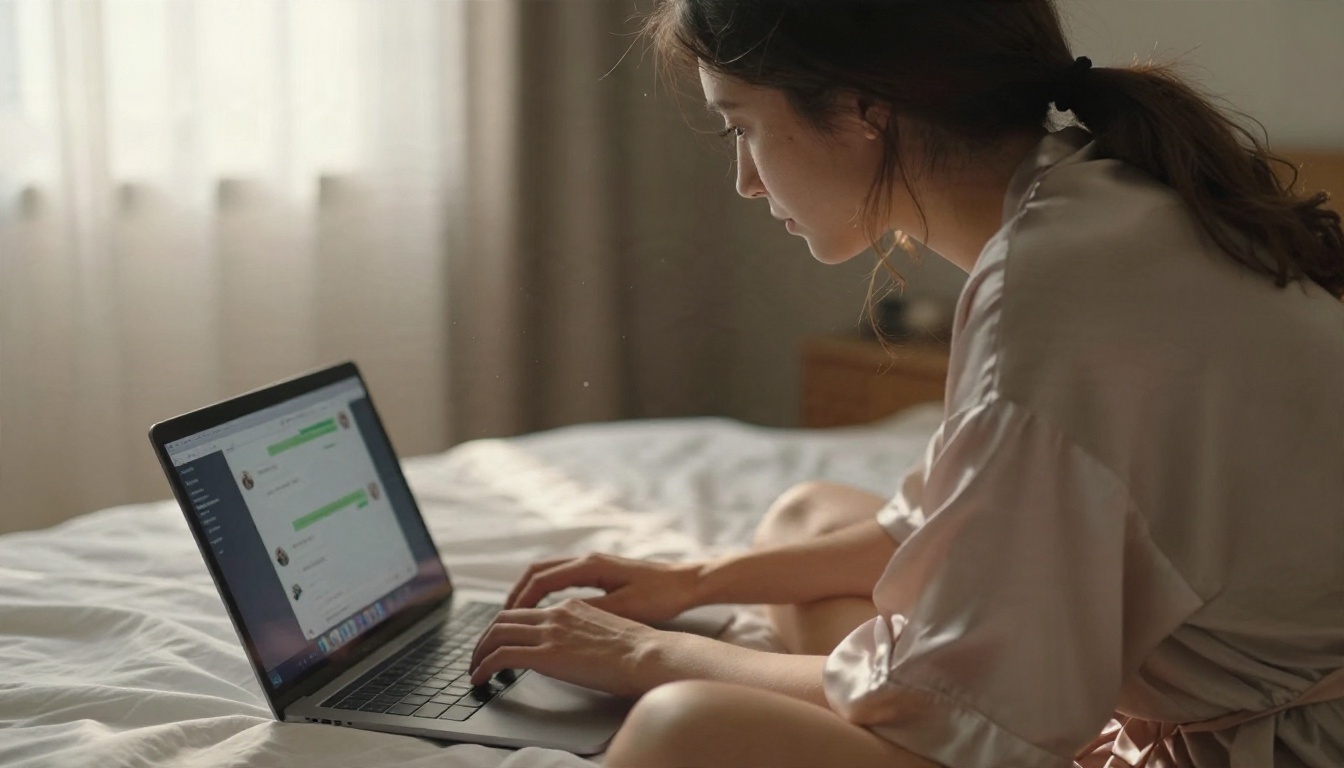
Three layers under the hood
Every companion chatbot, free or paid, is built from the same three pieces:
- The language model: generates the replies. Quality here decides whether the character feels sharp or repetitive.
- The persona layer: a hidden block of instructions that tells the model who it is, how it speaks and what it remembers.
- The filter layer: rules set by the app or the model provider that decide what is allowed. This is the part that varies most between products.
Why filters differ so much
Big general-purpose models ship with strict safety training. Dedicated companion apps loosen those limits for adult users, usually behind an age confirmation. That is why the same prompt gets a warm, playful reply in one app and a polite refusal in another. It is also why you should read the rules of any app before you invest time building a character inside it.
💡 Adults only. Every character, scenario and image in this article assumes fictional adults. Never base a companion on a real person without their consent, and never involve anyone under 18. Responsible platforms enforce this, and so should you.
Free Options: What You Actually Get
"Free" covers a wide range of deals. Some are genuinely open, others are a trial with a countdown. Here is how the common categories compare.
| Option type | What free includes | Typical catch | Best for |
|---|
| Companion app free tier | Daily message allowance, basic personas | Message caps, locked photos, paywalled memory | Casual testing |
| Character-sharing sites | Thousands of user-made personas | Quality varies, filters vary by site | Finding story ideas |
| Open-weight models run locally | Unlimited chat on your own computer | Needs a decent GPU and some setup | Privacy, full control |
| General LLM chat plus a persona prompt | Free or cheap access to strong models | Provider safety rules limit explicit content | Story drafting, character design |
| Image-first tools | Unlimited or generous image generation | Chat is secondary | Visual companions |
The message cap trap
Many free tiers feel generous for the first day. Then the daily limit hits in the middle of a scene, and the character suddenly "needs a moment" until you upgrade. If you plan to run a long story, count how many messages you realistically send per session before you commit to an app.
Memory is the hidden cost
A companion that forgets your name after fifty messages is not a companion. Free tiers often keep a short context window only. A workaround that works everywhere: keep a short character sheet in a note and paste it at the start of every session. It takes ten seconds and restores most of the personality.
Running a model locally
If privacy matters most, an open-weight model on your own machine means no account, no message cap and no one reading your chats. The tradeoff is hardware and patience. For most readers, a hybrid works better: local or free chat for the story, and a cloud image tool for the visuals.
How Image Chat Works
Image chat is the feature that makes a character feel present. You describe a moment in the conversation, and the system returns a picture of it. Behind the scenes, that is two steps, not one.
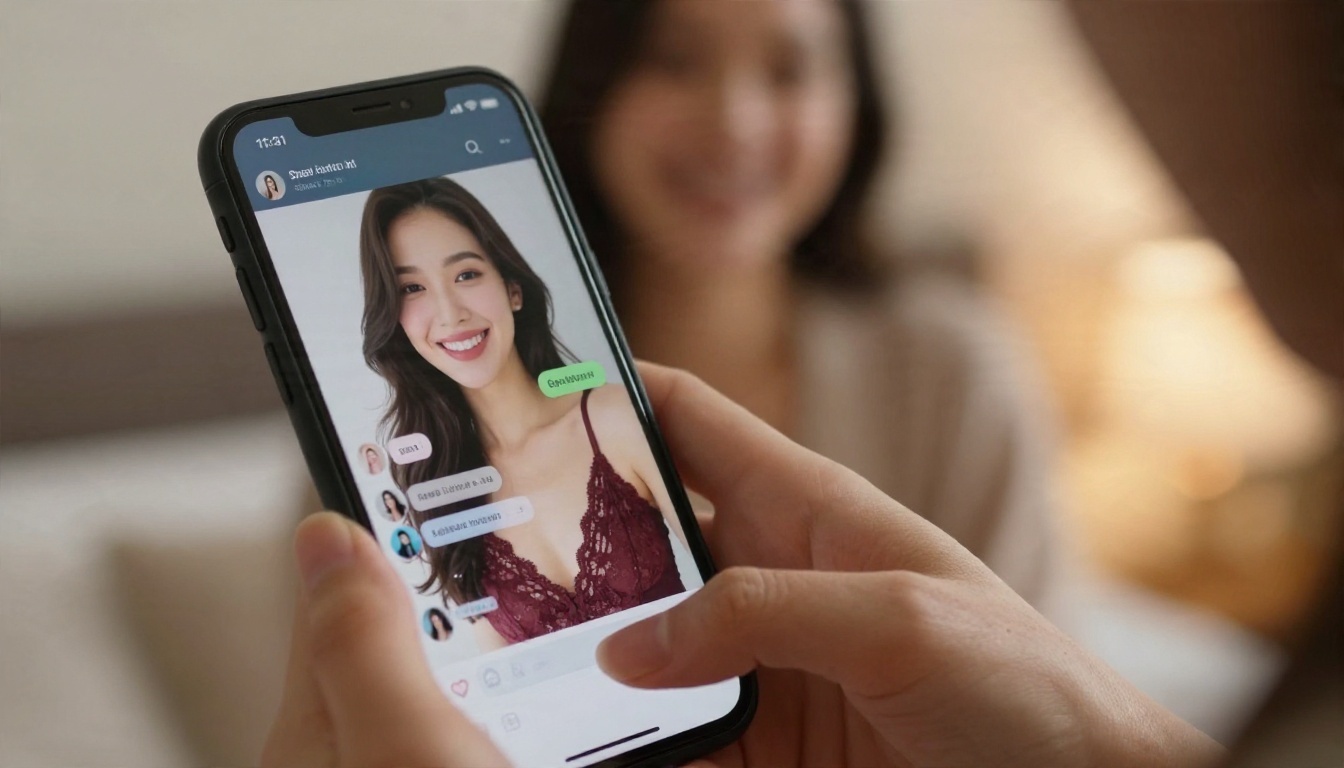
Step one: the chat becomes a prompt
The language model reads the scene and writes an image prompt. "She sends a selfie from the hotel balcony" becomes a description of pose, outfit, light and setting. This is where a good text model earns its place, because specific details produce specific pictures.
Step two: the image model renders it
A text-to-image model turns that prompt into a photo. The better the model handles skin, fabric and light, the more believable the character looks. Consistency is the hard part: the same face and hair across ten pictures needs a reference image or a repeatable prompt block.
The consistency trick
Write a visual signature once and reuse it word for word: "late twenties, wavy chestnut hair, freckles across the nose, small gold hoop earrings." Put it at the start of every image prompt, then change only the outfit, location and lighting. This one habit does more for consistency than any setting.
💡 If you already have a picture you like, use PicassoIA Image Editor Pro to change the outfit, background or mood while keeping the same person. It is built for exactly that kind of iteration.
Roleplay Examples That Hold Up
Good roleplay is about setup, not vocabulary. A strong opening gives the model a character, a place, a tone and a direction. Below are three formats that work well for suggestive but non-explicit storytelling, each with a sample opener and a matching image prompt.
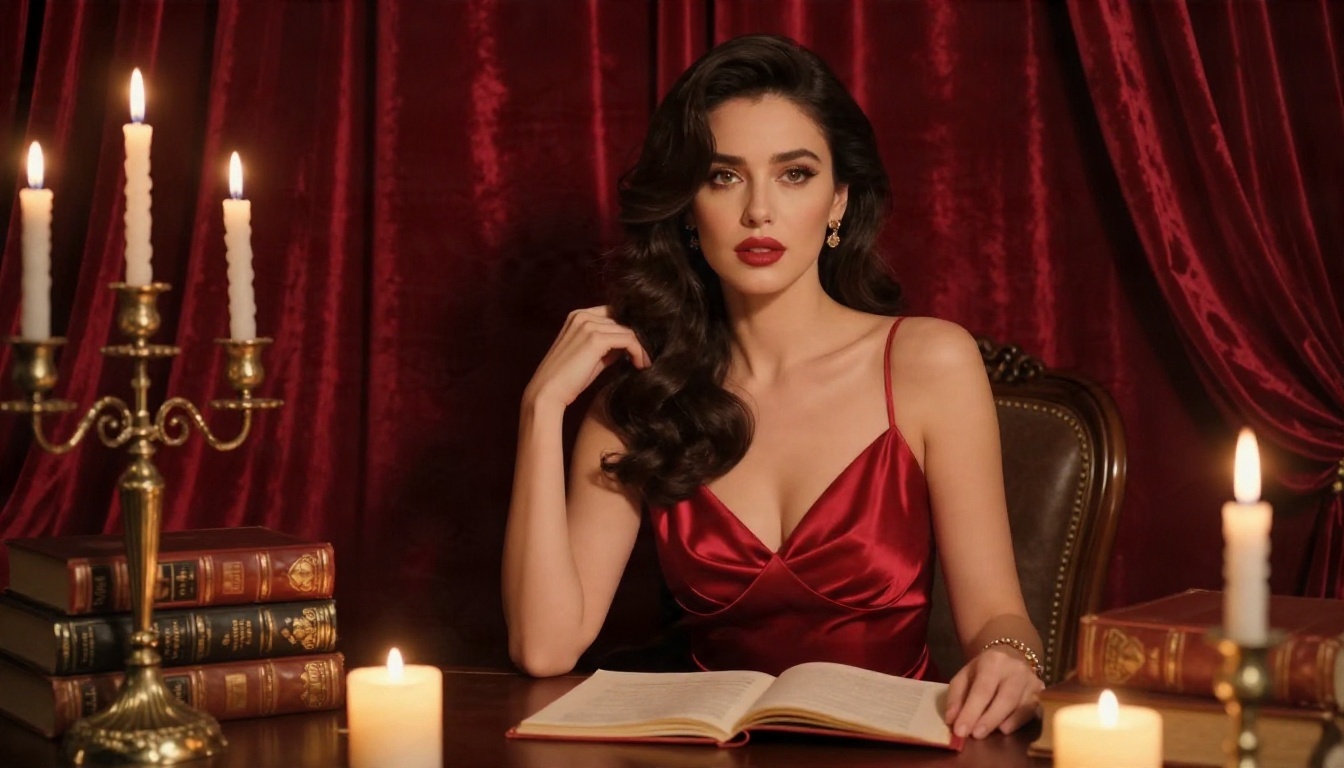
Example 1: The slow-burn romance
Setup: A café owner and a regular customer, flirting over weeks.
Opener you can paste:
You are Elena, 29, owner of a small café. You are witty, a little shy, and you remember every customer's order. Stay in character. Keep the tone warm and flirtatious. I am a regular who comes in every Thursday.
Sample exchange:
You: The usual?
Elena: She smiles before you finish the sentence. "Oat flat white, extra hot. I started making it when I saw you cross the street. Do not tell the other customers I have favorites."
Matching image prompt: "Late twenties woman with dark wavy hair behind a café counter, oversized cream sweater, warm morning window light from the left, 50mm f/1.8, shallow depth of field, film grain, candid smile."
Example 2: The vacation fling
Setup: Two strangers meet at a resort and the story unfolds over a week.
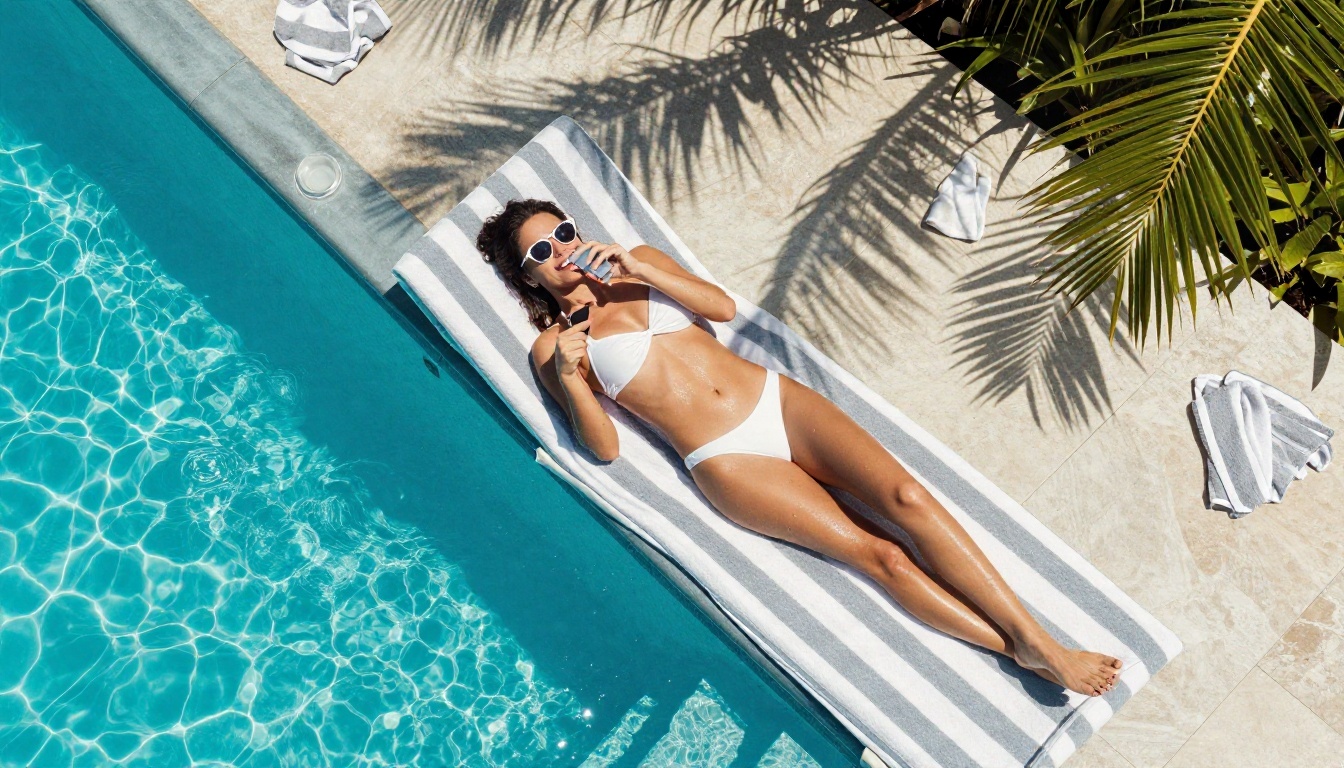
This format is ideal for image chat, because every day gives you a new location: the pool, the beach bar, a rooftop dinner. Ask the character to "send a photo" at the end of each scene and you build a visual diary of the story.
Opener you can paste:
You are Marisol, 27, on holiday alone for the first time. You are confident, teasing and curious. Describe your surroundings in detail. End each message with a short question so the conversation keeps moving.
Matching image prompt: "Young adult woman in a white bikini on a striped lounger by a turquoise pool, phone held above her face, harsh midday sun, wide overhead angle, 24mm lens, natural colors, summer glamour."
Example 3: The noir mystery
Setup: A hotel-room encounter with a mysterious stranger and a story that bends toward suspense instead of explicit content.
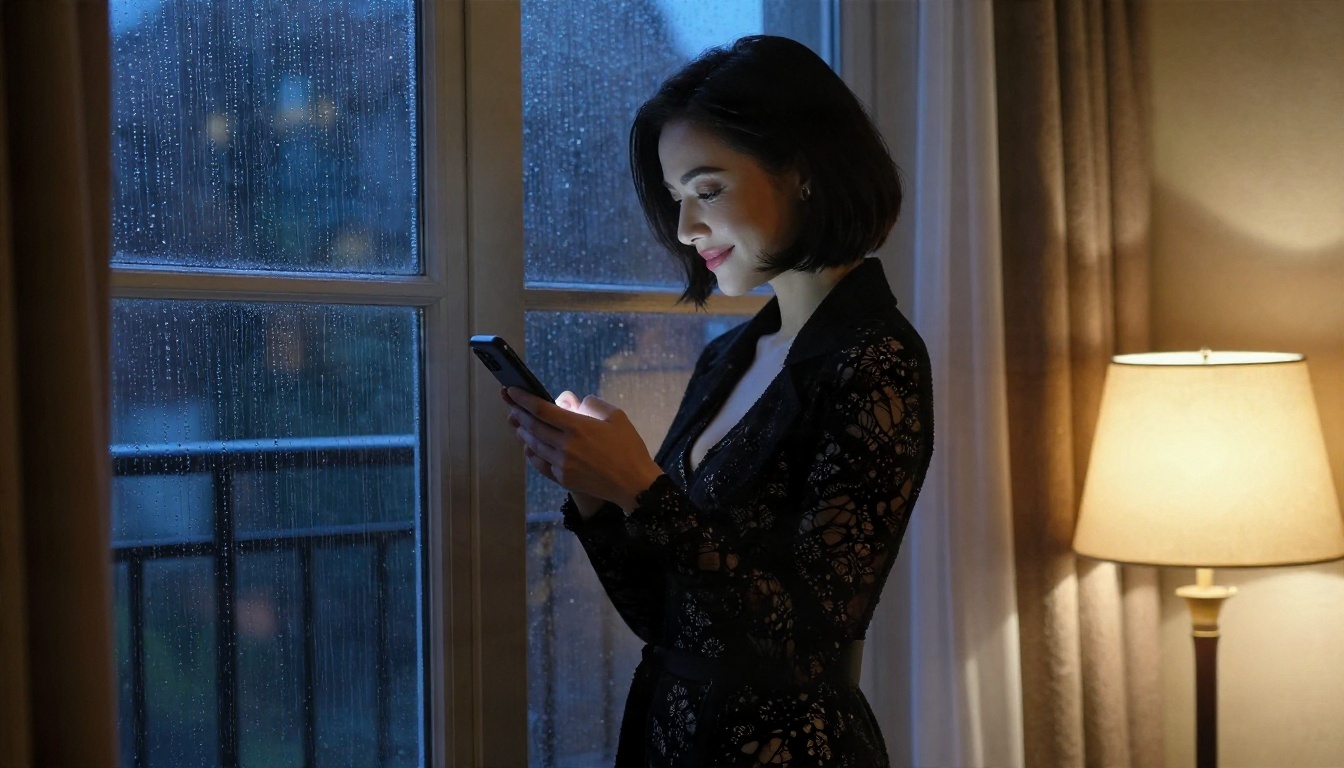
Noir works because tension does the job that explicit detail would otherwise do. The model has room to describe rain, shadows and unspoken things, which is where language models are strongest.
Opener you can paste:
You are Vera, a guarded woman with a secret, staying in a hotel on a rainy night. Speak in short, measured sentences. Hint, never explain. I am a stranger who just knocked on your door.
Matching image prompt: "Woman with a sleek dark bob at a rainy window, black lace bodysuit under a long coat, cool blue window light mixed with warm lamp glow, 85mm f/1.8, moody film grain."
What makes openers work
| Ingredient | Weak version | Strong version |
|---|
| Character | "Be my girlfriend" | Name, age, job, speech habits |
| Setting | None | A specific place and time of day |
| Tone | "Be sexy" | "Warm, teasing, slightly shy" |
| Rules | None | "Stay in character, end with a question" |
| Memory | Hope for the best | Paste a short character sheet |
Building the Visual Side
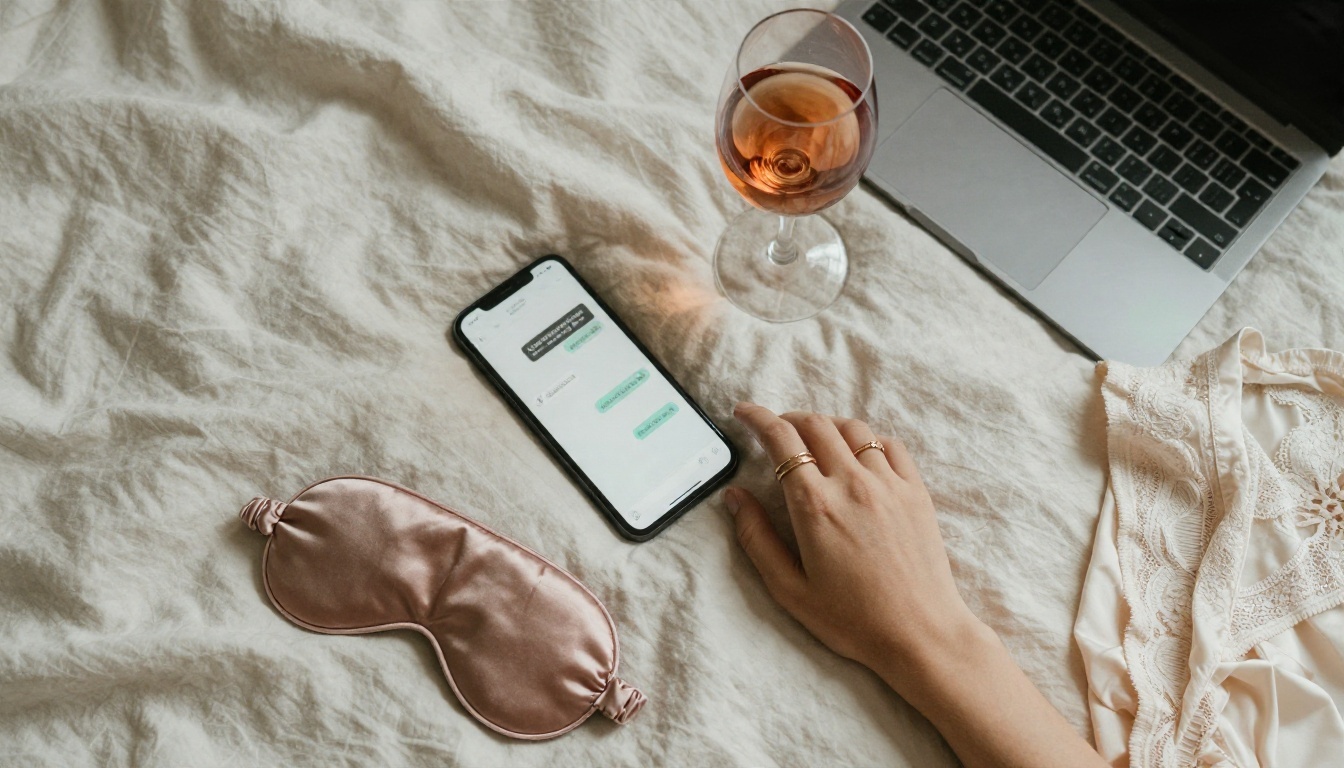
Once the story works, the pictures are what make it memorable. This is where an image model beats the built-in generators of most chat apps: higher resolution, better skin, better fabric and far fewer limits on adult glamour such as lingerie, swimwear and boudoir styling.
Start with Seedream 4.5
For photoreal adult glamour, Seedream 4.5 is the first model to try. It renders skin texture, hair, satin and lace with a natural look, handles up to 4K output and responds well to photographic language: lens, light direction, film stock. It is also fast, which matters when you generate a picture for every scene of a story.
Then use Image Editor Pro for iteration
PicassoIA Image Editor Pro is the one to keep open in a second tab. It offers unlimited generations, so you can tweak an outfit, change the background or adjust the mood as many times as you like without watching a counter. For a character you plan to use for weeks, that freedom is the difference between a gallery and a handful of lucky shots.
Other models worth a test
| Model | Why try it | Link |
|---|
| Seedream 4.5 | Best all-round photoreal glamour | Open |
| PicassoIA Image Editor Pro | Unlimited edits and variations | Open |
| Z Image Turbo | Very fast drafts for testing prompts | Open |
| Flux 2 Klein 9B Base LoRA | Styled looks and custom character styles | Open |
| Qwen Image 3 Pro | Clean photoreal portraits | Open |
💡 Seedream 5 Lite blocks adult content, so skip it for this kind of project. Stick to the models above.
From Chat to Image in Four Steps
Here is the full loop I use when a story needs a picture. It works with any chat app or LLM, and it takes about two minutes per image.
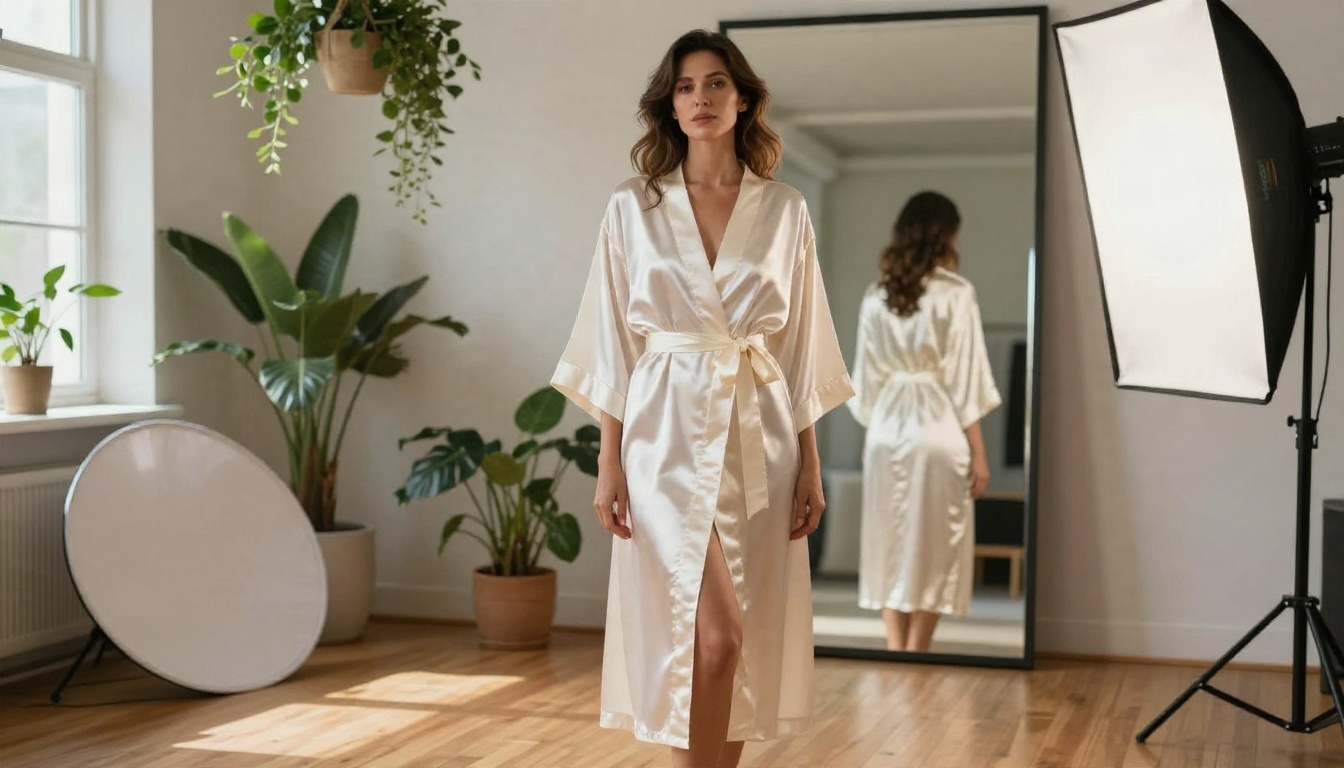
Step 1: Write a visual signature
Pick six or seven fixed details: age range, hair, eyes, a freckle pattern, a piece of jewelry. Save them in a note. This is the character's face for every future image.
Step 2: Ask a text model for the scene prompt
Paste the latest moment of your story into a chat model and ask: "Turn this scene into a photographic image prompt. Include lens, light direction and fabric details. Keep it tasteful." Models such as Gemini 3.5 Flash, Claude Sonnet 5 or GPT 5.6 Luna write strong, specific prompts. For a lighter free-to-try option, Granite 4.1 8B handles short prompt-writing jobs well.
💡 These chat models follow their providers' safety rules, so use them for character sheets, scene descriptions and prompt writing rather than explicit text. The visual output comes from the image model.
Step 3: Generate in Seedream 4.5
Paste your visual signature first, then the scene prompt. Pick 16:9 for scenery-heavy shots and 3:4 for portraits. Generate a batch of two or three, because the first result is rarely the best.
Step 4: Refine in Image Editor Pro
Upload the best result to Image Editor Pro and ask for small changes: "same woman, change the dress to emerald green, evening light." Repeat until it feels right. Unlimited generations mean there is no cost to trying six versions.
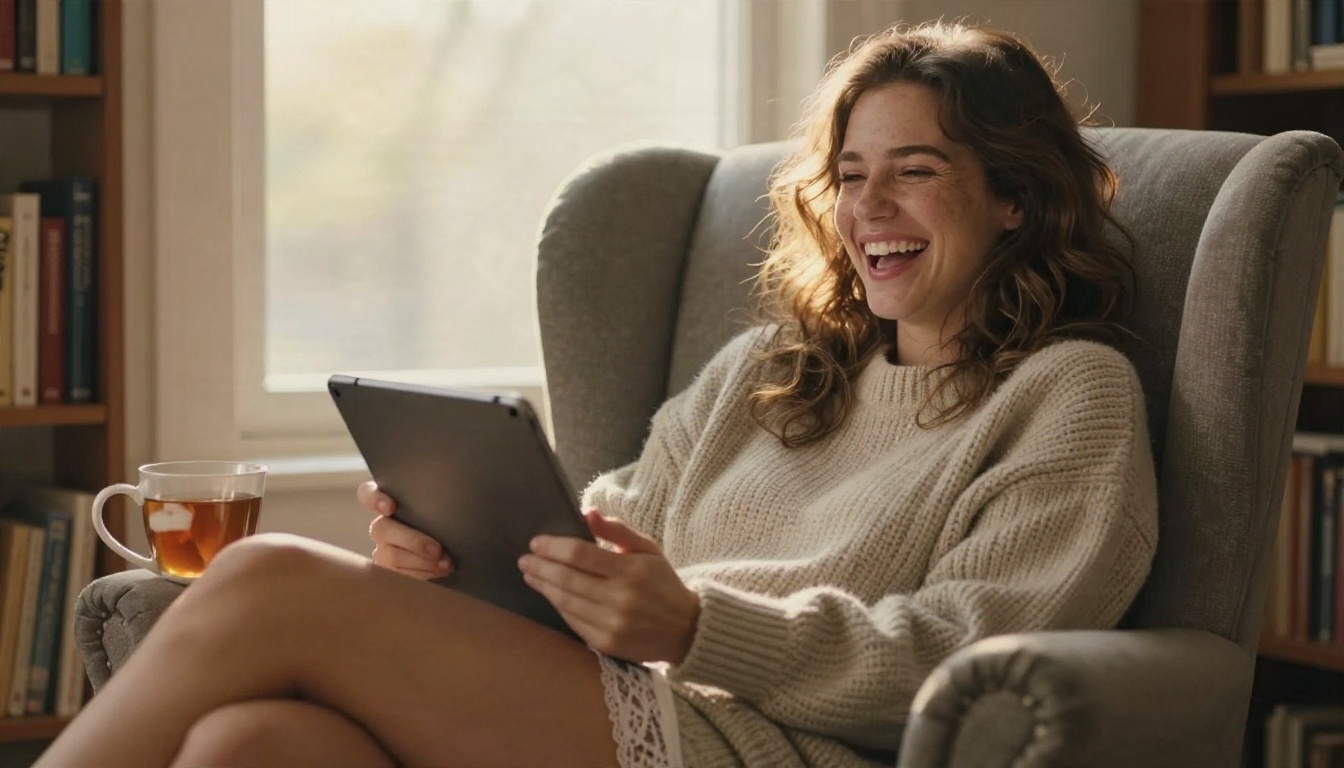
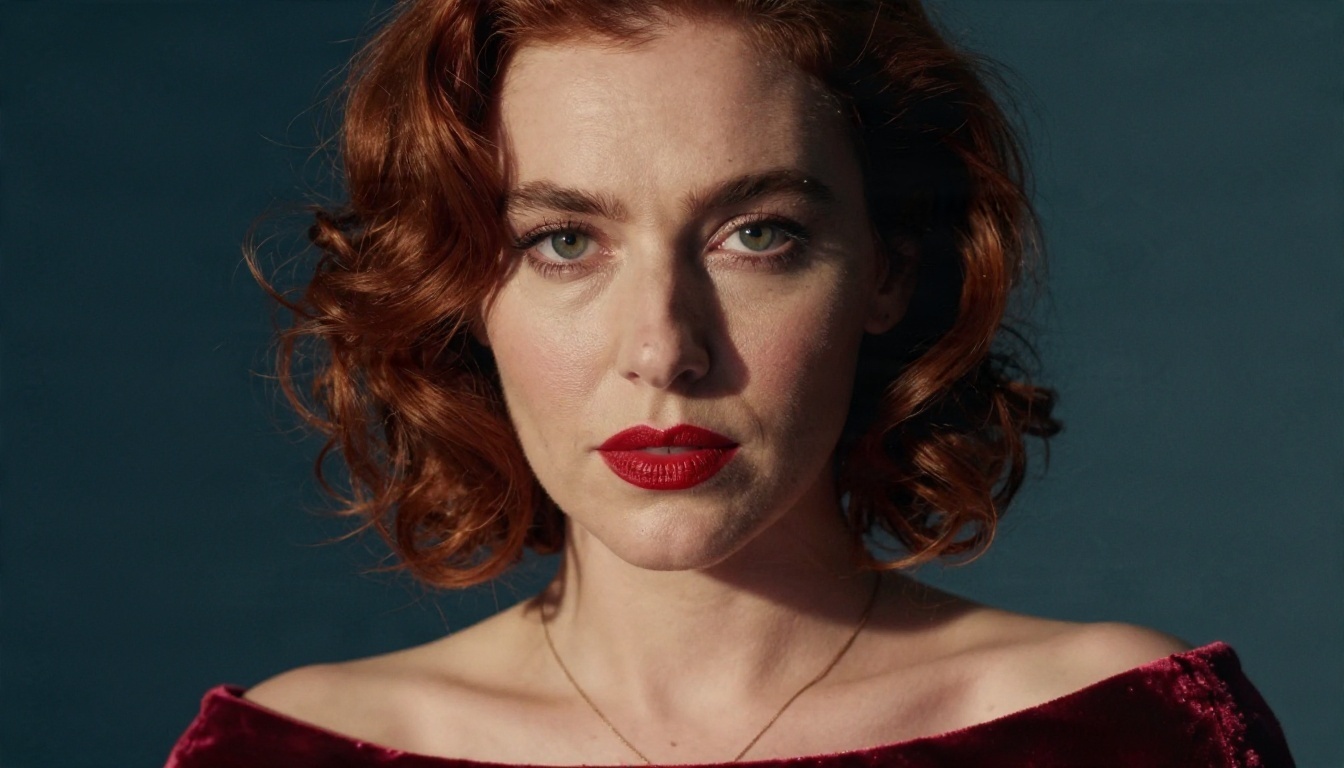
Good image prompts have the same bones every time. Here is the structure that produced the pictures in this article.
The five-part structure
- Subject and action: who she is and what she is doing.
- Environment: the room, the weather, the props.
- Light: direction and quality, for example "warm backlight at golden hour."
- Camera: lens and angle, for example "50mm f/1.8, eye level."
- Texture and grain: skin pores, wool, satin, "Kodak Portra 400 film grain."
Sample prompt you can copy
Late twenties woman with wavy chestnut hair and light freckles, curled in an armchair by a window at golden hour, oversized cream knit sweater, a mug of tea on the armrest, warm backlight with a soft hair glow, bookshelves out of focus behind her, 50mm f/1.8, visible skin texture, Kodak Portra 400 grain, playful and relaxed.
Words that raise the quality
- Lens language: 35mm, 50mm, 85mm, f/1.4 to f/2.8.
- Light language: rim light, window light, tungsten lamp, soft diffused softbox.
- Material language: satin sheen, lace weave, linen wrinkles, freckles, pores.
- Mood language: candid, intimate, editorial, boudoir, noir.
Words that cause trouble
Vague superlatives such as "perfect" or "ultra beautiful" add nothing. Prompts that lean on explicit anatomy also trigger blocks at many image services. Stay with fashion and boudoir language: slip dress, robe, bikini, lace, satin. You will get better pictures and fewer refusals.
Safety, Privacy and Good Habits
Adult chatbots deal with personal conversations, so a few habits are worth building from day one.
Protect your privacy
- Use a separate email for companion apps.
- Never share your real address, workplace or financial details in a chat.
- Check whether the app stores conversations and whether you can delete them.
- Remember that "free" often means your data pays for it.
Keep the characters fictional
Do not build a companion from photos of a real person, whether a coworker, an ex or a celebrity. That causes real harm and breaks the rules of almost every platform. Invent the character from scratch with a written visual signature instead.
Use moderation when you share
If you plan to post pictures publicly, a moderation model such as Llama Guard 4 12B can screen text before it goes out. It is a quick way to catch anything that would break a community's rules.
Know when to log off
A chatbot is entertainment. If it starts replacing sleep, work or real relationships, treat that as a signal to cut back. The healthiest setups are the ones you can close without a second thought.
Quick Answers to Common Questions
Is there a truly free NSFW AI chatbot?
Some apps offer a free tier with message caps, and open-weight models running on your own computer are free without limits if you have the hardware. Most people end up combining a free chat tool with a free or unlimited image tool.
Can an AI chatbot send images?
Some apps generate pictures inside the chat. The more flexible route is a separate image model: you copy the scene into a prompt and get a higher quality result with more control over outfit, light and pose.
How do I keep the same face across images?
Reuse a written visual signature word for word, and use Image Editor Pro to modify an existing picture rather than starting over every time.
Which model should I try first for visuals?
Start with Seedream 4.5 for photoreal glamour, then move to Image Editor Pro for unlimited edits.
Start Creating Your Own Characters
A chat is more fun when you can see the story. Write a character sheet tonight, run a three-message scene with your favorite chat model, and turn the best moment into a picture. Open Seedream 4.5 for the first render, refine it in PicassoIA Image Editor Pro with as many tries as you want, and test the other image models from the table above when you want a different look. Every model is listed at picassoia.com/en/all-models, so you can compare them side by side and build the visual companion that fits your story.


