The AI image generation space has fundamentally changed what is possible for creators who work with adult, glamour, and NSFW content. Where professional photography once required a full production team, expensive locations, and model fees, a single text prompt now produces results that sit comfortably alongside commercial editorial work. The tools are real. The realism is there. The only remaining question is which platform will not get in your way.
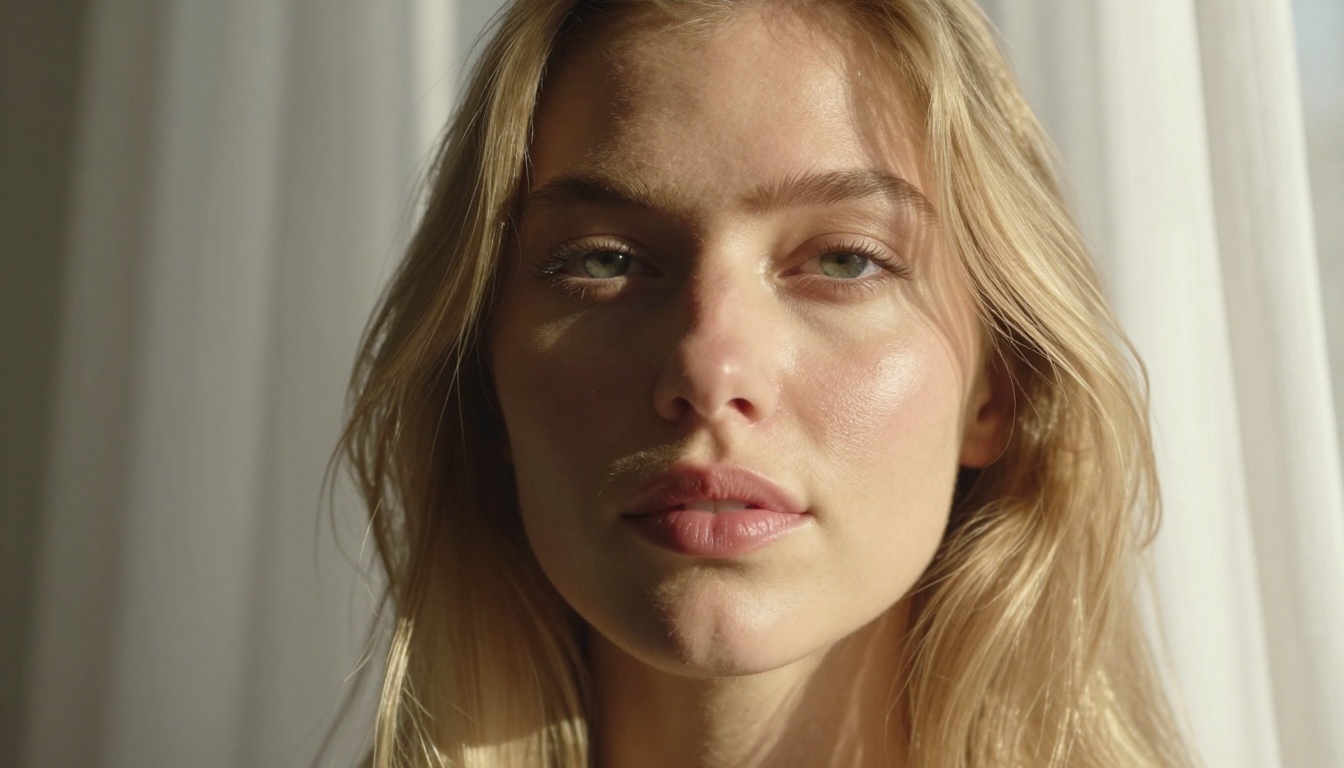
This breakdown covers the best tools available right now for generating adult and NSFW images with AI. Each platform is evaluated on what actually matters: realism, speed, content restrictions, and cost per generation. No hypotheticals, no platforms that block what you are trying to create.
If you have spent time with mainstream AI image generators, you have already encountered the same pattern repeatedly. You write a detailed prompt, the model generates something, but anything even mildly suggestive gets refused, watered down, or replaced with a sanitized version that has nothing to do with what you asked for.
Filters block what you actually want
Platforms like Midjourney, Adobe Firefly, and DALL-E are primarily built for enterprise clients, marketing agencies, and educational contexts. Their filters are not accidental. They are intentional decisions to protect corporate partnerships and school-safe use cases. The consequence for adult creators is that your creative intent gets overruled by a classifier that cannot distinguish between fine art, fashion photography, glamour work, and explicit content.
The workaround culture that developed around this, jailbreak prompts, token substitutions, elaborate phrasing, is both tedious and unreliable. A platform update can invalidate months of prompt engineering overnight.
Realism is non-negotiable
Even among NSFW-permissive tools, quality varies significantly. Some produce images that look like distorted 3D renders: skin with no texture, lighting that is obviously artificial, anatomy that does not hold up to basic scrutiny. For adult content specifically, the uncanny valley is more pronounced. The human eye is extremely sensitive to subtle anatomical errors in faces and bodies, and AI images that fall into that valley are immediately recognizable as fake.
The platforms in this list clear both bars: unrestricted content policies and genuinely photorealistic output that reads as real photography rather than digital illustration.
All of the following models are available on PicassoIA, a platform built specifically around unrestricted, high-performance AI generation. Here is what each one delivers.
Seedream 4.5 (the top pick)
Seedream 4.5 is the best model for NSFW adult image generation available right now, and the gap between it and the competition is significant. Built by ByteDance, it combines full NSFW support with both text-to-image generation and image editing capabilities, all at a generation speed of under 3 seconds per image.
The photorealism is a genuine standout. Skin texture, lighting response, and anatomical accuracy sit at a level that most other models simply do not reach. Hair, fabric, water reflections, and environmental details all hold up to close inspection in a way that separates Seedream 4.5 from everything else at this price point.
The editing feature deserves attention on its own. After generating an initial image, you can select specific regions or describe changes in text, and Seedream 4.5 applies them while preserving everything else. This means you can iterate on a result rather than regenerating from scratch every time something is off.
💡 Important: The newer Seedream 5 Lite does not support NSFW content. For adult generation, use Seedream 4.5 specifically.
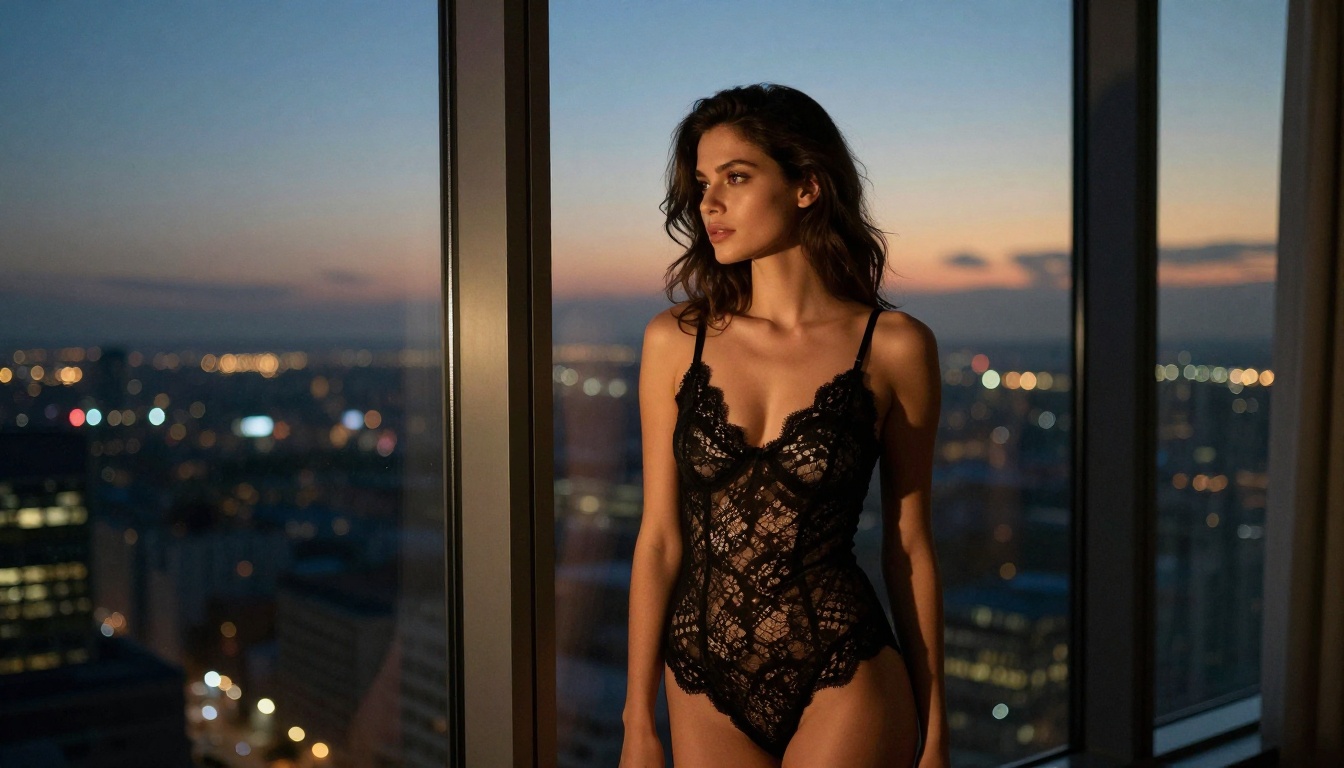
PicassoIA Image Editor Pro (unlimited value)
PicassoIA Image Editor Pro operates on a fundamentally different model from per-generation pricing. It is an image-to-image (img2img) tool: you provide a source image and a text description of what you want changed, and it applies the transformation in under 1 second.
The headline feature is unlimited generations on Elite and Infinite subscription plans. In concrete terms:
- 1,000 generations on a typical per-generation model: approximately $100
- 1,000 generations on PicassoIA Image Editor Pro with an Elite plan: $0 extra
For content creators building large image libraries, running style variations, or simply wanting to experiment freely without watching a credit balance, this pricing structure removes the main economic barrier entirely.
It also includes a 3-generation free trial with no credit card required, making it genuinely risk-free to test before committing.
| Feature | PicassoIA Image Editor Pro | Standard Per-Gen Model |
|---|
| Generation speed | Under 1 second | 10-40 seconds |
| NSFW support | Fully supported | Often blocked |
| Cost per 1,000 images | Free (Elite/Infinite plan) | ~$100 |
| Free trial | 3 images, no card required | Varies |
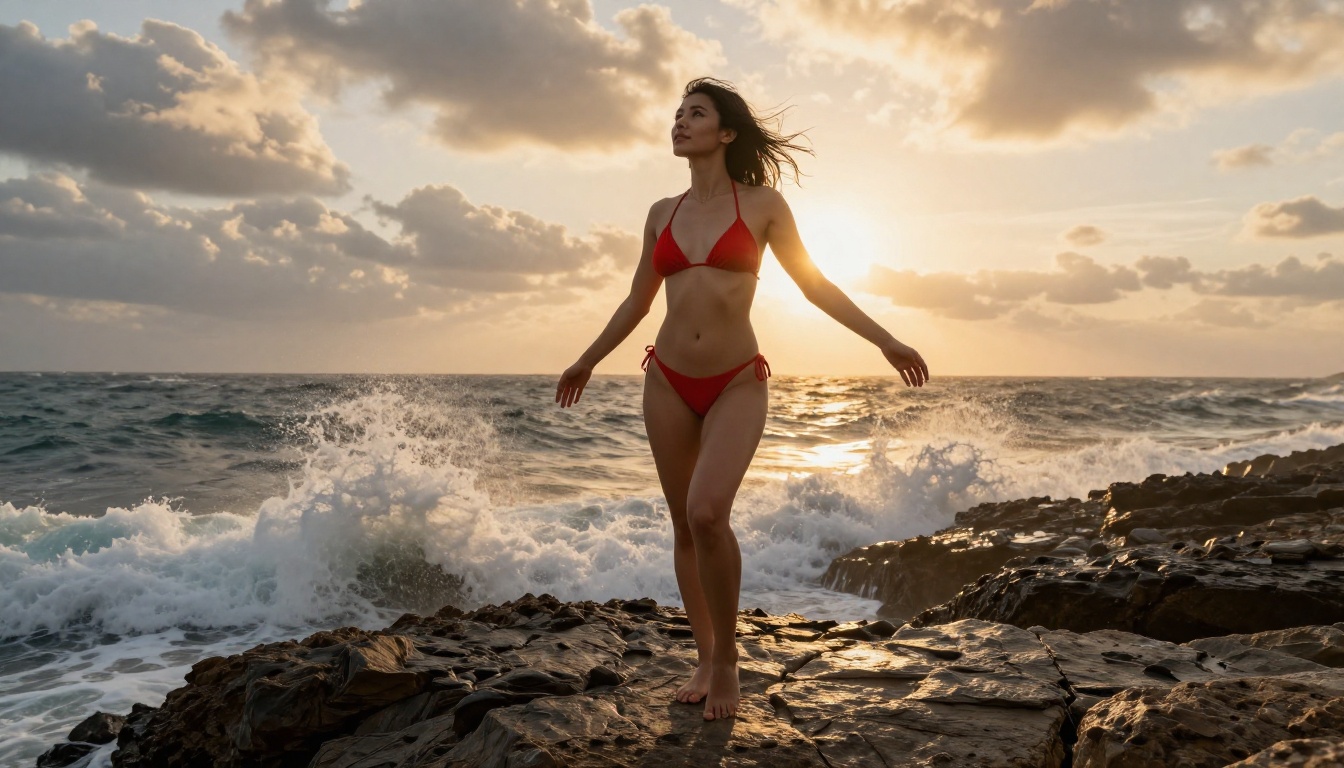
Qwen Image 2 (open-source realism)
Qwen Image 2 is the open-source option in this lineup. Because the model weights are publicly available and no corporate safety layer was applied after training, it operates without content restrictions by design. Output is detailed and realistic, particularly strong on portrait photography, skin tone rendering, and fabric texture.
Its editing workflow is one of the most precise available. You can describe changes to a specific element of an existing image, shifting the lighting, changing a garment, adjusting a pose, and it applies them with strong accuracy while preserving the overall composition. For creators who want surgical control over individual elements rather than full regeneration, Qwen Image 2 is one of the most reliable options in the lineup.
Grok Imagine Image (the bikini converter)
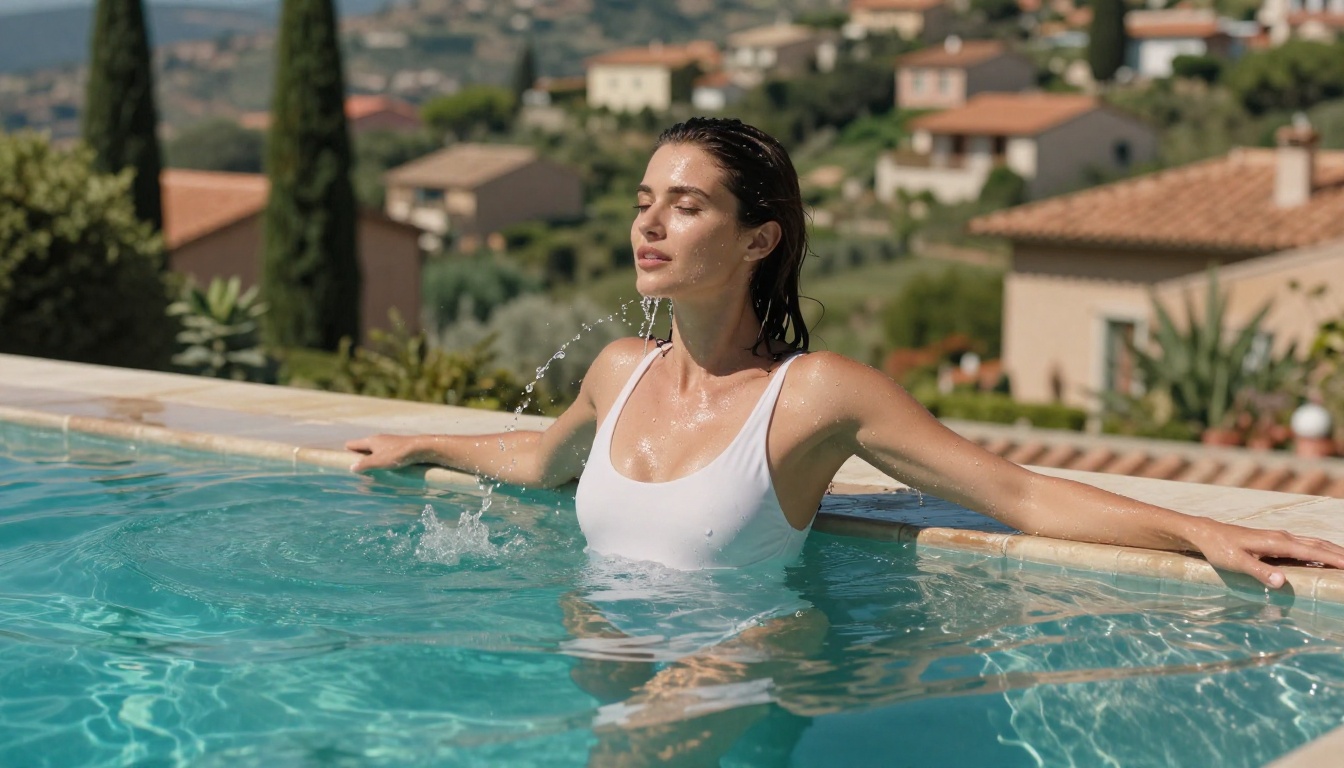
Grok Imagine Image does one thing particularly well: it converts existing photos into realistic swimwear or bikini images while maintaining the subject's natural proportions and likeness.
The realistic body and fabric rendering is above average for image-to-image models. Bikini straps, fabric tension, and skin-to-fabric boundaries render in a way that looks photographically authentic rather than digitally applied. For creators starting with reference photos and wanting to reimagine them in beach or poolside contexts, this is the most reliable current option.
Recraft V4 and P-Image
Recraft V4 is a pure text-to-image model with no NSFW filter. It does not offer editing or image-to-image workflows, but for generating adult content from a detailed text prompt, it delivers high photorealism across portrait, glamour, and lingerie styles. Generation time runs 10-20 seconds, acceptable for quality work.
P-Image sits at the other end of the speed spectrum: full NSFW support with generation in under 1 second. When you need high volume, rapid iteration, or instant previews before committing to a final render, P-Image is the fastest option available. Quality is solid, though it does not hit the same ceiling as Seedream 4.5.
💡 A practical workflow: use P-Image for rapid drafts and composition testing, then switch to Seedream 4.5 for final renders when quality matters most.
Wan 2.2 Image rounds out the text-to-image lineup. It generates highly realistic images from text descriptions without content filters, and its output style leans toward natural, documentary-style photography rather than processed editorial work. Worth including in any rotation where stylistic variety is a priority.
How to Use Seedream 4.5 on PicassoIA
Since Seedream 4.5 is the top recommendation, here is exactly how to use it for best results.
Step-by-step walkthrough
- Open Seedream 4.5 on PicassoIA
- In the text input field, write your full prompt. The model responds well to detailed, descriptive language.
- Select your aspect ratio: 16:9 for landscape images, 9:16 for vertical or portrait orientation, 1:1 for square compositions.
- Click Generate. Your image appears in under 3 seconds.
- To edit the result: click on the generated image, select the edit option, and describe specifically what you want changed. The model applies the change while preserving the rest of the image.
For image-to-image workflows, use the upload button to provide a source image, then describe the transformation in your prompt text.
Prompt writing that produces results
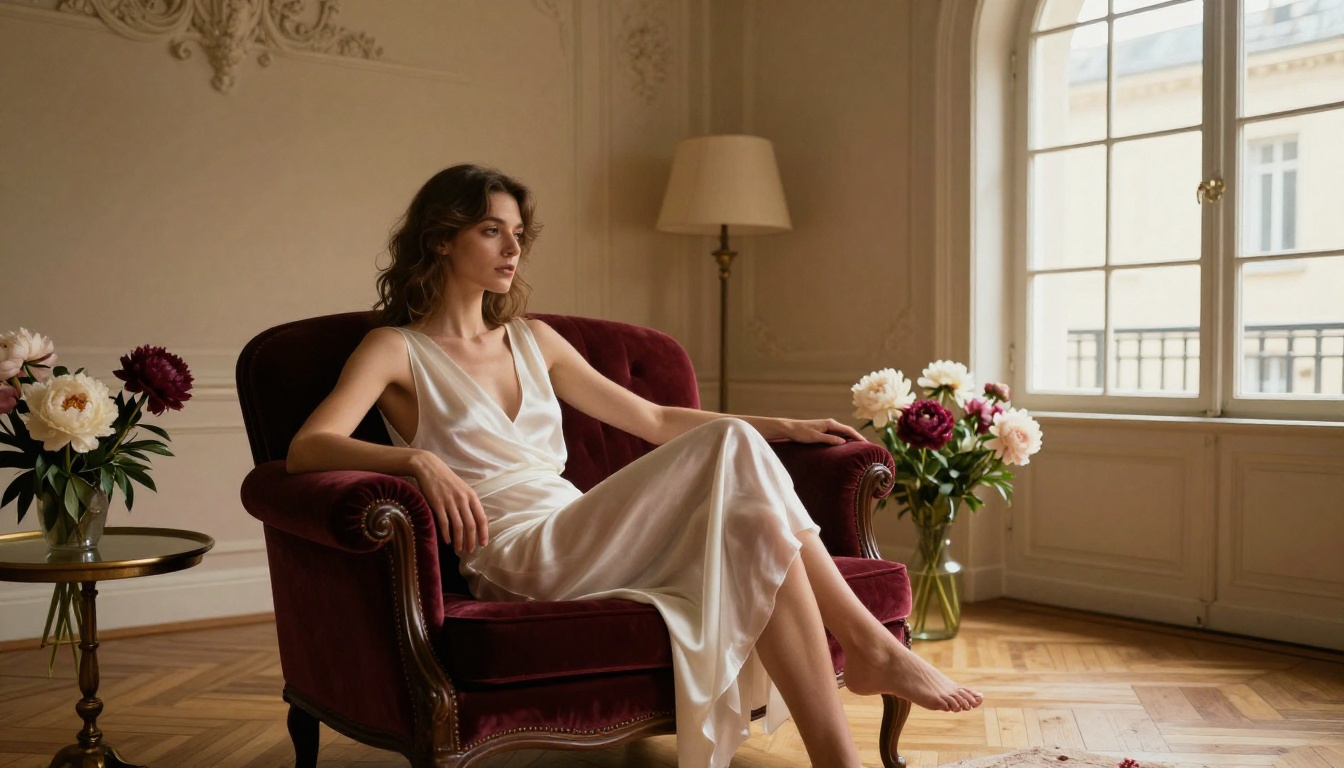
The gap between a mediocre generation and a photorealistic one comes down almost entirely to prompt specificity. These elements produce the biggest gains:
Describe the lighting first. "Warm golden hour light from the left" gives the model more direction than "nice lighting." Specify the direction, temperature (warm amber, cool blue, neutral daylight), and quality (soft and diffuse, harsh and directional, volumetric).
Name the camera and lens. "85mm f/1.4" simulates specific depth of field and compression. "24mm wide-angle" gives a completely different environmental relationship between subject and background. Naming the lens pulls the model toward photographic realism rather than illustration.
Add skin and texture detail. Phrases like "fine skin texture visible on forearms," "slight sunscreen sheen on shoulders," or "hair slightly damp from the ocean" anchor the output in photographic reality. These micro-details are what separate a compelling image from a generic one.
End with quality anchors. Every prompt should close with: RAW 8K photography, Kodak Portra 400 film grain, photorealistic, --ar 16:9 --style raw. These consistently lift output quality across all models on the platform.
Speed vs Quality: Real Numbers
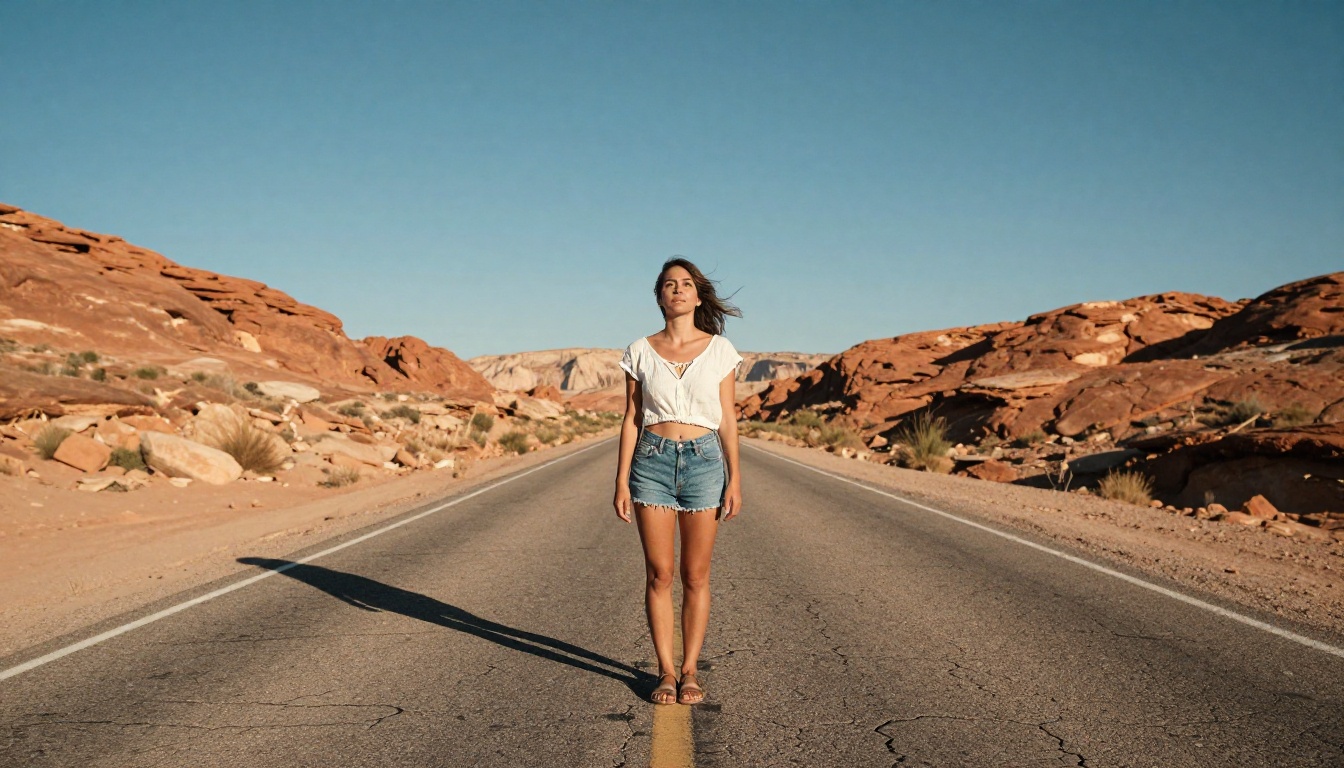
Here is a clear comparison across the main options, based on what each model consistently delivers in real-world use:
| Model | Speed | Realism | NSFW | Editing |
|---|
| Seedream 4.5 | Under 3s | Exceptional | Yes | Text + img2img |
| PicassoIA Image Editor Pro | Under 1s | High | Yes | img2img only |
| Qwen Image 2 | 5-10s | Very High | Yes | Yes |
| Grok Imagine Image | 5-15s | High | Yes | img2img |
| Recraft V4 | 10-20s | High | Yes | No |
| P-Image | Under 1s | Good | Yes | No |
| Wan 2.2 Image | 3-8s | Very High | Yes | No |
For most workflows, Seedream 4.5 is the right starting point. It combines the highest realism ceiling with sub-3-second speed and editing capabilities that allow iterative refinement without regenerating from scratch.
Free vs Paid: What You Actually Pay
The cost structure across NSFW AI image tools varies more than most people realize, and the right answer depends entirely on how many images you are generating per month.
Per-generation pricing is the default model for most platforms. Prices range from $0.05 to $0.20 per image depending on the model and platform. At $0.10 per image, 1,000 images costs $100. At 10,000 images per month, you are spending $1,000. For content businesses and high-volume creators, this adds up fast.
Subscription with unlimited generations is where PicassoIA offers a structural advantage. The Elite and Infinite plans include unlimited generations on models like PicassoIA Image Editor Pro, which means the cost per image approaches zero as volume increases.
Free tiers exist across most PicassoIA models. PicassoIA Image Editor Pro specifically offers 3 generations free with no payment information required, which is a low-friction way to evaluate output quality before committing to a subscription.
💡 If you are generating more than 200-300 images per month, calculate your per-generation cost. Unlimited plans on PicassoIA almost always win at that volume.
How to Write Prompts That Actually Work
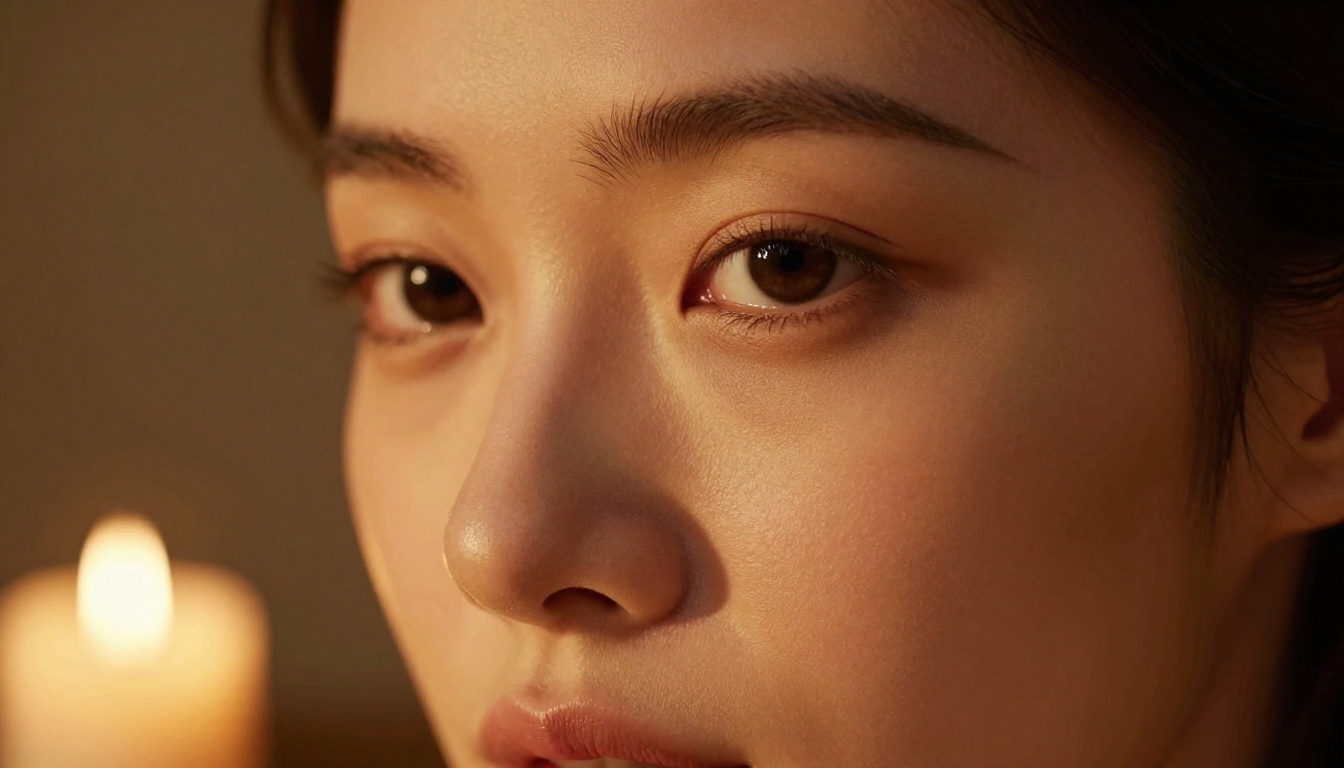
A strong prompt is the single biggest variable in output quality. The model is only as good as the instructions you provide, and this is especially true for adult content where realism expectations are high.
Subject and pose description
Start with who and what: the subject, their position, what they are wearing, and their posture. Be specific. "A woman in a white bikini standing at the water's edge with one hand on her hip, looking off-frame to the left" gives the model a clear scene to build from. Vague prompts like "beautiful woman on a beach" produce generic results. Specific prompts produce specific results.
For pose, describe body position in concrete spatial terms. "One arm raised, elbow bent, forearm resting on a window frame" is more useful than "casual stance." Think about what a photographer's brief would actually say.
Lighting and environment
Lighting is what separates a photorealistic image from a flat render. Always describe three things: the direction (where is the light coming from), the quality (how hard or soft), and the temperature (warm, cool, or neutral). Combine these: "soft diffuse morning light from the right" or "harsh directional overhead sun at noon."
For environment, build in layers. What is at her feet. What surrounds her. What fills the frame in the background. Each layer of specificity gives the model more to work with.
Style and camera specs
Ending every prompt with camera specs anchors the realism:
- Lens choice: 85mm f/1.4 for portraits with subject-background separation, 24mm wide-angle for environmental shots, 135mm for compressed close-ups
- Film stock: Kodak Portra 400 for warm skin tones, Fuji Provia for cooler blues and greens
- Quality anchors: RAW 8K photography, photorealistic, editorial fashion, --style raw
These closing anchors function as a consistent instruction across all models and reliably improve output quality with minimal prompt effort.
12 Models, No Restrictions
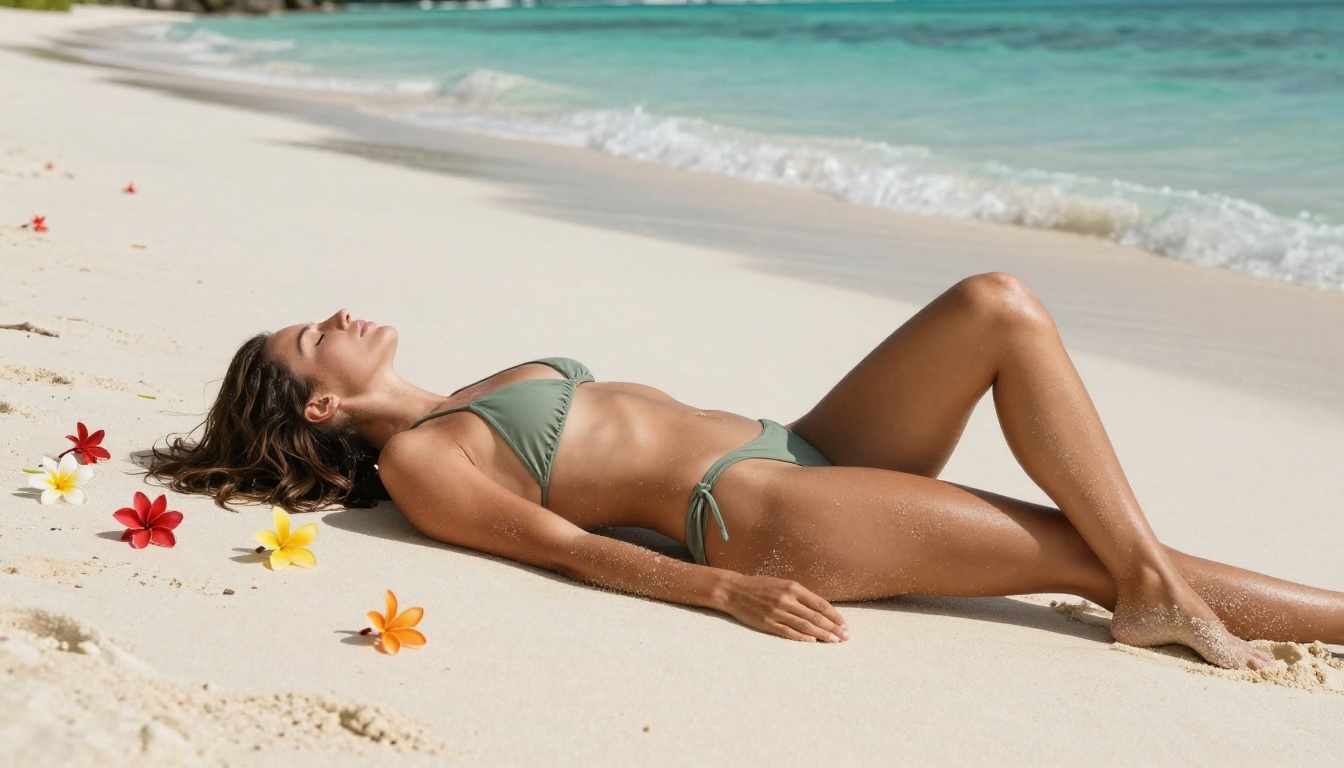
For the full picture, here is every NSFW-capable model currently available on PicassoIA, ranked in order of recommendation:
- Seedream 4.5 - Best overall. Exceptional realism, full NSFW support, under 3 seconds, image editing included. (Seedream 5 Lite does not support NSFW.)
- PicassoIA Image Editor Pro - Unlimited generations on Elite/Infinite plans. Under 1 second. 3-image free trial, no card needed.
- Qwen Image 2 - Open-source, no content restrictions, detailed editing and creation from text.
- Grok Imagine Image - Best for realistic bikini and swimwear conversions from reference photos.
- Recraft V4 - High realism text-to-image, no content filter applied.
- P-Image - Fastest option at under 1 second. Strong NSFW text-to-image.
- Wan 2.2 Image - Highly realistic text-to-image without content restrictions.
- Wan 2.2 I2v Fast - Turns static images into smooth, natural-motion video clips.
- PicassoIA Video - Unlimited video generation up to 720p and 5 seconds per clip from text prompts.
- P-Video - Text, image, or audio to video up to 1080p. Safety filter off by default.
- Grok Imagine Video - Clips up to 15 seconds from text or image. No watermarks on output.
- LTX 2.3 Pro - Up to 4K at 50fps with retake and extend editing for precise clip control.
Unlike mainstream AI platforms, PicassoIA gives creators full creative freedom with uncensored, high-performance models across every category.
👉 Browse the full catalog at picassoia.com/en/all-models
Start Creating Without Restrictions
The tools, the realism, and the platform are in place. What remains is putting them to work.
Seedream 4.5 takes a text prompt to a photorealistic adult image in under 3 seconds. PicassoIA Image Editor Pro gives you unlimited image transformations from reference photos at no extra cost on Elite plans. Qwen Image 2 and Grok Imagine Image cover open-source and specialized conversion workflows for creators who want granular control.
Every model on this list offers a free tier or trial. Test them directly, see which output style matches what you are building, and generate without anyone deciding what you are allowed to create.
👉 Start generating at picassoia.com


