You type a sentence, press generate, and the picture is already there before your coffee cools. That is the pitch of Flux 2 Klein, the compact image model family from Black Forest Labs released in January 2026, and it is the reason so many designers, marketers and hobbyists now keep it open in a browser tab all day. No installation, no graphics card, no waiting in a queue. This article shows how the model works, how to run it free online, which prompts give the most realistic results, and which speed settings are worth touching.
Flux 2 Klein: Free Online Image Generator, Prompts, and Speed Settings
What Flux 2 Klein Actually Is
Klein is German for "small", and the name is honest. Black Forest Labs built this family to run fast on modest hardware while keeping the sharpness people expect from the larger Flux 2 line. Instead of the 25 to 50 sampling steps older diffusion models needed, the distilled versions finish in 4 steps. Fewer steps means less waiting, and on a hosted platform it means you can try ten ideas in the time it used to take to render one.
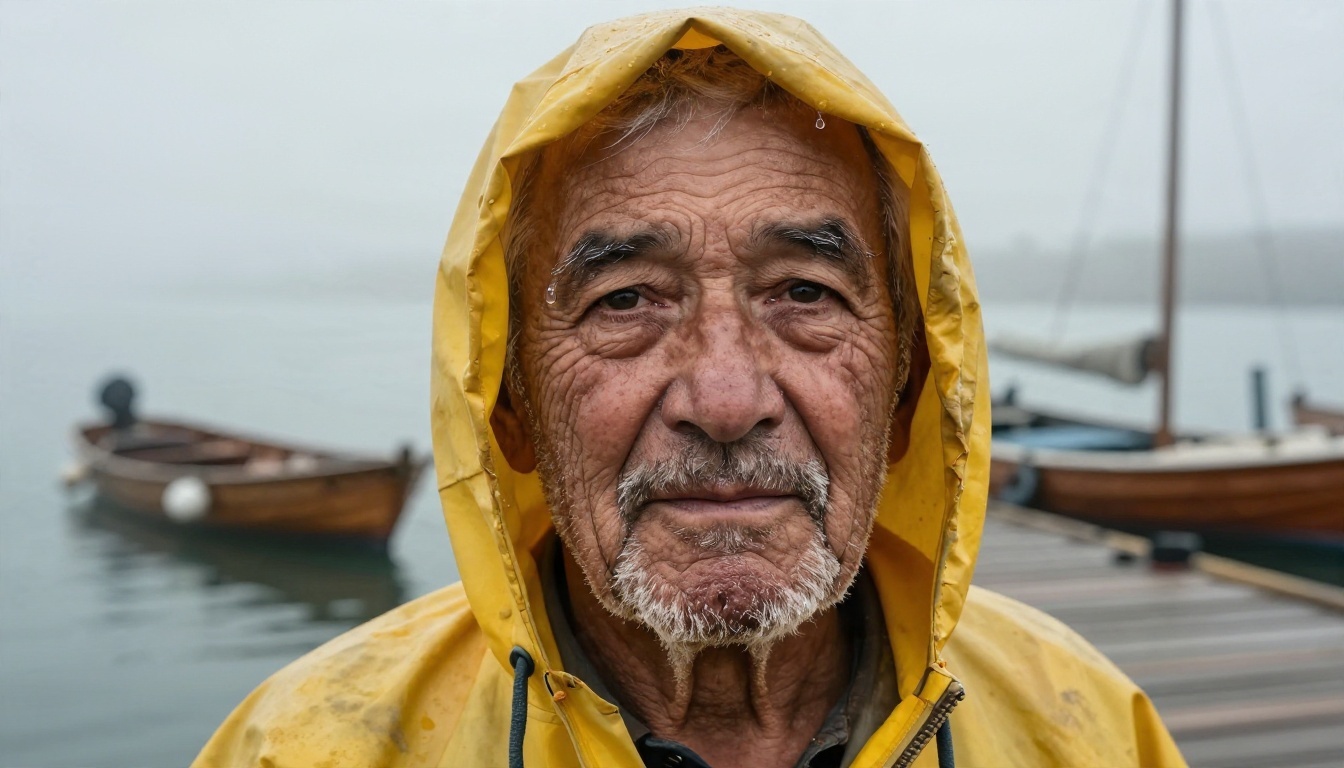
A weathered portrait like this needs only a subject, a place, a light direction and a lens. No long keyword lists.
4B vs 9B in Plain Terms
The numbers refer to parameters, the model's learned weights. More parameters usually means finer detail and better prompt following, while fewer means faster output and lower hardware needs.
| Version | Best for | Speed feel | Detail level |
|---|
| Flux 2 Klein 4B | Rapid drafts, mood boards, batches | Under a second per image on its PicassoIA listing | Clean and sharp |
| Flux 2 Klein 9B | Final images, skin, fabric, small objects | Still quick, a touch slower | Noticeably richer texture |
A practical rule: draft on 4B, finish on 9B. Once a composition works, rerun the same prompt and seed on the larger model and compare.
💡 Licensing note: Reports differ on the license for each size. The 4B is widely described as Apache 2.0, while the 9B is often listed under a non-commercial license. If you plan to sell the images or run the weights yourself, read the official Black Forest Labs license before you rely on either reading.
Base and LoRA Variants
Besides the distilled models, the family includes base checkpoints that trade speed for control and are meant for fine-tuning:
If you only want good pictures fast, ignore these and stay on the distilled 4B or 9B.
Why It Feels So Fast
Speed is the headline feature, so it helps to know where it comes from and where it stops.
Four Steps, Not Thirty
Distillation teaches a small model to reach in 4 steps the result a slower model reaches in many. The trade is flexibility: distilled models respond less to extreme guidance values, which is why the hosted forms hide most of those knobs. You get a reliable default instead of a slider that breaks the image.
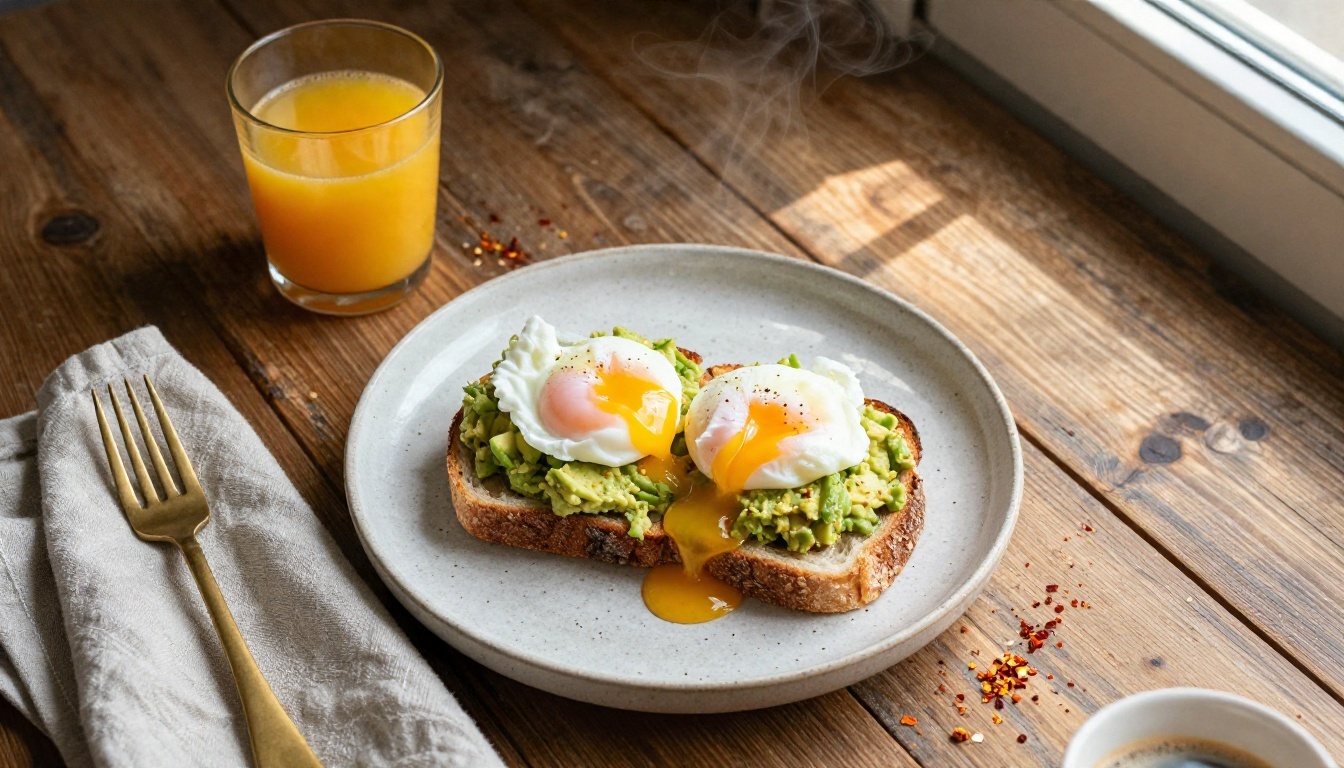
Food is a great speed test. Steam, glossy yolk and crumbs all appear in one pass.
Go Fast and Megapixels
Two settings change generation time more than anything else:
- Go Fast applies extra runtime optimizations. On the 9B listing it is on by default, on the 4B listing it is off by default. Turn it on for drafts.
- Megapixels sets output size from 0.25 up to 4. Time and detail both grow with it, so work at 1 for ideas and raise it only for the keeper.
How to Use Flux 2 Klein on PicassoIA
The quickest way to try it free online is through the browser, with no setup. Here is the full path using the 9B model; the 4B steps are identical.
Step 1: Open the Model Page
Go to Flux 2 Klein 9B or Flux 2 Klein 4B. Both sit in the text-to-image collection.
Step 2: Write the Prompt
Describe one scene in one or two sentences. Name the subject, the setting, the light and the lens. The formulas in the next section give you a template.
Step 3: Choose the Aspect Ratio
Twelve ratios are available, including 1:1, 16:9, 9:16, 4:5 and a wide 21:9. Pick the final format first, because a vertical image is composed differently from a banner.
Step 4: Set Resolution and Format
Leave megapixels at 1 for the first pass. Pick jpg for everyday use, webp for smaller web files, or png when you need lossless output.
Step 5: Generate and Iterate
Press generate, then change one thing at a time. If you like a result but want a small change, copy the seed so the composition stays put while you edit the wording.
💡 Image-to-image: Both models accept up to five reference images. Upload a product shot or a rough layout and describe how it should change.
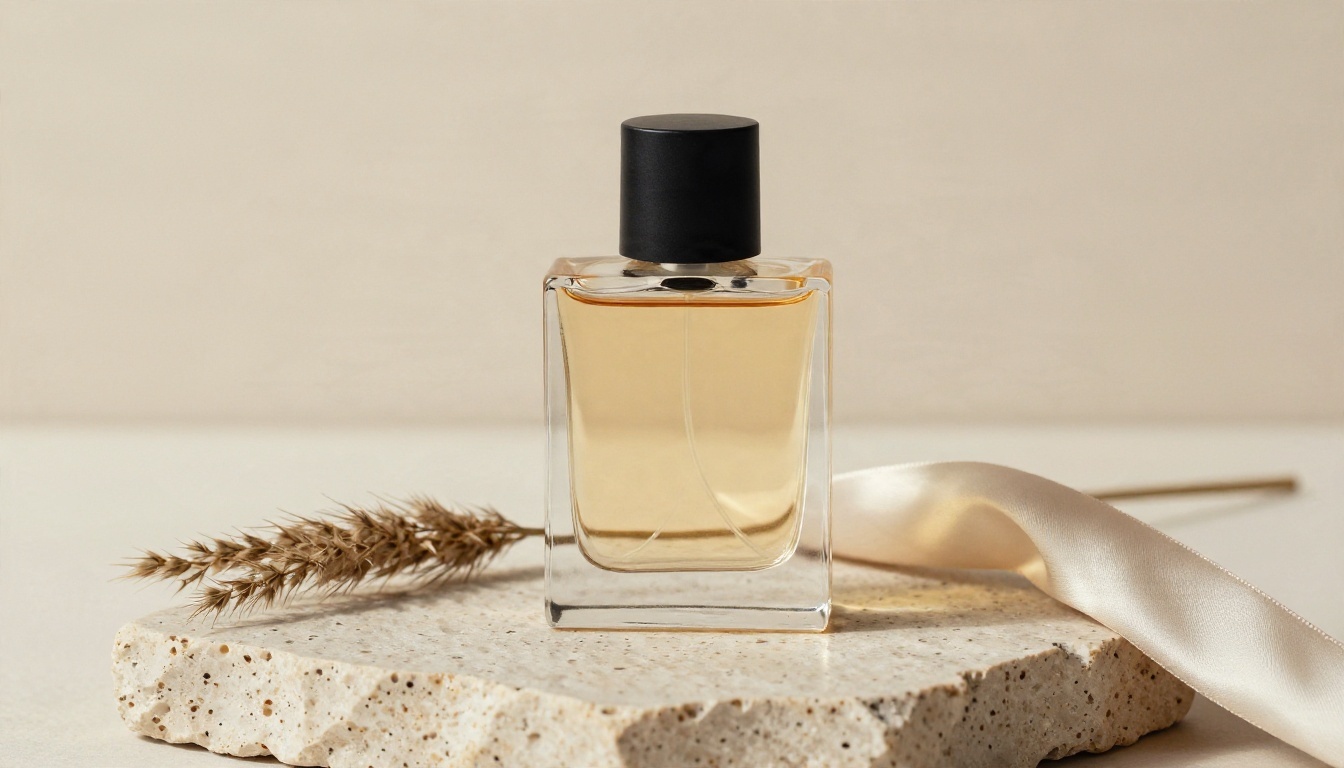
Product scenes benefit from a reference image when the shape of the object matters.
Speed Settings That Matter
Not every control deserves your attention. This table separates the ones that change your work from the ones that mostly do not.
| Setting | What it does | Practical advice |
|---|
| Go Fast | Runs optimized inference | On for drafts, off if you notice artifacts |
| Megapixels | 0.25 to 4 MP output size | 1 for ideas, 2 for social, 4 for print |
| Aspect ratio | Sets the frame shape | Decide before you write the prompt |
| Seed | Fixes the random start | Keep it while you rewrite the prompt |
| Output format | jpg, webp or png | jpg for speed, png for editing |
| Output quality | 0 to 100 compression | 90 to 95 is plenty |
Resolution vs Time
Doubling the megapixels roughly doubles the pixels the model must place, so a 4 MP image costs more time than a 1 MP one. It is cheaper to generate at 1, pick a winner, and upscale with a super resolution model than to render every attempt at maximum size.
Aspect Ratio Choices
- 16:9 for blog headers, video thumbnails and desktop wallpapers.
- 4:5 for social feeds.
- 9:16 for stories and short vertical video.
- 21:9 for cinematic banners.
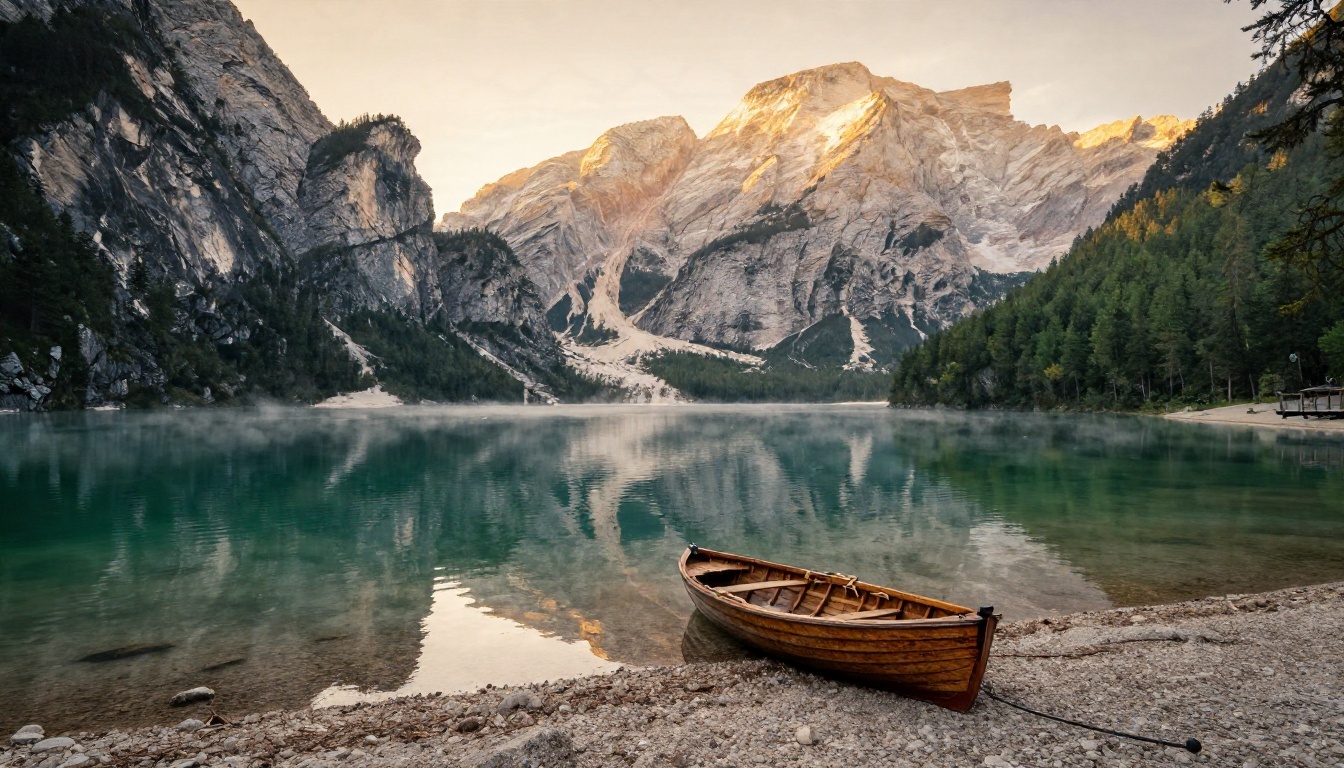
Landscapes reward wide frames. Ask for a low angle and a foreground object to add depth.
Seed and Output Format
A fixed seed is the most underrated setting. Write down the seed of any image you like. Later, you can change only the time of day or the clothing color and keep the rest of the scene nearly intact.
Prompts That Work
Klein responds best to plain, concrete language. A reliable formula is:
Subject + action + setting + light direction + camera and lens + texture words
Keep it between 30 and 80 words. Shorter prompts leave too much to chance, and very long ones tend to drop details near the end.
Portraits
Close-up portrait of a weathered elderly fisherman with salt-white stubble, yellow oilskin hood, misty harbor dock at dawn, soft overcast light from the left, 85mm f/1.8, visible skin pores, Kodak Portra 400 grain.
Skin texture words such as "pores", "stubble" and "freckles" do more for realism than the word "photorealistic" ever will.
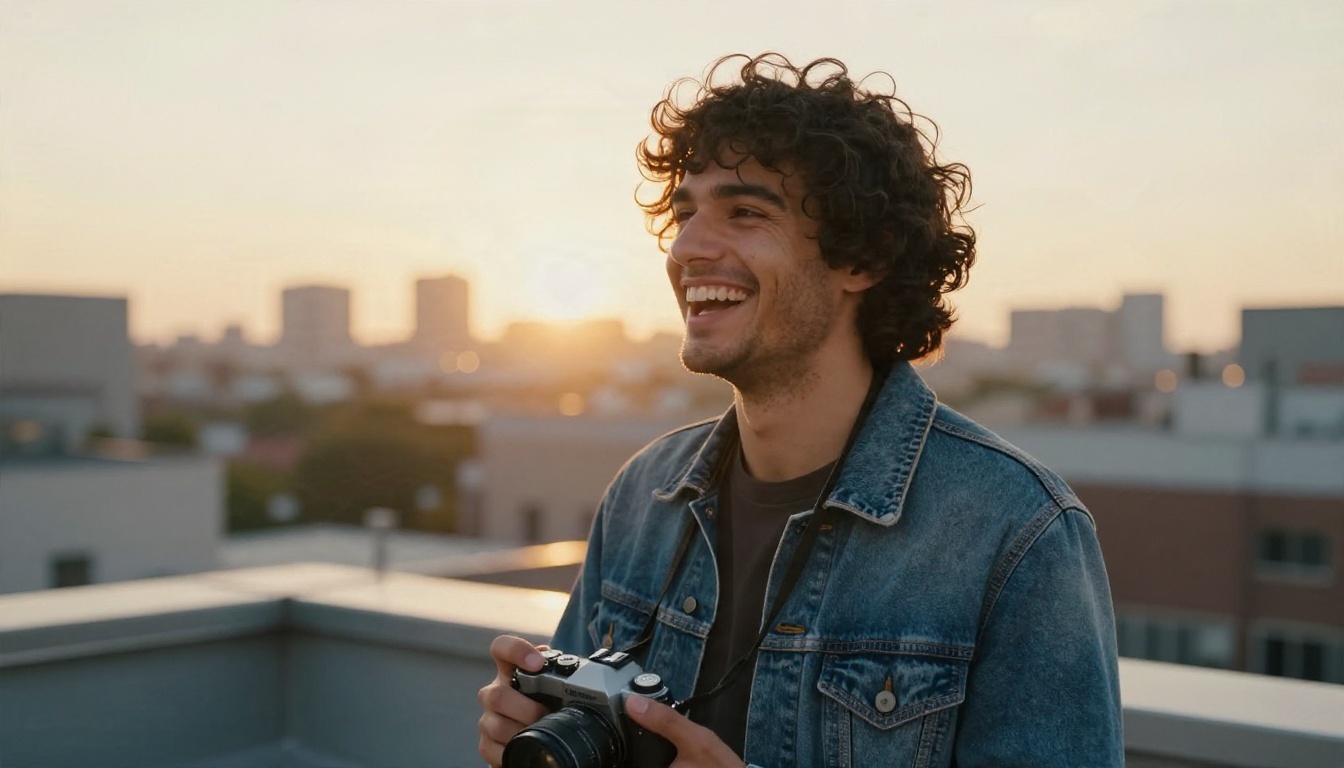
Backlight plus a fast portrait lens gives that golden rim on the hair.
Food and Product
Overhead flat-lay of avocado toast with a poached egg on a speckled ceramic plate, weathered oak table, hard window light from upper right, 50mm f/2.8, glistening yolk, warm tones.
For products, name the surface (travertine, brushed steel, linen), the light side, and one prop. Three objects at most.
Landscapes and Aerials
Aerial photograph of a whitewashed coastal village on a cliff above a blue bay, late afternoon sun from the west, long shadows, 24mm lens at f/5.6, crisp detail.
State the camera height in meters when you want a convincing aerial.
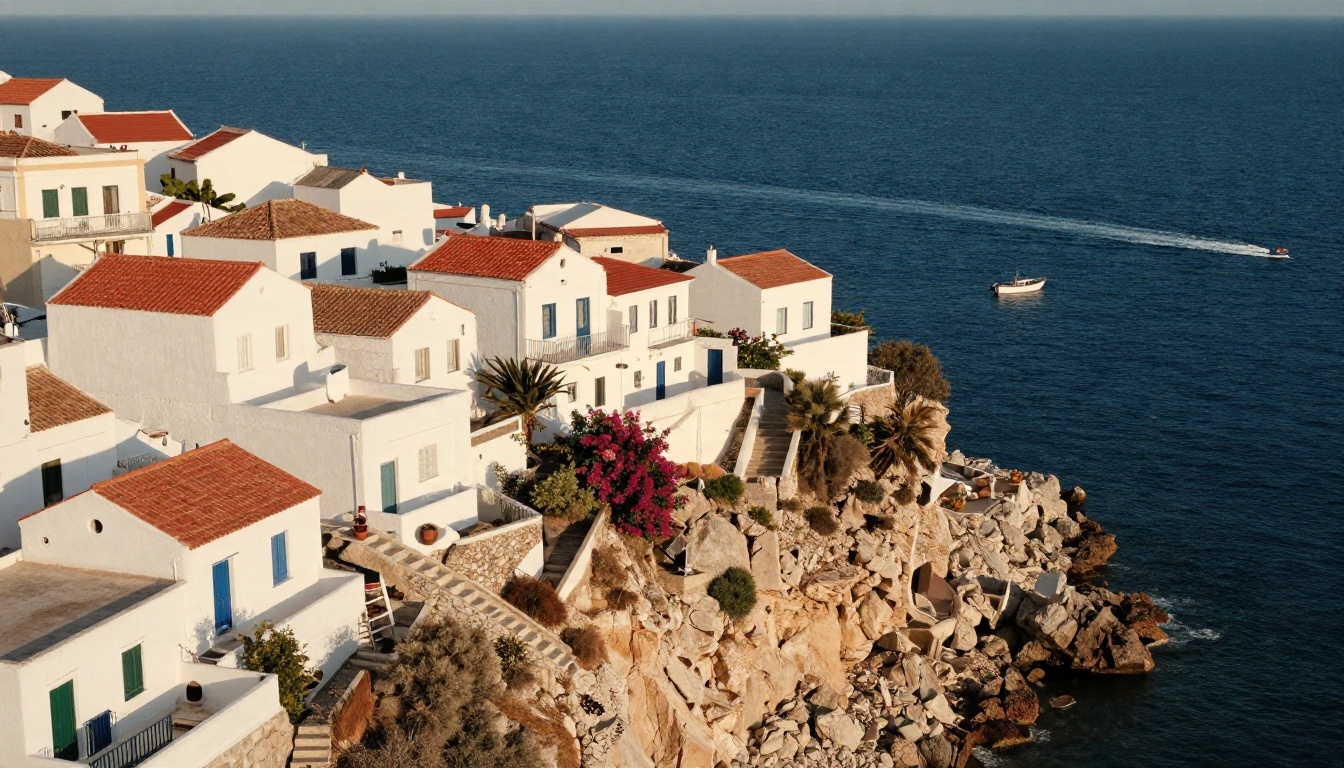
Giving a camera height and a lens length makes aerials feel shot rather than imagined.
Street and Interiors
Rain-soaked cobblestone alley at dusk, woman in a camel trench coat holding a black umbrella, warm tungsten glow from cafe windows, 35mm f/2, medium-low angle.
Sunlit Scandinavian living room, linen sofa, oak coffee table with eucalyptus, soft morning light from the left, wide 28mm, visible wood grain.
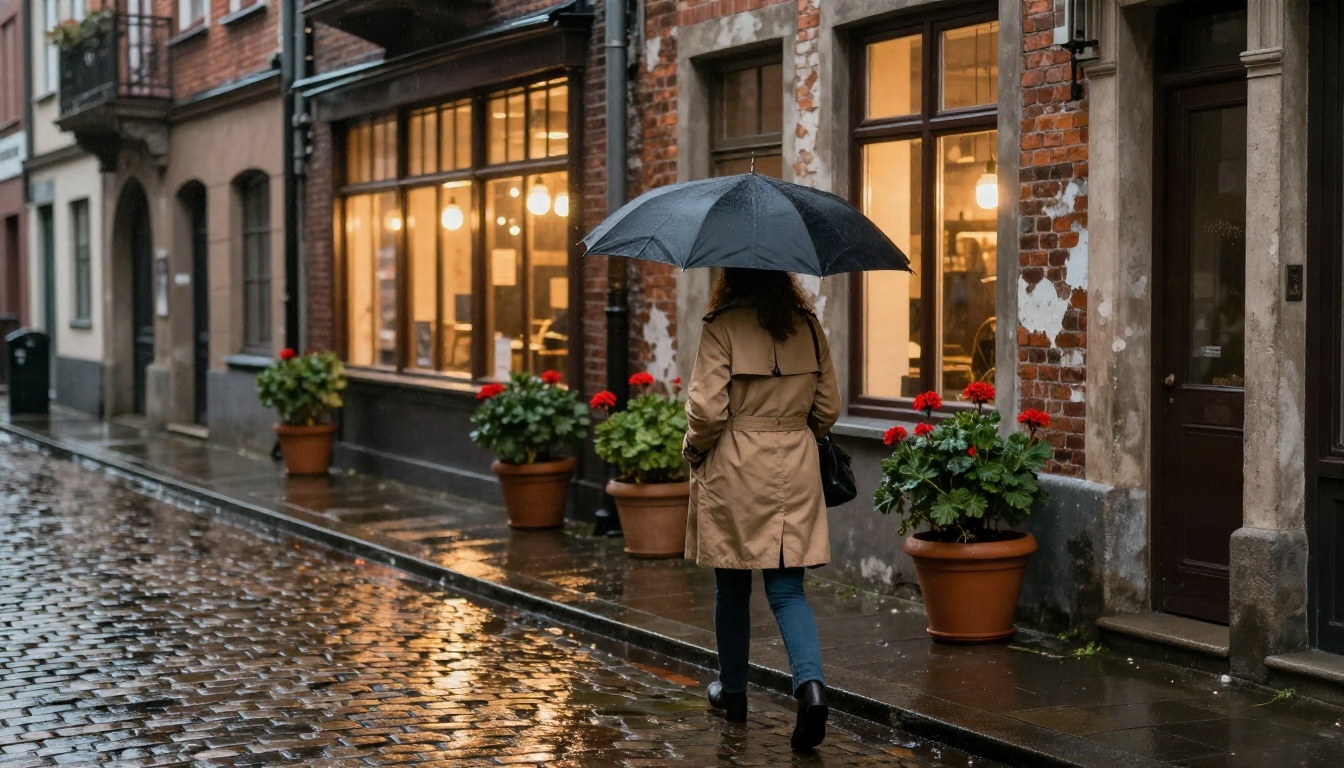
Wet surfaces and warm window light give street scenes instant atmosphere.
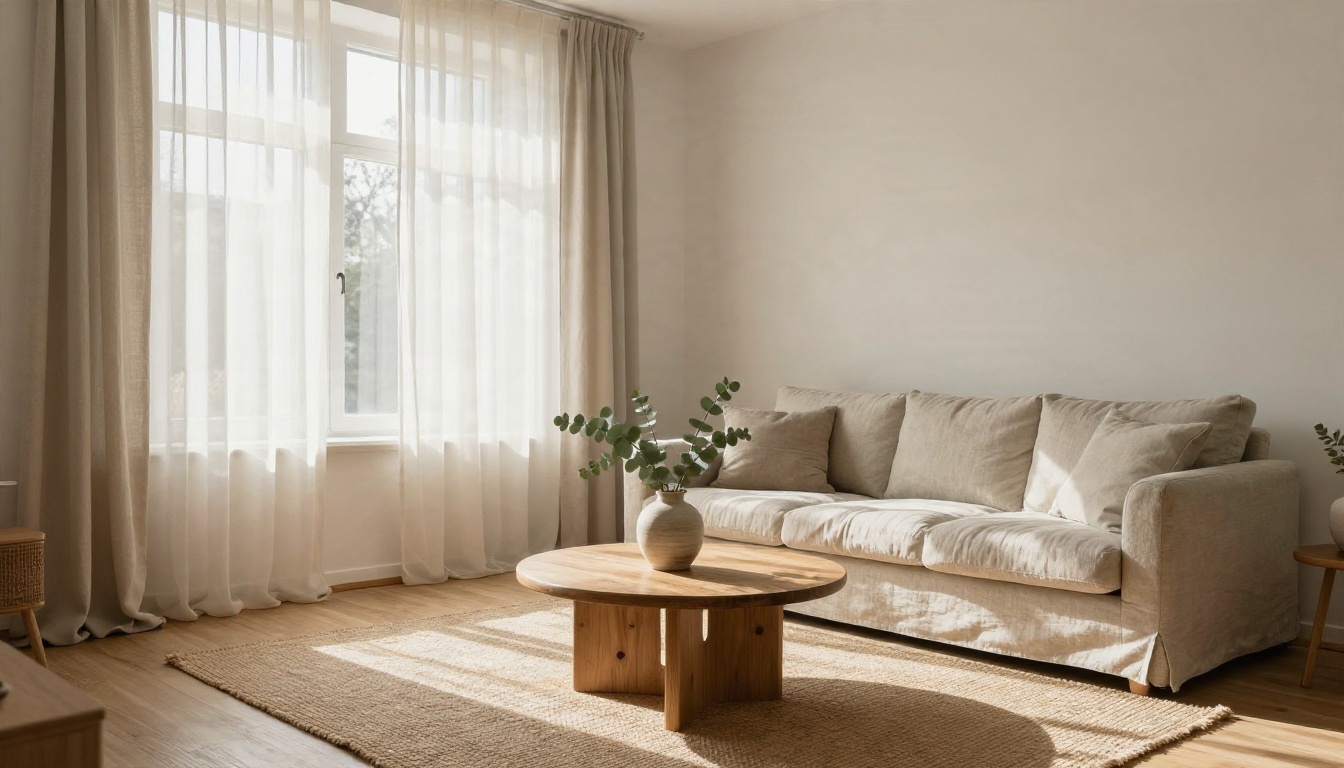
Interiors need a named light direction. Without one, rooms look flat and evenly lit.
Common Mistakes
1. Stacking Style Words
"Ultra, hyper, 8K, masterpiece, trending" adds noise, not quality. Describe the real camera and light instead.
2. Changing Five Things at Once
If a result is close, change one phrase and keep the seed. Otherwise you never learn which edit helped.
3. Rendering Everything at 4 MP
Large outputs slow down every attempt. Draft small, finish large.
💡 Text inside images: Small distilled models can stumble on long words. Keep any lettering to one or two short words, or add text afterward in an editor.
When to Pick Another Model
Klein is built for speed and everyday quality. Other models on the platform fit other jobs:
A sensible workflow for a small team: draft ten directions on Klein 4B, refine the best two on Klein 9B, and send the final pick to a 4K model or an upscaler only when it goes to print.
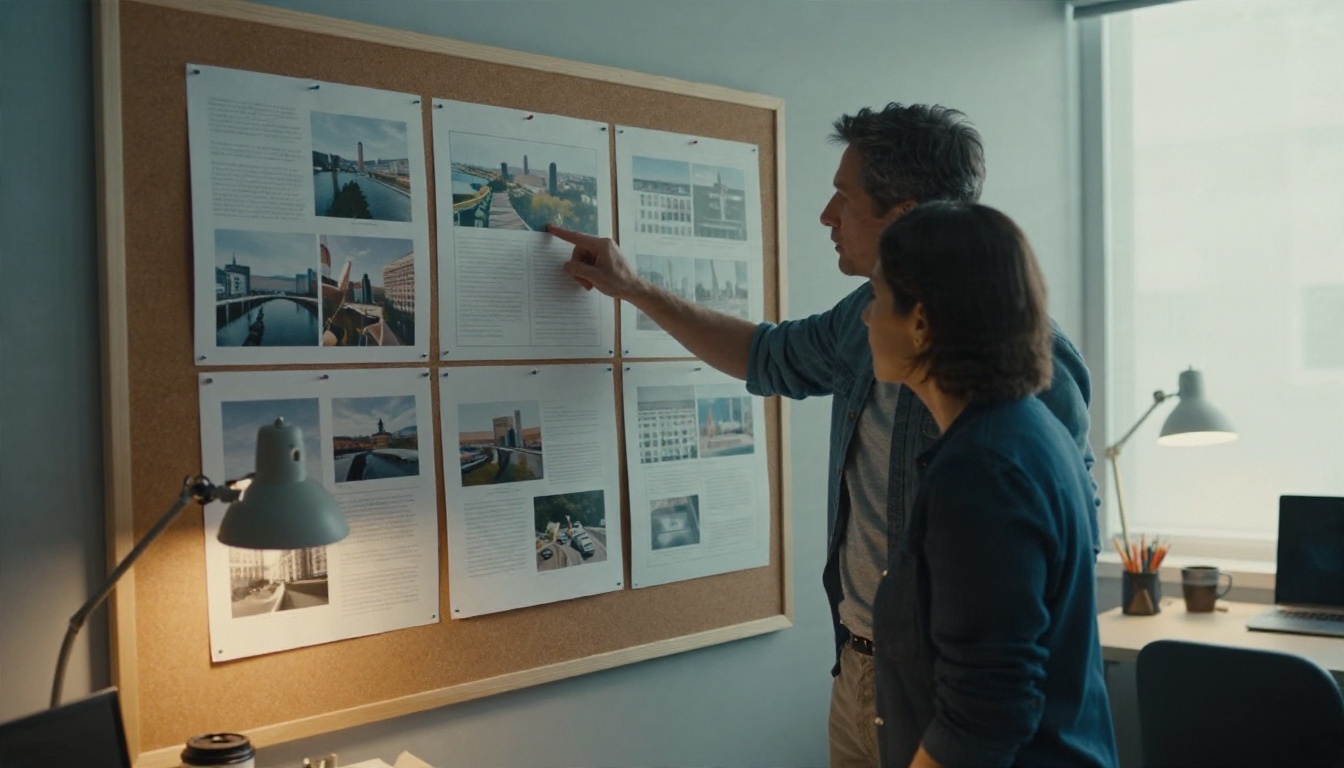
Fast drafts change how teams review work: you pin up ten options instead of debating one.
Make Your First Image Today
You now have the full loop: pick the 4B for speed or the 9B for detail, write a prompt with subject, light and lens, set the aspect ratio before anything else, keep the seed when you like a result, and raise megapixels last. The fastest way to build intuition is to run the same prompt on both sizes and compare them side by side.
Open Flux 2 Klein 4B on Picasso IA, paste one of the prompts above, and change a single word. Then try Flux 2 Klein 9B with the same seed. Within a few minutes you will have a feel for how much a lens, a light direction or a texture word changes the result, and a folder of images made entirely by you.


