Search for "Flux 3 ComfyUI" today and you will find two kinds of pages: ones that say Flux 3 is still locked behind an API, and ones that tell you to download it and start generating. Both are partly right. Flux 3 is a family, and only one member has open weights so far. That member is Flux 3 Image Klein, and it runs in ComfyUI. This article sorts out what is open, how to wire the workflow, which settings to try first, what the license allows, and how to get Flux-quality images for free in a browser if your graphics card is not up to it.
💡 Heads up on facts: Flux 3 is new and details are still moving. Everything below about the release comes from third-party reports, and I flag where numbers are vendor claims. Check the official model card before you build anything commercial on it.
What Flux 3 Actually Is Right Now
The Four-Tier Plan
Reports from the July 2026 announcement describe Flux 3 as a multi-part launch: an API tier, private weight access for partners, and an eventual open-weight multimodal backbone called Flux 3 Dev. At that point, one write-up noted there was no Flux 3 node in ComfyUI and none was expected until Black Forest Labs opened an API. That was true in July. It stopped being true in October.
Klein Is the Open Piece
On October 15, 2026, Black Forest Labs released Flux 3 Image Klein, described by ComfyUI Wiki as a 5.6B-parameter open weights model with ComfyUI support from day one. The official Klein page lists it as the open weights option in the family. ComfyUI's own release notes, as summarized by Magica, made it a first-class local workflow in version 0.41.0.
| Piece of Flux 3 | Access | Runs in ComfyUI locally? |
|---|
| Flux 3 Image (flagship) | API and partner access | No, API nodes only |
| Flux 3 Image Klein | Open weights, gated download | Yes |
| Flux 3 Dev (multimodal backbone) | Planned open weights | Not confirmed |
If someone sells you a "Flux 3 Pro checkpoint" for your local machine, be skeptical. Klein is the one you can actually download.
Hardware and Model Files
VRAM Reality Check
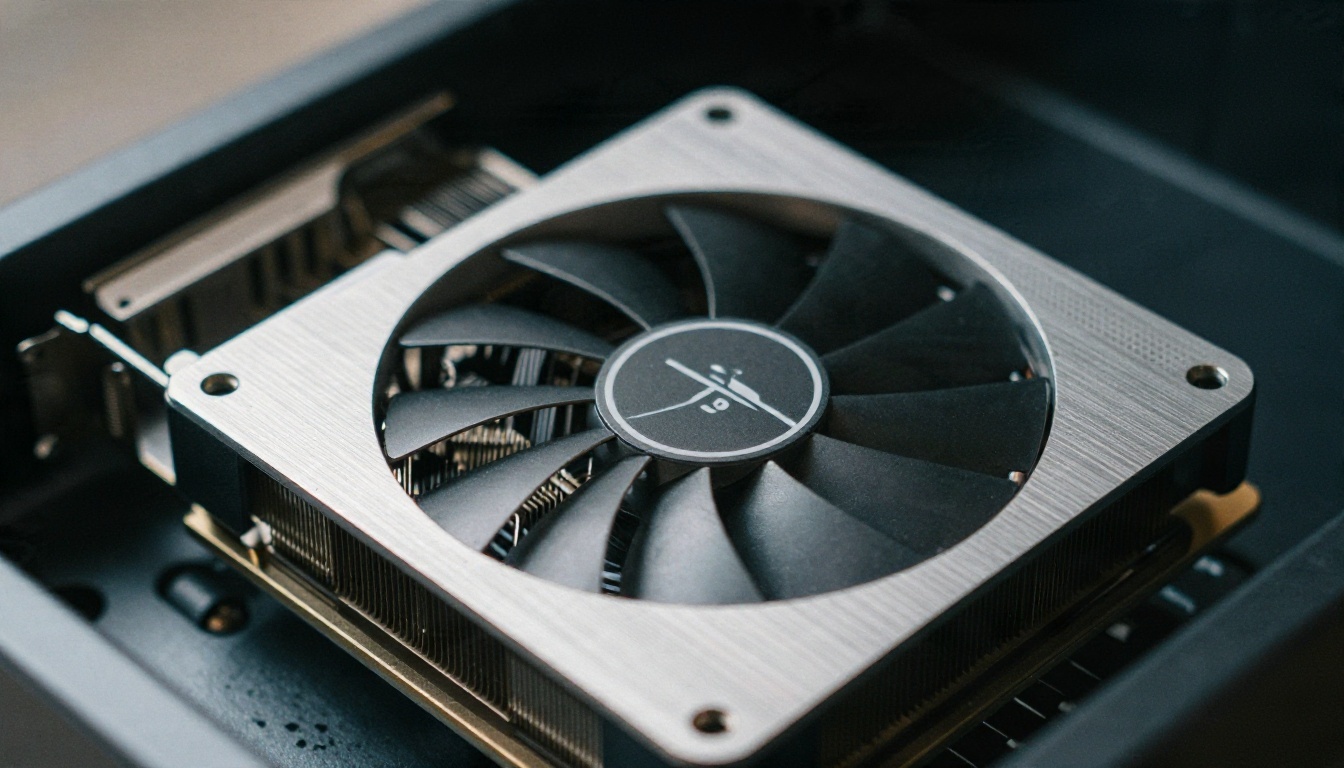
One source reports that the INT8 build of Klein runs on NVIDIA GeForce cards with as little as 8 GB of VRAM through ComfyUI. Treat that as a floor, not a comfortable target. Here is a practical way to think about it:
- 8 GB cards: use the INT8 build, generate around 1 megapixel, close every other app that touches the GPU.
- 12 to 16 GB cards: you can use a higher precision build and keep the text encoder loaded without constant swapping.
- 24 GB and up: batch several images at once and try larger resolutions.
- No Nvidia card or under 8 GB: skip to the free online section below. It will save you an evening.
💡 System RAM matters too. If ComfyUI offloads the text encoder to the CPU, 32 GB of RAM keeps things smooth.
Files and Folders
ComfyUI Wiki lists a ComfyUI pack named black-forest-labs/flux-3-image-klein-comfy using the usual split-file layout. The Hugging Face repositories are gated, so you need to log in and accept the terms on the model page before the download works. In a standard install, the pieces go where you would expect:
- Diffusion model file into
ComfyUI/models/diffusion_models
- Text encoder into
ComfyUI/models/text_encoders
- VAE into
ComfyUI/models/vae
Then update ComfyUI to version 0.41.0 or newer. An older build will not know the nodes or the model type, and it will fail with a confusing "unknown model" error.
Building the ComfyUI Workflow
The Minimal Node Chain
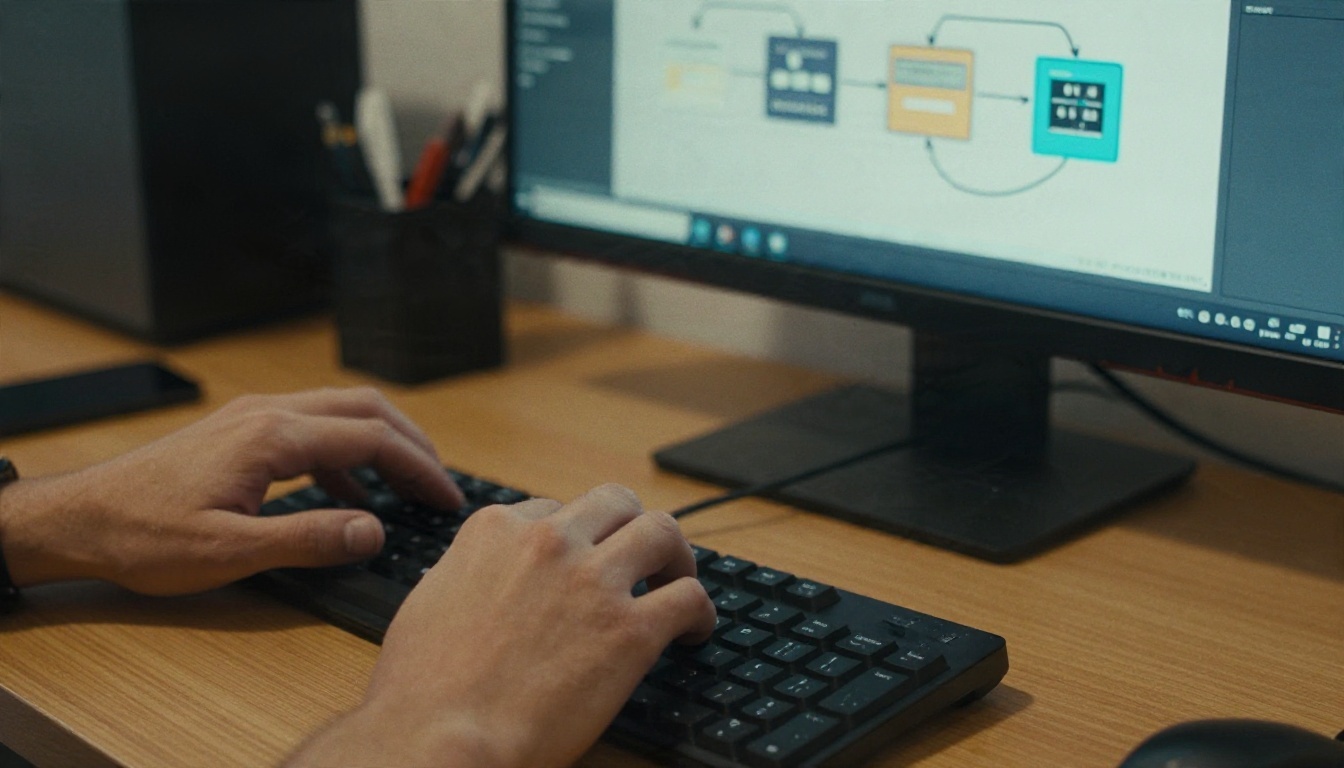
The fastest route is the built-in template. Open the Templates menu in ComfyUI, pick the Flux 3 Klein entry, and let it load. If you prefer to build it by hand to see how it works, here is the chain in order:
- Load Diffusion Model pointing at the Klein file.
- Load CLIP (text encoder) pointing at the encoder file, with the type set to match the model.
- Load VAE with the matching VAE.
- CLIP Text Encode for your prompt. Klein is a Flux-style model, so you will usually not need a separate negative prompt.
- Empty Latent Image for width, height and batch size.
- KSampler (or the sampler node in the template) with your steps, guidance and seed.
- VAE Decode, then Save Image.
That is seven pieces. If your graph has more than that on the first run, you have added something you do not need yet.
Adding LoRA and Upscaling
Once the basic chain works, slot a Load LoRA node between the model loader and the sampler. Keep strength between 0.6 and 1.0 for the first test and move in steps of 0.1. For upscaling, a second pass at lower denoise or a dedicated upscale model after VAE Decode both work. Do this after you like the composition, not before.
Fixing Common Errors
| Problem | Likely cause | Fix |
|---|
| Red nodes on load | ComfyUI is out of date | Update to 0.41.0 or newer |
| 401 or 403 on download | Gated repo | Accept the terms while logged in |
| Out of memory | Resolution or precision too high | Use INT8, lower resolution, batch of 1 |
| Washed-out or noisy output | Wrong VAE or text encoder | Re-select the matching files |
| Black image | Precision mismatch | Try another weight dtype in the loader |
Settings That Change Results
Steps, Guidance and Sampler

I could not find official recommended values for Klein in the sources I checked, so the table below is a set of starting ranges to test, not official numbers. Begin with whatever the ComfyUI template ships with, then move one setting at a time.
| Setting | Starting range | What it changes |
|---|
| Steps | Template default, then +/- 25% | More steps add detail until they stop helping |
| Guidance | Template default, then +/- 1 | Higher follows the prompt harder, lower looks more natural |
| Sampler and scheduler | Template default | Changes texture and sharpness subtly |
| Resolution | About 1 megapixel | Bigger costs VRAM and can break composition |
| Batch size | 1 to 4 | Four seeds per run is a good way to pick winners |
| Seed | Fixed while testing | Lets you compare settings fairly |
The rule that saves the most time: fix the seed, change one value, compare. If you change steps and guidance together, you will never know which one helped.
Resolution and Seeds
Stay close to one megapixel for the first pass. Common sizes like 1024 by 1024, 1344 by 768 and 768 by 1344 are safe. When a result is nearly right, keep its seed and change only the prompt. When it is wrong in an interesting way, lock the seed and nudge guidance. Seeds are the cheapest form of version control you have.
Prompt Style That Works
Flux-family models respond well to plain, specific sentences. Describe the subject, the setting, the light and the lens, in that order. A prompt like "woman with freckles in a cream knit sweater, soft window light from the left, 85mm lens, shallow depth of field, fine film grain" gives far more control than a pile of tags. Skip the quality-booster word lists from older Stable Diffusion days. They add noise, not detail.
Open Weights and the License
What the License Says

Reports agree Klein ships under the FLUX Kommunity License. Two points are worth reading twice:
- Commercial use has limits. One source says qualifying users must stay under roughly $5 million in gross annualized revenue, affiliates included. BFL's own page is less specific and says running Klein inside a product needs a commercial license, including self-hosted deployment at scale. These two readings do not match, so the model card on Hugging Face is the only text to trust.
- No training other models on outputs. The license reportedly prohibits using the model, derivatives or outputs to improve another AI model with a similar function. If you generate synthetic datasets, this matters.
💡 Personal projects, testing and experimentation are the safe zone. Selling a product or a service built on Klein is where you should read the license in full or ask BFL.
Weights Are Not Source Code
Open weights means you can download and run the trained model. It does not mean the training data, code and recipe are public, and it does not mean the license is MIT or Apache. People use "open source" loosely in this space. The difference shows up the day you try to ship something.
Free Online Options Without a GPU

Not everyone has an 8 GB Nvidia card, and not everyone wants to spend a Saturday fixing Python environments. A browser tool skips all of it. I did not find Flux 3 Klein listed on PicassoIA at the time of writing, but the Flux line that came before it is there, and the results are strong.
Free Flux Models on PicassoIA
If you want to compare Flux with other families, Seedream 4.5 and Nano Banana Pro are both worth a test with the same prompt.
How to Use Flux Dev on PicassoIA
The ComfyUI habits you just built carry over. Prompt first, one change at a time, compare results.
- Open the Flux Dev page.
- Write a specific prompt: subject, setting, light, lens. Use the same sentence style as in ComfyUI.
- Pick an aspect ratio. 16:9 suits landscapes and product scenes, 3:4 suits portraits.
- Generate, then look at the result before touching anything else.
- Change one thing in the prompt and generate again. Keep the version you like.
- For quick drafts, switch to Flux Schnell, then move the winning prompt back to Flux Dev for the final.
💡 Prototype on a fast model, finish on a detailed one. It costs less time than polishing weak prompts on a slow model.
What Good Output Looks Like
Here is the kind of photoreal result a Flux-class model should produce when the prompt is specific. These images were made to show what to aim for, not to claim a benchmark.
Portraits
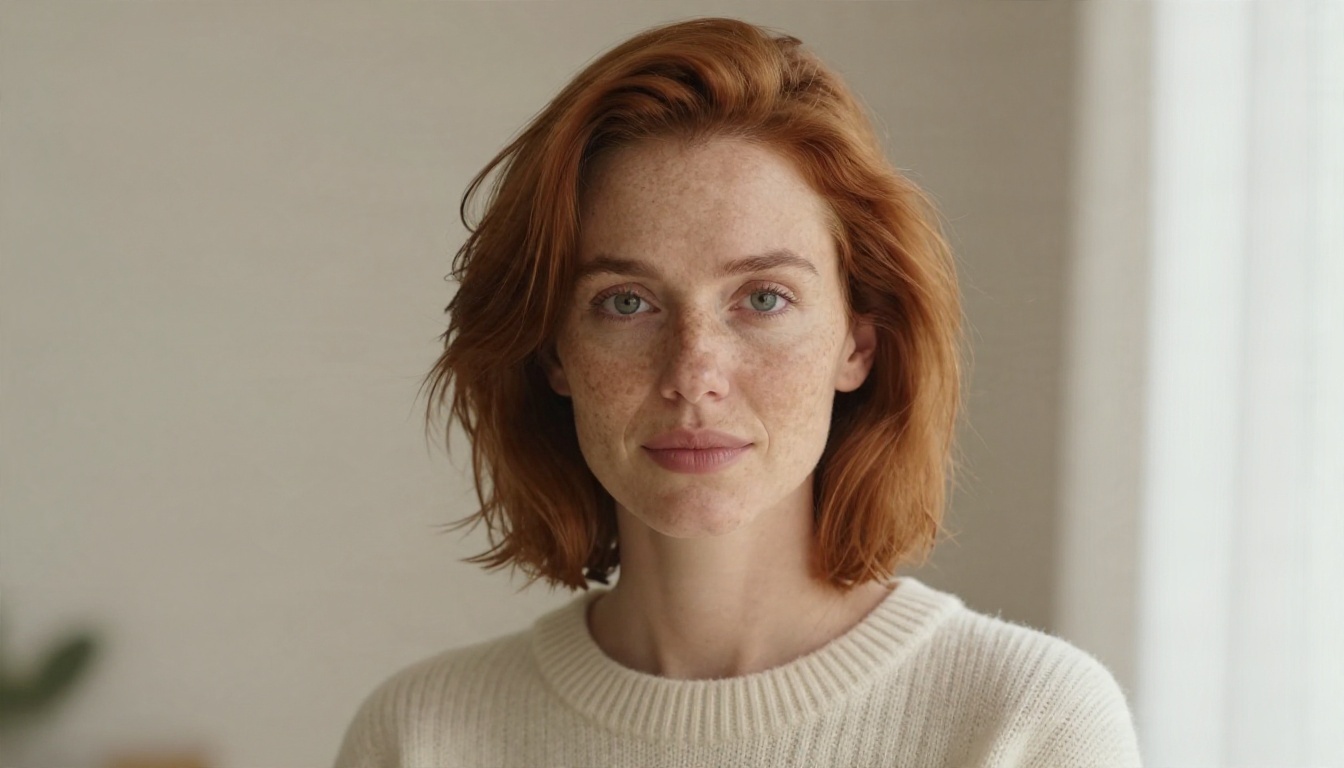
Check the skin first. Pores, fine hair and eye highlights should look uneven in a natural way. If the face looks airbrushed, lower guidance a notch or reword the prompt with more concrete light details.
Landscapes

Landscapes stress depth and fine texture: bark, water ripples, mist layers. Wide aspect ratios like 16:9 help, and a mention of the focal length in the prompt gives the model a sense of scale.
Product Shots

Product images expose problems fast. Straight edges, clean reflections and believable material. Run four seeds and pick the one where the glass edges stay straight.
Compare Before You Commit

Make a habit of printing or viewing outputs side by side at full size. A model can win on a thumbnail and lose at 100 percent zoom. Test Klein in ComfyUI, then the same prompt on Flux Dev and Seedream 4.5, and keep the one that fits your work.
Try It Yourself
If you have a decent Nvidia card, update ComfyUI, accept the gated terms, load the Klein template and run it a few times with a fixed seed. If you do not, or you simply want results in the next five minutes, open Flux Dev on PicassoIA, paste a prompt in the style shown above, and see what comes back. Try the same prompt on Flux Schnell and Nano Banana Pro too. Three generations side by side will tell you more than any spec sheet. Make your own images on Picasso IA today and see which model fits your style.
Sources: ComfyUI Wiki on Flux 3 Image Klein, BFL Klein page, Magica on the ComfyUI 0.41.0 release, InstaSD on Flux 3 early access.


