You type a perfectly normal prompt. A woman in a black swimsuit on a beach at sunset. The tool answers with a warning banner, a blurred square, or a polite refusal. If that sounds familiar, you already know why "AI generator no filter" is one of the most searched phrases in the creator world right now. People are not looking for chaos. They want a tool that treats adults like adults, handles glamour, swimwear and artistic portraits without a lecture, and still produces sharp, believable results.
This article sorts the real options from the marketing noise. You will see how image tools and video tools differ, what "free" and "unlimited" actually mean in 2027, where the hidden limits sit, and which alternatives on PicassoIA give you the most freedom with the least friction.
What "No Filter" Really Means
Let's clear up the term first, because it hides three different things.
1. Fewer false refusals. The most common complaint is not about explicit content at all. It is about tools that block bikinis, lingerie campaigns, boudoir lighting, or a simple tattoo reference. A tool with softer moderation lets these through.
2. Adjustable safety settings. Some generators expose a switch that relaxes input moderation. The model then only blocks content that is plainly illegal. This is the cleanest version of "no filter" because you stay in control.
3. No moderation at all. This is usually a self-hosted, open-weights setup running on your own machine, or a small website with unclear rules. It is also where most scams, data leaks and low-quality output live.

💡 Quick reality check: "Uncensored" removes a platform's filter. It does not remove the law. Content involving minors, non-consensual imagery of real people, or deepfakes of someone who did not agree is off the table everywhere, and any serious tool blocks it by design.
Why Filters Frustrate Creators
Filters exist for good reasons, but blunt ones punish legitimate work. A fashion photographer testing a swimwear concept, a novelist building a character reference, a game artist designing a nightclub scene, or a marketer producing a summer campaign can all trip the same wire.
The usual pain points look like this:
- Overblocked keywords. Words like "bikini", "lingerie", "shirtless" or "silk" can trigger a refusal even in a neutral sentence.
- Silent failures. The tool burns a credit and returns a grey tile with no explanation.
- Style flattening. Heavy moderation often softens skin, clothing and lighting until everything looks like stock art.
- Inconsistent rules. The same prompt passes on Monday and fails on Thursday after a policy update.
That last point matters for video. Video models are more cautious than image models, because a moving clip is easier to misuse. Expect stricter behavior on clips, and plan your workflow around it.
Image vs. Video Moderation
| Factor | Image generators | Video generators |
|---|
| Typical strictness | Moderate, often adjustable | Higher, rarely adjustable |
| Cost per attempt | Low | Several times higher |
| Refusal feedback | Often instant | Sometimes after a long wait |
| Best fix | Rephrase, relax settings | Start from a clean still image |
| Photorealism ceiling | Very high | High, but motion can drift |
The practical takeaway: do your creative exploration in images, where attempts are cheap, then animate the best frame. That approach saves both credits and patience.
The Real Cost of "Free"
Every "free" generator has a catch. Knowing the usual shapes of that catch saves you from signing up for a tool that cannot do what you need.
Common Free Tier Patterns
| Free model | What you get | Where it hurts |
|---|
| Daily credits | A small number of generations per day | A single video can use the whole allowance |
| Watermarks | Full quality with a logo | Unusable for client or channel work |
| Capped resolution | 512p or 720p previews | Soft detail, poor skin texture |
| Short clips | 3 to 5 second video only | Hard to build a scene |
| Slow queues | Free users wait behind paying users | Minutes or hours per result |
| "Unlimited" with fine print | No cap on count, but throttled speed or limited models | Real output per hour is tiny |
A recent look at the market shows the same pattern again and again. Some video tools offer a modest pool of free daily credits. Some chat-style platforms restrict free image and video use to strict daily caps and push a subscription for full access. Lists of "unlimited" generators are common, but many of those claims come from the vendors themselves, so treat them with healthy suspicion until you test the output yourself.
💡 Test before you commit. Run the same five prompts on any new tool: a portrait, a swimwear shot, a hand close-up, a crowd scene and a text sign. Failures show up fast, and so do the limits.
The Self-Hosted Route
Running an open-weights model on your own PC does give you genuine freedom. No account, no daily cap, no moderation layer. The trade-offs are real, though.
- Hardware. You need a strong graphics card with plenty of memory, especially for video.
- Setup time. Drivers, model files, workflows and updates eat evenings.
- Quality gaps. Smaller local models rarely match the newest hosted ones for skin, hands and lighting.
- Video is heavy. A few seconds of footage can take many minutes on consumer hardware.
For a hobbyist with time and a good machine, local is great. For anyone who wants results in seconds from a laptop, a hosted platform with relaxed moderation is the saner choice.
For photorealistic images, these are the models worth your time on PicassoIA. They are listed in the order I would try them.
Seedream 4.5 First
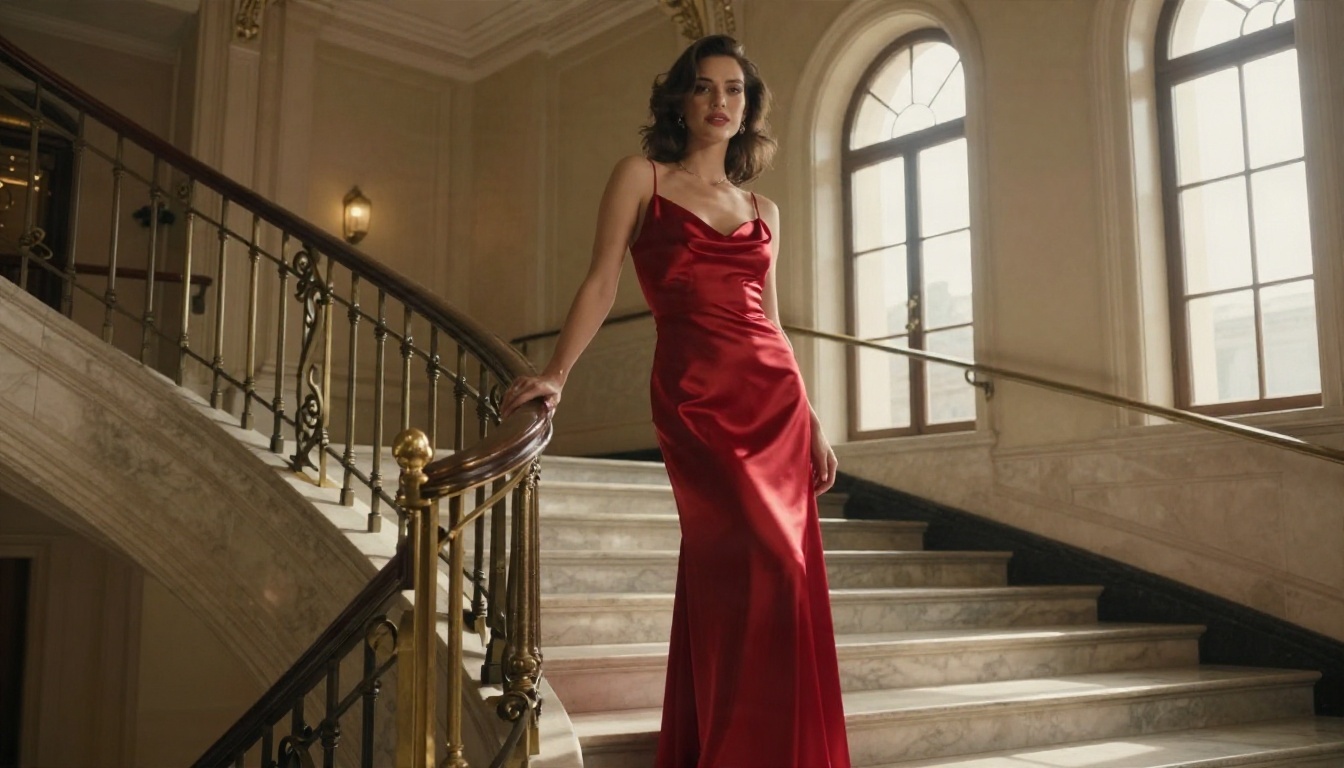
Seedream 4.5 is the strongest starting point for glamour, fashion and portrait work. It outputs at 2K or 4K, follows long prompts closely, and handles skin, fabric and lighting with real photographic restraint. It also exposes a safety checker toggle, so you decide how strict moderation should be, instead of guessing why a prompt failed.
PicassoIA Image Editor Pro
PicassoIA Image Editor Pro is the one to open when you need volume. It offers unlimited generations, which removes the credit anxiety that ruins experimentation. It is also the natural choice for editing: change an outfit, swap a background, fix lighting, or adjust a pose on a photo you already like. Speed is the other selling point, since fast turnaround means more iterations per session.
Other Strong Image Options
💡 Models from large tech companies tend to apply stricter rules than open-weights families. If a prompt keeps failing on one model, try the same prompt on a Flux or Seedream model before you give up on the idea.
How to Use Seedream 4.5 on PicassoIA
This takes about two minutes, and it works as a template for most image tools on the platform.
- Open the model page. Go to Seedream 4.5 on PicassoIA.
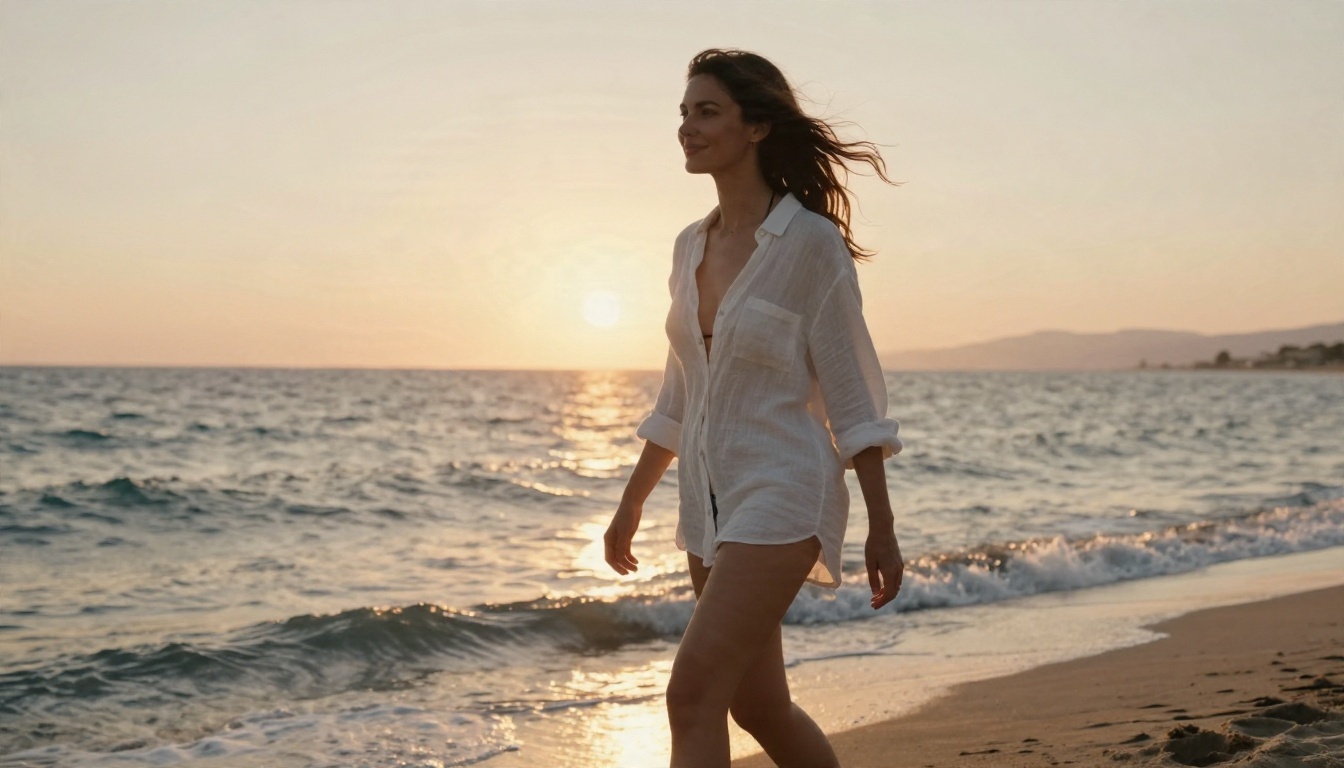
- Write a physical prompt. Describe the subject, outfit, setting, light direction and lens. For example: "A woman in a white linen shirt and bikini top walking along a quiet beach at golden hour, backlit by the low sun, 70mm lens, natural skin texture, film grain."
- Choose the size. Pick 2K for fast drafts and 4K when you have a keeper. The aspect ratio menu offers 1:1, 4:3, 3:4, 16:9, 9:16, 3:2, 2:3 and 21:9.
- Set the safety option. The Disable Safety Checker switch relaxes input moderation so that only clearly illegal content is blocked. Use it with judgment, and keep your work non-explicit and consensual.
- Add references if you have them. The image input accepts 1 to 14 reference images, which is perfect for keeping an outfit, a face style or a color palette consistent.
- Batch when you want options. Switch sequential generation to auto and raise max images (up to 15) to get a related set in one run.
- Generate, pick, refine. Keep the best result and tweak a single variable at a time: lighting, lens, wardrobe or pose.
Prompt Tips That Reduce Refusals
- Be specific, not suggestive. "Black one-piece swimsuit, sunlit shore, 85mm lens" passes more often than vague or loaded wording.
- Lead with photography terms. Lens, light, film stock and setting steer the model toward editorial territory.
- Describe wardrobe plainly. Fabric, color and cut beat adjectives.
- Avoid real names. Invent your subject. It keeps you safe and gives you a more original result.
- Fix one thing per retry. If a prompt fails, change a single phrase and run it again, so you can see what triggered it.
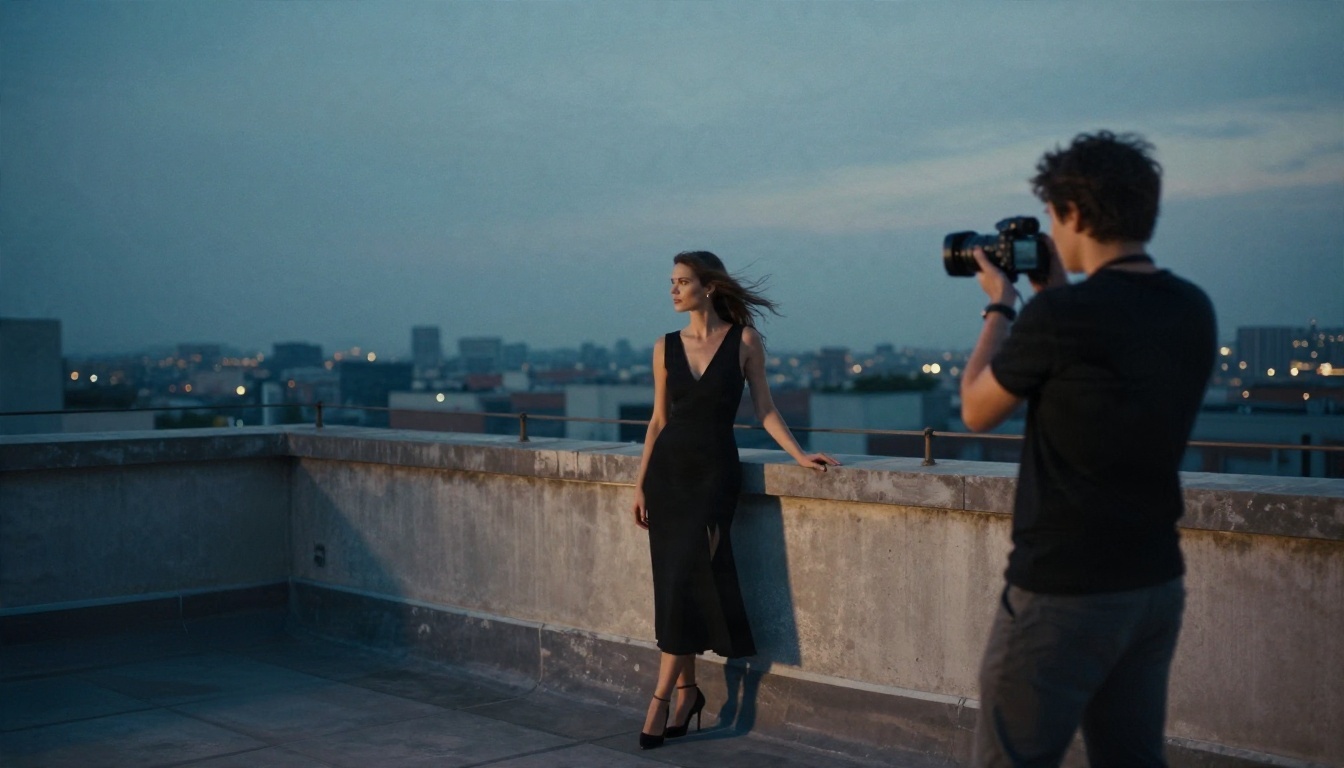
Video is where "free" gets expensive fast, so choose carefully. Most clips run 5 to 10 seconds, and the best results start from a strong still image.
Seedance 2.5 Lite for Free Volume
Seedance 2.5 Lite is the best place to begin when budget matters. It is free and unlimited on PicassoIA, with clips up to 10 seconds, which makes it ideal for testing motion ideas before you spend on a premium model. When you want longer scenes, Seedance 2.5 reaches up to 30 seconds, and Seedance 2.0 Mini adds native audio in a lighter package.
Animating Your Own Photos
If you already have a perfect still, an image-to-video model keeps the look intact:
- Wan 2.6 I2V animates any photo with natural motion and holds faces and fabric steady.
- Wan 2.6 I2V Flash trades a little polish for speed, which is great for drafts.
- Hailuo 2.3 Fast turns photos into short clips quickly, with believable body motion.
- Kling v3 Video gives cinematic camera movement when you want a polished result.
Video Model Comparison
💡 Big-company video models such as Sora 2 and Veo usually apply the tightest rules. Use them for polished, brand-safe work, and use the Seedance and Wan families when you need more room.
A Smart Image to Video Workflow
- Draft in images. Generate five to ten variations in Seedream 4.5 or Image Editor Pro.
- Pick the sharpest frame. Look at eyes, hands and fabric edges.
- Animate the winner. Upload it to Wan 2.6 I2V or Seedance 2.5 Lite and describe only the motion: a slow push in, wind in the hair, a head turn.
- Keep prompts short. Motion prompts work best as one clear action and one camera move.
- Upscale last. If the clip is soft, run it through a video enhancer before publishing.
Safe and Smart Use
Freedom comes with responsibility, and a few rules keep you out of trouble.
- Adults only, always. Every character you create must be clearly an adult.
- No real people without consent. Do not generate likenesses of actual individuals, famous or not.
- Check platform rules. Social networks and ad platforms have their own limits, no matter how the image was made.
- Mind your data. Avoid unknown sites that ask for payment details before showing any output, and never upload personal photos to a tool you cannot verify.
- Label AI work. Many platforms now expect disclosure, and it protects your reputation.
Quick Comparison of Your Options

| Option | Freedom | Quality | Speed | Effort |
|---|
| Big-brand chat generators | Low | High | Fast | None |
| Small "no limit" websites | Unclear | Mixed | Mixed | Medium, with trust risk |
| Self-hosted open weights | High | Medium to high | Slow on weak hardware | High |
| PicassoIA models | Flexible, adjustable | High | Fast | Low |
For most creators, the last row wins. You get adjustable moderation, current models, unlimited options for editing and video drafts, and no installation.
Frequently Asked Questions
Is a no filter AI generator legal?
Using one is legal in most places. What you create is what matters. Adult, consensual, non-explicit work is fine. Anything involving minors or non-consenting real people is illegal and blocked by responsible tools.
Can I get truly unlimited free generations?
Yes, in a few places. PicassoIA Image Editor Pro offers unlimited generations, and Seedance 2.5 Lite is free and unlimited for clips up to 10 seconds. Elsewhere, check for hidden caps, watermarks and throttled speeds.
Why does video get blocked more than images?
Moving footage is more convincing and easier to misuse, so providers set stricter rules. Starting from an approved still is the most reliable workaround.
Which model is best for swimwear and glamour?
Start with Seedream 4.5 for the best photorealism, then use Image Editor Pro for edits and variations.
Do I need a powerful computer?
Not with hosted tools. Everything above runs in your browser.
Try It Yourself
The fastest way to settle the "no filter" debate is to test it with your own prompts. Open Seedream 4.5, write one photographic prompt, and compare the result with what your current tool gives you. Then take your favorite frame into Image Editor Pro for unlimited tweaks, and animate it with Seedance 2.5 Lite for free.
Want to see everything on offer? Browse the full catalog at picassoia.com/en/all-models, pick a model, and start creating your own photorealistic images and videos on PicassoIA today.


