Picking the right AI image generator in 2027 is not just about which one looks prettiest in a demo. Output resolution, prompt fidelity, generation speed, inpainting capability, aspect ratio flexibility, and pricing all factor into real production decisions. The field has fragmented into dozens of capable models, each with clear strengths and genuine weaknesses. This feature chart cuts through the noise with a side-by-side breakdown of the top text-to-image AI tools, so you can match the right model to the right job without second-guessing yourself mid-project.
What Separates the Best From the Rest
Every model on this list can generate a decent image. The gap between "decent" and "professional" comes down to three measurable factors: output quality, prompt accuracy, and speed. These are not interchangeable, and no single model maxes out on all three simultaneously in 2027. Knowing where each model excels tells you exactly when to reach for it.
Output Quality and Resolution
The raw pixel output determines whether your final asset looks print-ready or like a blurry mockup. Top-tier models in 2027 consistently deliver at 1024x1024 minimum, with flagship variants reaching 2048x2048 and above. Detail retention in hair, fabric, skin, and backgrounds is where models diverge most sharply. A model might look fine at thumbnail size but fall apart at full resolution, especially in fine textures like linen weave or strand-level hair detail.
💡 Always preview at 100% zoom before committing to a generation. Compressed preview thumbnails can mask poor rendering in fine-detail areas.
Prompt Accuracy and Text Rendering
Prompt accuracy measures how faithfully a model interprets your written input. Some models handle spatial relationships well, placing objects correctly relative to each other in a scene. Others simplify multi-element descriptions or silently drop secondary details from long prompts. Text rendering inside images is a separate skill entirely. Models like Ideogram v3 Quality and GPT Image 1.5 are purpose-built with strong typography support, while many other models still mangle letters even in short, simple prompts.

Generation Speed
Speed is measured from prompt submission to downloadable output. The spread in 2026 is enormous: sub-2-second models exist alongside premium tools that take 20-30 seconds per image. For rapid prototyping or high-volume content pipelines, speed matters as much as quality. For portfolio-grade work or commercial deliverables, those extra seconds buy something genuinely real in output fidelity.
The Full Feature Chart for 2026
Here is the side-by-side breakdown of the leading text-to-image models available in 2026, based on documented specifications, community benchmarks, and real-use testing across different prompt types and complexity levels.
Top-Tier Models Worth the Premium
These models sit at the top of the quality ranking for 2027. They cost more per generation or require a paid plan, but the output consistently justifies it for professional-grade work where quality cannot be compromised.
Flux 2 Pro and Flux 2 Max
Flux 2 Pro and Flux 2 Max from Black Forest Labs represent the current ceiling of open-weight model output quality. Flux 2 Max uses a larger transformer backbone, delivering richer fine detail and better prompt adherence on complex multi-element scenes. Flux 2 Pro is the speed-optimized sibling that still delivers outstanding photorealism without sacrificing throughput.
Both models handle difficult scenarios exceptionally well: intricate fabric textures, multi-person compositions, naturalistic skin tones under varied and mixed lighting conditions. The Flux 2 Flex variant adds controlled generation options for those who need precise structural guidance over the output layout. For portrait, product, and lifestyle photography replacement, Flux 2 Pro is the first model to reach for.
💡 For portraits, describe the lighting direction explicitly. Flux 2 Max responds noticeably better to "volumetric morning light from upper-left" than to generic descriptions like "good lighting."
GPT Image 1.5
GPT Image 1.5 is OpenAI's current image generation flagship. Its standout strength is prompt adherence on complex, multi-element descriptions. Where other models simplify or silently drop details from long prompts, GPT Image 1.5 tends to retain them with high fidelity. Text rendering inside images is also among the best available in 2027, making it the go-to for social graphics, posters, or any work where readable words must appear inside the output.
The photorealism is solid, though it leans toward a slightly polished aesthetic rather than raw film-grain realism. For commercial applications, this clean quality is often precisely what clients expect.
Imagen 4 Ultra
Google's Imagen 4 Ultra and its standard Imagen 4 variant are built for high-fidelity photorealism across people, environments, and product photography. The model's handling of multiple competing light sources in a single scene is particularly strong, an area where many other models produce muddy or inconsistent results. The Imagen 4 Fast variant offers a speed trade-off for workflows where time matters more than maximum detail.
Speed vs. Quality Trade-offs
Every project has different time constraints. Here is how to think about when each end of the speed-quality spectrum is the right call for your workflow.
When Fast Is Fast Enough
For social media content, mood boards, rapid client mockups, or first-pass ideation, speed-first models are the right call. Flux Schnell generates in under 2 seconds and produces clean, usable results for a draft-tier model. SDXL Lightning 4Step is another strong contender for rapid output in the SDXL family. Sana Sprint from NVIDIA uses one-step diffusion to push generation time down to fractions of a second, which is remarkable at its quality level.
These models are not for final deliverables. They are built for volume and rapid iteration.
💡 Use fast models for first-pass ideation, then switch to a premium model for the final generation once you have a winning prompt structure locked in. This alone can cut your generation costs significantly.

When You Need Maximum Detail
For commercial photography replacements, book covers, digital art prints, or any work that will be viewed at large sizes, skip the draft models entirely. Flux 2 Max, Imagen 4 Ultra, and HiDream L1 Full are where to look in this tier. HiDream L1 Fast offers a middle ground if you need near-flagship quality at slightly faster throughput.
Recraft V4 Pro also belongs in this bracket for work where stylistic consistency across multiple outputs is critical, a feature especially useful for brand campaigns and serialized content. These models typically take 10-30 seconds per image, a fair trade at professional output levels.
Budget and Free Options That Still Deliver
Not every project needs a premium model. Several free or low-cost options hold up well for specific use cases, and knowing which ones to reach for saves both time and budget.
Flux Dev and SDXL
Flux Dev is a research-grade open-weights model from Black Forest Labs that punches well above its cost tier. It is slower than Flux Schnell but produces noticeably better detail and more accurate prompt interpretation. For developers building generation pipelines or refining prompt structures, it offers an excellent quality-to-cost ratio. The Flux Dev LoRA variant extends this with fine-tuned style control.
SDXL from Stability AI remains one of the most widely deployed open-source models in active use. Its broad LoRA ecosystem, accessible through tools like SDXL ControlNet LoRA and SDXL Multi ControlNet LoRA, means you can adapt it for specific styles, subjects, or brand aesthetics without starting from scratch. For budget-conscious workflows that still need reliable output, these two remain solid and well-documented choices.
Stable Diffusion 3.5 and Seedream
Stable Diffusion 3.5 Large brings meaningful improvements over previous SD releases: better composition, fewer anatomical errors in human subjects, and sharper detail at edges. The Stable Diffusion 3.5 Large Turbo variant trades a small amount of quality for faster inference, making it a reliable all-around workhorse. The Stable Diffusion 3.5 Medium variant is worth testing for lighter hardware setups.
Seedream 4.5 from ByteDance handles multi-subject composition and diverse aesthetic styles particularly well. The Seedream 5 Lite offers a free entry point to the Seedream family for anyone wanting to test its strengths without any upfront cost.
Specialized Use Cases
Typography Inside Images
Getting readable, properly placed text inside a generated image remains one of the hardest unsolved problems in text-to-image AI. As of 2026, Ideogram v3 Quality and Ideogram v3 Turbo are the clear benchmarks here. Ideogram v3 Balanced sits between the two on quality and speed. Recraft V4 Pro also performs well on typography, and its vector-output sibling Recraft V4 Pro SVG takes it further with fully scalable output suited to logos and brand identity work.
For posters, social graphics, product labels, or any image where readable text must appear, these are your primary options in 2027.
Portraits and Photorealism
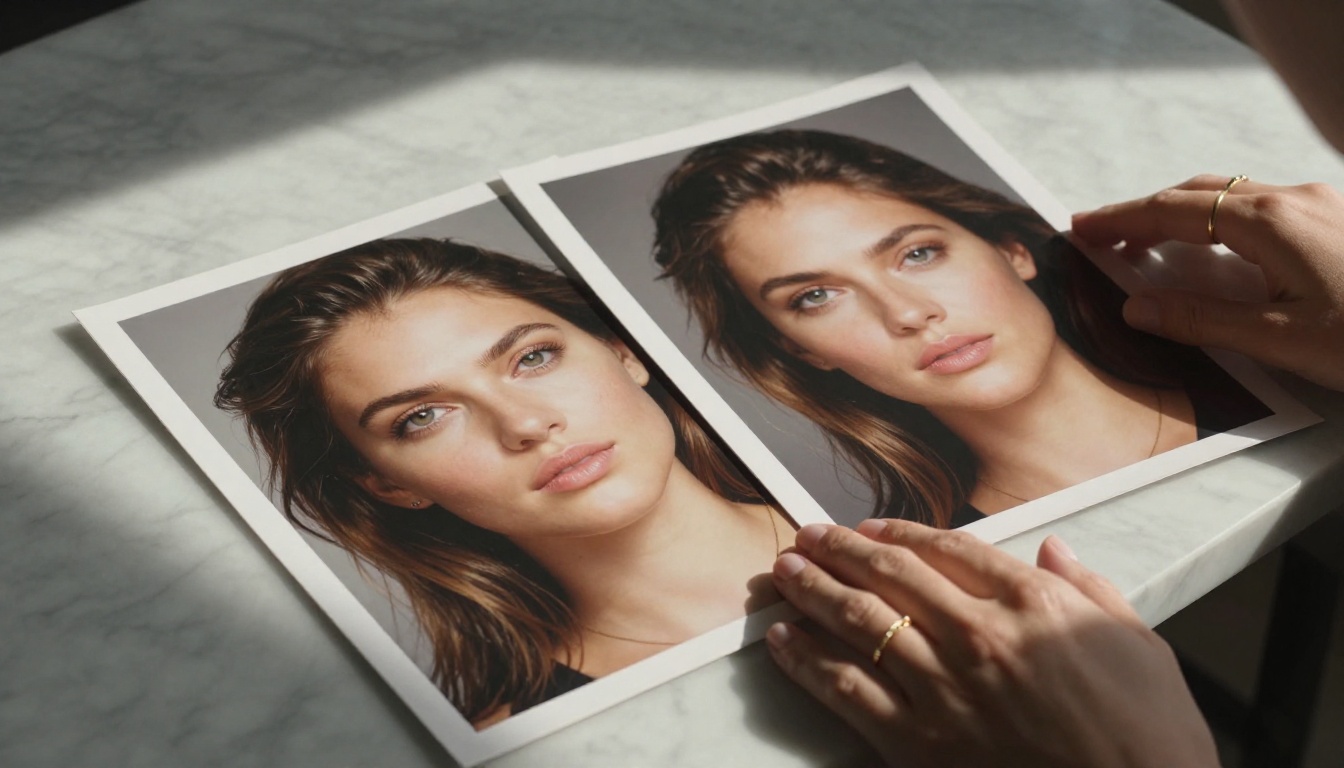
For portrait photography replacements, the difference between models is most visible in skin tone rendering, light response, and edge detail around hair. Flux 2 Pro and Flux 2 Max lead on naturalistic skin tones and lighting realism. Realistic Vision v5.1 remains a specific favorite for hyperrealistic close-up portrait work where maximum skin detail is the priority.
Luma Photon produces a distinctive cinematic quality that works well for fashion and editorial contexts. The Luma Photon Flash variant delivers similar aesthetic qualities at faster generation speed. Qwen Image 2 Pro is a rising contender with strong photorealism across diverse skin tones and complex lighting scenarios worth testing against the more established options.
ControlNet and Structural Control
When you need exact control over pose, depth, or layout rather than relying purely on text descriptions, ControlNet-enabled models are the right category. SDXL Multi ControlNet LoRA and SDXL ControlNet LoRA let you feed reference images to constrain the structure of the output while still applying AI generation on top. ControlNet Scribble takes rough sketches as input and produces polished images matching the drawn layout. For product photography, character consistency, or architectural visualization, structural control tools provide a level of precision that prompting alone cannot match.
Using Flux 2 Pro on PicassoIA
Flux 2 Pro is available directly on PicassoIA alongside over 90 other text-to-image models. Setting it up for consistent, high-quality results takes less than five minutes, and the output quality at default settings is immediately strong.
Step-by-Step Instructions
Step 1: Open Flux 2 Pro on PicassoIA.
Step 2: Write your prompt with the subject first, then the environment, then lighting details. For example: "A woman in a cream linen dress standing at the edge of a sunlit wheat field, golden hour backlight from the horizon, medium format look, shallow depth of field, film grain."
Step 3: Set your aspect ratio. Use 16:9 for widescreen content and 1:1 for social media posts.
Step 4: Set inference steps to 28 for standard output. Push to 35 for maximum detail on complex multi-subject scenes.
Step 5: Click Generate and wait 5-15 seconds for the result. Flux 2 Pro is not the fastest model, but the output quality at this step count is consistently professional.
Step 6: Download at full resolution. If your project requires larger output, send the result through a Super Resolution model on PicassoIA for a 2x or 4x upscale without visible quality loss.
Parameter Tips for Better Results
Getting the most out of Flux 2 Pro means paying attention to a few parameters that make a measurable difference in output quality:
- Guidance scale: Keep between 3.5 and 5. Higher values push the model harder on your prompt but can over-saturate colors and reduce natural variation in the output. Lower values produce softer, less literal interpretations.
- Seed control: When you get a result you like, save the seed number. You can then iterate on the prompt text while keeping the same compositional base, which saves significant generation time during refinement.
- Prompt length: Longer, more descriptive prompts (60-100 words) consistently outperform short ones with Flux 2 Pro. Describe texture, lighting direction, camera lens type, and atmospheric mood explicitly.
- Negative prompts: Flux 2 Pro relies on these less than older diffusion models, but adding "blurry, overexposed, flat lighting, low quality, watermark" still helps avoid common edge cases.
You can also run the same prompt through Flux 2 Dev first to refine your prompt structure at lower cost, then switch to Flux 2 Pro for the final high-quality generation. This two-step workflow cuts costs considerably on longer projects.
Try It Yourself on PicassoIA
No single model wins across all categories in 2027, and that is actually good news. Flux 2 Max wins on photorealism. GPT Image 1.5 wins on prompt accuracy and text rendering. Flux Schnell wins on speed. Ideogram v3 Quality wins on typography. The right approach is choosing the correct model for each specific task rather than forcing one to do everything.
PicassoIA brings all of these models into a single platform. You do not need separate accounts for Flux, Imagen, Ideogram, Recraft, and Stable Diffusion. Switch between them in seconds, run the same prompt through three different models, and see the results side by side without leaving the platform. With over 91 text-to-image models available, the full spectrum from sub-2-second draft output to flagship photorealistic generation is covered in one place.

If you have been relying on one or two models out of habit, run a side-by-side test with Flux 2 Pro and Imagen 4 on the same prompt today. The output difference will show you exactly where your workflow belongs. Beyond text-to-image, the platform also offers inpainting and outpainting for post-generation editing, face work, super resolution upscaling, and ControlNet for structural control. Everything you need to take a generated image from first draft to final asset is in one place.
Start with one prompt. Run it across three models. Pick a favorite. Then push it further.


