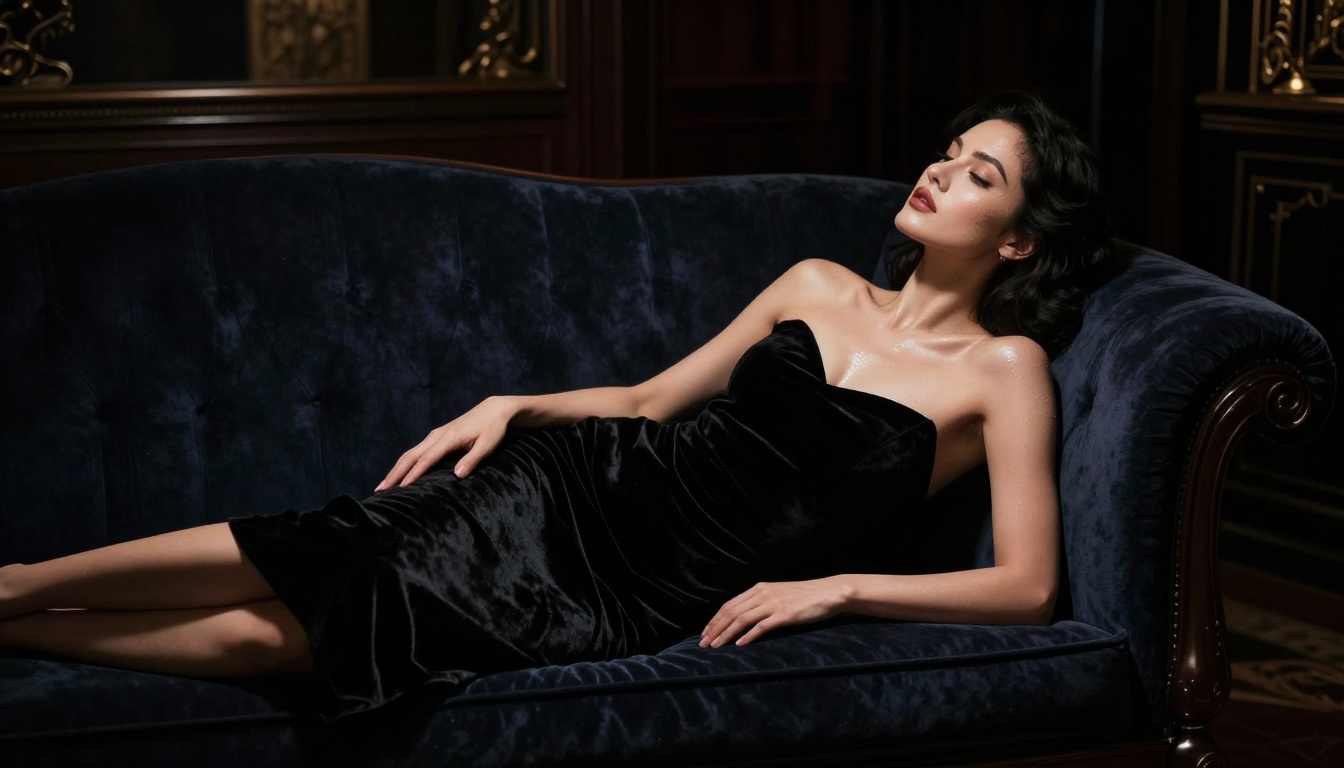
The most frustrating thing in AI art isn't a bad prompt. It's typing something perfectly reasonable, something a fashion photographer or romance cover artist would request, and watching the AI refuse. Swimsuits blocked. Artistic nudity flagged. Even a figure in a sheer blouse can trigger an error on the most aggressive platforms. If you've been hitting those walls, this ranking is for you.
Below are the best AI image generators without restrictions in 2027, tested for real-world image quality, generation speed, content flexibility, and value. Every model on this list accepts adult and suggestive content at varying levels. We ranked them by overall capability, not just how permissive they are.
Why Mainstream Tools Keep Blocking You
Platforms like DALL-E 3, Midjourney, and Adobe Firefly were built for enterprise and consumer audiences. Their content filters are calibrated to avoid controversy at scale. The result: a single flagged image complaint from a brand account triggers policy tightening that affects every user. You, the individual creator, pay the price.
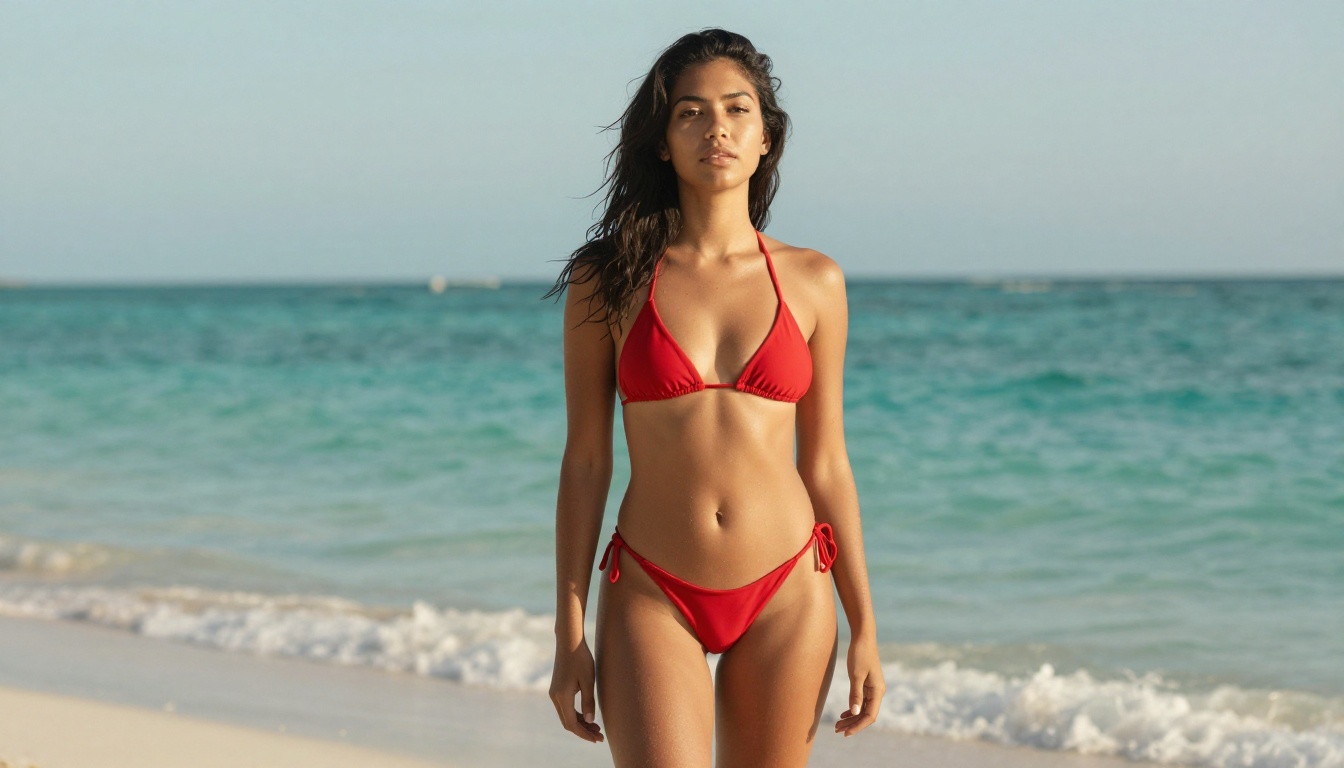
The filters also don't distinguish between artistic intent and explicit content. A painting-class reference of a reclining nude, a lingerie brand's product shot, or a romance novel cover all hit the same wall as material that would genuinely be inappropriate. The system doesn't know the difference, and it doesn't try.
The "Safe by Default" Trap
Most tools that call themselves "unrestricted" are still safe by default. They enable adult content only after age verification or a manual settings toggle buried in account preferences. That's fine for casual creators, but if you're generating at volume, toggling settings per session gets old fast.
The tools in this list either have filters genuinely off or allow you to permanently disable them with a single account setting.
What "Unrestricted" Actually Covers
For this ranking, "unrestricted" means the model accepts:
- Suggestive content: swimwear, lingerie, implied nudity
- Artistic nudity: figure studies, tasteful boudoir, fashion editorial
- NSFW output: adult content without watermarks or auto-moderation blocking
None of the models below produce child sexual abuse material or non-consensual content. That's not a restriction, that's basic ethics, and every platform enforces it without exception.
The Top 8 Unrestricted AI Image Generators
1. Seedream 4.5
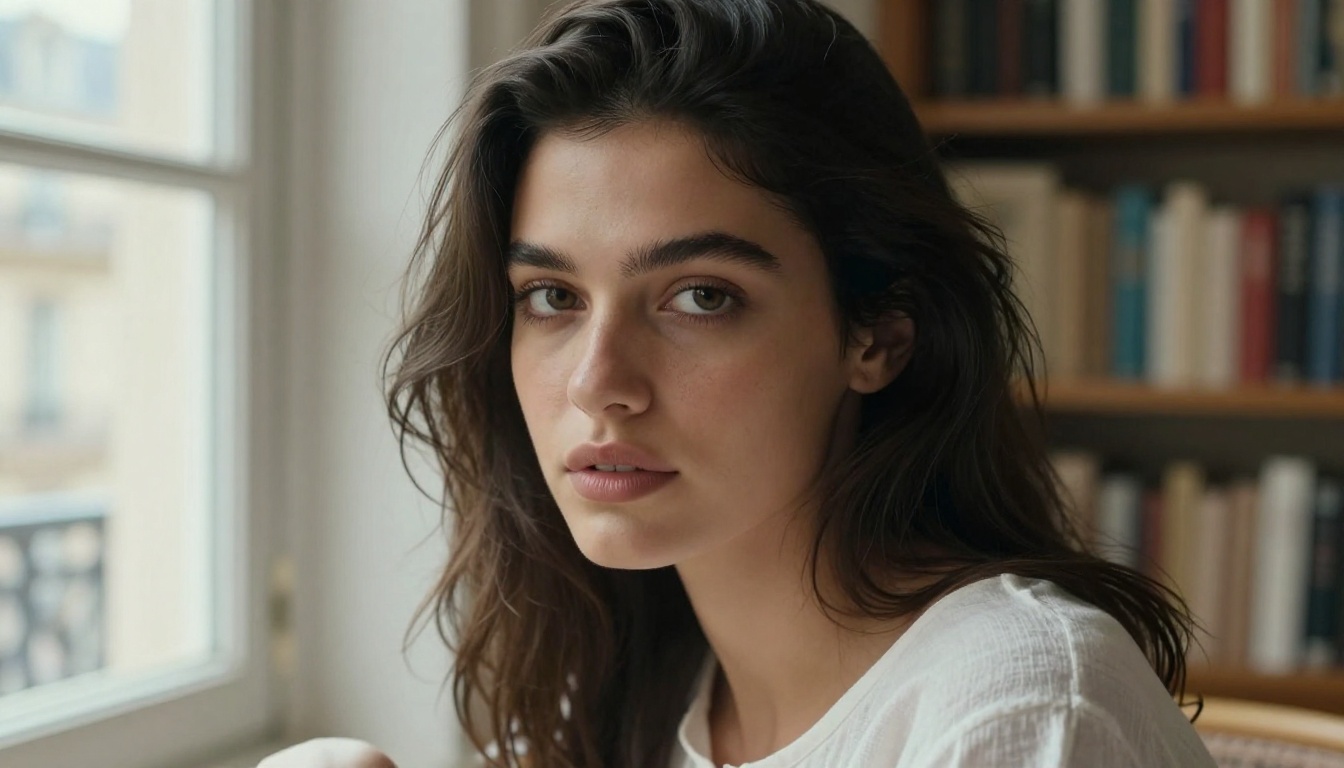
Seedream 4.5 is the single best unrestricted AI image generator available in 2027. Built by ByteDance, it produces ultra-realistic results in under 3 seconds, accepts adult and NSFW content natively, and supports both text-to-image and image editing in the same interface.
What separates it from the competition isn't just the realism, it's the consistency of detail at speed. Most fast models sacrifice skin texture, fabric fidelity, or lighting accuracy. Seedream 4.5 doesn't. You get 4K-quality detail in a generation time that most mid-range models can't touch.
Best for: Creators who need high-volume NSFW generation with elite quality.
💡 The newer Seedream 5 Lite does not support adult content. Stick with Seedream 4.5 for unrestricted work.
2. PicassoIA Image Editor Pro
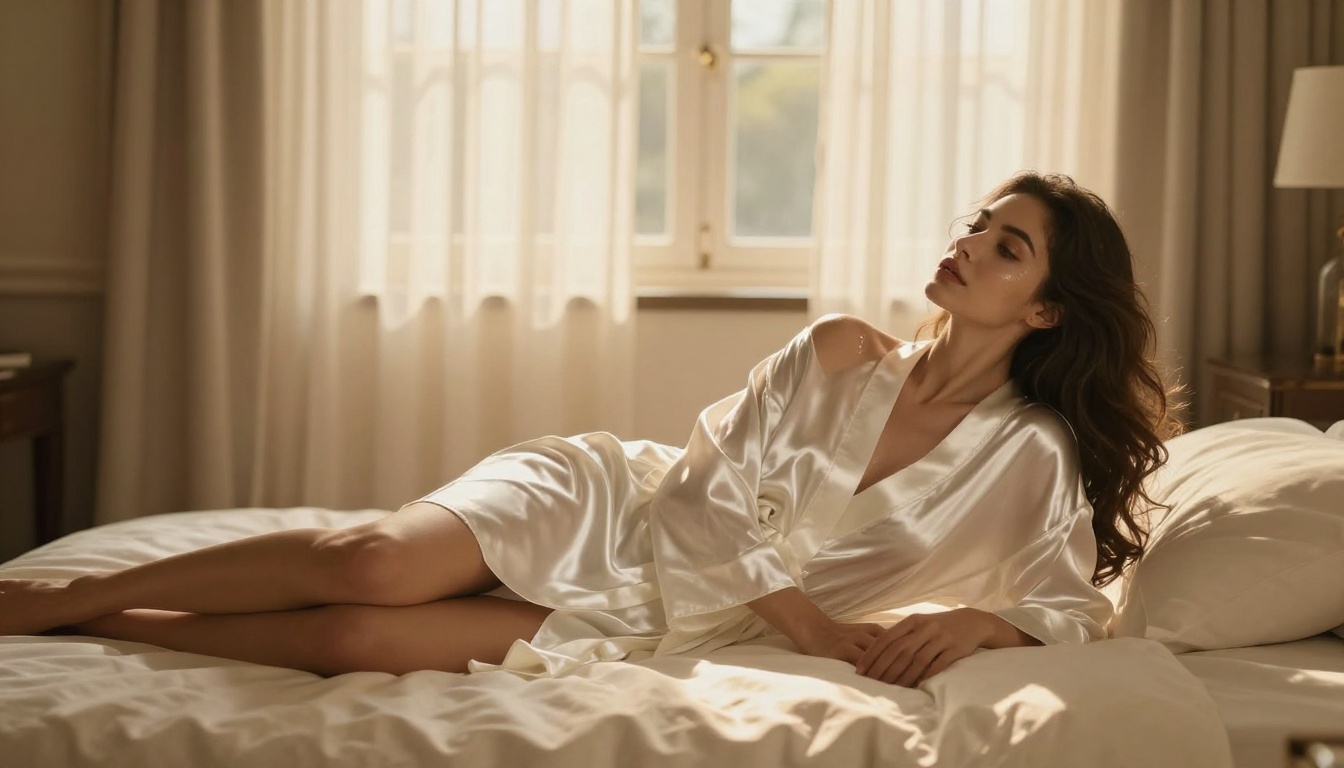
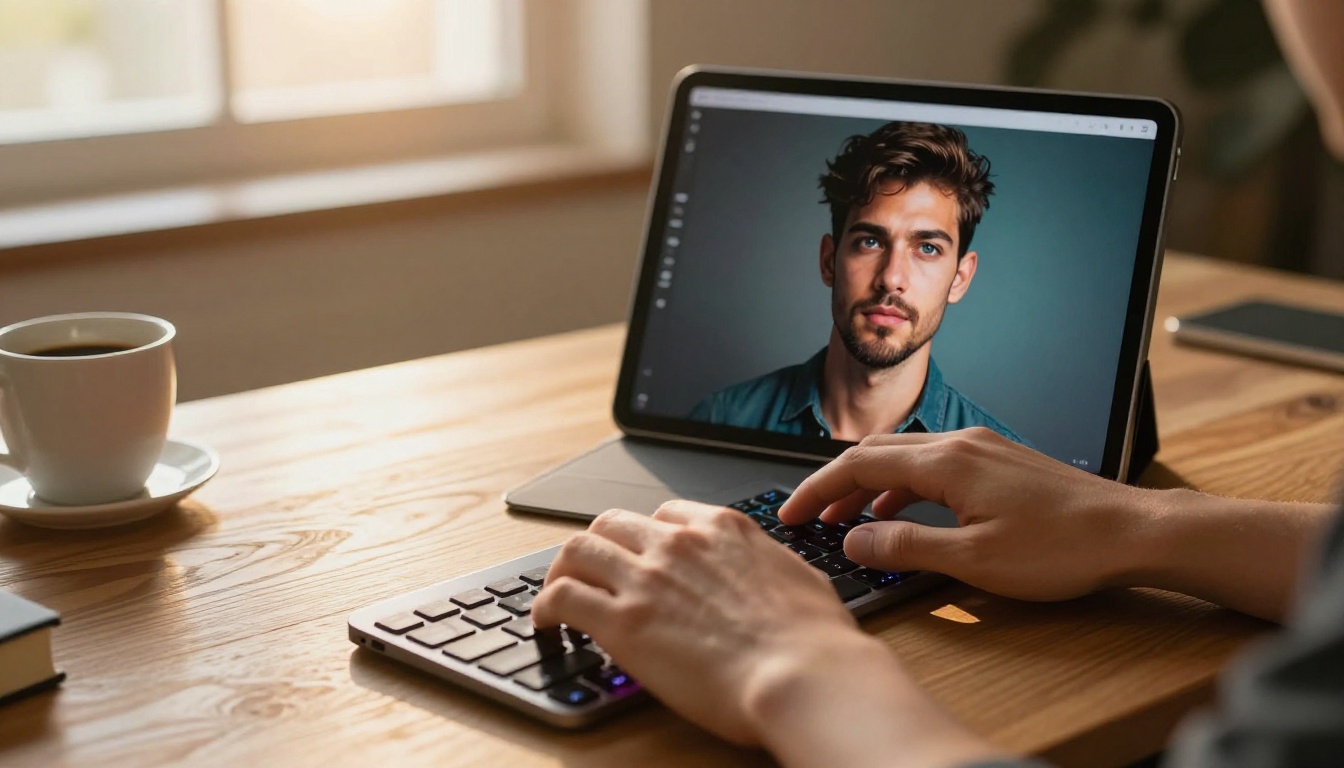
PicassoIA Image Editor Pro is the most cost-effective unrestricted tool for high-volume creators. It's an img2img model: you supply a reference image and a prompt, and it returns an edited version in under 1 second.
The pricing model is what makes it exceptional. With an Elite or Infinite subscription, you get unlimited generations. That's not a marketing claim. It means 1,000 images costs exactly the same as 10. For comparison, generating 1,000 images on a per-credit model like Nano Banana 2 runs around $100. Here it's included in your plan.
It also offers a 3-generation free trial with no credit card required, so you can test quality before committing.
Best for: Agencies, content studios, and solo creators generating at scale.
3. Qwen Image 2
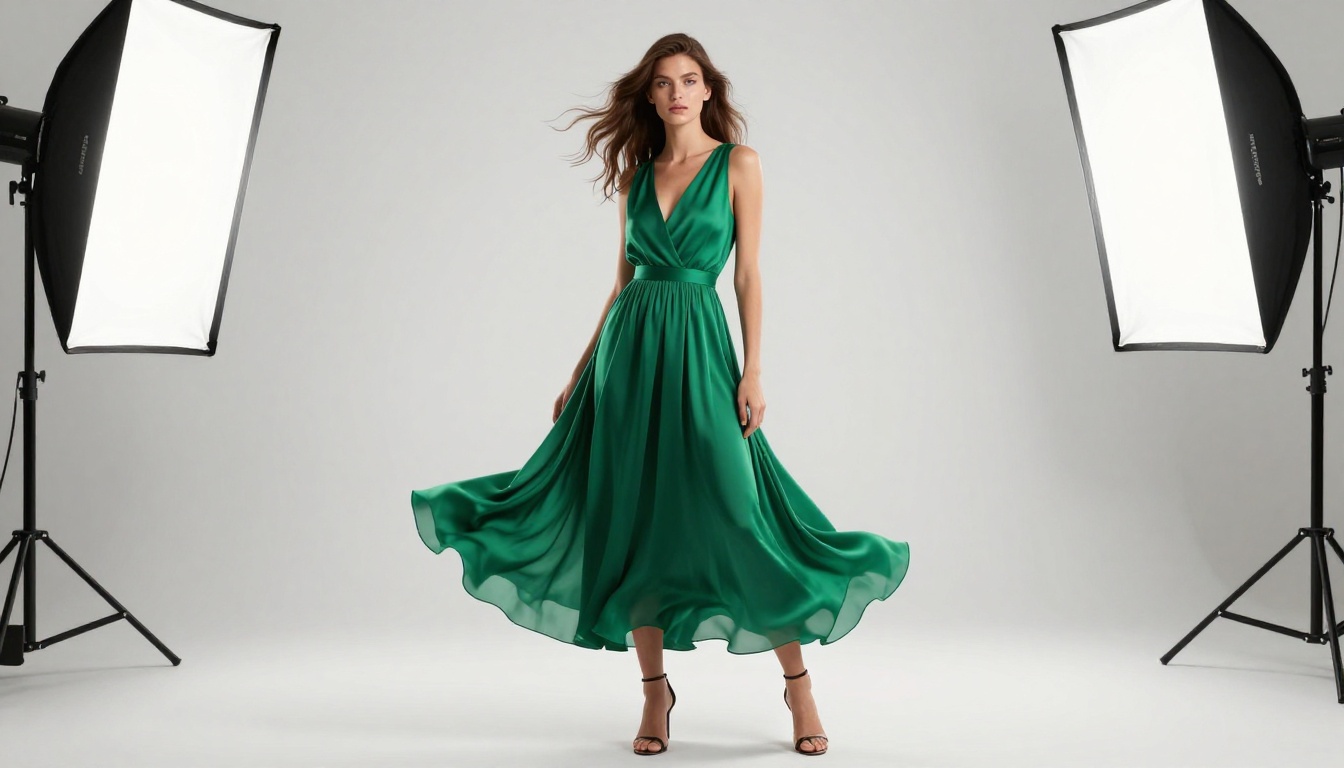
Qwen Image 2 is an open-source model from Alibaba's Qwen team that handles both text-to-image creation and image editing in one workflow. Because it's open source, it carries no corporate content policy overhead.
The realism on portrait subjects is particularly strong, with accurate skin tones, correct anatomical proportions, and fine fabric rendering. Generation times sit in the 3-5 second range on PicassoIA's infrastructure.
Best for: Creators who want open-source freedom with polished output.
4. Grok Imagine Image
Grok Imagine Image from xAI specializes in transforming existing images into new scenarios with impressive realism. Its most praised capability is the bikini-format conversion: feed it any photo, and the output is a photorealistic reinterpretation in swimwear that preserves facial likeness and body proportions accurately.
It's not the most versatile text-to-image model, but for image transformation tasks, particularly around swimwear and glamour styling, it's in a class of its own.
Best for: Image-to-image transformation and glamour-style edits.
5. Recraft V4
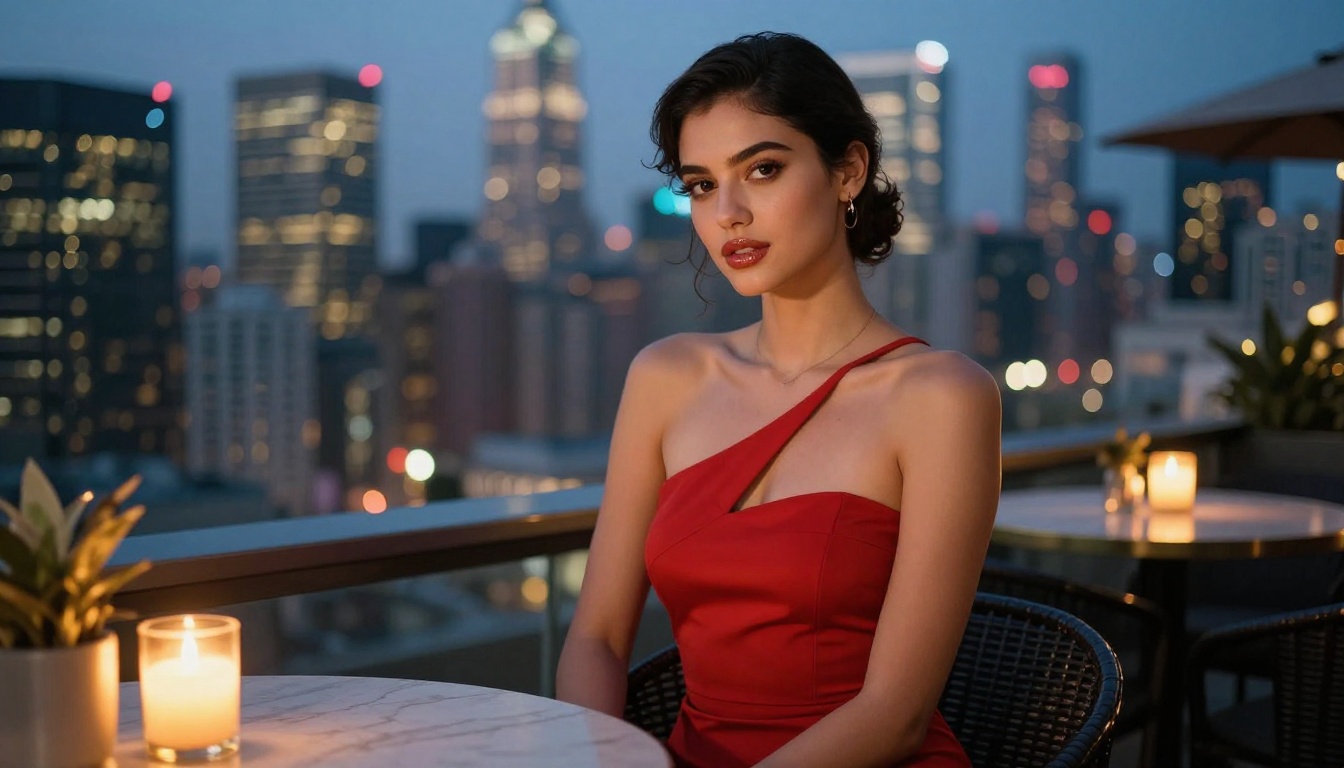
Recraft V4 delivers very realistic text-to-image results across a wide range of subjects. It's a pure text-to-image model, which means no img2img editing pipeline, but for generating original scenes from prompts, its photorealism is competitive with Seedream 4.5.
The model handles complex lighting scenarios particularly well: studio portraits, golden hour landscapes, and architectural photography all come out with accurate shadow geometry and natural color grading.
Best for: Pure text-to-image generation with broad subject range.
6. P-Image
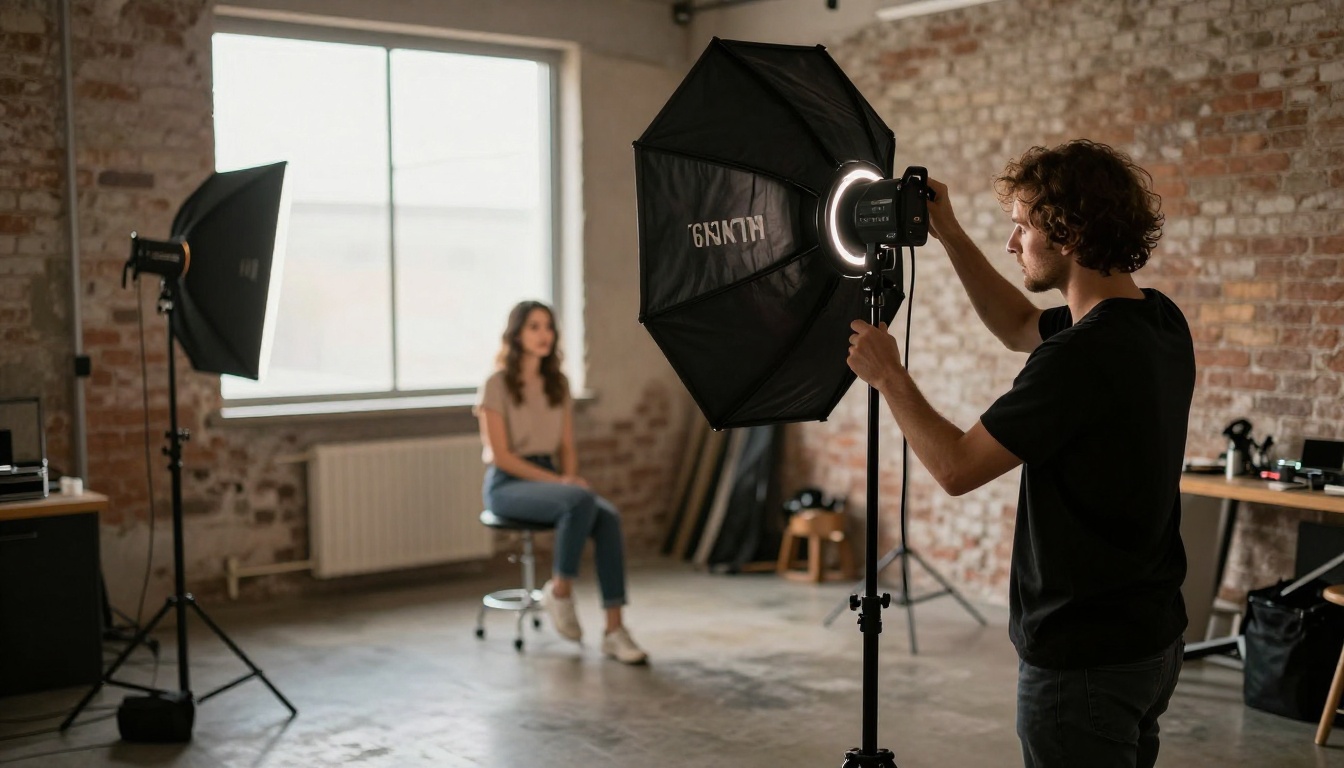
P-Image from PrunaAI is the speed champion of this list. Generations complete in under 1 second, making it the only model suitable for real-time applications like live prompt testing or rapid iteration on large image batches.
Quality is strong for a sub-second model. It won't match Seedream 4.5 in fine detail, but for content that needs to move fast, the quality-to-speed ratio is unmatched. It's the model PicassoIA uses as its default generation engine for most content types.
Best for: Speed-critical workflows and rapid iteration.
7. Wan 2.7 Image Pro
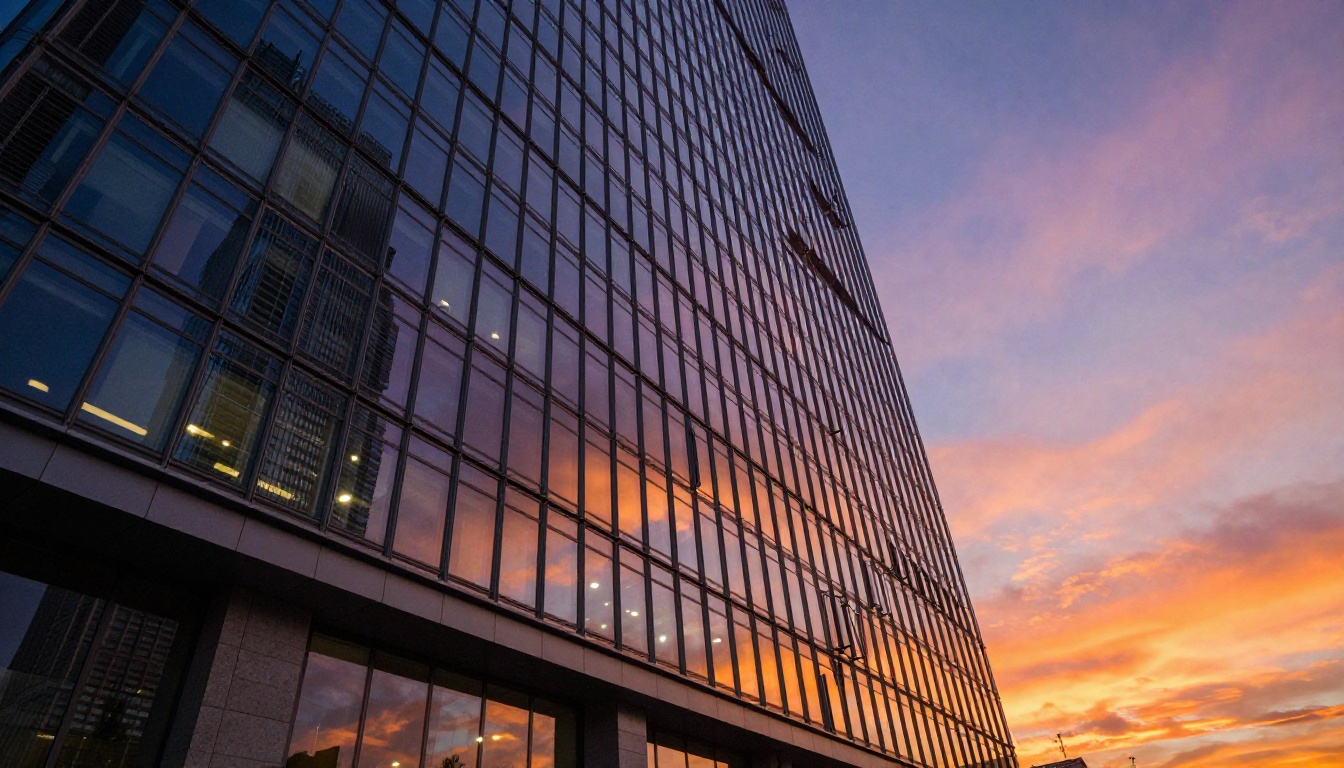
Wan 2.7 Image Pro generates at 4K resolution with an image editing pipeline that handles structural changes, not just style modifications. Where most unrestricted models cap out at 2K, Wan 2.7 Pro outputs genuine 4K detail that holds up under print-level scrutiny.
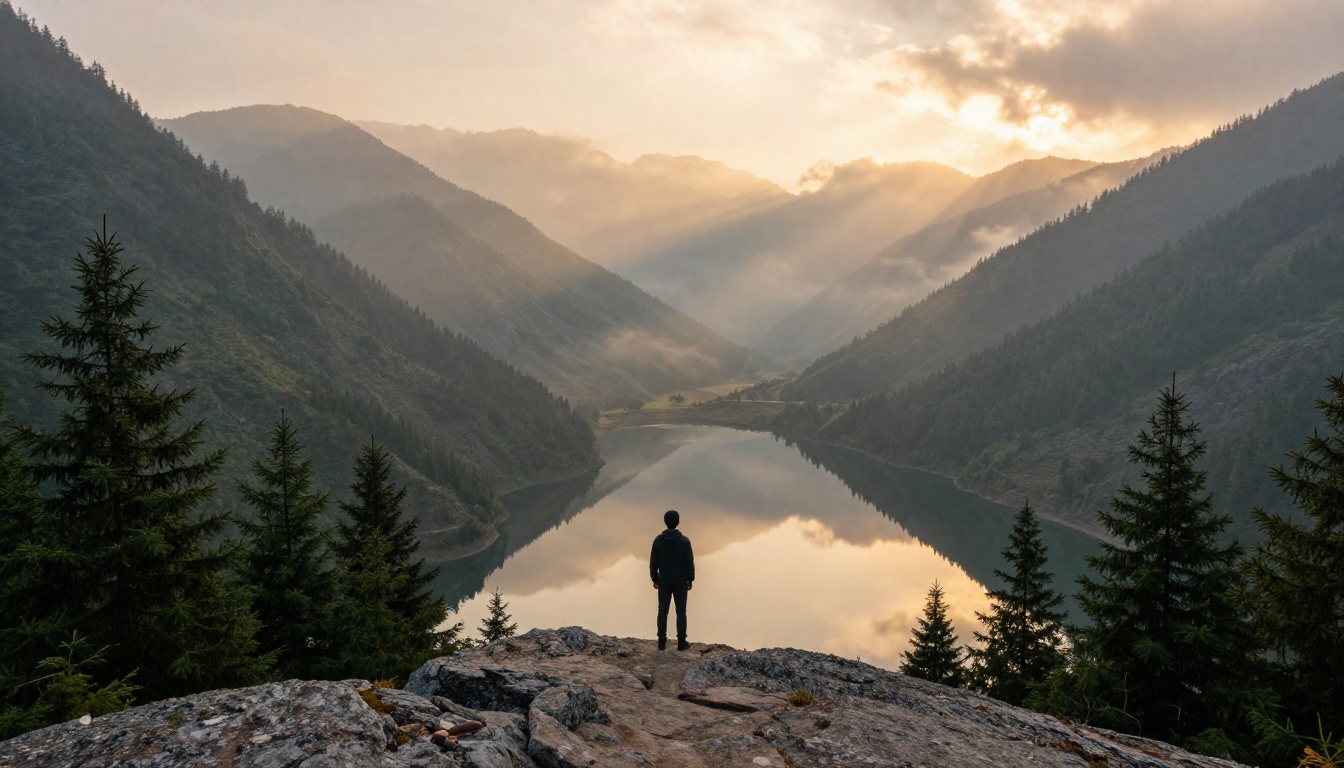
Architectural photography, product shots, and landscape compositions are where it excels. The spatial reasoning in the model handles perspective correctly in ways that cheaper models often fail on.
Best for: Print-resolution work and architectural or landscape subjects.
8. Hunyuan Image 3
Hunyuan Image 3 from Tencent rounds out the top 8 with strong text-rendering capability alongside photorealistic image generation. If your workflow involves images that include readable text, headers, or logos, Hunyuan handles it more reliably than most models in this category.
Its portrait quality is also notably strong, with accurate skin tone diversity across ethnicities and excellent hair rendering across different textures.
Best for: Images that combine photorealistic photography with legible text elements.
Speed vs. Quality at a Glance
Unrestricted AI Videos Too
Still images are just the start. If your content strategy involves video, PicassoIA has several models that operate without content restrictions:
- PicassoIA Video: Unlimited video generation from text prompts at up to 720p, 5 seconds per clip. Same unlimited model as Image Editor Pro, no per-clip fees on Elite or Infinite plans.
- P-Video: Text, image, or audio to video at up to 1080p. Safety filter is off by default. Duration adjustable from 1-10 seconds across seven aspect ratios.
- Grok Imagine Video: Clips up to 15 seconds from a text prompt, reference image, or existing video. No watermarks. Auto-matches source photo proportions in img2vid mode.
- LTX 2.3 Pro: The highest-fidelity option at up to 4K/50fps, with retake and extend editing for precise frame-level control.

How to Use Seedream 4.5 on PicassoIA
Seedream 4.5 is available directly on PicassoIA with no installation required. Here's how to get the best results from the start:
Step 1: Open the model
Go to picassoia.com/en/collection/text-to-image/bytedance-seedream-45 from any browser.
Step 2: Write a detailed prompt
Seedream 4.5 responds well to camera and lighting descriptors. Include:
- Subject description (person, object, scene)
- Lighting direction ("soft side light from the left", "golden hour backlight")
- Camera angle ("low angle", "eye level", "aerial")
- Lens details ("85mm f/1.8", "35mm wide angle")
- Atmosphere ("misty morning", "vivid saturated afternoon")
Step 3: Enable adult content if needed
In your account settings under Content Preferences, switch to Unrestricted mode. This applies to all future generations, so you won't need to reset it each session.
Step 4: Iterate fast
At under 3 seconds per image, Seedream 4.5 is fast enough to run 10-15 variations before settling on a final prompt. Use the variation slider to control how closely each generation stays to your initial output.
💡 Pro tip: If you're editing an existing photo, use PicassoIA Image Editor Pro alongside Seedream 4.5. Generate a base image with Seedream, then refine specific details with Editor Pro at under 1 second per edit.
Other Models Worth Knowing
Beyond the top 8, a few more models on PicassoIA are worth adding to your toolkit for specific use cases:
- Flux Fast: Based on the Flux architecture from Black Forest Labs, this version is optimized for speed on PicassoIA's infrastructure. Strong for consistent style across large batches.
- Dreamina 3.1: Creates cinematic 4MP images with a particularly strong grasp of dramatic lighting and moody atmospheric conditions.
- Flux Kontext Dev: Rewrites any image based on a text instruction, with precise control over what changes and what stays identical. Useful when you need subtle edits rather than full regeneration.
- Stable Diffusion 3: The classic open-weight foundation model. Its community of fine-tuned checkpoints and LoRAs makes it endlessly customizable for niche styles.
Mainstream platforms justify content restrictions with moderation liability. That's a real concern for consumer-facing products. But professional creators working in adult entertainment, boudoir photography, romance publishing, and artistic nudity need tools that respect their work as legitimate.
The models above treat adult content as a valid use case, not a policy violation. That shift in framing changes everything about how you work. You stop fighting the tool and start focusing on what matters: the prompt, the composition, the output.
💡 Every model listed in this article is accessible through the PicassoIA all-models catalog, with no local installation and no GPU required. Browser-based access, instant results.
Start Creating Right Now
If you've been switching between tools trying to find one that won't block your work, the answer is a platform built around creative freedom from the start. Seedream 4.5 is where most creators should begin, since it has the best overall combination of speed, realism, and permissive content handling in 2027. For volume generation, PicassoIA Image Editor Pro with its unlimited-generations model changes the economics of large-scale creative production entirely.
Spend less time arguing with content policies. Spend more time creating.
👉 Explore every unrestricted AI image model at picassoia.com/en/all-models and start generating today.