The demand for AI NSFW image generators with custom styles has exploded in 2027. Artists, content creators, and serious hobbyists no longer settle for random outputs from locked-down models. They want control: over lighting direction, pose structure, skin texture, aesthetic register, and the distinct visual style that makes their work stand apart. The current generation of AI image models delivers exactly that, and the range of options available today makes choosing the right tool a genuinely meaningful creative decision.
This article breaks down the top models for adult image generation, explains what "custom style" actually means in practice, and gives you the specific prompting strategies and platform settings to consistently produce results worth sharing.
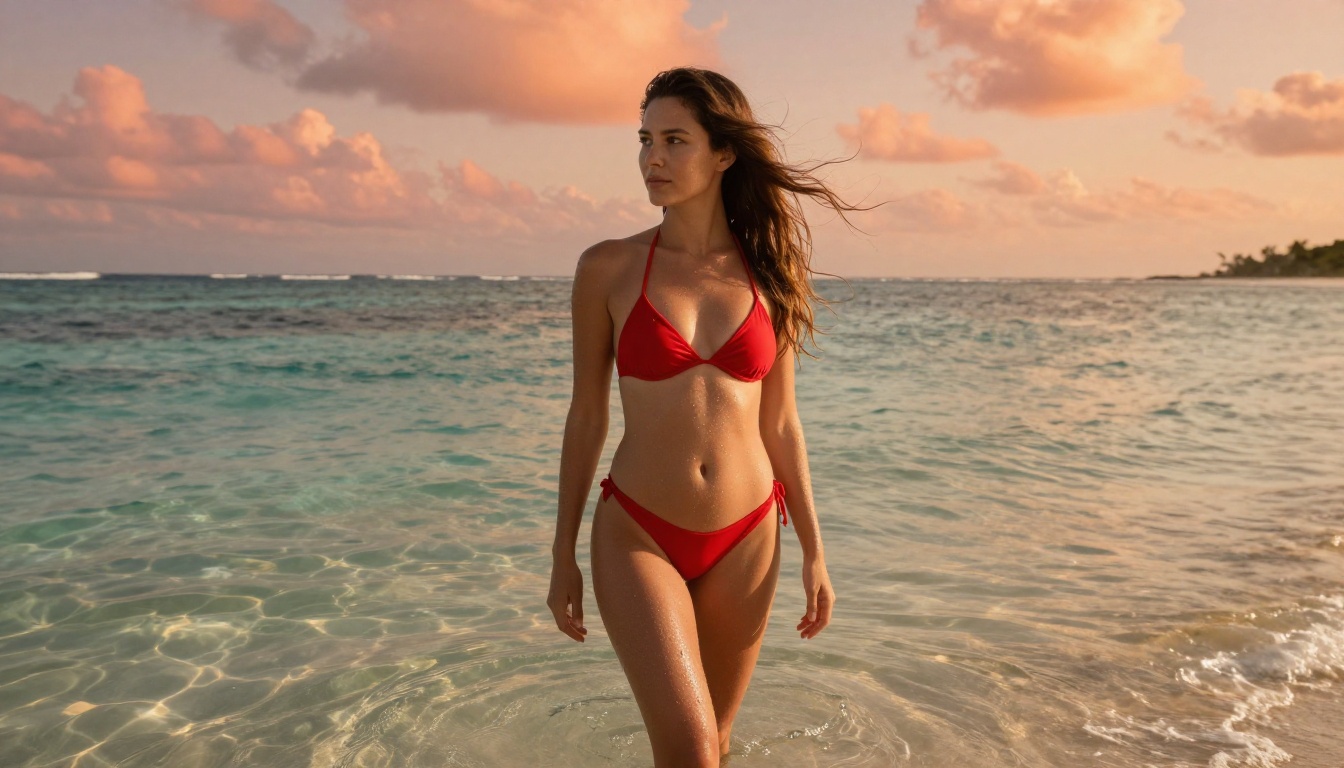
What "Custom Style" Actually Means
Most people use the phrase loosely. In reality, style control in AI NSFW image generation breaks down into at least four distinct dimensions, and confusing them is why so many people get frustrating results.
The Four Style Dimensions
1. Aesthetic Register refers to the overall visual language: photorealistic editorial, soft boudoir, high-contrast fashion, cinematic film grain, or anime. This is the broadest setting and it shapes everything downstream.
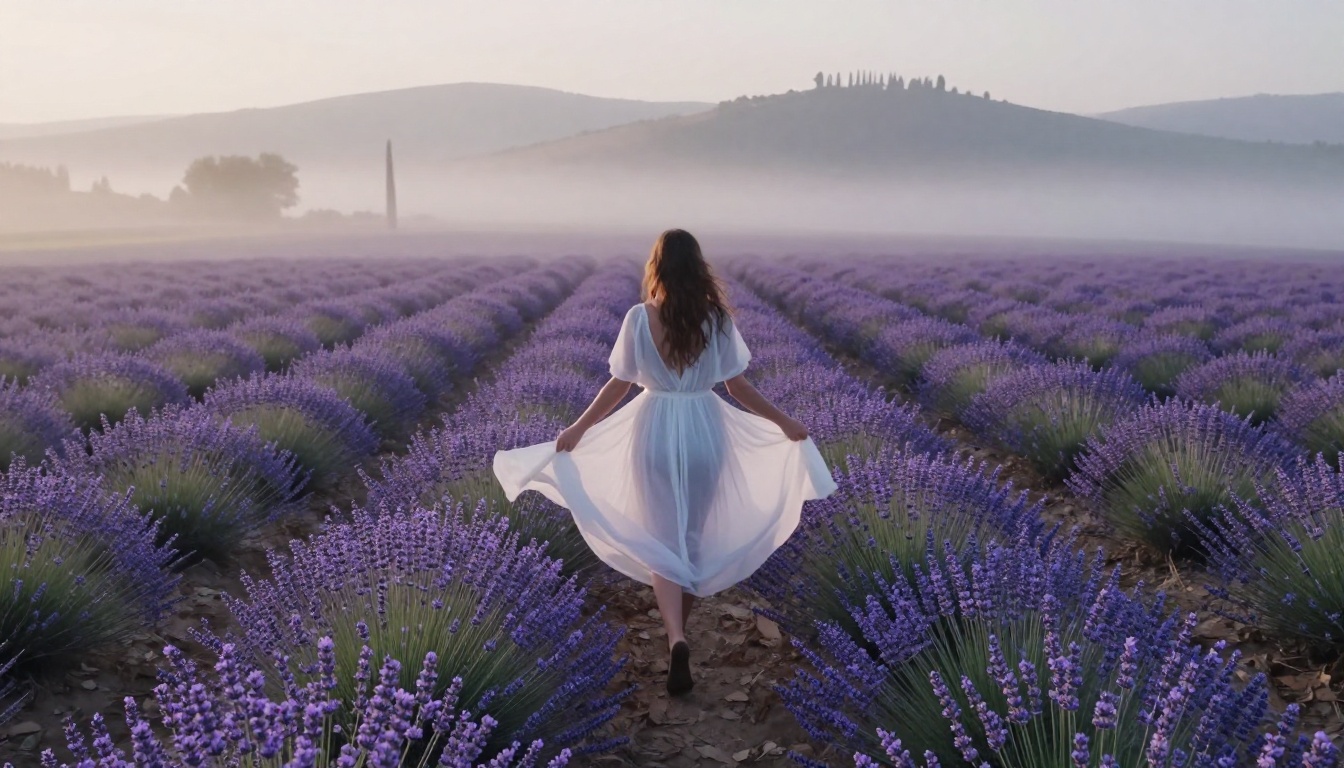
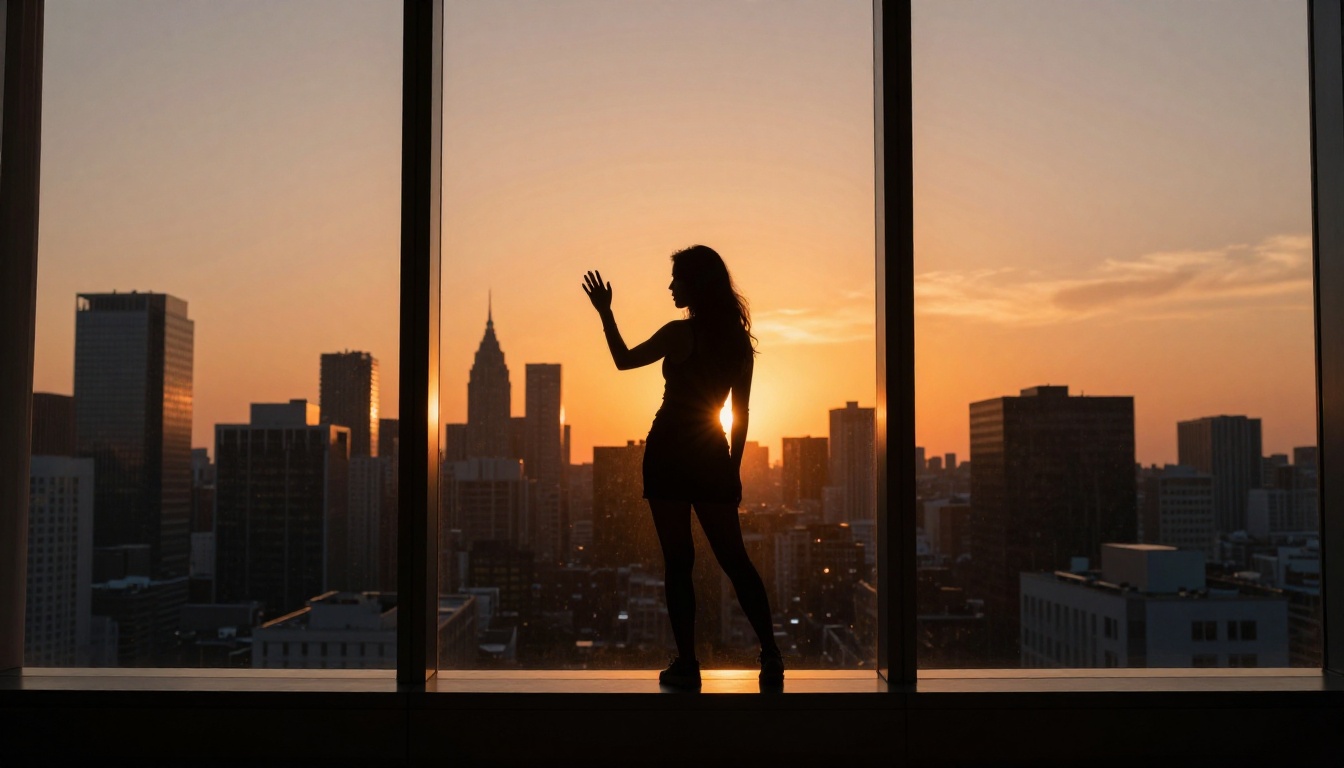
2. Lighting Architecture is where photorealistic outputs live or die. Side-lit portraits feel completely different from top-lit studio shots or golden-hour backlit scenes. Models that respond well to lighting descriptors in prompts give you far more creative leverage than those that ignore them.
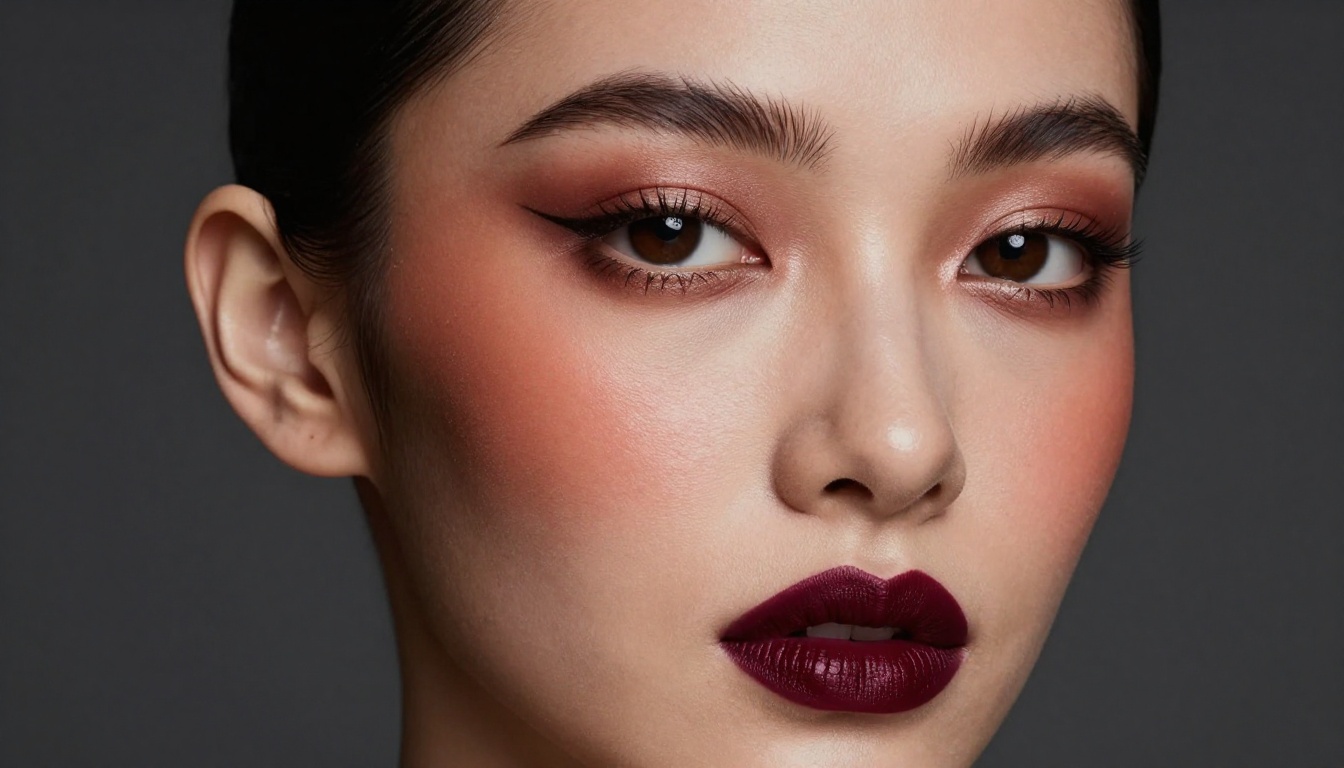
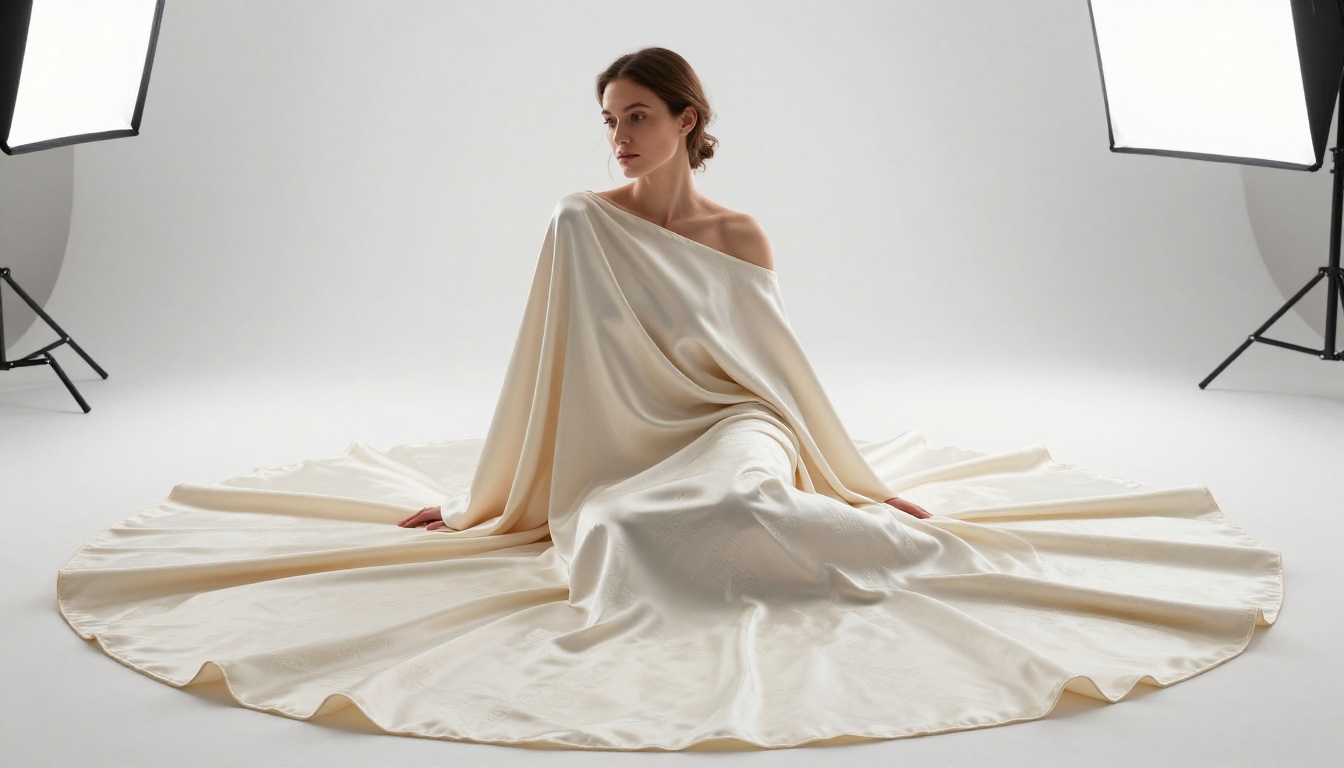
3. Texture and Surface Fidelity separates a convincing NSFW image from a plastic-looking failure. Skin pores, fabric weave, hair strand separation, and subtle subsurface scattering are all markers of genuine realism. Some models handle this brilliantly; others smooth everything into an uncanny approximation.
4. Composition and Pose Control is the least obvious dimension but often the most important for repeatable results. Without structural control, you get random compositions. With tools like ControlNet or inpainting, you dictate where the subject stands, how they pose, and what the frame contains.
Understanding these four dimensions tells you what to look for when evaluating any model for custom-style adult content generation.
Why Generic Models Fall Short
Standard commercial image generators are trained with aggressive content filters that don't just block explicit content; they suppress entire aesthetic registers. Suggestive poses become awkward. Glamour lighting gets neutralized. Sheer fabrics disappear entirely. The result is outputs that feel sanitized to the point of visual boredom.
Specialized models available on platforms like PicassoIA operate under different parameters, allowing the full range of suggestive, glamour, and artistic content that falls within responsible adult creative standards without the bluntness that kills professional-quality results.
💡 The key insight: Style control and content permissiveness are separate variables. The best adult image generators excel at both. A model can be permissive and still produce flat, ugly results if its training quality is poor.
The Models Worth Your Time
Flux 1.1 Pro Ultra
Flux 1.1 Pro Ultra sits at the top of the photorealism hierarchy for a reason. Its training produces outputs with exceptional prompt adherence, meaning when you describe a specific lighting setup or fabric texture, the model actually delivers it rather than approximating. For editorial glamour work, this matters enormously.
Its handling of skin tone gradients, subsurface scattering, and natural shadow falloff puts it ahead of most alternatives in the photorealistic category. Prompts respond well to camera lens specifications (e.g., "85mm f/1.4 shallow depth of field") and film stock references (e.g., "Kodak Portra 400").
Where it occasionally falls short: complex multi-figure compositions can produce anatomical inconsistencies, and very specific pose instructions sometimes get interpreted loosely.
Flux 1.1 Pro
Flux 1.1 Pro offers the same architectural foundation at a slightly lower resolution ceiling. For creators who generate at high volume and need consistent quality without the premium compute cost, this is the practical everyday workhorse. Style adherence remains excellent, and the speed improvement over Ultra is meaningful for iterative workflows.
Realistic Vision v5.1
Realistic Vision v5.1 has earned its loyal following through one specific strength: face and body anatomy that holds together under scrutiny. Where newer models sometimes produce technically impressive but slightly inhuman results, Realistic Vision maintains proportional coherence even in challenging poses.
It is also one of the most LoRA-responsive base models available, which is the real reason professionals reach for it. Stacking custom LoRA weights on top of Realistic Vision's solid foundation gives you a highly controllable starting point for building signature styles.
DreamShaper XL Turbo
DreamShaper XL Turbo occupies a distinct aesthetic lane: a semi-realistic style that sits between photography and illustration. For creators who want outputs that feel artistic rather than documentary, this model produces results with a painterly warmth that straight photorealistic models cannot replicate.
Its NSFW handling is consistent, and the turbo architecture means significantly faster generation times without a proportional quality hit. If your brand leans toward idealized beauty rather than raw realism, DreamShaper XL Turbo is your most efficient path to that look.
Proteus v0.3
Proteus v0.3 specializes in anime and stylized illustration aesthetics. For creators working in that visual language, it delivers characteristic clean line work, saturated color palettes, and the specific proportional conventions of Japanese animation art style. This is not a photorealism model, and it does not try to be. Within its aesthetic lane, it is among the most technically consistent options available.
LoRA: Your Real Style Engine
How LoRA Transforms Outputs
LoRA (Low-Rank Adaptation) is the technology that elevates "decent AI outputs" into "recognizable personal style." A LoRA is a small additional weight file trained on a specific visual style, person, or aesthetic. When applied on top of a base model, it biases the generation toward that trained style while maintaining the base model's quality and coherence.
For NSFW content creators, LoRA means you can:
- Train on a specific aesthetic: Film noir lighting, soft pastel boudoir, high-contrast editorial.
- Maintain character consistency: Generate the same face or body type across many different scenes and poses.
- Create signature looks: Your outputs become identifiable as yours rather than generic AI outputs.
The p-image-lora model on PicassoIA is specifically designed for LoRA-powered generation, offering a fast, responsive base that accepts custom weights cleanly without the anatomical degradation that affects some older architectures.
Best LoRA-Compatible Models
The SDXL Multi ControlNet LoRA model combines LoRA style control with ControlNet structural guidance, giving you simultaneous command over both aesthetics and composition. This is the combination that separates professional-quality outputs from casual generation.
SDXL ControlNet LoRA offers a slightly simpler version of the same capability, well-suited for creators who want pose control with style consistency but do not need the full multi-ControlNet stack.
Flux Dev LoRA brings Flux's superior photorealism into the LoRA ecosystem, allowing custom style weights to run on one of the highest-quality base architectures currently available. For photorealistic adult content with a custom signature aesthetic, this combination produces results that are difficult to match.
Photorealism vs. Stylized: Choosing Your Lane
The Photorealistic Path
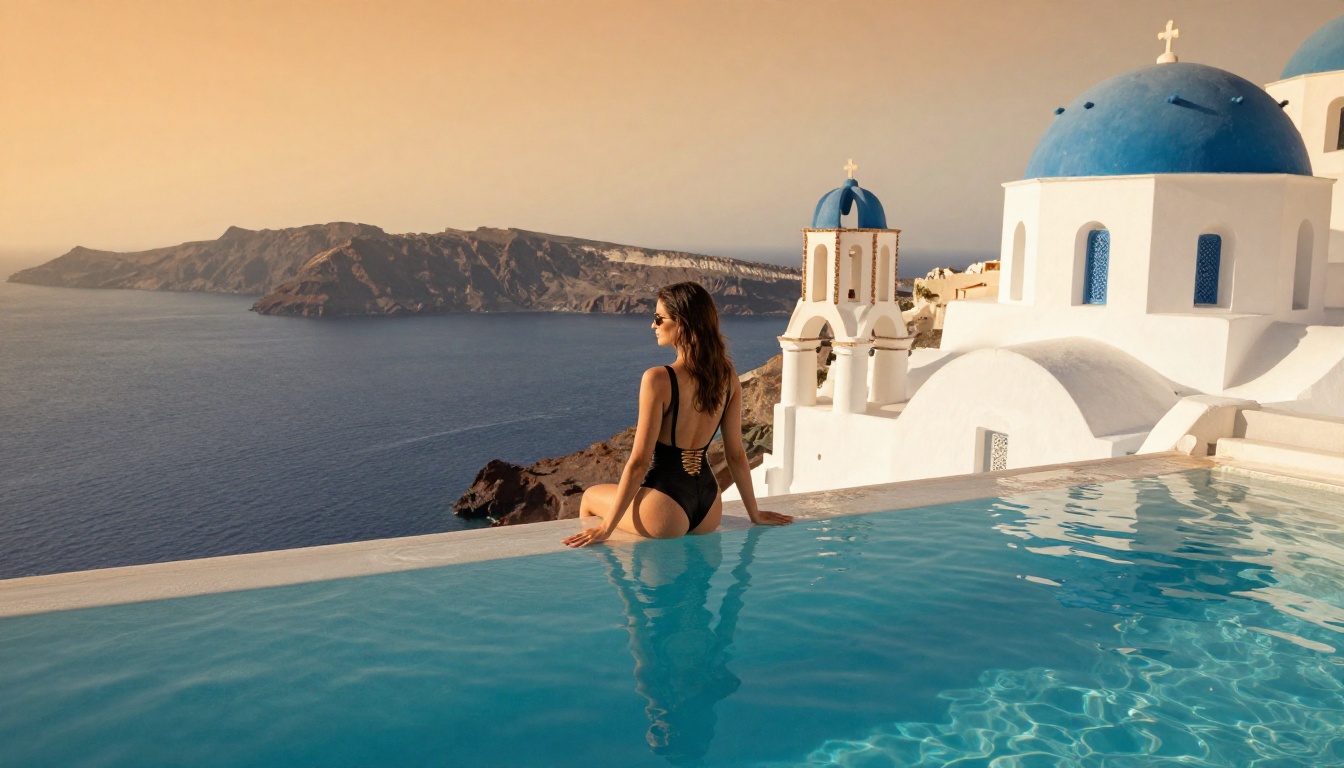
Photorealism demands specific prompt discipline. Vague instructions produce vague results. The models that excel here, specifically Flux 1.1 Pro Ultra, Realistic Vision v5.1, and RealVisXL v3.0 Turbo, reward structured prompts that read like a photography brief.
What works:
- Camera body and lens specification ("Canon EOS R5, 85mm f/1.4")
- Lighting setup description ("large Profoto octabox from above-left")
- Film stock reference ("Kodak Portra 400 grain")
- Specific time of day and light direction ("golden hour, backlit from west")
- Surface texture description ("visible skin pores, natural subsurface scattering")
What fails:
- Abstract aesthetic words without physical anchors ("beautiful", "stunning", "gorgeous")
- Contradictory lighting instructions ("bright neon and candlelight simultaneously")
- Overly long prompts where later instructions override earlier ones
The Stylized and Anime Path
For illustrated or semi-realistic aesthetics, Proteus v0.3 and DreamShaper XL Turbo respond to a different prompt vocabulary. Artist reference tags, animation studio conventions, and color palette descriptors carry more weight than photographic technical specifications.
For anime NSFW generation specifically, the prompt structure shifts toward: character archetype, emotional tone, specific art style period or school, and detail intensity level. The lighting instructions still matter but translate differently. "Soft rim light" in anime context means something visually distinct from the same phrase in a photorealistic prompt.
How to Use p-image-lora on PicassoIA
PicassoIA's p-image-lora is one of the most accessible entry points for custom-style adult image generation. Here is a step-by-step approach to getting consistent, high-quality results.
Step 1: Access the Model
Navigate to the p-image-lora page on PicassoIA. The interface presents the standard prompt field alongside LoRA weight selectors and configuration sliders.
Step 2: Set Your Base Parameters
Before crafting your prompt, configure these core settings:
- Guidance Scale (CFG): Start at 7.0 for photorealistic outputs, move toward 5.0 for more creative interpretation.
- Steps: 30-40 steps gives consistent quality without excessive compute time.
- Sampler: DPM++ 2M Karras is a reliable default for portrait work.
Step 3: Build a Layered Prompt
Structure your prompt in priority order, with the most important elements first:
- Subject and pose description
- Environment and setting
- Lighting specification
- Camera and lens details
- Texture and atmosphere qualifiers
- Style anchors (film stock, aesthetic reference)
💡 Prompt tip: Front-load the elements you cannot compromise on. The model gives more weight to earlier tokens in long prompts. If lighting is critical, describe it before you describe the background.
Step 4: Apply a Style LoRA
Choose a LoRA weight that matches your target aesthetic. For photorealistic glamour, look for LoRAs trained on editorial photography datasets. Apply at 0.6-0.8 weight; higher values increase style adherence but can introduce artifacts in complex poses.
Step 5: Iterate with Inpainting
After your base generation, use inpainting to refine specific regions, face, hands, fabric details, without regenerating the entire composition. This is how professional-quality results are built: iteratively, not in a single shot.
The Prompt Architecture That Works
Negative Prompts That Actually Help
Negative prompts for NSFW generation serve two purposes: quality control and style enforcement. The most effective negative prompt for photorealistic adult content combines quality filters with anatomical precision flags:
Quality negatives: blurry, low resolution, jpeg artifacts, oversaturated, overexposed, flat lighting, plastic skin, airbrushed
Anatomy negatives: deformed hands, extra fingers, distorted face, asymmetrical eyes, unnatural proportions
Style negatives (for photorealism): cartoon, illustration, painting, anime, CGI, 3D render, digital art
Do not overload negative prompts. A list exceeding 25-30 items begins to confuse the model and can suppress desired elements along with unwanted ones.
CFG Scale and What It Actually Does
CFG (Classifier-Free Guidance) scale controls how strictly the model follows your prompt versus exploring variations. For NSFW custom-style work:
| CFG Range | Effect | Best For |
|---|
| 4.0 - 5.5 | Loose, creative interpretation | Abstract or artistic outputs |
| 6.0 - 7.5 | Balanced prompt adherence | Most glamour and editorial work |
| 8.0 - 10.0 | Strict prompt following | Highly specific technical requirements |
| 11.0+ | Oversaturation, artifacts | Not recommended |
The sweet spot for photorealistic NSFW with style control sits at 6.5 to 7.5. Above 9.0, most models begin producing unnatural color saturation and edge artifacts that undermine the realism you are working toward.
Comparing the Top Models
Here is a direct comparison across the dimensions that matter most for AI NSFW image generators with custom styles:
ControlNet: Adding Structure to Style
Pose Control Without Losing Aesthetics
One of the persistent frustrations with AI NSFW generation is getting a specific pose reliably. Without structural guidance, even excellent models interpret pose instructions loosely. SDXL Multi ControlNet LoRA solves this by accepting pose reference images or OpenPose skeleton inputs alongside your text prompt.
The workflow looks like this: feed in a pose skeleton or reference image, add your style prompt and LoRA weight, and the model generates content that matches the pose and the style simultaneously. For professional creators who need compositional repeatability across a content series, this is the approach that makes it possible.
Flux Kontext Pro takes this further with text-based image editing, allowing you to modify specific elements of an existing generation without disrupting the rest of the composition. Change the background, alter the lighting, swap a garment, all while preserving the pose and face you worked to achieve.
Super Resolution for Final Output
Once your generation achieves the style and composition you want, running it through a super resolution model lifts the output to print-quality dimensions. PicassoIA's super resolution category contains models that upscale 2x to 4x while recovering fine texture detail: individual skin pores, fabric threads, hair strands. The quality difference between a native 1024px output and a super-resolved 4096px version is substantial for professional use.
3 Common Mistakes in NSFW Style Generation
1. Treating style as an afterthought. Most people write a content prompt and then append a style word at the end. "Woman in lingerie, photorealistic." That is not a style prompt. Style is a system: lighting, camera, texture, grain, color grade. Each element reinforces the others. Write the technical specifications as seriously as you write the content.
2. Ignoring negative prompts entirely. Especially for photorealistic NSFW generation, the absence of a strong negative prompt allows the model to drift toward its default aesthetic, which for most base models includes plastic skin, flat lighting, and unnatural proportions. Negatives are not optional; they are part of the style architecture.
3. Stopping at the first generation. AI image generation is an iterative process. The first output establishes the composition. Inpainting refines the details. Super resolution delivers the final quality. Creators who expect a single prompt to produce a finished professional image are consistently disappointed. Creators who build iterative refinement into their workflow consistently produce results that look professionally made.
💡 Workflow tip: Save successful seeds. When a generation hits exactly the style you want, note the seed number. That seed plus your prompt recreates the same stylistic foundation for future work, giving you a reproducible starting point for series and collections.
Build Your Own Signature Style
The most valuable outcome of spending serious time with AI NSFW image generators with custom styles is not any individual image. It is the development of a repeatable aesthetic that becomes recognizable as distinctly yours. That means building a consistent prompt framework, finding the LoRA weights that align with your visual instincts, and learning the specific CFG and sampler settings that make your preferred model perform at its best.
PicassoIA brings together over 90 text-to-image models in one platform, alongside ControlNet tools, LoRA-powered generation with p-image-lora, and the full workflow stack from image editing to super resolution. Whether you are building toward photorealistic editorial glamour with Flux 1.1 Pro Ultra, a custom anime aesthetic with Proteus v0.3, or a distinctive semi-real style with DreamShaper XL Turbo, the models and tools are there waiting.
Start with one model. Learn its behavior. Build your prompt framework. Then expand from that solid foundation into the full creative range that custom-style NSFW AI generation makes possible.


