Most people who type "AI porn chat no sign up" into a search bar want the same thing: open a tab, say something flirty, get a clever reply, and skip the email form, the age quiz and the credit card wall. It sounds simple. In practice it is the hardest promise in adult AI, because the sites that can afford to be anonymous are usually the ones with the tightest message caps, and the sites with generous limits almost always want an account first.
This article sorts the real from the bait. You will see what "no sign up" actually means, which kinds of free options exist in 2027, what the daily limits look like, and how to write character prompts that keep a chat consistent instead of drifting into generic replies. We also cover privacy habits and how to pair a text chat with photorealistic image generation, so the character you talk to has a face and a look you chose yourself.
💡 Quick answer: True anonymous, uncapped, adult-oriented AI chat is rare. Expect either a small daily allowance with no account, or a generous allowance behind a free account. Plan around that trade-off instead of hunting for a loophole.
What "No Sign Up" Really Means
The phrase gets stretched by marketing pages. Before you click anything, it helps to separate three very different experiences that all get the same label.
Instant chat versus saved chat
Some sites let you start talking in the first ten seconds, then quietly ask for an account when you want to save the conversation, unlock a longer memory or return tomorrow. Others hold your chat only in the browser tab, so closing it wipes everything. Both are "no sign up" at the moment of entry, but only one of them gives you a persistent character.

Why most sites still ask for an account
Reports from 2026 roundups point to two pressures. First, age verification rules keep expanding, and platforms want some record that a user confirmed they are an adult. Second, free chat costs real money in server time, so an account lets a site enforce daily caps and block abuse. One roundup went as far as saying every major no-filter chat platform needs at least a free account, while others name Joyland and Perchance as the closest to instant access. Treat all of these claims as snapshots, because policies change monthly.
💡 Tip: If a page promises "no sign up, unlimited, no filter" all at once, assume at least one of those three words is marketing. Test it with five messages before you invest in building a character.
Free Options That Work Today
You will mostly find three categories. None of them is perfect, and which one fits depends on whether you value speed, memory or privacy most.
Browser based character chat
These are lightweight sites where you pick or write a character and start typing. Perchance AI Chat and Roleplay is the name that keeps appearing for instant anonymous character play, and its own page advertises a free, fast, no sign up experience. Joyland is described in roundups as letting you chat before creating an account, though saving progress needs one. The upside is speed. The downside is that quality varies by the underlying model, and memory is shallow.
General assistants with light moderation
Privacy focused assistants such as Duck.ai work without an account, with anonymized requests and daily usage limits. They are not built for adult roleplay and they apply their own content rules, so do not expect explicit output. They are still useful for drafting character backstories, scene settings and dialogue style notes that you paste into a roleplay site afterwards.
Free accounts with generous limits
If you accept a throwaway email, the free tier of a dedicated companion site often beats any anonymous option. CrushOn AI's free tier was listed at about 50 messages a day in April 2026, and SpicyChat AI is described as roomy on free, though those figures come from review pages and can change. Always check the pricing screen inside the app before relying on a number.
| Option type | Account needed | Typical memory | Daily cap | Best for |
|---|
| Browser character chat | Often no | Short, tab only | Loose or soft | Quick tests |
| General privacy assistant | No | Session only | Daily usage limit | Drafting prompts |
| Free account on companion site | Yes, email | Longer, saved | Roughly 20 to 100 messages | Ongoing roleplay |
| Paid tier | Yes | Longest | High or none | Heavy daily use |
💡 Reality check: The 20 to 100 messages per day range often quoted for free adult chat is an informal average from roundup pages, not an official number. Your mileage will vary by site and by hour.
Limits You Will Hit
Even the friendliest free chat has walls. Knowing where they are saves you from losing a great scene halfway through.
Message caps
A daily cap counts your sends, not the length of each one. That is why longer, richer messages stretch a free allowance further than one line replies. Twenty detailed turns beat fifty "ok" and "go on" messages every time.

Memory and context
Free tiers usually run smaller context windows. After a few dozen messages the character starts forgetting your name, the setting or the mood you built. If the model repeats itself or contradicts earlier facts, that is context loss, not a personality change.
How to stretch a free session
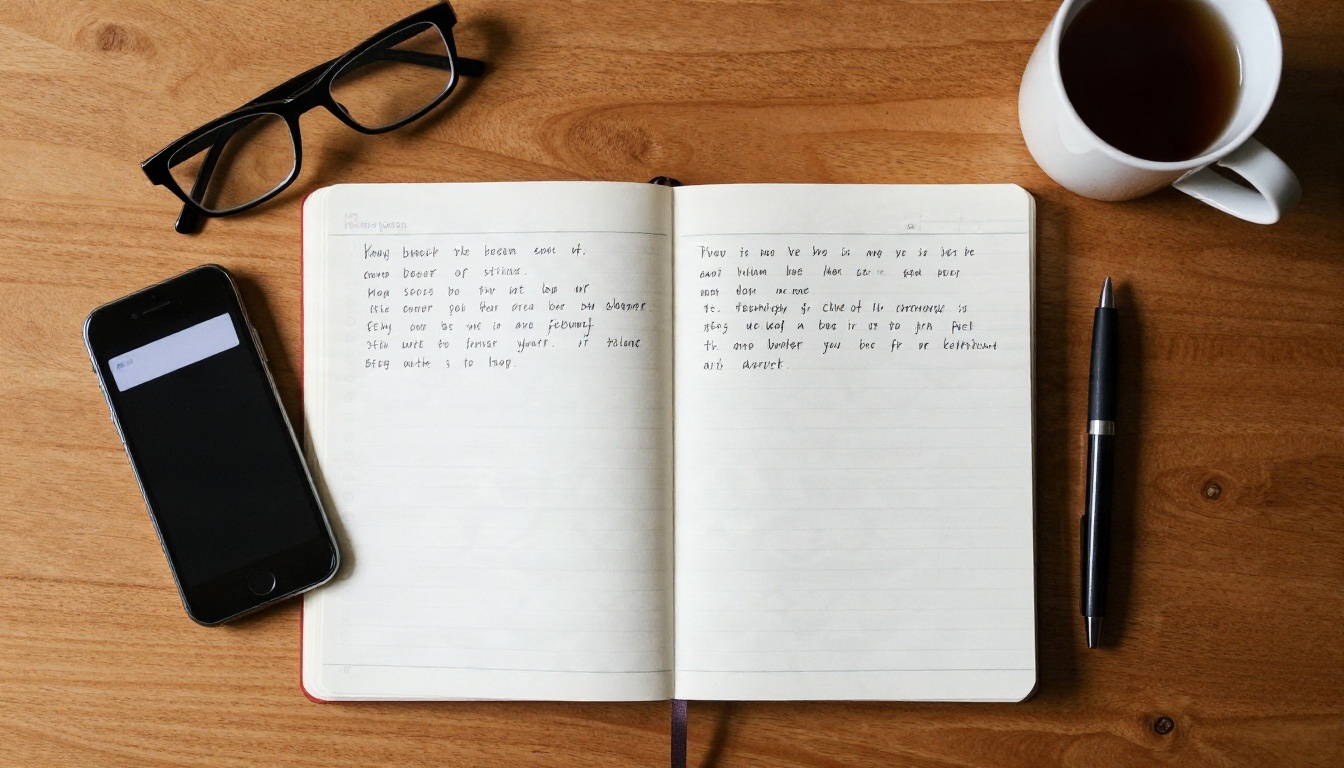
Three habits help. Start with a tight character card so the model does not waste messages on setup. Restate the scene every ten or so turns in one sentence. And keep your own notes outside the chat, so if a session resets you can paste the card back in within seconds.

Character Prompts That Hold Up
The difference between a flat chat and a magnetic one is almost always the opening prompt. A good prompt is not long. It is specific.
Anatomy of a strong prompt
Think of five slots. Fill each with one or two concrete details and the model has a lot to work with.
- Identity: name, age (always an adult, state it plainly), job and one quirk.
- Voice: how she or he speaks, such as teasing, dry, warm or shy.
- Setting: where the scene starts and what time it is.
- Relationship: how the character feels about you at the start.
- Boundaries: what the character will not do, and a line telling the model to stay in character.
Three templates to copy
These stay suggestive rather than explicit, which also keeps them working on sites with moderation filters.
The flirty neighbor
"You are Maya, a 29 year old graphic designer who lives across the hall. You are witty, a little teasing and you notice small details. We just ran into each other at the mailboxes late at night. Reply in short, natural messages, stay in character, and let the tension build slowly."
The confident bartender
"You are Elena, 32, the bartender at a quiet jazz bar. Calm voice, sharp humor, and she remembers every regular's order. It is closing time and I am the last customer. Keep replies under four sentences, describe small gestures, and never break character."
The long distance partner
"You are Jonas, 34, my boyfriend on a work trip abroad. He is warm, playful and a bit shy about saying how much he misses me. We are on a late video call. Speak in first person, keep it affectionate and romantic, and ask me one question per reply."
Fixing drift when replies go flat
If the character turns bland, do not argue with it. Paste a single reset line: "Stay in character as Maya. Voice: teasing and warm. Scene: the hallway at midnight. Continue." If replies keep getting shorter, ask for "two to three sentences with one physical detail". Models respond well to clear formatting requests.
💡 Pro tip: Write the card once in a notes app, with your three best opening lines. When a free site resets or you hit a cap, switch sites and paste it. The character travels with you.
Privacy and Safety Basics
Anonymous does not mean invisible. A few habits cut the risk without killing the fun.
What to keep off the chat
Never type your full name, workplace, address, phone number or anything you would not want in a screenshot. Use a fresh persona for yourself: a first name that is not yours and a made up city. Assume that chat logs on a free site may be stored, reviewed for abuse or used to improve the service.
Browser and account hygiene
If you do create a free account, use a separate email and a unique password. Skip social logins, which link your chat identity to a real profile. A private window helps with convenience but is not a shield against logging on the site itself.

Respecting boundaries
Adult chat works best when everyone in the picture is a clearly written adult and no real person is being imitated. Do not use a real person's name or likeness for a character without their consent. It protects them, and it protects you from account bans. If your own limits shift mid conversation, stop the scene. A good AI chat should let you.

Give Your Character a Face
Text carries a lot, but a face and a look turn a chat persona into someone you remember. That is where image generation fits, and it is a smoother path than hunting for sites with matching art.
Start with Seedream 4.5
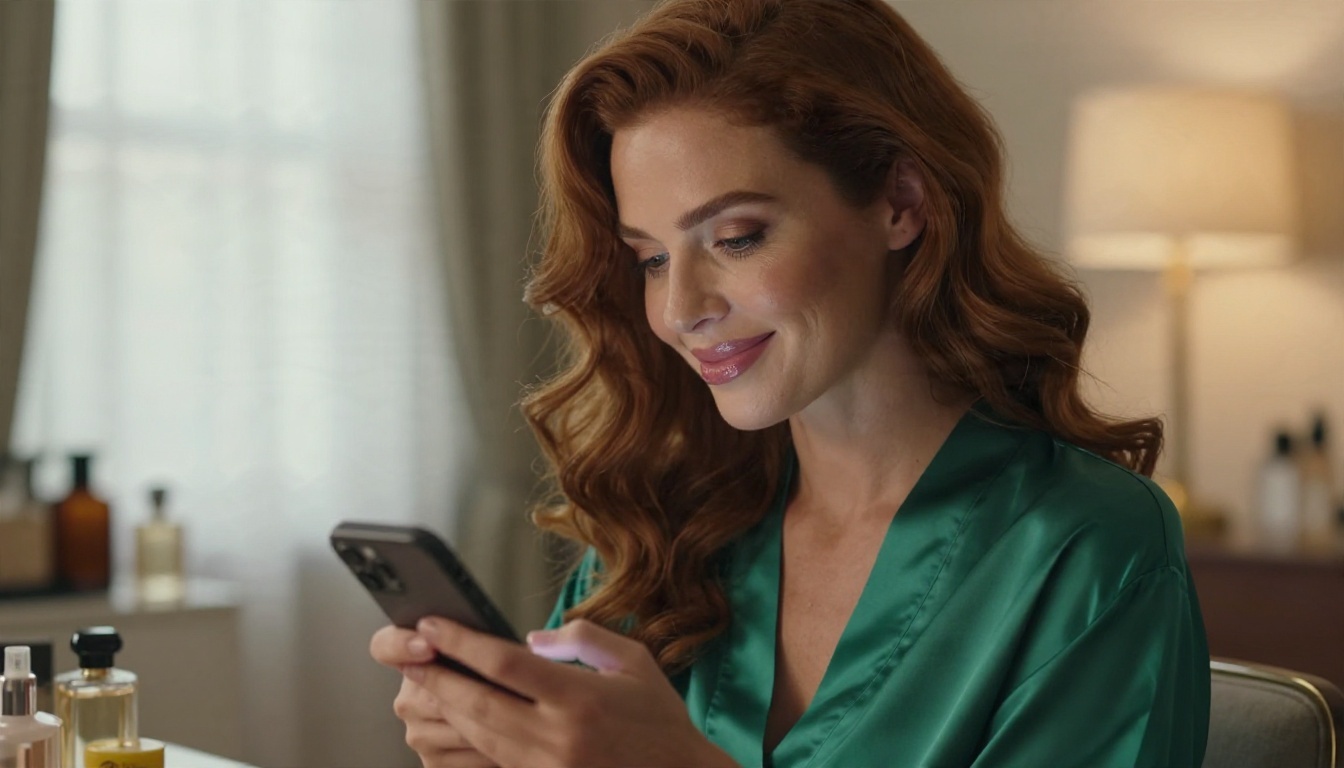
For photorealistic adult glamour, Seedream 4.5 is the first model to try. It produces sharp skin texture, believable fabric and natural light, and it handles tasteful, suggestive portraits without the blocks you meet on stricter tools. Describe your character the way you wrote the card: age, hair, outfit, mood, lighting and lens. Something like "29 year old woman, black bob, red lipstick, lace bralette under an open blazer, 85mm portrait, soft window light" gives a strong first result.

Refine with Image Editor Pro
Once you like a face, PicassoIA Image Editor Pro lets you adjust outfits, lighting, backgrounds and small details. It is built for unlimited generations, which matters when you iterate ten or twenty times to get hair, expression and framing exactly right. That is also a useful contrast with chat sites: images here do not run out after a daily message cap.

Alternatives for variety
If you want a different look, Qwen Image 3 Pro delivers photorealistic portraits with a slightly different color feel, and Seedream 5 Pro is another sharp option for 2K output. Run the same prompt through two models and keep the one that matches your character best.
Draft character cards with an LLM
PicassoIA also offers chat models that are useful for the planning side. Deepseek V3, Llama 4 Maverick Instruct and Gemini 3.5 Flash are good at turning a rough idea into a tidy card with voice, setting and relationship notes. They apply their own content rules, so use them for backstories, dialogue style, scene outlines and romantic or flirty banter, then carry the finished card to the chat site you prefer.
Try It on PicassoIA
Here is a simple loop that fits in one evening. Write your character card with an LLM, run a few chats on the free option that suits you, then generate the portrait that matches the voice you settled on. Because images do not depend on message caps, you can spend as long as you like on the visual side without watching a counter tick down.
Open Seedream 4.5, paste a description based on your card, and generate three variations. Pick your favorite and take it into Image Editor Pro to tweak lighting, clothing or the background. For more models, from portraits to video, browse the full list at picassoia.com/en/all-models.
The honest answer to the search that brought you here is that free, anonymous, adult AI chat exists in small doses, and the best results come from combining a tight prompt, realistic expectations about caps, and tools that let you keep creating after the chat meter runs out. Build your character, give them a face, and experiment until the conversation feels like yours.


