Most AI image generators fall apart the moment you put two people in the same frame. Bodies merge. Faces duplicate. Hands become unrecognizable blurs. Anyone who has tried creating a +18 multi-character scene with a standard tool knows the frustration: the prompt says two people, the output gives you one anatomical disaster.
That changes when you use the right model.
The best +18 AI generator for multiple characters in one scene needs to do several things simultaneously: maintain distinct identities for each figure, correctly interpret spatial relationships, render realistic anatomy under pressure, and stay faithful to your creative intent. Not many tools clear that bar. The ones that do are worth knowing in detail.
This article breaks down which AI image generators actually deliver for multi-character +18 scenes, what separates each one, and exactly how to squeeze the best output from them.
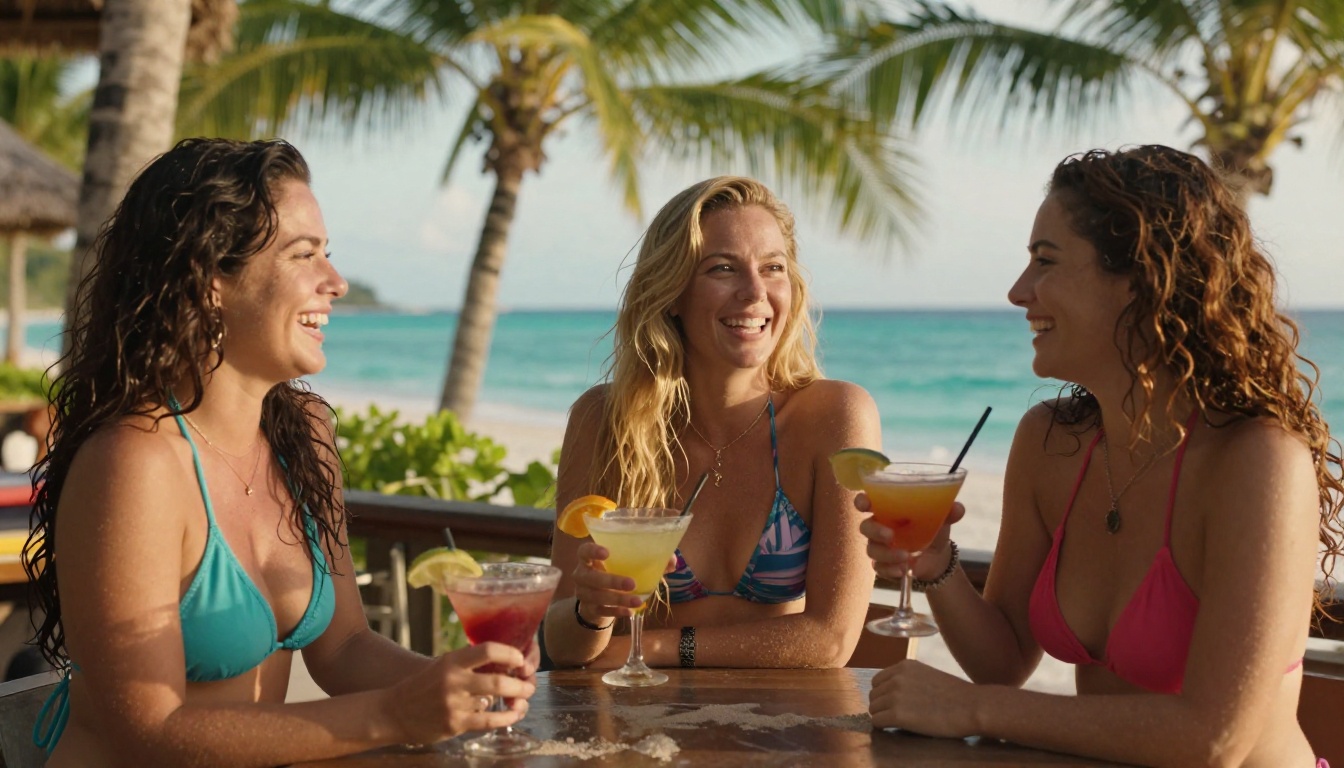
Why Multi-Character Scenes Are Hard
The Technical Wall Most Models Hit
Diffusion models generate images by progressively denoising a field of pixels. When a single subject occupies the frame, the model has a relatively clean signal to work with. Add a second figure and that signal becomes complex. The model now has to balance two sets of anatomical priors, two lighting sources on skin, two sets of hands, two faces, and a spatial relationship between them.
Most models were trained with datasets dominated by solo subjects. When you force them into multi-character territory, they compensate by averaging. The result: body parts that bleed between figures, identical faces on different characters, or one person who appears to have three arms.
The models that handle this well were either trained on richer multi-figure datasets, support architectural features like attention separation, or allow external control through tools like ControlNet pose references.
What Makes a Scene Actually Work
A successful multi-character +18 image needs three things working in harmony:
- Distinct figure boundaries: Each person's body should read as a self-contained anatomical system, not a merged form.
- Consistent lighting per figure: Both characters should sit under the same light source in a physically believable way.
- Prompt adherence across subjects: If you write "brunette woman on the left, blonde woman on the right," the model should respect that, not swap them or ignore the instruction.
The models ranked below are the ones that deliver on all three.
The Real Criteria for Ranking
Anatomy Accuracy at Scale
Anatomy breaks down fast with more characters. Hands are the classic failure point, but with multiple figures you also get torso length errors, limb count issues, and perspective distortions where figures at the same depth do not share the same scale. The best models for this have strong anatomical priors baked in through fine-tuning on high-quality human figure datasets.
Prompt Adherence with Multiple Subjects
Does the model respect your subject descriptions when there are two or more? Weak models blend character traits. Strong models keep the brunette brunette and the redhead redhead across every generation. This is especially critical for +18 content where character identity and distinctiveness are part of the creative intent.
Speed vs. Quality Tradeoff
Some models take 20-30 seconds per image. Others deliver in 3-5 seconds. For iterative creative work where you are adjusting prompts and regenerating frequently, speed matters. The breakdown below notes where each model falls on this spectrum.
Top Models for Multi-Character +18 Scenes
💡 All models below are accessible directly on PicassoIA. Each one has been tested for multi-character output quality, anatomy handling, and prompt adherence.
The current gold standard for photorealistic multi-character scenes. Flux 1.1 Pro Ultra operates at ultra-high resolution and was built for the kind of dense, detail-heavy prompts that multi-figure scenes demand. It handles spatial language with precision: phrases like "standing behind," "facing each other," and "on opposite sides of the frame" translate into coherent scene geometry.
For +18 content, its strength is in skin texture rendering. Pores, subsurface scattering, natural tone variation between individuals — all handled at a level that cheaper models cannot match. The tradeoff is generation time: expect 15-25 seconds per image at full quality. Worth every second when the output is this clean.
Best for: High-fidelity scenes where the final output needs to be near-photographic. Editorial-style multi-character shots, complex indoor lighting scenarios, and any scene where you want both figures to look like real people photographed by a professional.
The second-generation Flux models push multi-character handling even further. Flux 2 Pro sits in the sweet spot between speed and output quality. Flux 2 Max sacrifices some generation speed for richer detail and more controlled anatomy. Both maintain strong figure separation and respond well to detailed descriptions of clothing, pose, and positioning for each character.
Where the Flux 2 series stands out for adult content is in its improved handling of spatial relationships. Scenes involving physical proximity between characters — sitting together, standing close, overlapping in frame — are rendered with geometrically correct body positioning far more often than earlier generation models.
Best for: Iterative creative workflows where you need reliable results across multiple generations. Scenes involving two figures in close proximity or physical interaction.
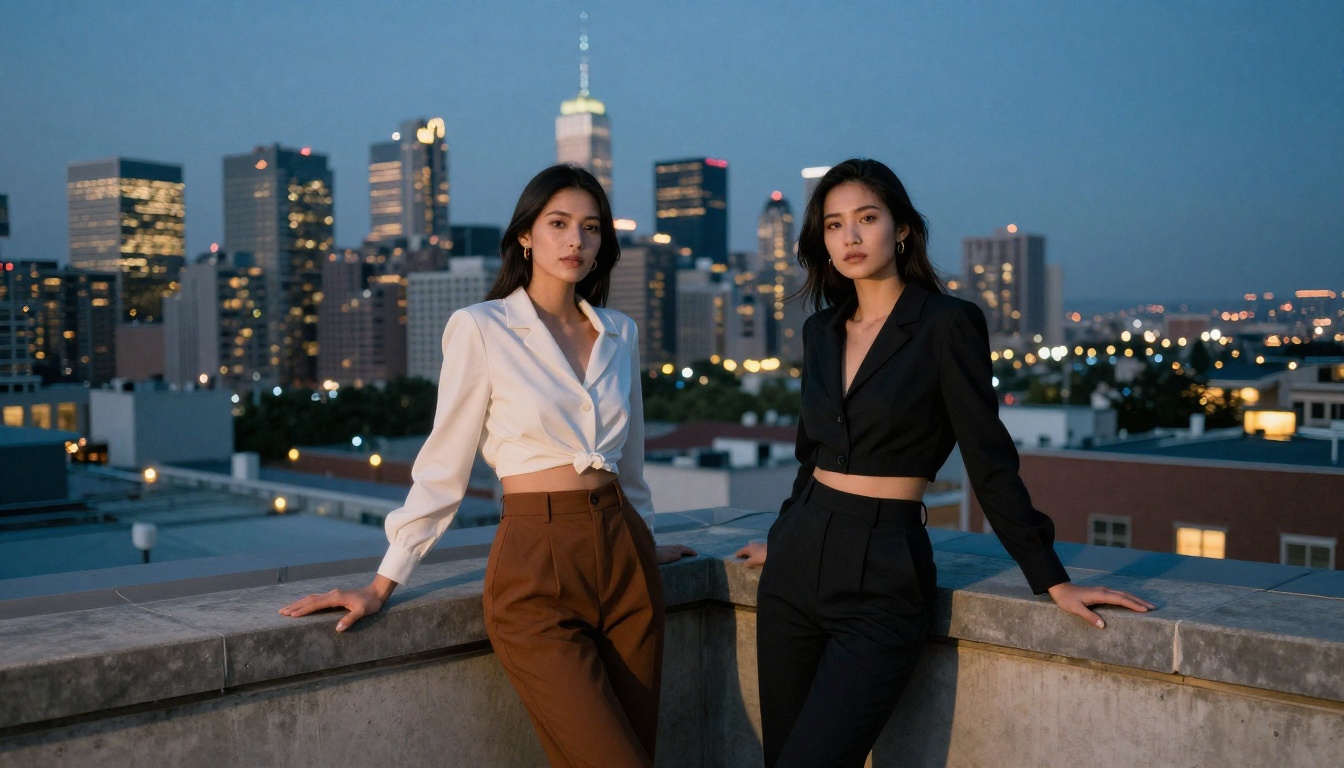
If photorealism is the priority and you want speed, RealVisXL v3.0 Turbo is the model to reach for. Built on SDXL architecture with heavy photorealistic fine-tuning, it was specifically trained on real-world photography datasets. The output has the texture, lighting, and color science of a professional camera.
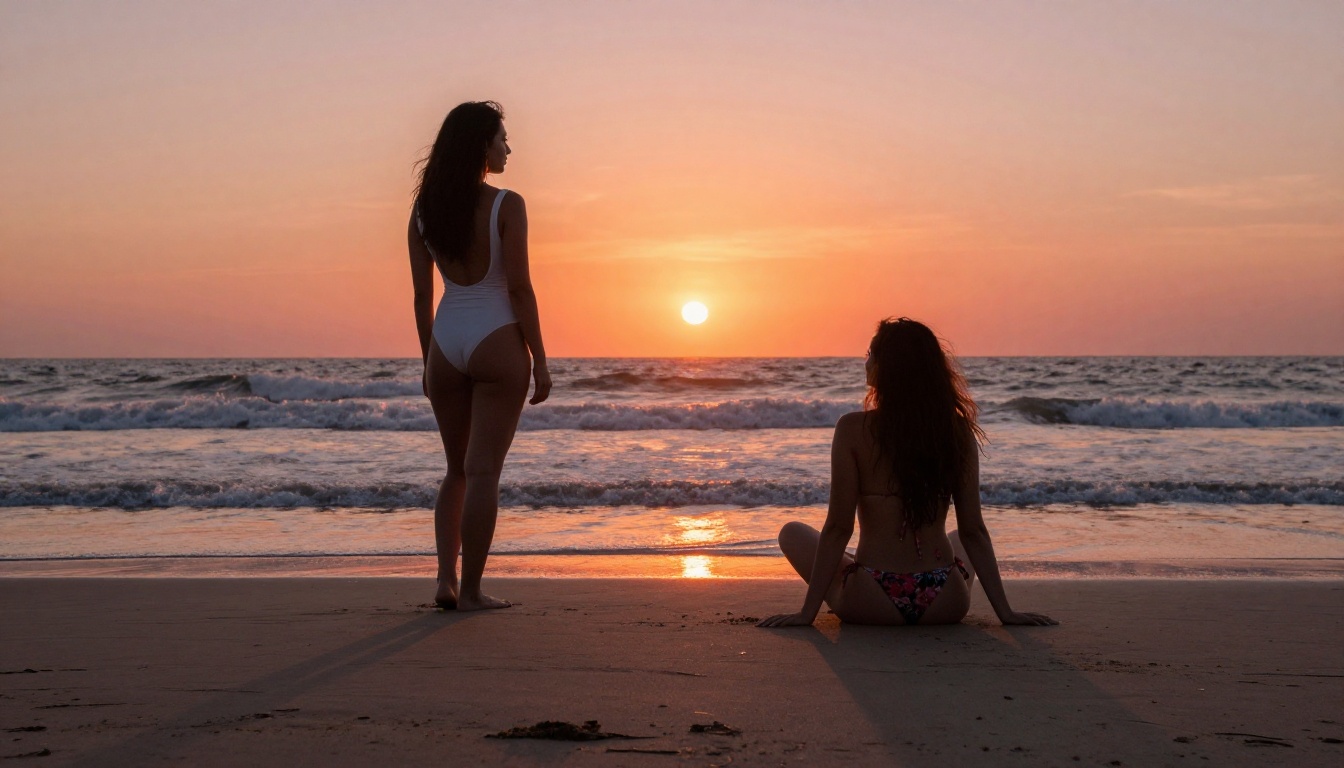
For multi-character +18 scenes, RealVisXL performs particularly well with natural, lifestyle-style compositions: groups at the beach, candid indoor shots, scenes that mimic editorial photography. The "Turbo" variant generates in 3-8 seconds without the quality drop you would expect from a distilled model.
Best for: Fast iteration. Lifestyle and candid-style multi-figure scenes. When you need volume output without sacrificing believability on anatomy and skin texture.
This is the power user option for multi-character +18 content. SDXL Multi ControlNet LoRA lets you feed reference poses directly into the generation pipeline, which means you can control exactly where each character is positioned, how they are standing or sitting, and how their bodies relate to each other in space.
For multi-character +18 scenes, this is transformative. Instead of hoping the model interprets "she leans toward him from the right" correctly, you provide a pose skeleton reference and the model follows it precisely. Combined with LoRA fine-tuning for specific aesthetic styles, this model offers a level of compositional control that no prompt-only model can match.
💡 ControlNet is the single most effective tool for eliminating body merge errors in multi-character scenes. If you are serious about this type of content, add it to your workflow.
Best for: Precise compositional control. Custom character positioning. Professional-grade multi-figure scenes where pose accuracy is non-negotiable.
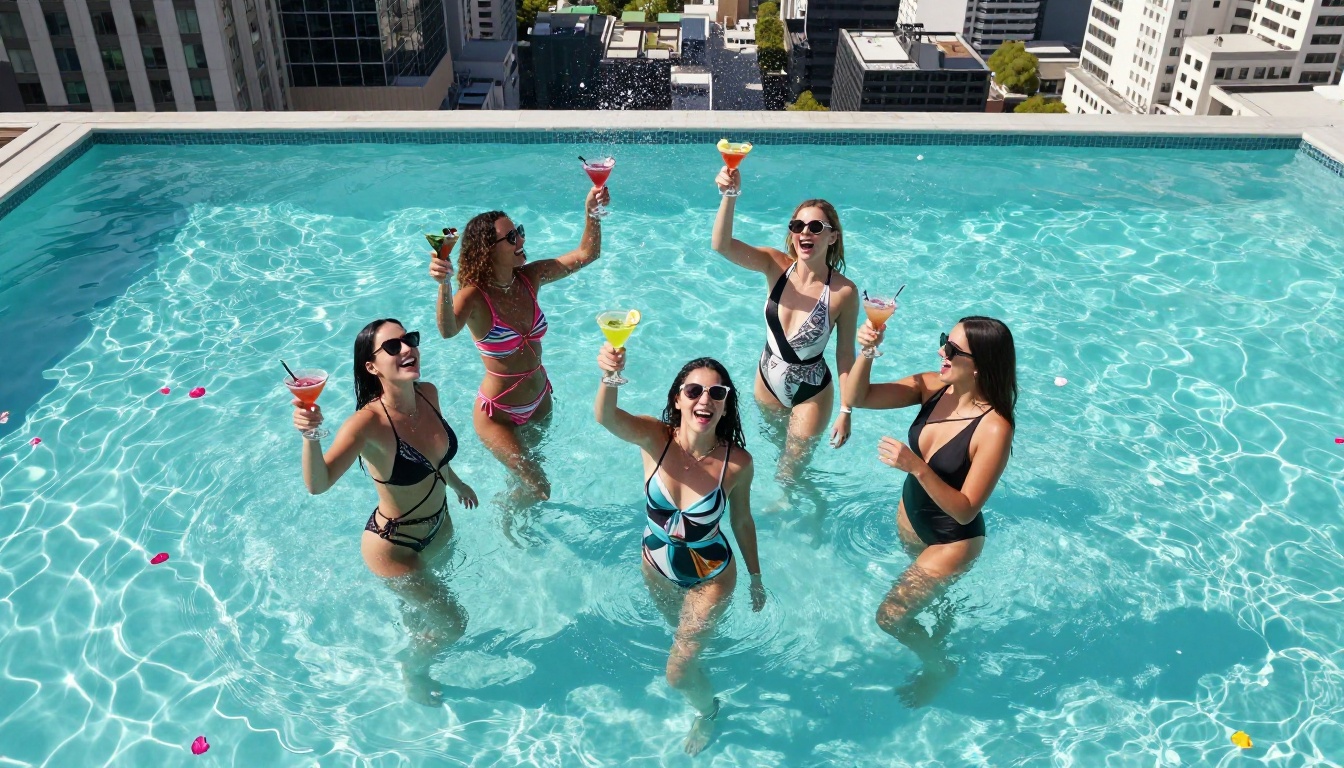
A community favorite for years, Realistic Vision v5.1 punches well above its weight class for multi-character output. Fine-tuned specifically to produce hyper-realistic human figures, that foundation shows clearly when you put two or more characters in the frame. Body proportions hold. Skin tones stay distinct. Faces maintain individual identity across the composition.
It is not the fastest or the highest-resolution model on this list, but its consistency is remarkable. You will get usable outputs on a significantly higher percentage of generations compared to untrained base models. For anyone building their prompt skills for complex scenes, this is an excellent starting point.
Best for: Consistent, believable human figures. Scenes that need anatomical reliability across a batch of generations.
Stable Diffusion 3.5 Large introduced a multimodal architecture that processes text and visual information more coherently than previous SD versions. This translates directly into better multi-character handling: the model reads relational sentences like "two women facing each other" as a spatial description, not two separate unrelated subject prompts.
The 3.5 Large variant benefits from a high parameter count, giving it more capacity to represent individual figure details without letting them bleed into each other. Scenes with narrative relationships between characters — one figure looking at the other, one reaching toward the other — render with better coherence than most competing models.
Best for: Complex scene descriptions with specific relational positioning. Scenes where the narrative relationship between characters matters as much as the visual.
Additional Models Worth Trying
How to Use Flux 1.1 Pro Ultra for Group Scenes
Since Flux 1.1 Pro Ultra is the top-ranked model for this use case, here is a step-by-step breakdown for getting the best results on PicassoIA.
Step 1: Write Separate Descriptions for Each Character
The single biggest prompt mistake is treating multiple characters as one description block. Instead, address each character separately:
Weak prompt: Two women in bikinis at the beach
Strong prompt: Woman 1: tall, dark curly hair, deep olive skin, black string bikini, standing at the water's edge. Woman 2: petite, short blonde pixie cut, light skin with freckles, red bandeau bikini, seated on a towel to the left of Woman 1. Both laughing, facing each other.
The model processes descriptors as token sequences. More specific, more separated descriptions give it cleaner inputs and produce more distinct characters.
Step 2: Anchor the Scene Geometry
After describing your characters, describe the spatial frame they exist within:
- Camera position: low-angle shot from knee height
- Relative positioning: Woman 1 standing three feet in front of Woman 2
- Environment: late afternoon beach, wet sand, waves in background
- Lighting: golden hour light from camera-left, catching both figures
This gives the model a coherent spatial model to project both characters into rather than placing them wherever its defaults fall.
Step 3: Add Technical Photography Descriptors
Flux 1.1 Pro Ultra responds strongly to photography-style language. End your prompt with descriptors like:
Shot on Canon EOS R5, 85mm f/1.8 portrait lens, natural skin texture, Kodak Portra 400 film grain, RAW 8K photography
These tokens pull the model's output toward photorealistic rendering and away from the generic AI-art aesthetic.
Prompt Strategies That Actually Work
Tag Each Character Explicitly
Many experienced users number their characters in prompts: [Character 1: ...] [Character 2: ...]. This bracket structure has no special syntax meaning in most models, but the visual separation helps the model's attention mechanism keep the two character descriptions distinct during generation.
An alternative is to use directional anchors: "on the left," "on the right," "in the foreground," "behind her" all give the model geometric hooks to attach each description to a specific position in the frame.
Lock Your Lighting
Inconsistent lighting is the second most common failure in multi-character scenes after anatomical merging. If your scene has a single dominant light source, state it clearly:
Volumetric morning light from the top-left window, catching both figures. Soft shadows on the right side of each face. Warm 5600K color temperature.
The more precisely you define the light source, the more likely both figures will be rendered under the same physically coherent lighting conditions.
The "Directorial" Prompt Method
Instead of describing the image like a painting, describe the scene like a film director giving instructions:
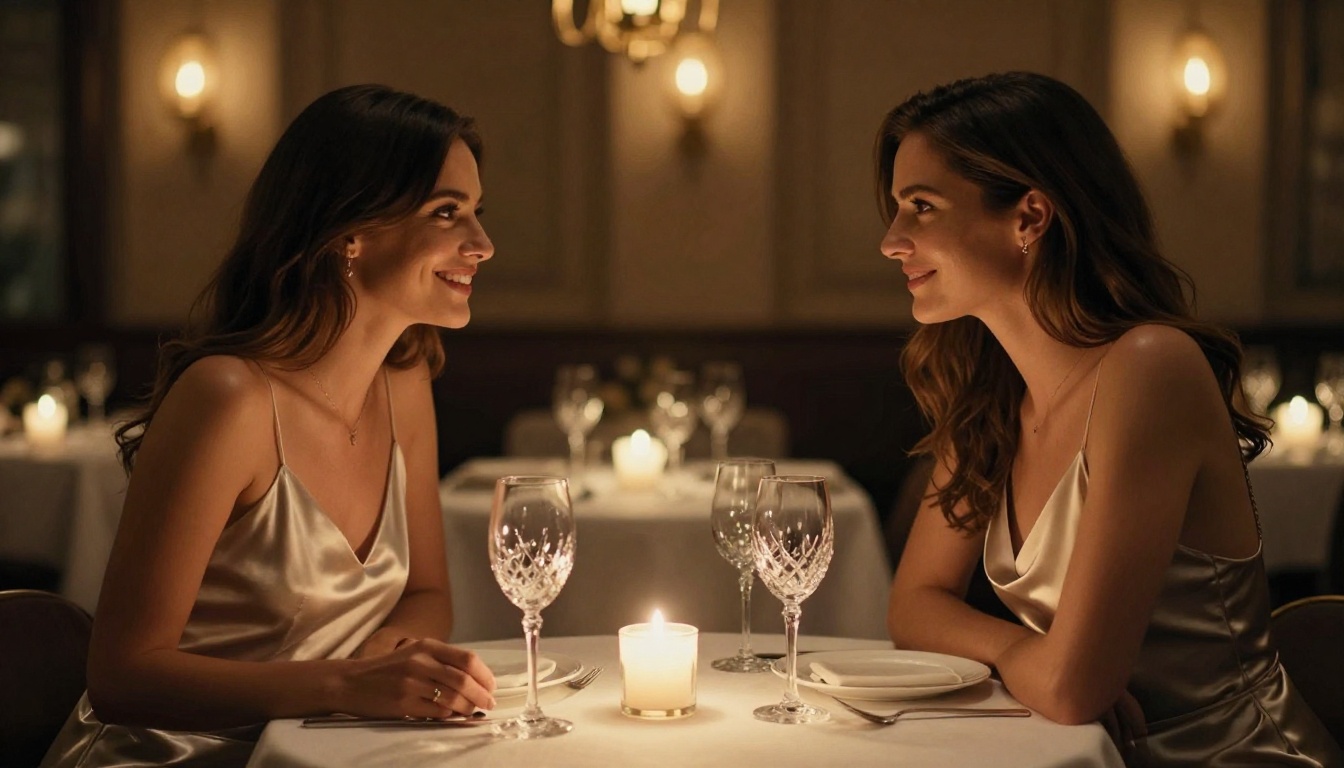
Camera is at chest height, pointing slightly upward. Two women, mid-20s, are seated at opposite ends of a white sofa. The one on the left is looking directly into the camera. The one on the right is looking at her companion. Natural window light from camera-right illuminates both evenly.
This method produces remarkably consistent results because it gives the model both a perspective anchor (the camera position) and a narrative anchor (who is looking where and why). The model fills in the visual detail; you control the direction.
Model Comparison at a Glance
Common Mistakes That Kill Multi-Character Outputs
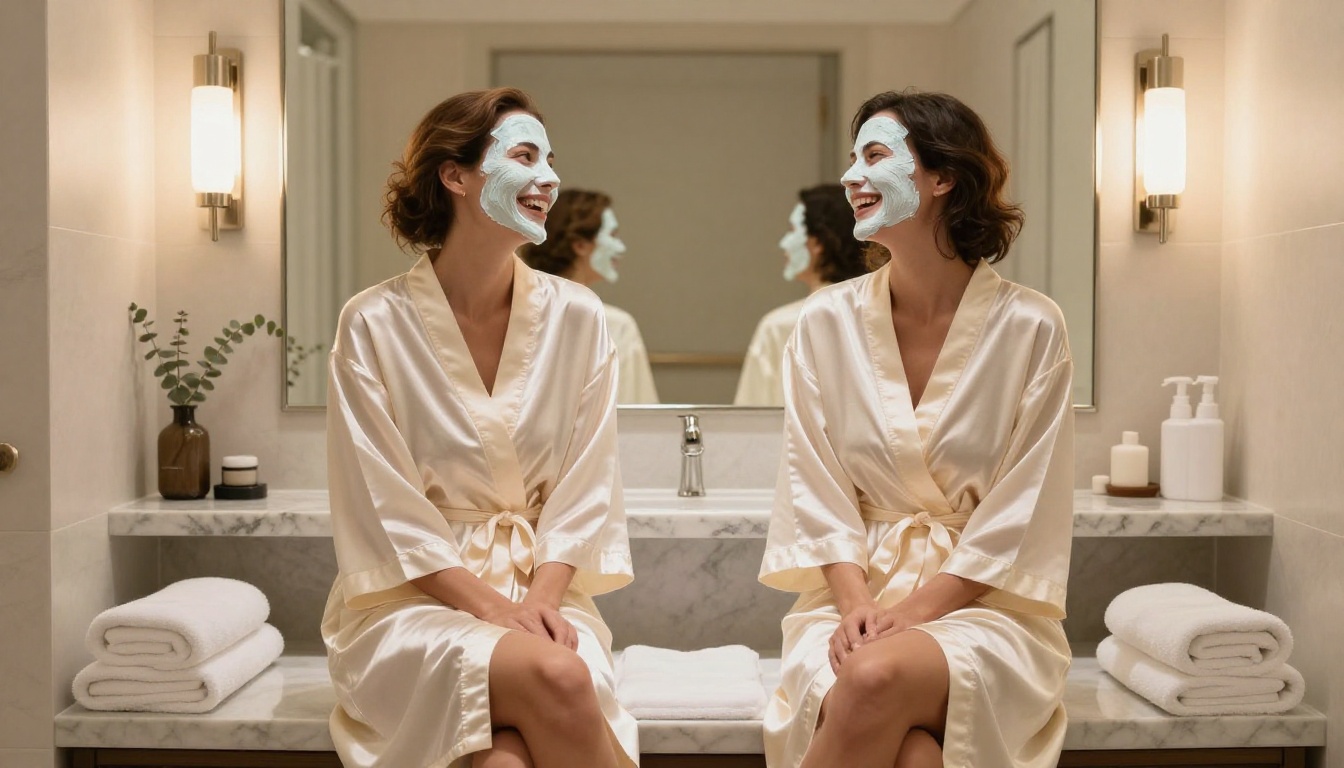
Merging descriptions: Writing "two beautiful women with long dark hair" without distinguishing features between them will produce a merged, averaged result. Always give each character at least three distinct differentiators: hair color, skin tone, clothing color or style.
Skipping negative prompts: Most models support negative prompts. Use them aggressively: extra limbs, duplicate faces, merged bodies, blurry features, disfigured, conjoined, extra arms are standard blockers that help steer the model away from its own anatomical failure modes.
Overloading the scene: More than three characters in one scene significantly increases the error rate across all models. For four or more figures, use ControlNet pose references and increase your step count if the model supports it.
Forgetting the lighting anchor: Without explicit lighting, the model will often render each figure under slightly different lighting conditions, making the scene look composite rather than unified. A single, well-described light source is one of the most effective fixes you can apply to any multi-character prompt.
Using vague positional language: "Near each other" is not useful. "Woman 1 on the left at three-quarter angle toward camera, Woman 2 on the right facing Woman 1" gives the model actual geometry to work from.
What the +18 Category Actually Requires
There is a meaningful difference between suggestive adult content and explicit content. The models ranked in this article are capable of a wide spectrum, but the suggestive end produces significantly more consistent multi-character results and requires far less post-processing correction.
Scenes involving:
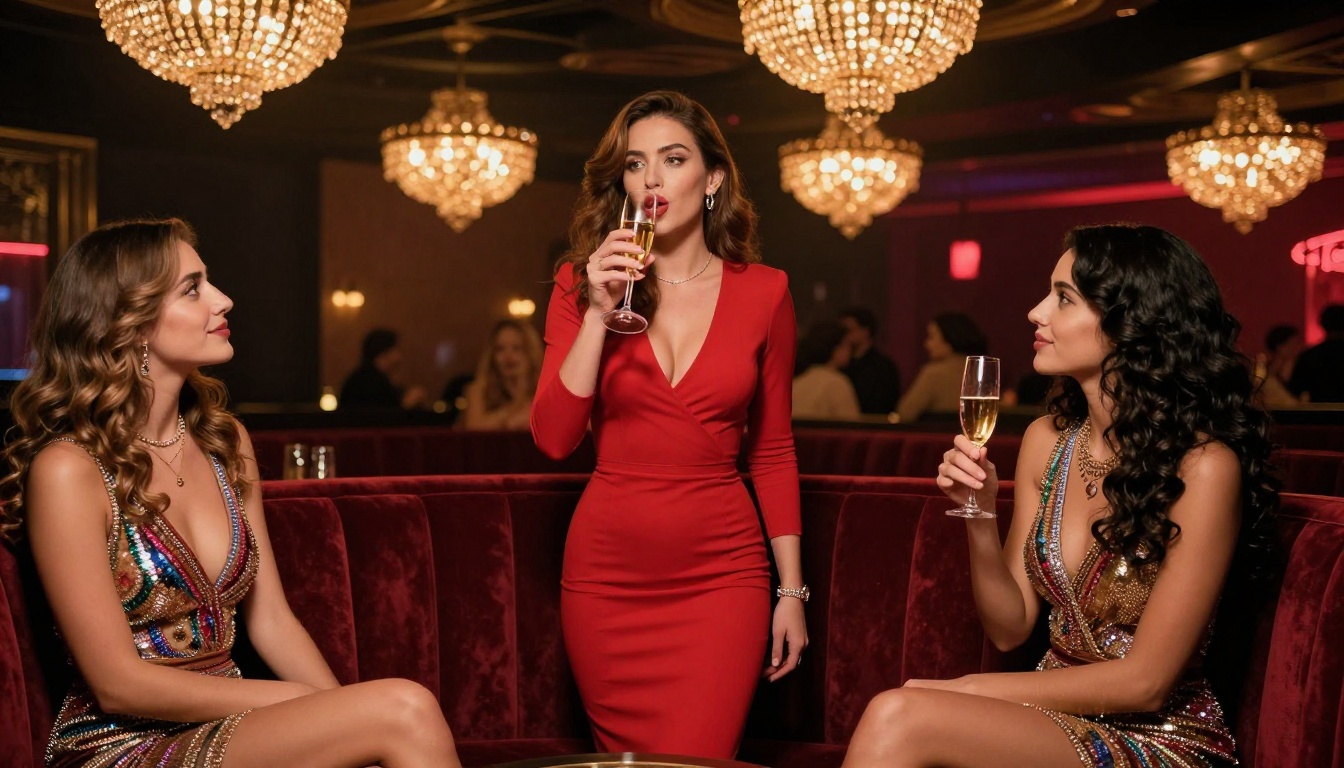
- Swimwear and lingerie: High success rate across all top models. Natural poses, beach settings, intimate indoor environments. Anatomy holds well when each figure is described separately.
- Implied intimacy: Two characters in close proximity, appropriate body language, deliberate eye contact. Works best with Flux 1.1 Pro Ultra and RealVisXL v3.0 Turbo.
- Artistic composition: Partially clothed figures, silhouette lighting, dramatic shadows. SD 3.5 Large and Flux 2 Max handle this category with the most aesthetic control.
The deciding factor across all three categories is specificity. The more precisely you describe the scene, the clothing, the lighting, and the body language of each character, the cleaner and more intentional the output becomes.
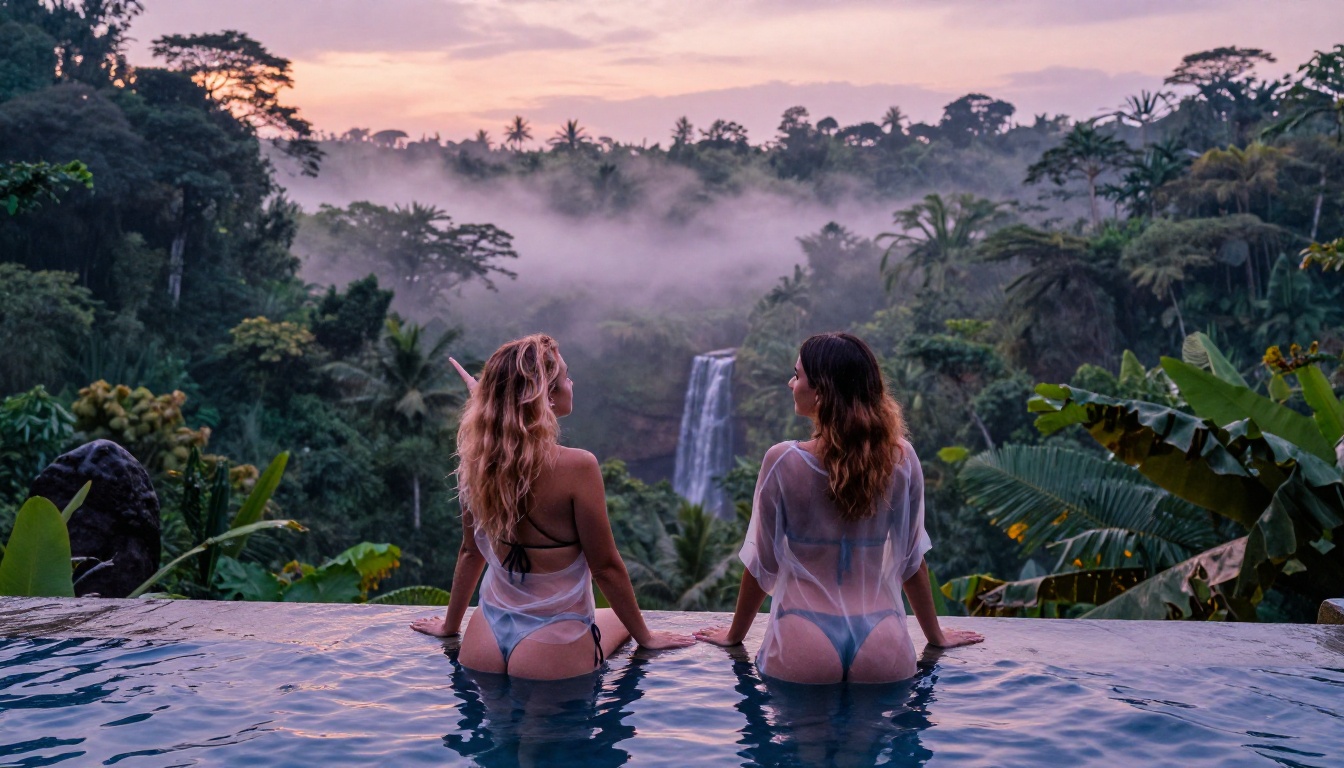
Build Your Own Multi-Character Scenes on PicassoIA
Every model described in this article is available directly in PicassoIA's text-to-image collection. No local GPU setup required. No installs. Each model is a few clicks away and ready to run.
Start with Flux 1.1 Pro Ultra when you want the absolute highest-quality output. Use RealVisXL v3.0 Turbo when you are iterating quickly across multiple prompt variations. Reach for SDXL Multi ControlNet LoRA the moment you need precise control over where each character stands and how their bodies relate in the frame.
The prompt strategies in this article, character tagging, lighting anchors, and the directorial method, apply across every model you try. Start with two figures in a simple setting. Get the prompt structure right. Then scale up to more complex scenes with more characters, more lighting, more narrative. The tools are ready. What you build with them is up to you.


