Photorealistic skin has always been the final frontier of AI image generation. Flat textures, plastic-looking faces, and blown-out highlights used to be the telltale signs of machine-made images. That era is over. The best +18 AI generators available right now render skin at a level of detail that rivals professional studio photography, and the lighting behavior in these models has become genuinely cinematic.
This is the breakdown you need if you want to create adult AI images that look like they came out of a high-end fashion shoot, not a video game. We cover the top models, what makes them different, and exactly how to use them.
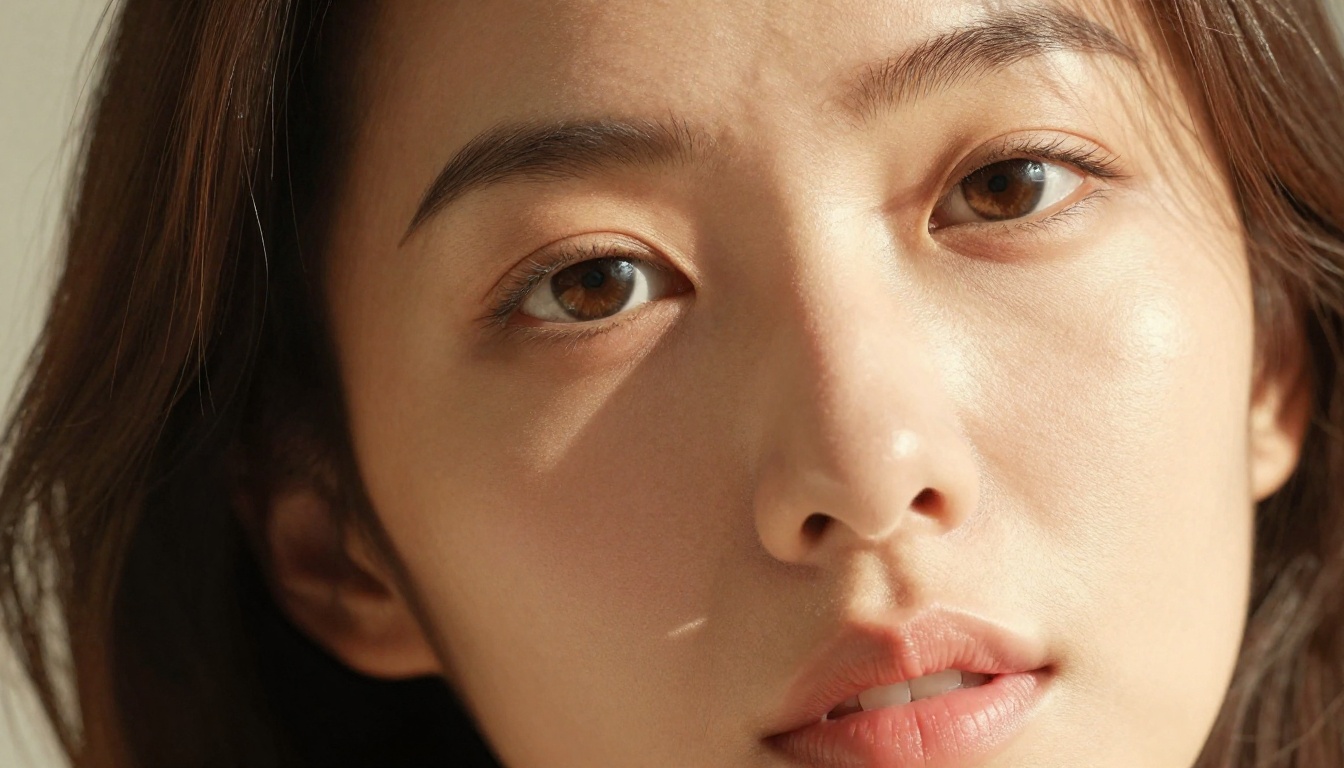
Why Skin and Lighting Are So Hard to Get Right
There are two reasons most AI-generated portraits still fail the realism test: skin subsurface scattering and light falloff physics.
Human skin is not a flat surface. Light penetrates the outer layer, bounces around inside, and exits slightly displaced from where it entered. This creates that warm, slightly translucent glow you see on cheeks in afternoon light. Most models miss this entirely. They render skin like painted plastic.
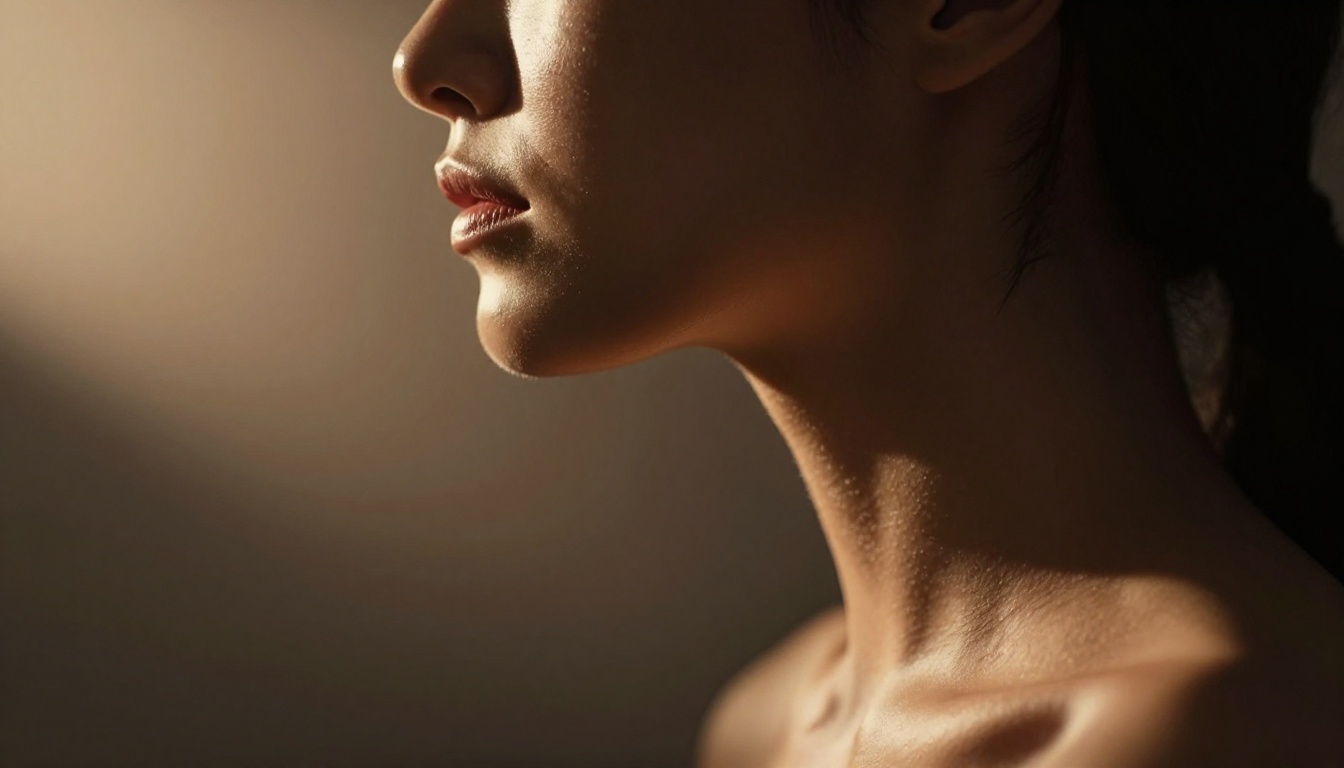
The second issue is how light fades over distance and wraps around contours. A real photograph of a face in window light shows a precise gradient from the lit side to the shadow side, with a subtle "terminator" line where direct light ends. Poorly trained models produce muddy, flat gradients or, worse, harsh unnatural edges.
The models covered here have all been evaluated specifically for these two qualities.
The Pore Test
A reliable way to identify a truly photorealistic model: zoom into the skin at 100%. You should see:
- Micro-pores with subtle depth variation
- Fine vellus hair on cheeks and forearms
- Color variation in skin tone (not a single flat hue)
- Natural imperfections: small blemishes, uneven texture zones
If the skin looks like airbrushed rubber, the model fails.
The Shadow Test
Look at how shadows fall on the face, neck, and chest:
- Shadows should have soft, graduated edges, not hard lines
- Under-chin shadow should be cool-toned (sky bounce light)
- Lit areas should show warm specular micro-highlights on skin peaks
The Models That Actually Deliver
Not all models are equal when it comes to +18 realism. Here are the ones that consistently produce results worth keeping.
Flux 1.1 Pro Ultra
Flux 1.1 Pro Ultra is the current benchmark for photorealistic portraiture in AI. What separates it from earlier Flux versions is its handling of high-frequency texture detail. Skin does not get smoothed into a plastic surface. Pores survive. Fine hairs survive. The lighting response on curved surfaces is physically accurate.
For +18 work, this model responds exceptionally well to natural lighting prompts. Golden hour skin, studio Rembrandt setups, and soft window diffusion all produce results that are convincing at full resolution.
Strengths:
- Exceptional skin texture at 8K equivalent detail
- Accurate specular highlights on skin peaks
- Handles complex mixed-light scenarios (warm ambient + cool shadow)
- Strong prompt-to-output fidelity for detailed scene descriptions
Weaknesses:
- Slower generation than turbo variants
- Requires detailed prompts for best results
💡 Tip: When using Flux 1.1 Pro Ultra, always specify the light source position in your prompt (e.g., "single warm key light from the left at 45 degrees"). Vague lighting prompts produce flat results.
Flux 2 Pro
Flux 2 Pro pushes quality even higher with improved prompt adherence and significantly better handling of skin tone diversity. Where earlier models tended to normalize everything toward one default skin tone range, Flux 2 Pro maintains accurate warmth variation across the full spectrum from very fair to very deep complexions.
For +18 content, this model is particularly strong for outdoor lighting scenarios. Dappled sunlight through foliage, beach backlight, and golden hour rim lighting all produce convincing results with minimal prompt engineering.
Realistic Vision v5.1
Realistic Vision v5.1 was purpose-built for photorealistic human portraiture. It is a fine-tuned Stable Diffusion model with a training dataset heavily weighted toward real photography, and it shows. This model has a very different feel from the Flux family: where Flux tends toward clean technical precision, Realistic Vision has more of the organic imperfection you associate with film photography.
It renders slightly warmer skin tones by default, produces natural-looking hair strands, and handles close-up portrait crops exceptionally well.
RealVisXL v3.0 Turbo
RealVisXL v3.0 Turbo is the speed-oriented variant of the RealVisXL series. It sacrifices a small amount of ultra-fine detail for generation times roughly 3x faster than the base model. For rapid iteration, testing lighting setups, or producing multiple variations, this is the practical choice.
Quality is still well above average for skin rendering. The "turbo" in the name does not mean cheap or flat output. It means faster, with a slight trade-off in the finest texture detail at extreme crop levels.
GPT Image 1.5
GPT Image 1.5 brings a different approach. OpenAI's model excels at compositional accuracy and prompt instruction-following. If you write a detailed scene description specifying exact lighting setups, specific poses, and specific skin characteristics, GPT Image 1.5 will follow that instruction more precisely than most competitors.
For +18 work requiring very specific scenarios with complex environmental lighting, such as a character in a specific room with specific light sources at specific angles, GPT Image 1.5 is the most controllable option available.
Imagen 4 Ultra
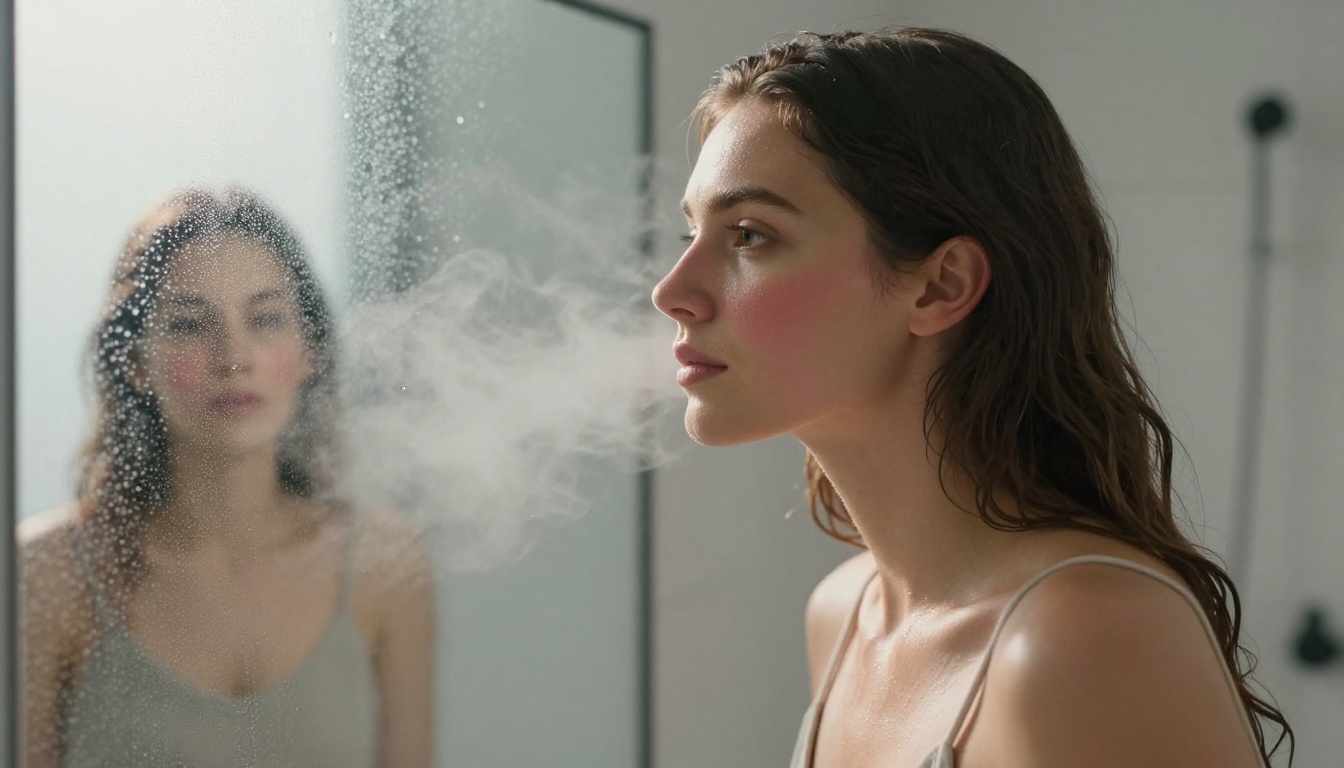
Imagen 4 Ultra from Google represents a significant leap in photorealistic skin rendering. Its training on diverse photography produces skin that feels genuinely captured rather than generated. The model handles complex specular interactions particularly well, including wet skin, oily skin shine, and the interplay between direct and ambient light on curved surfaces.
💡 Tip: Imagen 4 Ultra performs best when you include camera and lens specs in your prompt. Try: "shot on Sony A7R IV, 85mm f/1.4, shallow depth of field, Kodak Portra 400 color grading."

Lighting Types and When to Use Them
Choosing the right lighting setup for your image is as important as choosing the right model. Here is a breakdown of the most effective lighting scenarios for +18 photorealistic AI imagery.
Rembrandt Lighting
What it is: A single key light positioned at roughly 45 degrees to the side and slightly above the subject. Creates a triangular highlight on the shadow-side cheek.
Best for: Dramatic portraits, close-ups, artistic nude work. Creates a sense of depth and classical beauty.
How to prompt it: "Single warm key light from the left at 45 degrees, deep natural shadow on right side, specular highlight on collarbone and jawline."
Golden Hour Backlight
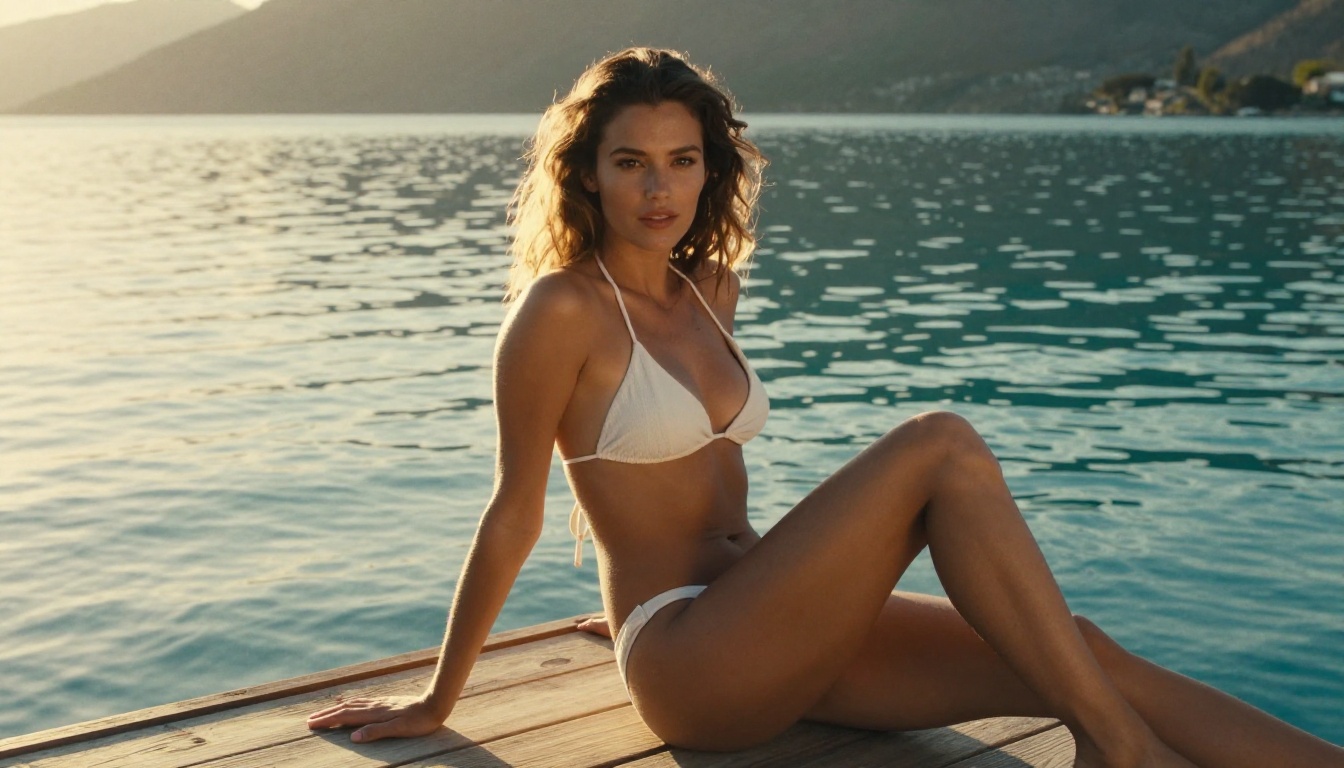
What it is: Low sun positioned behind the subject, creating warm rim lighting and atmospheric haze.
Best for: Outdoor scenes, beach photography, full-body shots. Creates beautiful skin separation from the background.
How to prompt it: "Soft warm backlight creating luminous halo around silhouette, warm amber skin tones, sun at horizon, golden hour."
Diffused Window Light
What it is: Even, soft light from a large window or overcast sky with no direct sun. Shadows are very soft with graduated edges.
Best for: Close-up skin detail shots, natural beauty imagery. Reveals the most skin texture without harsh shadows obscuring detail.
How to prompt it: "Soft diffused window light, even illumination, no harsh shadows, warm skin detail revealed."
Mixed-Source Lighting
What it is: Two or more light sources with different color temperatures, such as warm tungsten interior plus cool daylight from a window.
Best for: Indoor scenes with cinematic realism. The color temperature contrast adds depth that single-source lighting cannot achieve.
How to prompt it: "Warm tungsten highlights from left, cool blue daylight from window on right, color temperature contrast, cinematic."
Model Comparison at a Glance
How to Use Flux 1.1 Pro Ultra on PicassoIA
Flux 1.1 Pro Ultra is available directly on PicassoIA. Here is how to use it for maximum skin and lighting realism.
Step 1: Open the Model
Navigate to Flux 1.1 Pro Ultra on PicassoIA and select the model from the text-to-image collection.
Step 2: Write a Structured Prompt
Structure your prompt in this order for best results:
- Subject description: Age, skin tone, hair, pose
- Clothing or style: Keep it specific
- Environment: Setting, background
- Lighting: Direction, color temperature, quality (hard/soft)
- Camera specs: Lens, aperture, film stock
Example prompt:
"A young woman with warm olive skin tone, dark wavy hair, wearing a cream silk slip, standing near a window in a minimalist modern room, single warm key light from the left at 30 degrees creating Rembrandt-style shadows, specular highlights on cheekbones and collarbone, shot on Sony A7R IV 85mm f/1.4, Kodak Portra 400 color grading, RAW 8K photorealistic, shallow depth of field"
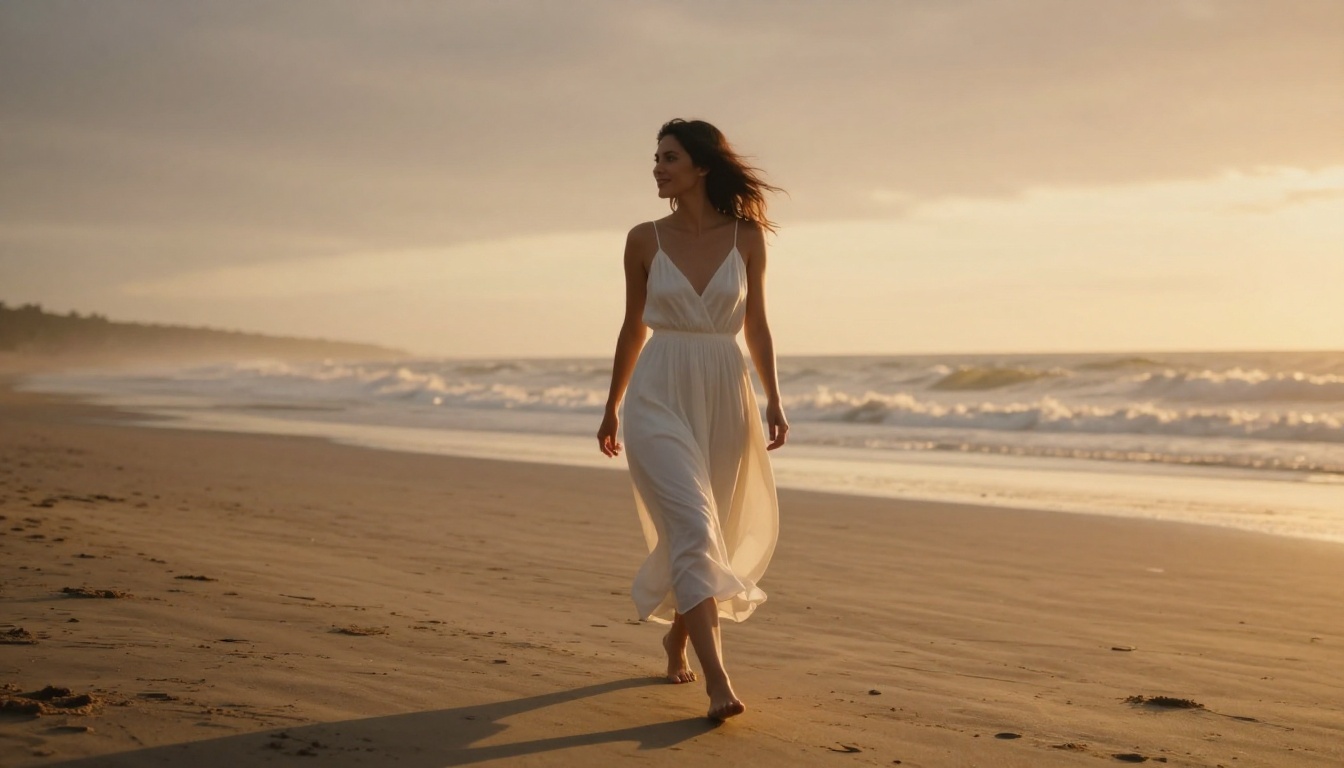
Step 3: Set Resolution
Use the highest available resolution setting. For skin detail work, resolution matters more than for any other image type. At low resolution, skin texture simply cannot be rendered. Set aspect ratio to 16:9 for full-scene compositions or 3:4 for portrait crops.
Step 4: Iterate on Lighting
Generate 3-5 variations with slight lighting changes. The difference between "soft window light" and "raking window light" in your prompt produces dramatically different results in terms of skin texture visibility. Raking light (grazing angle) reveals the most micro-texture. Soft frontal light produces the smoothest, most glamorous result.
Step 5: Refine with Inpainting
If the skin looks slightly off in one area while the rest of the image is perfect, use PicassoIA's inpainting capability to regenerate just that region. This avoids re-generating the entire image and losing a composition you like.
💡 Tip: For the most photorealistic results, always add "film grain, natural imperfections, RAW photography, no retouching, no airbrushing" to your prompt. This prevents the model from over-smoothing skin.
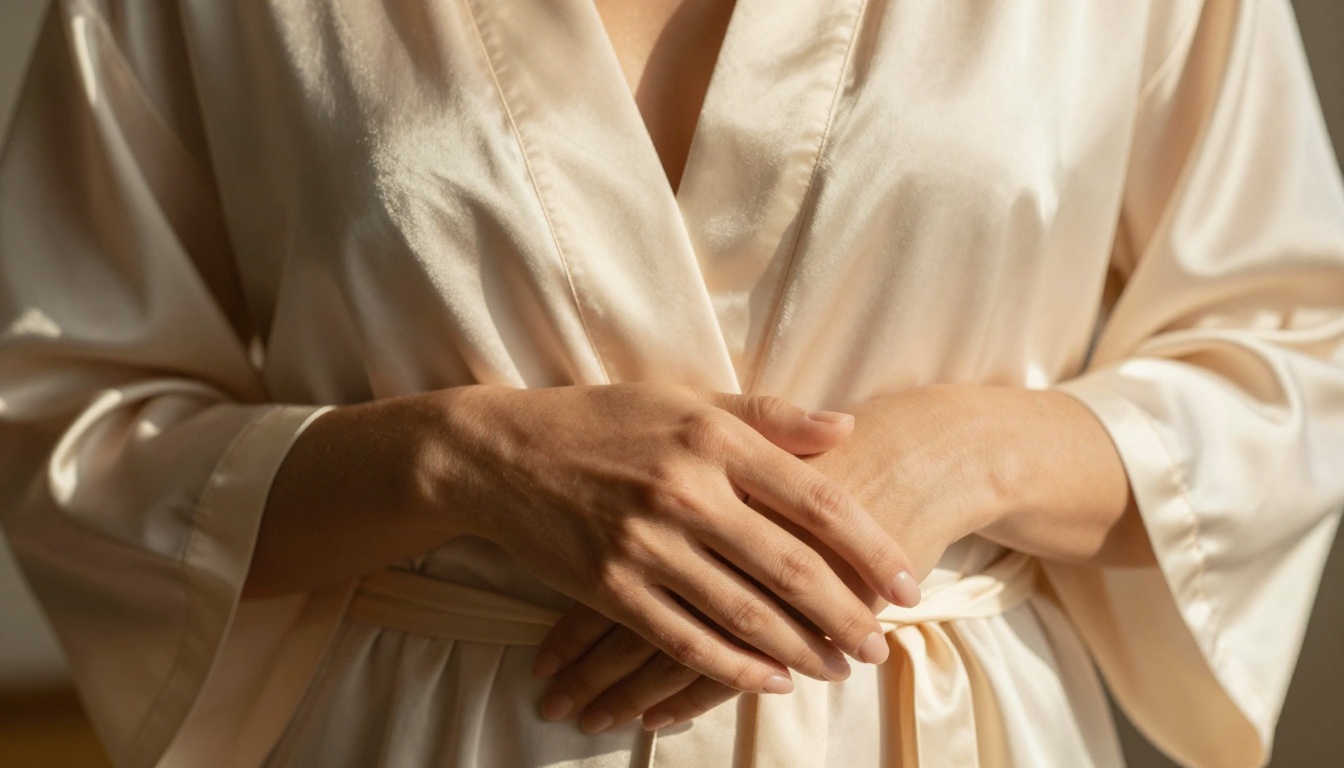
Common Mistakes That Kill Realism
Most people who get plastic-looking skin results are making one of these prompt errors.
Over-Specifying "Perfection"
Phrases like "perfect flawless skin" actively hurt realism. They push the model toward smoothed, airbrushed output. Use "natural skin," "realistic skin texture," or "unretouched."
Ignoring Color Temperature
"Good lighting" is not specific enough. Every real light source has a color temperature. Warm afternoon sun sits around 3000K. Cool overcast daylight sits around 6500K. Specifying this contrast creates a more physically believable scene.
Using Generic Style Tags Alone
Tags like "photorealistic, cinematic, 8K" alone are not enough. These are used by millions of prompts and the model averages them out. What separates good results is the specific physical description of light behavior, skin characteristics, and camera capture settings.
Not Specifying Shadow Quality
"Dramatic lighting" without specifying shadow edge quality produces random results. Be explicit: "soft shadow with graduated edge," "hard shadow with sharp terminator line," or "deep shadow with minimal fill light."
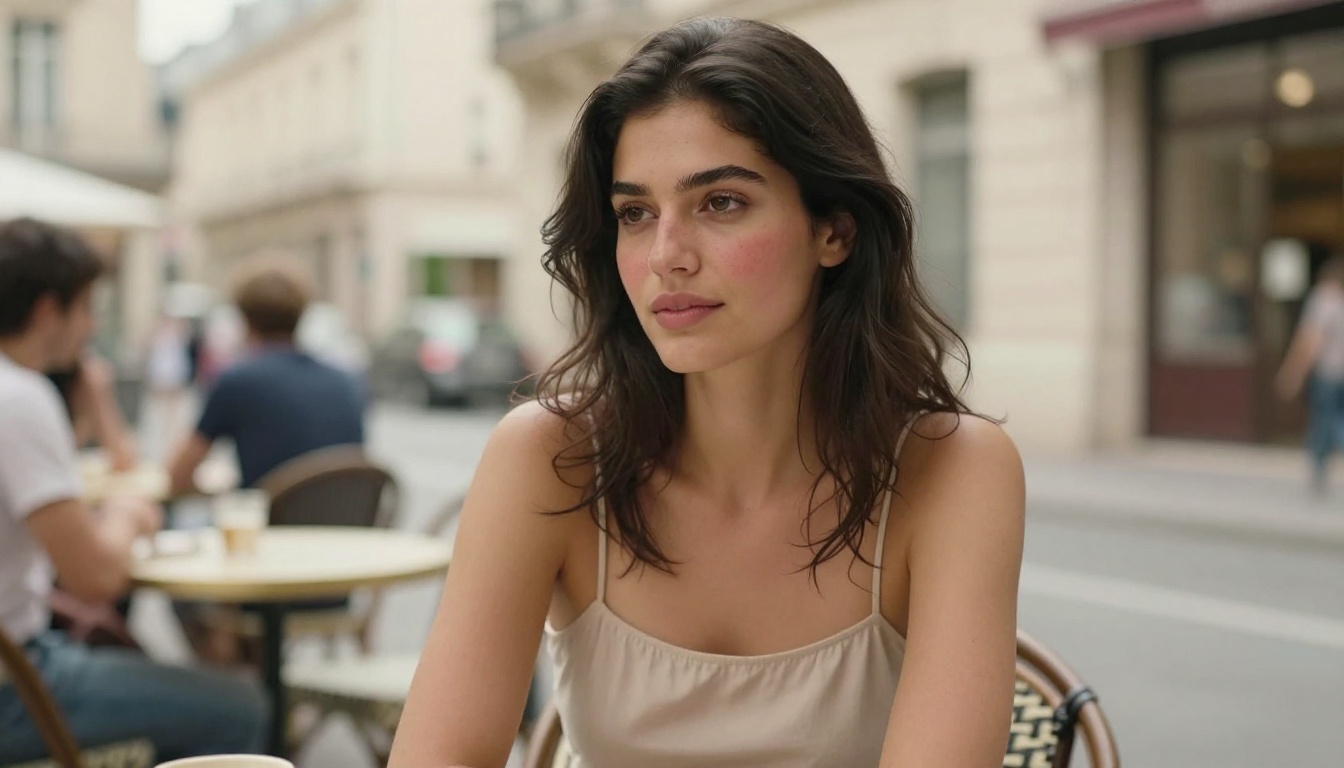
Beyond Portraits: Skin in Full-Body Shots
Skin rendering at full-body scale introduces a different set of challenges. The camera is further away, which means micro-texture is less visible. What matters at full-body scale is:
- Skin tone consistency across the full body (no gray hands with warm face)
- Lighting wrap: how light transitions across large surfaces like the back, thighs, and arms
- Specularity at scale: visible highlights on shoulders, knees, and collarbone
Flux 2 Max performs particularly well at full-body shots due to its improved handling of long-range tonal consistency. Seedream 4 is another strong option for full-body work with high detail retention across the entire frame.
For full-body compositions, try adding: "full body shot, consistent skin tone head to toe, volumetric environmental light, natural skin specularity on shoulders and arms."
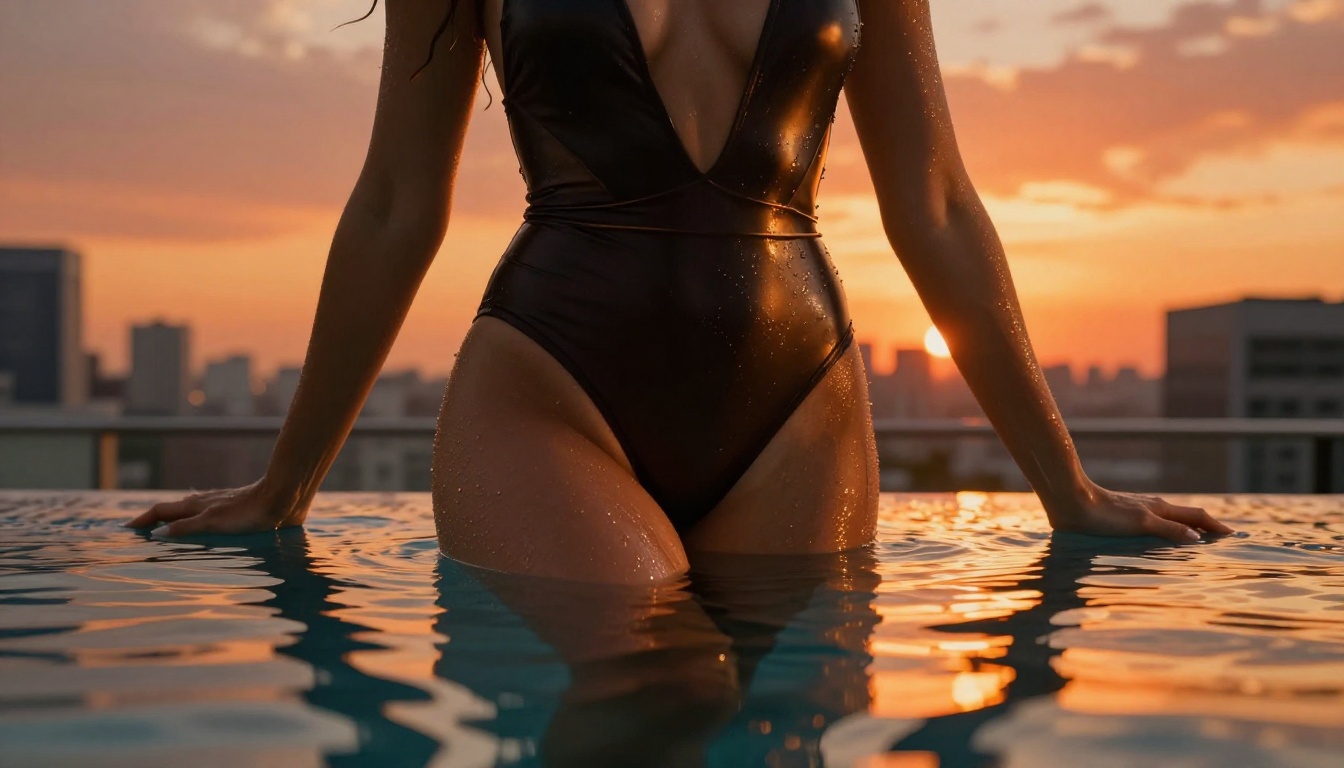
The Right Aspect Ratio for Skin Detail
Aspect ratio affects how much screen real estate skin gets in your final image. For maximum skin texture visibility:
| Use Case | Recommended Ratio | Why |
|---|
| Close-up portrait | 3:4 or 4:3 | More vertical space for face and neck |
| Half-body glamour | 9:16 | Portrait orientation, full torso visible |
| Full-body scene | 16:9 | Wide frame with environmental context |
| Skin detail macro | 1:1 | Square crop forces detail into center frame |
When using Ideogram v3 Quality for close-up work, a 3:4 ratio consistently produces sharper facial skin detail compared to wider aspect ratios.
Try It Yourself
The tools are available, the models are capable, and the barrier to creating genuinely photorealistic adult AI imagery has never been lower. Whether you want the clinical precision of Flux 1.1 Pro Ultra, the organic warmth of Realistic Vision v5.1, or the compositional control of GPT Image 1.5, all of these models are accessible in one place.
PicassoIA brings over 90 text-to-image models together in a single platform, including every model mentioned in this article. No API key juggling, no separate billing accounts, no compatibility issues between tools. Pick a model, write your prompt, and generate.
The difference between a good prompt and a great one is specificity. Skin that breathes, light that behaves like physics demands, shadows that land exactly where they should. Write the light. Describe the skin. Pick the right model. The rest takes care of itself.


