If you've been using generic text-to-image tools for +18 content and walking away disappointed, you're not alone. Most AI models stumble on the one thing that matters most for this category: photorealism. Skin textures that look like polished plastic, lighting that defies physics, proportions that drift into the uncanny valley - these are the hallmarks of a model that wasn't built for this job. This article cuts through the noise and shows you exactly which models deliver results that look like they were shot on a camera, not generated by an algorithm.
Why Photorealism is Hard to Get Right
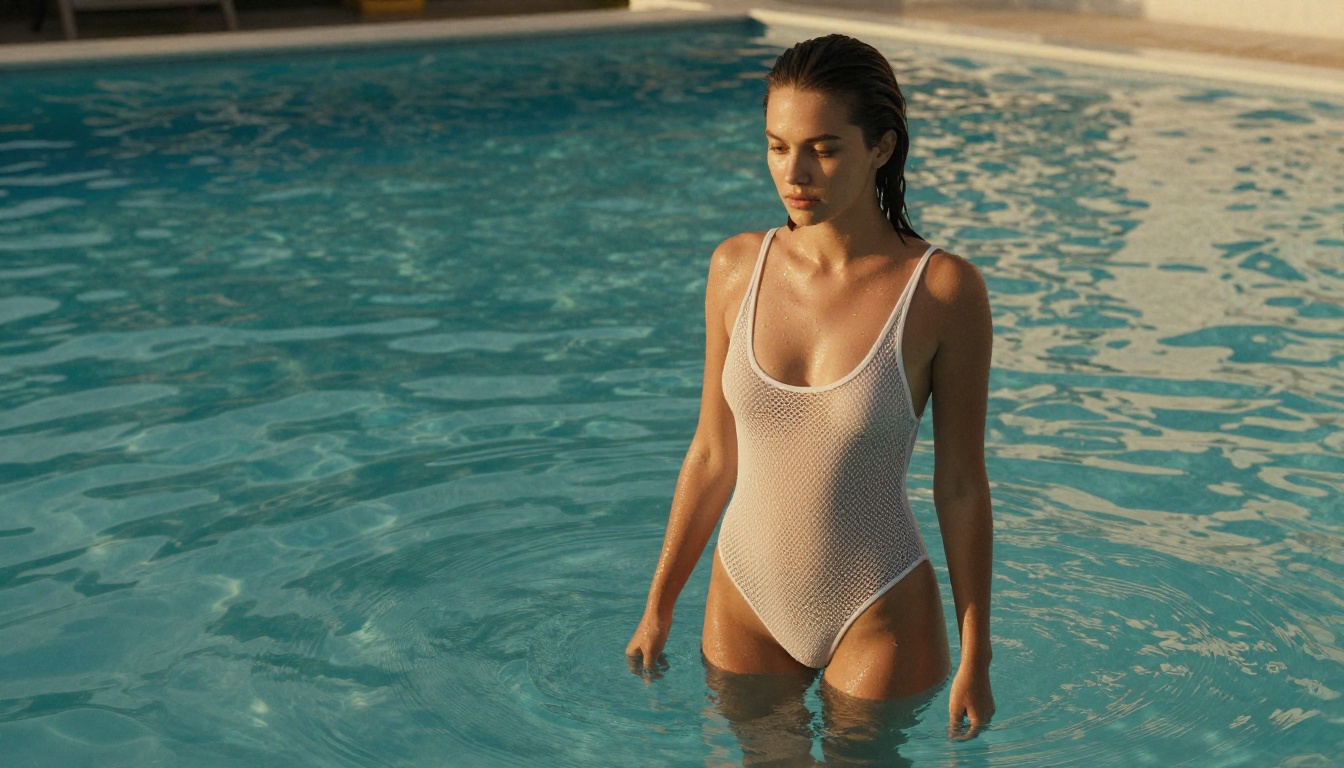
Generating beautiful +18 content is one thing. Generating content that looks like it came from an actual camera is a completely different challenge. The human eye is extraordinarily good at detecting inconsistencies, especially in images of people. A misaligned shadow, a skin tone that shifts mid-frame, or eyes that don't quite catch light the right way - these tiny errors break immersion instantly.
The Anatomy of a Convincing Image
A truly photorealistic result needs to nail four layers simultaneously:
- Skin: Subsurface scattering, visible pores, micro-texture, and natural color variation across body regions
- Lighting: Physically accurate shadows, specular highlights on surfaces like lips and eyes, ambient light bounce
- Depth: Proper bokeh falloff, lens compression, foreground-to-background spatial relationship
- Anatomy: Proportions that hold up under any camera angle, consistent limb articulation
Most models get one or two of these right. The ones on this list get all four.
What Ruins Realism Fast
💡 Watch for these red flags: If skin looks like glazed ceramic, shadows don't match the implied light source, or fingers look like sausages - you're using the wrong model.
The three most common realism-killers in +18 AI images:
- Plastic-skin syndrome: No pores, no micro-texture, no subsurface light diffusion
- Lighting schizophrenia: Multiple light sources pointing in different directions with no logical source
- Anatomy drift: Fingers, feet, and ear shapes that warp on second glance
Understanding what breaks realism makes you a better prompter and a better model picker.
Top 7 Models for +18 Realistic Images
These models have been tested specifically for NSFW and mature content with a focus on photographic output quality, not just aesthetic appeal. Each one has a different strength - knowing which to reach for in which scenario separates average results from stunning ones.
This is the benchmark. Flux 1.1 Pro Ultra produces images at a level of skin detail and lighting accuracy that rivals high-end studio photography. The model handles prompt instructions for specific camera lenses, film stocks, and lighting setups with remarkable fidelity - details that most models completely ignore.
For +18 content specifically, it excels at:
- Natural skin tone gradients across body regions with no abrupt color shifts
- Directional lighting that casts anatomically correct shadows
- Fabric rendering: Lace, silk, and sheer materials all behave realistically
- Low-angle and eye-level shots without proportion distortion
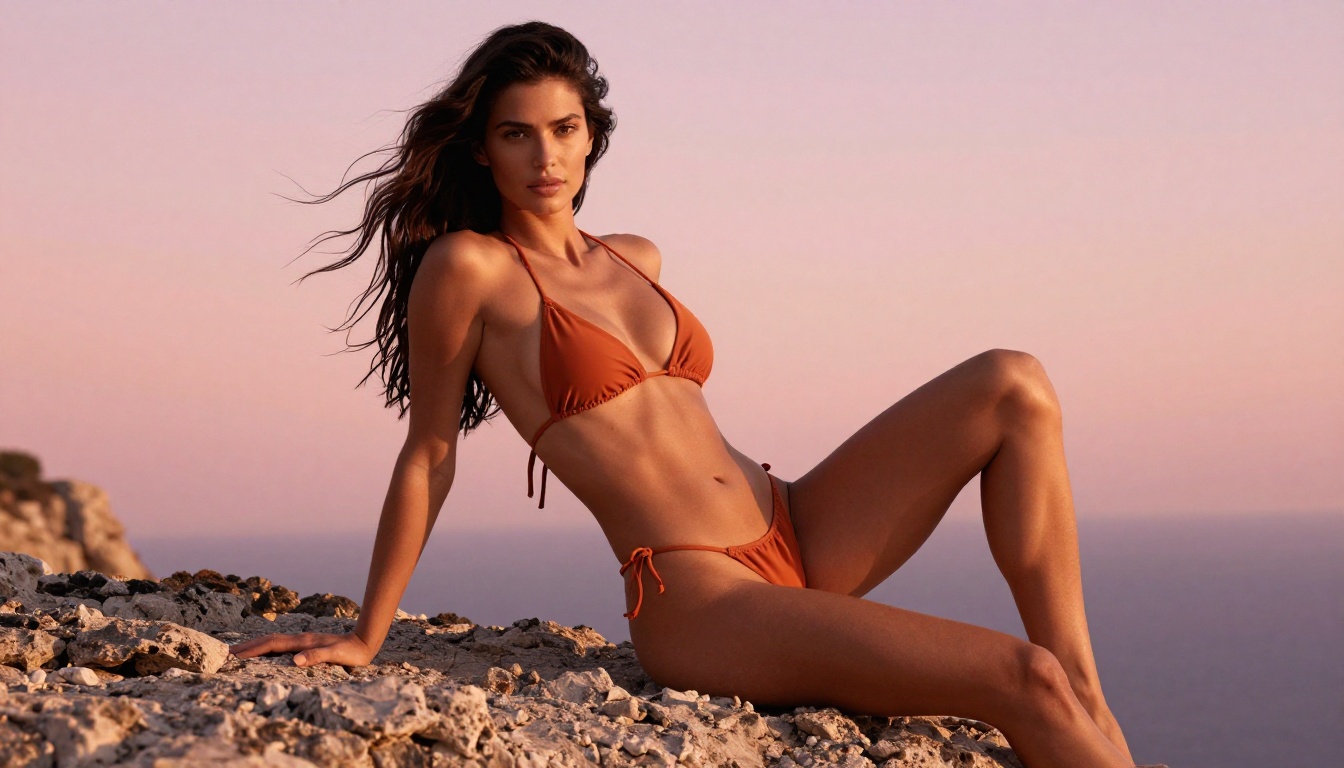
Best for: Editorial glamour, lingerie, swimwear photography, and artistically implied nudity
Weakness: Slightly slower than turbo variants; prompt specificity matters more here than with simpler models
Built specifically for photorealism, RealVisXL v3.0 Turbo is a fine-tuned model that leans hard into human figure rendering. It's arguably the best pure-photorealism model for mature content at this resolution tier. The "turbo" designation doesn't sacrifice quality - it just means you get there faster.
What sets it apart:
- Hair rendering: Individual strands, natural root-to-tip color variation, and moisture effects
- Body proportion stability: Consistent results even across complex poses
- Background integration: Subjects blend into environments believably without floating or appearing cut-and-pasted
Best for: Portrait-focused +18 content, close-up skin detail work, and intimate scenes
Weakness: Occasionally struggles with very complex multi-person compositions
Realistic Vision v5.1 has been a community favorite for years, and version 5.1 refines everything that made earlier versions popular. It handles low-key and high-key lighting scenarios with equal confidence, and its skin tone accuracy across different ethnicities is among the best available on the platform.
For NSFW workflows, this model is particularly effective at:
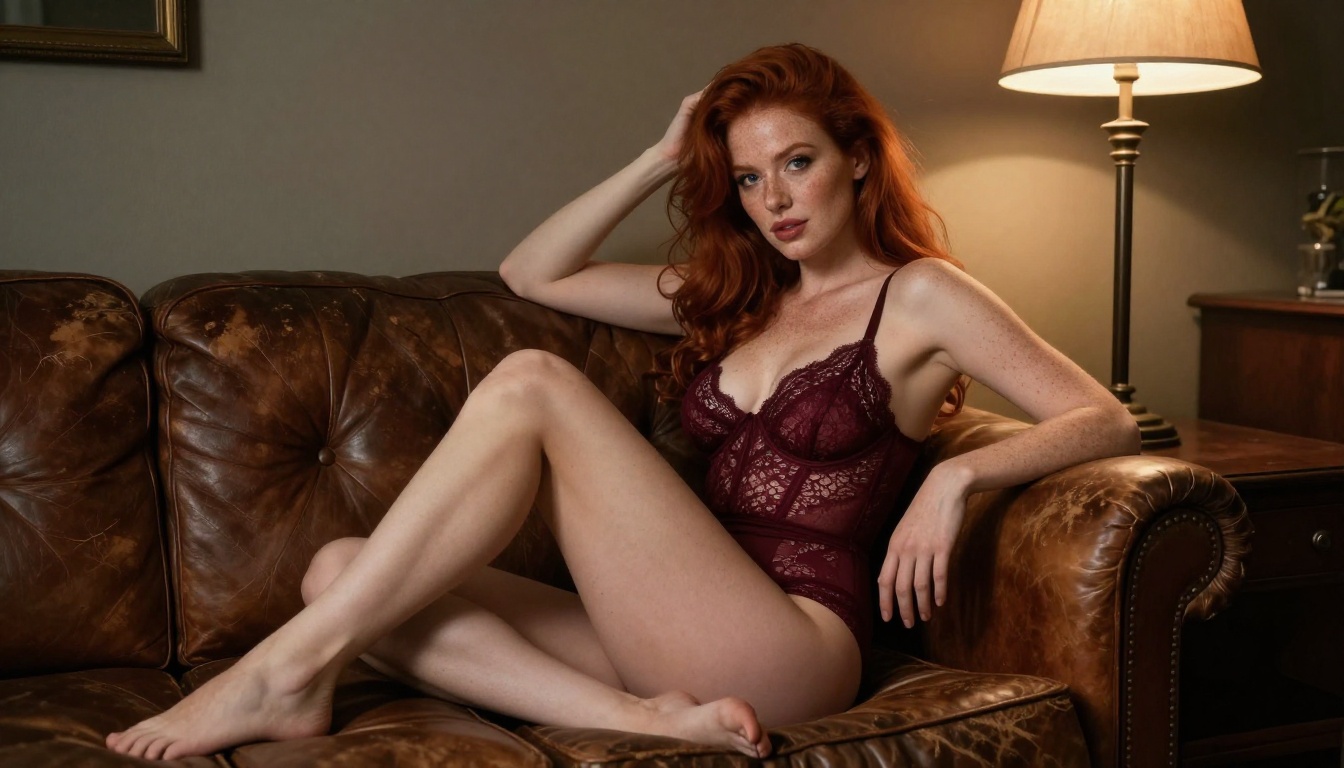
- Indoor lighting scenarios: Candlelight, single-source lamps, and golden-hour through windows
- Boudoir-style photography: The intimate, warm aesthetic nails the genre convincingly
- Natural expression capture: Faces look genuinely human, not model-perfect or staged
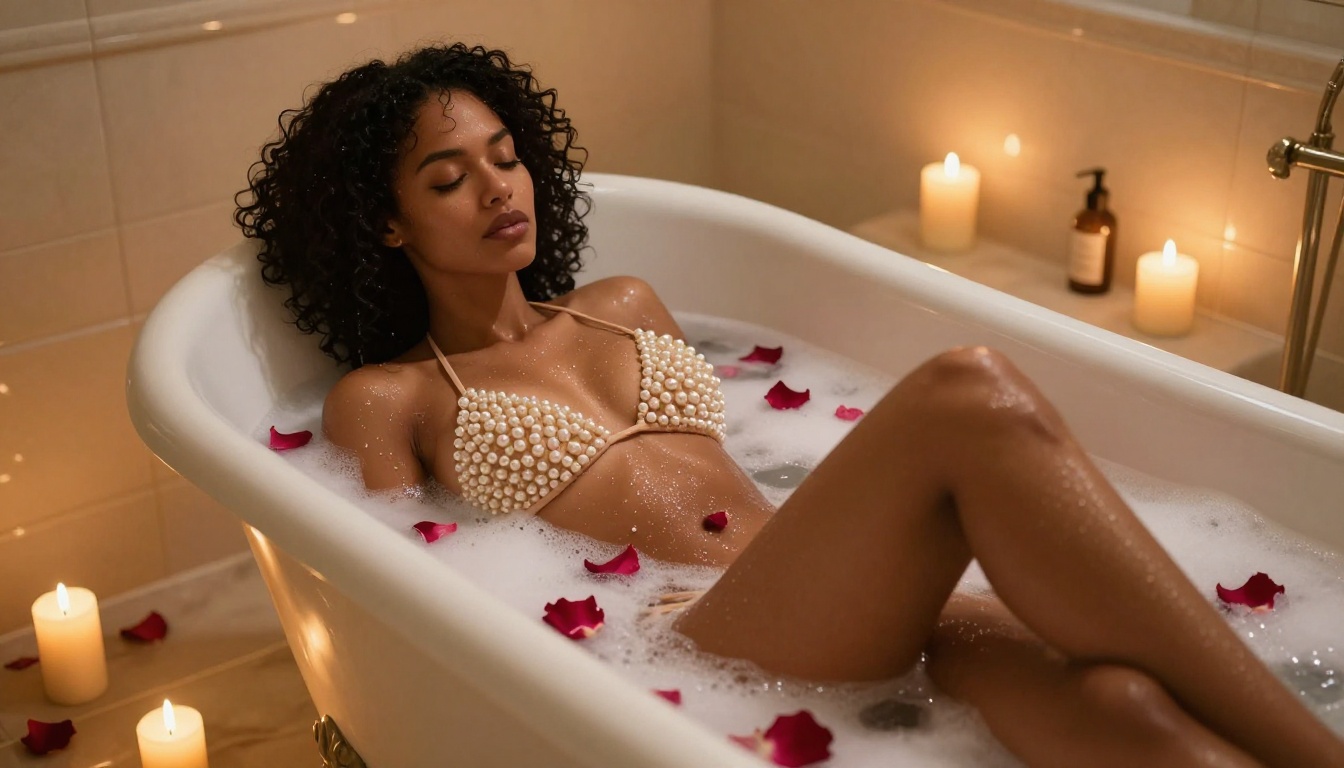
Best for: Intimate, warm-toned boudoir-style content and indoor scenes
Weakness: Slightly softer at extreme telephoto lens simulation compared to top-tier options
Stable Diffusion 3.5 Large represents Stability AI's most serious push into photorealism. The "Large" variant uses a significantly bigger model architecture than previous SD versions, and that size translates directly into better spatial coherence - something that matters enormously when depicting human figures in real environments.
Key improvements over earlier versions:
- Spatial coherence: Objects, shadows, and reflections coexist in the same physical space
- Fabric physics: Clothing drapes and folds respond to implied gravity and body shape
- Background depth: Multi-plane environments feel three-dimensional, not flat
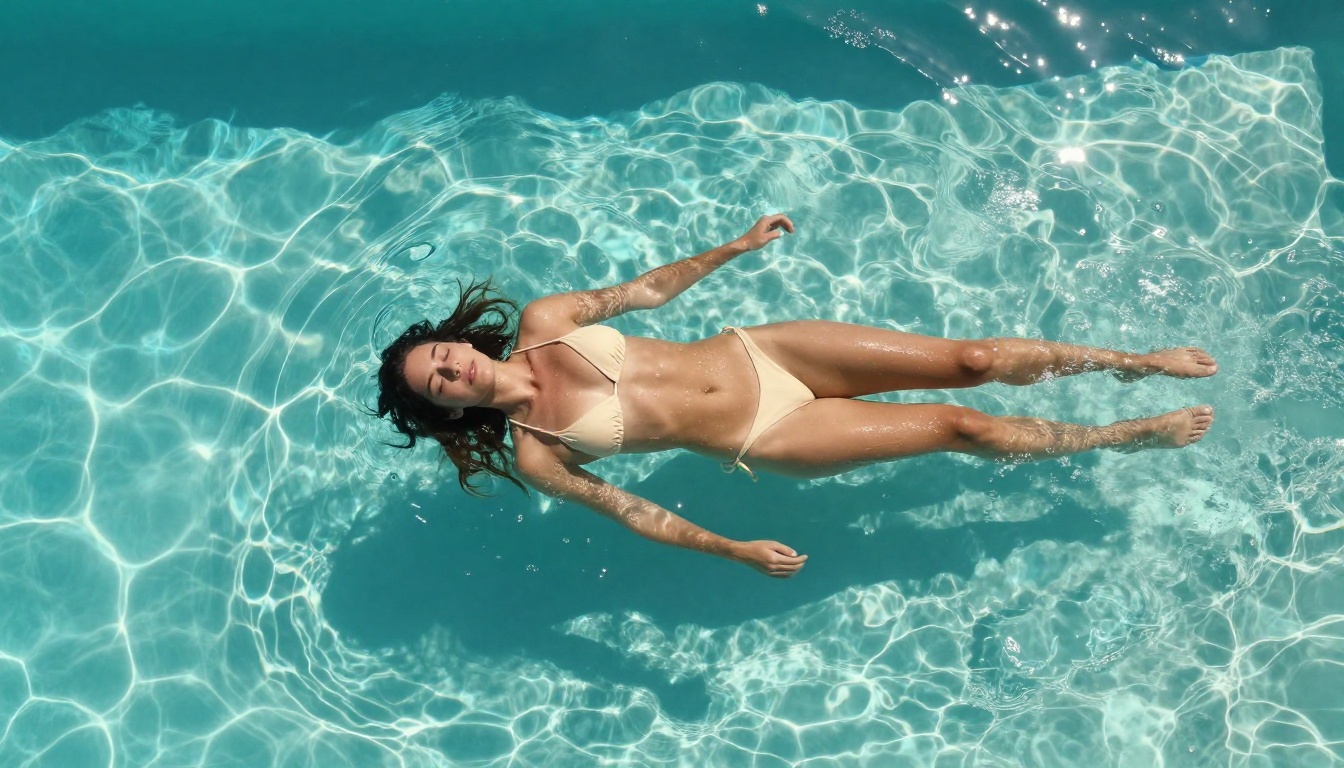
Best for: Complex scene compositions, outdoor environments, and swimwear in realistic locations
Weakness: Requires more detailed prompts than RealVisXL to consistently hit peak quality
GPT Image 1.5 approaches photorealism from a different angle. Its strength lies in natural language understanding - it interprets complex, conversational prompts better than most models on this list. For +18 content, this means you can describe scenarios in natural terms and get accurate interpretations without memorizing technical syntax.
Where it shines:
- Prompt interpretation: "Shot from behind, natural light, candid feel" actually produces that precise result
- Mood translation: Emotional qualities like "warm," "intimate," or "self-assured" translate into visible visual cues
- Color accuracy: Specific fabric colors and skin tones stay consistent across multiple generations
Best for: Users who prefer conversational prompts; fashion-forward and beauty-driven content
Weakness: Content policies are stricter than community-fine-tuned models; less suited for explicit NSFW scenarios
Google's Imagen 4 brings a level of lighting physics accuracy that stands apart from the competition. The model appears to have been trained with a deep understanding of how light interacts with skin, particularly in outdoor scenarios. Golden-hour and backlit portrait results are genuinely impressive.
Standout qualities:
- Outdoor photorealism: Beach, poolside, and natural landscape integrations are exceptionally convincing
- Rim lighting and backlight: Subjects with strong backlighting look genuinely photographed, not composited
- Skin color consistency: No unexpected tone shifts between body regions across the frame
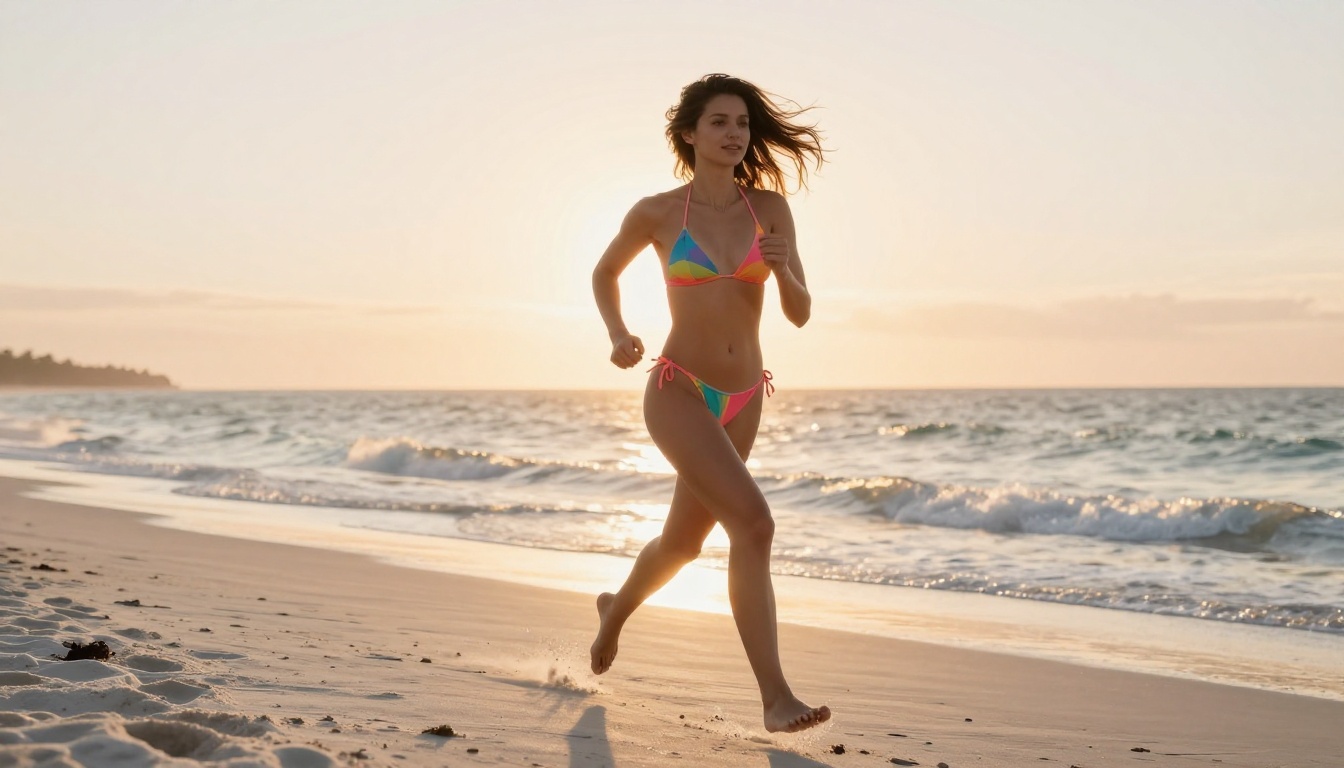
Best for: Outdoor settings, swimwear content, and natural light scenarios
Weakness: Indoor and low-light scenarios don't consistently reach the same quality level as outdoor shots
The newest generation from Black Forest Labs, Flux 2 Pro builds on everything that made Flux 1.1 Pro Ultra popular and adds improved long-prompt coherence. When you write detailed, cinematic prompts with specific camera and lighting instructions, Flux 2 Pro implements all of them - not just the first few keywords.
Notable upgrades over previous Flux generations:
- Long-prompt fidelity: Every detail in a 200-word prompt receives genuine attention
- Motion implication: Hair, fabric, and water in still images feel like they were caught mid-movement
- Micro-detail density: Fabric weaves, skin micro-texture, and surface reflections reach a new level of accuracy
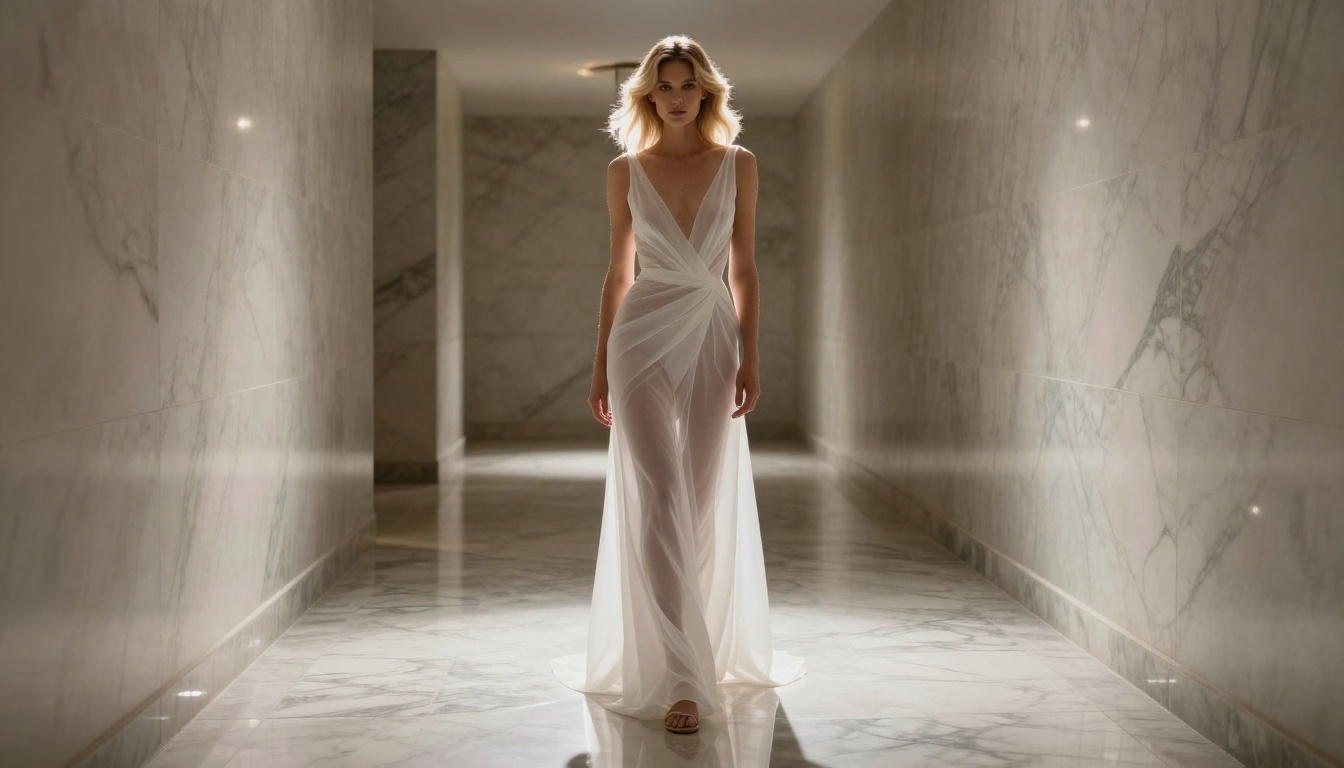
Best for: Highly detailed cinematic prompts; high-fashion and editorial +18 content
Weakness: Premium generation costs make it less suitable for high-volume batch workflows
Comparison Table at a Glance
How to Write Prompts That Look Real
The model is only half the equation. The prompt is the other half, and most people are writing prompts that actively work against photorealism. Here's what actually produces results worth keeping.
The Lens Formula
Specify a real camera lens in every single prompt. This one habit will improve your results more than almost any other change.
Instead of: "beautiful woman on a beach"
Use: "beautiful woman on a beach, Canon EOS R5, 85mm f/1.8 lens, shallow depth of field, creamy bokeh background, Kodak Portra 400 film grain"
The lens specification tells the model how light should compress, how bokeh should render, and what the geometric distortion should look like. Without it, the model guesses - and usually guesses badly.
Lens cheat sheet for +18 content:
| Lens | Effect | Best For |
|---|
| 85mm f/1.4 | Flattering portrait compression, heavy background blur | Face and torso close-ups |
| 50mm f/1.2 | Natural perspective, cinematic shallow focus | Half-body editorial shots |
| 35mm f/2.8 | Environmental portrait, subject in context | Room and outdoor scenes |
| 24mm wide | Dramatic foreground, broad interior capture | Boudoir room atmosphere |
| 70-200mm | Candid telephoto, motion-capture aesthetic | Beach and outdoor candids |
Lighting That Makes Skin Pop
Lighting descriptions do more work than any other prompt element for photorealism. Generic terms like "beautiful lighting" do nothing. Specific terms make a massive difference.
💡 Pro tip: Always specify the direction of light. "Warm sidelight from the left" is infinitely more useful than "warm lighting." Direction creates the shadows that make skin look three-dimensional.
Lighting formulas that consistently work:
| Scenario | Prompt Formula |
|---|
| Outdoor golden hour | volumetric golden-hour sidelight from the left, long warm shadows, amber color cast, skin subsurface glow |
| Indoor intimate | single practical lamp on right side, Rembrandt low-key lighting, deep warm shadows, visible skin pores |
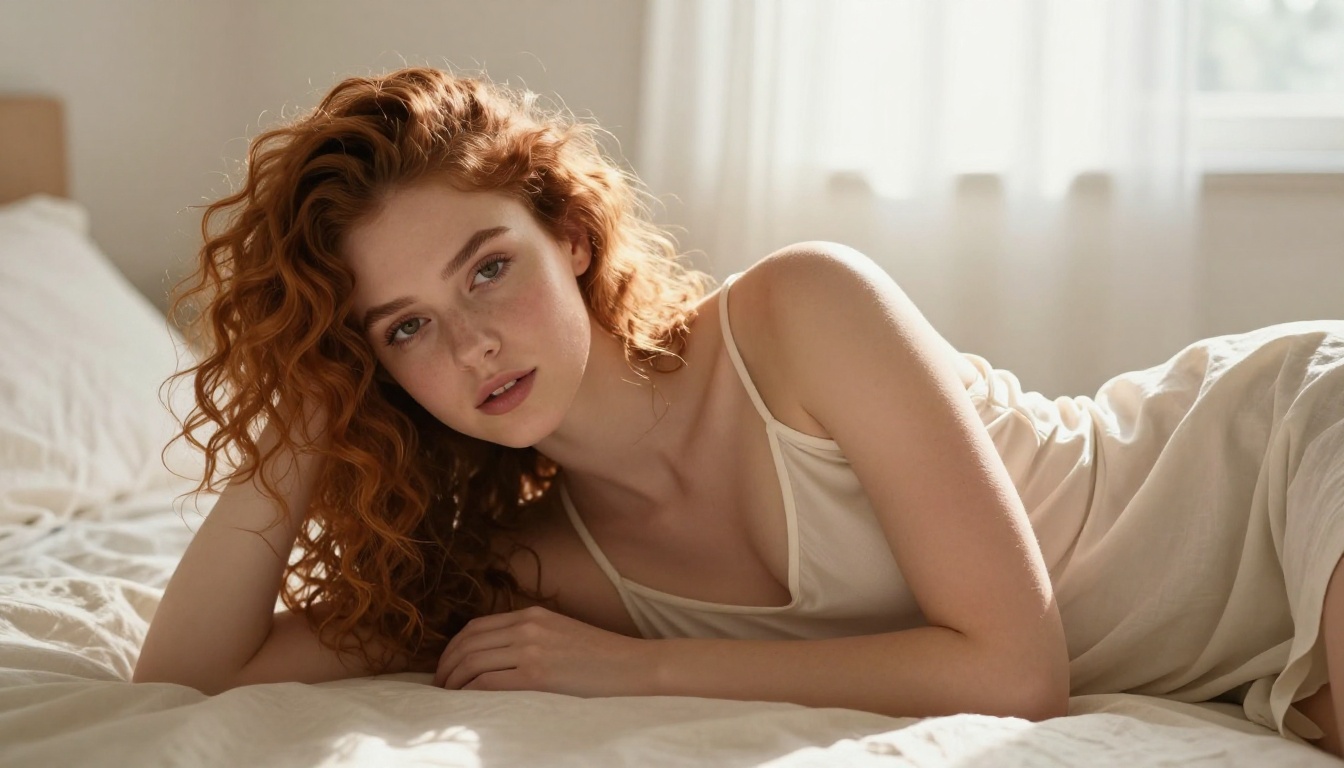
| Morning bedroom | diffused window light from behind sheer curtains, soft morning haze, overcast sky ambient bounce |
| Poolside midday | bright overhead midday sun, specular highlights on water, reflected caustic light patterns on skin |
| Candle or firelight | warm flickering tungsten practicals, amber rim light on wet skin, dark deep shadows, no overhead fill |
Adding "skin subsurface scattering" and "visible skin pores" to any prompt immediately pushes the model toward photographic skin rendering rather than the smooth, airbrushed default.
How to Use Flux 1.1 Pro Ultra on PicassoIA
Flux 1.1 Pro Ultra is available directly on PicassoIA with no setup required - no API key management, no local GPU hardware, no installation. Here's how to extract maximum quality from it.
Step-by-Step
Step 1. Open the Flux 1.1 Pro Ultra model page on PicassoIA.
Step 2. Set your aspect ratio before writing your prompt. Portrait photography works best at 9:16 or 4:5. For editorial wide shots and cinematic scenes, 16:9 is the right choice. Matching the ratio to your intended framing prevents the model from filling empty space awkwardly.
Step 3. Write your prompt in three distinct layers:
- Subject layer: Who is in the frame, what they're wearing, their pose and expression
- Environment layer: Location, background elements, time of day
- Technical layer: Camera body, lens, film stock, lighting direction and quality
Step 4. Add --style raw at the end of your prompt. This suppresses the over-sharpening and HDR processing that makes AI images look artificial and pushes results toward authentic photographic texture.
Step 5. Generate at maximum resolution. Flux 1.1 Pro Ultra supports up to 2048px output. Downscaling in settings throws away quality you can't recover.
Step 6. If skin looks too smooth on the first result: add "film grain, Kodak Portra 400, visible skin pores, natural skin texture" and regenerate.
Prompt Parameters That Matter
- Mood descriptions work: "Confident, relaxed, mid-afternoon warmth" adds behavioral cues that affect pose and expression in the final output
- Name your film stock: Kodak Portra 400, Fujifilm Pro 400H, and Kodak Vision3 each carry a known visual aesthetic that the model references accurately
- Avoid stacking adjectives: "beautiful stunning gorgeous perfect" is far weaker than "elegantly beautiful with natural confidence and effortless presence"
- Tell the model what NOT to do: "not looking at camera, candid, natural expression mid-breath" prevents the default locked-stare that makes AI images look posed
Worth testing alongside Flux 1.1 Pro Ultra: Flux 2 Pro for higher prompt coherence on complex scenes, and Flux Kontext Pro if you want to refine specific areas of an existing image without regenerating the entire composition from scratch.
For faster iteration while building prompts, Flux Dev offers a speed-quality balance that makes it useful for testing prompt structures before committing to a full Pro Ultra generation.
Three Mistakes That Kill Your Realism
These are the most persistent errors even experienced users make when generating +18 photorealistic content.
Ignoring the Negative Prompt
The negative prompt is where realism is won or lost, and most people leave it empty. Adding "painting, illustration, cartoon, CGI render, plastic skin, oversmoothed, airbrushed, HDR, oversaturated, watermark, text, logo" to your negative prompt prevents the model from defaulting to its illustrative tendencies.
For skin specifically, these negative terms help significantly: "smooth skin, perfect skin, doll skin, mannequin, wax figure, studio lighting only".
Picking the Wrong Aspect Ratio
A full-body shot at 1:1 (square) forces the model to compress proportions. Tall and slender subjects need taller ratios. A bust portrait at 9:16 leaves too much empty frame space and the model fills it with awkward background composition. Always match the ratio to your intended subject framing before generating.
Using Vague Body Descriptions
"Attractive woman" tells the model almost nothing useful. Specificity drives realism because it gives the model actual reference information to work with: "Woman in her late twenties, olive skin, natural wavy dark hair to shoulders, athletic but soft physique, slight natural blush at cheekbones, relaxed posture" produces a categorically different result from the generic version.
💡 Rule of thumb: If your prompt could describe every person on earth, it's too vague. Add at least three specific physical details, a specific emotional state, and a specific body position.
Skipping Film Stock and Grain
Clean, perfectly sharp, noise-free images are the fastest tell that something came from an AI. Real photography always has a degree of grain, chromatic nuance, and optical imperfection. Adding "Kodak Portra 400 film grain, slight vignette, natural lens chromatic aberration" turns a sterile AI output into something that reads as genuinely captured.
Start Creating Your Own Photorealistic +18 Images
The gap between "AI-generated" and "looks like a real photograph" has closed dramatically in 2027. With the right model, the right prompt structure, and the right platform, results are indistinguishable from professional photography for the casual observer.
PicassoIA gives you direct access to all the models covered in this article - from Flux 1.1 Pro Ultra and Flux 2 Pro to RealVisXL v3.0 Turbo, Realistic Vision v5.1, and Imagen 4 - without installing anything, managing APIs, or configuring local hardware. You pick a model, write your prompt, and get a result.
If you want to push results further, PicassoIA also offers Super Resolution to upscale outputs to 4x without detail loss, Inpainting to fix specific areas that didn't render correctly, and Face Swap AI for keeping a consistent subject identity across multiple different scenes and compositions.
Take the lens formula from this article, pick one of the top seven models, and run your first test. The difference between a model that understands photorealism and one that doesn't shows up in the first generation.


