The gap between an AI image that looks "AI-generated" and one that makes you do a double-take is massive. Most adult AI generators flood you with smooth, rubbery skin, plastic faces, and lighting that doesn't exist in any real studio. The tools that actually produce photorealistic adult AI images are a short list, and knowing which ones to use saves you hours of failed generations and disappointment.
This breakdown covers the top adult AI models for realistic image generation in 2027, how each one differs, and exactly how to get the most lifelike results from your prompts.
What Separates Realistic from Fake
Not all AI realism is equal. A high pixel count doesn't make an image realistic, because a 4K plastic face is still obviously fake. True photorealism in adult AI images comes down to three specific qualities that the best generators consistently nail.
The Skin Texture Test
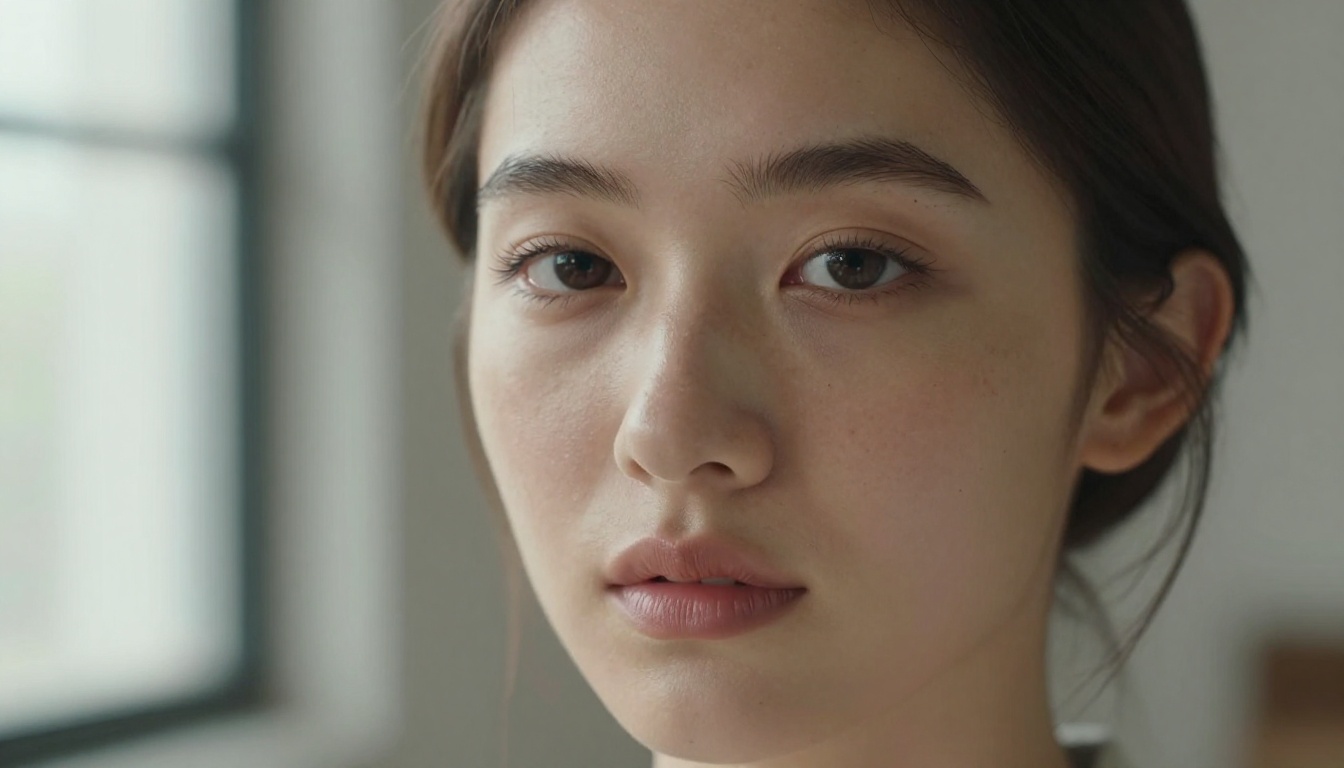
Real skin has pores. It has fine hairs on forearms, faint freckles catching directional light, the slight pink flush of blood beneath the surface, and micro-wrinkles at the corners of eyes. Most AI generators approximate skin with smooth gradients. The generators worth using render skin as actual photographers see it: uneven in a natural way, with specular highlights on high points and absorbed light in pores and hollows.
When evaluating an adult AI generator for realism, zoom in on the face. If the pores look like painted dots, the model is producing illustration, not photography. If you can see individual hair follicles along the hairline and natural sebum texture across the T-zone, you're looking at a genuinely realistic result.
Lighting That Fools Your Eyes
Fake AI images have lighting that comes from everywhere and nowhere at once. Real photography has a primary light source, a fill light or natural bounce, and shadows that follow physical laws. The models that produce convincing adult AI art consistently demonstrate directional lighting: hard shadows on the side away from the main light, soft bounce light filling in the shadows, and specular highlights on the bridge of the nose, the cheekbone, and the shoulders.
Volumetric light, the kind that pierces through a window and visibly illuminates dust and air, is one of the hardest things for an AI to fake convincingly. The best models do it without being asked. The weaker ones paste a uniform warm filter over everything and call it "golden hour."
Why Resolution Alone Isn't Enough
8K output means nothing if the base image has fundamental realism problems. High-resolution plastic skin is still plastic skin. What matters is the model's training on real photographic data and its ability to render the physics of light interacting with physical materials: skin, fabric, hair, water, and ambient reflections. The tools listed below excel at exactly that; they were trained to produce content that passes the "is this a real photo" test.
The Top Adult AI Models Right Now
Based on output realism, generation speed, and lack of content restrictions, these are the models that consistently deliver the best results for adult AI image generation.
Seedream 4.5: Speed and Realism Combined
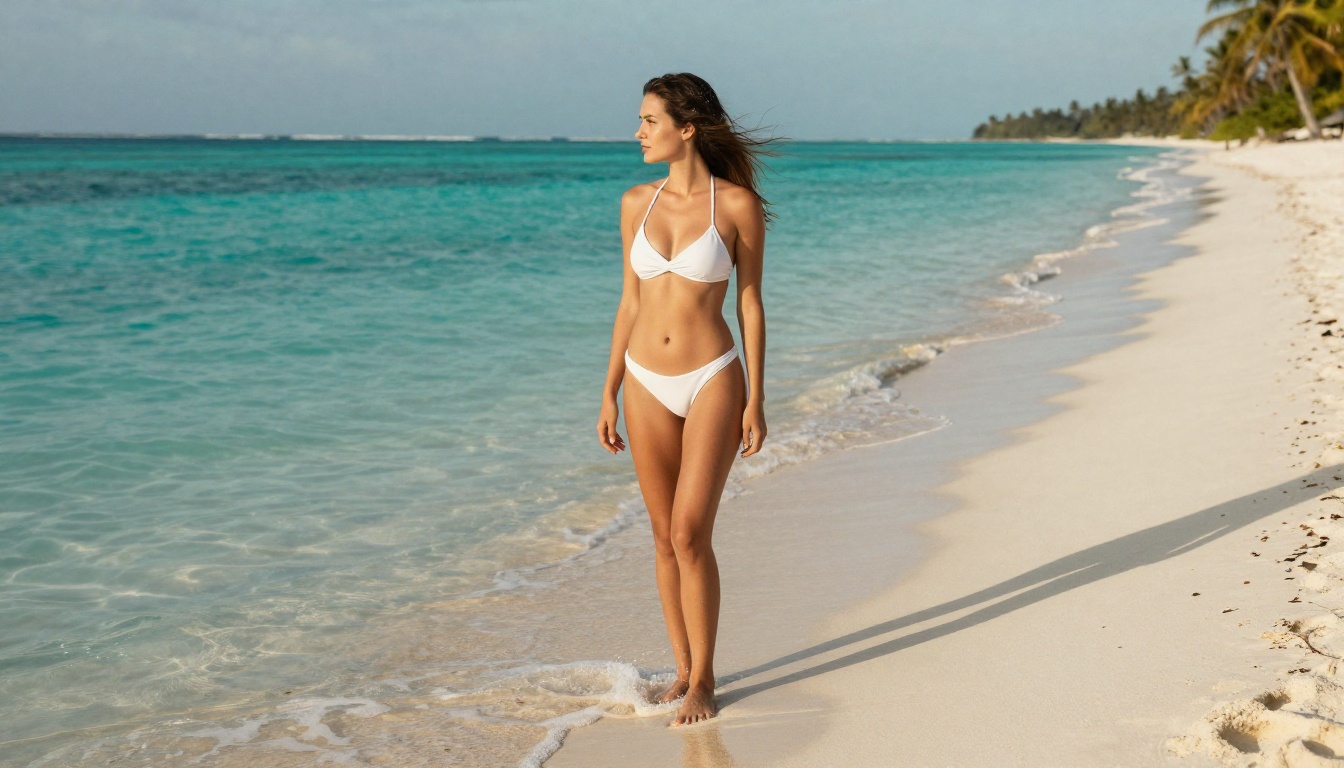
Seedream 4.5 is the top recommendation for anyone serious about realistic adult AI images. It accepts NSFW prompts natively, generates results in under 3 seconds, and the output quality rivals professional editorial photography. Where most models at this speed sacrifice skin texture for performance, Seedream 4.5 maintains the micro-detail that makes a generated image believable.
It also supports image editing: you can use an existing photo as a reference and have the model modify it. This is critical for adult content workflows where you want to iterate on a specific character or setting rather than regenerating from scratch every time.
💡 Note: Seedream 5 Lite, the model's successor, does not support adult content. Stick with Seedream 4.5 for unrestricted generation.
PicassoIA Image Editor Pro: Truly Unlimited
PicassoIA Image Editor Pro is an image-to-image model with one standout advantage: unlimited generations on Elite and Infinite plans. If you need to generate 500 variations of a character, testing different outfits, poses, and lighting, you can do that without watching your credit balance drain.
To put that in perspective: generating 1,000 images on a model like Nano Banana 2 would cost approximately $100. On PicassoIA Image Editor Pro, it's included in your subscription at no extra cost. It accepts adult content, returns results in under a second, and offers a 3-generation free trial without requiring a credit card.
The img2img workflow is where it shines most: upload a reference photo, describe what you want changed, and the model applies it while preserving the natural photorealism of the original image.
Qwen Image 2: Open-Source with No Restrictions
Qwen Image 2 brings open-source flexibility to the NSFW AI art space. Being open-source means the model has no commercial censorship built into it; it generates what you describe, including adult content, with very detailed skin and environmental realism. You can use it for both text-to-image and image editing workflows, making it one of the more versatile options in the lineup.
The output style leans slightly more toward the photographic than the cinematic, which means skin texture and lighting authenticity are consistently strong.
Grok Imagine Image: Bikini Results That Work
Grok Imagine Image has a specific strength: converting any uploaded photo into a realistic bikini or swimwear result with natural skin tone preservation and proportionally accurate clothing. The model maintains the original person's facial features and skin color while replacing their outfit, an approach that consistently produces more believable results than prompting from scratch.
For adult AI creators who work with reference images rather than building characters from text, Grok Imagine Image is one of the fastest paths to a realistic result.
Recraft V4: Clean Photorealism from Text
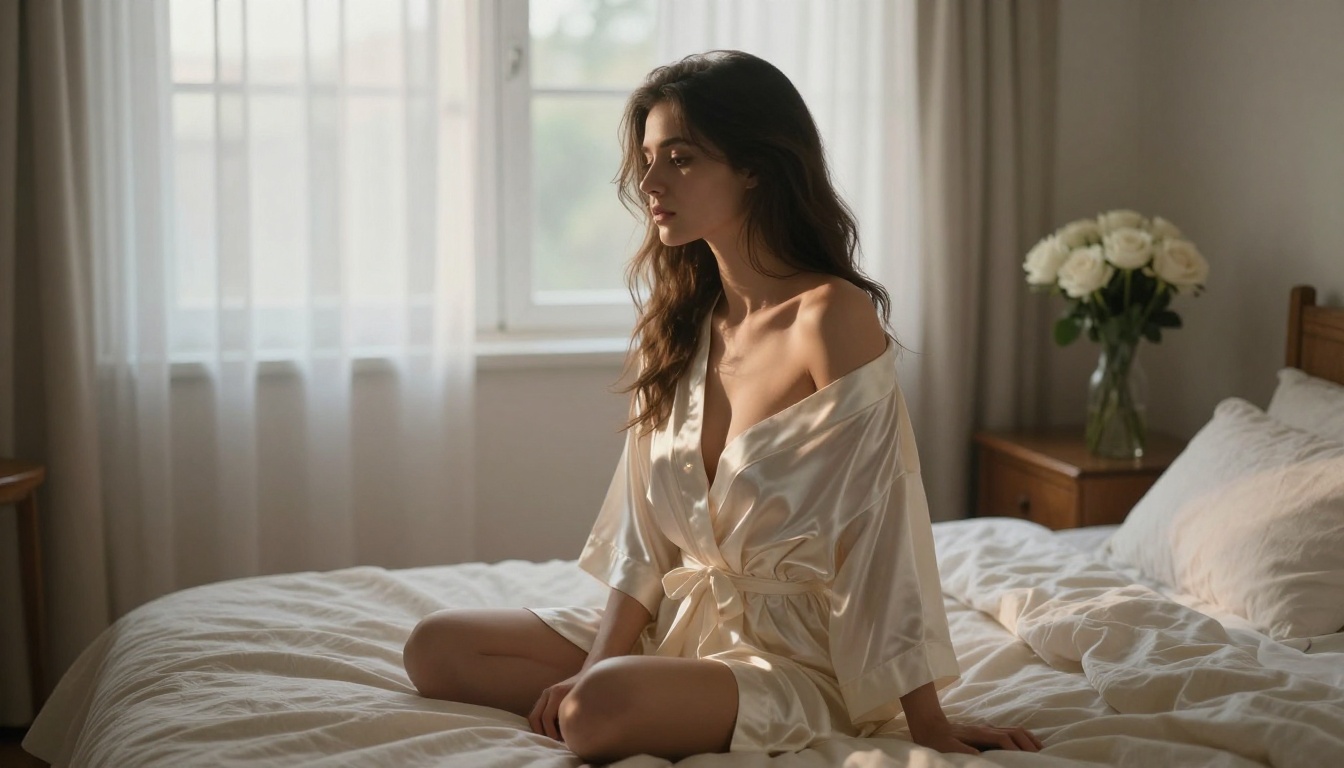
Recraft V4 is a text-to-image model that produces exceptionally clean, photorealistic output without the occasional AI artifacts that appear around fingers, teeth, or jewelry. It only accepts text prompts (no image input), but for text-to-image adult AI generation, the output quality is among the highest available. Skin rendering is particularly strong, with natural tone variation and realistic surface texture.
P-Image and Wan 2.2: Fast Alternatives
P-Image from PrunaAI generates NSFW images in under 1 second, useful when you need volume and iteration speed rather than maximum fidelity. prunaai-wan-2.2-image takes a different approach, generating highly realistic images from text descriptions with content filters disabled, making it strong for detailed character descriptions that require precise anatomical accuracy.
Prompting for Maximum Realism
The model is only half of the equation. The prompt is the other half. Poor prompts turn good models into mediocre ones. Here's what the prompts that produce genuinely realistic adult AI images consistently include.
Describing Skin the Right Way
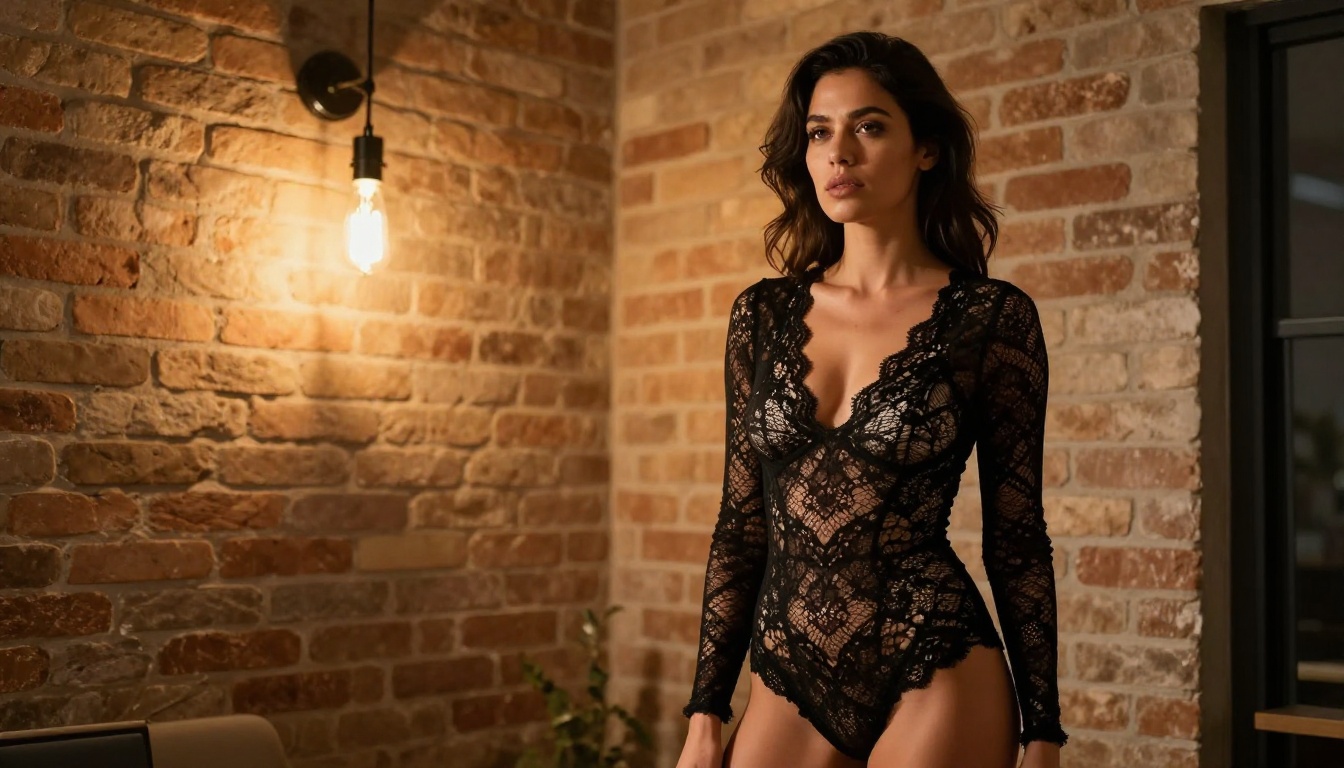
Don't write "beautiful skin." Instead: "natural skin pores visible on the nose, slight blush on the cheeks from warm light, faint freckles catching directional sunlight, authentic skin texture." Specificity forces the model to render detail rather than fill space with a smooth approximation.
Mention skin tone with photographic precision: "golden-brown complexion with warm undertones, natural tan lines from a bikini strap visible on the shoulder." These details anchor the model to realistic reference data in its training.
How to Write Lighting in Prompts
Always specify:
- Direction: "warm morning light from the upper left"
- Quality: "soft diffused window light" vs. "hard single-source spotlight"
- Color temperature: "warm amber tungsten" vs. "cool blue-hour ambient"
- Fill light: "soft right-side bounce fill from white wall"
Lighting direction determines where shadows fall, which is what makes an image look photographed rather than rendered.
Camera and Lens Details That Matter
Adding specific camera equipment to your prompt is not decoration; it tells the model what optical characteristics to apply. An 85mm f/1.4 produces shallow depth of field with creamy bokeh and natural subject separation. A 35mm f/2.0 produces wider environmental context with less background blur.
Always append --ar 16:9 --style raw to lock in a widescreen, non-illustrated output. Adding "Kodak Portra 400 film grain" introduces analog texture that breaks up the digital smoothness that signals "AI-generated" to a trained eye.
Speed vs. Quality: The Trade-Off
Not every workflow needs the same balance. Here's how the top models compare:
The majority of mainstream AI image generators, including Midjourney, DALL-E, and Adobe Firefly, apply content filters that block any prompt related to adult content. Some go further and flag accounts for even suggestive prompts. This creates a real problem for creators who need unrestricted tools for legitimate adult content work.
The Censorship Problem in AI Image Generation
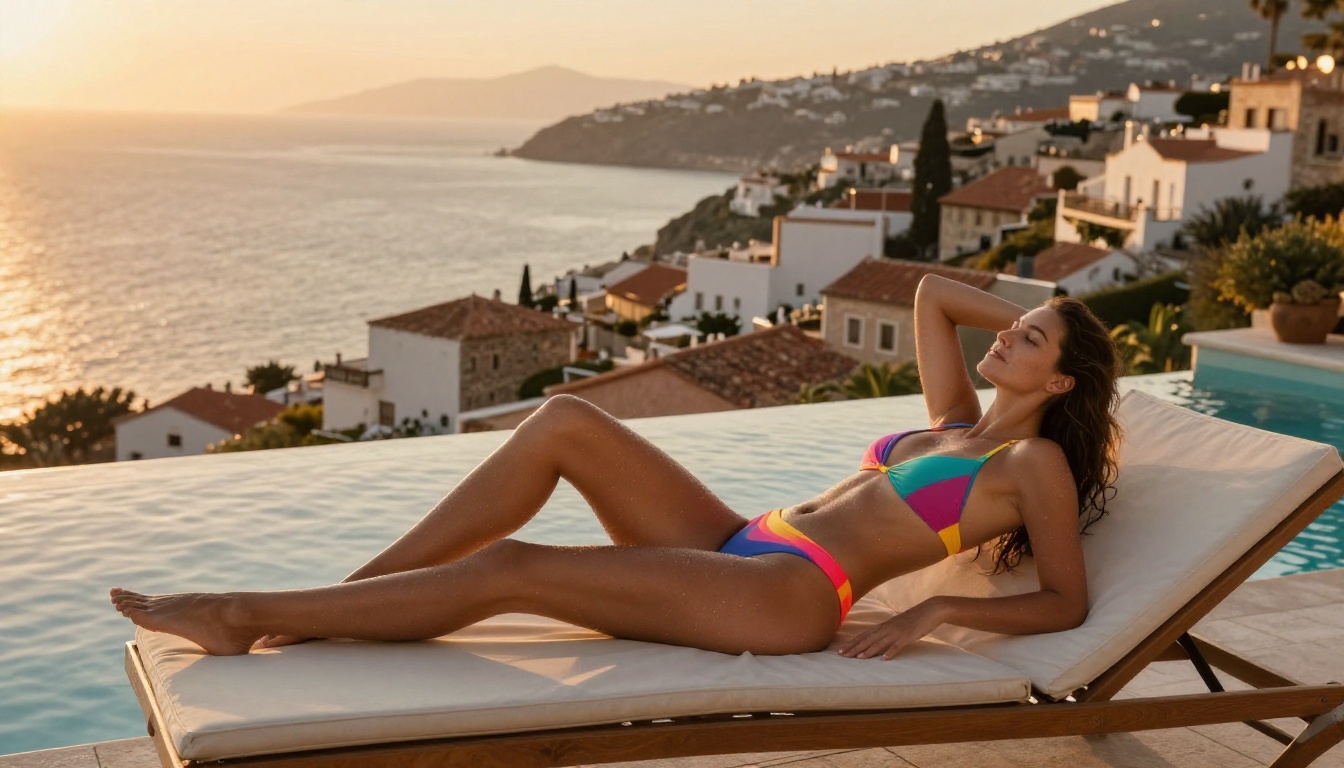
The problem isn't just that these platforms won't generate explicit content. It's that the definition of "adult content" has expanded so broadly that even professional fashion photography prompts get flagged. A prompt describing a woman in a bikini on a beach can trigger a safety warning on platforms that weren't designed with creative freedom in mind.
This creates a two-tier system: casual users who accept the restrictions, and serious creators who need unrestricted access and end up spending hours trying to work around filters that weren't designed for their use case.
No Filter, Full Creative Control
PicassoIA was built specifically to give creators full control. The models available on the platform, including Seedream 4.5, PicassoIA Image Editor Pro, Qwen Image 2, and Grok Imagine Image, do not apply blanket content filters to adult-themed prompts. Privacy is maintained: your generations don't get flagged, reviewed, or restricted based on their content.
This is what makes PicassoIA the strongest platform for anyone who needs uncensored AI image generation without working around filters or using workarounds that break output quality.
How to Use Seedream 4.5 on PicassoIA
Since Seedream 4.5 is the top recommendation, here's a direct walkthrough for getting the most realistic results from it on the platform.
Step 1: Go to the model page
Visit picassoia.com/en/collection/text-to-image/bytedance-seedream-45. You can start a free trial without a credit card to test the output quality before committing.
Step 2: Write a specific, detailed prompt
Don't rely on short prompts like "beautiful woman." Write 50-80 words describing the subject, environment, lighting direction, camera, and skin texture in detail. The model responds well to photographic language.
Step 3: Set your output ratio
For widescreen blog or portfolio images, 16:9 is ideal. For portrait content, 9:16 works well for phone wallpapers and vertical display formats.
Step 4: Iterate on the best results
Use the image editing mode to take a strong base generation and refine specific details: adjust the lighting, change clothing, or modify the background without regenerating the entire image from scratch.
💡 Pro tip: Add "Kodak Portra 400, film grain, RAW photography, 8K" to every prompt. It consistently pushes the output toward photographic realism and away from the smooth, illustrated look that flags an image as AI-generated.

3 Prompt Mistakes That Kill Realism
Even with the right model, these common prompt mistakes consistently produce fake-looking results.
Mistake 1: Generic adjectives instead of specifics
"Beautiful skin" tells the model nothing useful. "Natural skin pores visible under soft window light, warm blush on the cheeks from directional lighting" gives it photographic reference to work with.
Mistake 2: No lighting direction
Prompts without lighting specification produce images with flat, ambient-looking light that doesn't resemble any real photography scenario. Always name a light source, its direction, and its quality.
Mistake 3: Appending "photorealistic" without supporting details
The word "photorealistic" alone is nearly meaningless to a model. It needs the camera model, lens focal length, film stock, and subject texture details to actually produce a photorealistic result. Without those anchors, "photorealistic" just means "not cartoon."
All NSFW Models on PicassoIA
PicassoIA offers more than just image generation. Here's the full roster of models that support adult content across image and video:
- Seedream 4.5 ⭐: The best all-around NSFW model. Accepts adult content, supports image editing, and generates ultra-realistic results in under 3 seconds. (Its successor, Seedream 5 Lite, does not allow NSFW.)
- PicassoIA Image Editor Pro: Img2img with unlimited generations. Need 1,000 images? They're free with your Elite or Infinite plan. Accepts NSFW, returns results in under a second, and includes a 3-generation free trial with no credit card required.
- Qwen Image 2: Open-source model that edits or creates any image in seconds with very detailed realism.
- Grok Imagine Image: Realistically converts any image to a bikini or swimwear format.
- Recraft V4: Very realistic results (text-to-image only).
- P-Image: NSFW text-to-image generation in under 1 second.
- Wan 2.2 Image: Generate highly realistic images from text without content filters.
- PicassoIA Video: Unlimited video generation from text prompts, at up to 720p and 5 seconds per clip.
- P-Video: Text-, image-, or audio-to-video up to 1080p, with the safety filter off by default.
- Grok Imagine Video: Clips up to 15 seconds, no watermarks.
- LTX 2.3 Pro: Highest fidelity at up to 4K/50fps, with retake and extend editing for precise control.
Unlike most mainstream AI platforms, PicassoIA gives creators full creative freedom with uncensored, high-performance models.
👉 See the complete lineup at picassoia.com/en/all-models.
Start Creating Your Own Realistic Images
The models and prompting methods in this article are the exact tools that serious adult AI creators use to produce images that pass the realism test. The difference between a convincing result and an obviously AI-generated one is the combination of the right model, the right prompt structure, and a platform that doesn't limit what you can create.
Seedream 4.5 is the best starting point for most creators: three seconds to a photorealistic result, no content filters, with image editing built in for iteration without regeneration. If you're working at volume, PicassoIA Image Editor Pro brings unlimited generations to the workflow at no extra cost on Elite and Infinite plans.
Try it for yourself: the free trial requires no credit card and gives you three generations to see what the output actually looks like at full quality. Build your first prompt using the structure from this article, with subject, skin texture detail, lighting direction, and camera lens, then compare the result to anything you've generated on a restricted platform.
The realism gap between a well-prompted PicassoIA generation and a filtered competitor output is significant. See it for yourself at picassoia.com/en/all-models.


