There is one thing every creative person eventually learns: AI tools are only as good as what they let you actually do. You type a prompt. The output is blocked, filtered, watered-down, or restricted to a style you never asked for. After the fifth time this happens in one session, the tool stops feeling like a creative partner and starts feeling like a gatekeeper.

The good news is that the era of limited AI creation is over for anyone who knows where to look. This article covers the best AI for creating without limitations, with specific models, real use cases, and a platform that gives you access to over 185 text-to-image models and 87 video models without constantly running into walls.
What "Limitations" Actually Cost You
Most people accept creative restrictions as a natural part of using AI tools. They adjust their prompts, remove words, rewrite requests, and slowly train themselves to ask for less than what they actually want. That is not creating. That is negotiating.

The creative cost is real. When a tool refuses a prompt or returns a softened version of your idea, you lose more than just the image. You lose the flow state. You lose the iteration loop that leads to breakthroughs. And if you are a professional, you may lose a client.
The Three Types of Restrictions That Ruin Output
Not all limitations are the same. Some are policy-based: the platform has rules about content. Some are model-based: the underlying AI simply lacks the capability to produce certain aesthetics. And some are commercial: the free tier throttles your usage or watermarks everything.
💡 The only limitation worth accepting is capability. If a model cannot do something technically, that is fair. If it simply will not because of overcautious filters, you need a different platform.
What Professionals Actually Need
Designers need iteration speed. Photographers need photorealism. Content creators need volume. Marketers need variety across styles. A single AI that tries to serve everyone with a single locked-down interface ends up serving no one particularly well.
The solution is access to multiple specialized models, on demand, without signing up for five separate services. That is exactly what the right platform provides.
PicassoIA is not a single AI model. It is a platform giving creators access to over 185 text-to-image models, 87 text-to-video models, and dozens of additional tools for audio, effects, super resolution, face swap, lipsync, and more. No watermarks on the core models. No monthly limit that expires before your project is done.
The model variety is what makes it genuinely different. When one model cannot give you what you need, you switch models instead of switching platforms. No data migration. No new account. No new interface to figure out from scratch.
185+ Models With One Login
Most creators use two or three AI tools at any given time because no single platform covers everything. PicassoIA changes that math. Whether you need hyper-photorealistic portraits, cinematic widescreen images, vector-ready SVGs, product photography with clean backgrounds, or retro film-grain aesthetics, you will find a model built specifically for that output.
💡 Pro tip: Use PicassoIA Image for fast unlimited generation when you need volume, then switch to Seedream 4.5 when you need 4K precision for a hero shot.
The Best Models for Creating Without Limits
Here is where it gets specific. These are the models worth knowing and what each one actually does well.
Seedream 4.5: 4K Output, Serious Detail
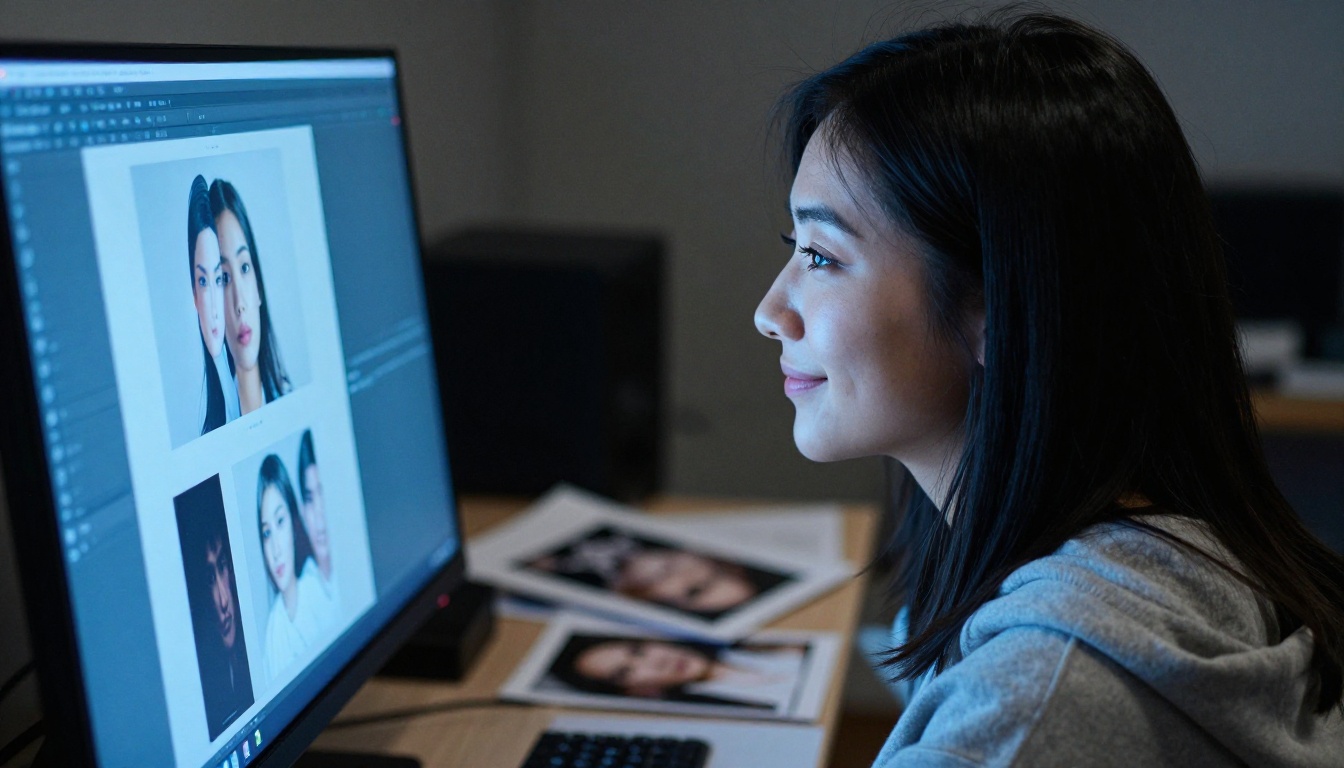
Seedream 4.5 by ByteDance is one of the most capable photorealistic generators currently available. It renders at 4K resolution with accurate facial detail, natural lighting interpretation, and strong adherence to complex prompt instructions. It handles skin texture, fabric, environmental lighting, and scene composition at a level that sits firmly in professional territory.
Where other models produce smooth, slightly artificial-looking faces, Seedream 4.5 produces the kind of natural imperfection that reads as real: pores, asymmetry, natural catch lights in the eyes.
PicassoIA Image Editor Pro: Unlimited Generations
PicassoIA Image Editor Pro is the platform's own unlimited-generation model. For creators who need volume, specifically people running social media accounts, content agencies, or e-commerce catalogs, this is the workhorse model. No caps. No watermarks. No waiting on quota resets.
The model handles both creation and editing, meaning you can generate a base image and then modify specific regions, change backgrounds, adjust lighting, and extend the canvas, all within one workflow.
Flux Kontext Fast: Instant Image Editing
Flux Kontext Fast is built for speed without sacrificing control. It excels at context-aware editing: you describe what you want changed, and the model adjusts the image while preserving everything else. This is significantly faster and more accurate than traditional inpainting workflows.
If you are iterating on a product photo or adjusting a scene mid-session, Flux Kontext Fast makes the back-and-forth feel immediate instead of laborious.
Wan 2.7 Image Pro: 4K Professional Imaging
Wan 2.7 Image Pro by Wan Video produces images at true 4K resolution with a strong emphasis on color accuracy and physical realism. It performs particularly well for architectural visualization, product photography, and any scene where material textures need to look correct: stone, fabric, metal, wood, water.
GPT Image 2: Precision Instruction Following
GPT Image 2 from OpenAI stands out for its instruction-following accuracy. If your prompt contains specific compositional requirements, precise object placement, or detailed scene descriptions, GPT Image 2 tends to execute them more literally than models trained primarily for aesthetics. It is the model you reach for when you need the image to match a brief exactly.
Stable Diffusion 3: Foundational and Flexible
Stable Diffusion 3 remains one of the most versatile foundation models on the platform. Its strength is in fine-grained control through conditioning: you can influence structure with edge detection, control depth, and apply style references more precisely than with most other models. It rewards careful prompting and is a reliable baseline for iterative creative work.
How to Use PicassoIA Image Editor Pro
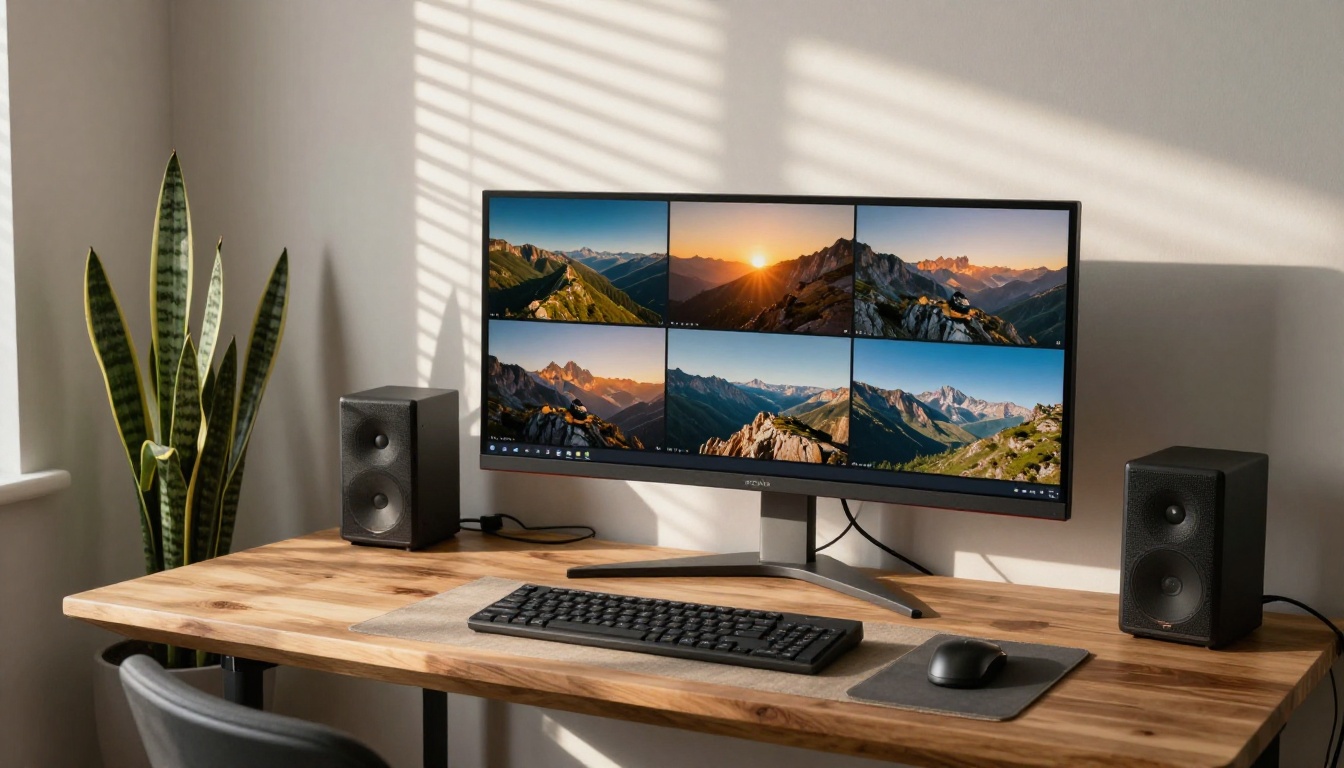
Since PicassoIA Image Editor Pro is the flagship unlimited model for creators who need volume and flexibility, here is how to get the most out of it.
Step 1: Write a Layered Prompt
The model responds well to prompts organized in layers: subject first, then environment, then lighting, then style or camera details. A prompt like "woman reading on a sunlit terrace, warm afternoon backlight, 50mm f/1.4 shallow depth of field, photorealistic" will outperform a short vague prompt every time.
Avoid over-qualifying with emotional adjectives. The model interprets concrete descriptors better than generic praise words.
Step 2: Set Your Ratio and Parameters
For social media, use 1:1 or 9:16. For website headers and blog covers, 16:9 is standard. For print, match the print dimensions using the custom ratio option. The model supports custom widths and heights if your project requires non-standard output.
Step 3: Iterate in Batches
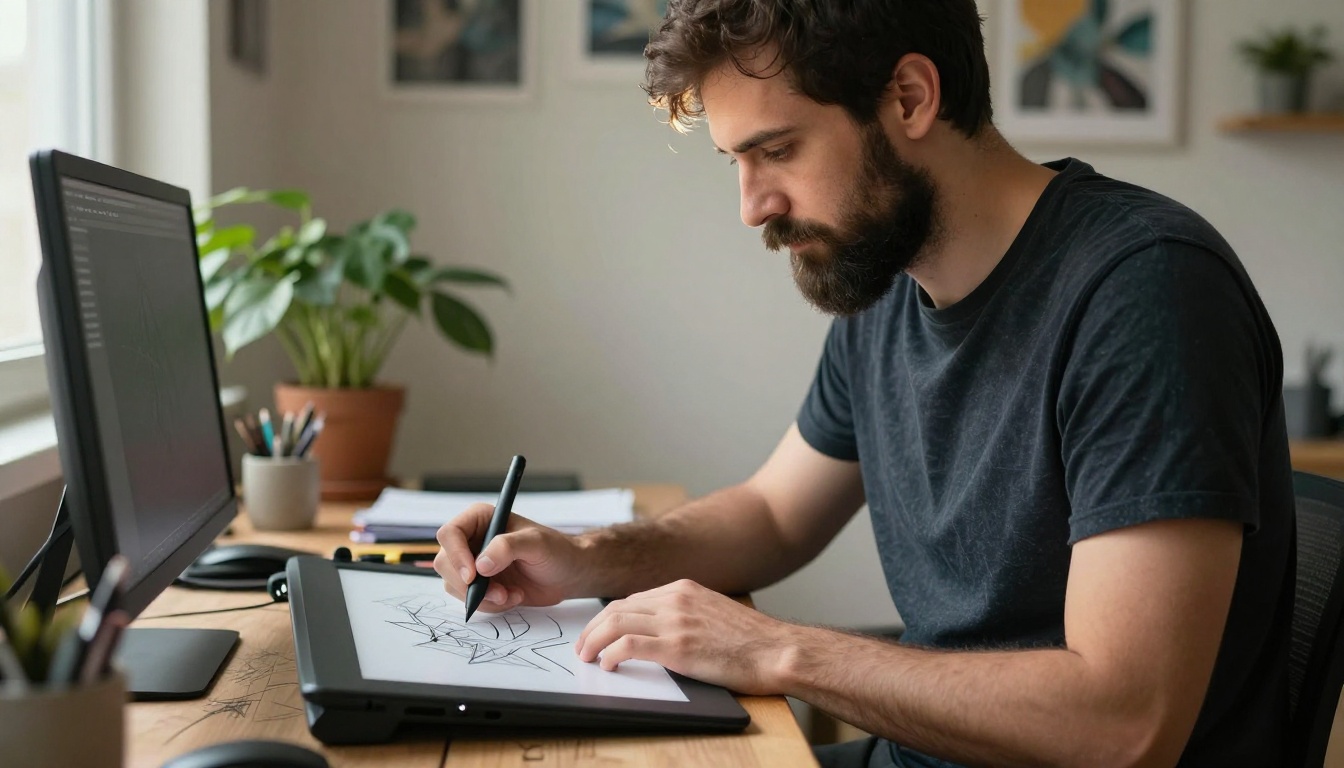
Because generations are unlimited, the right workflow is to generate four to eight variations at once, identify the strongest one, and use that as the basis for editing or upscaling. Iterating on one image at a time is slower and produces less creative variance.
Step 4: Move to Editing in the Same Workspace
Once you have a base image, use Flux Fill Pro for inpainting specific regions, or Flux Canny Pro for structure-controlled regeneration. The editing models on PicassoIA are designed to work in sequence with the generation models, keeping your project in a single workspace.
💡 Editing shortcut: Generate your base image with PicassoIA Image Editor Pro, then pass it to Qwen Image Edit Plus for detailed region-level changes. This two-step flow gives you generation speed plus editing precision.
Motion Without Boundaries: AI Video Creation
Static images are one thing. The platform also gives creators access to 87 text-to-video and image-to-video models, which means going from a concept to an animated scene without sourcing stock footage or hiring a production team.
Image to Video in Under a Minute
The image-to-video workflow is straightforward: generate a base image using any of the text-to-image models, then feed it to a video model with a motion prompt describing what should move and how the camera should behave. The output is a 5-second MP4 clip with native synchronized audio.
For social media reels, product showcases, and website headers, this replaces an entire video production workflow with a two-step process that takes minutes instead of days.
87 Video Models for Any Style
From cinematic slow-motion to hyper-realistic B-roll to stylized animation, the platform's video model library covers the full spectrum of motion aesthetics. This is not a single video generator with one house style. It is a library where each model has distinct strengths, and you select based on the look you are targeting.
Beyond the core image and video generation stack, the platform includes specialized tools that fill specific professional gaps.
Super Resolution and Upscaling
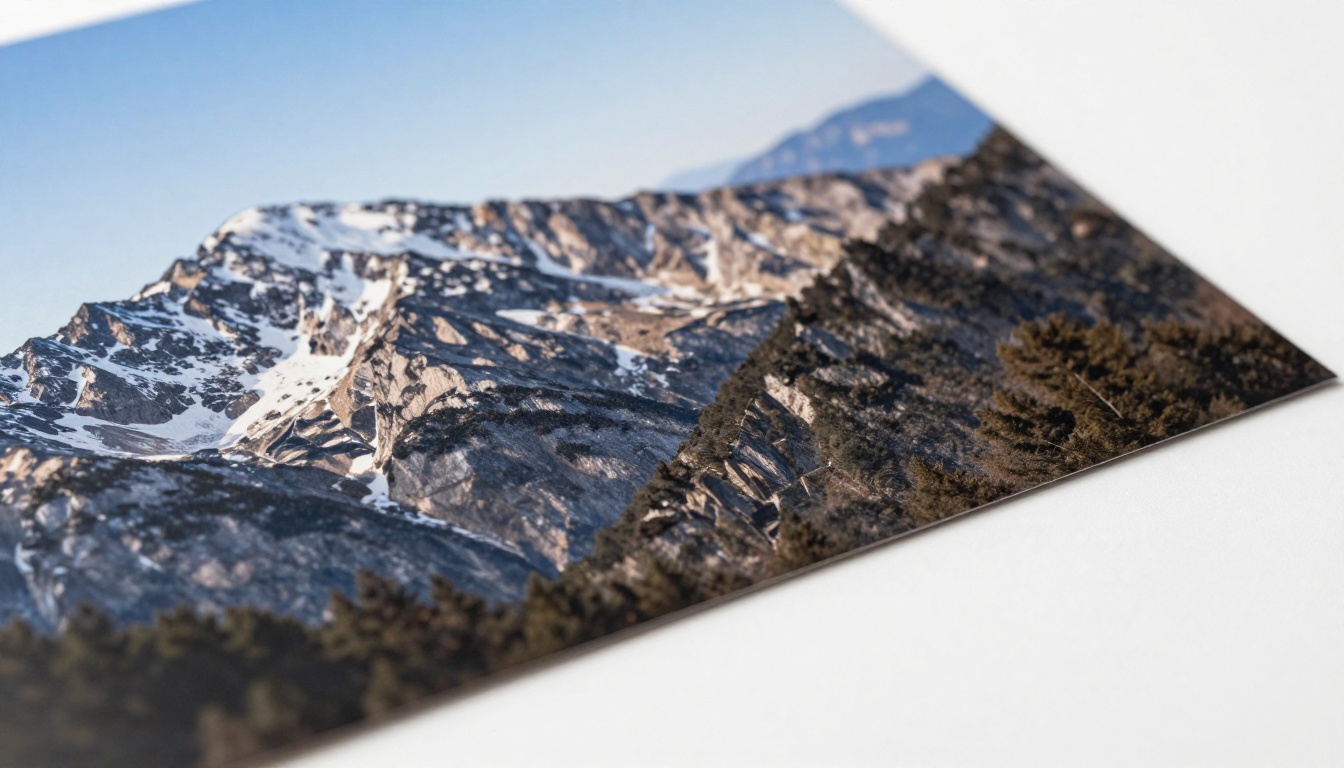
The super resolution tools on PicassoIA upscale images 2x to 4x while adding realistic detail rather than just enlarging pixels. This matters for print output, large-format display, and any scenario where the original generated image needs to be used at dimensions beyond its native resolution.
Face Swap and Lipsync
The face swap tool provides realistic, instant face replacement for scenarios like putting a client's face onto a model image or creating personalized content at scale. Lipsync takes that further, creating video content where the subject speaks with accurately synced lip movement. Both tools are production-quality and available without complex setup.
AI Music and Voice Generation
For creators working on video content, the platform's text-to-speech and AI music generation tools round out the production stack. You can generate a voiceover and a backing track without leaving the platform, combining them with the video output for a complete piece of content from a single workflow.
What Different Creators Are Getting From This
The platform is broad enough that different types of creators use it in fundamentally different ways. Here is what that looks like in practice.
Photographers Extending Their Work
Photographers are using AI generation to create compositions that would be logistically impossible or prohibitively expensive to shoot, then treating the output as a reference or a deliverable in its own right. The photorealistic quality of models like Seedream 4.5 and Dreamina 3.1 produces output that holds up alongside traditional photography at the resolution required for most commercial use cases.

Designers Speeding Up Concepting
Designers are using unlimited-generation tools to produce 20 or 30 rough visual concepts in the time it previously took to mock up two or three. The concepting phase, which used to require either stock photography licenses or time-intensive mockup creation, now happens in real-time. The best concepts then get refined using editing models before being presented.
Marketers Running Visual at Scale
Marketing teams producing content for multiple channels need volume and consistency. The combination of unlimited generation through PicassoIA Image and style-consistent editing through models like Recraft 20B allows teams to produce channel-specific visual variants of a core concept without starting from scratch each time.
Picking the Right Model for Your Task
The most common mistake with a multi-model platform is using the same model for everything. Here is a simple decision framework:
Need photorealism for portraits or people? Start with Seedream 4.5 or Hunyuan Image 2.1.
Need high volume without caps? Use PicassoIA Image Editor Pro or PicassoIA Image.
Need to edit an existing image? Flux Kontext Fast for speed, Flux Fill Pro for inpainting, Qwen Image Edit Plus for detailed region editing.
Need architectural or material realism? Wan 2.7 Image Pro or Gemini 2.5 Flash Image.
Need exact instruction following? GPT Image 2.
Need structured image control? Flux Canny Pro or Flux Fill Dev.
The Honest Tradeoffs
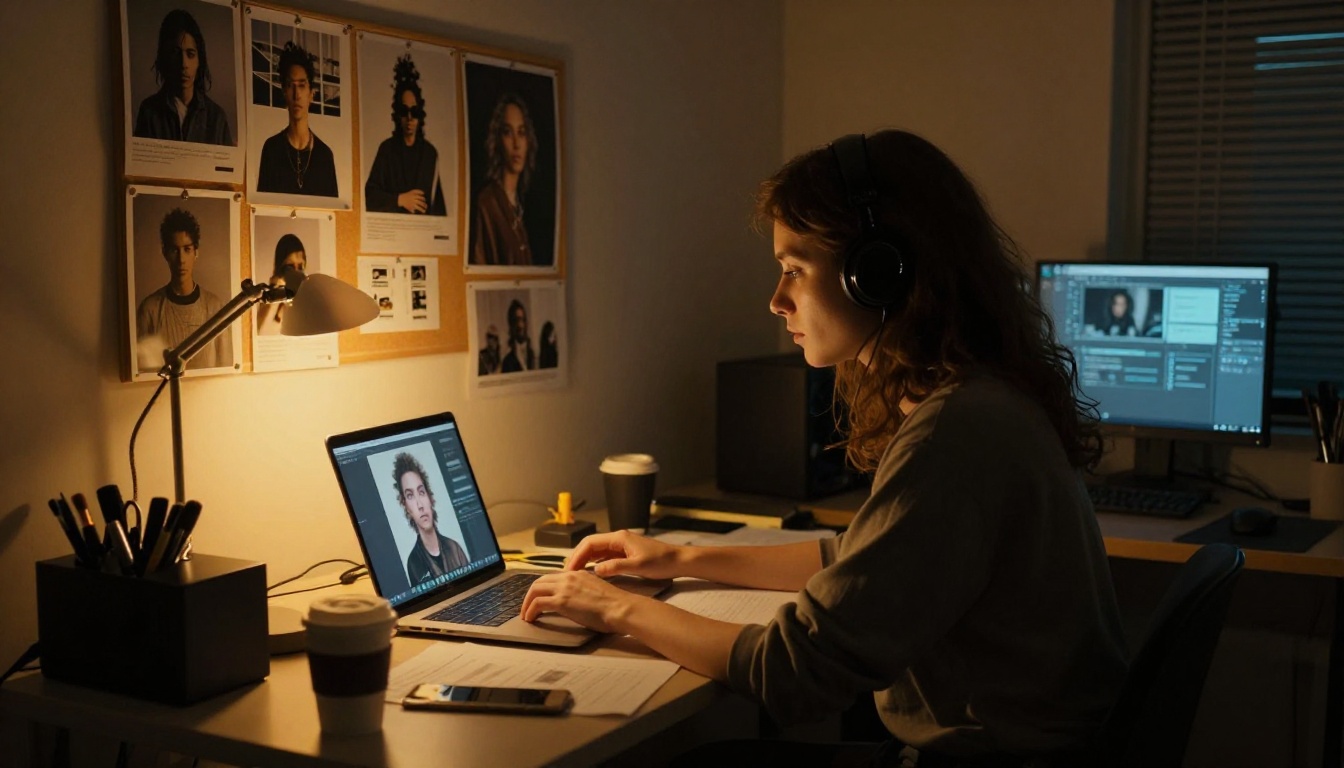
No platform is without tradeoffs, but on PicassoIA, the limits are practical rather than ideological. Some models generate slower than others at higher resolutions. Some have specific strengths that require you to know which one to reach for. These are model capability differences, not platform restrictions, and they are manageable with basic familiarity.
What you do not encounter on PicassoIA is the pattern familiar from more restrictive platforms: a prompt refused because a filter was triggered by an ambiguous word. When a generation fails here, it fails because of a capability gap, not a policy decision.
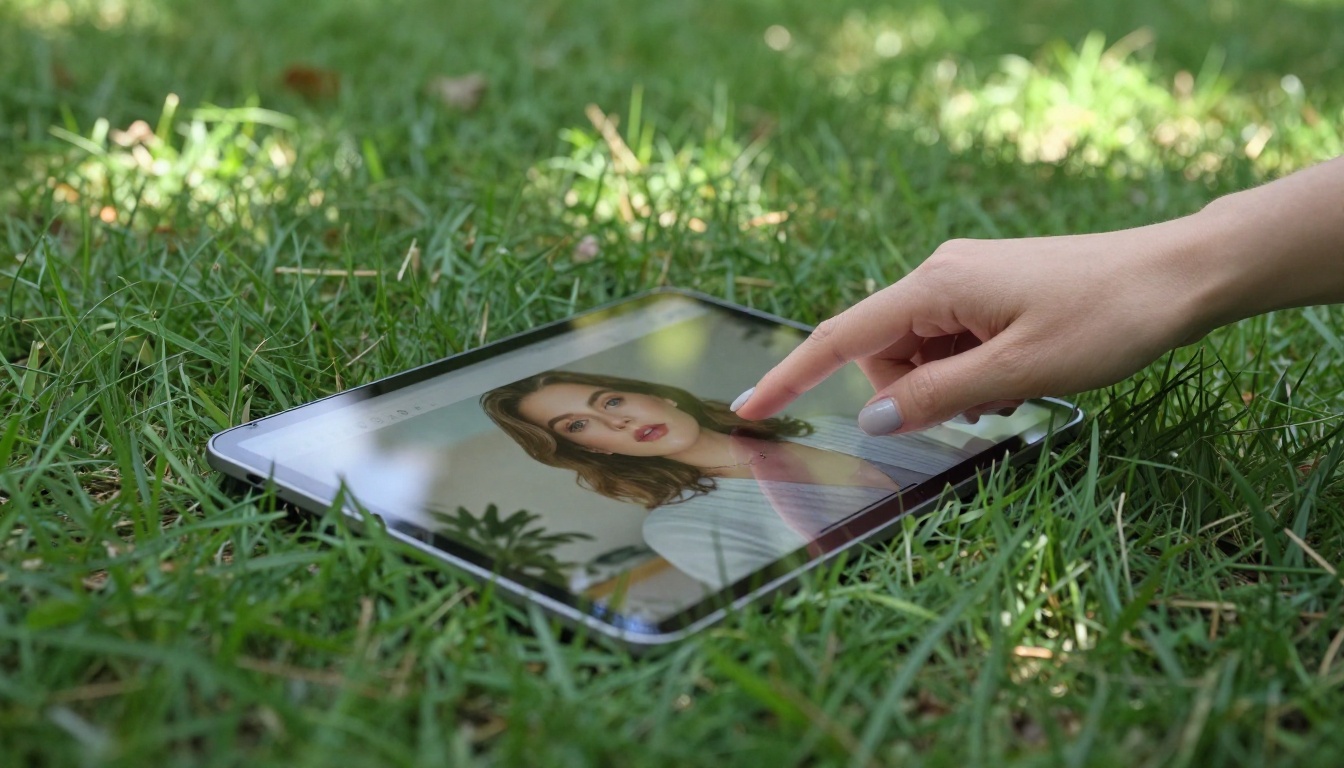
These are the criteria worth applying when evaluating any AI creation platform.
- Model variety: Does the platform offer genuinely different models for different tasks, or is it one engine with a different interface?
- Generation limits: Are you paying per image, or do you get unrestricted output for a flat rate?
- Editing depth: Can you modify what you generate, or do you have to start over every time something is close but not quite right?
PicassoIA satisfies all three. The model library is genuinely diverse. The core generation tools include unlimited options. And the editing stack covers inpainting, outpainting, upscaling, face editing, and style transfer.

Now It Is Your Turn
The best way to understand what the platform can do is to use it with a prompt you have already tried somewhere else and been disappointed with. Run it through three or four different models. See which one comes closest to what you actually had in mind.
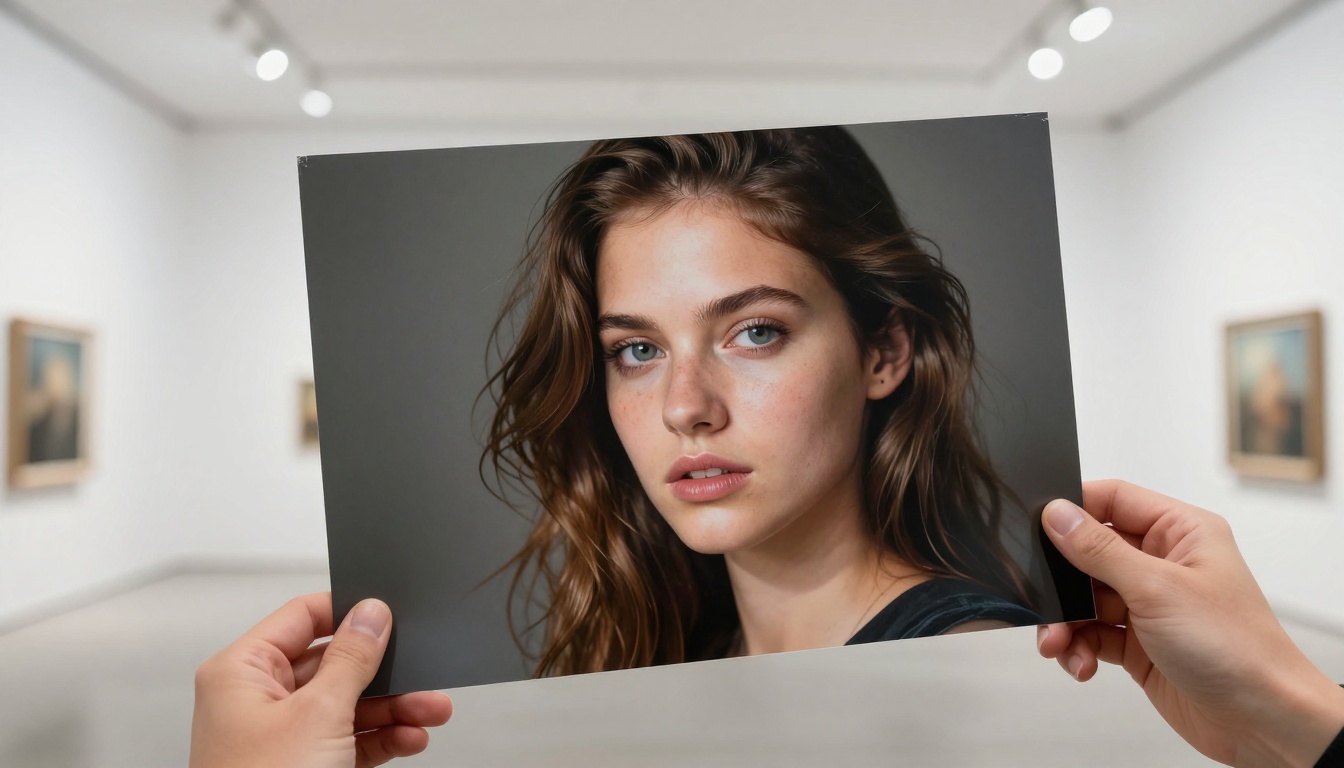
This is the part most reviews skip: the actual experience of using a platform with a real creative need. The model variety on PicassoIA means that almost any prompt will find a model that handles it well. The unlimited generation tools mean you can iterate until the output matches the vision, not just until your credits run out.
Creative work has always been iterative. The best AI for creating without limitations is the one that lets you keep iterating until the work is right.
Start with PicassoIA Image Editor Pro for your first unlimited session, or browse the full model library at picassoia.com/en/all-models to find the specific tool built for your type of work.