Generating a truly realistic portrait with AI remains one of the most technically demanding tasks in image synthesis. Skin pores, iris reflections, the subtle way light wraps around a jaw, fabric draping naturally against a body. Every one of these micro-details separates a portrait that fools the eye from one that reads as machine-made. For +18 content specifically, where the human form is the central subject, every anatomical flaw is amplified. The models that handle this well are few, the prompting knowledge is scattered, and the platforms that give clean access without friction are even fewer. This article breaks down the top AI models for generating photorealistic +18 portraits in 2027, what each excels at, how they compare side by side, and the exact prompting strategies that get real results.
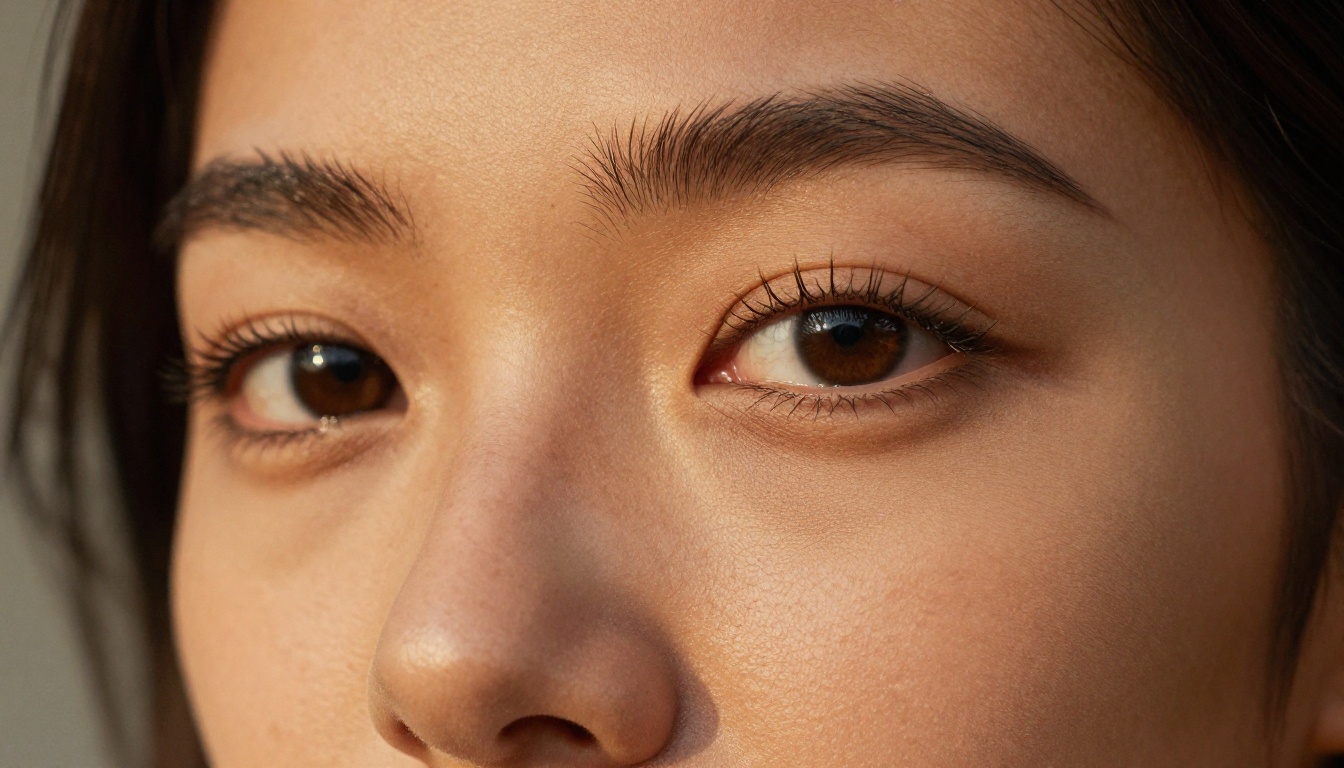
Why Photorealism Is So Hard to Get Right
Most AI models were trained on broad internet datasets. They know what a face looks like statistically, but rendering it at the level of a professional photographer requires something deeper: an understanding of how light physically behaves on human skin, how depth of field works with specific lenses, how fabric responds to body weight. When those physical rules are violated, even slightly, the brain detects it immediately.
The Uncanny Valley in AI Portraits
The uncanny valley describes the discomfort humans feel when something looks almost human but not quite. In AI portraits, this shows up as eyes that are slightly misaligned, skin that has an airbrushed plastic quality, hands with too many or too few fingers, and hair that looks like a textured helmet rather than individual strands. For +18 content, anatomy matters even more. Proportions must be accurate. Lighting must follow physics. Skin must have actual texture that responds to light the way real skin does.
What Separates Good from Great
The difference between a passable AI portrait and a photorealistic one comes down to three things:
- Skin micro-texture: visible pores, fine lines, natural color variation across different zones of the face
- Light physics: accurate specular highlights, subsurface scattering on ears and thin skin areas, natural shadow gradients
- Depth of field: a real camera lens creates a specific blur falloff, not a uniform background smear
The best models have internalized these relationships from millions of professional photographs. The weakest ones rely on surface pattern-matching that breaks down under high-resolution scrutiny.
Flux Models Are the Current Standard
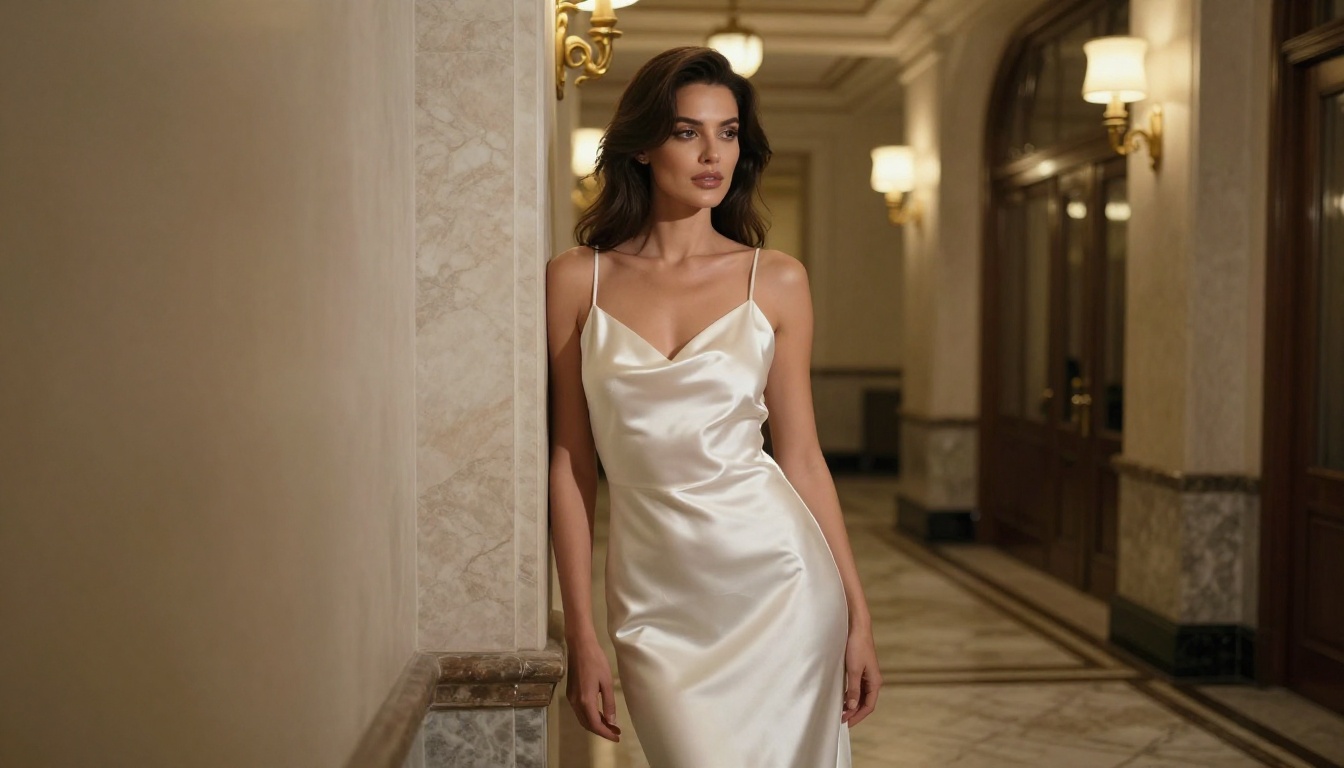
When it comes to photorealistic portrait generation, the Flux family from Black Forest Labs is currently the strongest lineup available. These models consistently produce accurate anatomy, natural skin texture, and genuine photographic depth of field that earlier architectures struggled to replicate.
flux-1.1-pro-ultra for Maximum Realism
flux-1.1-pro-ultra is the top choice for high-fidelity portrait work. It was trained with a focus on photorealism and produces images that hold up under close inspection at full resolution. Skin pores are rendered individually. Eye reflections follow real-world physics. Fabric wrinkles obey gravity. The outputs rival professional studio photography in a way that was not possible with models from 18 months ago.
For +18 portrait work, this model handles:
- Natural skin tone gradients without artificial smoothing or plastic-looking post-processing
- Accurate body proportions in varied and complex poses
- Atmospheric lighting from single-source natural light to multi-light studio setups
- Believable depth-of-field bokeh with correct lens falloff and focus transitions
flux-2-pro and flux-2-max
flux-2-pro and flux-2-max represent the next generation of the Flux architecture. Both push photorealism further with improved prompt adherence and more accurate anatomy rendering. The difference between the two is largely about the quality ceiling: flux-2-max produces slightly higher fidelity outputs at the cost of slightly longer generation time, while flux-2-pro balances quality and speed well for iterative workflows.
💡 Tip: For final-quality portrait outputs intended for publication or sharing, use flux-2-max. For rapid iteration and prompt testing, flux-2-pro gives faster feedback loops with near-identical quality at standard viewing sizes.
When to Choose flux-dev
flux-dev is the open-weight development model from Black Forest Labs. It produces strong results with a slightly different aesthetic, often rendering more dramatic contrast and deeper shadow areas. For moody, editorial-style +18 portraits with strong chiaroscuro lighting, flux-dev often outperforms the pro variants in terms of artistic weight. If you want something that looks more like a noir fashion editorial rather than a clean studio shoot, this is the model.
flux-schnell from the same family offers the fastest generation speed in the Flux lineup, at a modest quality trade-off. Useful for very rapid concept testing before committing to a longer flux-2-max generation.
Realistic Vision and RealVisXL
Before Flux dominated the scene, the Stable Diffusion fine-tune ecosystem produced the most photorealistic portrait models available. Two remain highly relevant today.
realistic-vision-v5.1 Still Delivers
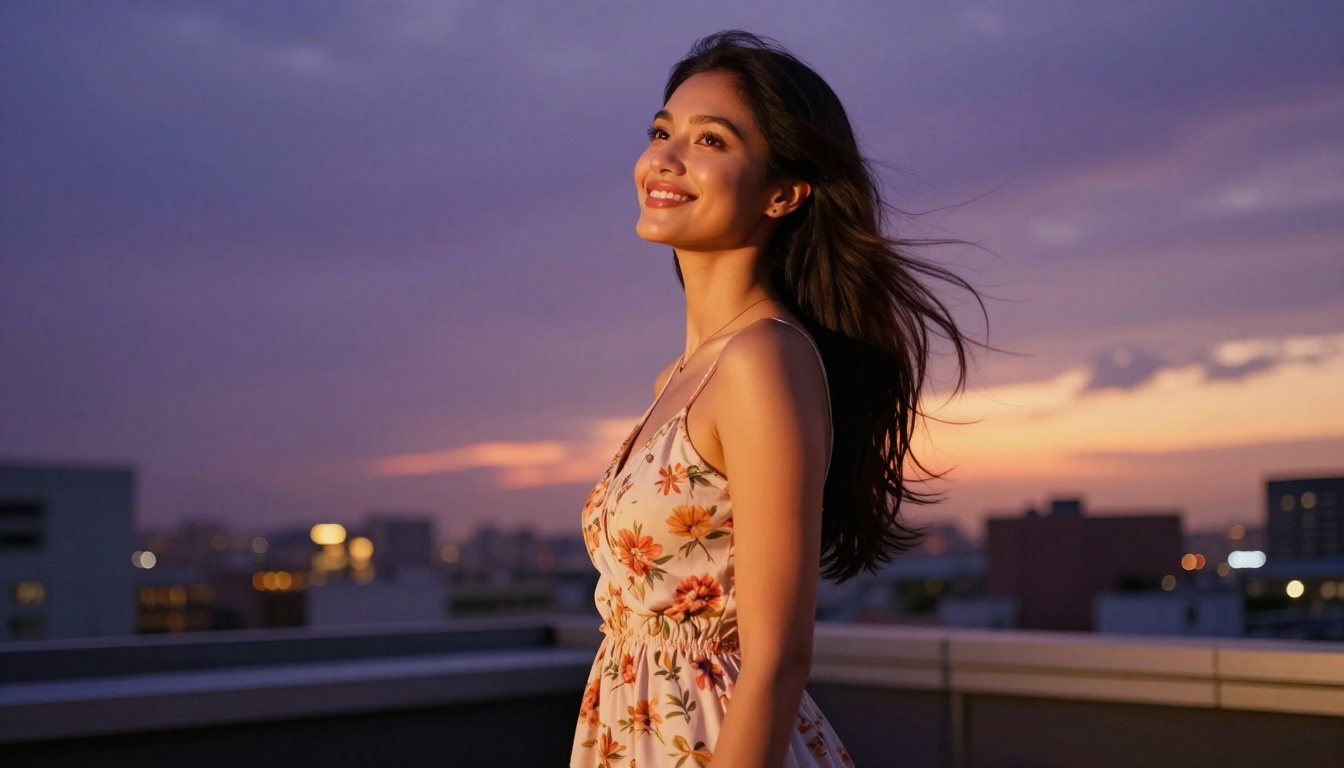
realistic-vision-v5.1 was specifically fine-tuned on high-quality photographic datasets with a focus on human subjects. It produces exceptionally natural skin tones, accurate facial anatomy, and a film-photography aesthetic that many users still prefer over the cleaner outputs of newer models. The Kodak-style grain and slightly warm color grading it naturally produces feels organic in a way that purely technical models sometimes miss.
Best use cases:
- Warm, natural-light portrait photography aesthetics
- Film-inspired grain and tonal range
- Subtle beauty and glamour photography where authenticity matters more than clinical sharpness
realvisxl-v3.0-turbo Speed and Quality
realvisxl-v3.0-turbo brings the realistic-vision philosophy to the SDXL architecture with turbo inference speed. It significantly reduces generation time while maintaining the photorealistic quality that made the series popular. For high-volume portrait generation workflows, this model is extremely efficient. The trade-off is that fine skin details at maximum crop don't quite match flux-1.1-pro-ultra, but for web-sized portrait outputs the difference is minimal.
Google and OpenAI Enter the Picture
The two biggest names in AI have released image generation models that compete seriously with specialized portrait generators.
imagen-4-ultra Portrait Capability
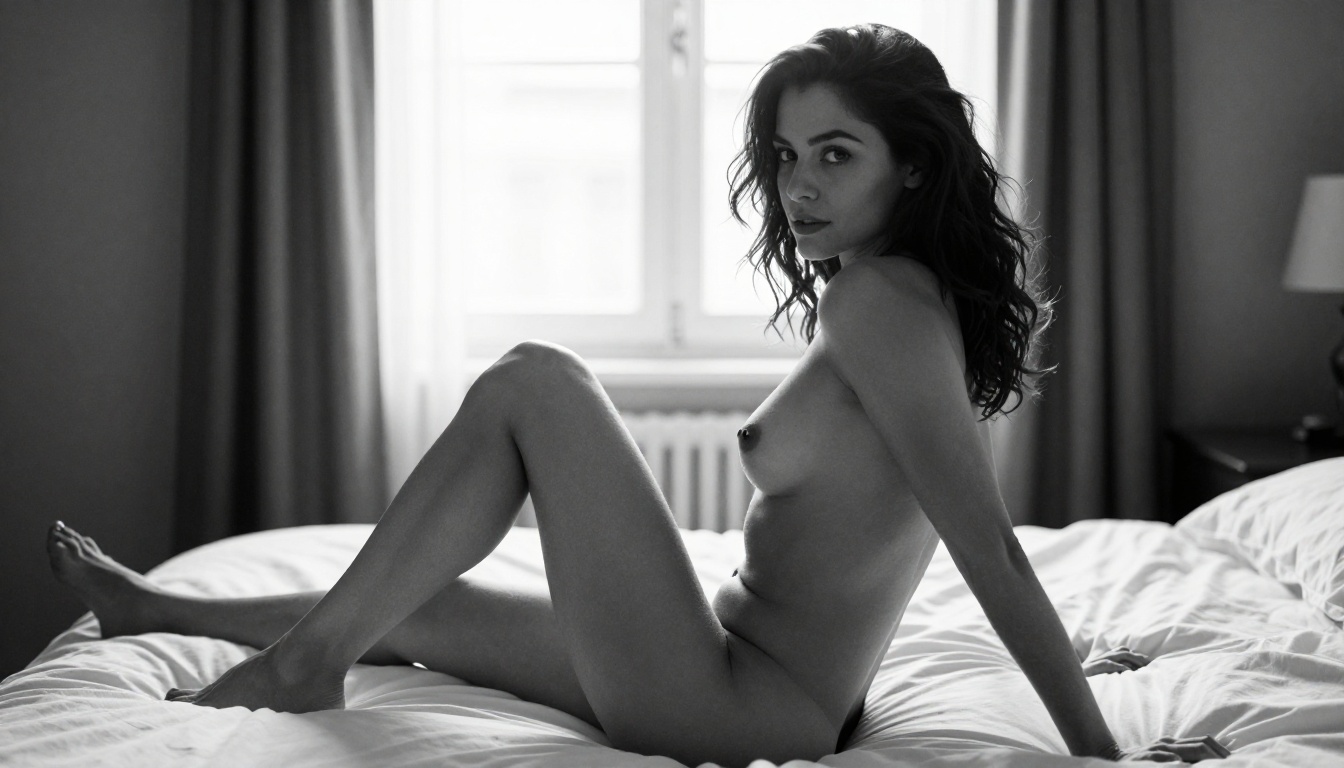
imagen-4-ultra is Google's highest-quality image generation model and shows remarkable ability with human subjects. It has exceptionally strong prompt adherence, meaning it follows complex lighting and composition instructions more reliably than most competitors. For +18 portrait work, its strength lies in accurately interpreting specific photographic setups: writing "85mm f/1.4, Rembrandt lighting, natural window fill" produces results that closely match what a photographer would actually set up in a studio.
imagen-4 offers similar quality at slightly faster generation speeds, making it useful for iterative prompting sessions where you want to quickly compare compositions before committing to an ultra-high-resolution final output.
gpt-image-1.5 for Creative Control
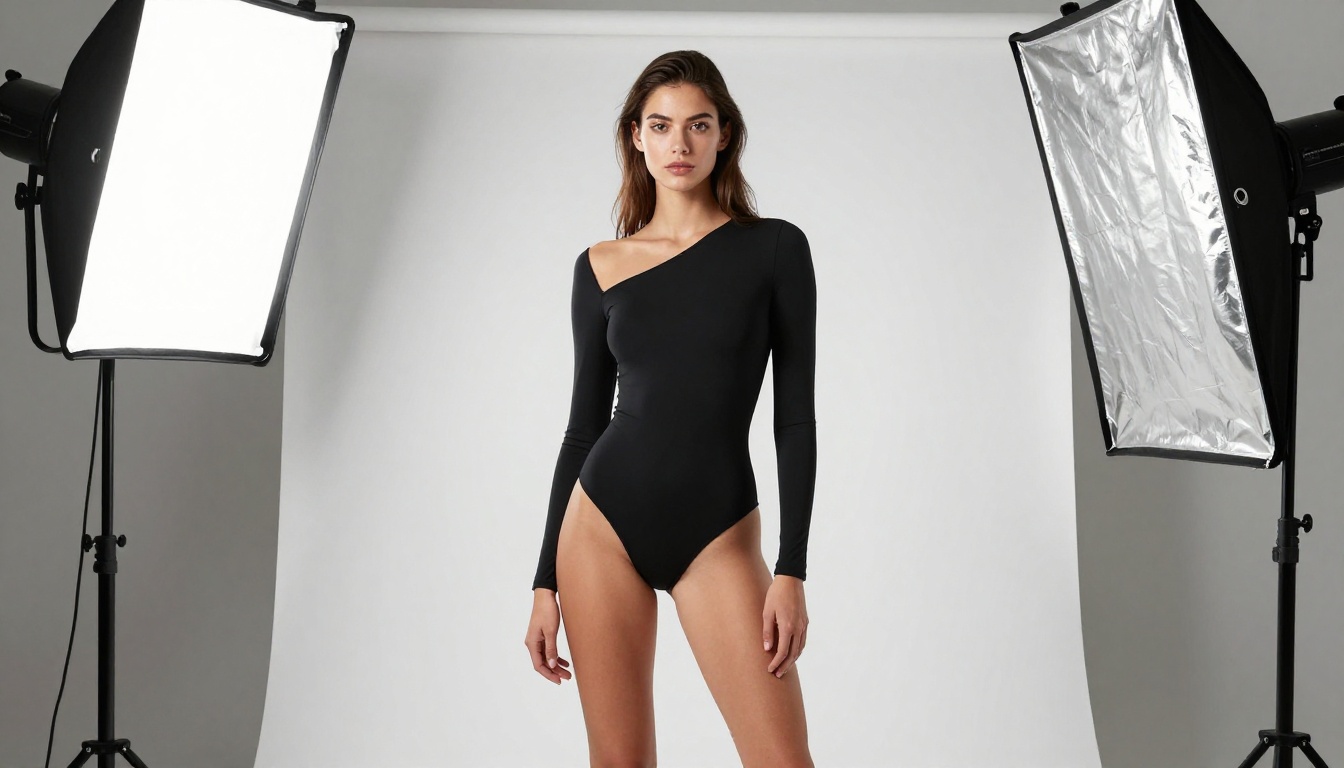
gpt-image-1.5 from OpenAI brings exceptional natural language processing to portrait generation. Its biggest advantage is how well it handles nuanced, descriptive prompts written in plain language. You can describe a scene naturally and it interprets the details accurately. For someone without deep prompting experience, this model produces professional-quality results from relatively straightforward descriptions.
Stable Diffusion 3.5 Still Competes
stable-diffusion-3.5-large represents Stability AI's most capable model to date. It brings significant improvements in anatomy rendering, particularly hands and body proportions, which were chronic weaknesses in earlier SD versions.
What SD 3.5 Large Does Well
The model shows noticeably improved anatomy accuracy compared to its predecessors. In portrait generation specifically:
- Hands are rendered with correct finger counts and natural joint geometry across different positions
- Facial symmetry is more consistent across different angles and lighting scenarios
- Clothing physics follows body contours and fabric weight more naturally
- Hair rendering shows individual strand separation rather than blob-like masses stuck to the scalp
stable-diffusion-3.5-medium offers a lighter, faster version of the same architecture, useful when you need rapid iterations at slightly lower fidelity before moving to the large variant for final renders.
Also worth noting: sdxl remains a solid base model for portrait work, especially when combined with LoRA fine-tunes for specific aesthetics. sdxl-lightning-4step from ByteDance distills this into extremely fast 4-step generation with solid quality for rapid concept exploration.
Prompting for Photorealistic Portraits
The model is only half the equation. Prompting strategy separates good portraits from extraordinary ones.
Lighting Descriptions That Work
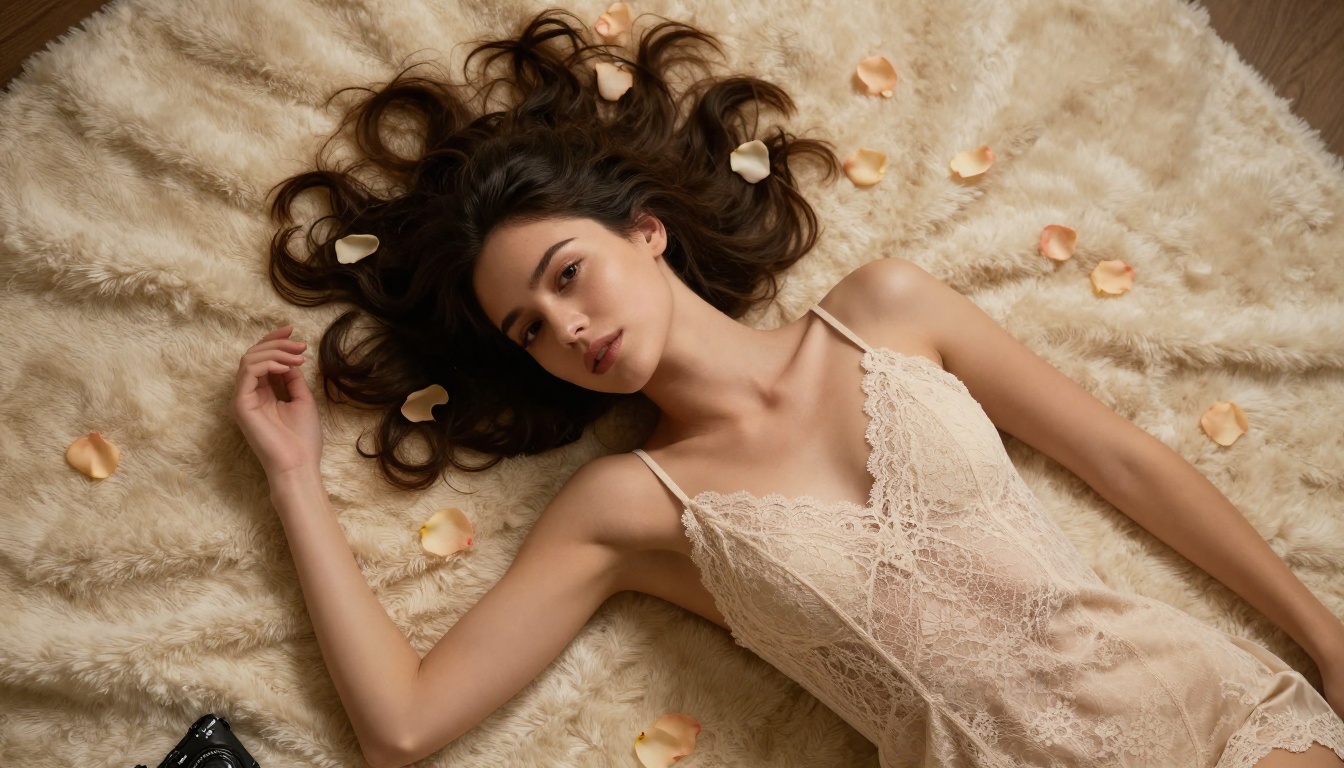
Lighting is the single most important factor in portrait realism. Generic prompts like "good lighting" produce mediocre results. Specific, physically accurate prompting produces photographic results.
High-performing lighting descriptions:
Rembrandt lighting, single large softbox from upper left, soft shadow under noseGolden hour backlight, warm lens flare, fill light from reflective sand belowMoonlight through a window, single hard light source, deep shadow on far side of faceStudio three-point lighting, primary octabox, silver fill reflector, kicker rim lightCandle-lit, multiple warm point sources, amber skin reflections, deep shadows
Camera and Lens Prompts
Specifying camera and lens details directly influences how AI models render depth of field and perspective distortion:
| Prompt Element | Effect |
|---|
85mm f/1.4 | Narrow depth of field, portrait compression, strong background separation |
35mm f/1.8 | Slight wide angle, environmental context, less face compression |
100mm macro | Extreme close-up capability, fine skin texture emphasis |
135mm f/2 | Telephoto compression, very shallow focus, smooth background bokeh |
Canon EOS R5 or Sony A7R V | Signals professional photography aesthetic to the model |
Phase One IQ4 | Signals medium format, ultra-high resolution aesthetic |
💡 Pro Tip: Adding Kodak Portra 400 film grain, RAW photography, 8K photorealistic at the end of almost any portrait prompt significantly increases perceived photographic authenticity and reduces the synthetic look common in AI outputs.
Negative Prompts That Matter
For portrait work, blocking specific output characteristics improves results consistently:
cartoon, illustration, anime, CGI, digital art, 3D render, watermark, text overlayplastic skin, airbrushed, smooth skin, deformed hands, extra fingers, bad anatomyflat lighting, overexposed background, blurry face, unfocused eyes, asymmetric face
Skin Texture Specifics
To push skin realism further, include micro-detail language in your prompt:
natural pore texture, visible skin cells, subsurface light scatteringsun-kissed skin, natural pigmentation variation, faint freckles on nose bridgewet skin surface reflections, natural skin oiliness, skin catching rim light
Combining these with strong lighting descriptions and specific camera specs produces the highest fidelity outputs available from any model currently on the platform.
How to Use flux-1.1-pro-ultra on PicassoIA
PicassoIA gives direct access to flux-1.1-pro-ultra without API setup, account configuration, or per-model credit juggling. Here is the step-by-step workflow for generating +18 realistic portraits.
Step-by-Step Portrait Generation
Step 1: Open the model page
Go to the flux-1.1-pro-ultra page on PicassoIA.
Step 2: Set your resolution
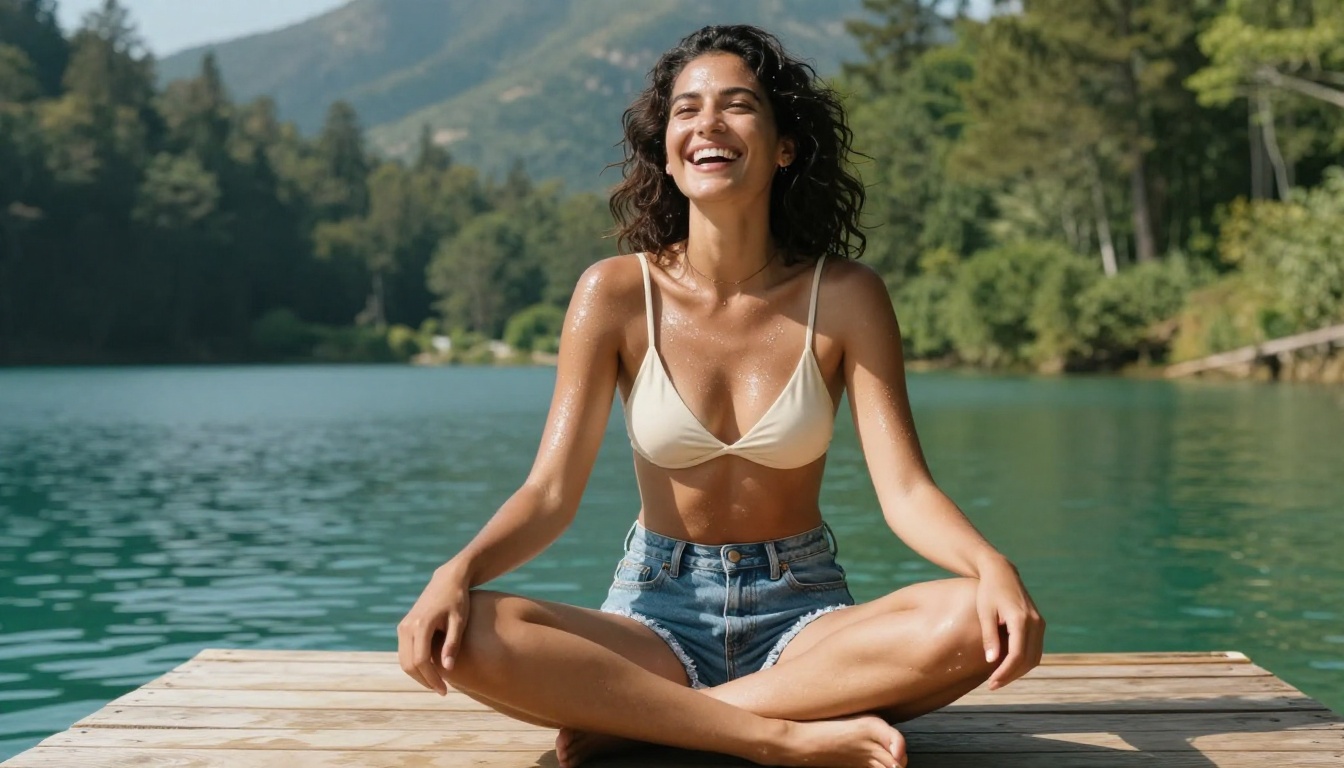
For portrait work, 16:9 works well for wide glamour compositions or reclining poses. Use 9:16 for vertical portrait framing and standing compositions. Minimum 1024px on the short side for skin texture to be visible at full size.
Step 3: Write your prompt
Structure it as:
[Subject + Pose] + [Wardrobe/State] + [Environment] + [Lighting] + [Camera/Lens] + [Film/Quality modifiers]
Example:
Beautiful woman in her late 20s, seated on velvet chair, champagne silk camisole, luxury bedroom with soft morning window light, Rembrandt lighting from left, Canon EOS R5, 85mm f/1.4, Kodak Portra 400 grain, 8K photorealistic RAW
Step 4: Add negative prompts
In the negative field: cartoon, 3D render, CGI, plastic skin, bad anatomy, extra fingers, airbrushed, flat lighting
Step 5: Generate and refine
Run the first generation to check composition and lighting direction. Adjust the prompt based on what works. Minor wording changes can produce significant result differences in lighting mood and pose rendering.
Tips for Consistent Results
- Seed locking: Once you find a composition you like, note the seed value and reuse it with minor prompt adjustments to maintain continuity across a series
- Aspect ratio: 16:9 works well for reclining or environmental portraits; 9:16 for standing or close-up compositions
- Prompt length: More specific prompts produce more controlled outputs. 80 to 120 word prompts typically outperform shorter ones
For image editing after generation, flux-kontext-max and flux-kontext-pro allow text-based editing of generated portraits. You can change wardrobe, lighting, or background without regenerating from scratch, which saves significant time in iterative workflows.
To scale final portraits to print resolution, the super-resolution models on PicassoIA can increase output size by 2-4x while adding authentic texture detail rather than simply upscaling pixels.
Which Model Should You Use
The choice depends on what your workflow actually needs:
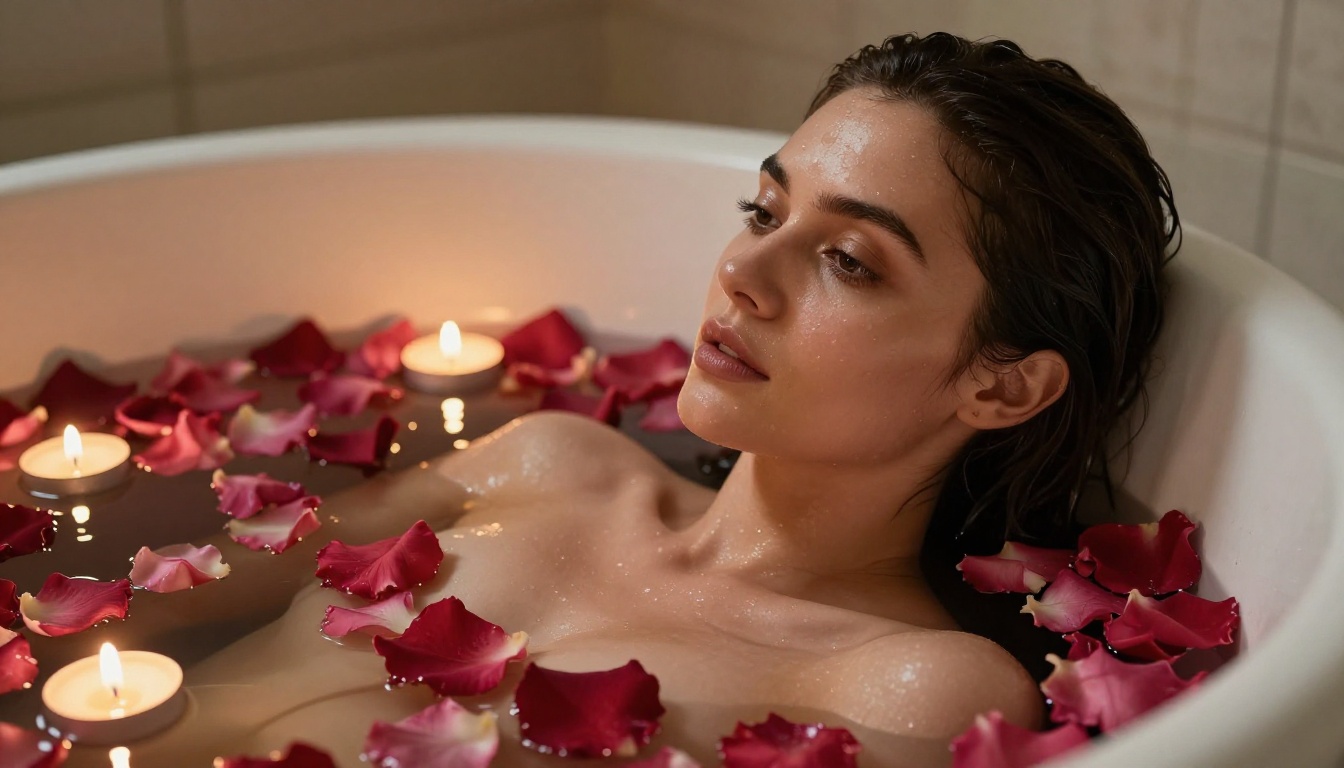
For most users starting with +18 realistic portrait generation, flux-1.1-pro-ultra is the right first choice. It handles the widest range of portrait scenarios reliably, produces consistent anatomy, and responds well to detailed prompting. Once comfortable with the workflow, the flux-2 series pushes quality further.
The platform capabilities that complement portrait generation well: Super Resolution to scale final images without quality loss, and the Face Swap AI tool for maintaining consistent subject identity across multiple different generated scenes or backgrounds.
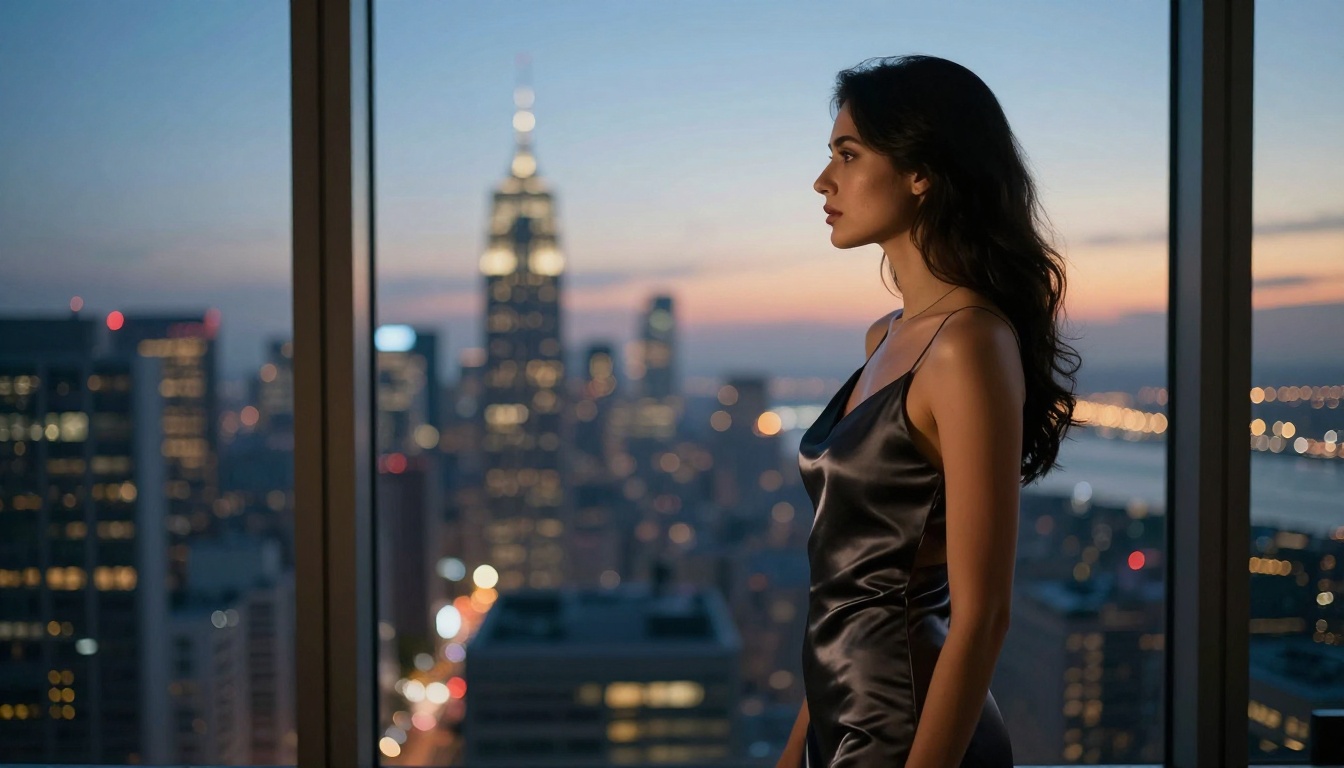
Start Creating Your Own
The gap between what is possible with AI portrait generation today and what was possible 18 months ago is staggering. Models like flux-1.1-pro-ultra, flux-2-max, and imagen-4-ultra produce results that would have required professional photography equipment, studio lighting, and an experienced photographer to achieve just two years ago.
PicassoIA gives you direct, frictionless access to all of these models in one place. No API configuration, no local GPU setup, no per-model account management. You write the prompt, choose the model, and generate. The platform also provides the full toolkit: upscaling with super-resolution, iterative editing with flux-kontext-max, background removal, and more.
If you have been thinking about creating +18 realistic portraits with AI, now is the moment the technology actually delivers on the promise. Pick a model from the comparisons above, apply the prompting structures covered here, and see what the results look like. The quality available today at no hardware cost is remarkable.


