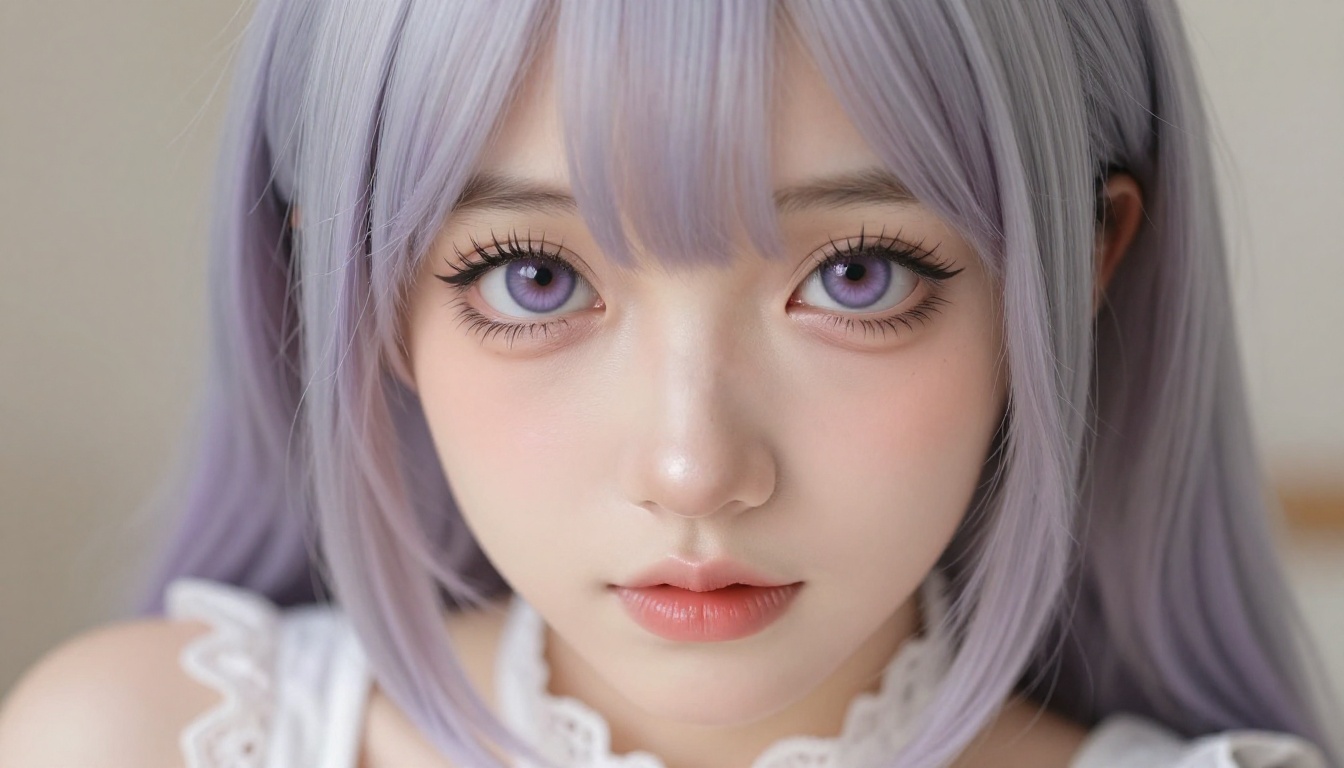
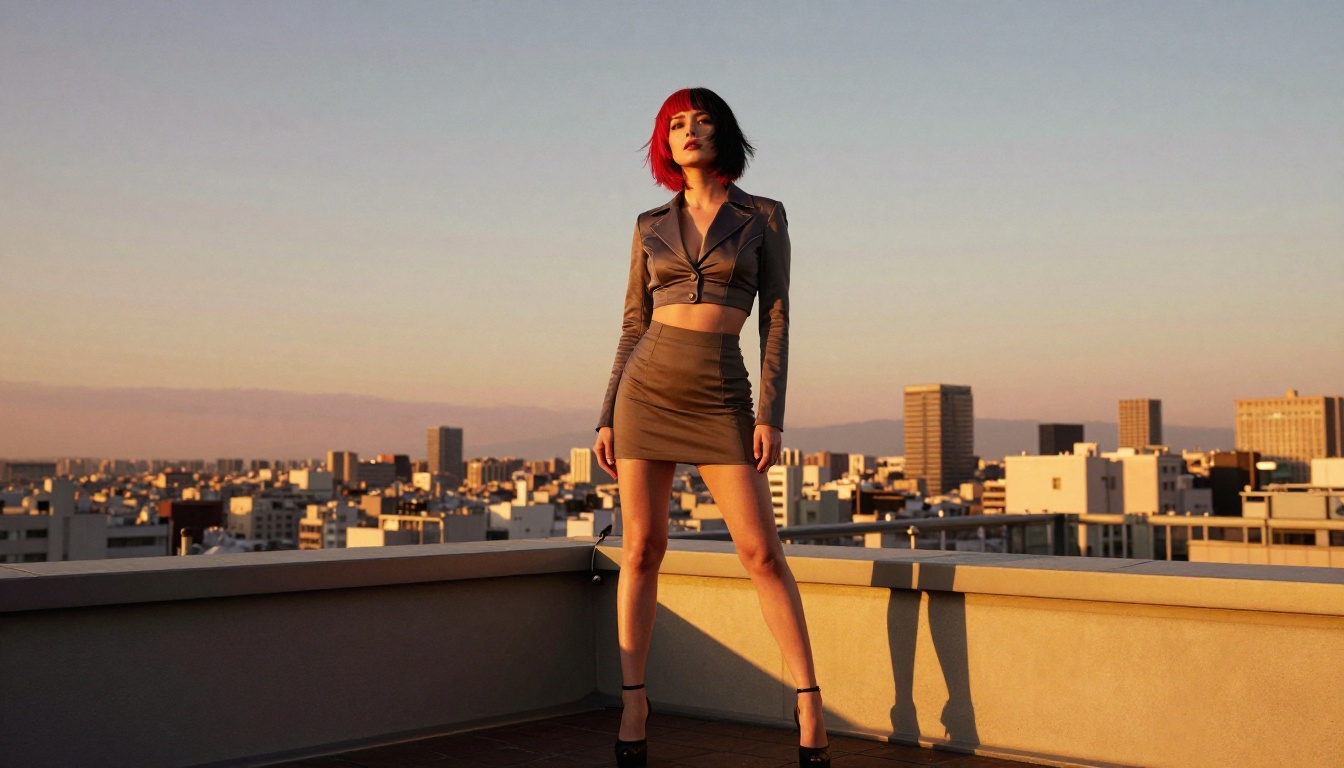
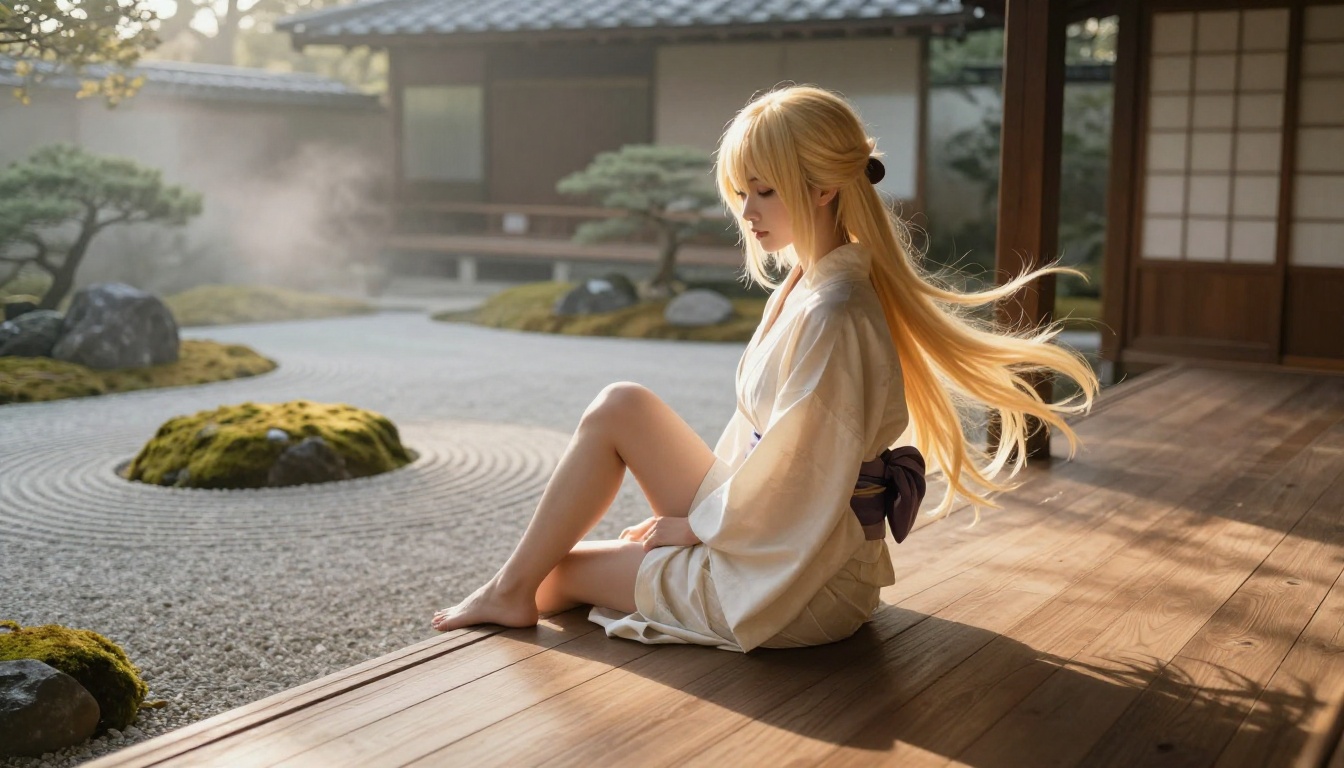
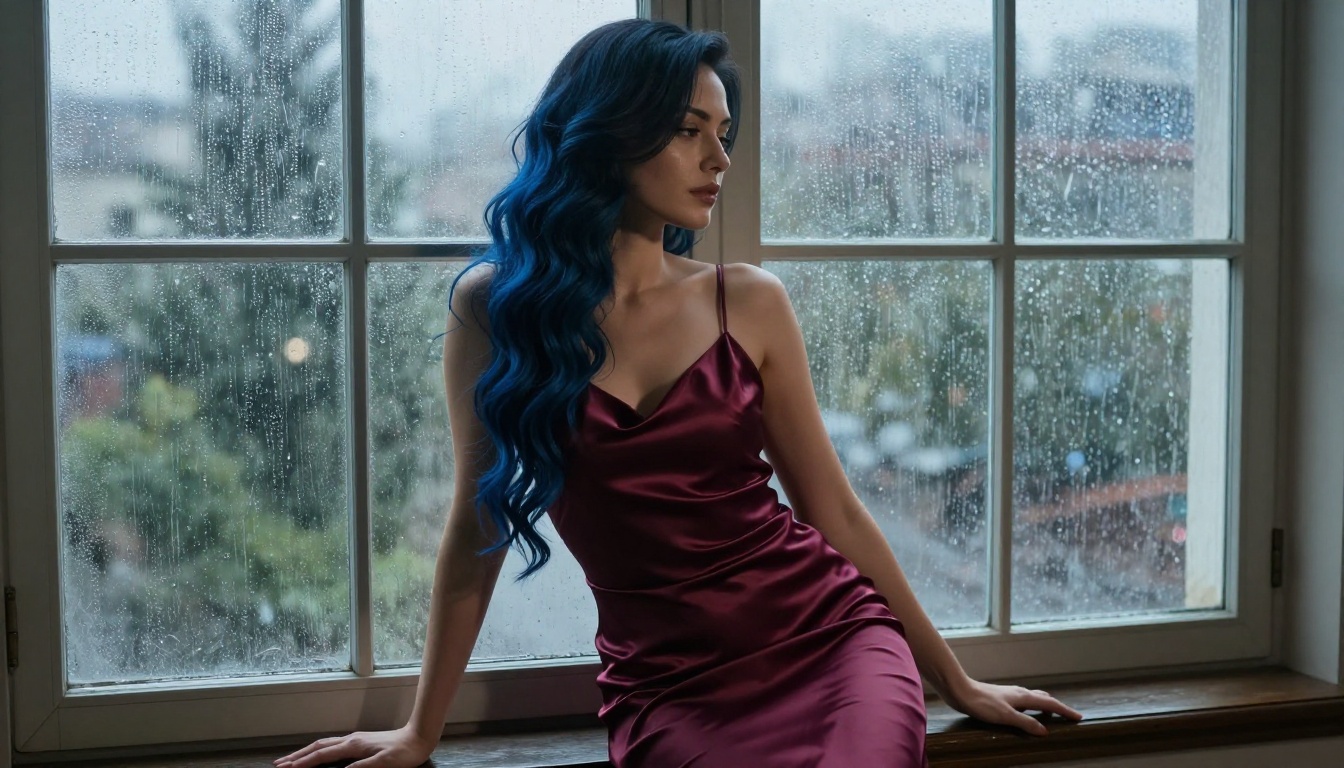
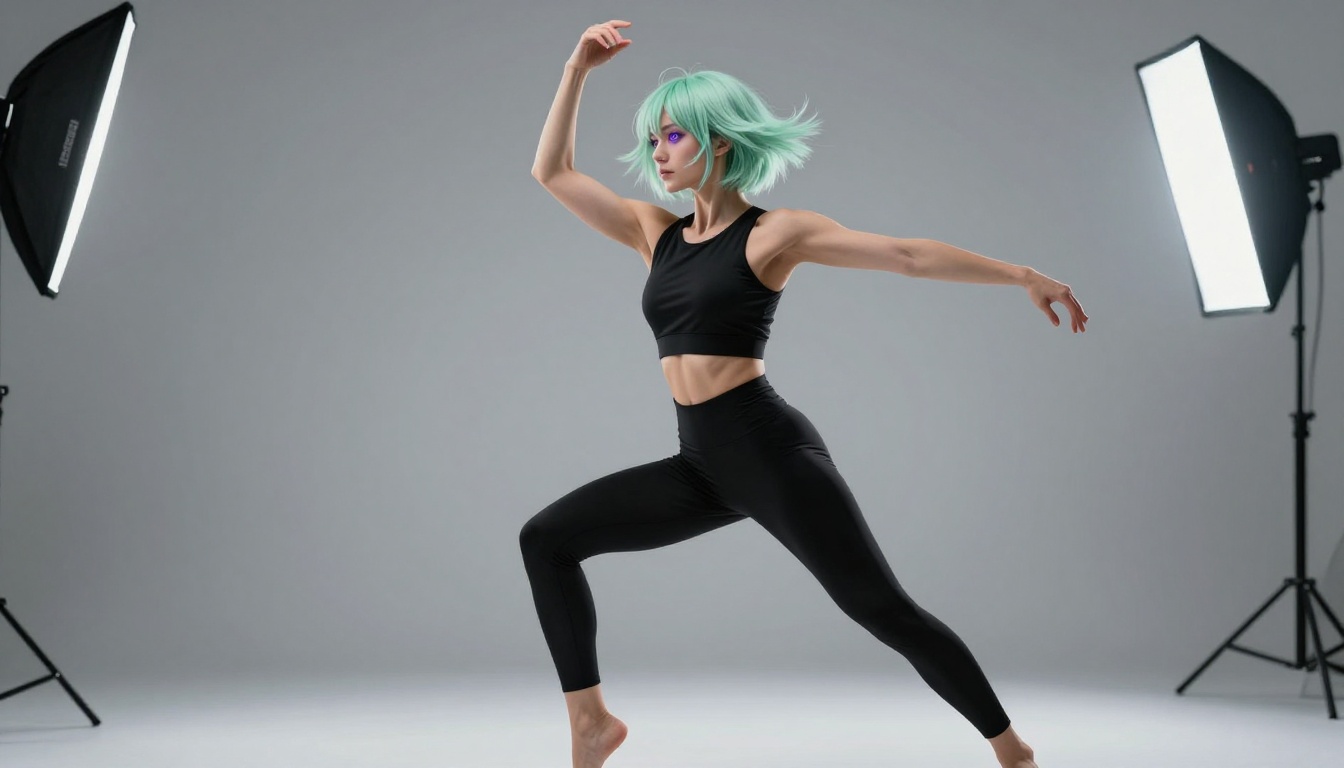
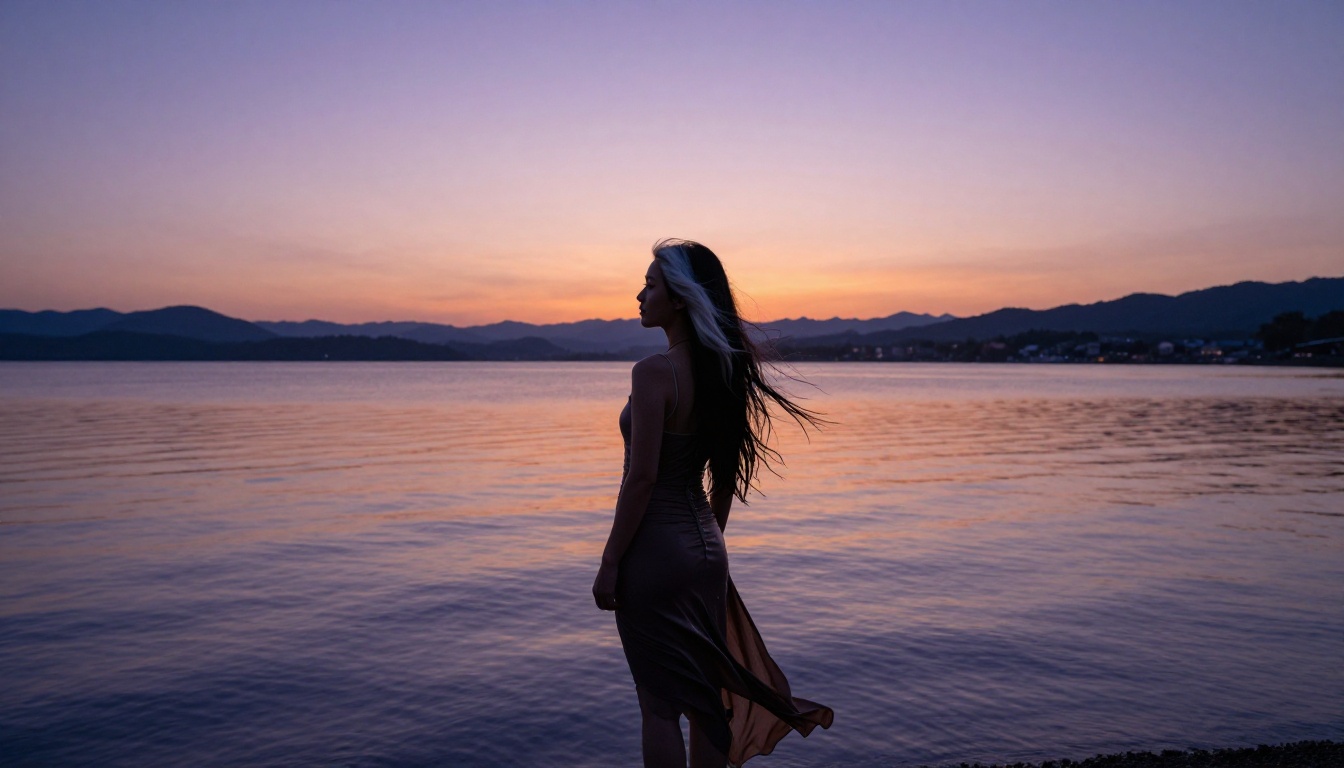
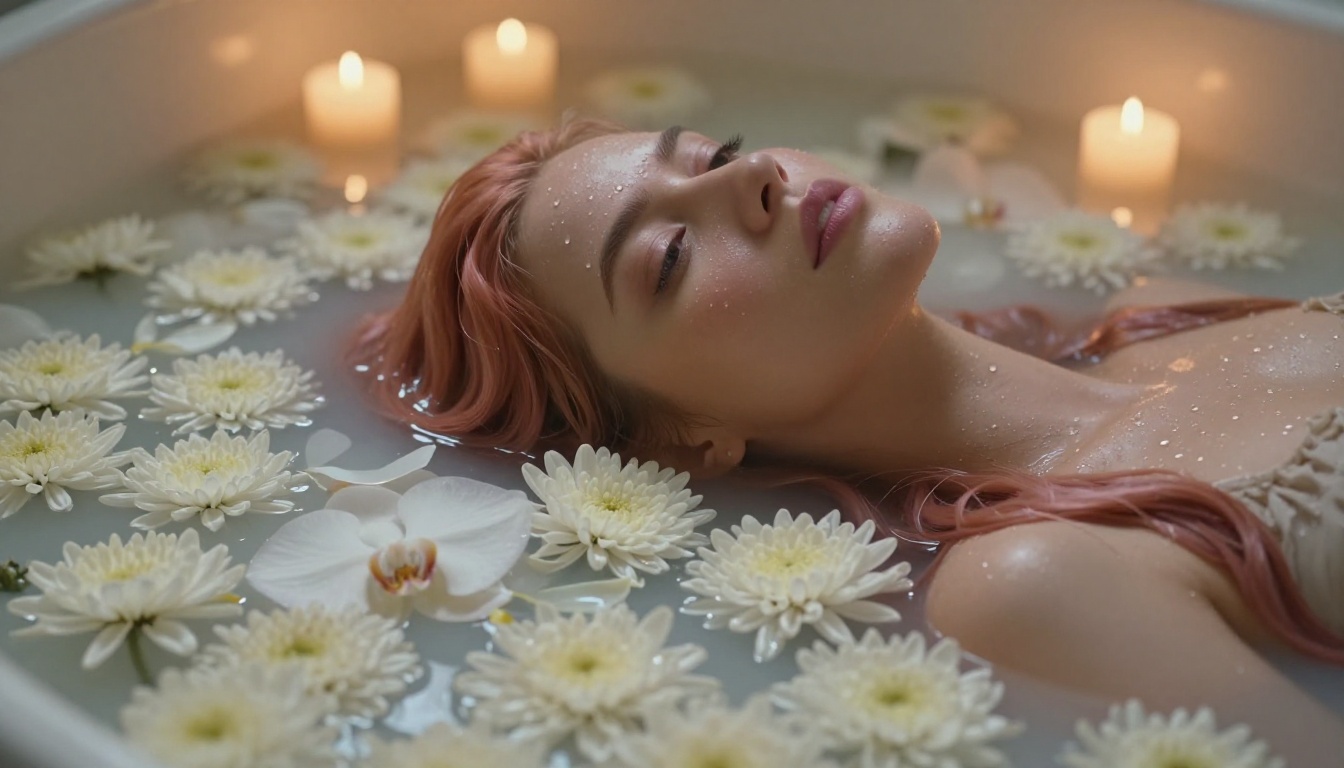
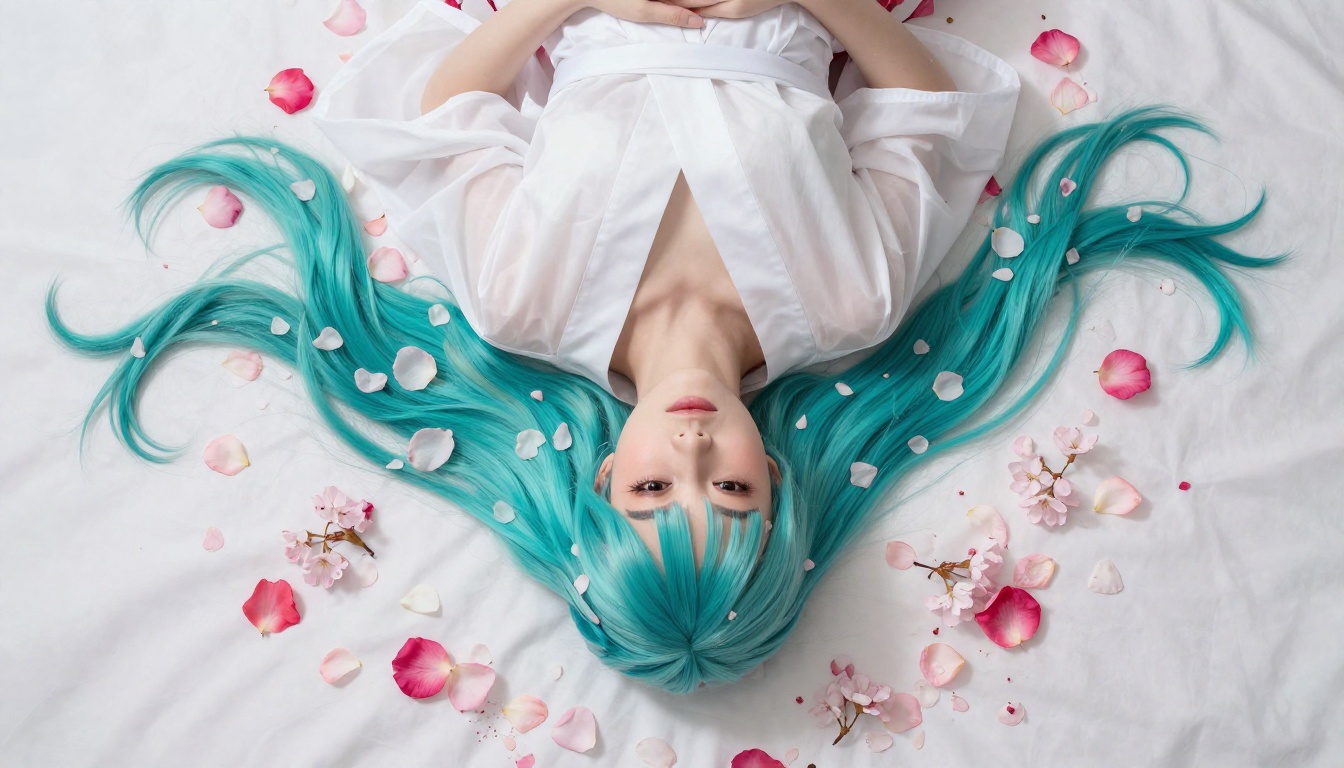
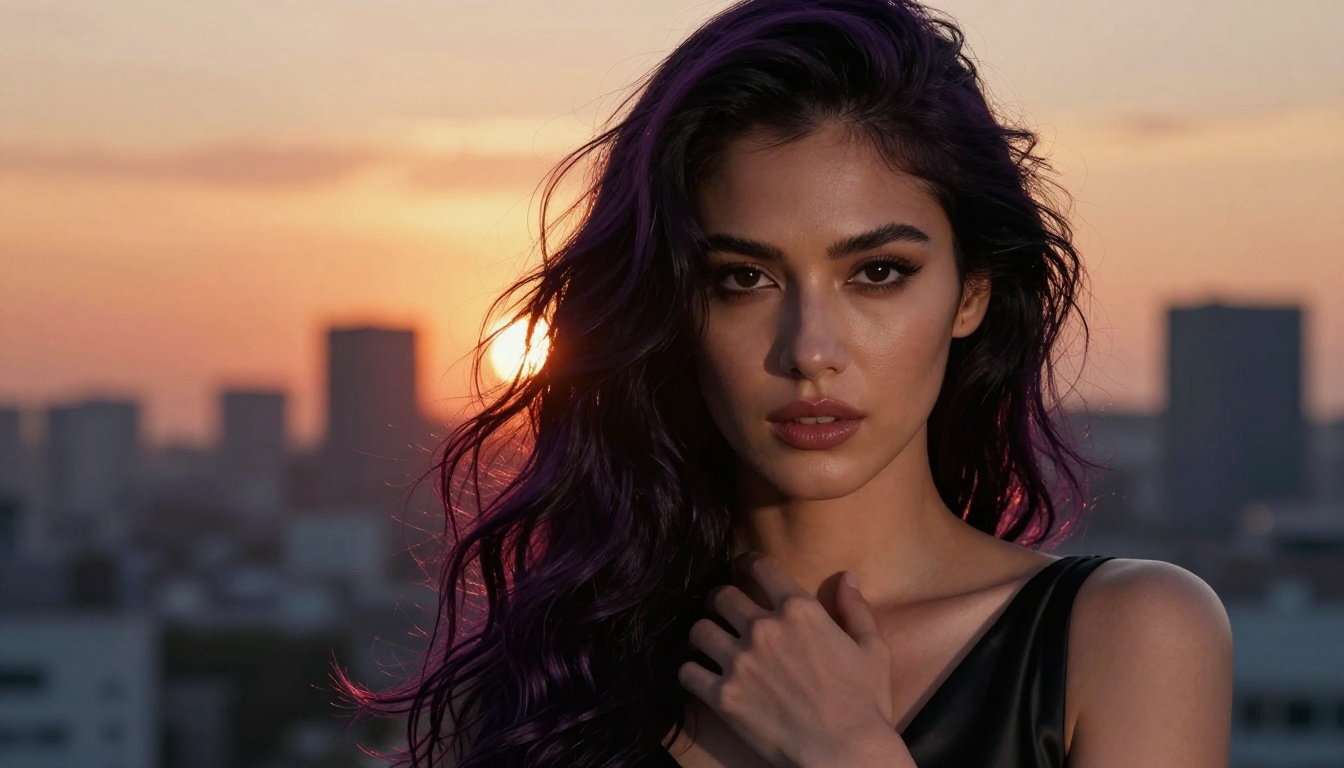
Adult anime art has hit a new level in 2027. AI models now produce stunning, highly detailed anime characters with precise style control, expressive features, and beautiful aesthetics. This article breaks down the best AI models, compares their outputs, and shows you how to get results that actually match your vision.
Adult anime art has changed dramatically. What once required a skilled artist and days of work can now be produced in seconds with the right AI model. But not every model handles anime's signature aesthetic the same way. Some produce incredible sharpness and detail; others blur facial features or miss the iconic expressive quality that defines the style. If you are serious about generating beautiful, suggestive anime characters in 2027, the model you choose makes all the difference.
This article cuts through the noise. Below you will find the best AI models available for adult anime art, a practical breakdown of what each one does well, and a step-by-step tutorial for using the most dedicated anime model on the market today.
What Actually Makes a Good Anime Art AI
Not all AI models treat anime the same way. Understanding what separates a great anime model from a generic one will save you a lot of trial and error.
Style Fidelity Is Non-Negotiable
Anime has a very specific visual language: large expressive eyes, smooth clean linework, distinctive hair, and a balance between stylization and realism. A model with strong style fidelity will reproduce these features consistently, regardless of prompt complexity. Models trained with heavy anime dataset weighting, or fine-tuned with dedicated LoRA adapters, produce noticeably sharper and more authentic-looking characters.
NSFW Flexibility Without Compromise
Many general-purpose AI tools impose heavy content filters that block anything beyond fully clothed characters. For adult anime art, specifically non-explicit suggestive content like glamorous poses, revealing fashion, and artistic intimacy, you need a model that allows creative freedom without defaulting to overly conservative outputs. The best platforms balance user safety with genuine artistic latitude.
Prompt Sensitivity Is the Real Differentiator
A responsive model translates prompt nuance into visual detail. Telling a model "a woman in a summer yukata beside a lantern-lit shrine at night" should produce exactly that, not a generic figure in a vague outdoor setting. Prompt sensitivity determines whether you spend ten minutes or ten hours getting the image you have in mind.
The Top AI Models in 2027
Here is a breakdown of the strongest performers for anime art generation this year.
Flux Dev and Flux 1.1 Pro
Flux Dev from Black Forest Labs has established itself as one of the most versatile text-to-image models available. Its architecture handles intricate details exceptionally well, which makes it a strong choice for anime characters with complex clothing, accessories, and elaborate hair designs.
Flux 1.1 Pro takes this further with improved prompt coherence and better handling of soft gradients, which directly benefits anime-style coloring. Characters generated with Flux 1.1 Pro tend to have cleaner transitions between skin tones, fabric folds, and background elements.
For high-resolution output with photorealistic quality overlaid on anime aesthetics, Flux 1.1 Pro Ultra is the premium option. The additional detail retention at large sizes makes it ideal for wallpaper-quality anime art.
💡 Tip: When using Flux models for anime, add tags like anime style, cel shading, soft gradient hair, expressive eyes to push the output toward anime aesthetics rather than photorealism.
Proteus v0.3 — Built for Anime
Proteus v0.3 is the most purpose-built anime model on the platform. Where general models need extensive prompting to achieve anime-style output, Proteus v0.3 defaults to it. The training data emphasizes anime-specific visual conventions: large irises, stylized facial proportions, dynamic hair rendering, and bold expressive poses.
For adult anime art specifically, Proteus v0.3 handles suggestive content with artistic sensitivity. Characters in revealing or intimate scenarios retain the aesthetic quality that makes anime art appealing, rather than defaulting to generic outputs. This is the model to start with if your primary goal is anime character generation.
DreamShaper XL Turbo
DreamShaper XL Turbo sits in a sweet spot between speed and quality. Based on the SDXL architecture with significant fine-tuning, it produces anime-adjacent styles with strong character consistency. The turbo variant generates images much faster than the standard version without significant quality loss, which matters when you are iterating through prompt variations.
DreamShaper XL Turbo handles fantasy and glamour aesthetics particularly well. Characters in elaborate outfits, magical environments, or dramatic lighting scenarios come out with strong visual coherence. The model is less restrictive about content, giving creators more room to work with suggestive and mature themes.
SDXL with LoRA Extensions
SDXL on its own is a capable base model. Where it becomes exceptional for anime art is when paired with LoRA fine-tuning. LoRA (Low-Rank Adaptation) adapters are small additional training files that push a base model toward a specific style or subject.
p-image-lora and Flux Dev LoRA both support LoRA loading, which means you can apply community-trained anime style adapters directly. This gives surgical control over aesthetic direction. A specific artist's look, a particular anime series aesthetic, or a defined character archetype, LoRA adapters make it possible without retraining a full model.
SDXL Multi ControlNet LoRA adds pose control on top of this. Provide a reference pose image and the model will generate your character in that exact position, which is valuable for creating consistent character sheets or action sequences.
💡 Tip: Pair SDXL with a pose ControlNet input when you need a specific body position. This prevents the model from choosing unpredictable compositions.
Stable Diffusion 3.5 Large
Stable Diffusion 3.5 Large represents a significant step forward from earlier SD models. The architecture it uses produces images with better compositional coherence and more accurate prompt interpretation. For anime art, this means complex scenes with multiple elements (character, background, lighting, outfit details) all coexisting correctly in the frame.
The large version specifically handles fine details at high resolutions better than the medium or turbo variants. For full-body anime character illustrations with detailed outfits and accessories, SD 3.5 Large is a reliable choice.
HiDream and Flux 2 Pro
HiDream L1 Full is one of the newer arrivals and immediately impresses with its handling of fabric textures and skin rendering. For adult anime art where clothing details and skin aesthetics are prominent, HiDream produces noticeably more tactile and convincing results. The model handles transparency and layering well, which benefits sheer fabric renders common in anime art styles.
Flux 2 Pro is the latest iteration in the Flux family and currently sits at the top for overall image quality. Its improvements in color accuracy and light simulation produce anime characters with more depth and dimension than earlier versions. The tradeoff is speed: Flux 2 Pro is slower to generate, but the results often require fewer retries.
How to Use Proteus v0.3 on PicassoIA
Since Proteus v0.3 is the most purpose-built anime model on the platform, here is a step-by-step process for getting the best outputs from it.
Step 1: Open the Model Page
Navigate to Proteus v0.3 on PicassoIA. The interface loads the model directly in your browser. No download or installation is required. Click Generate to access the prompt interface.
Step 2: Write a Structured Prompt
Proteus v0.3 responds best to prompts organized in layers:
Subject: Who is in the image (1girl, long silver hair, large violet eyes, delicate features)
Outfit/Aesthetic: What they are wearing (wearing a fitted white qipao with floral embroidery, partially open collar)
Environment: Where they are (standing in a moonlit bamboo garden, mist rising from the ground)
Lighting: How the scene is lit (soft moonlight from above, lantern warm glow on the right)
Getting good anime art from any model is a skill. These practical approaches apply across all models covered here.
Structure Your Prompts Like This
The most reliable anime art prompts follow a specific pattern: [Character description] + [Outfit] + [Environment] + [Lighting] + [Style tags] + [Quality tags]
Front-load the most important information. Models weight the beginning of a prompt more heavily, so your character description should always come first, not the environment or style tags.
Negative Prompts Save Hours
A strong negative prompt is as important as your positive prompt. Keep a standard base negative prompt that you add to every generation:
Essential negatives: bad anatomy, extra fingers, blurry, lowres, worst quality, normal quality, jpeg artifacts, signature, watermark, text, out of frame, duplicate, ugly
Anime-specific negatives: realistic face, 3d render, photorealism, western cartoon style, thick outlines, flat color
Quality Tags That Boost Results
Certain tags consistently push outputs toward higher quality across models:
masterpiece, best quality for overall polish
highly detailed, intricate detail for fine textures
soft shading, smooth gradient for anime-style coloring
dynamic pose, expressive eyes for character life and energy
volumetric lighting, beautiful lighting for scene atmosphere
💡 Tip: Combine quality tags with specific aesthetic references. Instead of just best quality, try best quality, resembling high-end anime illustration, studio quality.
Use Aspect Ratio Intentionally
Portrait ratios (768x1024 or 832x1152) work best for character-focused images. Landscape ratios (1216x832) work better for full-scene compositions with environmental context. Getting the ratio right eliminates a lot of compositional problems before they start.
Common Mistakes Worth Avoiding
Even experienced users fall into these patterns. Knowing them upfront saves time.
Overloading the prompt: More words are not always better. A 200-word prompt often performs worse than a focused 60-word prompt because the model loses clarity about what matters most.
Skipping the negative prompt: Generating without a negative prompt on anime models produces a high rate of anatomical errors, particularly in hands, feet, and facial proportions.
Using the wrong model for the goal: If you want a specific anime-style character, Proteus v0.3 will outperform a general model every time. Using Flux Schnell for a quick rough draft is fine, but do not expect it to match the anime fidelity of a dedicated model.
Not iterating: The first generation is rarely the final one. The best AI art comes from treating each output as a starting point and refining from there, prompt by prompt.
Start Creating Right Now
Adult anime art in 2027 is accessible to anyone willing to spend a few minutes learning how to prompt effectively. The models exist, the platforms are ready, and the quality ceiling has never been higher.
PicassoIA brings all of these models together in one place, with no setup required. Whether you want to try Proteus v0.3 for the most dedicated anime output, experiment with Flux Dev for complex detailed scenes, push SDXL with a custom LoRA adapter, or take Flux 2 Pro to its quality ceiling, you can do it all from the same dashboard.
The best way to learn is to generate. Pick one model, write a focused prompt, add a solid negative prompt, and see what comes back. Adjust, refine, and generate again. Within a few iterations you will have a workflow that consistently produces the anime art you have in your head.
The models are waiting. The only thing left is the first prompt.