The market for AI image generators has grown so fast that comparing tools has become a job in itself. Dozens of platforms launched in the past two years, each claiming photorealistic quality and creative freedom. In practice, the differences between them are significant, and the right choice depends entirely on what you're trying to create.
These are the 7 tools worth your attention right now. Each one was selected because it solves a specific problem better than its competitors, not because it's the most talked-about or the most expensive.
Most AI image generators share the same basic architecture. Where they diverge is in the choices made during training and fine-tuning: what kind of images to optimize for, which failure modes to tolerate, and how to balance speed against quality.
Here's what actually separates the tools that produce consistent professional output from the ones that are impressive on social media but frustrating in production:
- Prompt fidelity: Does the model follow your instructions precisely, or does it hallucinate details you never asked for?
- Photorealism ceiling: At its best, does the output look like a photograph or like AI-generated art?
- Text rendering: Can it render readable words inside the image without corrupting them?
- Failure rate: What percentage of generations come back unusable?
- Output resolution: Is the image large enough for real-world delivery?
The 7 tools below cover different positions on these axes. All of them are accessible on PicassoIA, where you can test any of them without managing multiple subscriptions.
The Top 7 AI Image Generators Ranked
1. Ideogram v4 Quality
Ideogram v4 Quality is the most significant advancement in AI image generation for anyone who works with typography and text inside visuals. Most competing models still corrupt text at some point in a generation cycle. Ideogram v4 has fundamentally solved this problem at the model level.
For social media creatives, marketing teams, and anyone producing graphics where a readable headline or product name needs to appear inside the image, this is the most reliable option available. The photorealism quality on portraits and product photography is also notably strong, running at 2K resolution with natural color rendering. Pair it with Ideogram v4 Balanced when you need slightly faster generation with broadly similar quality.
💡 Tip: Wrap any text that should appear in the image in quotation marks within your prompt. Describe the font weight and style: "bold sans-serif in white, 48pt, centered top third of frame."
| Strength | Rating |
|---|
| Text rendering | Excellent |
| Photorealism | Very Good |
| Speed | Fast |
| Output resolution | Up to 2K |
2. Krea 2 Large
Krea 2 Large was built for speed without sacrificing too much on quality. For iterative creative workflows where you need to evaluate 15 to 20 prompt variations before committing to a direction, this model changes the pace of work in a meaningful way.
The output quality at maximum settings is competitive with the best tools in this list for photorealistic scenes, though it falls slightly behind Ideogram v4 Quality on fine portrait detail. Where Krea 2 Large wins decisively is throughput. Creative directors, social content teams, and ad agencies running A/B tests on visual concepts will appreciate the speed differential. Use Krea 2 Medium as an even faster exploration layer before committing credits to Large for final outputs.
3. Recraft v4.1 Pro
Recraft v4.1 Pro is the model that print designers and brand studios reach for. It outputs at 2K+ resolution with calibrated color accuracy and produces some of the highest-quality raster images in this comparison.
Its most distinctive feature is the vector output capability via Recraft v4.1 Pro SVG. For geometric brand assets, icons, and logo concepts, receiving a clean SVG alongside the raster file eliminates a time-consuming manual step. The SVG quality depends on scene complexity, but for graphic and typographic compositions it delivers consistently useful results.
💡 Tip: Describe colors using precise language: "warm terracotta, matte finish, no gradients." Recraft v4.1 Pro respects specific color direction better than most competing models.
4. Riverflow v2.5 Pro
Riverflow v2.5 Pro uses a scoring mechanism that distinguishes it from every other model in this list. It generates multiple internal candidates for each prompt, evaluates each against quality metrics including composition, sharpness, and prompt accuracy, then returns only the top-scoring result.
In practice, this means a meaningfully lower failure rate. With most AI image generators, a non-trivial percentage of outputs come back with anatomical errors, incoherent backgrounds, or composition problems. Riverflow v2.5 Pro filters most of those failures before they reach you. The trade-off is speed: the internal scoring adds generation time. For use cases where consistency matters more than throughput, that trade-off is worth it. If you need faster output at similar quality, Riverflow v2.5 Fast is the variant to use.
5. Grok Imagine Image Quality
Grok Imagine Image Quality generates at 2K resolution with a strong bias toward polished commercial photography aesthetics. Skin rendering is smooth and flattering without tipping into the overly processed look that plagues many AI portrait tools. Colors are rich without being artificially vibrant.
For paid social advertising, brand photography, and beauty content, this model produces output that holds up at close inspection without obvious AI artifacts in most cases. The model handles both studio lighting and natural outdoor scenes consistently, which makes it versatile for commercial content calendars that require visual variety across formats.
💡 Tip: Combine Grok Imagine outputs with PicassoIA's super-resolution models to push 2K outputs to 4K for large-format use cases.
6. Recraft v4.1
Recraft v4.1 is the accessible entry point to the Recraft family. It shares the same core architecture as the Pro version but runs at standard resolution rather than 2K+. For digital delivery at web resolution and social media formats, the quality difference between v4.1 and v4.1 Pro is not noticeable to most audiences.
This makes Recraft v4.1 a practical choice for high-volume digital content production where cost-per-image matters. The same precise color and style control available in the Pro version carries over, including the ability to target photorealistic, graphic, or illustrative output modes from the same model. For vector output at the standard tier, Recraft v4.1 SVG is available alongside it.
7. P-Image Try-On
P-Image Try-On addresses a specific gap that no general-purpose image generator fills well: realistic apparel and product visualization on a human subject. Upload a garment image and a photo of a person, and the model composites the clothing onto the subject with accurate draping, shadow behavior, and fabric texture simulation.
For e-commerce brands that produce high-volume product photography, the economics are compelling. Instead of scheduling model shoots for each SKU, you can generate photorealistic product-on-person imagery for an entire catalog in a single session. The output is realistic enough for most online retail environments, and the same technology transfers to accessories, bags, and jewelry placement with consistent results.
Side-by-Side Comparison
Which One Should You Use
The right model depends on the format, audience, and delivery context of your project. Here are the clearest decision rules:
For Portraits and Headshots
Go with Ideogram v4 Quality when the image includes text. For clean commercial headshots and beauty photography without text elements, Grok Imagine Image Quality produces slightly more natural skin tones and flattering light rendering. Both are available in the PicassoIA text-to-image collection.
For Brand and Print Work
Recraft v4.1 Pro is the logical choice for any asset heading to print or brand identity systems. The combination of vector output via Recraft v4.1 Pro SVG and 2K+ raster at calibrated color accuracy gives you the most complete output package of any model in this list.
For High Volume at Speed
Krea 2 Large paired with Krea 2 Medium as an exploration layer gives you the fastest throughput for iterative creative work. For anyone running paid social campaigns with constant creative refresh requirements, the speed difference over slower models compounds significantly across a week of production.
For E-commerce Product Photography
P-Image Try-On is the only model here that handles garment-on-person visualization with physically accurate results. For everything else in an e-commerce catalog, including flat lays, lifestyle shots, and product-in-context scenes, Riverflow v2.5 Pro's low failure rate makes it the safest choice for batch production.
Getting More from Each Output
The quality of your generations depends as much on how you prompt as which model you're using. A few patterns that consistently improve outputs across all 7 tools:
Prompting for Photorealism
Describe lighting in physical terms rather than emotional ones. "Warm golden hour light from the left, 3200K, soft shadows" will outperform "warm and inviting atmosphere" every time. Include camera lens specifics: "85mm f/1.8 depth of field" signals photographic framing in a way that generic style descriptions do not. Add film simulation references like "Kodak Portra 400 color grading" to push models toward authentic photographic color science rather than the slightly over-saturated default tone most models produce without guidance.
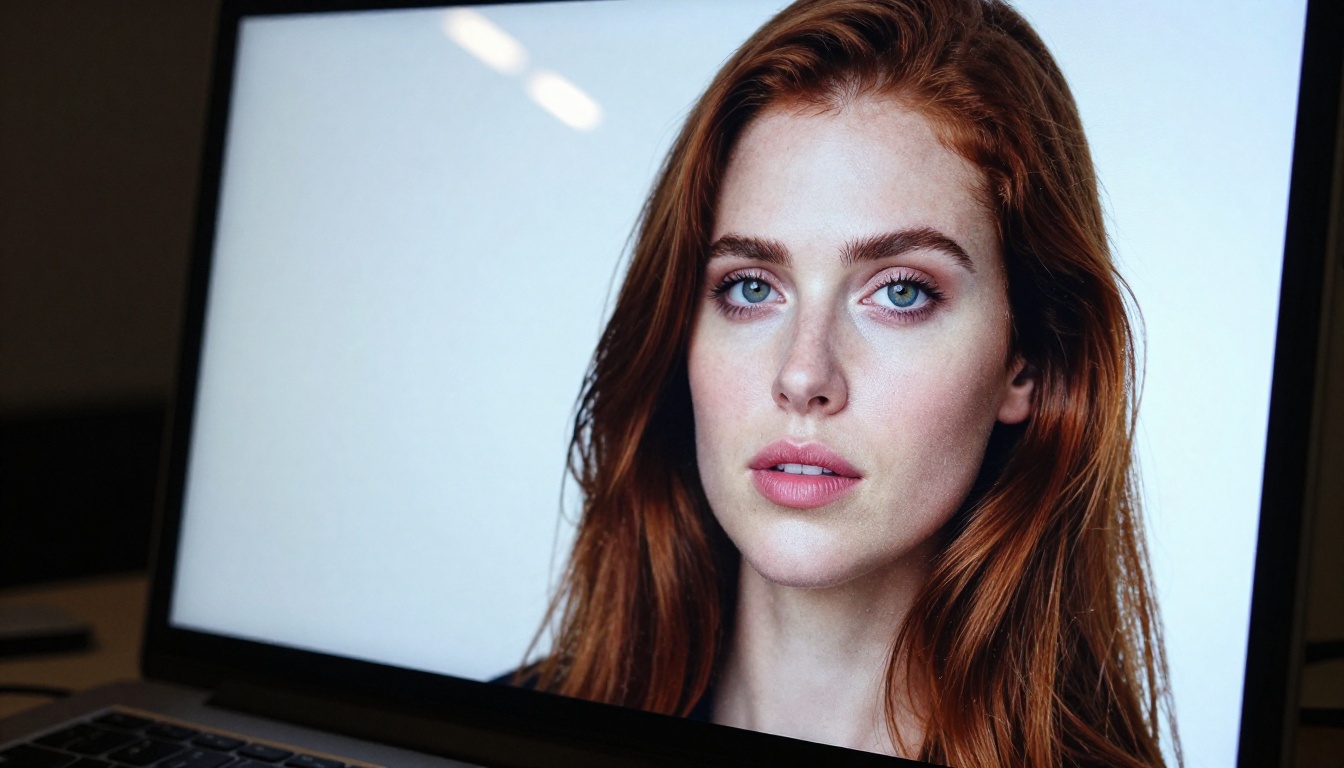
Avoid vague adjectives. "Beautiful woman" tells the model almost nothing. "Woman in her late twenties, natural wavy auburn hair, clean skin, looking slightly off-camera, relaxed expression" gives the model specific details to reproduce. The more precise your input, the more useful your output.
Upscaling for Final Delivery
Most of these models produce at 2K or below. For large-format print, billboard-scale output, or premium digital display, running the output through PicassoIA's super-resolution models adds real detail at the pixel level rather than simply stretching the image. The combination of a well-prompted 2K generation followed by a 4x super-resolution pass consistently outperforms generating at native high resolution in a single pass for most models.
For editorial and commercial photography use cases, also consider running finished generations through the inpainting and image restoration tools available on PicassoIA to fix any minor artifacts before final delivery.
All 7 Available in One Place
Managing accounts across seven platforms is friction that adds up fast. Different billing cycles, different interfaces, different queue times depending on server load. Every switch between platforms is a context interruption that slows creative production and increases the chance of losing track of which version you were working with.
PicassoIA consolidates all 91 text-to-image models, including every model on this list, into a single platform. You get unified credits, one interface, and direct access to the full post-processing toolkit: upscaling via super-resolution, background removal, inpainting, outpainting, and face swap. You can run a Krea 2 generation for rapid concept exploration, pass the best result to Riverflow v2.5 Pro for quality refinement, and upscale the final output, all without leaving the platform or logging into a new service.
For professionals who use AI image generation regularly across multiple clients or projects, the operational simplicity alone is worth the platform decision.
Pick a Prompt and Start Creating
The single best way to decide which model fits your workflow is to run a real prompt from your actual work through two or three of these tools and compare the outputs directly. Not a generic test prompt, but something you would actually deliver to a client or publish.
Visit picassoia.com/en/all-models and start with whichever model most closely matches your primary use case from the list above. Give it five generations. You will know within the first session whether the output quality matches what your work requires. All 7 tools are there, the credits system is unified, and the cost of a quick test is negligible compared to the time you save when you find the right one for your specific workflow.
The right AI image generator is not the one with the best benchmark scores. It is the one that produces consistent, usable output for the specific type of images you actually need to create.


