AI image generation has crossed a threshold in 2026 that most people didn't expect so soon. The gap between a photograph taken by a professional and an image created from a text prompt has narrowed to almost nothing. If you haven't compared the top tools recently, you're working with outdated information, and that means leaving quality on the table.
This breakdown covers the leading AI image generators available right now, how they differ in real output quality, and which one makes the most sense depending on what you're trying to create. Whether you need ultra-realistic portraits, commercial product shots, sweeping landscapes, or text-embedded designs, there's a model built specifically for your use case.
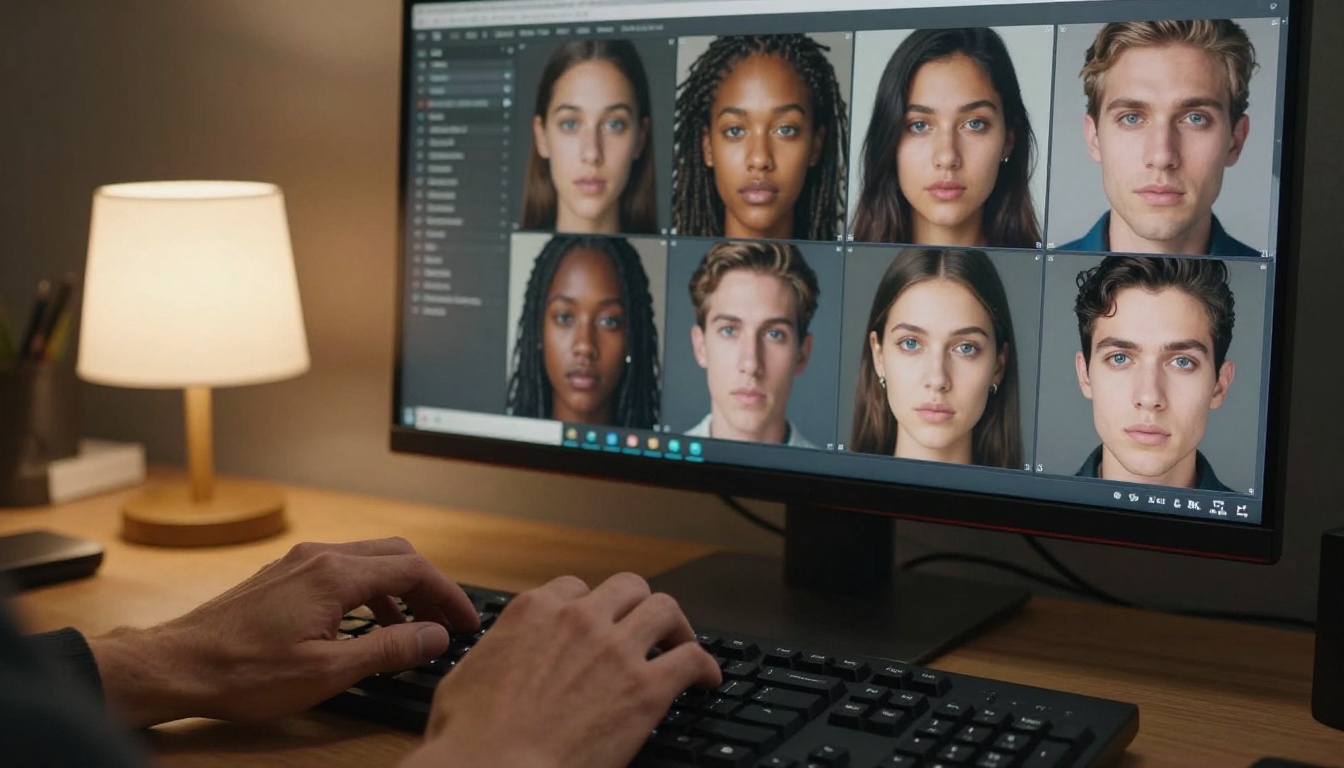
What Changed in 2026
The biggest shift isn't raw image quality. It's controllability. Models in 2025 could produce beautiful images, but editing them precisely required awkward workarounds. In 2026, the top generators let you modify a specific region, change the lighting, swap one element without touching the rest, or extend an image beyond its original borders, all from a plain text prompt.
The second major shift is speed. Models that once took 30 to 60 seconds to produce an image now deliver results in under 5 seconds without meaningful quality loss. That changes how you work: faster iteration means more experiments per session, better prompt refinement, and consistently better final outputs.
The third shift is accessibility. The barrier to using powerful models has dropped sharply. In 2025, getting access to top-tier models required API keys, local GPU setups, or waiting lists. In 2026, platforms like PicassoIA consolidate over 90 models into a single browser-based interface. You choose a model, type a prompt, and generate.
Speed vs. Quality: The Trade-off That Stopped Existing
For years, "fast" and "high quality" were opposites in AI image generation. You picked one. That's no longer the case. Riverflow v2.5 Fast delivers results in seconds at a quality level that would have been considered professional tier just 18 months ago. Meanwhile, Riverflow v2.5 Pro adds scored 4K output while remaining faster than most older generation models.
The reason is architectural. New diffusion models use fewer inference steps while preserving perceptual quality by training on better-curated datasets and using smarter noise schedules. The compute savings translate directly into faster generation without the visible quality degradation that plagued earlier attempts at speed optimization.
What Free Tiers Actually Give You in 2026
Free tiers in 2026 are genuinely useful, not just marketing demos. Most platforms offer:
- 5 to 15 free image generations per day
- Limited resolution (typically 512x512 or 768x768)
- Queue priority behind paid users (adds 10 to 30 seconds during peak hours)
- No commercial license on outputs
Paid tiers typically unlock 1024x1024 and above, commercial use rights, faster generation queues, and access to premium models. For serious creators, the cost of a paid plan is recovered within the first week of production work, especially when compared to stock photography licensing.
The Top AI Image Models Right Now
The market has consolidated around a handful of clear leaders, each with a distinct strength. Using the right model for the right job makes a measurable difference in output quality and the amount of post-processing required.
Flux Kontext: Precision Image Editing at Scale
Black Forest Labs' Flux family has become the dominant force in controllable image generation. Flux Kontext Fast delivers instant results with remarkable instruction-following ability. Tell it to "change the jacket to red without altering anything else" and it executes precisely.
Flux Kontext Dev LoRA adds fine-tuning on top, so you can apply custom styles or character appearances consistently across multiple images in a series.
For inpainting and region editing, Flux Fill Pro and Flux Fill Dev are the two strongest options available. Fill Pro produces higher quality fills; Fill Dev is faster and better suited to iterative workflows where you're making many small adjustments.
💡 Tip: Use Flux Canny Pro when you need to preserve the exact structure and composition of a reference image while changing its visual style. It uses edge detection to maintain structural integrity through the transformation.
Seedream 4.5: Stunning 4K Detail
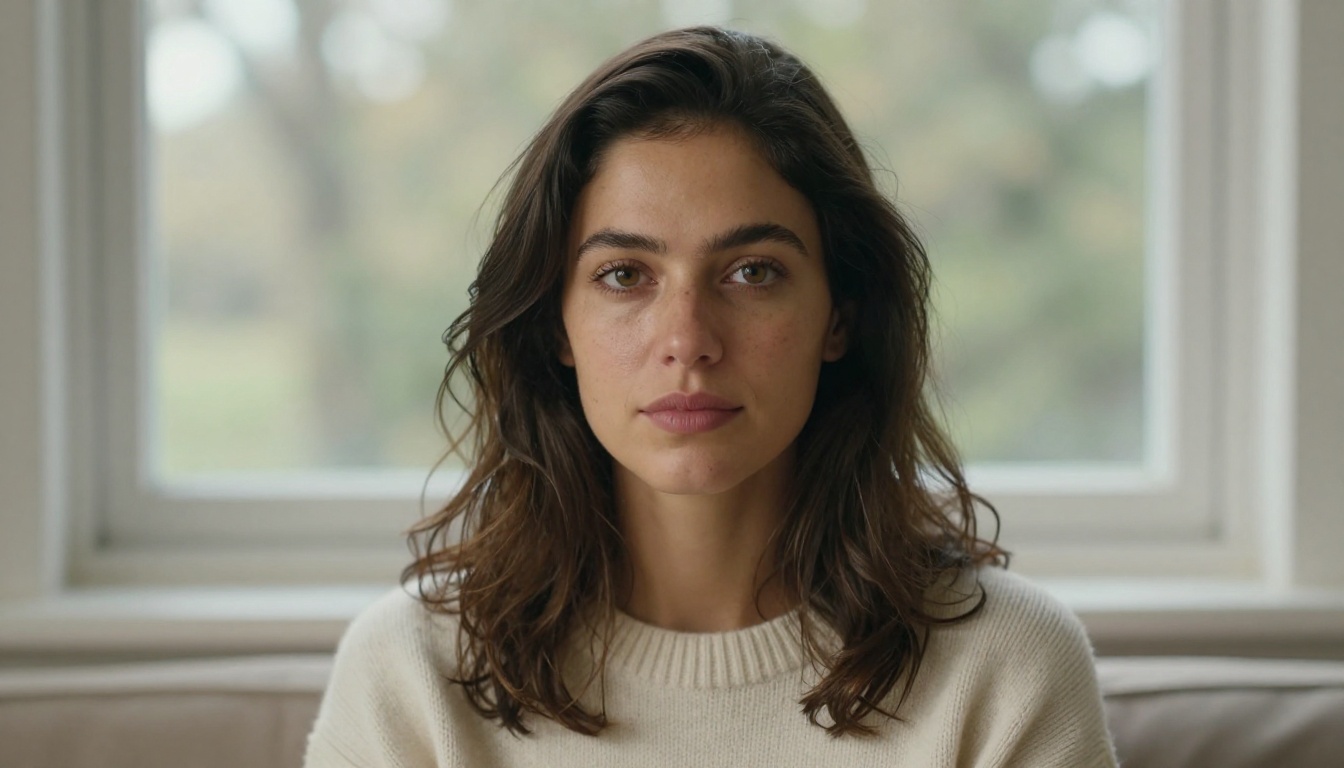
ByteDance's Seedream 4.5 is one of the strongest models available for photorealistic output, particularly for people, skin textures, and indoor lighting scenarios. Its 4K output captures fine detail that makes images pass a second look.
What sets Seedream 4.5 apart from other high-quality models is how it handles complex prompts with multiple subjects and specific spatial relationships. Where many models simplify or rearrange compositional elements to make generation easier, Seedream maintains the arrangement you described. That matters enormously for editorial and advertising work where composition is specified precisely.
GPT Image 2: Instruction Following at Its Best
OpenAI's GPT Image 2 isn't the sharpest model at maximum pixel quality, but it follows natural language instructions better than any other generator currently available. If you write a detailed paragraph describing exactly what you want, GPT Image 2 comes closest to producing it faithfully. For creative professionals who work from detailed creative briefs, that's a significant practical advantage.
GPT Image 1 is the previous generation and still worth using for many tasks, especially when you want faster outputs with slightly less instruction complexity.
Ideogram v4: Typography-Ready AI Art
Ideogram v4 Quality solves a problem that every other AI image model still struggles with: readable text inside images. Need a poster with legible copy? A product mockup with a brand name? Ideogram renders typography accurately without the garbled letters and misspellings that plague other models.
Ideogram v4 Balanced trades a small amount of peak quality for faster generation, making it the right choice for rapid prototyping when typography accuracy matters more than maximum photorealism. The Ideogram Character variant adds consistent character identity across multiple image generations, which is useful for creating series of images featuring the same person.
Krea 2 Large: Natural, Anti-AI Aesthetics
Most AI images look like AI images. They have a particular smoothness and over-processed quality that experienced eyes spot immediately. Krea 2 Large was built specifically to avoid this. Its outputs have an organic, slightly imperfect quality that reads as genuinely photographic rather than artificially generated.
Krea 2 Medium leans toward stylized and painterly outputs, which makes it a good choice when you want creative interpretations of a scene rather than strict photorealism.
Recraft v4.1 Pro: Print-Ready Output
Recraft v4.1 Pro produces 2K images sharp enough for print applications. Art directors working on physical campaigns, packaging, or editorial layouts use Recraft specifically because its outputs require less post-processing before they're production-ready.
Recraft v4.1 is the standard version for digital work. Recraft v4.1 Utility Pro is the fastest option in the family for high-volume generation where speed matters more than maximum quality.
Other Strong Contenders Worth Testing
Grok Imagine Image Quality by xAI produces 2K images with a distinct visual character that some users prefer for editorial and conceptual work. Dreamina 3.1 by ByteDance focuses on cinematic 4MP outputs with a filmic color grading that requires minimal post-processing. Gemini 2.5 Flash Image by Google rounds out the major players with fast generation and a generous free tier.
How PicassoIA Puts All Models in One Place
Running tests across different AI image generators means juggling multiple accounts, different interfaces, different credit systems, and different API keys. That friction slows creative work significantly.
PicassoIA consolidates over 90 text-to-image models into a single platform with a unified interface. You switch models from a dropdown, keep your prompt, and compare outputs without leaving the page. This is the fastest way to find which model works best for your specific use case.
91 Models, Zero Installation
You don't install anything. No local GPU, no Python environment, no dependencies. Open a browser, choose a model, and generate. PicassoIA Image offers unlimited text-to-image generation in one plan, which fundamentally changes the economics of creative experimentation. When generations are unlimited, you stop rationing attempts and start iterating freely.
For advanced editing workflows, PicassoIA Image Editor Pro provides an unlimited AI photo editor inside the same platform. Generate an image, edit it, upscale it, and remove the background without switching tools.
How to Use PicassoIA Image Generator
Using PicassoIA for the first time takes about two minutes to get your first result:
- Go to picassoia.com and create a free account
- Navigate to Collection and select a model (start with Seedream 4.5 for photorealistic outputs)
- Type your prompt in the input box, being specific about lighting, composition, and subject
- Set the aspect ratio to 16:9 for widescreen outputs or 1:1 for square
- Click Generate and wait 3 to 8 seconds for the result
- To refine the output, use the edit tools or switch to Flux Fill Pro for region-specific edits
💡 Prompt structure tip: Describe lighting before content. "Soft afternoon light from the left, a woman reading by a window" produces consistently better results than "a woman reading by a window in soft afternoon light from the left." Diffusion models give more weight to what appears earlier in the prompt.
Side-by-Side: Which Model Wins Each Category
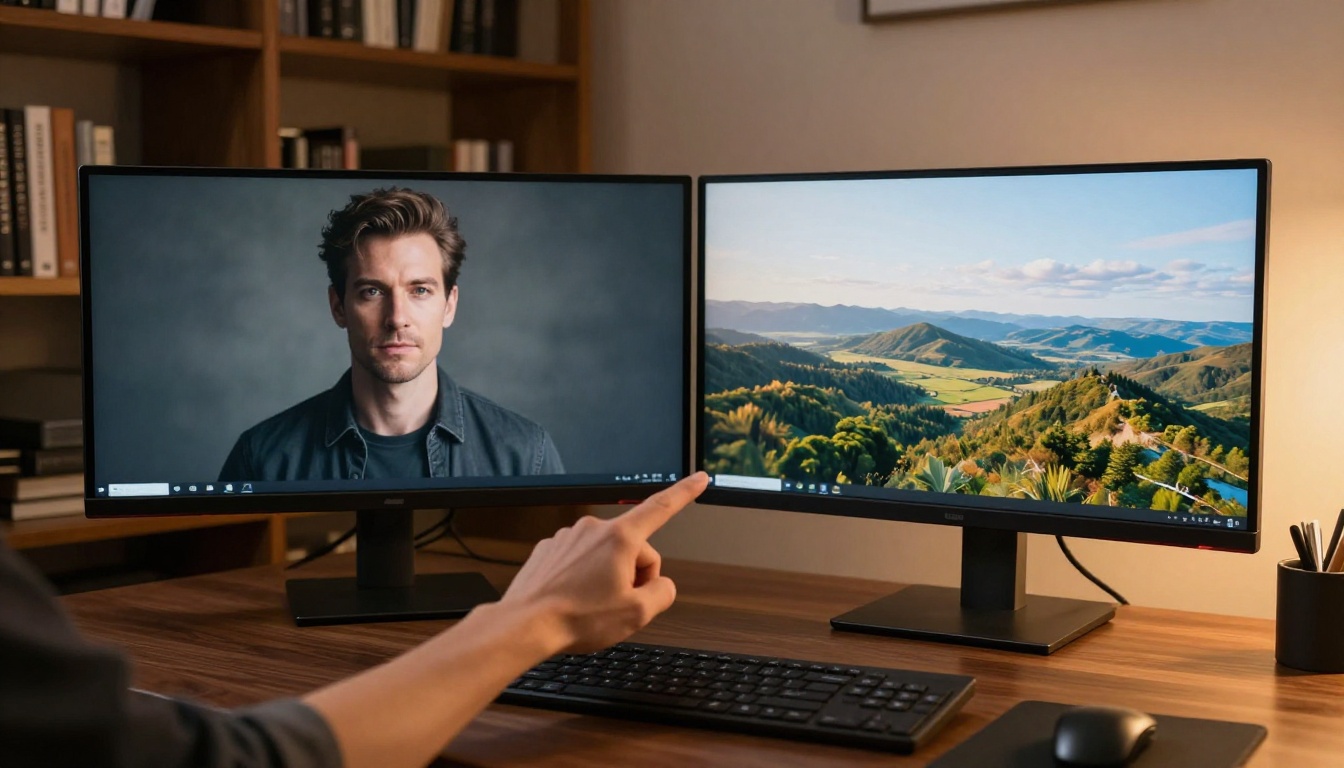
Different models excel at different subject matter. Using the wrong model for your use case means consistently getting results that require heavy post-processing or never quite look right. Here's where each model wins:
Portrait Photography
| Model | Skin Texture | Eye Detail | Lighting | Overall |
|---|
| Seedream 4.5 | Excellent | Excellent | Excellent | ⭐⭐⭐⭐⭐ |
| Krea 2 Large | Very Good | Very Good | Excellent | ⭐⭐⭐⭐ |
| GPT Image 2 | Good | Good | Very Good | ⭐⭐⭐⭐ |
| Recraft v4.1 Pro | Very Good | Very Good | Good | ⭐⭐⭐⭐ |
| Flux Kontext Fast | Good | Good | Good | ⭐⭐⭐ |
For portrait photography, Seedream 4.5 is the clear leader. Skin texture rendering and eye detail are currently unmatched at this price point. Krea 2 Large is the closest competitor and a better choice when you specifically need outputs that don't read as AI-generated.
Product Photography
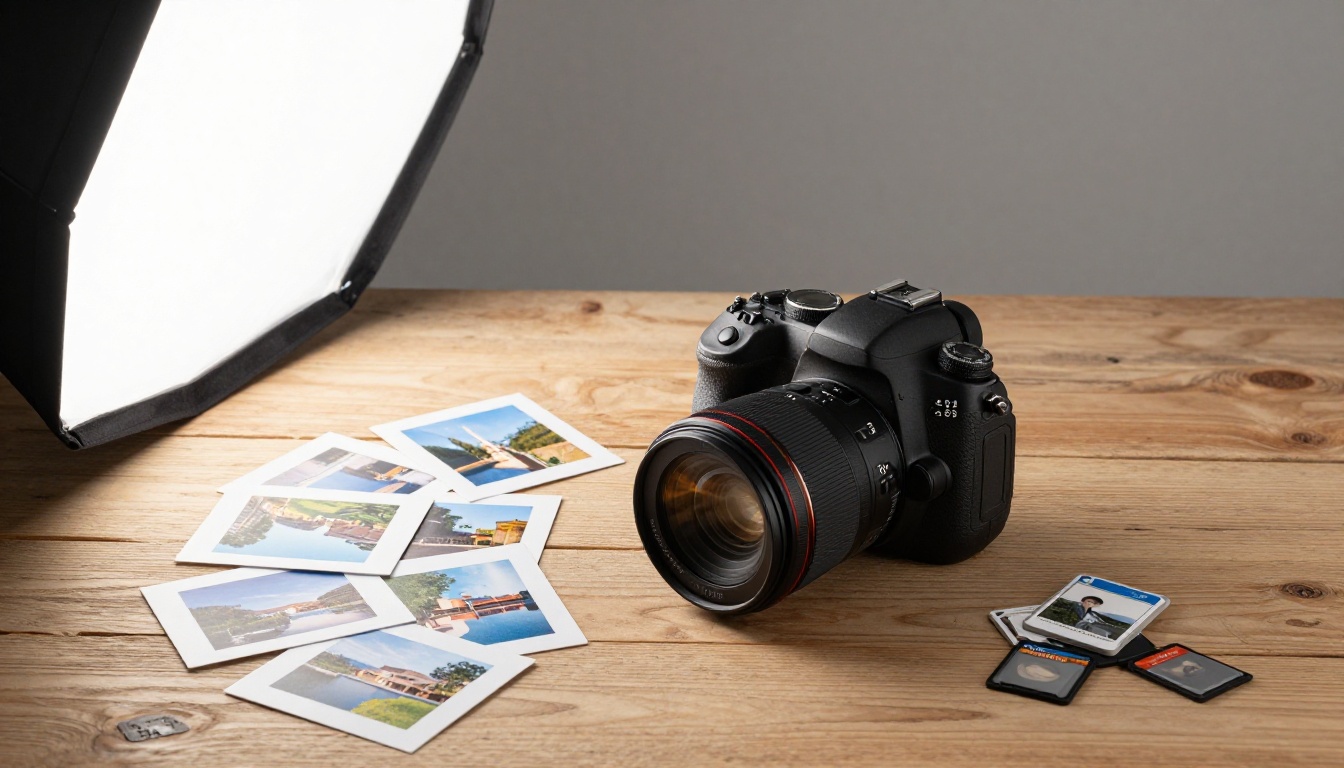
Product photography has specific requirements: clean backgrounds, accurate reflections, correct surface textures, and lighting that shows the product's form clearly. For this category:
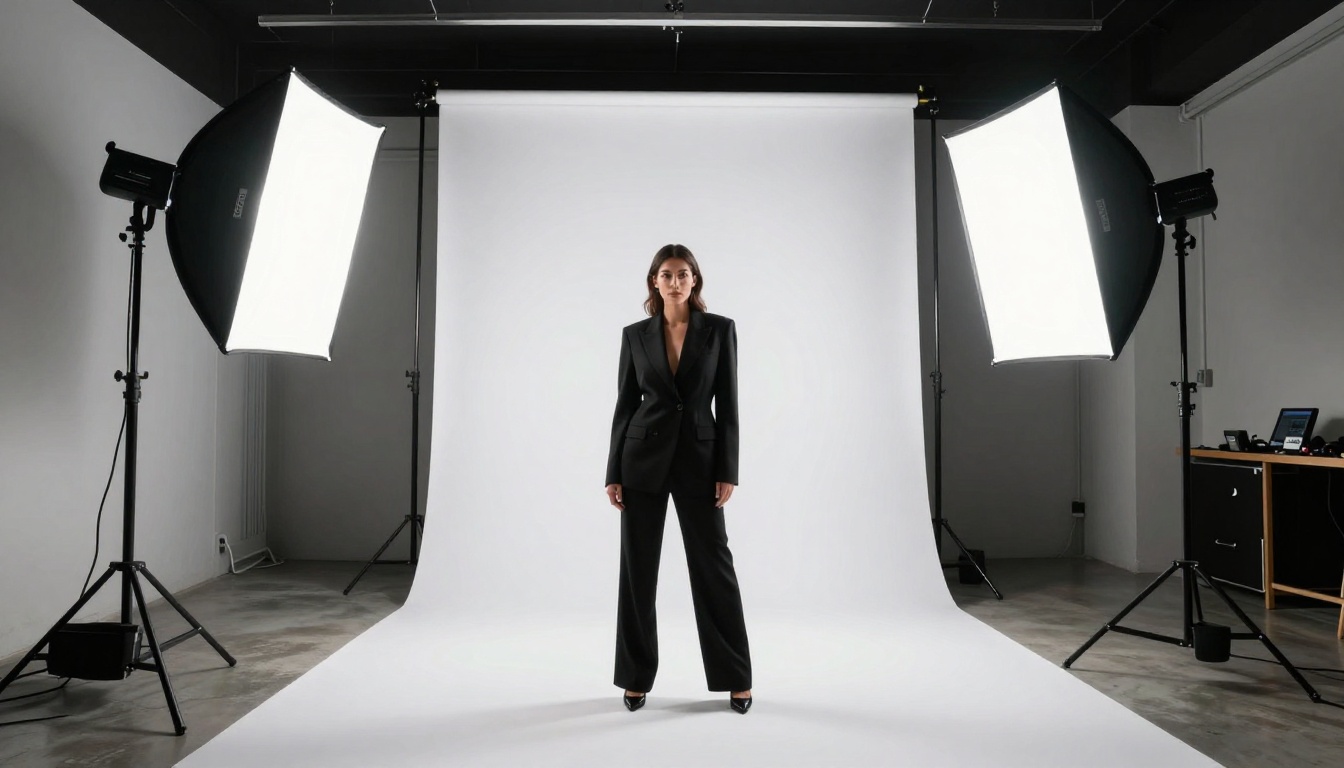
- Recraft v4.1 Pro: Best for clean studio shots. Handles white and light-colored backgrounds without the grey contamination that affects other models
- GPT Image 2: Best when you need precise product placement or have very specific compositional requirements described in natural language
- Ideogram v4 Quality: Best when the product image needs readable text overlay, label content, or branding copy
Landscapes and Architecture
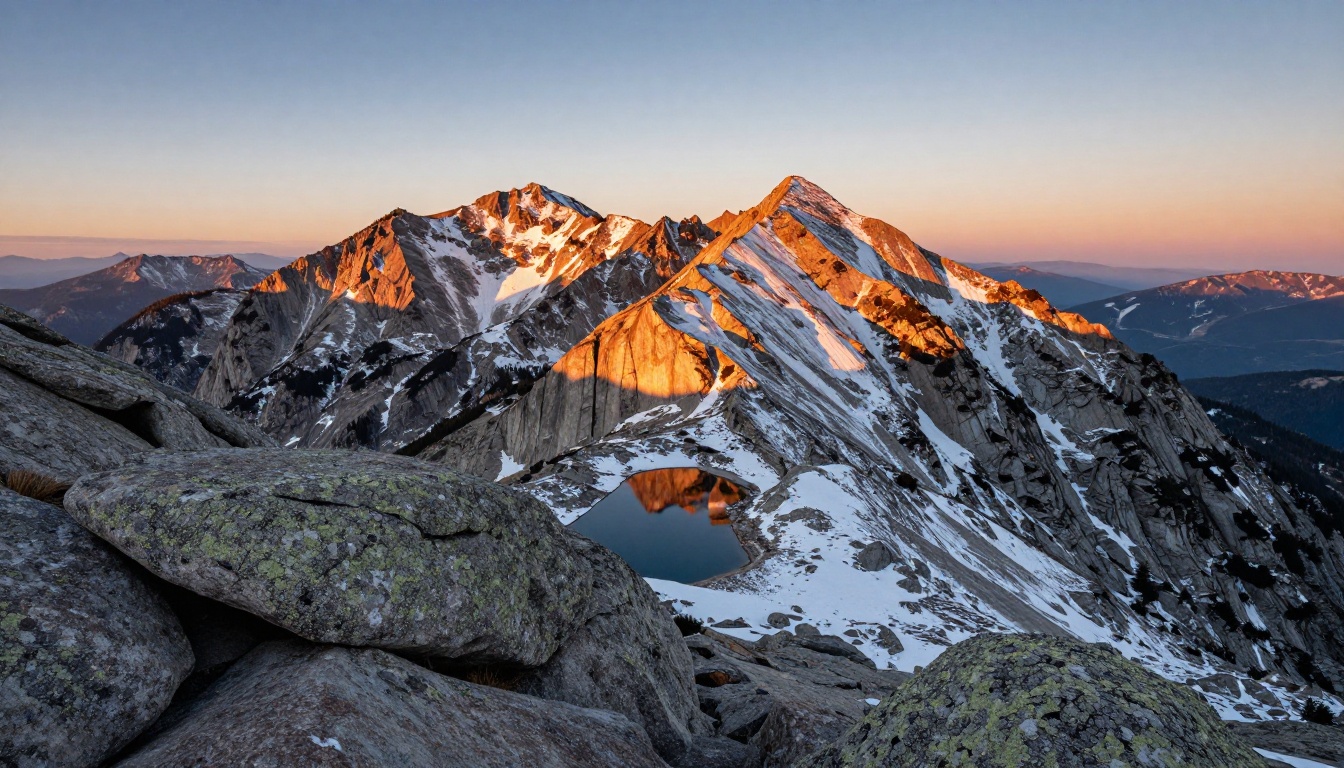
For landscapes, atmospheric depth and natural lighting are the critical factors. Wan 2.7 Image Pro delivers 4K landscape outputs with exceptional atmospheric handling. The model renders fog layers, volumetric light beams, and distant haze with a level of accuracy that makes its outputs usable as stock photography without modification.
Wan 2.7 Image is the 2K standard version, and Hunyuan Image 2.1 by Tencent is another strong performer, particularly for architectural photography where geometric precision matters.
For architecture specifically, Flux Depth Pro adds depth-aware control that lets you modify a building's facade while preserving its dimensional structure and perspective.
Upscaling and Super Resolution
Generating an image at 512x512 or even 1024x1024 and then needing it at 3000 pixels wide for print is a common production problem. AI upscaling has improved dramatically in 2027 and in many cases produces sharper results than traditional bicubic interpolation.
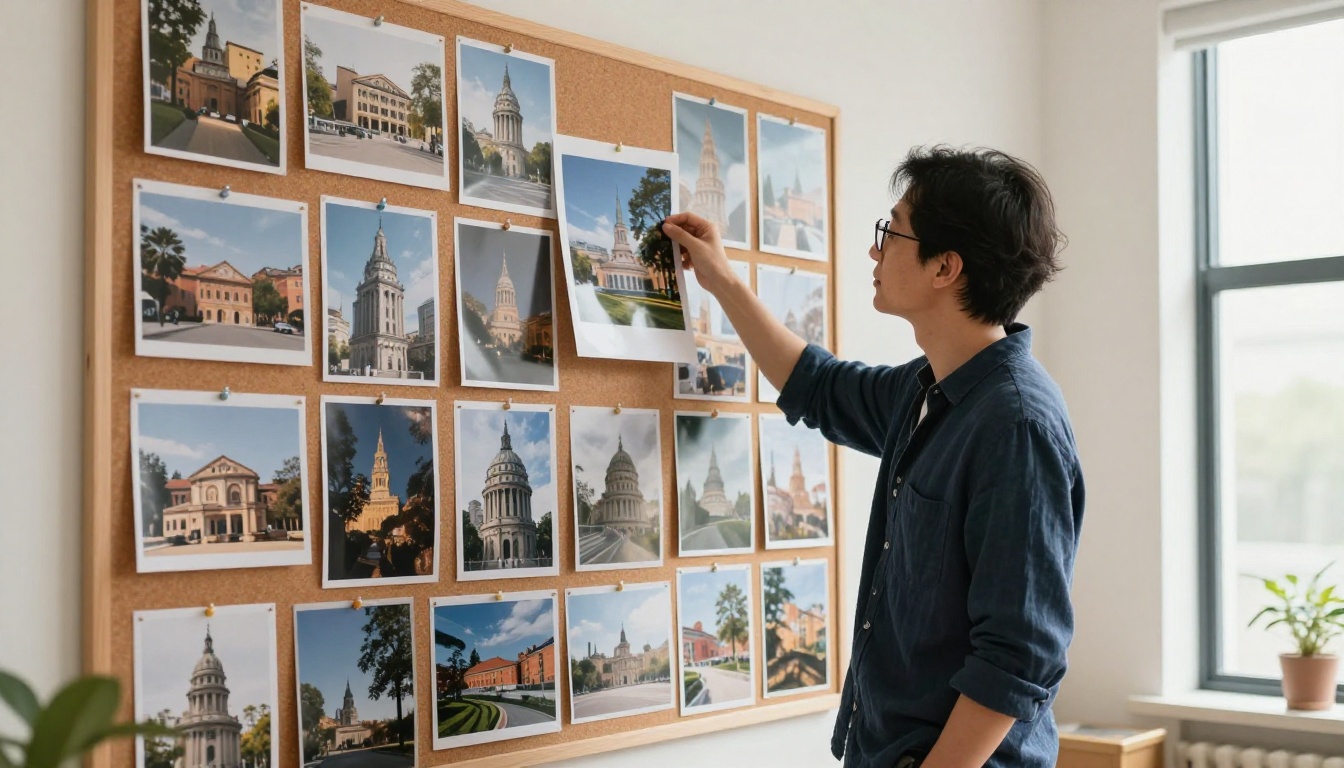
Why Upscaling Still Matters
Even when you generate at maximum resolution, the output may not be sharp enough for large-format print or high-DPI screens. AI super resolution models don't just add pixels. They infer detail. They can reconstruct fine hair strands, sharpen eyes, add realistic texture to skin and fabric, and recover building details that were blurry in the source image.
The difference between AI upscaling and traditional upscaling is most visible in close-up detail: faces, textures, edges, and fine print. PicassoIA includes a dedicated Super Resolution category with multiple models tuned for different upscaling needs.
Fixing Old Photos and Degraded Images
Beyond standard upscaling, some models handle damaged or degraded photographs specifically. Dust and Scratch v2 by Topaz Labs removes physical damage from scanned prints automatically. Image Colorization adds natural-looking color to black-and-white photographs with attention to contextual accuracy.
These aren't niche tools. They're practically useful for anyone working with archive content, historical documentation, editorial photo libraries, or family photograph restoration projects.
Visual Effects and Creative Controls
ControlNet and Depth-Aware Editing
ControlNet changed image generation by letting you feed a reference structure (a pose skeleton, a depth map, or an edge detection map) to constrain what the model generates. Instead of hoping the model composes an image the way you envisioned, you give it the exact composition as a structural guide.
Flux Canny Pro uses edge detection to maintain structural integrity when restyling images. Flux Depth Pro uses depth maps to ensure spatial consistency when modifying architectural or interior scenes. Flux Depth Dev offers the same depth-aware capability at faster speeds for iterative work.
These tools are most useful for:
- Consistent character poses across a series of images for editorial or storyboarding
- Architectural visualization where spatial accuracy and perspective correctness are critical
- Product mockups where you need the exact same object placed in multiple different environments
Inpainting and Outpainting: Fix Any Photo
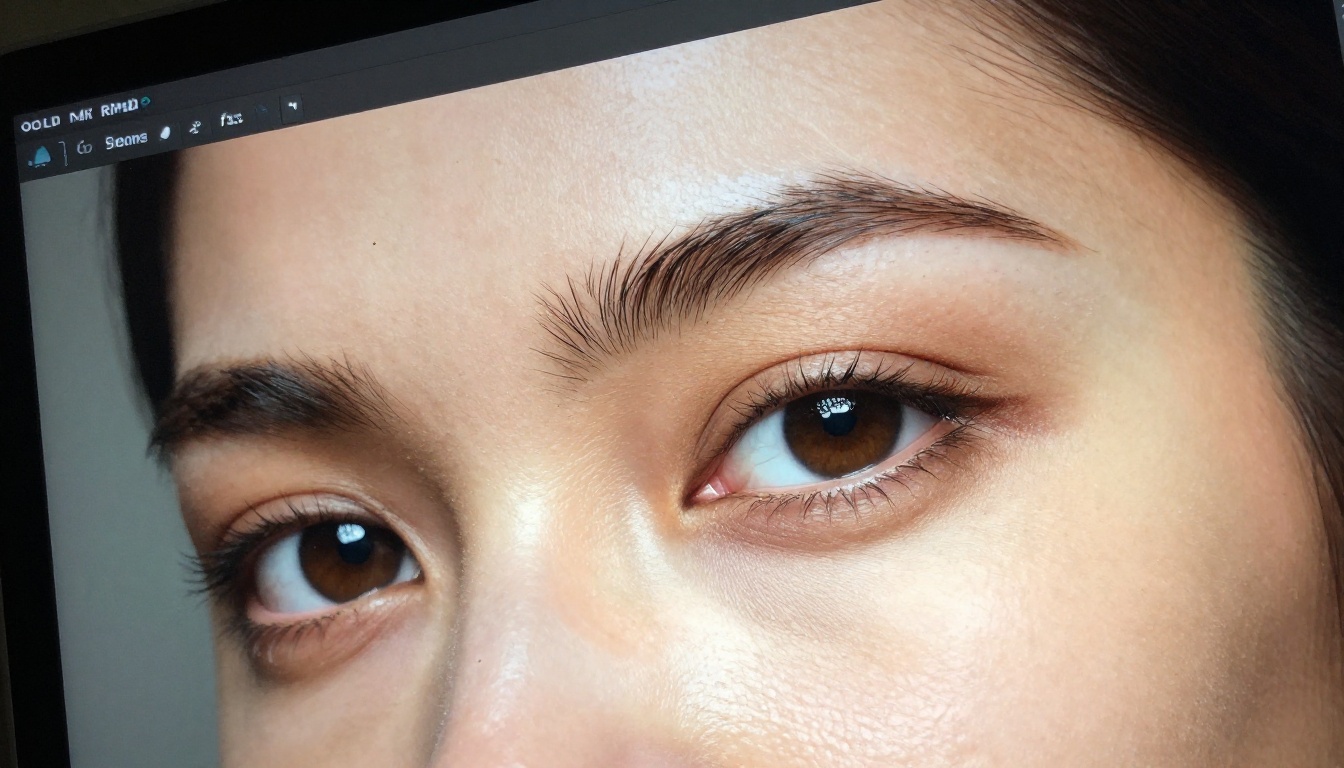
Inpainting lets you select a specific region of an image and regenerate only that area while preserving everything else. Outpainting extends an image beyond its original edges, adding new content that matches the existing style and lighting. Both techniques let you fix problems in generated images without starting over from scratch.
Flux Fill Pro handles both with impressive seam quality. Generated fills blend naturally with the surrounding image in most cases, and the model is particularly strong at matching lighting and color temperature across the fill boundary.
Qwen Image Edit Plus takes a different approach: you describe what you want changed in natural language without drawing a mask. The model interprets your instruction and makes targeted edits. This works best for semantic changes ("replace the wooden chair with a leather armchair") rather than precise pixel-level painting.
Fibo Edit by Bria is another strong option for regional editing, particularly for commercial photography where you need to replace backgrounds, add product shadows, or swap out specific elements cleanly.
💡 When to use each: Use Flux Fill Pro when you know exactly which pixels to change. Use Qwen Image Edit Plus when you want the model to figure out what to change based on a description.
The Real Cost of AI Image Generation in 2026
Free vs. Paid: A Realistic Breakdown
| Tier | Daily Limit | Max Resolution | Commercial Use | Best For |
|---|
| Free | 5-15 images | 512-1024px | No | Testing, personal projects |
| Basic Paid | 100-300/month | 1024-2K | Yes | Regular creators |
| Pro | 1000+/month | 4K | Yes | Agencies, production teams |
| Unlimited | No limit | 4K | Yes | High-volume workflows |
PicassoIA Image offers the unlimited tier at a fixed monthly cost, which makes financial sense once you're generating more than a few hundred images per month. At that volume, per-image pricing on other platforms accumulates rapidly.
Which Tools Are Actually Free
The honest answer in 2027 is that free tiers exist, but they're designed to demonstrate value rather than support production workflows. Gemini 2.5 Flash Image by Google offers a reasonably generous free tier with solid quality. Ideogram v4 Balanced also provides free access with daily generation limits.
For commercial work or volume production, a paid plan is necessary. The cost of a single licensed stock photograph often exceeds the cost of a full month of AI image generation at the mid-tier pricing of most platforms. The math strongly favors AI generation for commercial users.
Start Generating Your Own Images Today
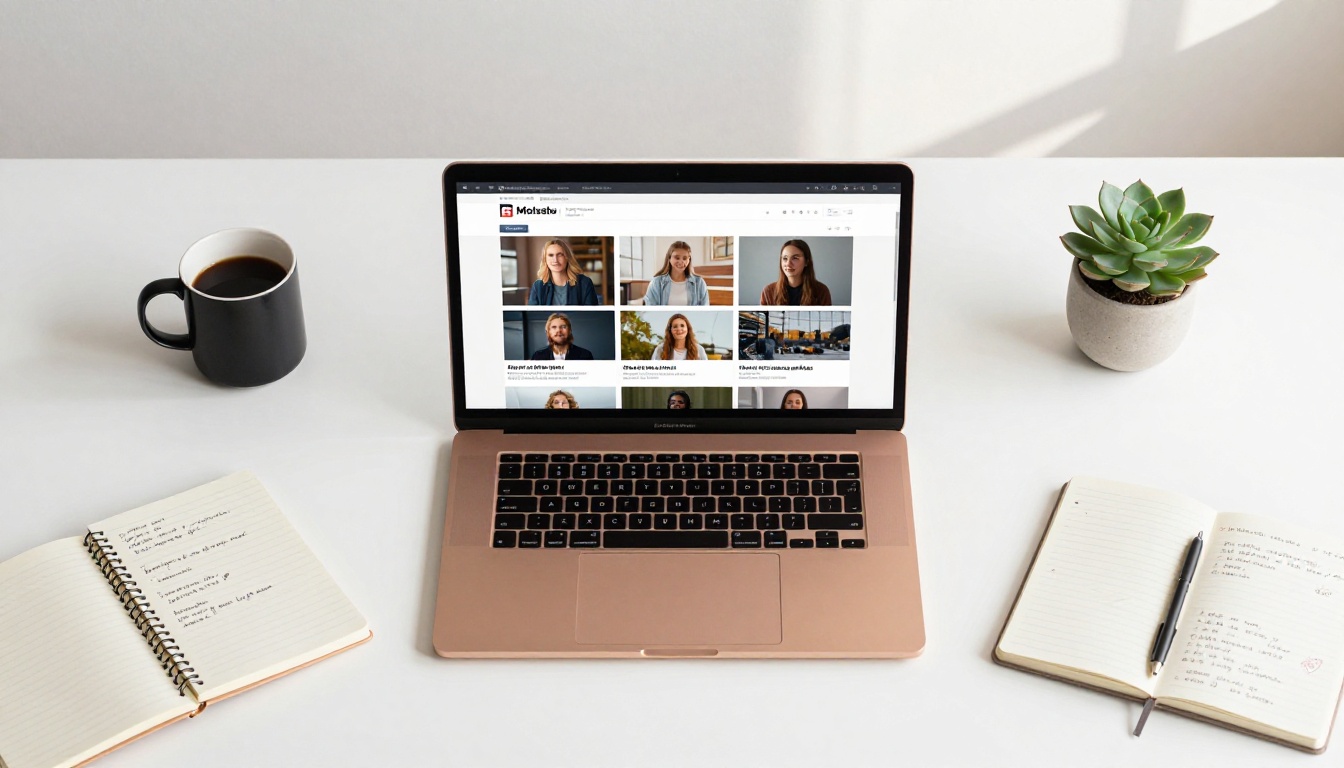
Every model covered in this article is accessible right now through PicassoIA, no software to install and no local GPU required. You can run the same prompt across Seedream 4.5, Krea 2 Large, and Recraft v4.1 Pro in under five minutes and see the differences for yourself, side by side.
The fastest way to find out which model fits your specific use case is to run your actual prompts against multiple options. Benchmarks and comparisons like this one give you a starting point, but your subject matter, your lighting preferences, and your visual style will respond differently to each model.
Go to picassoia.com/en/all-models and pick the category that matches your project: portraits, landscapes, product shots, or creative illustrations. Run your prompt. Compare. Iterate.
Most professionals who spend an afternoon running tests settle on two or three models that consistently work for their style and workflow. Once you've identified those, generation becomes significantly more predictable and your output quality stabilizes at a high level.
💡 The difference between a mediocre AI image and a great one is rarely the model. It's the prompt. Spend time describing the lighting angle, camera distance, texture of surfaces, and atmospheric conditions before switching to a different model. A great prompt on a mid-tier model outperforms a vague prompt on the best model available.


