Best AI Image Generator for Anime and Manga Styles in 2027
From anime school scenes to black-and-white manga panels, this breakdown covers the best AI image generators for anime and manga art in 2027. Featuring step-by-step usage of Proteus v0.3, prompting strategies, LoRA fine-tuning tools, model comparisons, and direct links for artists and fans building original Japanese illustration with AI.
The demand for AI-generated anime and manga artwork has exploded in recent years. Artists, fans, cosplay enthusiasts, and storytellers are all searching for the best AI image generator for anime and manga styles that can produce truly authentic results, not just blurry approximations of Japanese illustration. The difference between a great anime AI and a mediocre one is measurable in brushstroke precision, cel-shading accuracy, character expressiveness, and the subtle cultural nuances that define the form.
This article breaks down which models deliver the most convincing anime and manga results, how to prompt them effectively, and where to find all of them in one place.
What Sets Anime AI Apart
Anime and manga art carry a distinct visual grammar. Large expressive eyes, stylized hair, clean ink lines, flat color fills, and emotionally charged compositions. These traits are both specific and demanding, which is why not every text-to-image model handles them equally well. The best tools have been trained on, or fine-tuned with, substantial anime-specific datasets, and they show it immediately in output quality.
The Visual Language of Anime
Anime art is not simply "colorful cartoon." It is a deeply codified visual system with genre-specific rules: shojo uses soft linework and pastel palettes, shonen favors bold contrast and dynamic action poses, isekai often mixes fantasy environments with school-uniform archetypes. When you ask an AI to produce "anime art," it draws from all of these simultaneously unless you specify.
The most important visual markers to target in prompts:
Color palette (pastel, high contrast, muted earthy)
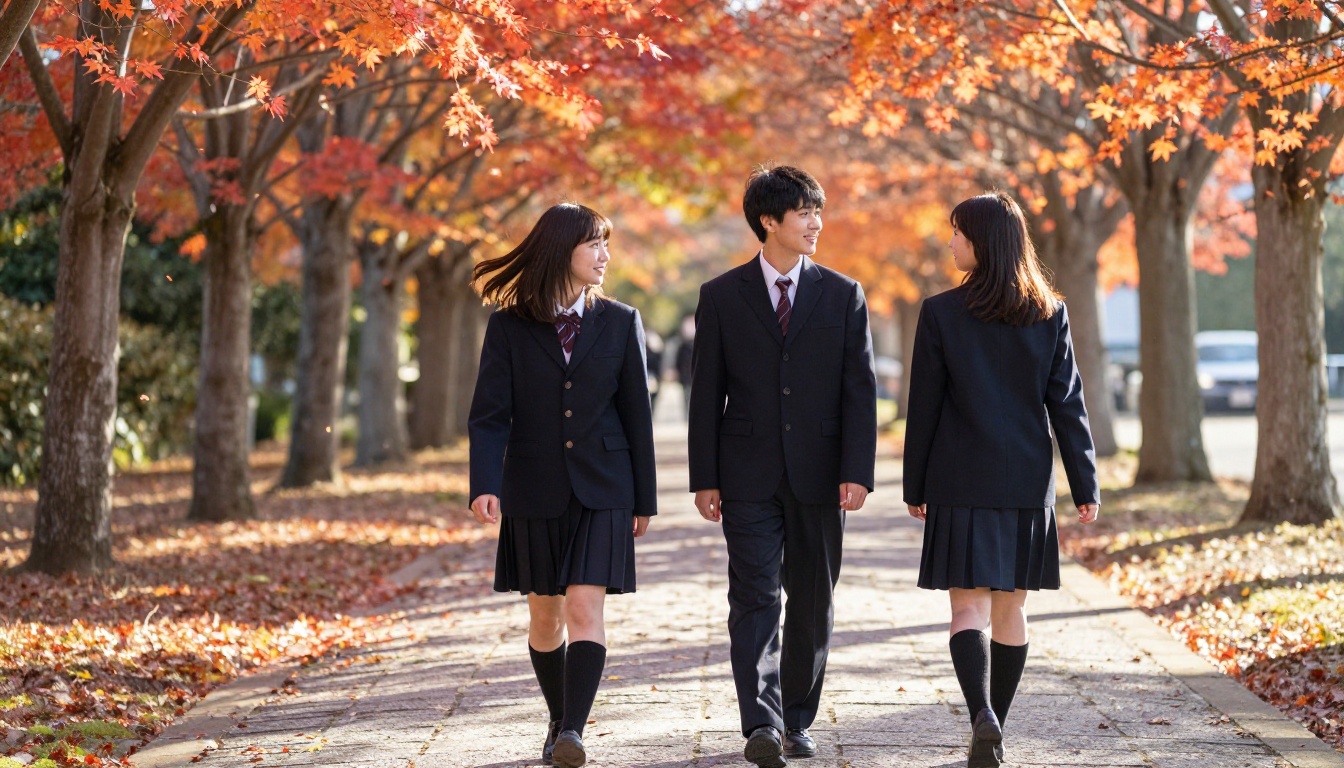
Setting tropes (school hallways, rooftops, sakura parks, fantasy realms)
Why Manga Is Harder Than Anime
Manga adds a structural challenge: it is primarily monochromatic. AI models must reproduce fine halftone screen tones, expressive inking that carries weight and speed lines, and panel-appropriate composition within a black-and-white visual system. Most models trained on color datasets need explicit prompting to produce convincing manga-style results.
Top AI Models for Anime and Manga
Not all 91 text-to-image models on PicassoIA are optimized for Japanese illustration aesthetics. Several stand out clearly, and the platform makes it easy to test and compare them without needing local hardware or technical setup.
Proteus v0.3 – The Anime-First Choice
Proteus v0.3 is arguably the most dedicated anime image generator available on the platform. Its training leans heavily into anime-specific content, and this shows immediately in outputs: clean cel-shading, high facial expressiveness, accurate proportions for anime character design, and strong handling of fantasy and school environments.
Where general-purpose models like Flux Dev might render a "school girl" with photorealistic skin texture and environmental detail, Proteus v0.3 will immediately output something that looks like it belongs in an illustrated visual novel.
Best for:
Original character creation (OC)
Visual novel asset generation
Shojo and shonen scene illustration
Fantasy anime backgrounds with lush environments
DreamShaper XL Turbo – Speed and Style
DreamShaper XL Turbo is a fast, versatile model that balances anime aesthetics with semi-realistic rendering. It excels at portraits with expressive lighting and works particularly well for anime-adjacent art: characters that have anime proportions but more textured, painterly finishes.
If you want something between anime and concept art, this is the model to reach for first. The turbo variant generates in seconds without significant quality loss, making iteration fast.
SDXL and the Stable Diffusion Ecosystem
SDXL is the backbone of much of the anime AI art world. It is not anime-specific out of the box, but it responds very well to anime-style prompting and benefits from a massive community of fine-tuned checkpoints. Pair it with SDXL Multi ControlNet LoRA for full control over character poses and scene compositions.
Stable Diffusion 3.5 Large takes the foundation further with significantly improved anatomical accuracy, which directly benefits anime character outputs. Hands, body proportions, and complex poses are notably better than in earlier versions.
How to Use Proteus v0.3 on PicassoIA
Since Proteus v0.3 is purpose-built for anime generation, here is a step-by-step walkthrough to get the best results from it.
Step 1: Open the Model Page
Navigate to the Proteus v0.3 page on PicassoIA. You can access it directly from the Text to Image category or search "Proteus" in the model browser. No local installation is required, the model runs entirely in your browser.
Step 2: Write an Effective Prompt
The model responds best to tagged, comma-separated prompting rather than full prose sentences. Think of it as layering keywords from most important to least.
Effective anime prompt structure for Proteus v0.3:
This prevents the model from drifting toward photorealism and keeps outputs consistently on-brand for anime aesthetics.
Step 4: Adjust the CFG Scale
The guidance scale controls how strictly the model follows your prompt. For anime character work, a range of 7 to 9 tends to produce the best balance of prompt adherence and visual coherence. Going above 12 often results in over-saturated, artifact-heavy images.
💡 Tip: Run your first generation at default settings, then tweak the CFG scale and seed once you have a base result you like. Small seed adjustments can dramatically change expression and pose while preserving the overall composition.
Manga Style: Specific Strategies
Generating convincing manga art requires a different approach from anime. The monochrome constraint is the starting point, but there are additional structural considerations worth knowing.
Prompting for Manga Aesthetics
When targeting manga-style outputs, your prompt needs to explicitly signal the visual system you want. Generic "anime" prompting will almost always yield color results.
Effective manga prompt additions:
manga style, black and white, ink lines, screen tone, halftone
monochrome, high contrast, bold linework, shounen manga
comic panel, manga page, cel-shaded monochrome
Models like Stable Diffusion with appropriate negative prompts (no color, no gradients) can produce striking black-and-white manga-like panels. The p-image-lora model, which supports custom LoRA weights, opens the door to using manga-specific fine-tunes for even more accurate results.
Shojo vs. Shonen vs. Seinen
The three major manga demographics have distinct visual signatures that AI can replicate when prompted correctly:
Style
Visual Traits
Prompt Words
Shojo
Soft lines, large sparkly eyes, floral motifs, pastel tone
Realistic proportions, detailed backgrounds, darker tone
seinen manga, realistic manga, detailed background, mature
Prompting Strategies That Actually Work
The gap between a mediocre anime AI output and a stunning one usually comes down to prompting technique rather than model choice alone.
Character Consistency Is Your Biggest Challenge
AI models do not have persistent memory between generations. If you need a consistent character across multiple images (for a visual novel, manga project, or content series), you need to lock in every identifying detail in every single prompt:
Hair color and exact length descriptor
Eye color and shape
Outfit specifics down to small accessories
Skin tone if relevant
Any distinctive physical features
Using a fixed seed number alongside a fully described character prompt is the most reliable way to maintain consistency across a session on any model.
Backgrounds and Settings
Anime backgrounds follow strong genre conventions. These location types yield the most recognizable, style-accurate results:
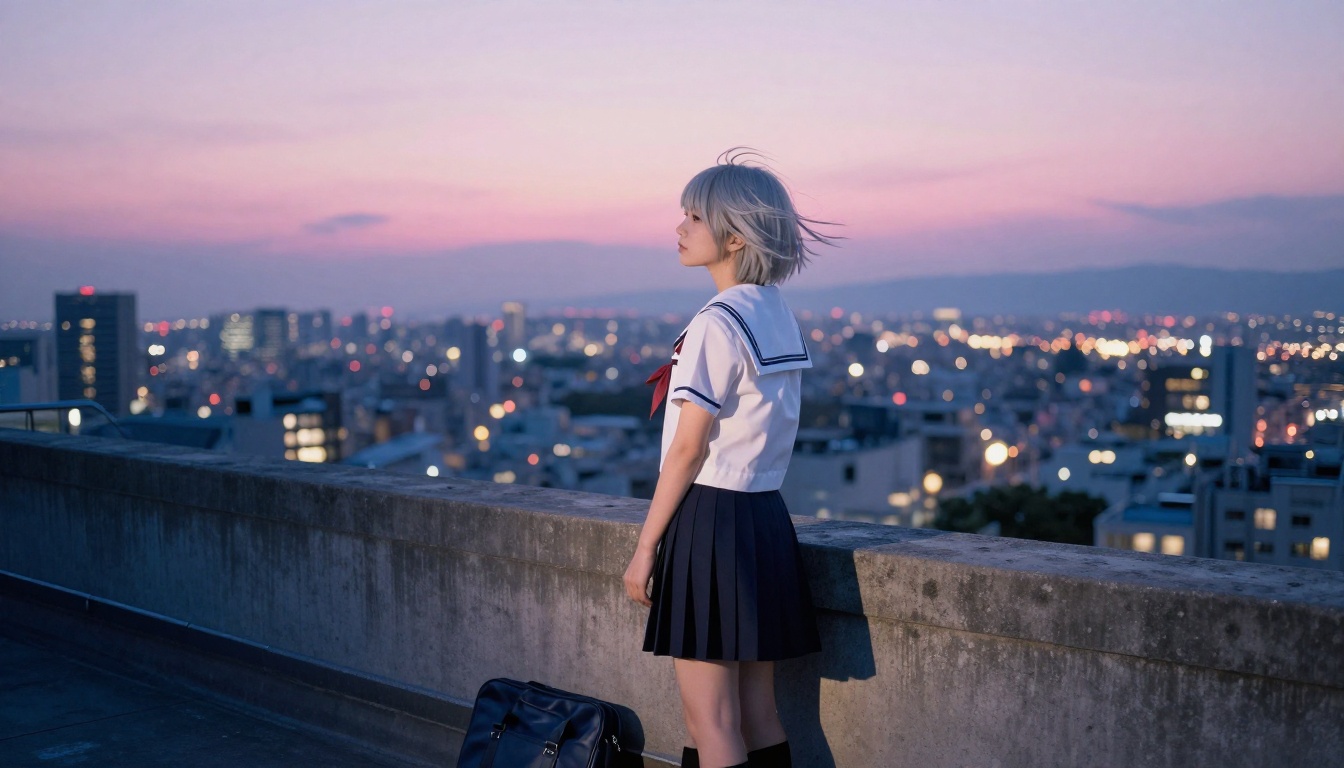
School rooftop at sunset with city view
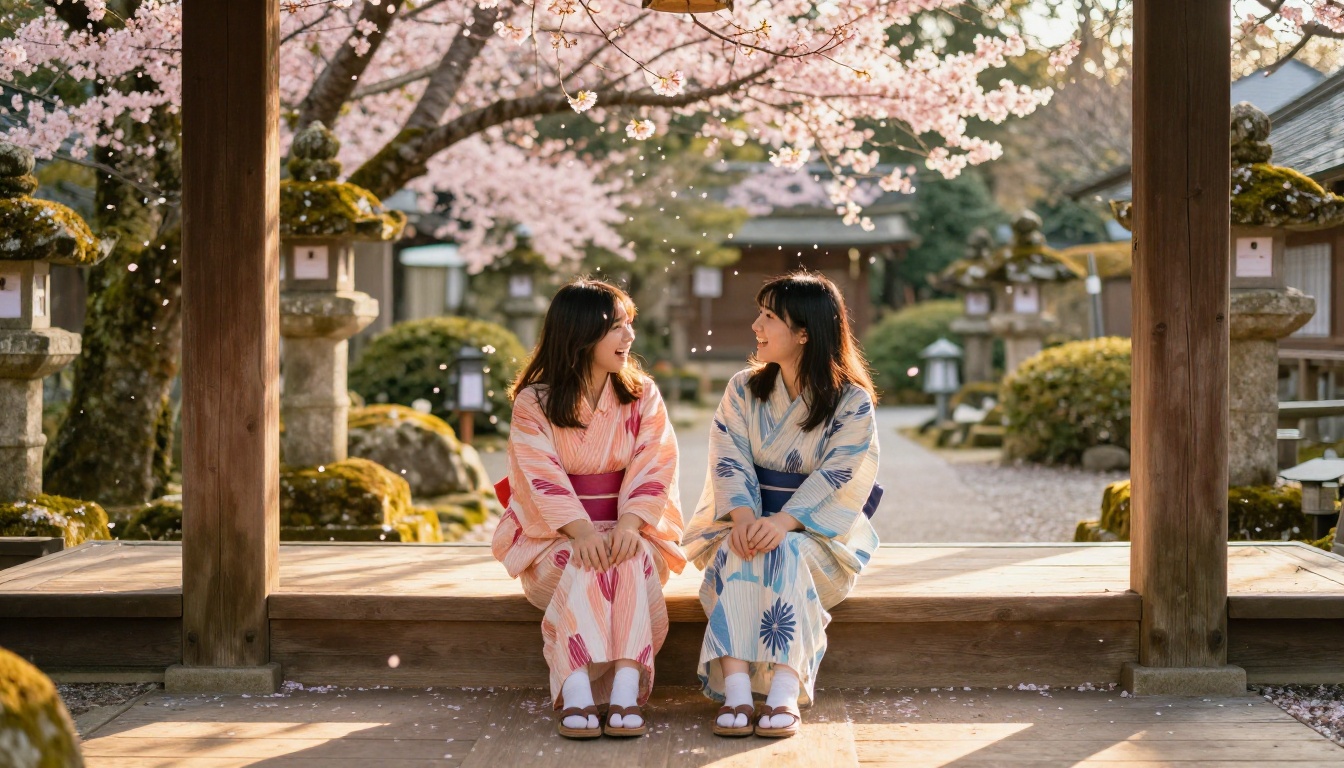
Cherry blossom park in spring light
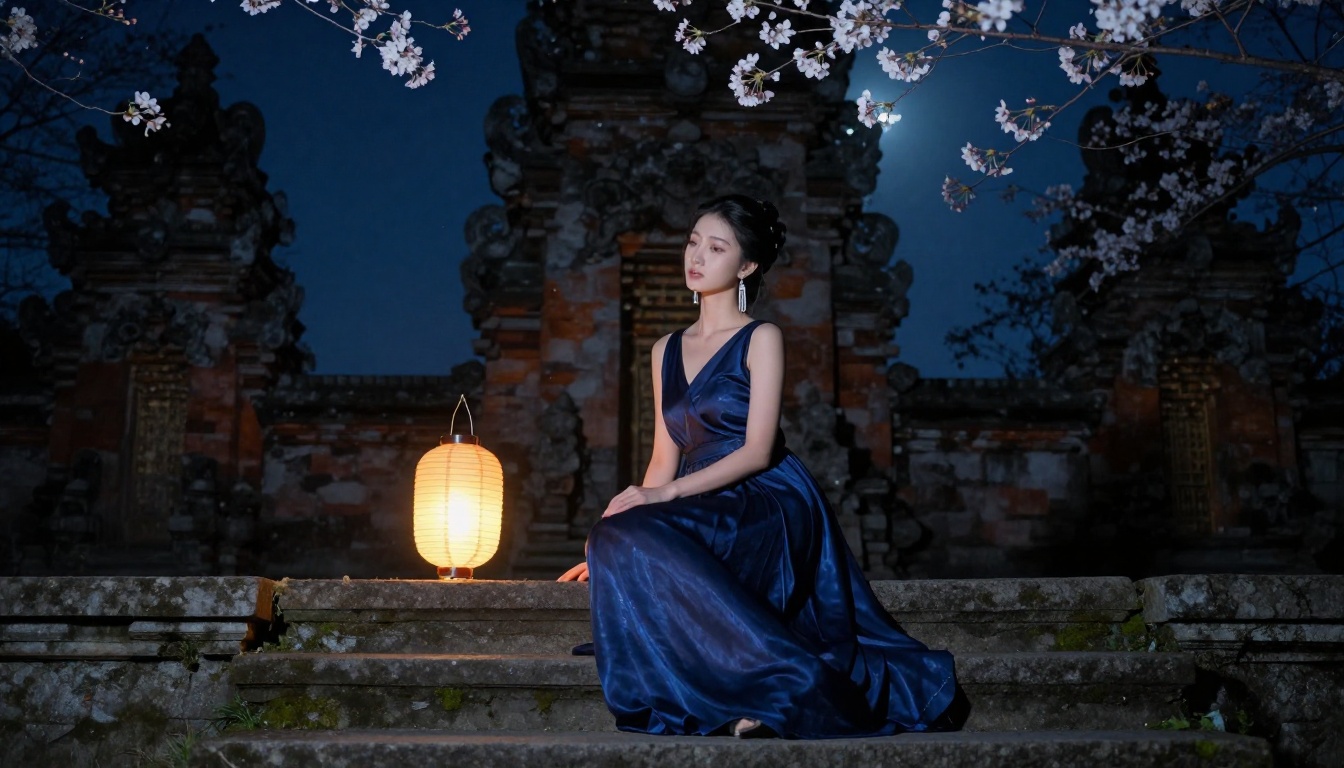
Fantasy castle courtyard with stone archways
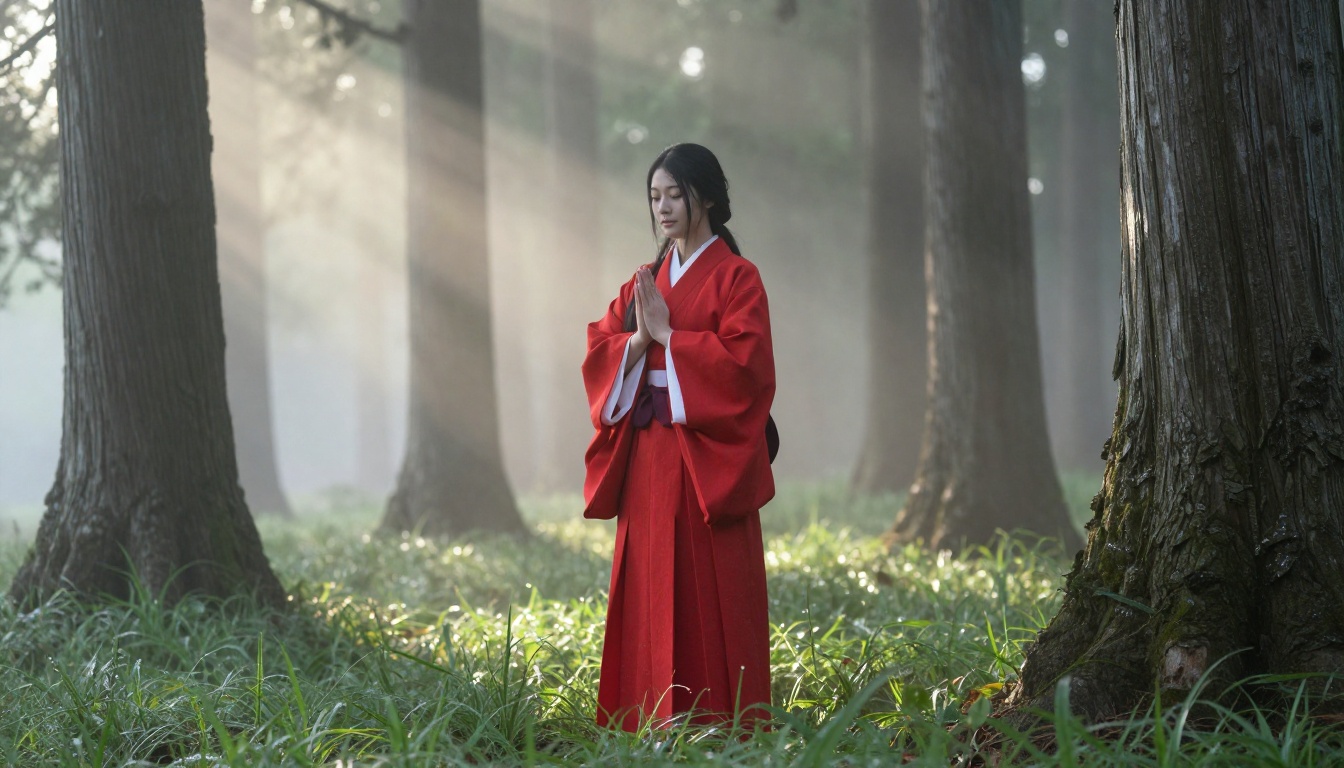
Shrine pathway with stone lanterns and forest
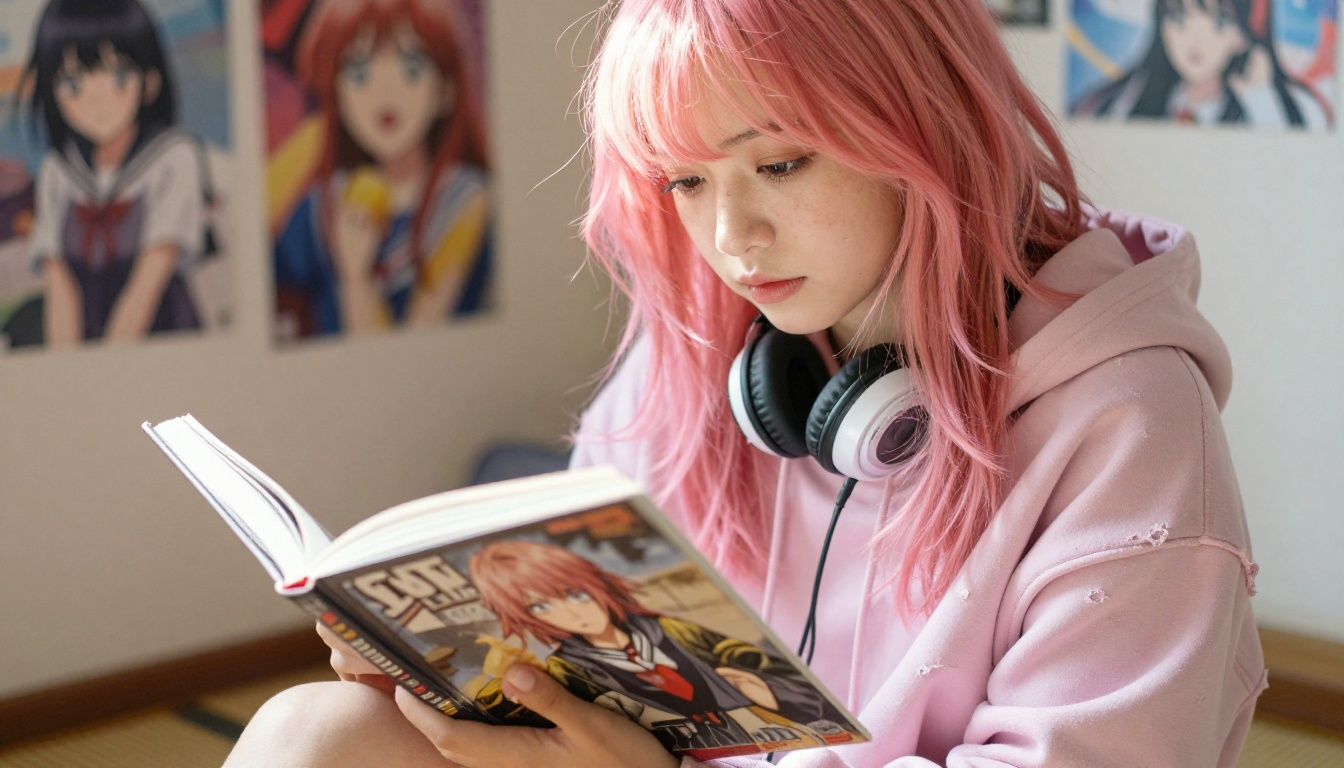
Bedroom with manga posters and figurines
Rainy city street under a transparent umbrella
💡 Tip: Describe the time of day and lighting source every single time. "Soft afternoon light through windows" produces a fundamentally different mood than "golden hour backlight from outside." Lighting direction is one of the most underused variables in anime prompting, and it makes a visible difference.
Common Prompting Mistakes
Mistake
Why It Fails
Fix
Too vague ("draw anime girl")
No style context, inconsistent output
Add character specifics, setting, lighting
Missing quality tags
Soft, artifact-heavy results
Always include masterpiece, best quality
No negative prompt
Model drifts toward photorealism
Block realistic, photo, 3d render
Conflicting style terms
Model splits between styles
Pick one dominant style tag
Ignoring aspect ratio
Cropped characters, wrong framing
Set 9:16 for portraits, 16:9 for scenes
LoRA Models and Fine-Tuned Styles
The anime AI space thrives on LoRA (Low-Rank Adaptation) models: small add-ons that steer a base model toward very specific styles without full retraining. They are the single biggest quality multiplier for serious anime generation.
What p-image-lora Brings
p-image-lora is one of the most flexible tools for style specialization on PicassoIA. It supports custom LoRA weights, meaning you can load specific fine-tunes targeting particular anime studio aesthetics, character archetypes, or illustrator-inspired visual styles. This is the tool for users who have outgrown generic anime generation and want to produce outputs that look like they originated from a specific production house or artist.
flux-dev-lora brings LoRA functionality to the highly capable Flux architecture, which handles complex scene composition and detailed environmental rendering better than older SD-based models. For large-format anime scene illustration with specific style constraints, this combination performs exceptionally well.
ControlNet for Pose and Structure
SDXL ControlNet LoRA and SDXL Multi ControlNet LoRA bring structural control to anime generation. Using a pose reference image or a skeletal input, these models can lock character poses precisely while still applying full anime-style rendering on top.
This is essential for:
Action scenes requiring specific fighting or dramatic stances
Character interaction scenes with natural spatial relationships
Panel-accurate reproductions of specific reference compositions
💡 Tip: Combine a ControlNet model with Proteus v0.3 workflows by using a hand-drawn pose sketch as your structural input. The anime-first model handles the aesthetics while ControlNet handles anatomy accuracy.
The Full Platform: Models, Tools, and Production
Generating the base image is only part of a professional anime art workflow. PicassoIA covers the full production pipeline, not just single-image generation.
Super Resolution for Print-Ready Art
The platform's super resolution tools let you upscale generated anime art from 512x512 or 1024x1024 to print-quality dimensions without the muddy interpolation artifacts you get from basic bicubic scaling. This matters if you are producing art for physical products, zines, or large-format prints where pixel count is critical.
Background Removal for Character Assets
For animators, game developers, or anyone building composite scenes, PicassoIA's background removal capability isolates generated anime characters from their backgrounds cleanly. A full-scene generation becomes a usable character asset ready for further production or layering.
Playground V2.5 for Painterly Anime
Playground V2.5 1024px Aesthetic is less often discussed in anime circles but produces remarkably beautiful painterly character art. It handles soft directional light and emotionally evocative character portraits particularly well, making it a strong choice for character art that leans illustrative rather than game-ready flat cel-shading.
The best way to develop an eye for what works in AI anime generation is to simply run experiments. Try the same prompt across Proteus v0.3, DreamShaper XL Turbo, and SDXL and compare the outputs side by side. The visual difference will immediately tell you which model aligns with your aesthetic goals.
PicassoIA gives you access to all of these models without needing to manage local GPU setups, model downloads, or Python environments. Everything runs in your browser, with results delivered in seconds.
Whether you are building a visual novel, generating character concepts for a tabletop campaign, creating fan art, or just exploring the aesthetic for fun, the platform has the depth to support you at every skill level.
Start with a simple character prompt on Proteus v0.3. Add a setting, a lighting description, and a couple of quality tags. Hit generate. Then start adjusting from there. The creative process with anime AI is fast, iterative, and surprisingly intuitive once you understand the visual language these models speak.
When you are ready to go further, pair p-image-lora with custom LoRA weights for style-specific results, or bring SDXL ControlNet LoRA into your workflow for precise pose control. The tools are all there, and they are all in one place.